
If you create video content for YouTube, TikTok, Instagram, or any other social platform, subtitles are no longer optional—they’re essential. Subtitles increase watch time, boost accessibility, and help your content rank better. The good news? You don’t need to spend hours manually typing captions anymore. The latest AI subtitle generators make it incredibly easy to transcribe, translate, and style your subtitles in minutes.
In this guide, we break down the best AI subtitle generators for 2026—tools that offer accuracy, speed, global language support, and features that help your videos reach more people. Whether you’re looking for a free AI subtitle generator, translation support, or advanced editing tools, this list has you covered.
Why Use an AI Subtitle Generator?
Today’s viewers watch videos everywhere—on mute, on the go, and across dozens of platforms. Using an AI video subtitle generator helps you:
- Reach global audiences with translated subtitles
- Improve accessibility for hearing-impaired viewers
- Increase watch-time on silent-autoplay platforms like TikTok
- Boost SEO with accurate video transcription
- Create engaging and clean captions without manual effort
Many creators now rely on AI-generated subtitles to speed up production and focus more on storytelling and editing. For tools that also help you create clips along with subtitles, explore our best AI clip maker tools.
Top AI Subtitle Generators for 2026
Below is the complete list, with each tool’s best use case, pros, cons, and a short breakdown to help you choose.
1. VEED.io
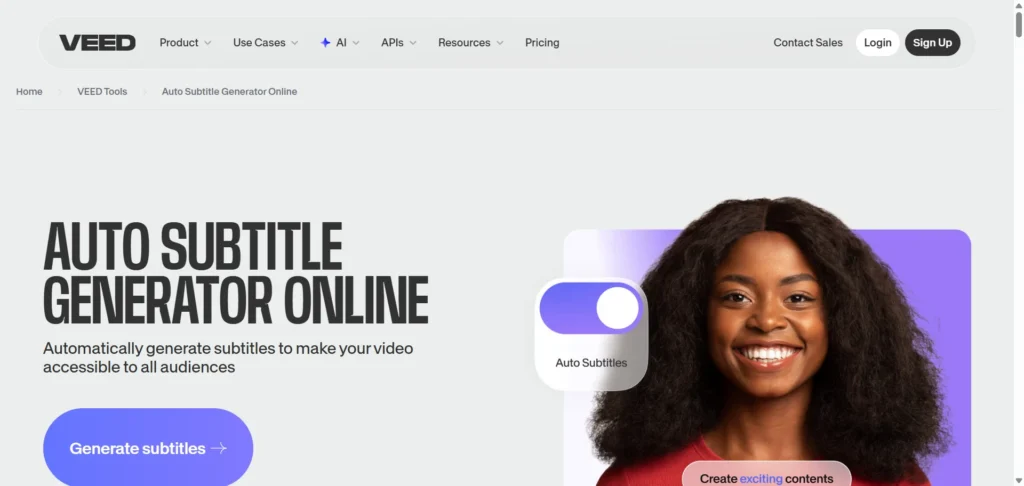
Best for: Quick, accurate auto-captions with styling options
Specifications:
- Auto-generates subtitles for video & audio
- Burn (hardcode) or export subtitles
- Multiple language support
- Clean, simple UI
- High subtitle accuracy
Pros:
- Great for YouTube and social platforms
- Strong editing and styling features
- Beginner-friendly
Cons:
- Some advanced features require paid plans
- Free plan limits export formats
- Limited collaboration tools
2. ZapCap
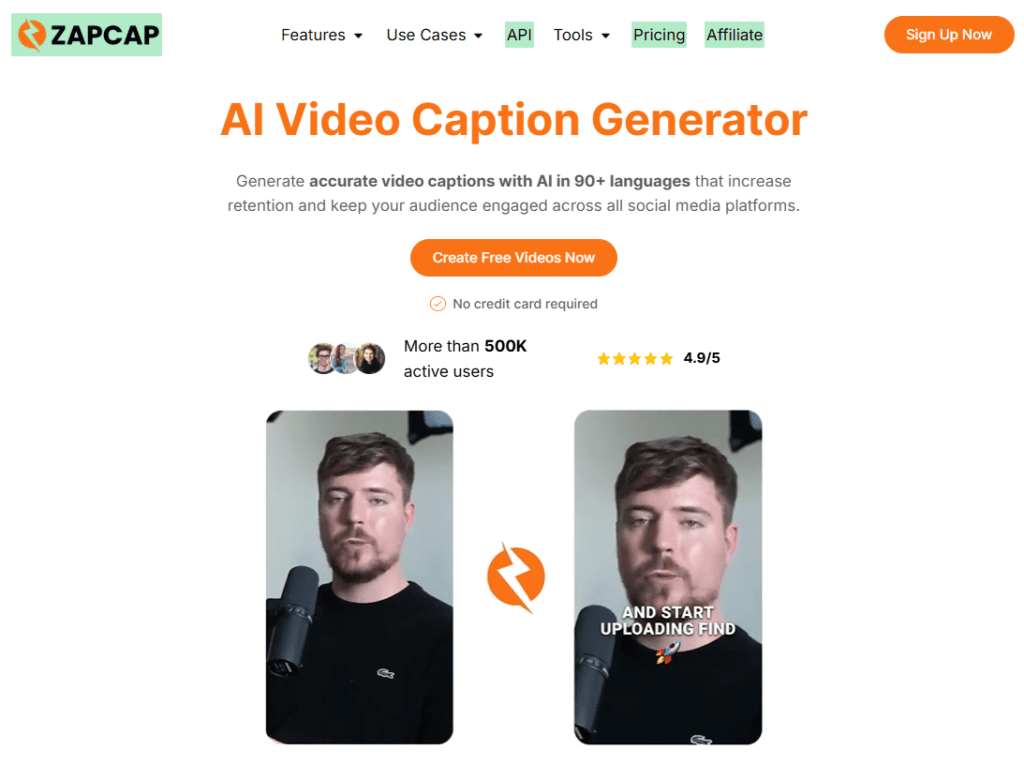
Best for: Creating engaging, retention-focused captions and social-ready videos
Specifications:
- Generates subtitles in 50+ languages
- Dynamic caption templates with customizable styles
- Built-in tools for video editing (B-roll, transitions, trimming)
- Auto-generated hashtags, descriptions, and SEO metadata
- Viral clip generator for short-form content
Pros:
- Designed to boost engagement and watch time
- Easy-to-use, beginner-friendly interface
- All-in-one tool for captions and video enhancement
- Supports fast content repurposing for social media
Cons:
- Advanced features may require a paid plan
- Primarily focused on social/video content rather than enterprise-grade transcription
- Caption accuracy may vary slightly depending on audio quality
For creators looking to streamline content production and improve video performance across platforms, ZapCap offers a fast and efficient AI-powered solution.
3. Vmaker
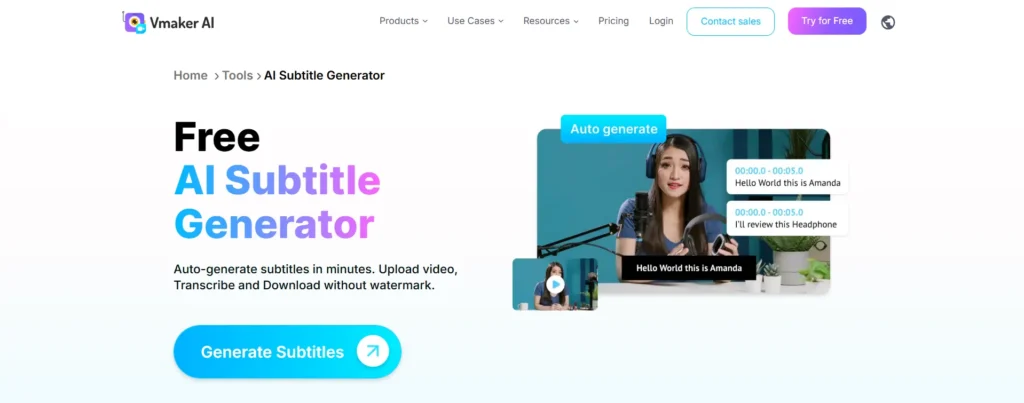
Best for: Multilingual subtitles & translations
Specifications:
- Generate subtitles in 35+ languages
- Translate into 100+ global languages
- Great for educators, trainers & global businesses
Pros:
- Powerful translation features
- Affordable compared to competitors
- Good accuracy
Cons:
- Interface feels slightly dated compared to newer tools
- Limited integrations with social media platforms
- Lacks AI-powered styling features
4. Happy Scribe
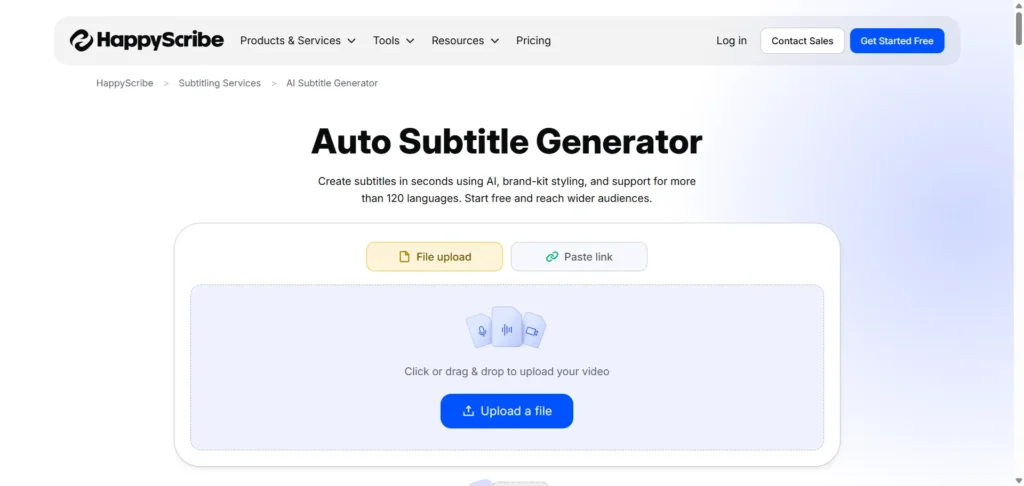
Best for: Professional creators and teams
Specifications:
- Supports 120+ languages
- Brand-kit styling
- Subtitle editor with collaboration tools
Pros:
- Enterprise-grade accuracy
- Great for agencies
- Excellent language support
Cons:
- Pricing is higher than basic tools
- Editing large files can be slow
- Limited free plan features
5. ElevenLabs Subtitle Generator
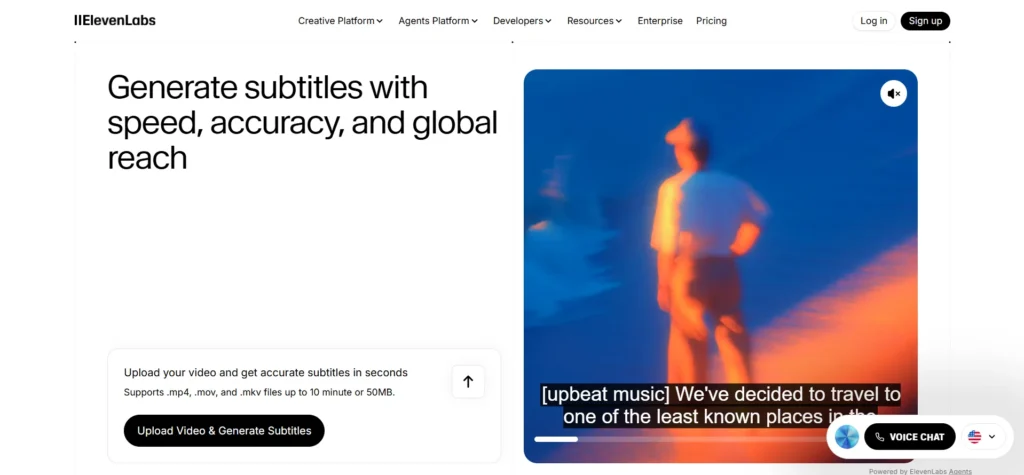
Best for: Precise, editable captions for creators
Specifications:
- Upload video, auto-generate captions
- Very accurate speech recognition
- Smooth editing and exporting
Pros:
- Industry-leading accuracy
- Easy editing
- Fast processing
Cons:
- Still building advanced customization features
- Limited integration with social tools
- Free version has restrictions
6. Kapwing
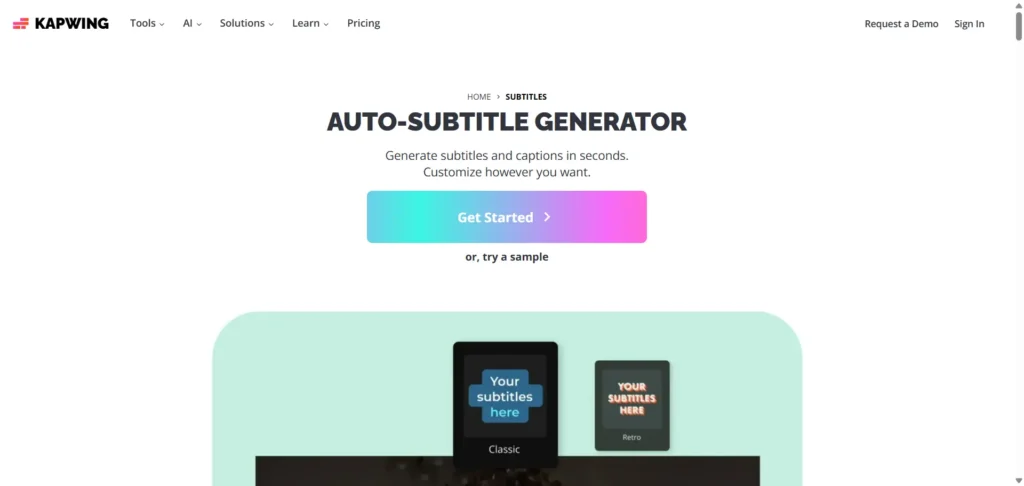
Best for: Social media creators & quick auto-captions
Specifications:
- Auto-subtitle videos instantly
- Export as MP4, SRT, and more
- Great for YouTube Shorts, TikTok, Reels
Pros:
- Simple for beginners
- Good free plan
- Perfect for vertical content
Cons:
- Free plan exports include a watermark
- Some advanced editing tools are locked
- Limited AI translation accuracy
7. Maestra
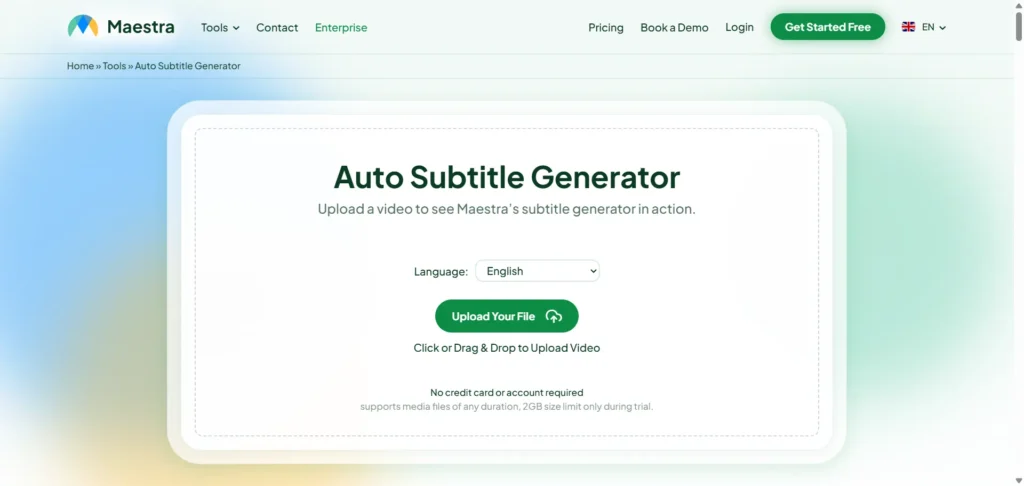
Best for: Creators who need extremely accurate captions
Specifications:
- AI-driven precision
- Supports 125+ languages
- Subtitle editor with auto-timing
Pros:
- High accuracy
- Supports very long videos
- Export in multiple formats
Cons:
- Not as beginner-friendly as others
- More suited for long-form creators than short-form
- Free version has minimal functionality
8. EasySub
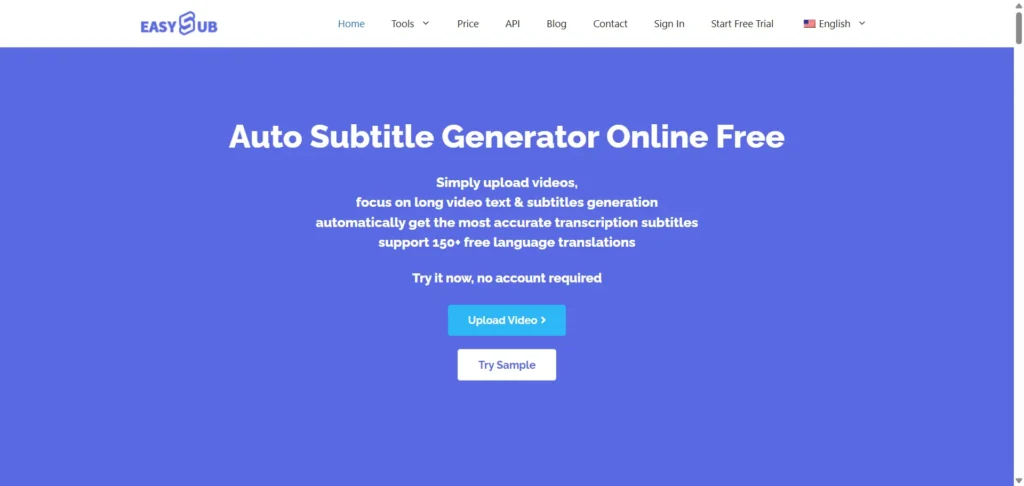
Best for: 100% free subtitle creation
Specifications:
- Free AI subtitle generator
- Video-to-text, translations, captions
- Can handle long videos
Pros:
- Completely free
- Great for beginners
- Supports many languages
Cons:
- UI feels basic
- Processing speed can be slow during peak hours
- Limited styling options
9. FrameNet Free Subtitle Generator
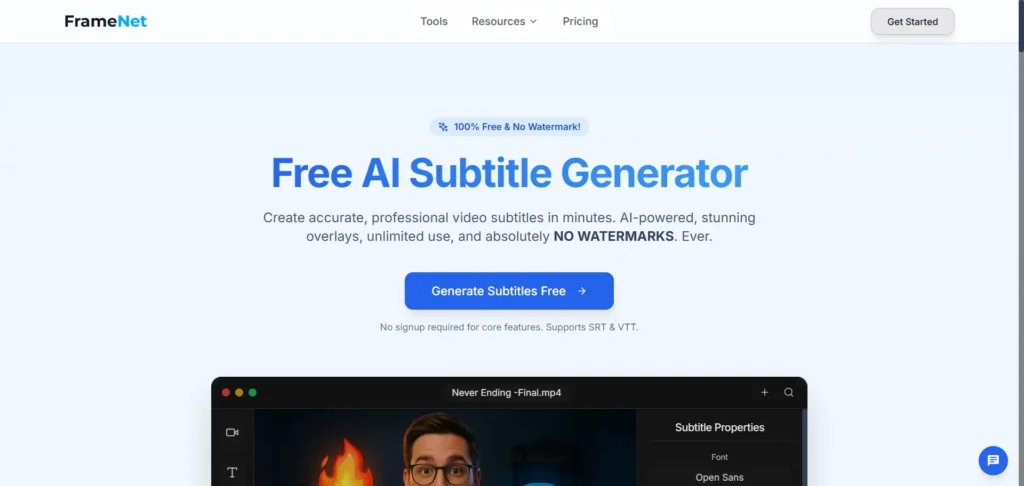
Best for: Unlimited, fast subtitle creation
Specifications:
- Free AI subtitle generator
- Professional-level overlays
- Unlimited use
- Clean, modern interface
Pros:
- No limits
- Great for creators producing bulk content
- Provides stylish subtitle templates
Cons:
- Fewer advanced editing options
- Lacks multi-language translation
- Limited export formats
10. Descript
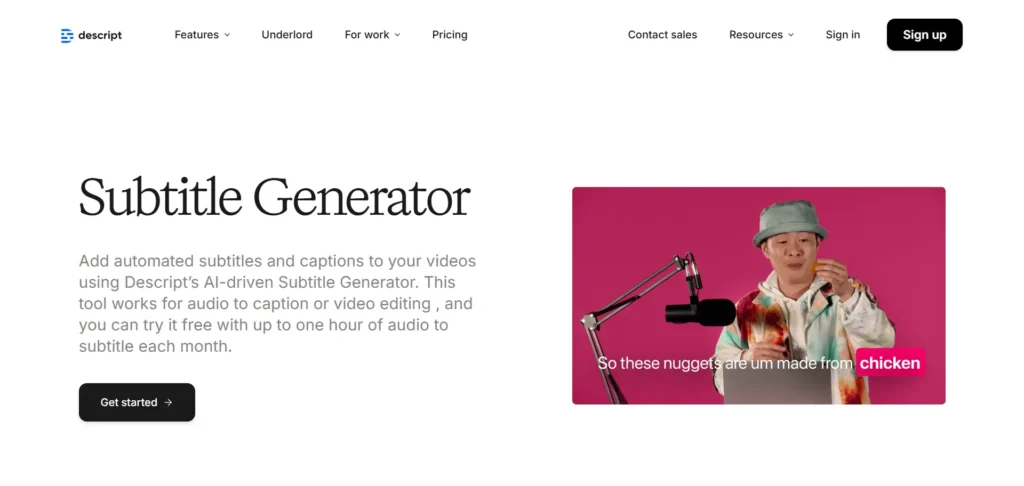
Best for: Podcasters, YouTubers & editors
Specifications:
- Convert audio to captions
- Remove filler words
- Export SRT/VTT
- All-in-one video/audio editor
Pros:
- Great for long-form content
- Excellent editing workflow
- Time-saving features
Cons:
- Advanced features have a learning curve
- Paid plan required for full AI capabilities
- Interface can feel overwhelming
11. InVideo AI
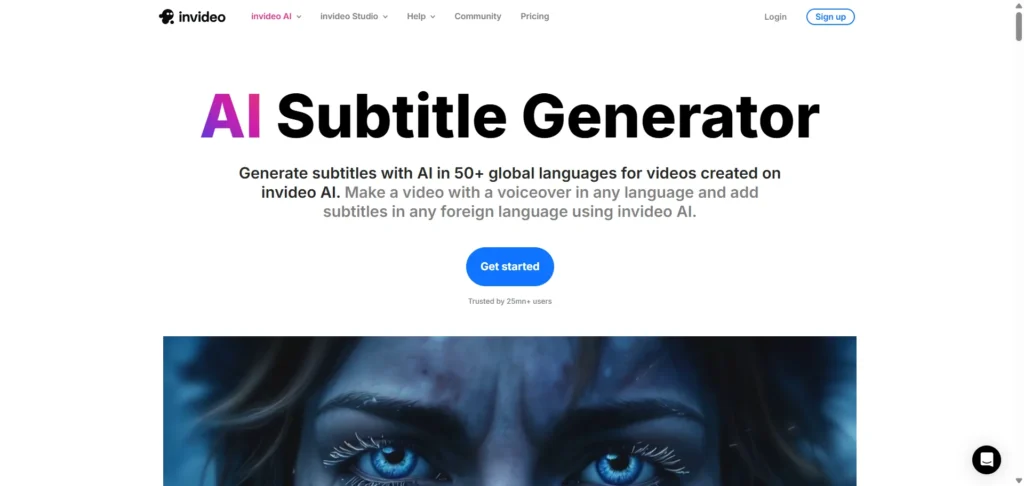
Best for: Creating videos and subtitles all in one place
Specifications:
- Generates subtitles in 50+ languages
- Excellent for creators using InVideo AI workflows
- Built-in editor for video + subtitles
- Fast transcription and translation
Pros:
- Best for creators who want an all-in-one editor
- Very easy to use
- Strong translation support
Cons:
- Works best when used with InVideo’s video-making tools
- Language accuracy varies slightly depending on the accent
- Advanced animation templates require a paid plan
For creators exploring full AI-powered workflows, consider our free consultation to see how these tools can fit your strategy.
Final Thoughts
If you’re looking for the best AI subtitle generator in 2026, the right tool depends on your workflow:
- VEED → Best all-round option
- InVideo → Best for creators already making videos on the platform
- HappyScribe & Maestra → Best for pros and multilingual needs
- EasySSUB & FrameNet → Best free AI subtitle generator options
- Kapwing → Best for YouTube Shorts and TikTok
- Descript → Best for podcasters and long-form video creators
No matter what you choose, these AI subtitle generators make it easy to create accurate subtitles, translate content, and reach a global audience—without spending hours manually typing captions. For more AI video ideas, check our best AI YouTube shorts generator or learn how AI tools for UGC video creation can boost your content production.
For personalized guidance on picking the right AI tools for your content strategy, contact us today.
FAQs
1. What is an AI subtitle generator?
It’s a tool that automatically converts speech in your video into accurate, time-synced subtitles—saving hours of manual work.
2. Are AI subtitles accurate?
Modern AI subtitle generators are highly accurate, especially for clear audio. Some tools also let you edit and perfect the captions afterward.
3. What’s the best free AI subtitle generator?
EasySSUB and FrameNet are great free options that provide fast, accurate subtitles without limitations.
4. Can these tools translate subtitles?
Yes! Many tools like Vmaker, HappyScribe, and InVideo support dozens of languages for AI transcription and translation of subtitles.
5. Can I use these subtitles for YouTube and TikTok?
Absolutely. Every tool on this list exports subtitles or hardcoded captions perfect for YouTube, TikTok, Shorts, and Reels.