
Creating professional presentations no longer needs hours of manual design work. With an AI presentation maker, you can generate visually appealing slides, structured content, and complete presentations in minutes. Whether you’re looking for a free AI presentation maker or an advanced tool to build business-ready slides, AI-powered platforms simplify the entire process.
In this guide, we explore the best AI presentation maker tools that help users make presentations with AI, including tools that can create PowerPoint presentations automatically.
Why Use an AI Presentation Maker?
An AI presentation maker automates slide creation by handling structure, content flow, and visual design for you. Instead of starting from a blank slide, you simply provide a topic or text, and the tool builds the presentation automatically.
With the right presentation maker AI, you can:
- Save hours on slide creation
- Maintain consistent design and branding
- Generate PowerPoint or shareable presentations instantly
- Use AI for presentations without technical expertise
Many tools also enhance visuals using custom graphics generated by AI art generator websites and apps, allowing you to design unique illustrations and backgrounds without relying on generic stock images.
If you’re wondering what AI tools can generate PowerPoint presentations for free, several of the tools below do exactly that.
Top 11 AI Presentation Maker Tools
Below are some of the most popular and effective presentation AI maker tools, each suited for different use cases.
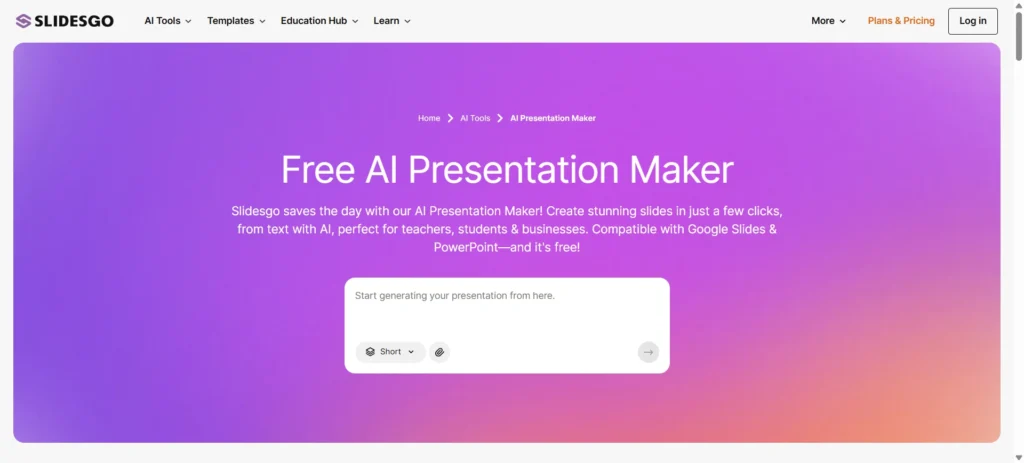
1. Slidesgo – Create a customizable template in seconds
Best for: Quick, template-based presentations
Specifications:
- Prompt-based slide generation
- Google Slides & PowerPoint compatibility
- Professionally designed themes
Pros:
- Beginner-friendly interface
- Good free AI presentation maker option
- High-quality visuals
Cons:
- Limited free exports
- Less flexibility for advanced storytelling
- Some templates feel repetitive
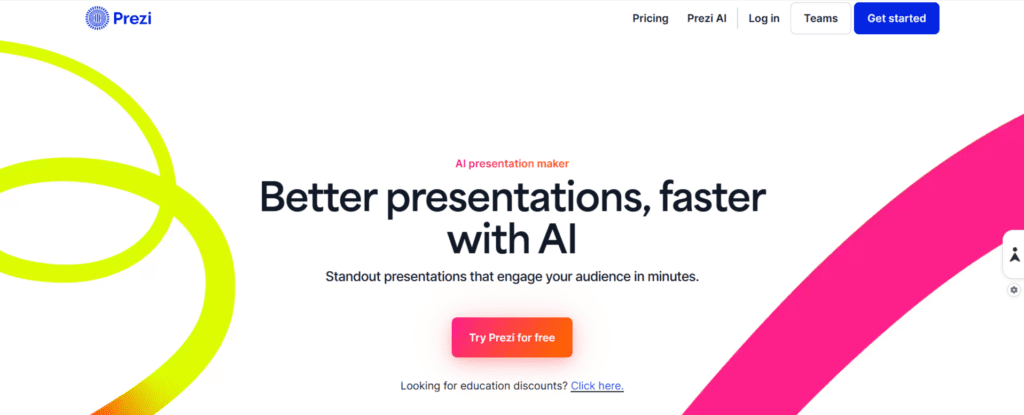
2. Prezi AI – Built to Persuade, Not Just Present
Best for: Cinematic, high-impact presentations that command attention
Specifications:
- Prompt-to-deck generation in seconds
- Chat-based refinement to adjust content, tone, and structure
- AI-powered designer themes with automatic brand extraction
- Audience engagement analytics
Pros:
- Cinematic presentation format that stands out from flat, slide-by-slide decks
- Full prompt-to-deck workflow: describe your idea and get a complete, polished presentation instantly
- Brand extraction pulls your fonts, colors, and logo automatically
- Intuitive Ask AI tools let you refine any slide through natural conversation
Cons:
- A more expressive format may require adjustment for audiences expecting traditional slides
- Advanced AI features available on paid plans
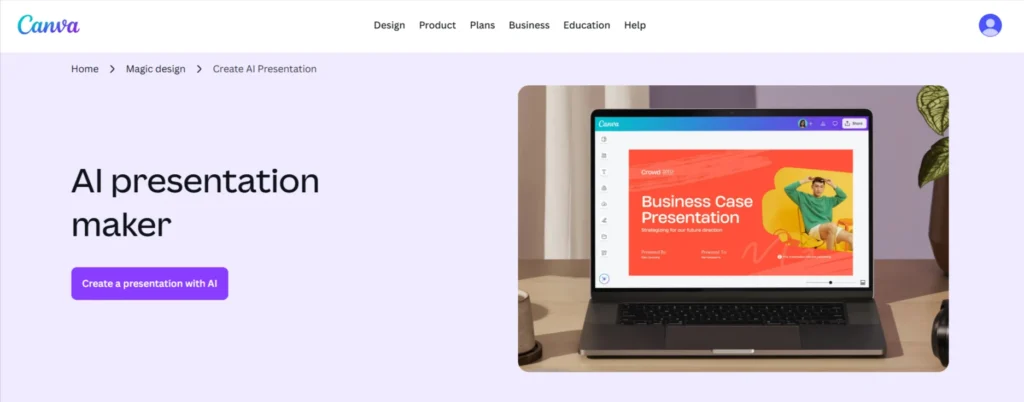
3. Canva – Create Slides in seconds with Magic Design™
Best for: Visual storytelling and brand-focused slides
Specifications:
- 3M+ free stock photos and graphics
- Generate content and media with AI
- Invite others and design together
- Easy drag-and-drop editor
Pros:
- Excellent design flexibility
- Great for marketing and sales decks
- Popular AI presentation creator for teams
Cons:
- Some AI features require Pro
- Export limitations on free plans
- Can feel overwhelming for a simple deck
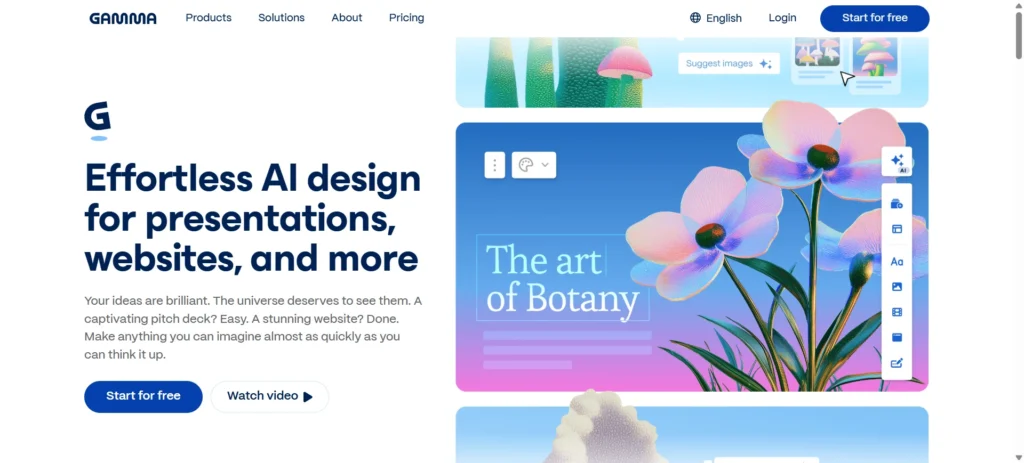
4. Gamma – All-in-one AI-powered design partner
Best for: Narrative-style and interactive presentations
Specifications:
- Generates presentations from text
- Web-based and shareable
- Modern, clean layouts
Pros:
- Strong content flow
- Easy collaboration
- Feels less “slide-heavy.”
Cons:
- Limited PowerPoint formatting control
- Fewer traditional slide templates
- Learning curve for new users
5. Adobe Express – Docs to presentations in minutes
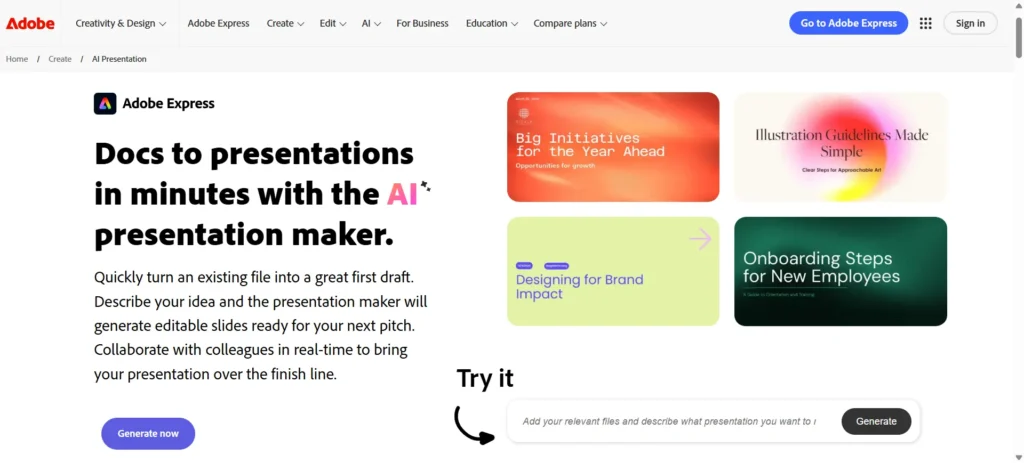
Best for: Branded and creative presentations
Specifications:
- AI-assisted layout generation
- Adobe design ecosystem integration
- Cloud-based editing
Pros:
- High-quality visual output
- Strong brand consistency tools
- Trusted Adobe ecosystem
Cons:
- High-quality visual output
- Strong brand consistency tools
- Trusted Adobe ecosystem
6. NoteGPT – Create professional presentations in minutes
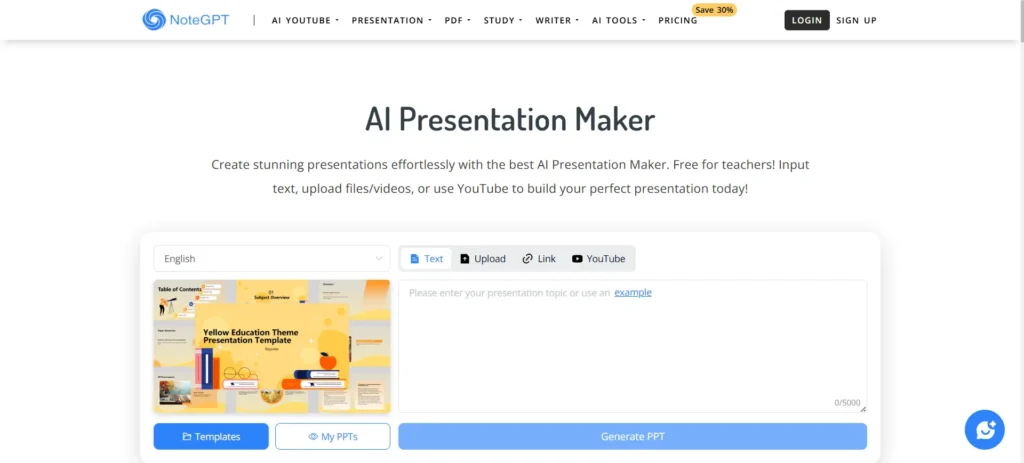
Best for: Turning notes into slides
Specifications:
- Converts text, notes, or summaries into presentations
- Simple slide structure
- Export support
Pros:
- Great for students and educators
- Fast slide creation
- Free for teachers
Cons:
- Limited design options
- Basic visual layouts
- Not suitable for high-end branding
7. Presentations.ai – ChatGPT for Presentations
Best for: Business and corporate presentations
Specifications:
- AI-driven slide layouts
- Smart design suggestions
- Brand consistency tools
Pros:
- Professional slide structure
- Strong business use cases
- Scales well for teams
Cons:
- Limited free access
- Requires learning time
- Fewer creative templates
How Prompts Improve AI Presentations
Most AI presentation tools rely heavily on prompts to understand structure, tone, and slide flow. Using well-crafted instructions—often created with the help of AI prompt generators—can significantly improve presentation quality, clarity, and storytelling.
8. Beautiful.ai – Kickstart presentations with AI
Best for: Clean, structured business presentations
Specifications:
- Smart slide rules and automation
- Team collaboration features
- Export options
Pros:
- Consistent layouts
- Minimal design effort required
- Popular among consultants
Cons:
- Less creative flexibility
- Paid plan required for exports
- Not ideal for storytelling decks
9. Presenti.ai – Create quick, professional slides
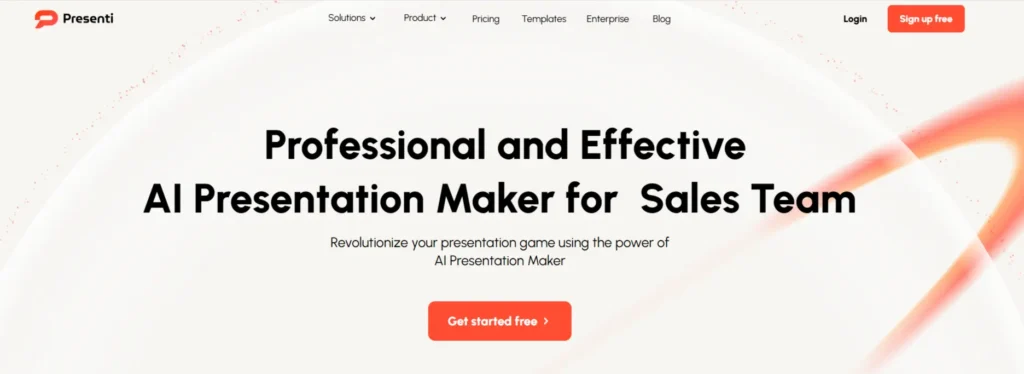
Best for: Quick idea-to-presentation workflows
Specifications:
- Prompt-based slide generation
- Simple UI
- Instant presentation drafts
Pros:
- Fast output
- Easy for beginners
- Useful AI for presentation tasks
Cons:
- Limited customization
- Smaller template library
- Newer tool with fewer integrations
10. Fotor – Create PPTs From Text
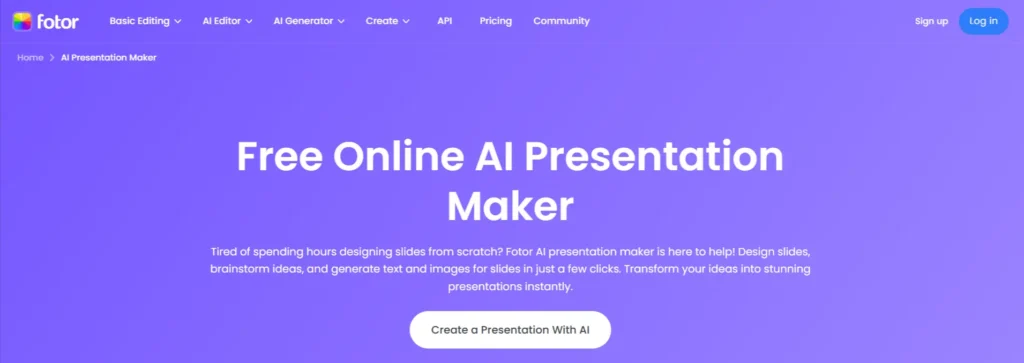
Best for: Visual-heavy presentations
Specifications:
- AI layout suggestions
- Image-focused slides
- Web-based editor
Pros:
- Strong visual tools
- Good free plan
- Easy learning curve
Cons:
- Less focus on content structure
- Limited business templates
- The free version has watermarks
11. Tome AI (ppt.ai) – Create Professional PowerPoint Presentations with AI Technology
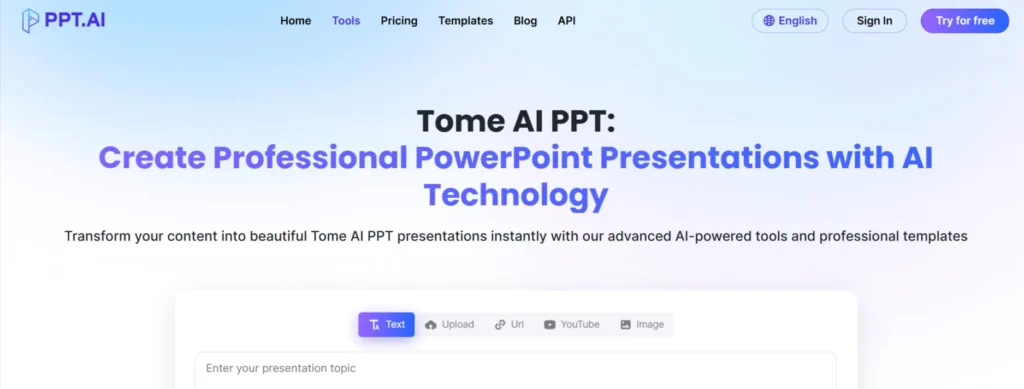
Best for: Story-driven and creative presentations
Specifications:
- AI-generated narratives
- Multimedia-friendly slides
- Web-based sharing
Pros:
- Great storytelling structure
- Fast content generation
- Modern design approach
Cons:
- Not PowerPoint-centric
- Limited export flexibility
- Requires adjustment for traditional decks
12. Visme – Generate Presentations Instantly
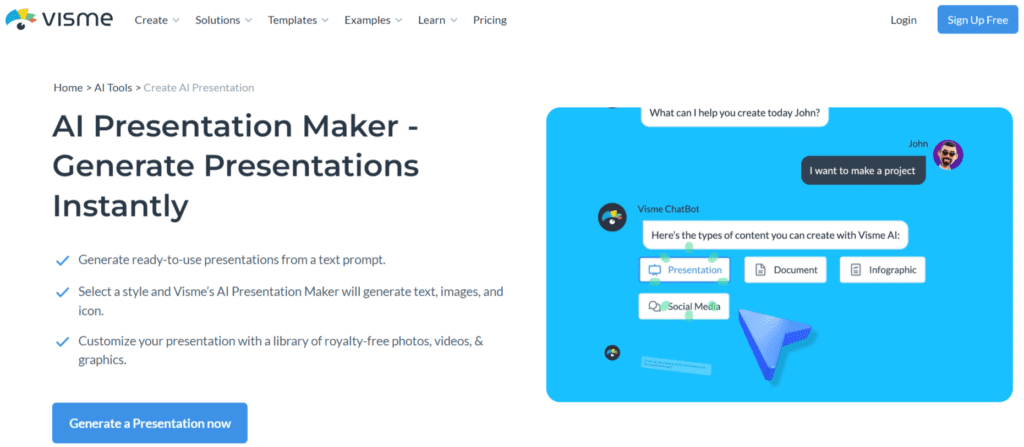
Best for: Creating eye-catching presentations without advanced design skills
Specifications:
- Generate a ready-to-go presentation from a text prompt
- Customization with tons of free photos, images, and graphics
- Download a presentation in various formats like PPTX, PDF, and HTML5
Pros:
- Intuitive drag-and-drop interface, making it easy for anyone to create polished presentations
- Advanced AI tools like AI Image Generator, AI Text-to-Speech Generator, AI Writer, etc.
- AI Brand Wizard that populates brand fonts and styles across a beautiful set of templates
Cons:
- AI key features require a Pro subscription
- No content downloads in the free plan
- Free plan provides only 500 MB of storage
How AI Presentation Tools Help Businesses & Marketers
For businesses, AI presentation tools go beyond simple slide creation. They help teams pitch ideas faster, create client-ready decks, and maintain consistent messaging across departments.
Marketing teams, in particular, use AI tools for presentations, both free and paid, to quickly present strategies, campaigns, and reports. At this stage, working with an experienced digital marketing partner like Reliqus Consulting can further enhance presentation impact by aligning slide content with brand positioning, SEO strategy, and conversion goals.
If you’re planning presentations for client pitches or internal strategy decks, you can also book a free consultation to see how presentation storytelling ties into overall marketing success.
Final Thoughts
AI presentation makers are transforming how presentations are created. Whether you need a free AI presentation maker, a tool for business presentations, or an AI that makes presentations automatically, these platforms offer efficient, professional solutions.
Choosing the best AI presentation maker depends on your goals, design preferences, and level of customization required — but with AI, creating impactful presentations has never been easier.
Frequently Asked Questions (FAQs)
What is an AI presentation maker?
An AI presentation maker is a tool that automatically creates slide decks using artificial intelligence. You provide a topic, text, or prompt, and the tool generates structured slides with layouts, visuals, and content—saving time and effort.
What is the best AI presentation maker?
The best AI presentation maker depends on your needs. Canva and Gamma are excellent for general use, while Tome and Beautiful AI are better for storytelling and business presentations.
Can I create presentations using AI for free?
Yes, several platforms offer a free AI presentation maker option. Tools like Canva, Slidesgo, NoteGPT, and Fotor allow you to generate presentations for free, though some may have limitations on exports or advanced features.
What AI tool can generate PowerPoint presentations for free?
Tools such as Slidesgo, Canva, and NoteGPT can generate PowerPoint-compatible presentations for free. You can download or export slides in PPT format, depending on the platform’s free plan limits.
Which is the best AI presentation maker for business use?
For business presentations, tools like Beautiful.ai, Presentations.ai, and Canva work especially well. They offer clean layouts, branding options, and structured slides suitable for reports, proposals, and client presentations.
Is an AI presentation generator better than traditional slide design?
An AI presentation generator is faster and more efficient than traditional slide design, especially when time is limited. While manual design still offers more creative control, AI tools are ideal for quickly producing professional, polished presentations.
Can AI presentation software replace designers?
AI presentation software helps automate layout and structure, but it doesn’t fully replace designers. For high-impact presentations, branding consistency, messaging strategy, and storytelling still benefit from human expertise.
Are AI tools for presentations safe for professional use?
Yes, most modern AI tools for presentations are safe for professional use. However, it’s always a good idea to review generated content for accuracy, tone, and brand alignment before sharing externally.