
Short-form video is exploding across TikTok, YouTube Shorts, Instagram Reels, and every major social platform. But turning long videos into short, viral-ready clips is still one of the biggest time-sinks for creators, agencies, and brands.
That’s where the modern AI clip maker steps in.
These tools automatically find highlight moments, cut them cleanly, add captions, optimize aspect ratios, and turn long videos into scroll-stopping content in minutes—not hours. Whether you’re looking for a free AI clip generator, a premium solution with advanced features, or simply want to learn how to make AI video clips, this list has everything you need.
At Reliqus Marketing, we work closely with creators and brands to build scalable video content systems. Below are the 10 best AI clip maker tools in 2026 to help you create high-engagement clips effortlessly.
1. Opus Clip (Opus.pro)
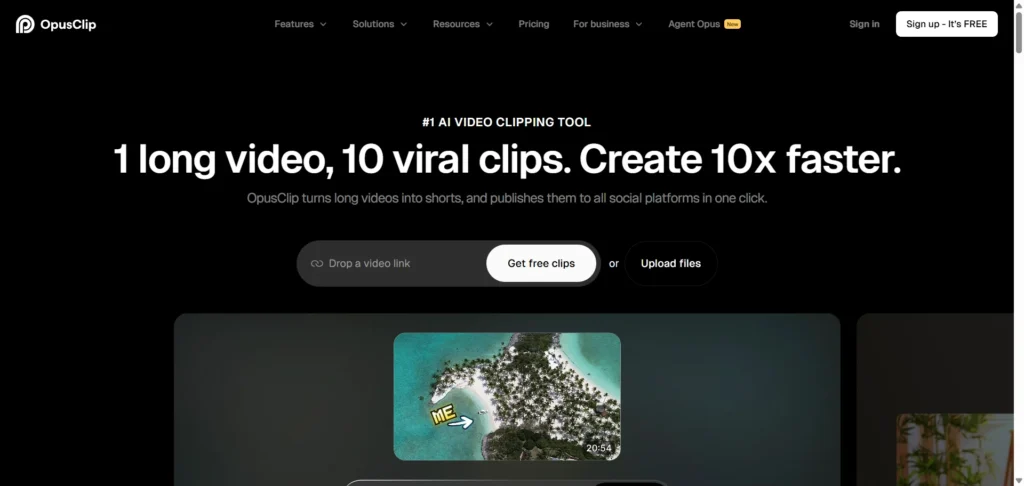
Best for: Viral short-form clips from any long video
Specifications:
- ClipAnything model finds the most viral-ready moments
- Works with vlogs, podcasts, gaming, interviews, webinars, and more
- Auto-cuts, auto-captions, and formats for TikTok, Reels, Shorts
Pros:
- Extremely accurate highlight detection
- One-click editing workflow
- Generates multiple clips at once
Cons:
- Can feel expensive for beginners
- Output sometimes needs small manual tweaks
2. Adobe Express
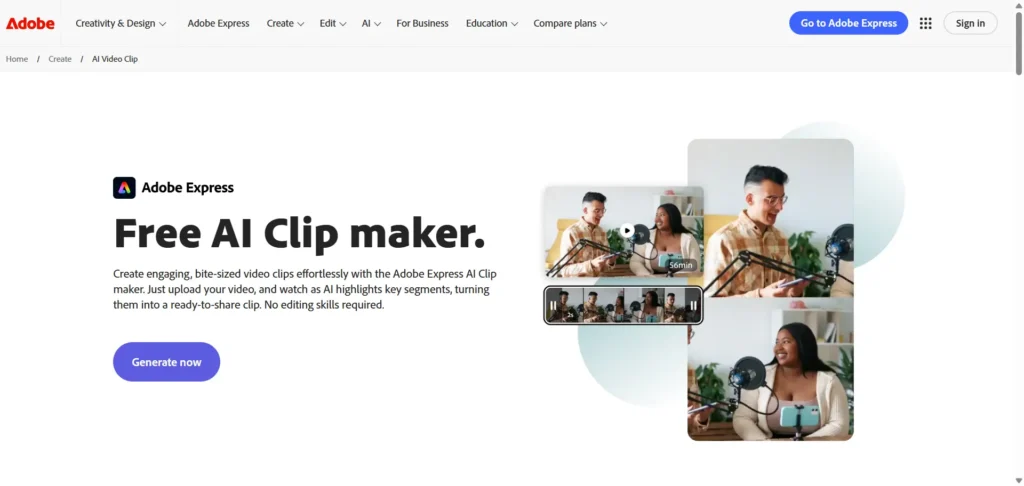
Best for: Clean, polished clips with minimal effort
Specifications:
- Upload any video, and Adobe highlights the best segments
- Seamless editing with Adobe Express
- Auto captions + brand templates
Pros:
- Very beginner-friendly
- Professional-level templates
- Part of the Adobe ecosystem
Cons:
- Fewer “viral” style templates compared to newer platforms
- Requires an Adobe Express subscription for full features
3. LiveLink
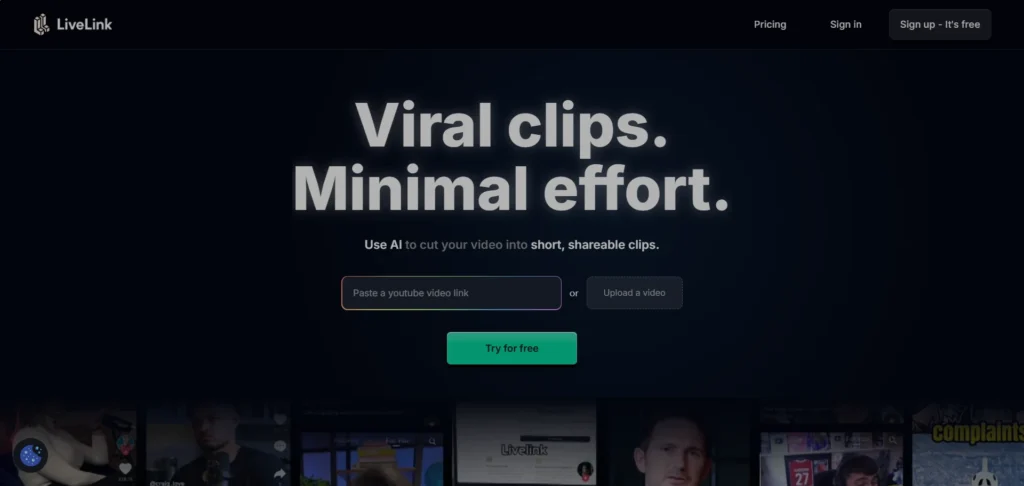
Best for: Automating highlight detection
Specifications:
- AI video clipping tool that finds key moments
- Cuts long content into short, viral clips
- Ideal for creators, coaches, podcasters, and streamers
Pros:
- Fast clipping workflow
- Excellent highlight accuracy
- Great for repurposing long-form content
Cons:
- UI could be more intuitive for new users
- Slightly fewer editing tools
- No advanced templates for TikTok/Reels yet
If you’re repurposing content for multiple platforms, also explore AI tools for UGC video creation and ads to boost conversions.
4. Spikes Studio
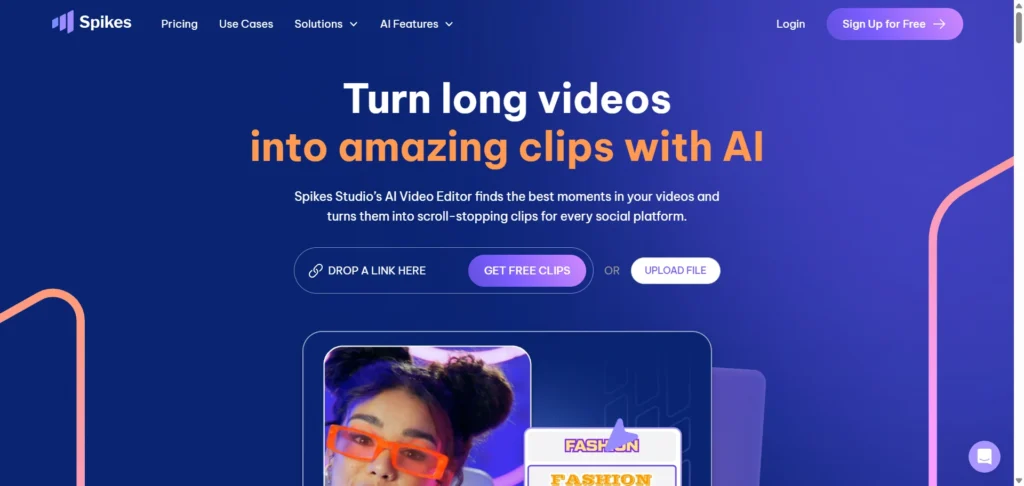
Best for: Creators looking for scroll-stopping clips
Specifications:
- Auto-detects “wow moments” in your videos
- Free clips available
- Strong vertical video formatting
Pros:
- Great for short-form social platforms
- Crisp, engaging captions
- Free clip generation available
Cons:
- Limited advanced editing tools
- Some templates feel repetitive
- Requires manual edits for perfect timing
5. AIVideoCut
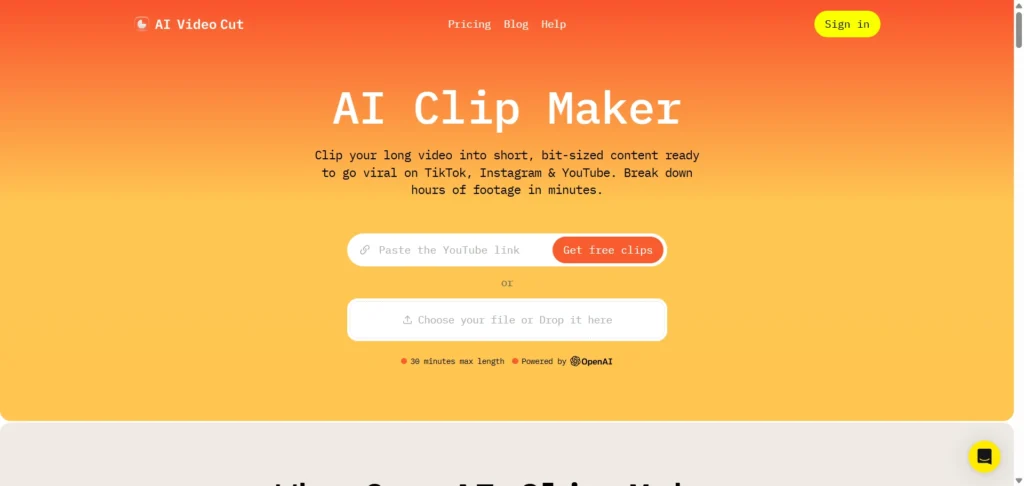
Best for: Turning long footage into ready-to-post clips
Specifications:
- Auto trims long videos into bite-sized content
- Perfect for TikTok, Instagram, and YouTube Shorts
- Simple interface
Pros:
- Very fast clip generation
- Easy-to-use
- Great for social media creators
Cons:
- Limited advanced editing tools
- Output templates could be more modern
6. Quso
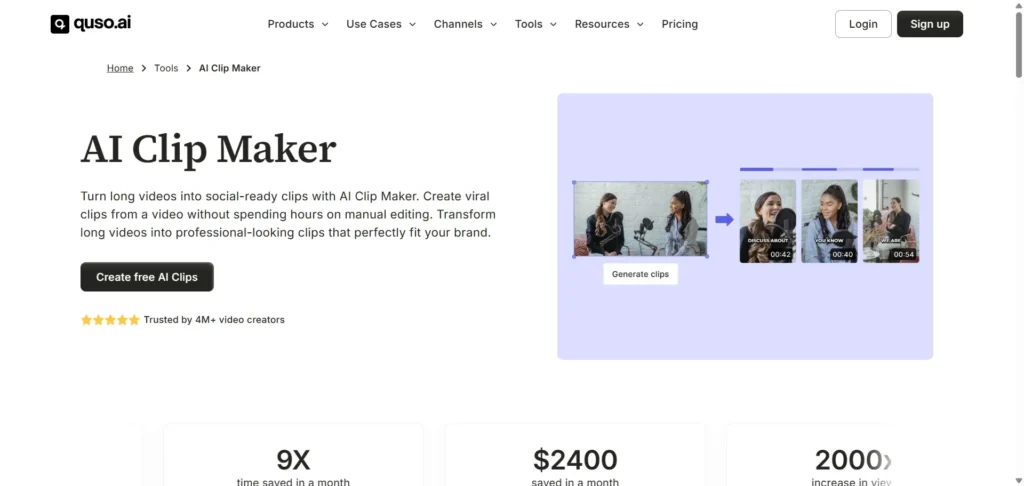
Best for: Repurposing podcasts, webinars, and YouTube content
Specifications:
- Converts long-form videos into short, shareable AI clips
- Works with screen recordings and podcasts
- Auto captions + resizing
Pros:
- Versatile tool for all kinds of content
- Strong for educational or business clips
- Clean output
Cons:
- Fewer flashy templates
- Basic caption styles
For creators focused on distribution and captions, combine this with top AI social media post generator tools for faster publishing.
7. Vizard
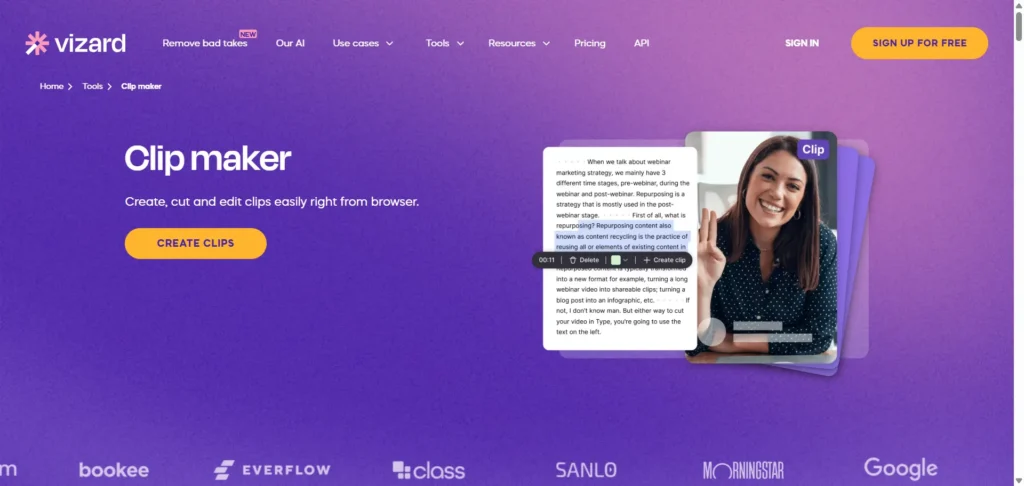
Best for: Quick social-ready clips
Specifications:
- Upload your video, and Vizard clips it automatically
- Great for teams and solo creators
- Captions + templates included
Pros:
- Fast auto-clipping
- Simple workflow
- Quality subtitles and layouts
Cons:
- Limited creative effects
- Fewer flashy templates
- Basic caption styles
8. VEED.io

Best for: Turning ideas or long videos into Shorts
Specifications:
- Generate clips by typing your idea
- Or upload a full video for automatic clipping
- Social-optimized formats
Pros:
- Great all-in-one online editor
- Flexible: idea-gen + clip-gen
- Free AI clip generator options
Cons:
- Free export includes a watermark
- Some AI cuts feel formulaic
9. Restream
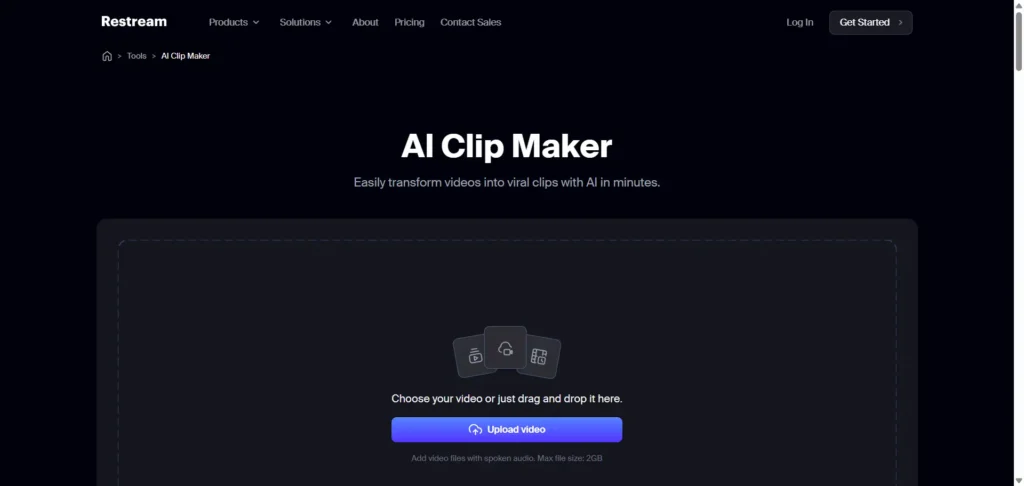
Best for: Streamers & webinar creators
Specifications:
- Cuts long recordings into viral-ready clips
- Auto-detects replayable segments
- Adds captions and social formatting
Pros:
- Perfect for live stream highlights
- Clean, subtle captions
- Easy social publishing
Cons:
- Not ideal for heavy editing
- Limited creative templates
10. Lumen5 Video Clip Maker
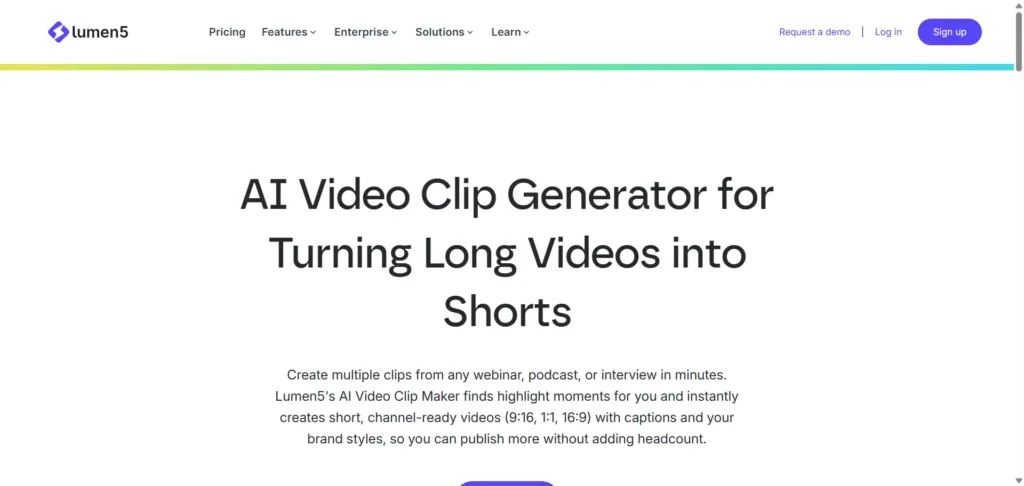
Best for: Marketing teams & business creators
Specifications:
- Turn scripts, blogs, and videos into short clips
- AI-powered content creation
- Drag-and-drop timeline
Pros:
- Professional brand templates
- Ideal for ad creatives and business videos
- Great automation
Cons:
- Not built for fast “viral” style clips
- Higher pricing for teams
How to Make AI Video Clips (Beginner-Friendly Guide)
Creating short, high-impact videos with any AI clip generator is simple:
Step 1 — Upload Your Long Video
This could be a podcast, webinar, vlog, livestream, or screen recording.
Step 2 — Let the AI Identify Highlights
The AI video clip generator scans your footage and extracts key segments.
Step 3 — Add Captions, Subtitles & Branding
Most AI clip maker free and paid tools instantly add auto-captions.
Step 4 — Choose the Aspect Ratio
- 9:16 for TikTok, Shorts, Reels
- 1:1 for Instagram Feed
- 16:9 for YouTube
Step 5 — Export & Share
Download clips and publish them across your social platforms.
That’s all—your long content is now a set of viral-ready micro-videos.
Final Thoughts
If you’re trying to grow on TikTok, Instagram Reels, or YouTube Shorts in 2026, using an AI clip maker isn’t optional—it’s your biggest unfair advantage.
These tools help you create more content, faster, without sacrificing quality. Whether you want a free AI clip generator or a premium studio-grade tool, there’s something here for every creator.
If you want expert guidance on AI content strategy, video SEO, and growth optimization, book a free consultation with Reliqus Marketing or contact our team to scale your content the smart way.
FAQ
1: What is an AI clip maker?
An AI clip maker is a tool that automatically extracts the best moments from long videos and converts them into short, shareable clips. These tools often include auto-captioning, aspect ratio optimization, and social-ready formatting.
2: Are there free AI clip maker tools available?
Yes, many AI clip makers offer free plans or trials, including options like VEED.io and Spikes Studio. Free versions may have limited features or watermark outputs.
3: How do I make AI video clips from long content?
Upload your long video (podcast, webinar, vlog, etc.), let the AI detect highlights, add captions/branding, choose the correct aspect ratio for your platform, and export your short clips.
Q4: Can AI clip makers create viral videos?
AI clip makers optimize content for engagement by detecting highlight moments and formatting them for social platforms. While they increase the chances of virality, creativity and context still play a key role.
5: Which AI clip maker is best for beginners?
Tools like Opus Clip, Adobe Express, and LiveLink are beginner-friendly, offering one-click workflows, auto-captioning, and easy social formatting.
6: Can I repurpose AI clips for multiple platforms?
Yes. Most AI clip makers allow you to resize videos for TikTok, Instagram Reels, YouTube Shorts, and other social platforms automatically.