
If you ask most marketing teams where creative work slows down, the answer is rarely:
“We don’t have enough ideas.”
Usually, the responses sound more like this:
- We are waiting for design.
- Nobody knows which version is final.
- We made five versions of the same asset.
- The campaign is approved, but creative is delayed.
- Too much time goes into resizing, adapting, exporting, and reviewing.
And that is what makes creative operations interesting today.
Marketing teams have never produced more content than they do now. Teams are responsible for creating:
- Ads
- Landing pages
- Social posts
- Sales decks
- Reports
- Lead magnets
- Email visuals
- Product launch assets
- Short-form videos
- Presentation materials
At the same time:
- Attention cycles have become shorter.
- Campaigns move faster.
- Expectations increased.
- Output expanded.
But team size did not always grow with it.
That is why creative bottlenecks have become one of the quiet operational problems inside modern marketing.
Many companies initially solved this by introducing design platforms.
Templates reduced dependency.
Drag-and-drop lowered barriers.
Non-designers became more capable.
That shift changed marketing.
And few tools influenced that transition more than Canva.
But something else happened.
Design became easier.
Creative operations stayed complicated.
Because creating one asset is rarely the difficult part.
The difficult part is producing fifty assets consistently.
Teams still need to:
- Managing approvals.
- Keeping branding aligned.
- Repurposing work.
- Finding old files.
- Avoiding duplicate effort.
- Maintaining speed without lowering quality.
That is where modern AI design tools become valuable.
Not because they replace designers.
Not because they generate prettier visuals.
But because they reduce friction between idea and publication.
This guide is not about choosing the most impressive design software.
It is about understanding which tools solve which creative problem.
Because the better question is not:
What is the best AI design tool?
It is:
What is slowing creative production today?
Canva Changed Design. But It Didn’t Solve Creative Operations.
When Canva became mainstream, something important happened.
Design stopped being a specialist-only activity.
Suddenly:
- Marketers started creating.
- Founders started publishing.
- Teams moved faster.
That accessibility mattered.
But after enough scale, a second problem appeared.
Content creation became easier.
Content management became harder.
A marketing team might have:
- social assets in one place
- ad creatives somewhere else
- presentations in another folder
- brand files across multiple drives
- campaign variations inside five different tools
The result is not a lack of creativity.
It is coordination fatigue.
And this is where teams often begin expanding beyond one platform.
Not because Canva stops working.
But because different stages of creative work start requiring different capabilities.
Examples include:
- Presentation creation
- Brand governance
- Team collaboration
- AI-assisted generation
- Campaign production
- Approval workflows
Those jobs are related.
But not identical.
The strongest teams usually stop looking for one perfect design tool.
They start building systems.
What Marketing Teams Actually Say Slows Them Down
When creative teams discuss bottlenecks, the complaints are surprisingly consistent.
Not because teams copy each other.
Because production challenges repeat.
Common Creative Bottlenecks
Revision Loops
Work gets created quickly.
Approval takes days.
Version confusion begins.
Nobody knows which file is the latest.
Asset Reuse Challenges
Teams often recreate existing work because searching feels slower than rebuilding.
Speed vs. Consistency
- Marketing teams want fast publishing.
- Brand teams want quality control.
- Design teams want thoughtful execution.
- Operations want predictability.
That tension is not solved by adding more templates.
It is solved by reducing friction.
That is the lens we will use throughout this guide.
The Five Jobs Every Creative System Must Handle
Before selecting tools, define the job.
Creative operations usually involve five stages.
- Creation: Generating new ideas and assets.
- Standardization: Maintaining visual consistency.
- Collaboration: Reducing review friction.
- Repurposing: Extending the life of assets.
- Publishing: Getting work live quickly.
Different tools solve different parts of this cycle.
Trying to force one platform to handle all five usually creates inefficiency.
Creative Workspace: Where Most Teams Start
The first layer of creative infrastructure is where assets get built.
This layer determines speed, accessibility, and consistency.
1. Canva
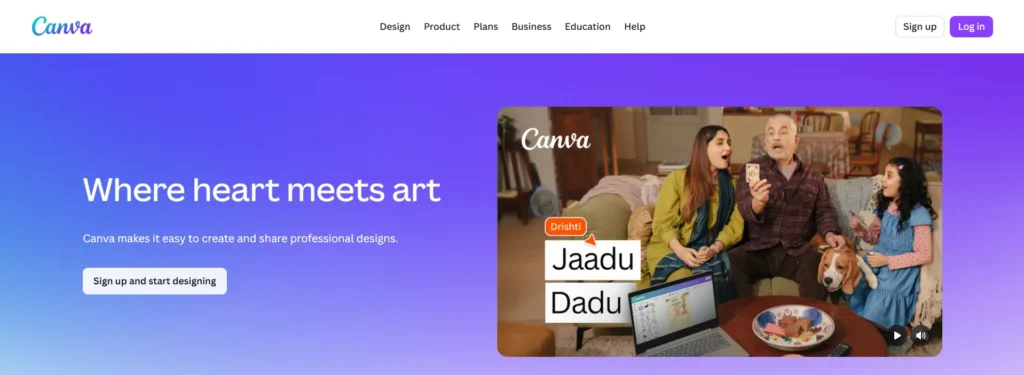
Canva became popular because it removed fear from design.
Before tools like Canva became widespread, visual production often depended heavily on specialist skills.
Now marketers can launch campaigns, create social assets, build presentations, and move faster independently.
But Canva’s biggest contribution may not be templates.
It is reducing activation energy.
People create more because creation feels approachable.
Where Canva still works especially well:
- small teams
- marketing departments
- content operations
- social publishing
- campaign execution
Where limitations start appearing:
- larger approval chains
- complex design systems
- advanced collaboration requirements
That does not make Canva weaker.
It means its role changes.
2. Adobe Express
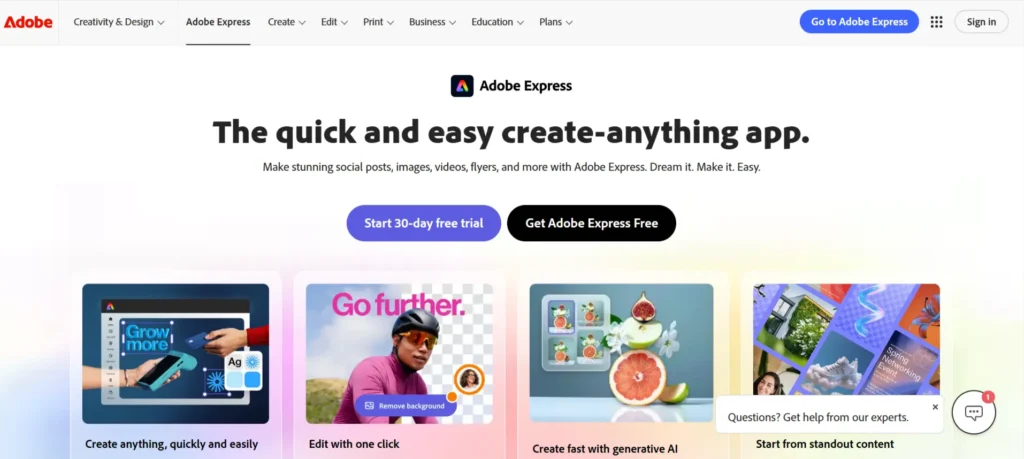
Adobe approached the problem differently.
Rather than starting with accessibility alone, Adobe Express brings creative flexibility closer to marketing execution.
Its strongest use cases often appear when teams want:
- more polish
- more creative flexibility
- brand consistency
- better connection to broader creative workflows
What makes Adobe interesting is not replacing professional tools.
It reduces the gap between professional creative environments and everyday marketing production.
3. Figma
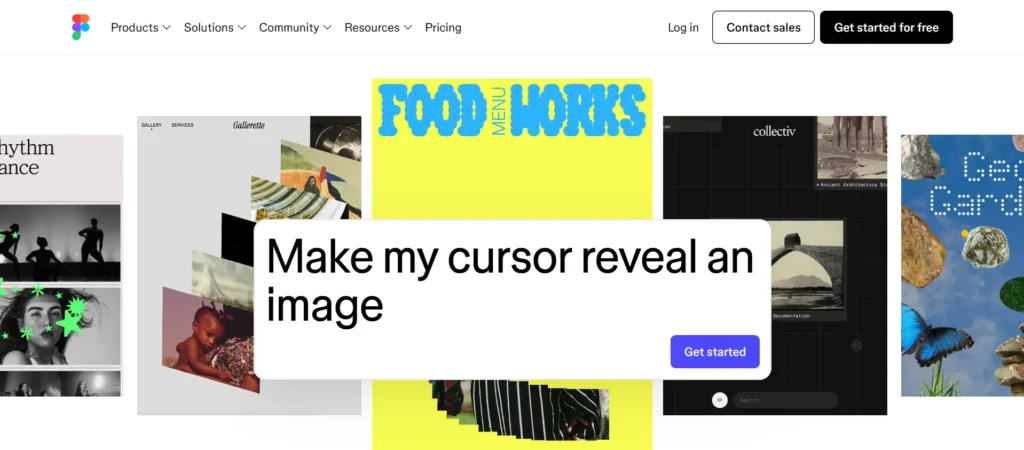
Figma is often discussed as a design tool.
But increasingly it behaves like collaboration infrastructure.
Ideas.
Feedback.
Systems.
Approvals.
Documentation.
All becoming more connected.
Marketing teams often discover Figma later than product teams.
But once creative volume increases, shared environments become more valuable.
The strongest implementations usually create fewer handoffs rather than more meetings.
Presentation and Content Creation: Because Ideas Are Rarely the Bottleneck Anymore
There was a time when creating presentations, campaign concepts, and visual narratives required dedicated design cycles.
Today, the bottleneck often appears somewhere else.
Turning ideas into polished assets quickly.
Most marketing teams already know what they want to say.
The delay happens in packaging.
Slides take too long.
Campaign concepts become decks.
Decks become revisions.
Revisions become another meeting.
That is why presentation and visual communication tools are evolving from design products into production systems.
The goal is no longer: Can we design?
The goal becomes: Can we communicate clearly without slowing momentum?
4. Beautiful.ai
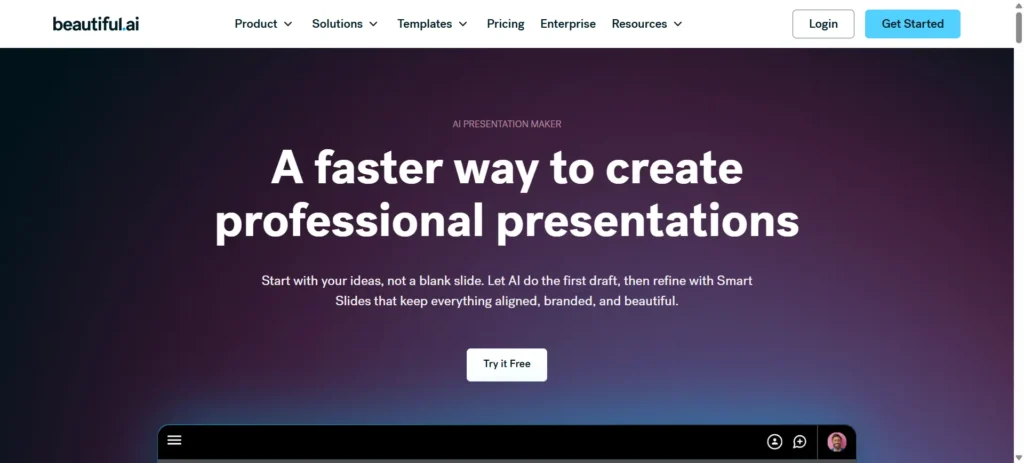
One of the most common forms of invisible work inside marketing teams is presentation formatting.
People spend hours adjusting alignment, spacing, resizing visuals, and reorganizing layouts that add little strategic value.
Beautiful.ai approaches the problem differently.
Instead of making slide creation infinitely flexible, it introduces more structure.
That constraint turns out to be useful.
Because many teams do not need unlimited creative freedom every day.
They need speed without losing polish.
Where this becomes valuable:
- pitch decks
- internal reporting
- client presentations
- growth strategy decks
- sales enablement
The strongest teams usually treat presentations less like documents and more like products.
Reusable.
Consistent.
Easy to update.
5. Gamma
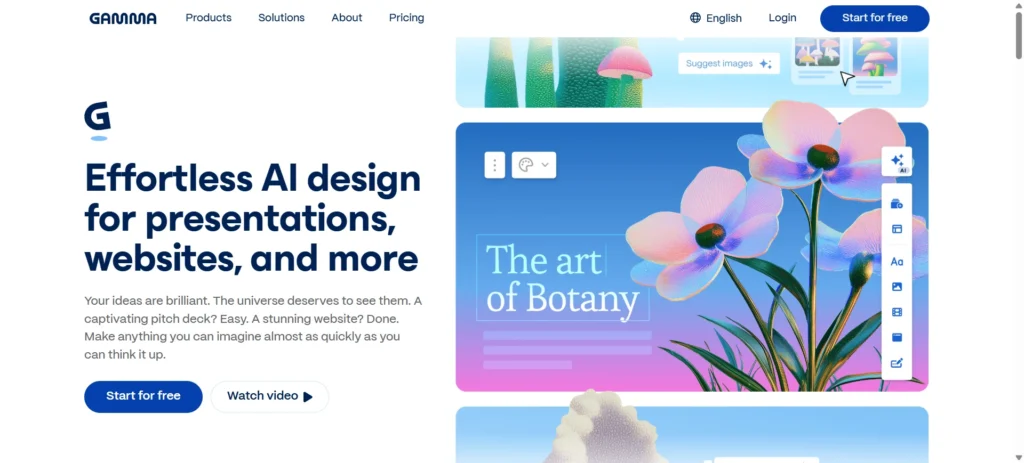
Gamma sits in an increasingly important category.
Dynamic communication.
Instead of asking teams to start from blank pages repeatedly, the platform helps convert ideas into structured visual narratives faster.
What makes Gamma interesting is not that it reduces work.
It reduces activation.
Teams publish sooner.
Share sooner.
Iterate sooner.
That matters because many campaigns fail from delay rather than poor ideas.
Where Gamma tends to fit especially well:
- content marketing
- proposal creation
- internal documentation
- lightweight storytelling
The caution is treating generated outputs as final.
Speed improves execution.
Thinking still determines quality.
Brand Systems: Because Creative Consistency Becomes Harder Than Creativity
One of the surprising things that happens as teams grow is that producing assets becomes easier.
Keeping them consistent becomes harder.
Different campaigns.
Different contributors.
Different channels.
Different interpretations of the same brand.
Over time, this creates what many teams quietly experience:
- Visual drift
- The brand still exists
- But execution starts feeling inconsistent
That is where brand-oriented design tools become useful.
6. Visme
Visme tends to become valuable when communication moves beyond individual graphics.
Reports.
Presentations.
Data storytelling.
Sales materials.
Visual communication becomes broader.
Its strength is helping teams maintain coherence while creating different formats.
This is especially helpful when organizations produce a lot of educational or reporting content.
The best implementations usually reduce reinvention.
7. The Brief AI (Creatopy)
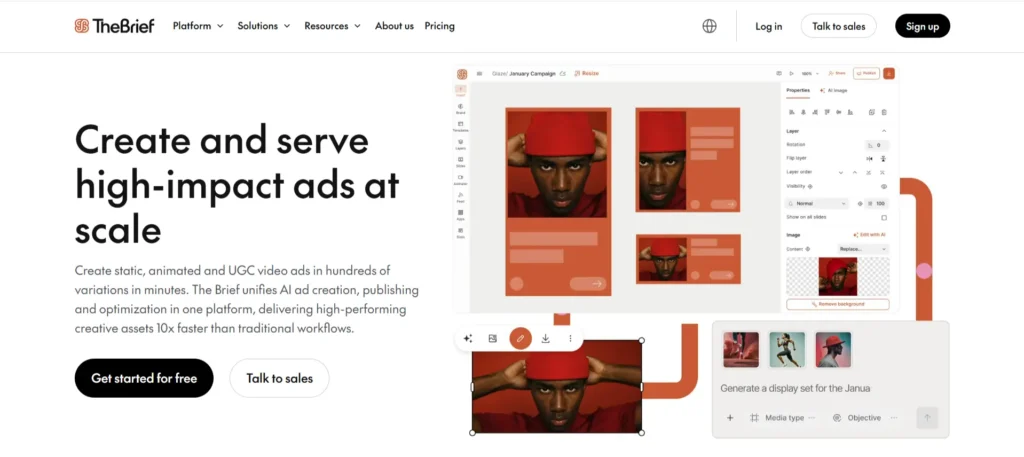
The Brief AI becomes more interesting as campaign volume increases.
Its strongest use cases often involve ad operations and creative scaling.
The challenge with campaign production is rarely creating one strong creative.
It is adapting that creative across dozens of dimensions.
Formats.
Sizes.
Channels.
Markets.
Creative teams often underestimate how much production work lives after the original idea.
The Brief AI helps reduce that burden.
AI Image Generation: From Asset Creation to Creative Exploration
Few categories received more attention than AI image generation.
And understandably so.
Generating visuals from prompts feels dramatic, which is why interest in top AI art generator websites apps continues growing.
But after the excitement settled, something practical emerged.
Most teams discovered that image generation works best when treated as exploration rather than replacement, especially when evaluating top AI image generators.
The strongest outcomes usually happen when AI accelerates thinking.
Not when it replaces judgment.
8. Midjourney
Midjourney changed expectations around visual ideation.
For many teams, it became less about producing final creatives and more about reducing concept development time.
Campaign moodboards.
Visual directions.
Early-stage exploration.
Concept testing.
That shift matters.
Because waiting until the design phase to discover direction problems is expensive.
Where Midjourney performs strongest:
- campaign concepts
- brand exploration
- creative inspiration
- storyboarding
9. Leonardo AI
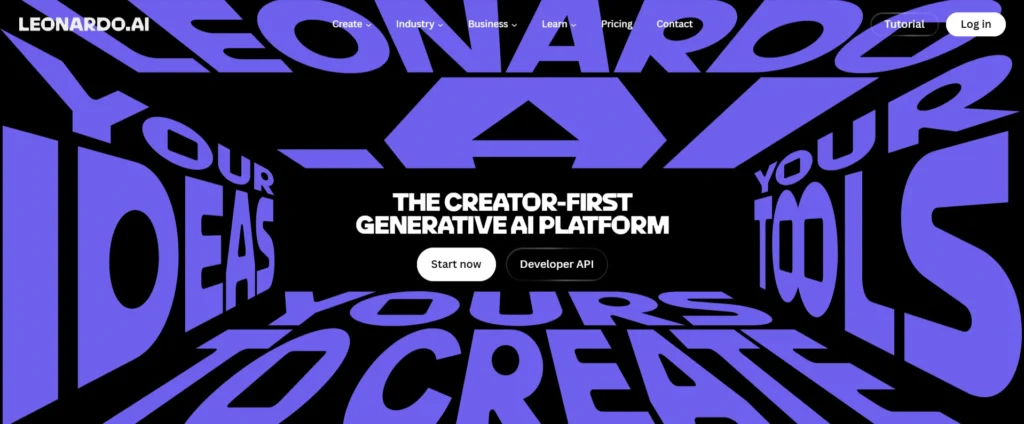
Leonardo became popular partly because it gives teams more control over asset generation and iteration.
Control matters.
Because marketing rarely needs random inspiration.
It needs repeatable outputs.
Teams often use Leonardo to support:
- ad concepts
- product visuals
- content production
- variation testing
The strongest teams use generation to create options.
Not decisions.
10. Ideogram
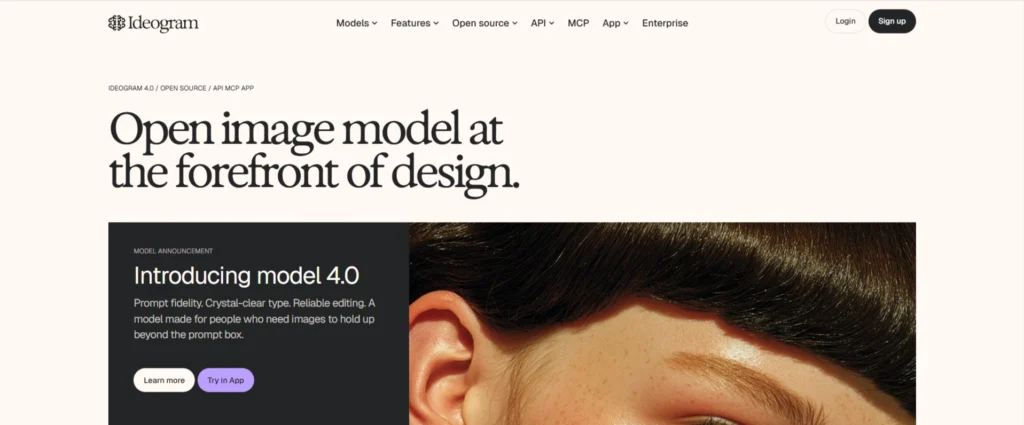
Ideogram entered attention because text rendering and visual composition became increasingly important.
That sounds technical.
But operationally, it solves a simple problem.
Reducing time spent creating directional concepts.
This becomes useful for:
- campaign concepts
- social content
- headline testing
- creative experimentation
The key idea across image generation remains consistent:
The faster teams explore, the faster they refine.
Creative Production: The Layer Most Teams Underestimate
Many organizations think production starts with design.
Usually it starts after design.
Exporting.
Versioning.
Resizing.
Repurposing.
Organizing.
Publishing.
That operational work compounds quickly.
11. Kittl
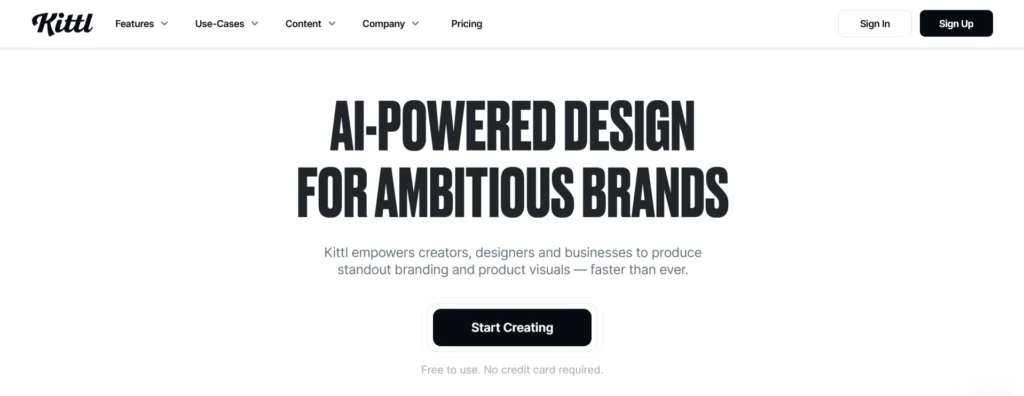
Kittl feels strongest when teams need fast execution while maintaining quality.
Templates help.
But flexibility remains important.
This makes Kittl useful for production-heavy environments.
12. VistaCreate
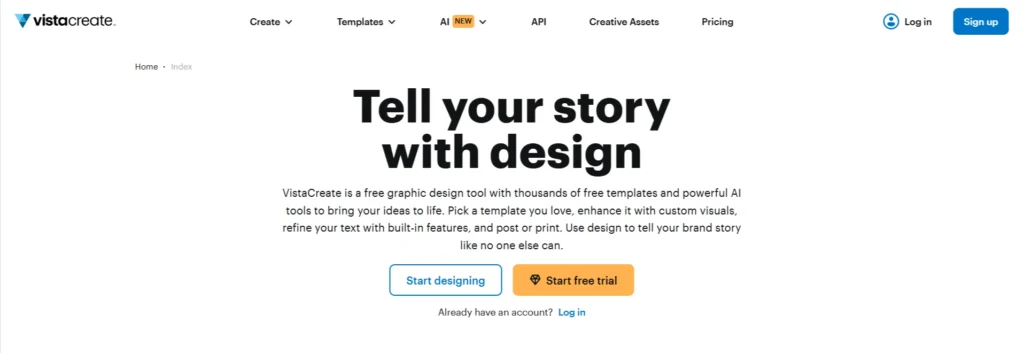
VistaCreate tends to work well for teams prioritizing speed and volume.
Especially where visual consistency matters more than highly customized execution.
It reduces friction between concept and publication.
Which is often where campaigns stall.
Recommended Creative Stacks Based on Team Stage
One of the easiest mistakes teams make when adopting design tools is copying someone else’s stack.
Examples include:
- A startup copies enterprise workflows.
- A marketing team copies creator workflows.
- A founder tries to operate like an agency.
The result is usually unnecessary complexity.
Creative systems should match output volume, review requirements, and operating style.
Not ambition.
These are the combinations we would realistically recommend.
The Solo Marketer Stack
Best for: Founders, consultants, small internal teams.
Stack:
- Canva
- Gamma
- Leonardo AI
Why this works:
- This stack prioritizes speed.
- Canva becomes the execution layer.
- Gamma reduces document and presentation friction.
- Leonardo accelerates visual exploration.
This setup works particularly well when one person owns strategy and production.
The biggest advantage is momentum.
You can move from idea to publication quickly without creating process overhead.
The Agency Stack
Best for: Creative agencies, content teams, performance marketing operations.
Stack:
- Figma
- Creatopy
- Midjourney
- Beautiful.ai
Why this works: Agencies usually do not struggle with creating.
They struggle with:
- approvals
- variations
- handoffs
- client presentation
- asset reuse
This stack supports those transitions more naturally.
The Growth Marketing Stack
Best for: Teams producing campaigns across channels.
Stack:
- Adobe Express
- Visme
- Ideogram
- Gamma
Why this works:
This stack balances:
- creative quality
- speed
- campaign flexibility
- visual communication
Useful for businesses producing content continuously but without large creative departments.
The Enterprise Creative Operations Stack
Best for: Large organizations managing multiple teams.
Stack:
- Figma
- Adobe Express
- Creatopy
- Visme
Why this works: At this stage, the bottleneck is rarely creation.
It becomes:
- consistency
- governance
- approval
- distribution
This stack reduces operational drag.
Design Tools We Would Delay Until There Is a Clear Need
Creative software creates hidden operational cost.
Every new platform introduces:
- new workflows
- new approvals
- new training
- new file systems
That is why we would delay some decisions.
1. Multiple AI image tools at once
Teams often install three generators and use one.
Master one workflow first.
2. Enterprise collaboration too early
If five people create assets, you probably do not need design governance software yet.
3. Presentation software for occasional use
If your team builds one deck per month, keep it simple.
4. Brand systems before brand clarity
No tool fixes inconsistent positioning.
5. Automation before production maturity
Do not automate creative chaos.
Stabilize first.
Final Thoughts: Creative Teams Rarely Need More Ideas. They Need Better Movement
Modern marketing does not suffer from content scarcity.
Most teams already have more ideas than they can execute.
The bottleneck is movement.
Creative work slows down when:
- Ideas waiting for design.
- Assets waiting for approval.
- Campaigns waiting for adaptation.
- Presentations waiting for polish.
That is why the strongest creative systems are rarely the ones with the most features.
They are the ones that remove friction between:
- thinking
- creating
- reviewing
- publishing
If there is one question worth carrying forward from this guide, it is not:
Which design tool should we buy?
It is:
Where does creative work slow down today?
The answer usually tells you which software deserves to exist.
Frequently Asked Questions
What is the best AI design tool for marketing teams?
The best AI design tool depends on your team’s needs: Canva for speed, Figma for collaboration, Midjourney for visual ideation, and Creatopy for campaign production.
Is Canva enough for a marketing team?
Canva is sufficient for many small and growing marketing teams, but larger teams often require additional tools for collaboration, approvals, and creative scaling.
Are AI design tools replacing designers?
AI design tools help automate repetitive tasks, but designers remain essential for strategy, branding, storytelling, and creative direction.
What is the biggest creative bottleneck today?
The biggest creative bottlenecks are usually approval delays, version control issues, asset management challenges, and publishing workflows rather than a lack of ideas.
Should marketing teams use multiple design tools?
Marketing teams should use multiple design tools only when each tool serves a different purpose and solves a specific workflow challenge.