
In today’s fast‑paced digital world, managing a crowded inbox can feel like a full‑time job. That’s where an AI email assistant comes in. Whether you’re sending business proposals, following up with clients, or simply trying to stay on top of daily correspondence, the right tool can save you hours every week.
In this guide, we’ll walk you through some of the best AI email assistant tools available in 2026 — covering everything from free options to premium suites for heavy users. We’ll look at what each tool does best, what to watch out for, and who it’s ideal for. (Yes — we even compare Gmail and Outlook‑friendly tools.)
How We Picked the Tools
We chose tools that:
- Offer real AI‑powered drafting, replying, or inbox‑management features, not just basic grammar fixes.
- Support popular platforms like Gmail and/or Outlook.
- Cover a range of use‑cases: individual users, teams, outreach/email marketing, and busy professionals.
- Offer a mix of free, affordable, and premium pricing to fit different budgets.
Top AI Email Assistants for 2026
Here’s a breakdown of the leading AI email tools, including specs, pros, cons, and pricing.
1. Mailmeteor
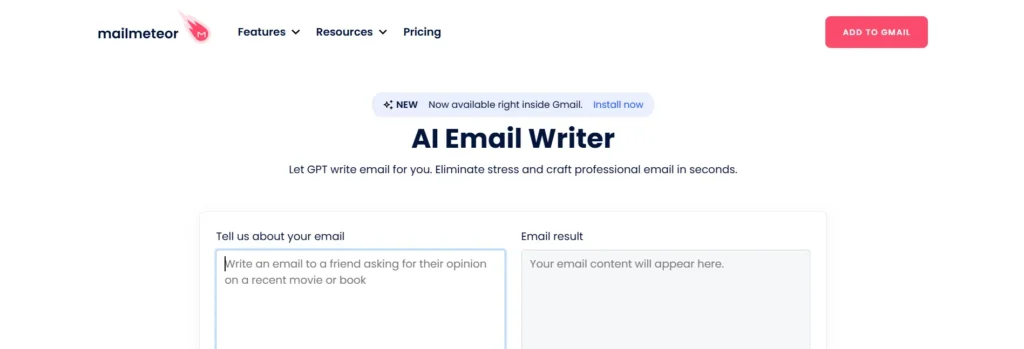
Best for: Quick and polished email drafts for Gmail users
Specifications:
- Integrates directly with Gmail
- Generate AI-powered email drafts in seconds
- Supports bulk email personalization
- Google Workspace compatibility
Pros:
- Easy-to-use Gmail add-on
- Saves time with pre-written email templates
- Personalization at scale
Cons:
- Limited to Gmail only
- Advanced features require a premium plan
Pricing:
- Free tier available
- Paid plans start at $9/month
If you’re also exploring other productivity software, you may want to review this curated list of the best free AI tools for business and marketing workflows.
2. AI Email Assistant for Outlook | Microsoft 365

Best for: Outlook users who want AI-driven email suggestions within Microsoft 365
Specifications:
- Built into Microsoft 365
- Suggests email content & improves clarity
- Smart meeting and scheduling suggestions
Pros:
- Native integration with Outlook
- Ideal for corporate environments
- Improves professional tone
Cons:
- Only available in Microsoft 365
- Limited AI customization
Pricing:
- Included with Microsoft 365 subscription ($6.99–$22.99/month)
3. Friday AI Email Writer
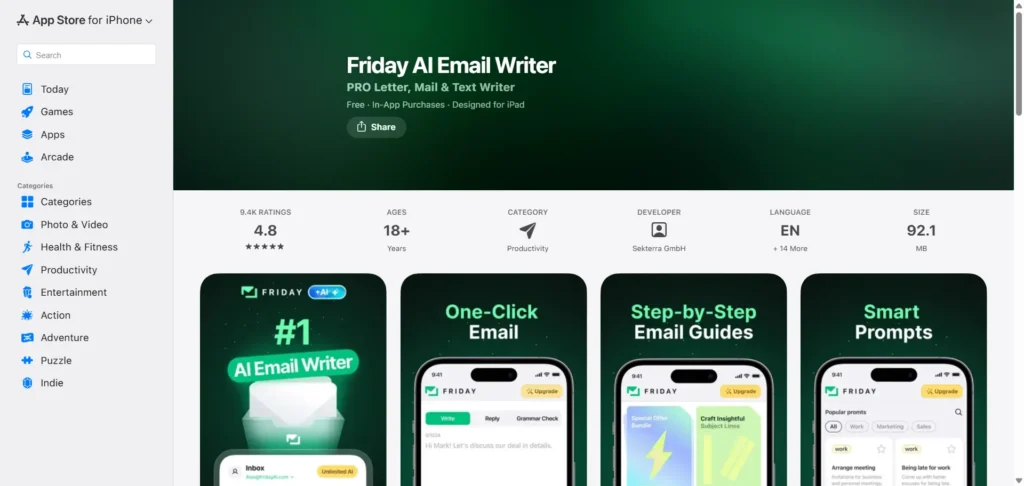
Best for: Mobile users on iOS looking for AI-powered email drafting
Specifications:
- iOS app for AI-generated email drafts
- Smart email suggestions and follow-ups
- Works with Gmail and other email clients
Pros:
- Mobile convenience
- Quick drafts on the go
- User-friendly interface
Cons:
- Limited to iOS devices
- May require an internet connection for full AI capabilities
Pricing:
- Free trial available
- Subscription starts at $7.99/month
4. AImReply
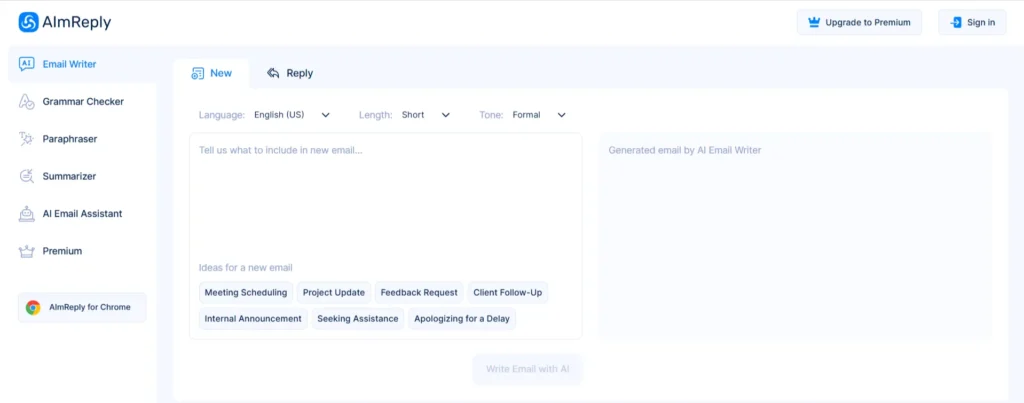
Best for: Free AI email writing solution for professionals and small teams
Specifications:
- Generates emails quickly
- Templates for professional communication
- Web-based, works with any email client
Pros:
- Completely free
- Quick email composition
- Simple, clean interface
Cons:
- Fewer advanced features than premium tools
- No mobile app
Pricing: Free
5. MailMaestro
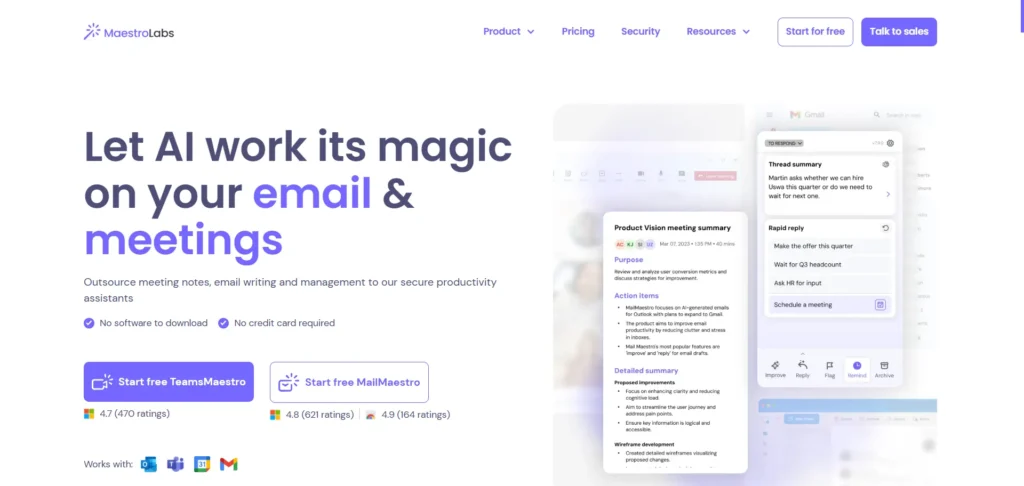
Best for: Professionals who want a magical AI assistant for multiple email platforms
Specifications:
- AI email assistant with smart drafting
- Template library & personalization
- Integrates with Gmail, Outlook, and others
Pros:
- Highly intuitive
- Suitable for both Gmail and Outlook
- Offers time-saving automation features
Cons:
- Limited reporting or analytics
- Premium plan needed for team usage
Pricing: Starts at $12/month
6. Reply.io
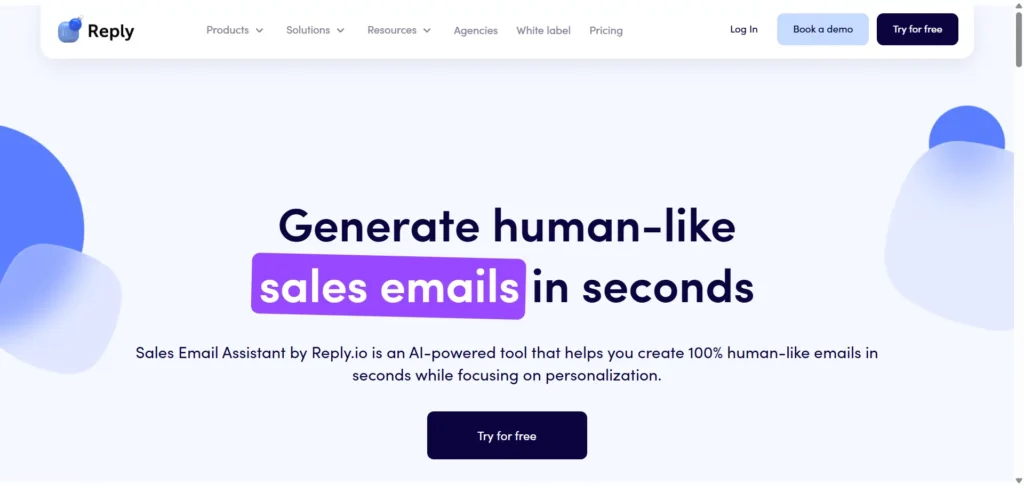
Best for: Sales teams looking to automate outbound email sequences
Specifications:
- AI email drafting and sequencing
- Personalized outreach suggestions
- Analytics and tracking included
Pros:
- Helps boost response rates
- Great for cold email campaigns
- Automation saves significant time
Cons:
- Mainly for sales teams, not general email use
- Pricing can be high for small teams
Pricing: Starts at $70/month
7. Perplexity AI
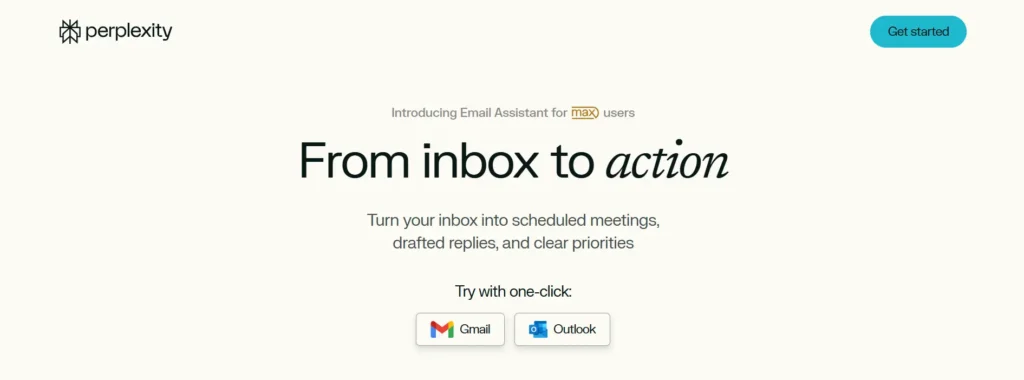
Best for: Users who want an AI assistant that answers questions and drafts emails
Specifications:
- AI assistant for general use and email writing
- Knowledge-based AI recommendations
- Can summarize and compose emails
Pros:
- Versatile beyond email writing
- Free to use for basic features
- Quick and accurate suggestions
Cons:
- Less email-focused than specialized tools
- Interface may be complex for beginners
Pricing: Free basic access; premium features vary
8. Missive
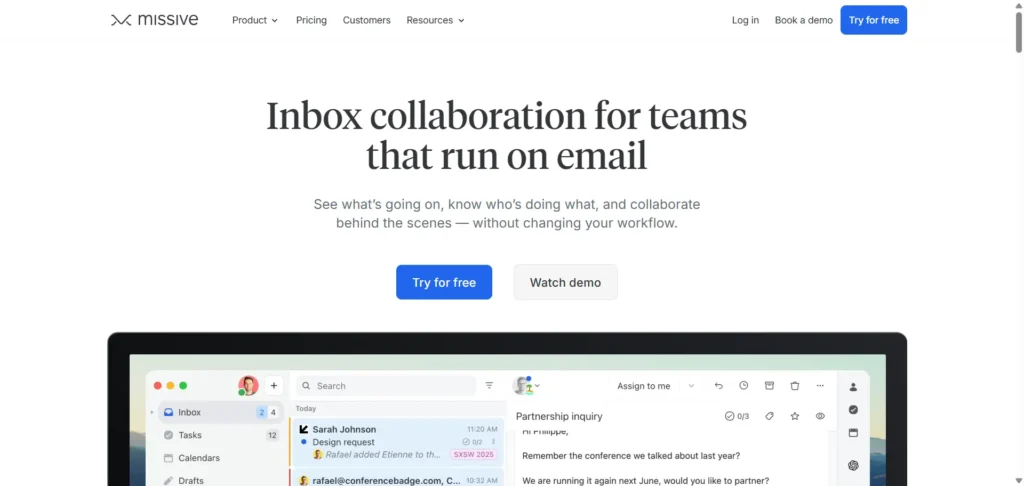
Best for: Teams collaborating on emails in real-time
Specifications:
- Shared inbox and email threads
- AI-powered draft suggestions
- Integrates with Gmail, Outlook, and other email providers
Pros:
- Excellent for team collaboration
- Combines chat and email
- AI improves workflow efficiency
Cons:
- Can be overwhelming for solo users
- Subscription required for advanced features
Pricing: Starts at $15/month
9. Lindy AI Email Assistant
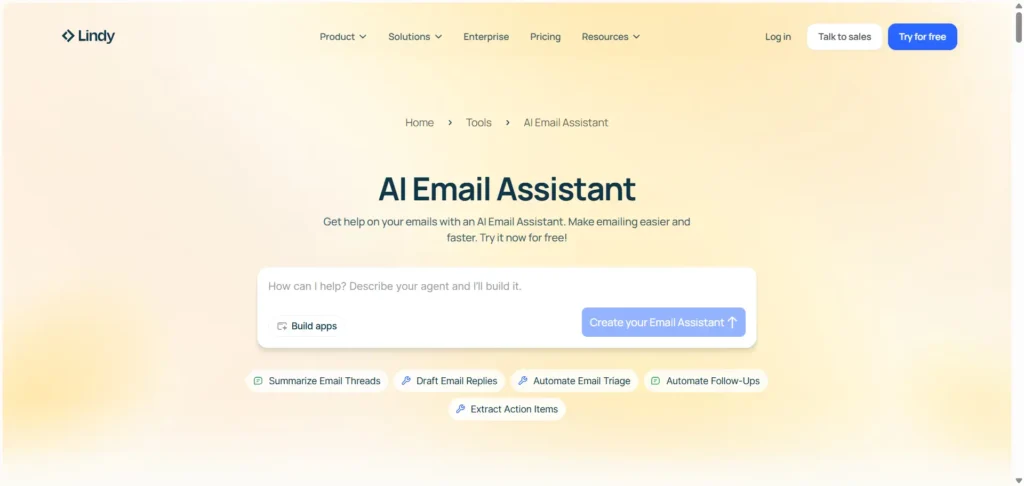
Best for: Free-to-try AI email assistant with quick setup
Specifications:
- AI-generated email drafts
- Minimal setup required (30 seconds)
- Supports multiple email platforms
Pros:
- Easy and fast setup
- Free trial available
- Supports Gmail and Outlook
Cons:
- Limited customization options
- Advanced features require a subscription
Pricing: Free trial, paid plans available
10. Shortwave
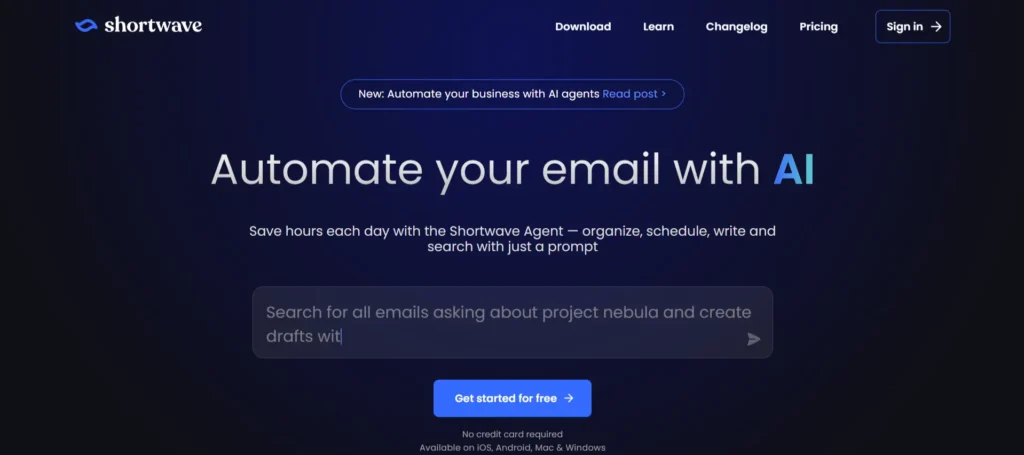
Best for: Professionals seeking automation of their entire inbox workflow
Specifications:
- Email AI assistant plus inbox automation
- Smart categorization and follow-ups
- Supports multiple email clients
Pros:
- Saves time on repetitive tasks
- AI-powered organization
- Great for high-volume inbox management
Cons:
- Learning curve for new users
- Some features behind a paywall
Pricing: Free basic plan, paid from $10/month
11. Superhuman
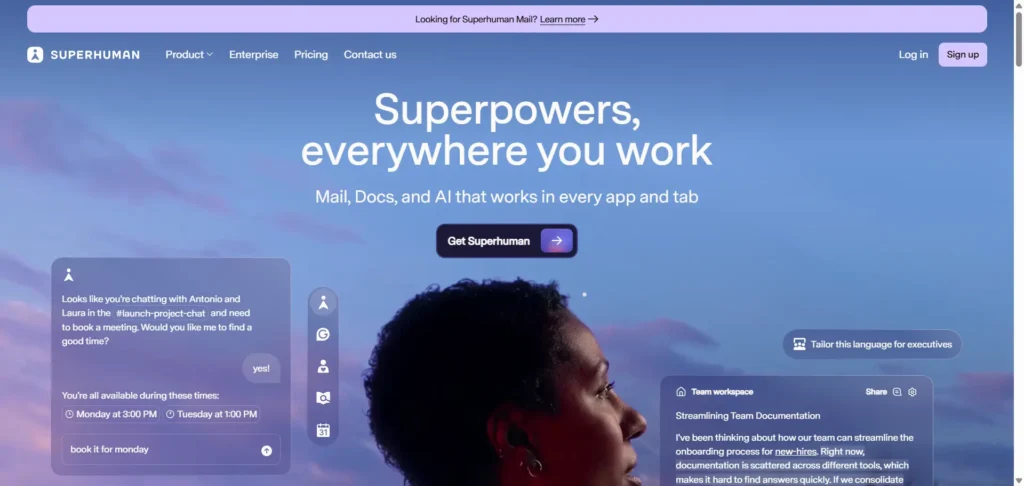
Best for: Power users who want speed, AI, and email productivity combined
Specifications:
- AI-powered drafting and email management
- Works across multiple platforms
- Keyboard shortcuts for efficiency
Pros:
- Fast, sleek interface
- AI boosts productivity
- Comprehensive email management tools
Cons:
- Expensive compared to other AI tools
- Invitation-only sign-up
Pricing: $30/month
Why Businesses Choose Reliqus Consulting
Many of these AI email assistants are powerful—but tools alone don’t guarantee results. Strategy matters. At Reliqus Consulting, we help businesses combine AI tools with proven email marketing frameworks to generate leads, nurture prospects, and scale outreach effectively.
Our team supports:
- AI-powered email marketing strategy
- B2B lead generation workflows
- Content and automation consulting
- Funnel optimization
If you’re planning to integrate AI email tools into a larger marketing strategy, you can
Book a free consultation or contact our team to discuss your goals
Final Thoughts
AI email assistants are transforming how professionals write, manage, and scale email communication. From Gmail users looking for quick drafts to sales teams running complex outreach, there’s an AI tool for every workflow and budget.
When combined with the right strategy, AI email tools can:
- Save hours of manual work
- Improve email quality
- Increase engagement and replies
- Support long-term lead generation
Choose the tool that fits your needs—and pair it with smart email practices for the best results.
FAQ
Q1. What is an AI email assistant?
It’s a tool that uses artificial intelligence to draft, suggest, and optimize email content automatically.
Q2. Can AI email assistants work with Gmail and Outlook?
Yes! Many tools like MailMeteor, Microsoft AI Assistant, and Lindy AI support both platforms.
Q3. Are AI email assistants safe for sensitive information?
Most reputable tools encrypt data and comply with privacy standards. Always review privacy policies before use.
Q4. Do AI email assistants replace human writing?
No. They assist and accelerate email composition, but human review ensures tone and accuracy.
Q5. Are free AI email assistants effective?
Free tools like AImReply can handle basic email drafting, while paid options offer advanced features and integrations.
Q6. How do I choose the right AI email assistant?
Consider your email volume, preferred platform, budget, and whether you need team collaboration features.