
Removing backgrounds from images used to take hours of manual Photoshop work. Today, AI image background remover tools can detect subjects, remove backgrounds, and deliver studio-quality results in seconds — no design skills needed.
Whether you’re an e-commerce seller editing product shots, a marketer creating ad creatives, or a designer building brand assets, modern AI tools make it easy to remove background from an image without hiring editors or learning complex software.
In this 2026 guide, we compare the best AI image background removal tools — both free & paid — so you can pick the right one to remove image background quickly and professionally.
Why Use an AI Background Remover?
Modern AI tools make it easier than ever to process images in bulk, edit product photos, or create social content fast. You get:
- Cleaner cuts
- Better handling of hair, edges, and transparent items
- Faster workflow
- No design skills needed
If you’re exploring AI-based creativity beyond background removers, you can also check out top AI art tools here: Best AI Art Generator Websites & Apps
Top AI Background Removers in 2026
Below are the best AI tools to remove image background style—accurate, fast, and beginner-friendly.
1. Remove.bg
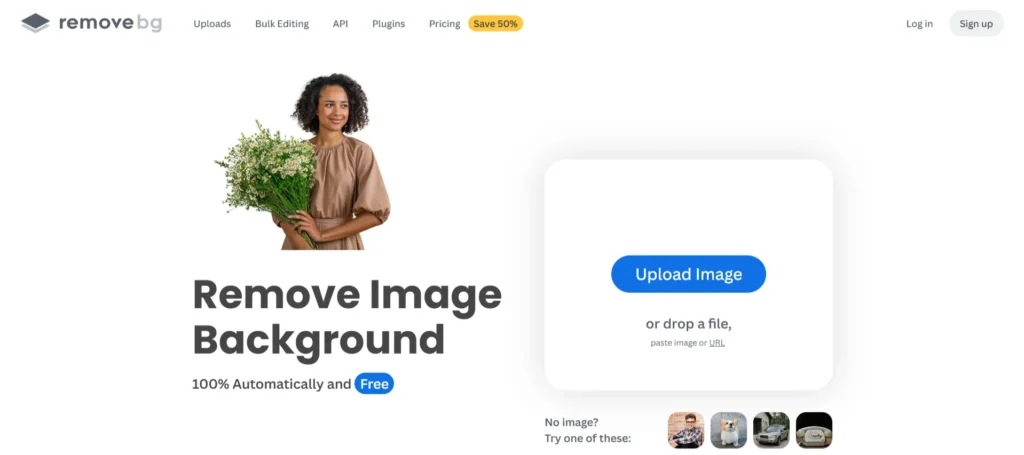
Best for: Product photographers & ecommerce stores
Specifications:
- Automatic single-click background removal
- High edge accuracy for hair, fur & complex objects
- Supports JPG, PNG, and bulk uploads
- Integrates with Photoshop, Figma & Shopify
Pricing: Free preview; Paid from $0.20/image or subscription plans
Pros:
- The most accurate results for small details
- Fast processing & batch removal
- Works great for product catalogs
Cons:
- Free version exports low resolution
- Limited free credits
- Pricing can add up for high-volume users
2. PhotoRoom
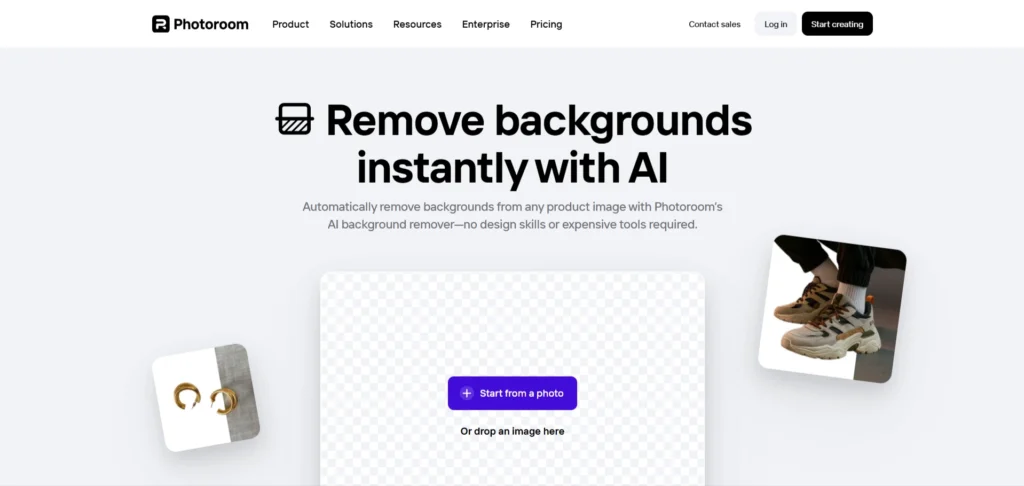
Best for: Creators & social media brands
Specifications:
- AI background & object remover
- Templates for product listings & ads
- Mobile + desktop apps
- Magic Retouch & shadow creation
Pricing: Free plan; Pro from $9.99/month
Pros:
- Great for marketing graphics
- Easy mobile interface
- Exports in HD
Cons:
- Free version includes a watermark
- Some templates are limited to Pro
If you need custom-branded social creatives instead of premade templates, consider professional help from Reliqus Marketing
3. Canva Background Remover
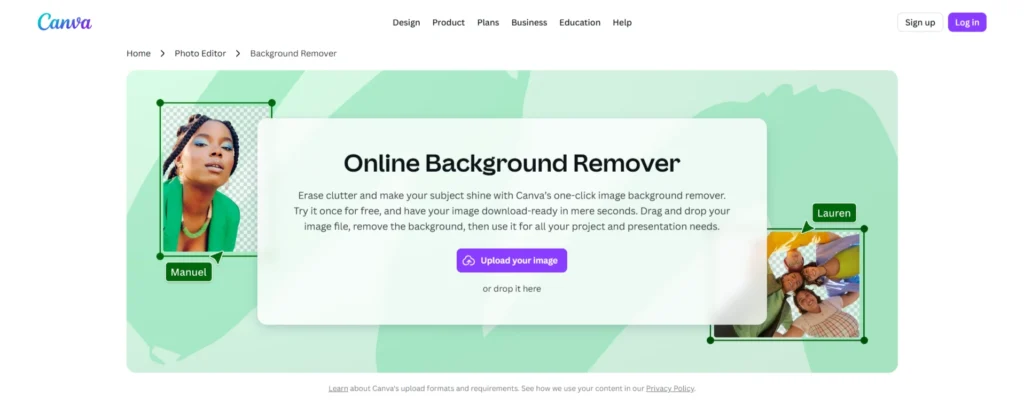
Best for: Content creators, presentations & marketing
Specifications:
- Built into the Canva editor
- One-click erase + restore brush
- Design templates for ads, thumbnails & social posts
Pricing: Included in Canva Pro ($12.99/month)
Pros:
- Super easy for non-designers
- Integrated design workflow
- Good accuracy
Cons:
- Available only in the Pro subscription
- Not ideal for bulk ecommerce edits
4. Pixelcut Background Remover
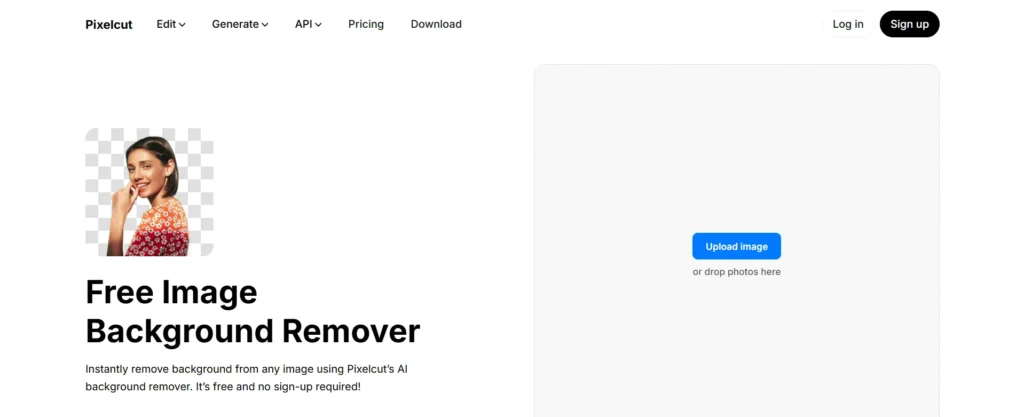
Best for: E-commerce product shoots
Specifications:
- AI clean cut removal + shadows
- Batch editor for 100+ images
- Template collections for store listings
Pricing: Free plan; Pro from $9.99/month
Pros:
- Fast bulk processing
- Excellent for product mockups
Cons:
- Best features behind the paywall
- Not ideal for complex backgrounds
5. Adobe Express Background Remover
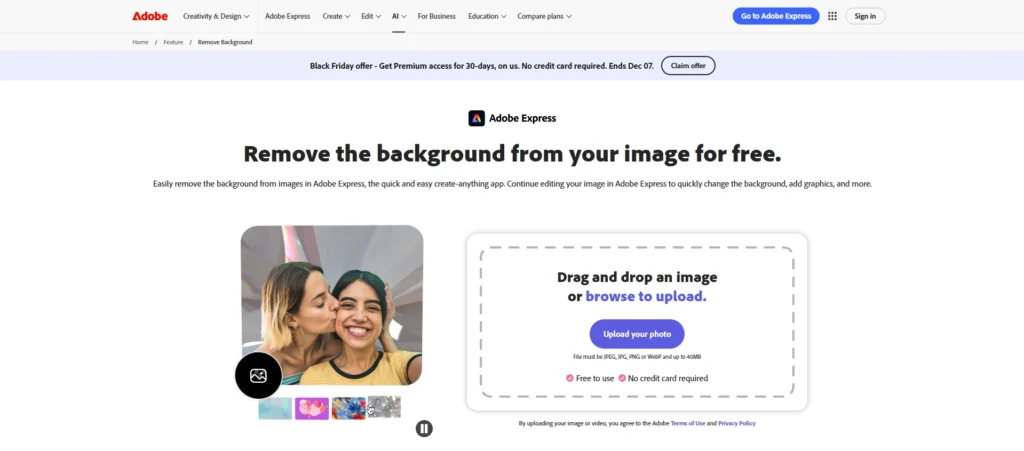
Best for: Creative professionals and designers
Specifications:
- Premium Adobe-quality cutouts
- Additional Photoshop-style editing
- Layer editing & brand kit tools
Pricing: Free plan; Premium from $9.99/month
Pros:
- Best for pro-level accuracy
- Advanced editing tools built in
Cons:
- Learning curve
- Requires an Adobe account
- Some features require a subscription
6. Erase.bg
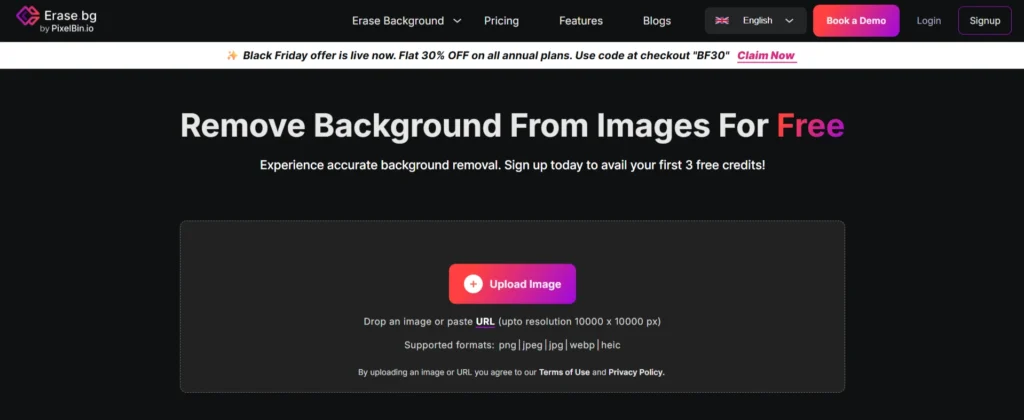
Best for: Free background removal for personal & commercial use
Specifications:
- One-click AI image background remover
- Supports images up to 4K
- Web + mobile app
Pricing: Free
Pros:
- High-resolution export
- Generous free usage
- Great for non-designers
Cons:
- Limited editing tools
- May struggle with complex edges
7. Pixlr Background Remover
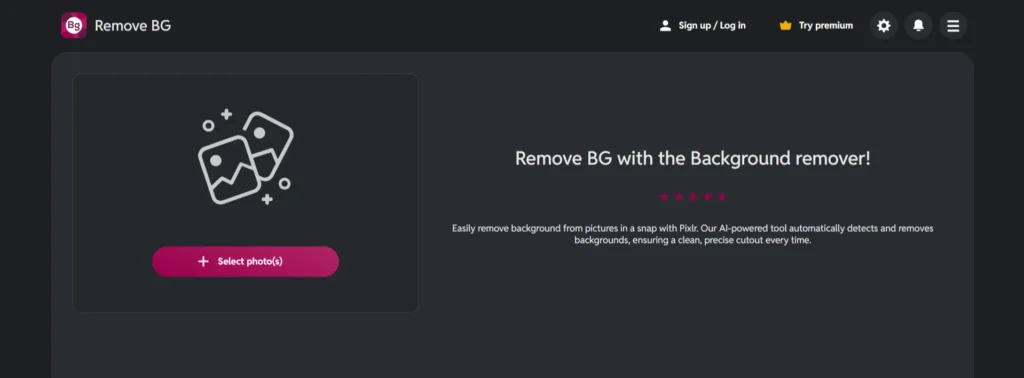
Best for: Quick edits & browser-based design
Specifications:
- Automatic removal + cutout tools
- Comes with Pixlr X & E editors
- No software installation needed
Pricing: Free plan; Premium from $7.99/month
Pros:
- Works fast in the browser
- Includes full editing suite
- Great for quick edits
- Free version available
Cons:
- Results vary on complex edges
- Occasional inaccuracies on detailed edges
8. Slazzer
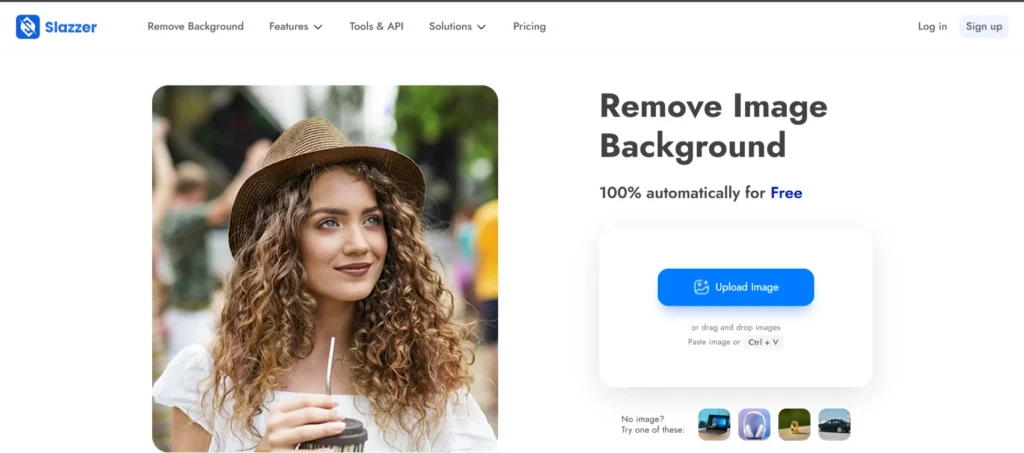
Best for: Bulk image processing
Specifications:
- AI-powered subject detection
- Desktop app + ecommerce integrations
- Supports API automation
Pricing: Free previews; Paid from $0.10/image
Pros:
- Great for large catalog edits
- Integrations for WooCommerce, Shopify, and Photoshop
- API available
- High-level accuracy
Cons:
- Background accuracy varies for blurry images
- Pricing for bulk users
9. Cutout.Pro
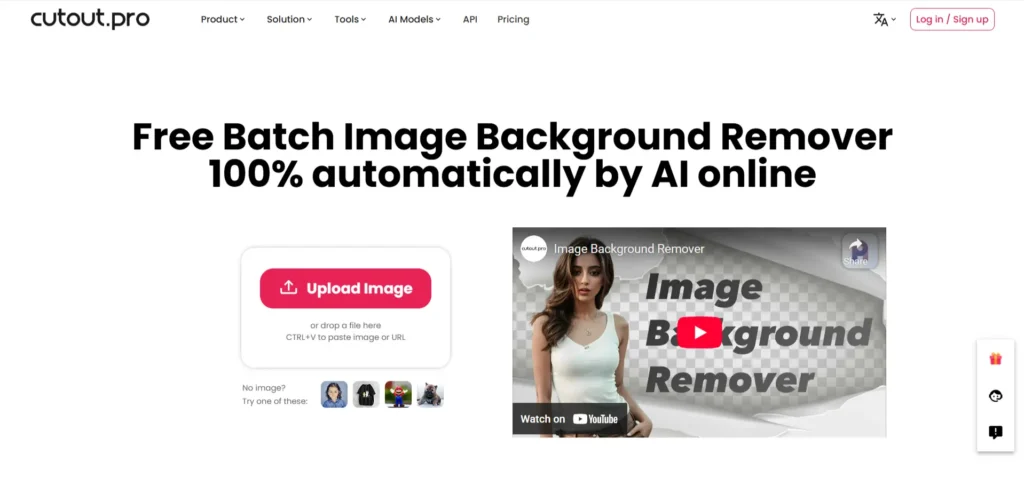
Best for: Creative projects & portraits
Specifications:
- Face-aware background removal
- AI photo retouch & cartoonizer
- HD download support
Pricing: Free limited; Paid from $5/month
Pros:
- Beautiful results for people’s photos
- Useful creative tools
Cons:
- Not ideal for commercial product edges
10. Fotor
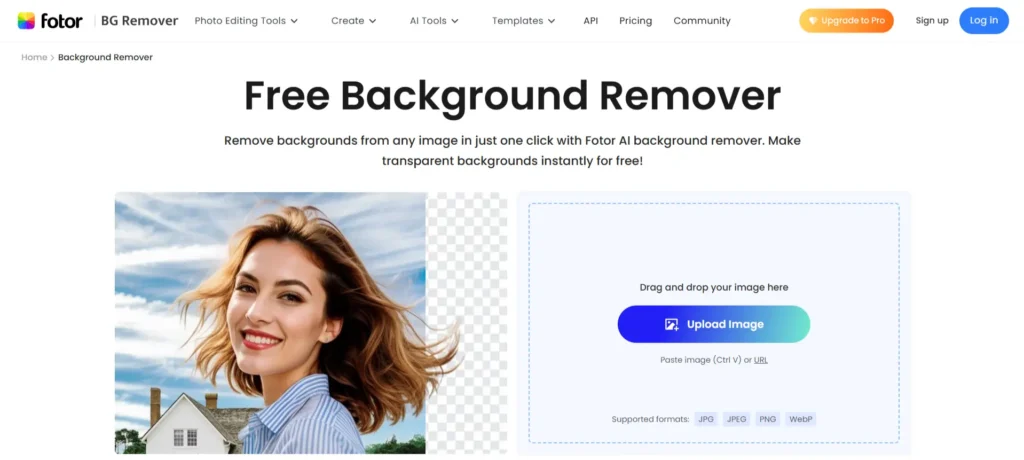
Best for: Social media & design templates
Specifications:
- AI cutout tool + photo editor
- Design templates included
- Mobile & web versions
Pricing: Free plan; Paid from $8.99/month
Pros:
- Fast and easy
- Lots of editing tools
- Great for social media creators
Cons:
- Not suited for bulk production
- Some tools are limited in the free version
11. Removal.AI

Best for: Business and agency workflows
Specifications:
- HD background removal
- API for automation
- Supports bulk upload
Pricing: Free trial; Paid from $0.05/image
Pros:
- Cost-effective for large teams
- High detail quality
- Good for bulk processing
- Fast API
Cons:
- Basic UI
- Mostly targeted at businesses
12. PicWish
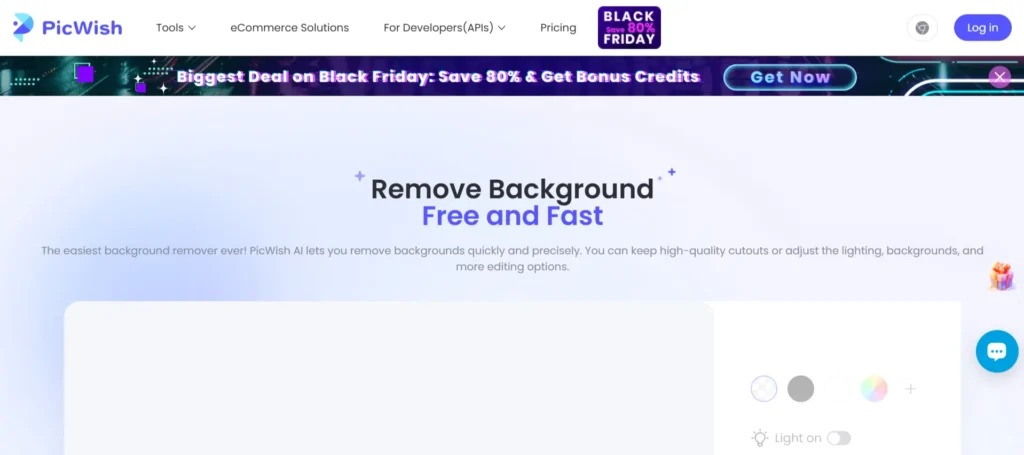
Best for: Batch background removal on a budget
Specifications:
- Web & desktop version
- Auto-enhance + retouch tools
Pricing: Free plan; Paid from $5/month
Pros:
- Very affordable
- Strong batch support
Cons:
- Limited editing options
- Edges are not always perfect
Which Tool Should You Choose?
- Best for Professionals: Remove.bg, Adobe Express, Slazzer
- Best Free Options: Pixlr, Erase.bg, PicWish
- Best for E-commerce: Pixelcut, Removal.AI, PhotoRoom
- Best All-in-One Editor: Canva, Fotor
Every tool in this list uses AI to remove background from image style—fast, accurate, and perfect for 2026’s content demands.
Conclusion
Background removal no longer needs hours of editing or expensive designers. With today’s AI-powered tools, anyone can achieve studio-grade results instantly using AI image background remover platforms designed for speed, accuracy, and affordability.
For beginners, start with Erase.bg, Pixlr, or Canva.
For e-commerce and brand visuals, Remove.bg, Pixelcut, and PhotoRoom deliver the best professional output.
If you’d rather have expert designers handle everything — from background removal to full brand visuals — Reliqus Marketing can help.
Get a Free Strategy Call: Book Free Consultation
Want tailored creative support for your business? Contact Reliqus Marketing
FAQs
Q1. What is the best free AI background remover?
Erase.bg, Pixlr, and PicWish offer free HD exports.
Q2. Is AI background removal better than manual editing?
For 90% of use cases, AI is faster and more precise while saving hours of work.
Q3. Can I use AI image background remover tools for commercial use?
Yes — check licensing terms for each platform.
Q4. What’s the best AI tool for ecommerce product photos?
Pixelcut, Remove.bg, and Removal.AI are optimized for product catalogs.