
Video creation is exploding — and AI video editing software is transforming how creators, marketers, and businesses produce content.
From auto subtitles, AI cuts, and smart scene detection to full AI edit video automation, these tools make high-quality videos possible without a full production team.
Whether you’re a YouTuber, agency, educator, or brand, this 2026 guide breaks down the best AI video editing software, comparing features, pricing, pros/cons, and who each tool is best for.
Let’s dive into the top AI video editing tools to help you edit faster, smarter, and more creatively.
1. Electric Sheep — Automated Long-Form Editing That Saves Hours
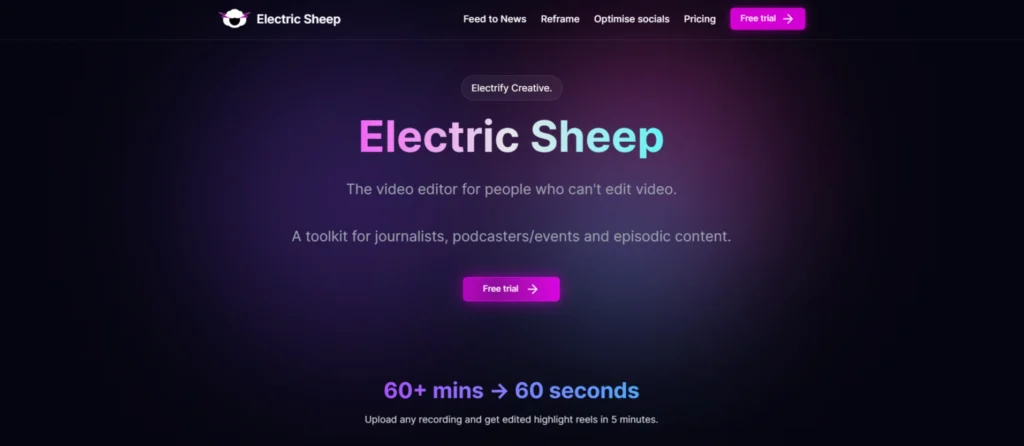
Best for: Creators who want a cutting-edge generative platform that combines AI for video editing with VFX/scene generation.
Specifications:
- Auto-detects awkward pauses and removes them
- AI pacing + adaptive cut suggestions
- Smart reframing for social formats
- Speech-aware trimming
- Cloud-based, no heavy hardware required
Pros:
- Excellent for long podcast-style edits
- Works great for creators who want a fast turnaround
- Accurate silence + filler removal
Cons:
- Limited advanced visual editing
- Internet connection is required for processing
Pricing: Starts from $50 /month
2. Spingle AI — Social-Ready Clips and Captions in Seconds
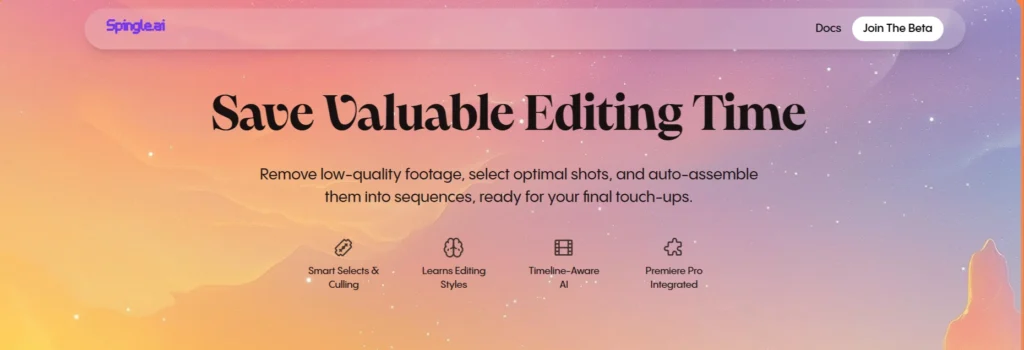
Best for: Video editors who work in timeline‐based NLEs and want to edit video with AI to speed up selects and timeline organisation.
Specifications:
- Turn long videos into short clips
- AI auto-captioning + motion graphics
- Auto detect “viral moments” in your footage
- Custom aspect ratios for TikTok, IG, Shorts
Pros:
- Perfect for creators who batch content
- Eye-catching captions
- Strong clip selection intelligence
Cons:
- Limited in-depth editing tools
- Not ideal for cinematic production
Pricing: Undisclosed
Need help implementing AI video editing professionally? Reliqus Marketing can guide your team to streamline video production.
3. AutoPod — Multi-Camera Podcast Editing on Autopilot
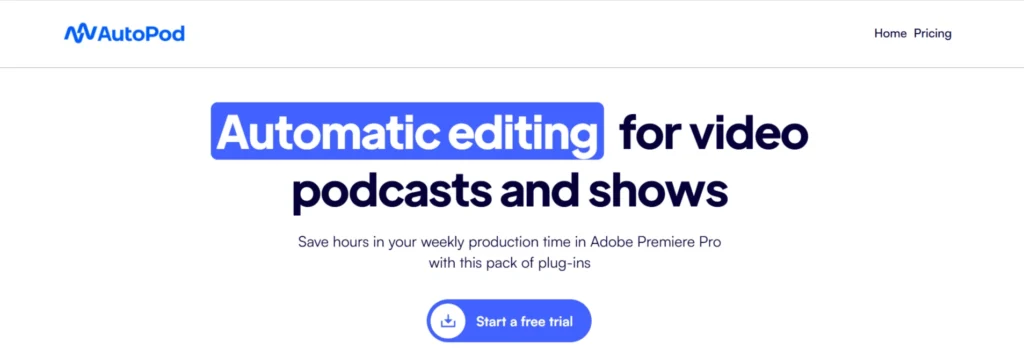
Best for: Podcasters, interview shows, and multi-camera setups who want a dedicated AI editing video workflow.
Specifications:
- Cuts based on the active speaker
- Automated multi-cam timelines
- Intelligent crop & reframing
- Designed for Premiere Pro users
Pros:
- Reduces hours of podcast editing
- Perfect for interviews and discussions
- Seamlessly integrates with Adobe
Cons:
- Only works within Premiere
- More useful for podcasters than general editors.
Pricing: Autopod costs $29/month, although you get the first month free
4. HeyEddie.ai (“Eddie AI”) — Your AI Assistant for Rough Cuts & Interviews
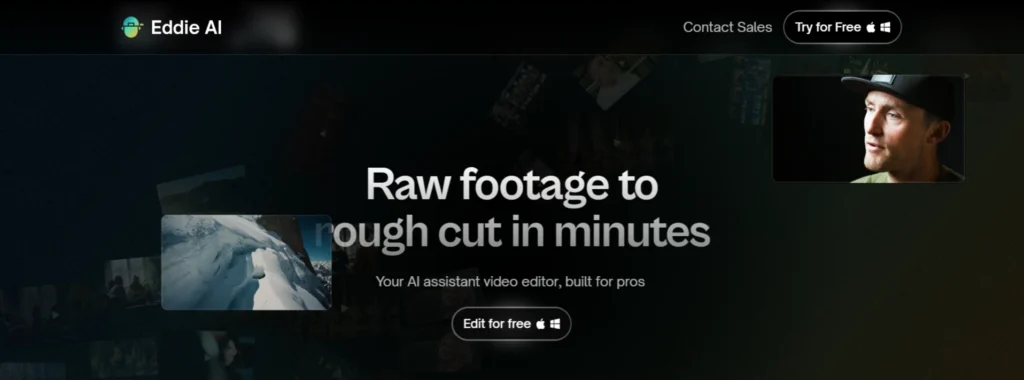
Best for: Interview footage, documentary style, content creators who want to AI edit video by leveraging transcripts, soundbites, and smart rough cuts.
Specifications:
- Automatically creates interview selects
- Removes rambling, filler words, dead air
- Organizes content into clean narrative flows
- Great for documentaries, testimonials, corporate videos
Pros:
- Saves massive time on interview rough edits
- Creates structured story arcs
- Audio cleanup is built in
Cons:
- Limited advanced effects
- Not ideal for final polish
Pricing:
- They have a free version, and the Plus subscription starts from $21/month.
You can also explore the best AI video generators to complement your podcast visuals.
5. Descript underlord: All-in-one video agent
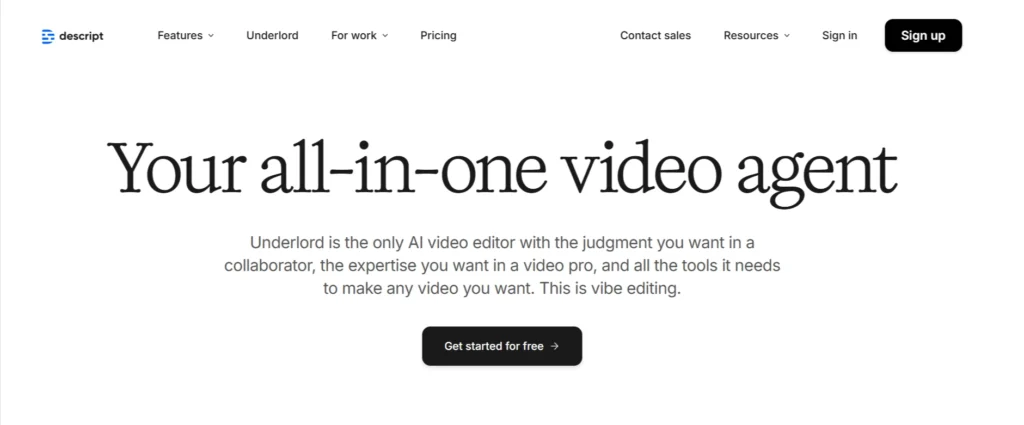
Best for: Marketers, educators, and social media creators who want to edit video with AI via transcript-based editing and auto-subtitles.
Specifications:
- Edit video by editing text
- Auto subtitles + AI overdub narration
- Green screen removal
- Multitrack editing + templates
Pros:
- Easiest learning curve in the industry
- Great for screen recordings, tutorials, and podcasts
- Auto word removal (ums, filler words)
Cons:
- Not ideal for professional color or VFX
- Exports sometimes require final polishing in other tools
Pricing: Free plan available. Creator plan approx $16/month (at time of writing) for 10 media hours/month.
6. Topaz Video AI: Upscaling & Restoration That Works
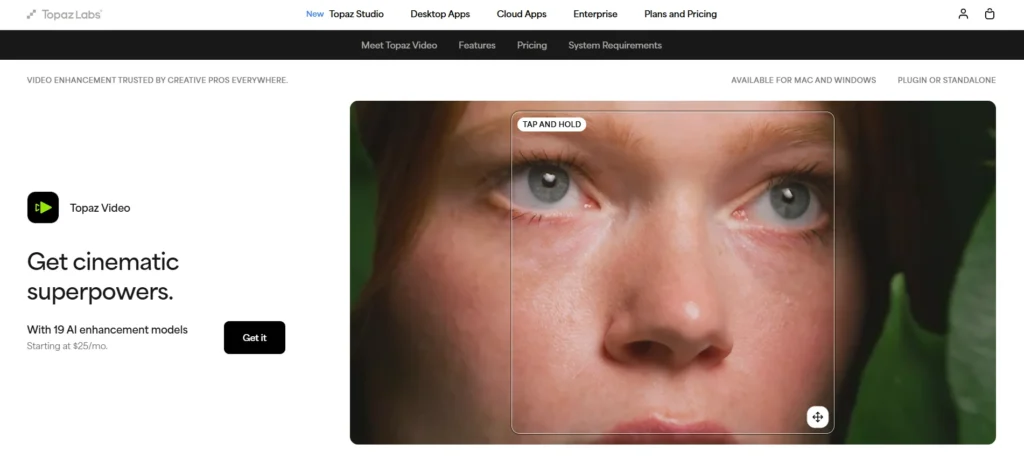
Best for: Creators looking to upscale, restore, and enhance footage —for example, improving low-res footage or cleaning up old footage.
Specifications:
- AI upscaling to 4K & 8K
- Motion smoothing + stabilization
- De-noise + de-interlace
- Perfect for old footage cleanups
Pros:
- Industry-leading enhancement quality
- Great for agencies and filmmakers
- Helps revive low-quality footage
Cons:
- Heavy on GPU resources
- No editing timeline — enhancement only
Pricing: Starts from $33/mo
If you want professional editing done end-to-end, get a free consultation with Reliqus Marketing to discuss your project.
7. Colourlab AI: Smart Color Grading Assistance
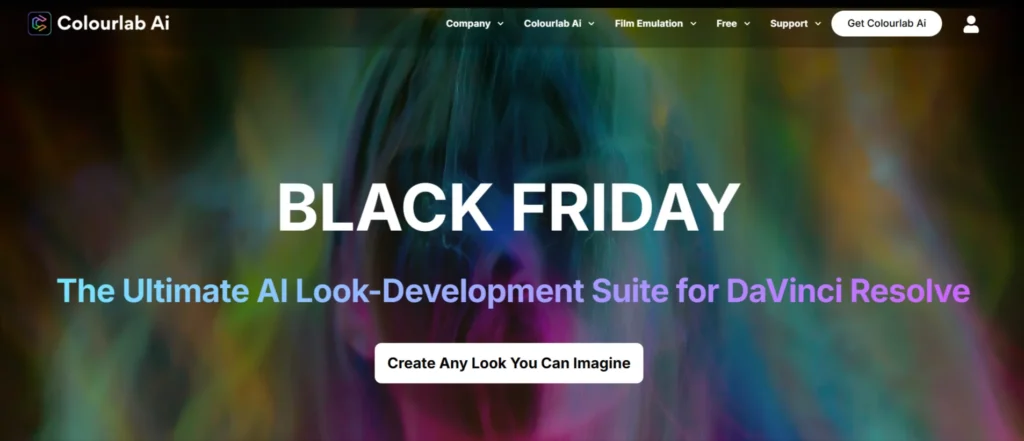
Best for: Colourists, post-production houses, and creators who need automated colour grading.
Specifications:
- AI-driven color matching
- Automated color consistency
- Camera-to-camera color sync
- Works with Resolve, Premiere, and Final Cut
Pros:
- Hollywood-level grading capabilities
- Huge time-saver for colorists
- Great integration with pro NLEs
Cons:
- Requires some grading knowledge
- Not for beginners
Pricing: Creator version: $15 / month or $150/year or $300 one-time perpetual.
Why use AI video editing software?
- Automates repetitive tasks (cutting silences, syncing audio, generating subtitles) so you can focus on story and creativity.
- Speeds up turnaround — vital for marketing teams and social media, where timelines are tight.
- Helps teams with smaller resources (“one-person video team”) punch above their weight.
- Enables new possibilities: footage upscaling, generative extensions, automatic colour matching, and so on.
Conclusion
AI is no longer a “nice-to-have” for creators — it’s the foundation of modern video production.
Whether you want to edit video with AI, auto-cut long podcasts, enhance old footage, or streamline interview edits, these AI video editing software help you produce more content in less time and with better results.
At Reliqus Marketing, we help businesses and creators build scalable, AI-powered content pipelines using AI for video editing, AI-generated content, and advanced automation.
Want to upgrade your video workflow? Get a free consultation or contact us today!
FAQs
Q1. What is the best AI video editing software in 2026?
Electric Sheep, Descript, Topaz Video AI, Colourlab AI, and Adobe Sensei lead the market depending on your workflow.
Q2. Can I fully edit videos with AI?
Yes — tools like Electric Sheep, HeyEddie.ai, and Descript allow you to handle cutting, captions, pacing, and even rough narratives.
Q3. What AI tool is best for social media videos?
Spingle AI is great for auto-captioning and vertical clip generation.
Q4. Which tool is best for video enhancement?
Topaz Video AI delivers unmatched upscaling and restoration.
Q5. Does Adobe use AI for video editing?
Yes — Adobe Sensei powers auto captions, color match, reframing, noise removal, and new generative video features.