
Video creation is undergoing its biggest transformation ever. With the rise of AI Video Generators, anyone—from solo creators to global brands—can now produce high-quality videos without cameras, actors, or editing skills.
Whether you’re creating product explainers, social media clips, training modules, or ads, AI-generated videos are faster, cheaper, and more scalable than traditional production.
In this 2026 guide, we break down the best AI video generator tools—free, paid, and emerging innovators—so you can choose the right one for your business or content strategy.
What Are AI Video Generators?
AI Video Generators use artificial intelligence to turn text, scripts, images, or prompts into complete videos. This may include:
- AI avatars
- Text-to-video
- Scene generation
- Automatic editing
- Voice narration
- Auto-subtitles
- Multilingual video creation
These tools help you create AI-generated video content in minutes—making them ideal for YouTubers, marketers, educators, e-commerce brands, and agencies.
Top 15 AI Video Generators in 2026
1. Google Veo

Best for: End-to-end video creation from text or image prompts.
Specifications:
- Generates high-quality, physics-aware video scenes
- Supports cinematic camera movement
- Uses multimodal training for accuracy
- Suitable for marketing videos & creative filmmaking
Pros:
- Truly cinematic quality and audio-sync built in.
- Great for short high-impact clips.
Cons:
- Currently more oriented to advanced/enterprise users (API oriented).
- Free or low-cost tiers may be limited in duration or output.
Pricing: Free trial via Vertex AI; pay-as-you-go for extended usage.
2. Runway
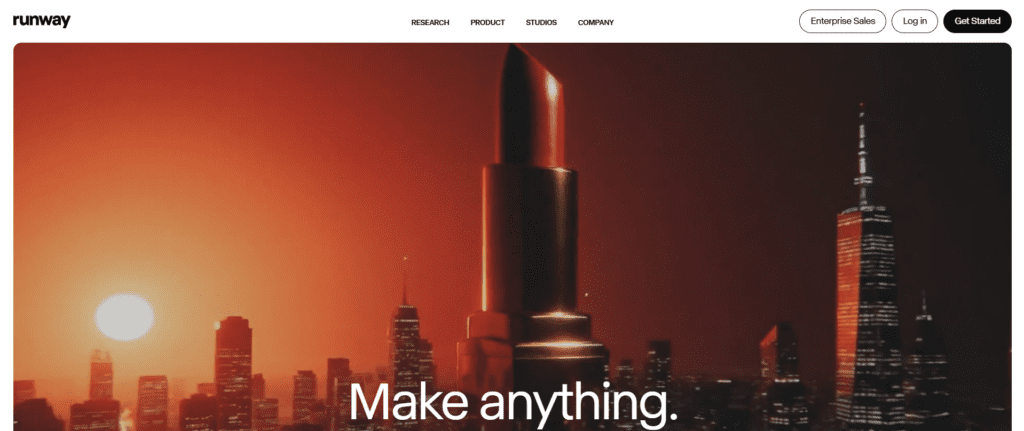
Best for: Professional AI video editing and motion graphics
Specifications:
- Gen-2 AI video generator
- Green screen removal
- Motion tracking
- Asset library with styles & templates
Pros:
- Flexible and creative control: generate, edit, transform video.
- Good for experimenting and production workflows.
Cons:
- Some complexity: might require a learning curve.
- Output durations are still relatively short (5-10 secs in some specs).
Pricing: Freemium model with limited credits; paid tiers unlock more features.
3. Sora

Best for: Realistic scene generation & storytelling
Specifications:
- Hollywood-grade video quality
- Long-form video generation
- Understands physical environment and motion
Pros:
- Great if you’re looking to tap into creative community workflows.
- Can spark new ideas and variations fast.
Cons:
- Currently oriented more toward experimentation than polished brand assets
- sometimes watermark- or short-duration constrained.
Pricing: Free credits / limited usage; full features may still be in invite or beta
Bring your brand to life with stunning AI videos! At Reliqus, we don’t just showcase tools—we create high-quality, AI-powered videos tailored for your business. Whether it’s social media promos, product explainers, or training modules, our team ensures your brand stands out. Start elevating your content today—connect with us.
4. Descript
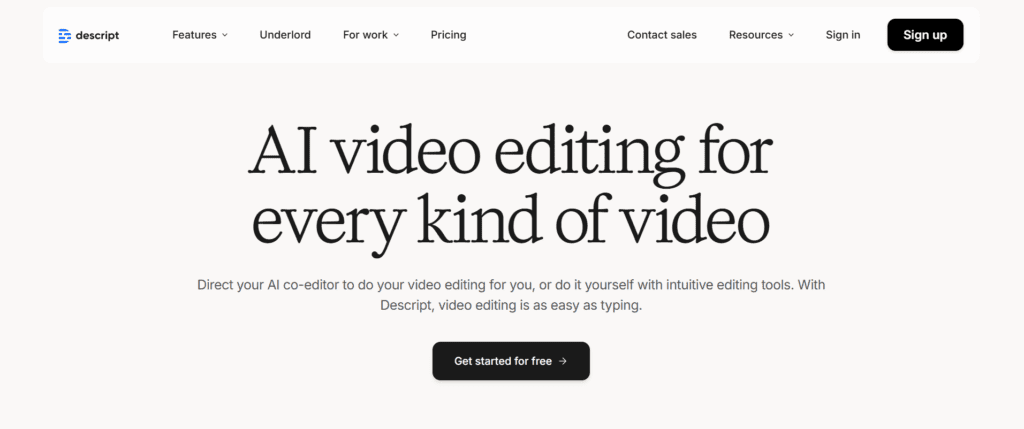
Best for: YouTube editing + AI-powered text-based editing
Specifications:
- Overdub AI voice
- Screen recording
- Text-based editing
- AI-powered filler removal
Pros:
- Intuitive for non-tech users; if you think in terms of text, this aligns.
- Great for vlogs, tutorials, and recorded content editing.
Cons:
- Might not offer full “from scratch” text-to-video generation in the same way as others.
5. Wondershare Filmora
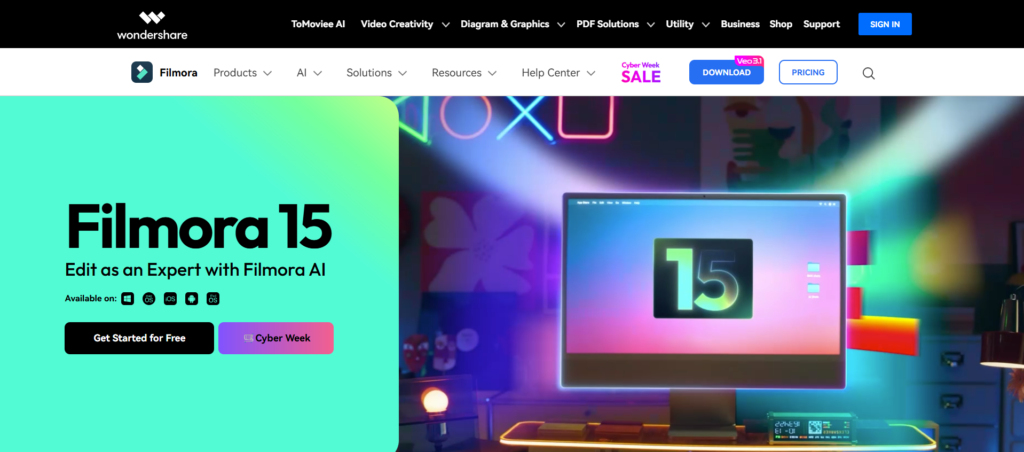
Best for: AI editing for beginners
Specifications:
- AI audio cleanup
- AI text-to-video
- AI thumbnail creator
- Rich video effects
Pros:
- Lower barrier if you’re already editing video.
- Hybrid of manual control + AI assistance; good for creators who want both.
Cons:
- Not purely a “text-to-video generator” — more editing than generation.
Pricing: Free trial; paid versions for full functionality.
If you’re also interested in AI-powered visuals and illustrations for your videos (thumbnails, cover art, social posts), you might want to check our guide on AI art generator platforms — it covers the top tools available now.
6. Capsule
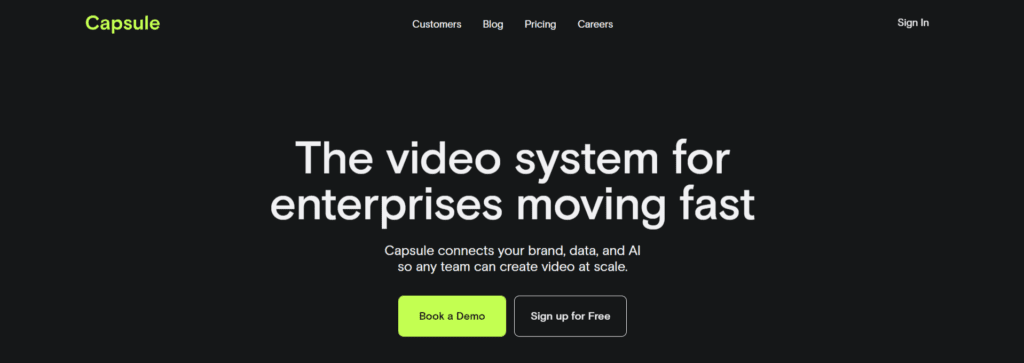
Best for: Branded social media videos
Specifications:
- AI editing automation
- Branding tools
- Social-media-first templates
Pros:
- Good for brands, teams, and scale.
- Useful for branded content at scale.
Cons:
- Less focus on “generate from blank prompt”; more on workflow.
Pricing: Tiered; paid subscriptions standard.
7. Peech
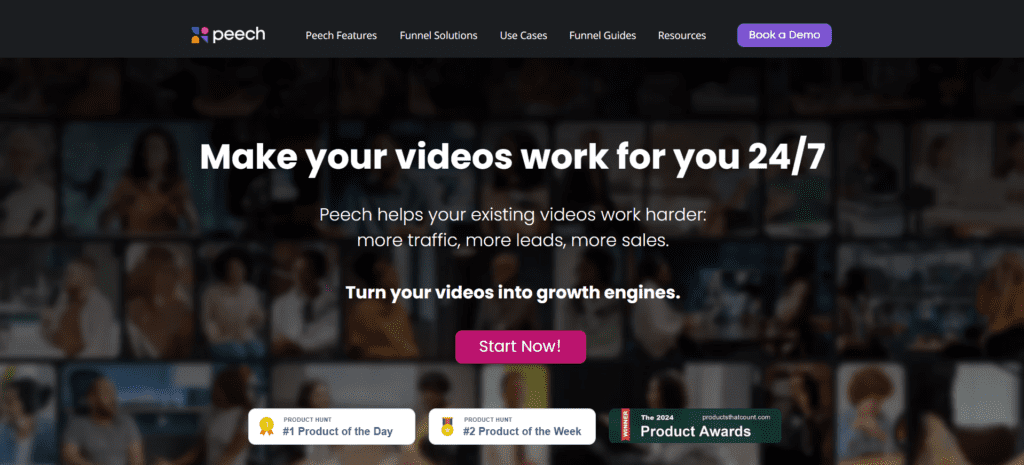
Best for: Automating long-form video content for businesses
Specifications:
- Auto subtitles
- Auto brand styling
- Long-form video breakdown
Pros:
- Saves time for corporate teams
- Good for webinars & interviews
Cons:
- Slightly narrower than full “text-to-video generation” tools
- Not ideal for creatives
Pricing: Free trial; paid for full team features
8. Pixazo
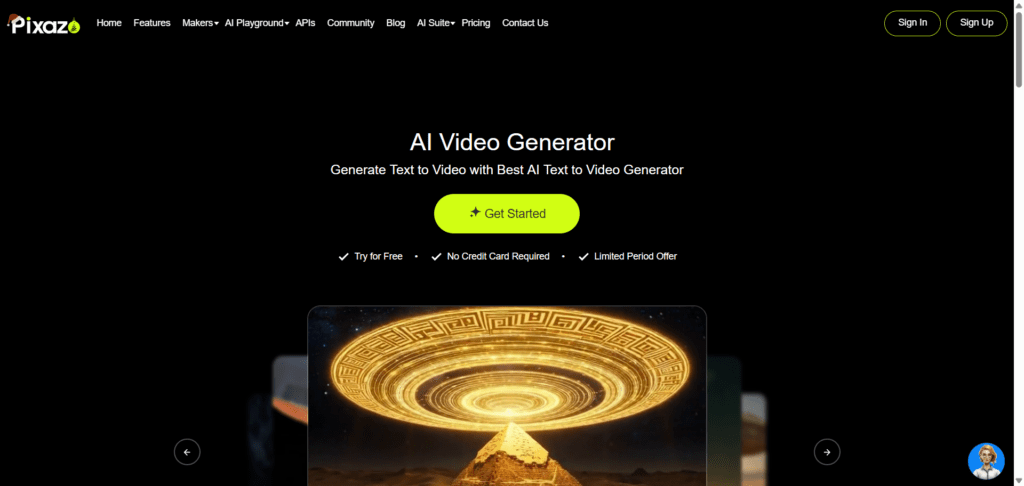
Best for: Quick, AI video generator-powered video creation using simple text prompts, images, or templates, ideal for marketing teams, creators, and businesses needing fast, studio-quality videos.
Specifications:
- Converts text, images, or ideas into polished videos within minutes
- Offers customizable templates for ads, promos, explainers, and social media
- Supports AI voiceovers, captions, transitions, and brand elements
- Multiple aspect ratios for YouTube, Instagram, TikTok, and more
Pros:
- Very beginner-friendly, no editing experience required
- Fast rendering suitable for social media and marketing teams
- Large library of templates, stock visuals, and AI tools
Cons:
- Advanced cinematic controls are more limited compared to pro film tools
- Heavy customization may require switching to the premium plan
Pricing: Free trial available for basic video creation; premium plans unlock HD exports, longer durations, and advanced AI features.
9. Synthesia
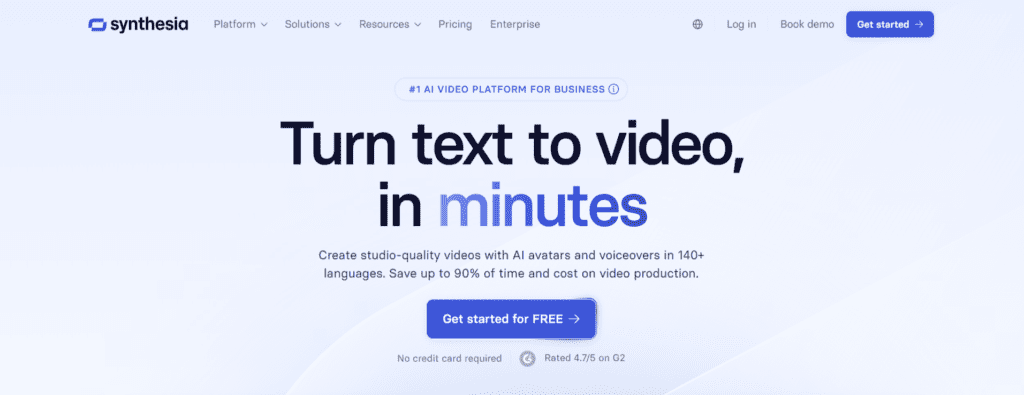
Best for: Using digital avatars in video – ideal for corporate, eLearning, training.
Specifications:
- Create avatar-led videos with voice and visuals
- Multiple languages supported.
Pros:
- Great for corporate training, brand explainers, and multilingual assets.
Cons:
- Less freedom of visuals beyond avatar + background; may feel less cinematic.
- license cost can be high.
Pricing: Paid plans primarily; some free demo.
10. HeyGen
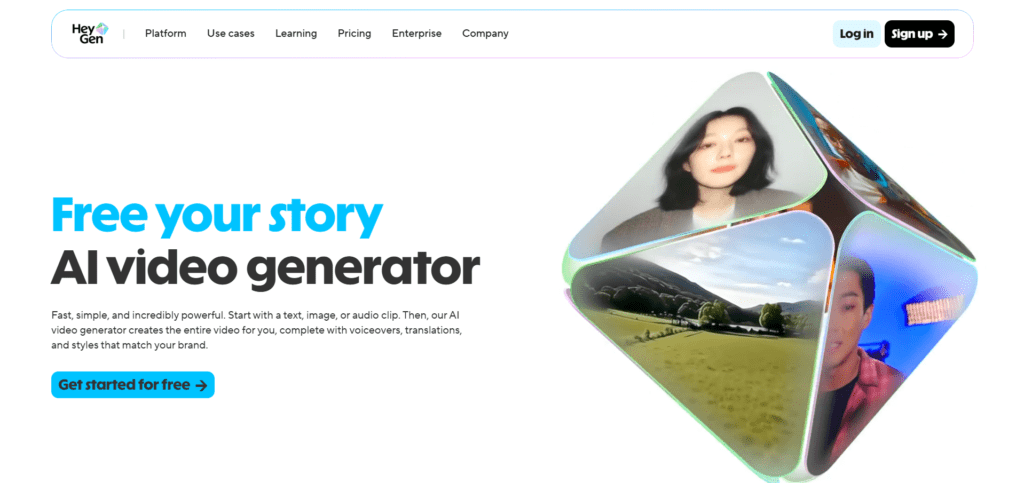
Best for: AI avatars & multilingual spokesperson videos
Specifications:
- 120+ languages
- Ultra-realistic avatars
- Voice cloning
Pros:
- Engaging format; newer style for engagement.
- Best for corporate videos
- High accuracy lip-sync
Cons:
- Might be less mature or more niche than general video generators.
- Avatar realism still improving
Pricing: Paid subscription models.
11. Vyond
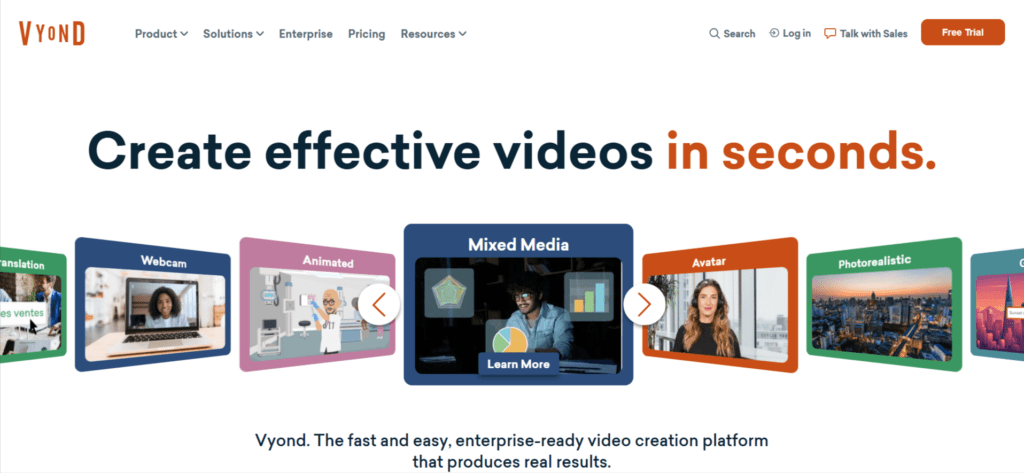
Best for: Animated business explainer videos
Specifications:
- AI animation
- Character builder
- Business templates
Pros:
- Great for HR & training
- Easy drag & drop
Cons:
- Animated style may not fit every brand
- less realistic live-action feel.
- Expensive for individuals
Pricing: Subscription-based.
12. revid.ai
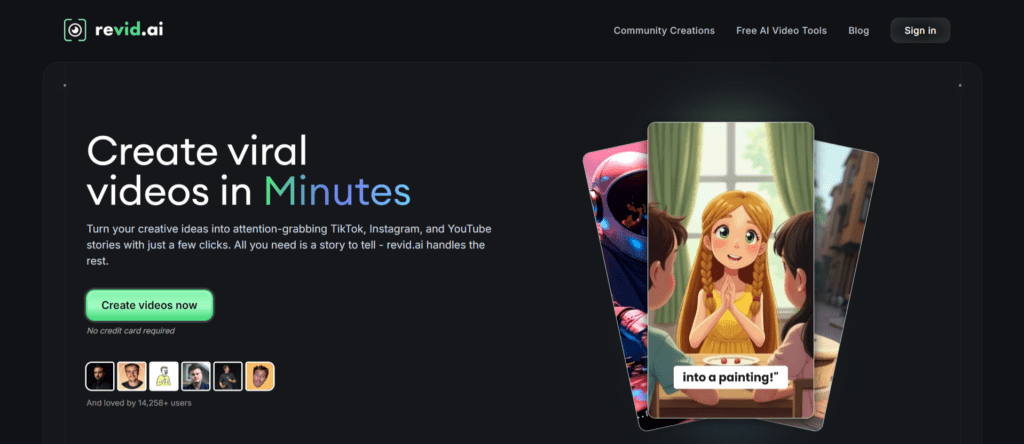
Best for: Auto-generating social media video clips
Specifications:
- Turns long videos into short clips
- Auto-subtitles
- Auto-highlights
Pros:
- Perfect for TikTok, Reels, Shorts
- Saves tons of editing time
- Very fast output
- good for standard video formats like intros, promos, social ads.
Cons:
- Limited customization
Pricing: Plans start at $19/month.
13. Luma Dream Machine
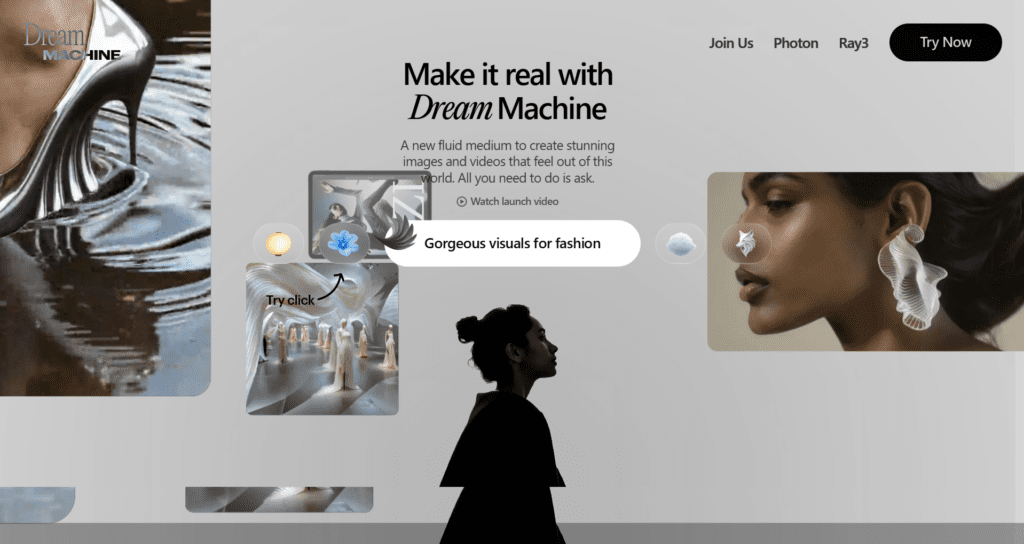
Best for: Hyper-realistic 3D-style AI video generation
Specifications:
- 3D motion
- Realistic text-to-video scenes
- Creative, cinematic shots
Pros:
- Excellent quality
- Great for creative storytelling
Cons:
- Requires strong prompts
- Not full production-ready yet.
Pricing: Early / beta
14. LTX Studio

Best for: End-to-end AI film creation
Specifications:
- Storyboard generator
- AI scene generator
- Character & shot consistency
Pros:
- Most cinematic tool
- Ideal for short films
Cons:
- Still in beta
- Higher cost
- steeper learning curve.
Pricing: Premium.
15. Canva AI Video Generator
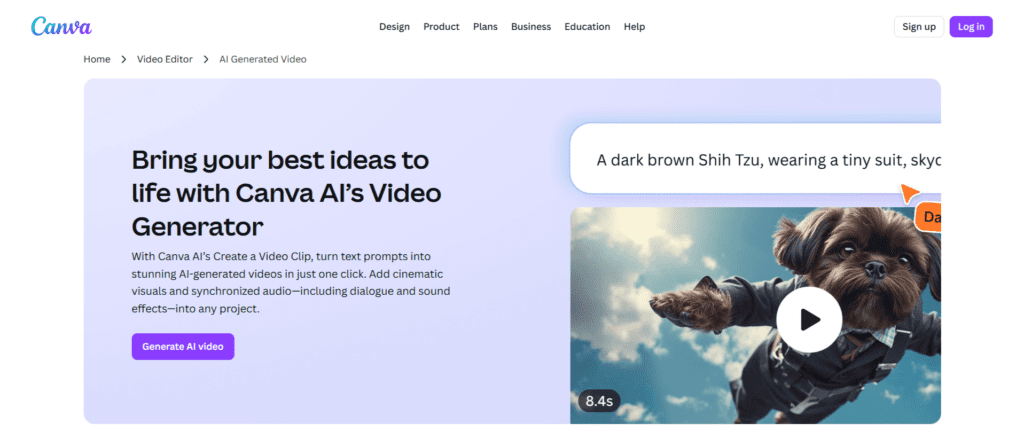
Best for: Beginners & social media creators
Specifications:
- AI scriptwriting
- AI video generator
- Template library
- Animations & filters
Pros:
- Simple interface
- Perfect for marketers
Cons:
-
Less advanced than Runway or Sora
Pricing: Free tier available; premium features in paid plans.
If you want more AI tools beyond video—productivity, images, automation, etc.—check Best Free AI Tools.
How to Choose the Best AI Video Generator
Ask yourself:
- What type of generated videos do you need? (ads, training, social, explainers)
- Do you need AI avatars or cinematic AI scenes?
- What is your budget?
- How important is branding & customization?
- Do you need voiceover + subtitles included?
If you’re unsure, start with free versions of HeyGen, VEED, or Lumen5—then scale up to Runway, Synthesia, or Colossyan when ready.
Conclusion
The rise of AI Video Generators is transforming how creators, brands, and businesses produce videos. Whether you need the best video AI generator for marketing, YouTube, e-learning, or product demos, there’s a tool designed for your workflow.
If you’re just getting started, try HeyGen, Lumen5, or VEED for quick wins. For professional, enterprise-grade production, explore Runway, Synthesia, or Colossyan.
Need Help Building AI-Powered Video Content?
If you want to scale your video marketing with AI but don’t know where to start, Reliqus Marketing can help.
We specialize in:
- AI-powered video creation
- Content marketing
- SEO-driven video scripts
- YouTube channel growth
- Complete social media video strategies
Let us turn your ideas into high-performance video content.
FAQs
1. Are AI video generators worth it?
Yes. They save hours of editing time and reduce production costs by up to 80%.
2. Can AI create full videos from text?
Yes. Tools like InVideo AI, Sora, and Google Veo can create complete videos from a simple prompt.
3. Which AI video generator is best for beginners?
Canva, Filmora, and InVideo AI are the easiest to use.
4. Can AI generate realistic movies?
Yes, tools like Sora and Google Veo produce near-cinematic results.
5. Which AI tool is best for YouTube videos?
Descript and InVideo AI are ideal for YouTube creators.
6. What are the best free AI video generators?
Canva, Filmora, Runway (free tier), and Luma Labs offer free credits.
7. Can AI replace video editors?
Not entirely—AI helps speed up production, but human creativity still matters.