
Creating YouTube Shorts in 2026 is easier—and faster—than ever. You no longer need a camera, video editing skills, or a full production setup. With the right AI YouTube Shorts generator, you can turn simple ideas or text prompts into scroll-stopping videos in minutes.
Whether you want a free AI YouTube Shorts generator, a tool that makes faceless videos, or something that converts existing videos into Shorts automatically, this guide walks you through the best options available today.
Let’s dive into the top tools, how they work, and how you can use them to create viral content quickly.
Why AI Tools Matter for YouTube Shorts in 2026
YouTube Shorts are dominating discoverability. But keeping up with daily uploads is tough—unless you automate.
Modern YouTube Shorts AI tools can:
- Write scripts
- Generate scenes
- Add media and animations
- Provide AI voiceovers
- Edit videos to match trending templates
- Convert long-form content into Shorts instantly
In short, an AI YouTube Shorts maker can take an idea and turn it into a polished video without you doing the heavy lifting.
If you’re also repurposing long video content, pairing Shorts tools with an AI clip maker can significantly speed up your workflow.
Top 10 Best AI YouTube Shorts Generators for 2026
Below are the best tools that creators, brands, and agencies are using right now to create viral Shorts fast.
1. Invideo AI YouTube Shorts Generator
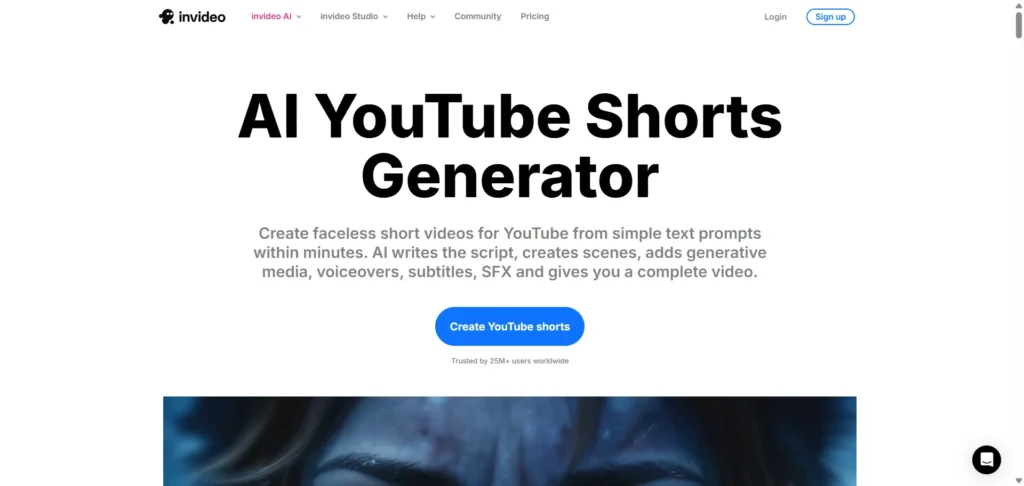
Best for: Faceless YouTube Shorts & fully automated video creation
Specifications:
- Text-to-video creation
- Auto scriptwriting
- AI-generated scenes & visuals
- Built-in voiceovers
- Full editing timeline
Pros:
- Creates complete Shorts from just a prompt
- Ideal for faceless channels
- Professional scenes and visuals
- Easy for beginners
Cons:
- Advanced features require paid plans
- Limited creative control for highly custom edits
- AI-generated visuals can feel generic for competitive niches
2. Canva AI Shorts Maker
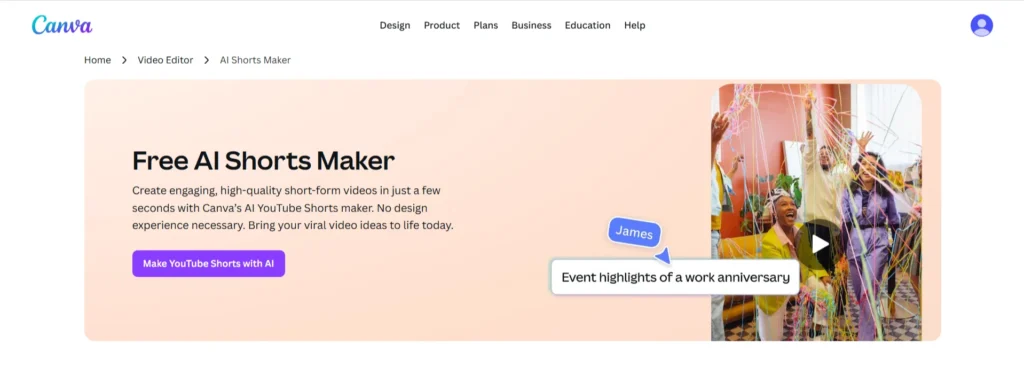
Best for: Creators who want design flexibility and beautiful templates
Specifications:
- Text-to-video
- Magic Media visual generation
- Stock footage + audio
- Drag-and-drop editor
Pros:
- Huge template library
- Great for branded content
- Easy to customize
Cons:
- Some AI features are limited on the free plan
- Less automation compared to dedicated Shorts tools
- Not optimized for viral hook analysis
Canva works especially well when paired with strong thumbnails. See our guide on Best AI YouTube Thumbnail Generators to boost click-through rates.
3. HiggsField AI – Sora Trends Shorts Generator
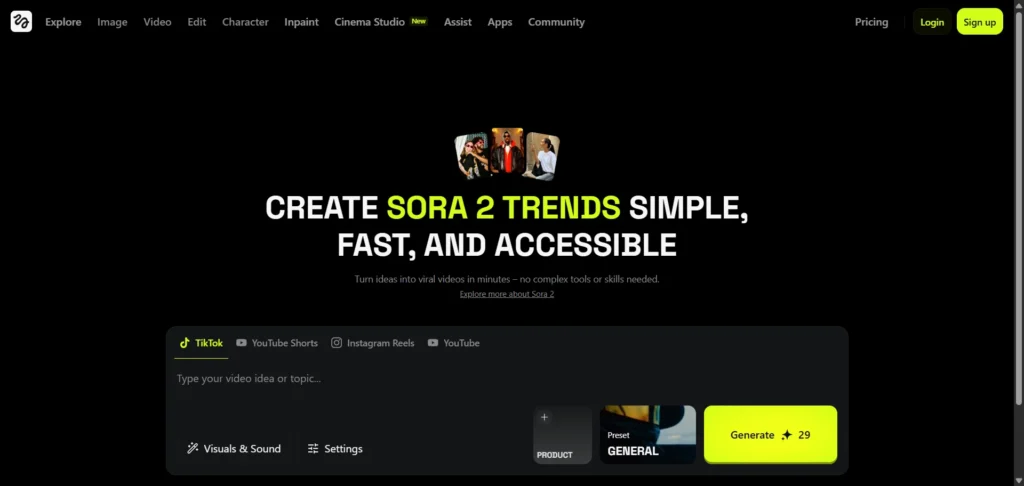
Best for: Super-fast text-to-Shorts creation
Specifications:
- Instant vertical videos
- AI-powered text transformation
- Free video generation
Pros:
- Extremely fast
- Simple, clean workflow
- Free to get started
Cons:
- Limited customization options
- Not ideal for branded or business content
- Minimal control over scene transitions
4. Short AI
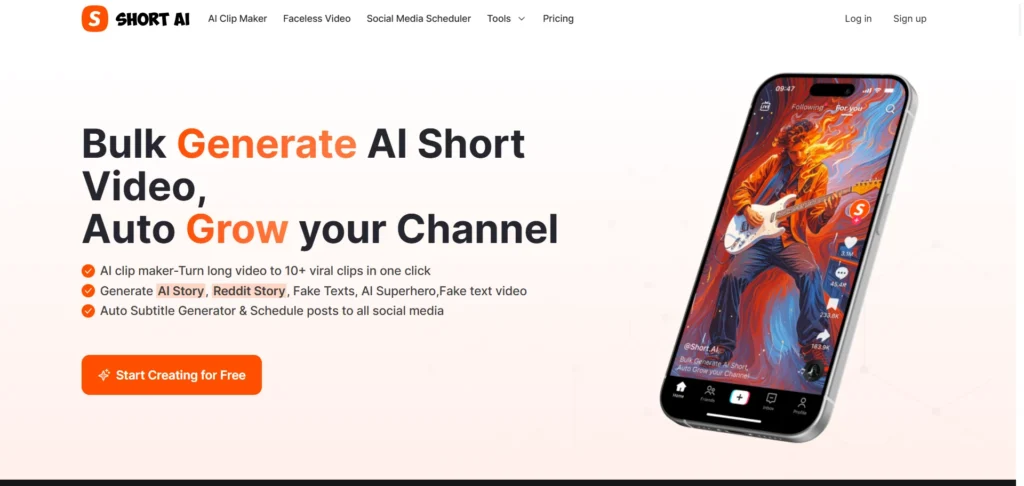
Best for: Auto-generated Shorts + scheduling content
Specifications:
- AI short video generator
- Built-in posting & scheduling
- Auto captions
Pros:
- Great for daily content posting
- Streamlined automation
- Social media scheduling included
Cons:
- More useful for marketers than creatives
- Less flexibility in visual design
- Templates can feel repetitive over time
5. Opus Clip YouTube Shorts Maker

Best for: Turning long videos into multiple Shorts
Specifications:
- AI clip detection
- Auto repurposing
- Free to use
- Highlight and hook generator
Pros:
- Saves hours of manual clipping
- Super accurate highlight detection
- Perfect for podcast & long-form creators
Cons:
- Works best when you upload long videos
- Limited creative control over final edits
- Caption styling options are basic
If you want to extract key moments before clipping, AI summarization tools can help identify the most engaging segments. Check out these Top AI YouTube Video Summarizer Tools to speed up content repurposing for Shorts.
6. Gan.ai Shorts Generator
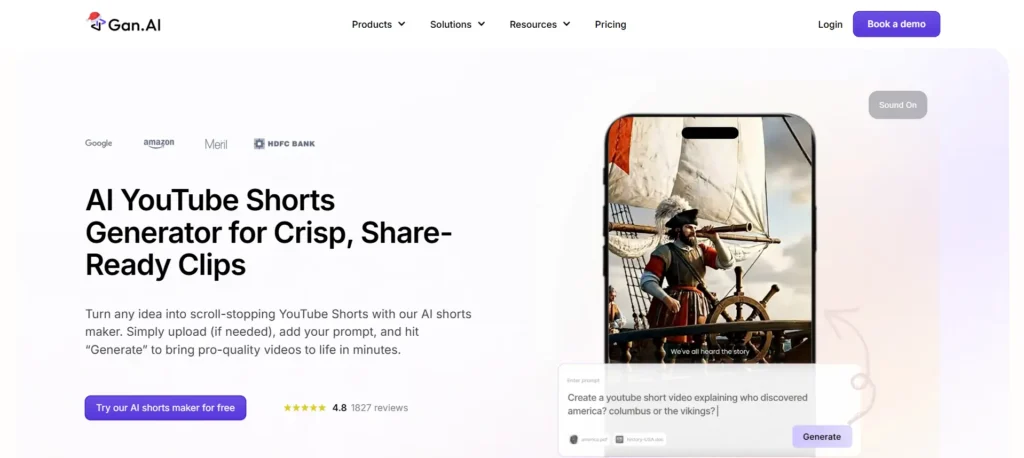
Best for: Watermark-free Shorts creation
Specifications:
- Text-to-video
- Online editing
- No watermark downloads
- Script + voice + visual generation
Pros:
- Free without watermark
- Fast editing tools
- Good for beginners
Cons:
- Interface is more basic than premium tools
- Fewer advanced animation options
- Limited visual templates
7. BigMotion AI
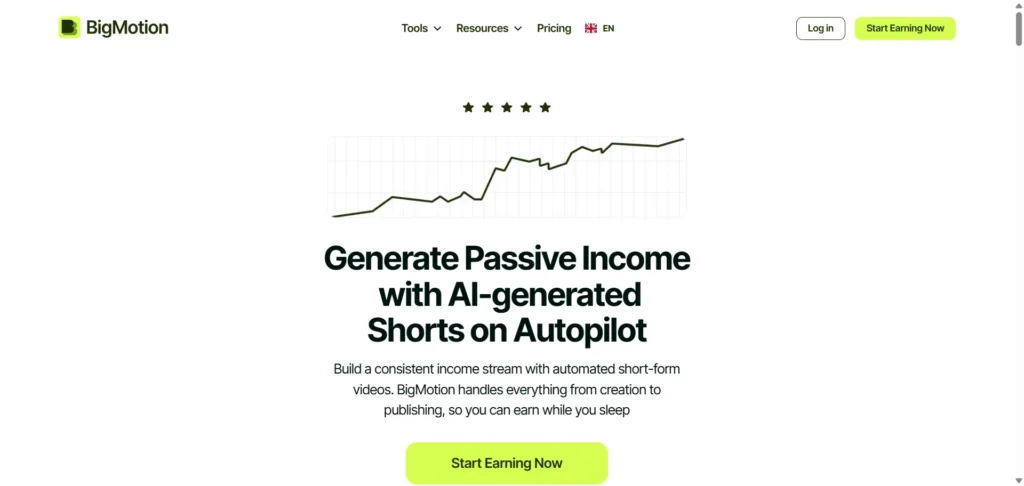
Best for: Viral faceless content & automation
Specifications:
- Autoshorts generator
- Faceless video creation
- TikTok + Shorts automation
Pros:
- Great for niche faceless channels
- Fast generation
- Hands-off publishing
Cons:
- Limited design customization
- Best suited for faceless content only
- Less control over branding elements
8. HeyGen AI YouTube Shorts Generator

Best for: Shorts with avatars & AI presenters
Specifications:
- Text-to-Shorts
- Realistic avatars
- Voice cloning
- Video import
Pros:
- High-quality avatar videos
- Great for educational channels
Cons:
- Avatars can feel “corporate” if not customized
- Premium avatar features are expensive
- Less natural movement in fast-paced Shorts
9. ShortsGenerator.ai

Best for: Idea-to-video creation for TikTok, Instagram, and Shorts
Specifications:
- Multi-platform output
- Link or text-based generation
- Automated editing
Pros:
- Simple, clean UI
- Versatile for multiple platforms
Cons:
- Best suited for quick, simple videos
- Limited advanced editing controls
- Fewer creative templates
10. Imagine.art Shorts Creator
Best for: Artistic, visually unique YouTube Shorts
Specifications:
- AI-generated visuals
- Creative scene building
- Social-optimized formats
Pros:
- Stunning visuals
- Great for unique or experimental content
Cons:
- Not ideal for talking-style Shorts
- Limited text animation options
- Slower rendering for complex visuals
How to Choose the Best AI YouTube Shorts Maker
When picking a tool, consider:
1. What type of content do you create
Faceless? Talking head? Trending edits? Each tool above excels in a different area.
2. Whether you want it free or paid
Some tools offer a powerful AI YouTube Shorts generator free plan, while others charge for premium features.
3. How fast do you need to produce content?
Daily posters should focus on automation-heavy tools like Short AI, Opus.pro, or BigMotion.
4. If you want complete automation
Tools like InVideo and Canva handle script → visuals → voiceover → editing in one place.
For ad creatives and UGC-style videos, combining Shorts tools with AI tools for UGC video creation and ads can deliver better conversion results.
How to Create Viral YouTube Shorts in Minutes
Here’s a simple workflow using any YouTube Shorts maker free AI tool:
1. Start with a clear topic: Quick tips, lists, reactions, or trending topics perform best.
2. Enter your prompt or upload a video: AI can generate scripts, scenes, visuals, and audio almost instantly.
3. Edit for retention
- Keep it under 20 seconds
- Use fast-paced cuts
- Add captions
- Use sound effects
4. Optimize for YouTube
- Add a hook in the first 1–2 seconds
- Use keywords and hashtags
- Choose a strong thumbnail
5. Post consistently: Consistency is everything — AI tools help you create more in less time.
Final Thoughts
AI is completely changing how Shorts are created, and 2026 is the best time to take advantage of it. With the right AI YouTube Shorts generator, you can produce high-quality videos quickly and stay ahead of trends—without filming or manual editing.
Whether you want a free tool, a faceless content engine, or a fully automated system, the tools above will help you create viral Shorts in minutes.
If you want expert help with Shorts strategy, automation, thumbnails, or monetization, connect with Reliqus Marketing or book a free consultation.
FAQs
1. What is an AI YouTube Shorts generator?
An AI YouTube Shorts generator is a tool that creates short, vertical videos automatically using text prompts, ideas, or existing videos. It helps you produce high-quality Shorts without filming or editing manually.
2. Is there a free AI YouTube Shorts generator?
Yes. Tools like Gan.ai, Higgsfield, and OpusClip offer free versions that let you create Shorts quickly. Some include watermark-free downloads, making them ideal for beginners.
3. Can AI make faceless YouTube Shorts?
Absolutely. Tools such as InVideo and BigMotion specialize in generating faceless Shorts with voiceovers, animations, and stock visuals—perfect for niche channels.
4. Which AI tool is best for converting long videos into YouTube Shorts?
OpusClip (Opus.pro) is one of the best options. It automatically finds the most engaging clips from your long-form videos and turns them into Shorts with captions.
5. Are AI-generated Shorts good for YouTube growth in 2026?
Yes. YouTube Shorts are a major source of reach and algorithm discovery. AI tools let you publish more consistently, increasing your chances of going viral and growing your channel faster.