
Creating videos no longer requires expensive software, editing skills, or a full production team. With a text to video AI generator, you can turn simple text prompts, scripts, or blog content into engaging videos in minutes. Whether you’re a marketer, business owner, educator, or content creator, text to video AI platforms are changing how videos are made—faster, cheaper, and more accessible than ever.
In this guide, we’ve rounded up the best text to video AI tools available today, including paid options, free AI generators, tools without watermarks, and even platforms that work free online without a login.
Text to Video AI Generator, text to video AI tools, text to video AI platforms, AI Text to Video Generator Tools
Why Use a Text to Video AI Generator?
A text-to-video AI tool automatically transforms written content—scripts, blog posts, or prompts—into videos using visuals, animations, voiceovers, and subtitles. These tools are especially useful for:
- Social media videos
- Marketing and promotional content
- YouTube shorts and reels
- Educational and training videos
- Business presentations
Many of today’s tools also offer text-to-video AI free online versions, making them accessible for beginners and small businesses. If your focus is creating short-form content like reels, YouTube Shorts, or social ads, many creators also rely on AI clip maker tools to quickly turn long videos into bite-sized clips optimized for engagement.
Best Text to Video AI Generator Tools
1. VEED.io
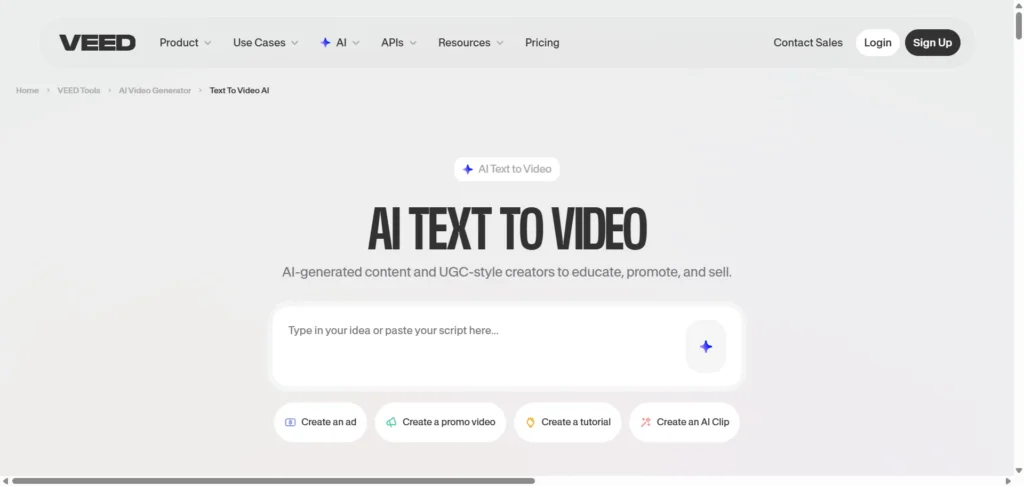
Best for: Quick social media videos and subtitles
Specifications:
- Browser-based editor
- AI-generated visuals and captions
- Supports multiple video formats
Pros:
- Very easy to use
- Strong subtitle and caption tools
- Ideal for short-form content
Cons:
- Free version includes a watermark
- Limited customization on lower plans
2. InVideo
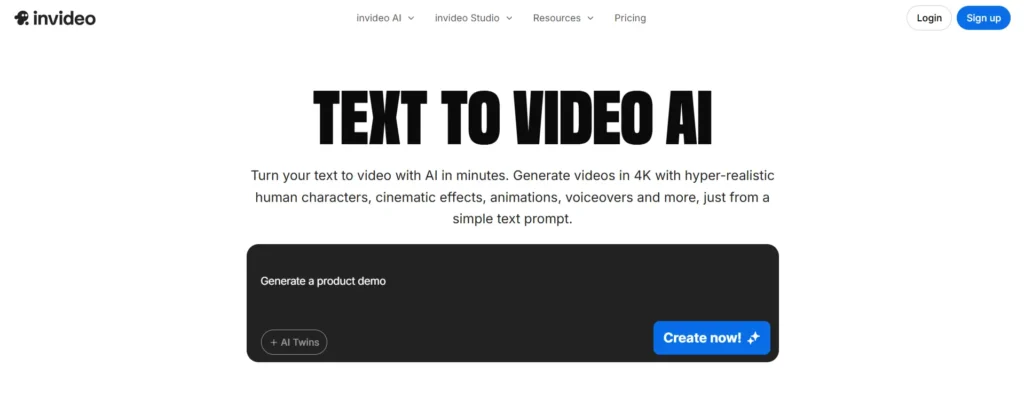
Best for: Marketing and promotional videos
Specifications:
- Thousands of templates
- Script-to-video workflow
- Stock media library included
Pros:
- Beginner-friendly
- Great for ads and brand videos
- Supports team collaboration
Cons:
- Watermark on free plan
- Can feel template-heavy
Brands focused on authenticity and conversions often pair text-to-video platforms with AI tools for UGC video creation and ads to produce creator-style content that performs well on paid and organic campaigns.
3. DeeVid AI
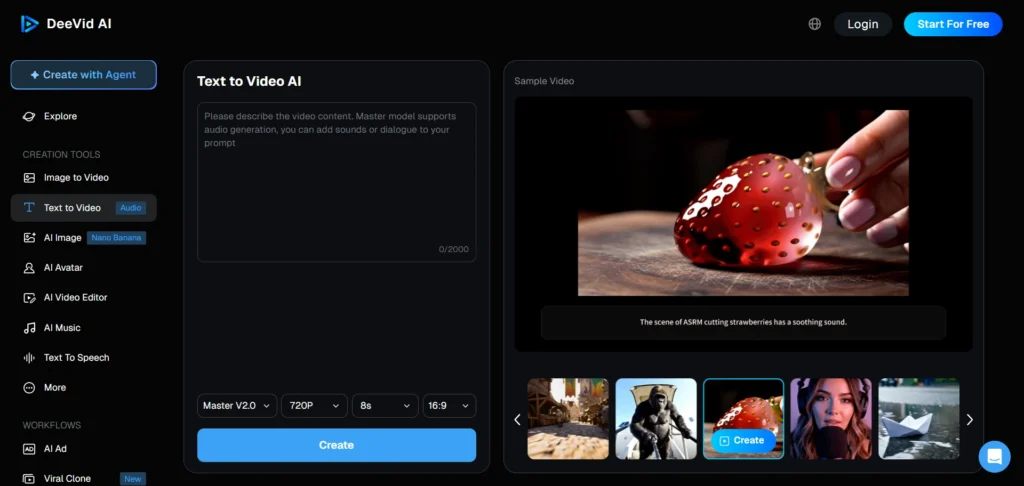
Best for: Creative AI-generated visuals
Specifications:
- Prompt-based video generation
- AI-driven scene creation
Pros:
- Unique visuals
- Good for experimental content
- Clean interface
Cons:
- Less control over fine edits
- Still evolving as a platform
4. Synthesia
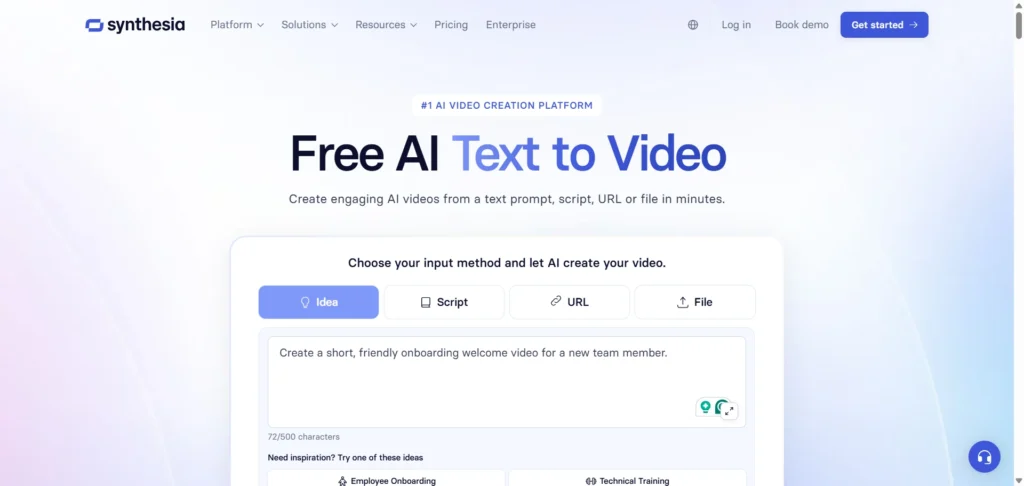
Best for: Corporate training and explainer videos
Specifications:
- AI avatars with voice narration
- Multilingual support
- Enterprise-ready features
Pros:
- Professional-looking output
- Ideal for business communication
- Strong voice quality
Cons:
- Not a free text to video AI
- Limited creative visuals
5. Fliki
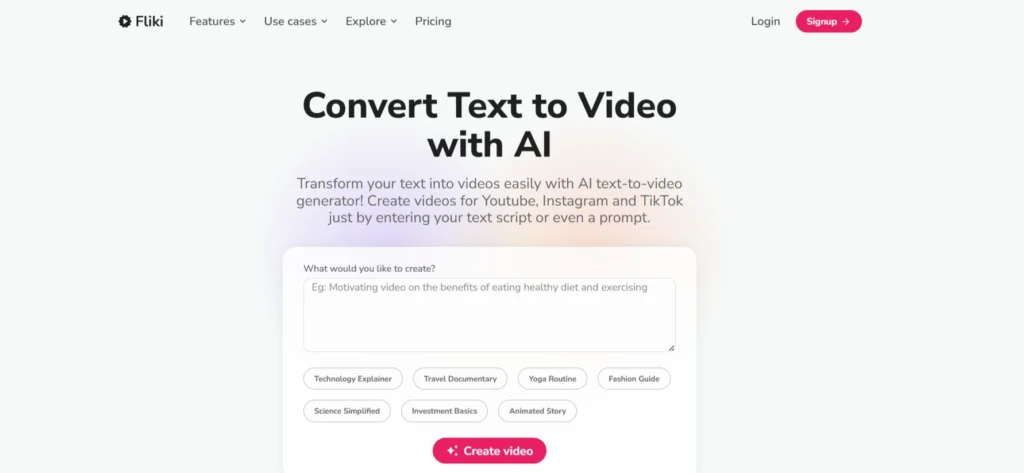
Best for: Blog-to-video and narration videos
Specifications:
- Text-to-video and text-to-speech
- Stock visuals and AI voices
Pros:
- Natural-sounding voiceovers
- Easy script import
- Good free tier
Cons:
- Limited design customization
- Free version restrictions
6. HeyGen
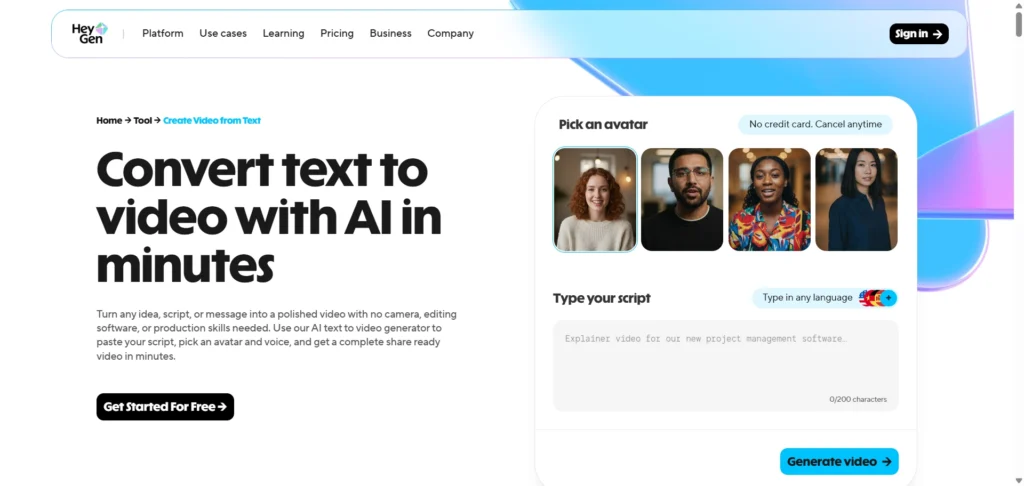
Best for: AI avatar-based videos
Specifications:
- Talking-head style videos
- Script-to-video automation
Pros:
- Realistic avatars
- Great for presentations
- Simple workflow
Cons:
- More business-focused
- Limited creative styles
7. MindVideo AI
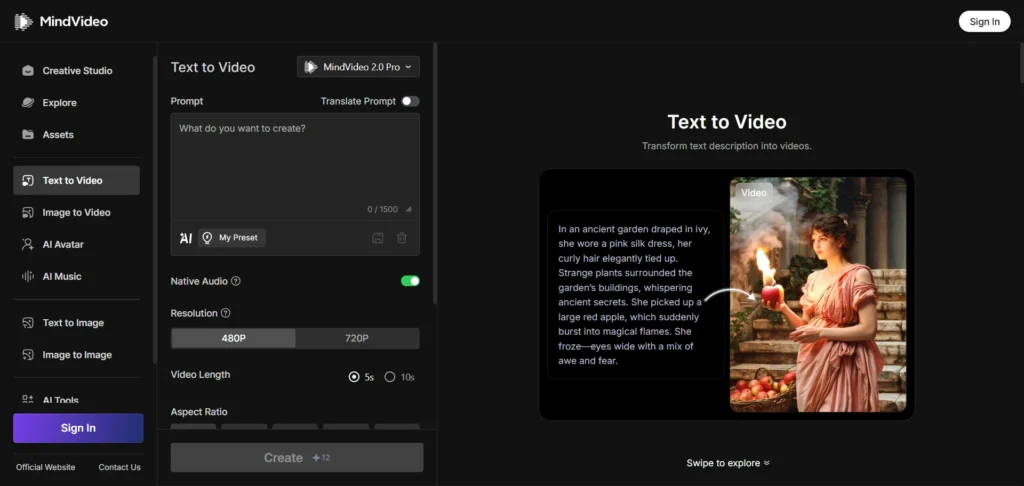
Best for: Fast text-based video creation
Specifications:
- AI scene generation
- Automatic transitions
Pros:
- Simple and fast
- Good for short videos
- Clean UI
Cons:
- Fewer templates
- Limited export options
8. Kling AI
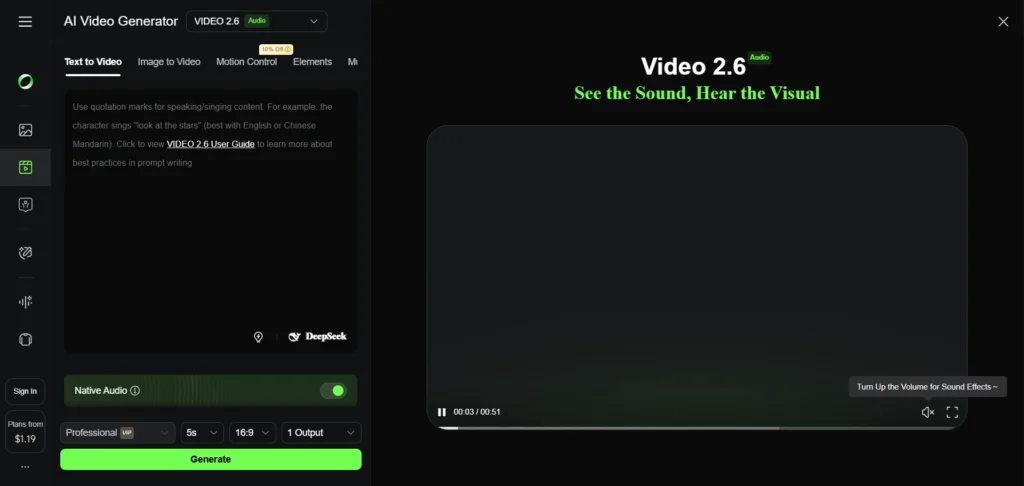
Best for: High-quality AI-generated videos
Specifications:
- Advanced AI video rendering
- Text-to-scene conversion
Pros:
- High visual quality
- Strong AI interpretation
Cons:
- Limited availability
- Not beginner-focused
9. Renderforest
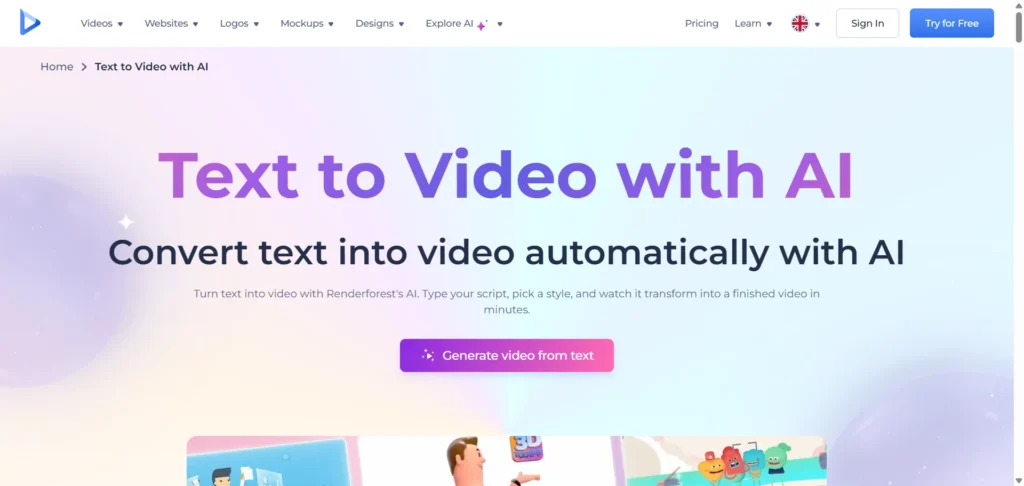
Best for: Branded videos and presentations
Specifications:
- Template-based video creation
- Branding tools included
Pros:
- Professional templates
- Good for businesses
- All-in-one platform
Cons:
- Free version watermark
- Limited creative freedom
10. Pixlr Video Generator
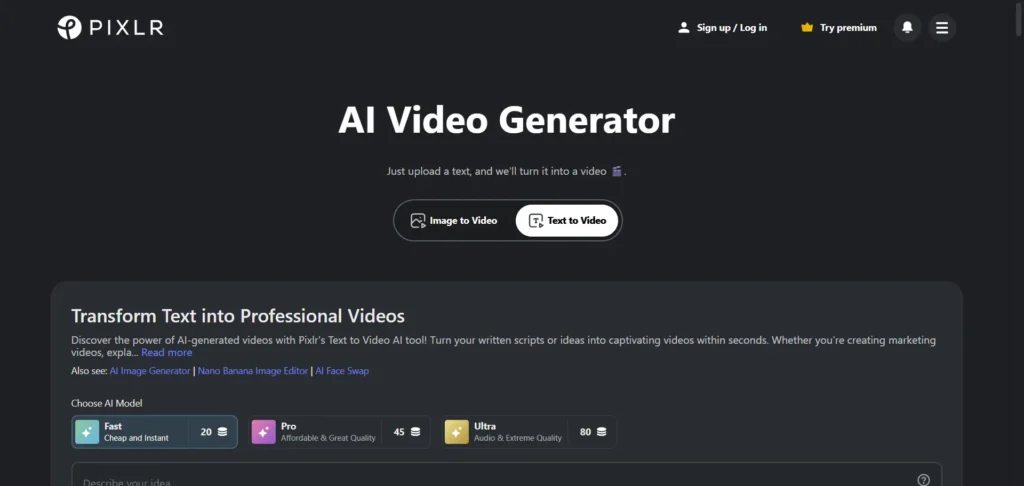
Best for: Quick AI video drafts
Specifications:
- Simple text-based video creation
- Browser-based tool
Pros:
- Easy to access
- No steep learning curve
Cons:
- Basic features
- Not ideal for long videos
Free Text to Video AI Without Watermark
11. Vadoo AI
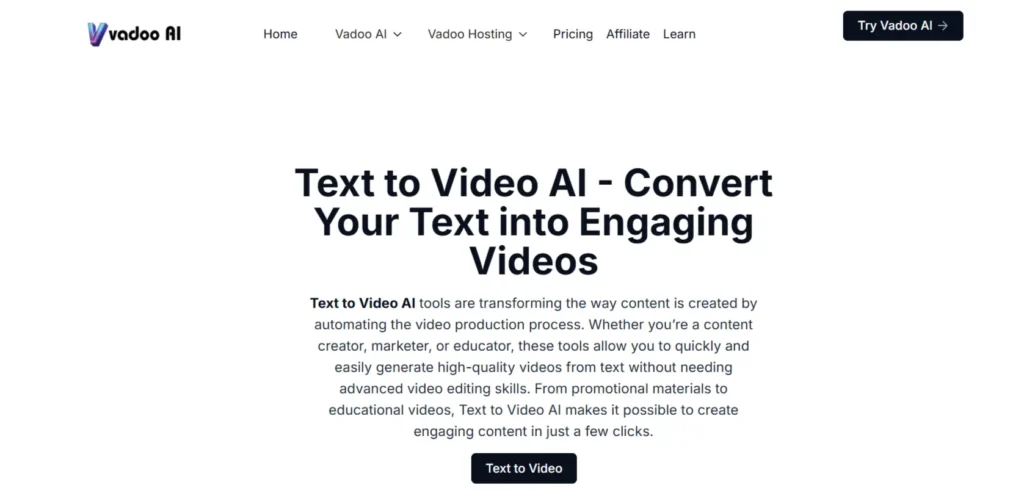
Best for: Short-form videos without watermarks
Specifications:
- AI video generation
- Social-media-ready output
Pros:
- No watermark
- Fast processing
- Good for reels and shorts
Cons:
- Limited advanced controls
- Export limits
12. Kapwing
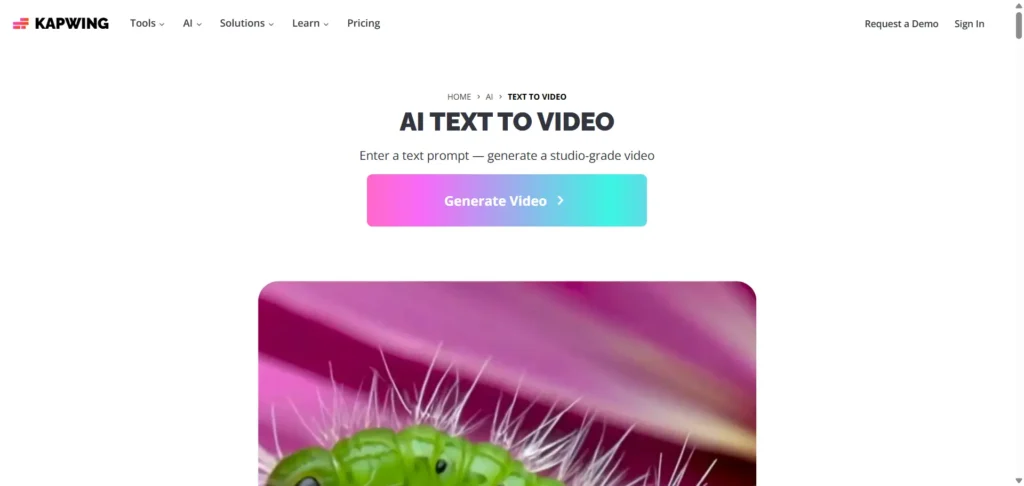
Best for: Collaborative video editing
Specifications:
- AI-assisted video creation
- Team-friendly editor
Pros:
- Free text to video AI option
- Easy collaboration
- Cloud-based
Cons:
- Watermark on free exports
- Requires account
Free Text to Video AI Online Without Login
13. Vidnoz
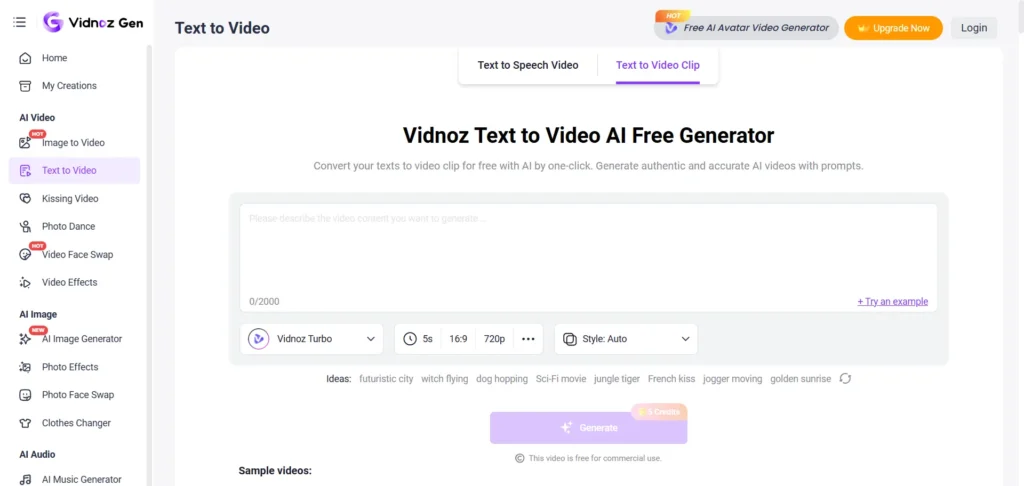
Best for: Avatar-based videos without login
Specifications:
- AI presenters
- Text-to-video workflow
Pros:
- Free online access
- No login required
- Good voice options
Cons:
- Branding limitations
- Not ideal for creative visuals
While text-to-video AI platforms are great for speed, advanced customization often requires dedicated AI video editing software for fine-tuning visuals, transitions, and branding.
How to Choose the Best Text to Video AI Platform
The best text-to-video AI generator depends on your goals:
- For marketing & branding: InVideo, Renderforest, VEED
- For training & corporate use: Synthesia, HeyGen
- For free usage: Vadoo, Kapwing, Upsampler
- For AI creativity: Kling AI, DeeVid
If you’re planning to scale video content for SEO, ads, or brand growth, pairing these tools with a strong content and marketing strategy makes a huge difference. This is where working with an experienced digital marketing partner like Reliqus Consulting can help.
From content strategy to performance-driven campaigns, our team helps businesses turn AI-generated content into real results. You can also explore a free consultation to see how video fits into your marketing goals.
Final Thoughts
Text-to-video technology has made video creation faster and more accessible than ever. Whether you’re looking for a free text to video AI generator, a tool that works online without login, or a premium platform for professional videos, there’s an option for every use case.
For creators exploring advanced workflows beyond text-based inputs, our curated list of AI video generators highlights platforms that use prompts, avatars, and cinematic AI visuals.
The key is choosing a tool that fits your workflow—and using it consistently to turn ideas into engaging videos that actually perform.
FAQs: Text to Video AI Generator
What is a text to video AI generator?
A text to video AI generator is a tool that converts written text, scripts, or prompts into videos using artificial intelligence.
Is there a free text to video AI available?
Yes, tools like Upsampler, Vidnoz, Vadoo, and Kapwing offer free plans with certain limitations.
Can I use text to video AI free without watermark?
Some platforms, such as Kapwing and Vadoo AI, offer limited watermark-free exports.
Are there text to video AI tools that work online without login?
Yes. Upsampler and Vidnoz allow free usage without account registration.
What is the best text to video AI platform for marketing videos?
InVideo, VEED, and Renderforest are popular for ads and branded content.
Can text to video AI be used for business or training videos?
Absolutely. Synthesia and HeyGen are widely used for corporate training and internal communication.
Is text to video AI suitable for social media content?
Yes. VEED, Vadoo, Pixlr, and similar tools are ideal for reels, shorts, and ads.
Do text to video AI generators replace video editors?
They don’t fully replace professional editors but dramatically reduce production time for scalable content.