
In the modern digital world, whether you’re sending outreach emails, client proposals, follow-ups, or casual “checking in” messages, crafting a well-written email can take time. That’s where AI-powered email generators come to the rescue. With a good free AI email generator, you can save hours, avoid writer’s block, and keep your messages professional and effective.
In this article — brought to you by Reliqus Marketing — we explore the best free AI email generator tools available in 2026. Whether you want a quick reply, a cold outreach email for sales, or a business proposal, there’s likely an AI tool suited for your needs.
We’ll cover 10+ tools, each with a brief description, its best use, specifications (as known), pros & cons, and approximate pricing.
Why Use an AI Email Generator?
Before diving into the tools, let’s explore why AI email generators are worth your time:
- Save Time: Draft emails in seconds instead of spending hours composing.
- Improve Clarity: AI ensures your emails are clear, professional, and easy to understand.
- Consistency: Maintain a consistent tone across all communications.
- Generate Ideas: Get suggestions for subject lines, email structure, and messaging.
- Reduce Errors: AI can help minimize typos, grammar mistakes, and awkward phrasing.
If you’re looking to go beyond simple email drafts, many professionals also rely on AI-powered email assistants to manage inboxes, automate responses, and streamline daily communication.
With these benefits, it’s no surprise that AI email writers have become an essential part of modern workflows.
Top Free AI Email Generator Tools for 2026
Here are the tools we recommend. All are either free or offer free tiers or free-to-use versions suitable for individuals, marketers, and businesses.
1. QuillBot – Free AI email writer & generator
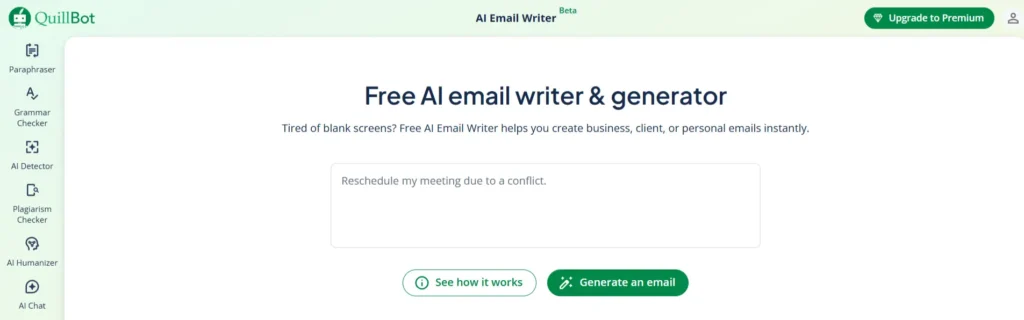
Best for: Writing professional emails in seconds
Specifications:
- AI-powered email composition
- Generates multiple drafts
- Tone and style adjustments
Pros:
- Fast and intuitive
- Free to use for basic emails
- Polished and professional outputs
Cons:
- Some advanced features require a premium plan
2. Editpad AI Email Writer
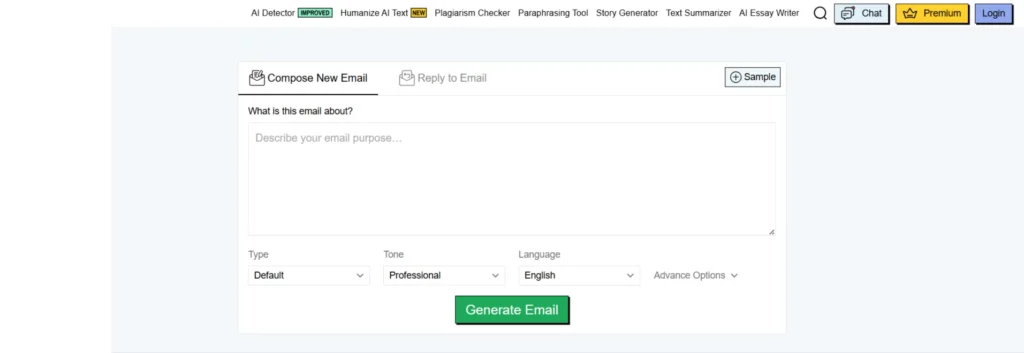
Best for: Simple, free email generation
Specifications:
- Generates professional emails from user prompts
- Free to use without signing up
- Clean interface
Pros:
- Completely free
- No sign-up required
- Lightweight and easy to navigate
Cons:
- Fewer formatting and tone options
- Limited personalization
3. Toolsaday AI Email Generator
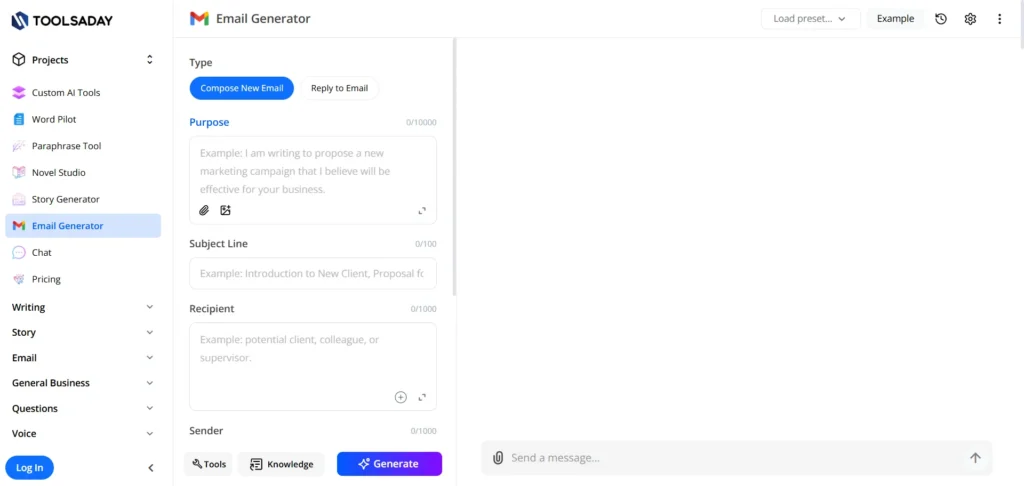
Best for: Quick professional email drafts
Specifications:
- Generates emails based on user-provided guidelines
- AI-generated structure and content
- Free tool
Pros:
- Fast generation
- Simple instructions for better email context
- Free
Cons:
- Limited templates
- May need minor editing for tone consistency
4. Appointo – Free AI Email Writer Tool
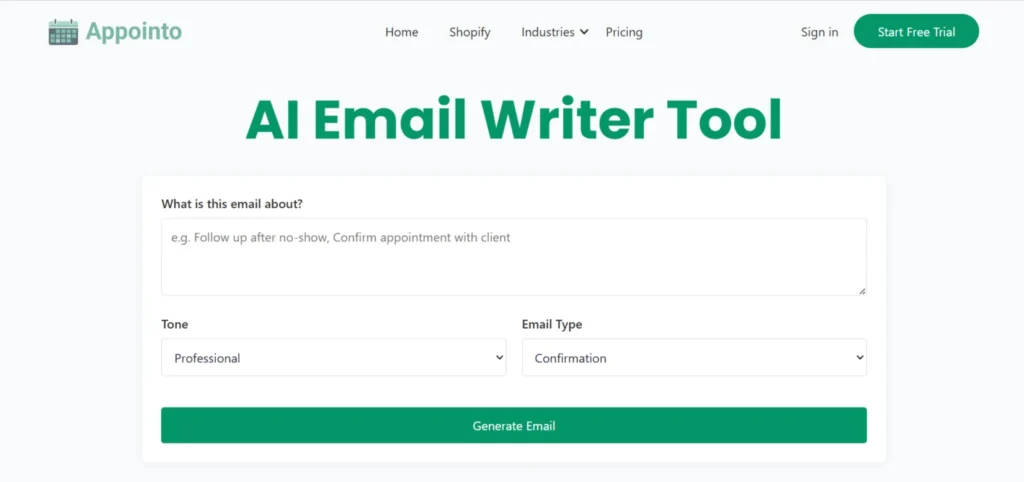
Best for: One-page, ready-to-send emails
Specifications:
- Powered by ChatGPT AI
- Fully-written emails from prompts
- Minimal setup required
Pros:
- Instant results
- No complex setup
- Perfect for busy professionals
Cons:
- Single-page interface may feel limited
- Fewer advanced customization options
5. Mailmodo – Generative AI to write emails in seconds
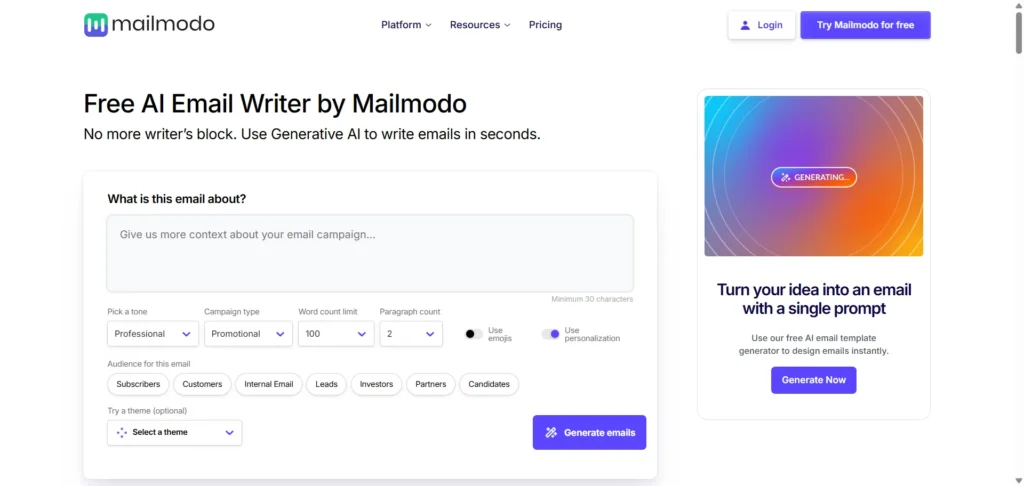
Best for: Marketing and professional emails
Specifications:
- Tailored tone and formatting
- Audience-stage targeting
- AI-powered email composition
Pros:
- Professional-grade emails
- Marketing-friendly templates
- Quick output
Cons:
- Premium features locked behind a paid plan
- Mainly marketing-focused
6. Hiver – Create effective emails for free
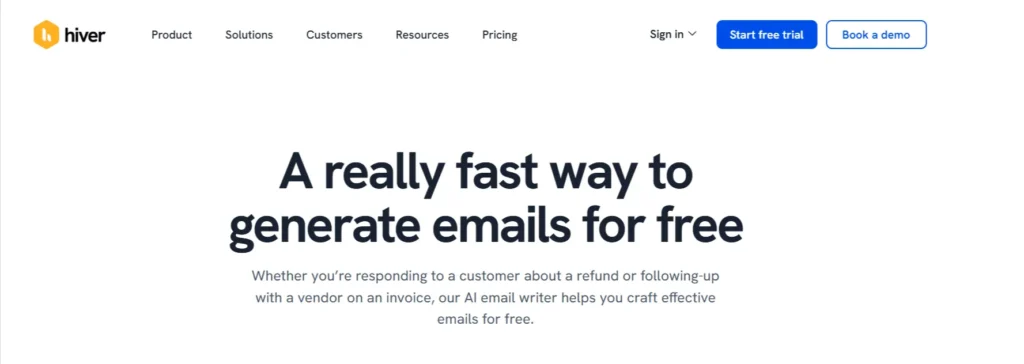
Best for: Quick, clear, professional emails
Specifications:
- Multiple drafts generated
- Intuitive interface
- AI-powered
Pros:
- Fast and reliable
- Multiple drafts to choose from
- Free to use
Cons:
- Customization is basic
- Limited to complex email structures
7. Voila – Craft professional and effective email replies
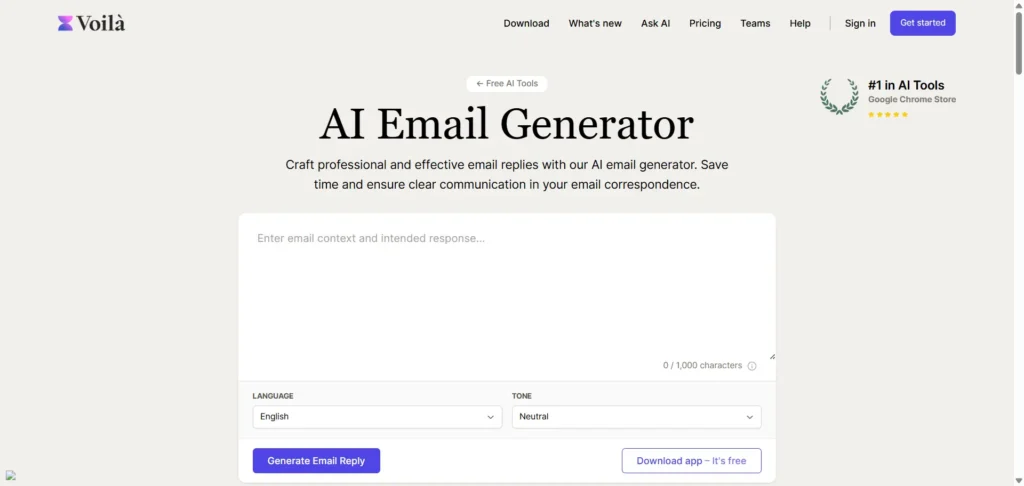
Best for: Professional email replies
Specifications:
- Craft effective replies
- Contextually relevant suggestions
- AI-generated structure
Pros:
- Saves time on email responses
- Context-sensitive
- Clear and professional outputs
Cons:
- May need minor editing for tone
- Advanced features in the paid plan
8. AImReply
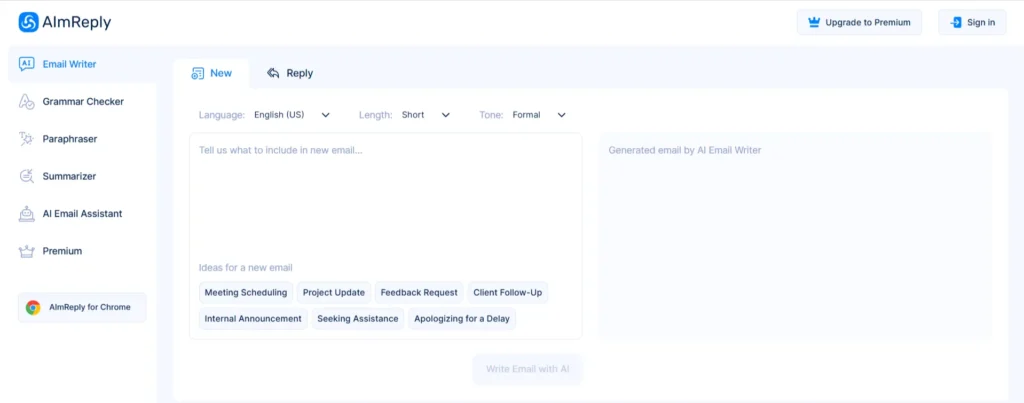
Best for: Email copywriting and subject line generation
Specifications:
- AI-powered email generation
- Generates subject lines, email content, and variations
- Customizable templates
Pros:
- Comprehensive email writing tool
- Fast generation
- Professional outputs
Cons:
- The free version may be limited in the number of emails
- Requires careful prompt crafting
9. Wrizzle AI Email Writer
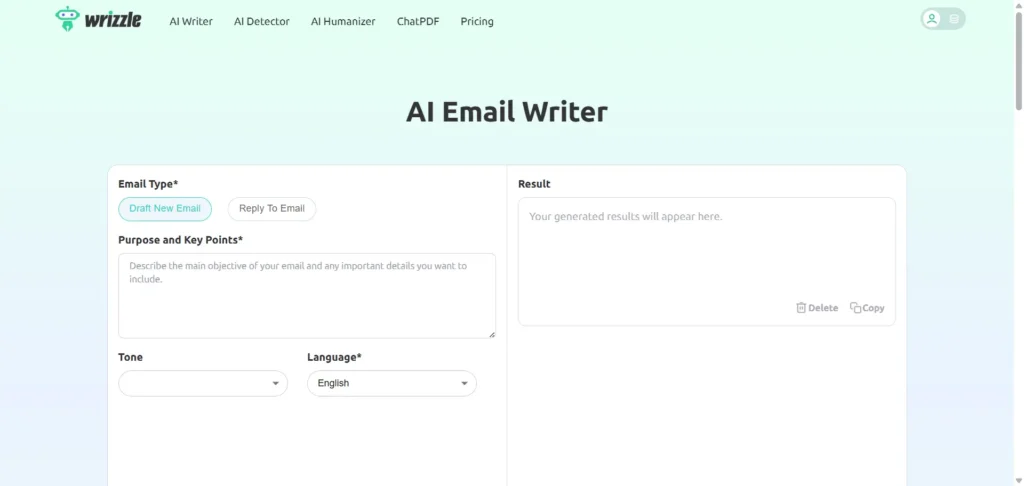
Best for: Business proposals, casual replies, and professional emails
Specifications:
- Generates ready-to-send emails
- AI-powered customization
- Free and easy-to-use
Pros:
- Fast email generation
- Supports business and casual emails
- Free version available
Cons:
- The free version may have limited features
- No advanced email automation
10. Mailmeteor AI Email Writer
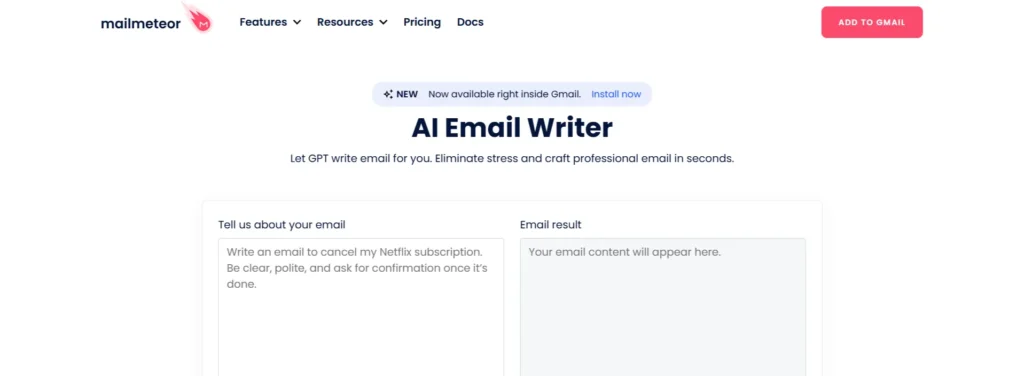
Best for: Quick, high-quality email drafts
Specifications:
- AI-powered email generation
- Intuitive user interface
- Designed for productivity
Pros:
- Fast and accurate
- Easy for Gmail users
- Free
Cons:
- Limited advanced customization
- Mainly Gmail-focused
11. HelpDesk – AI-powered email generator
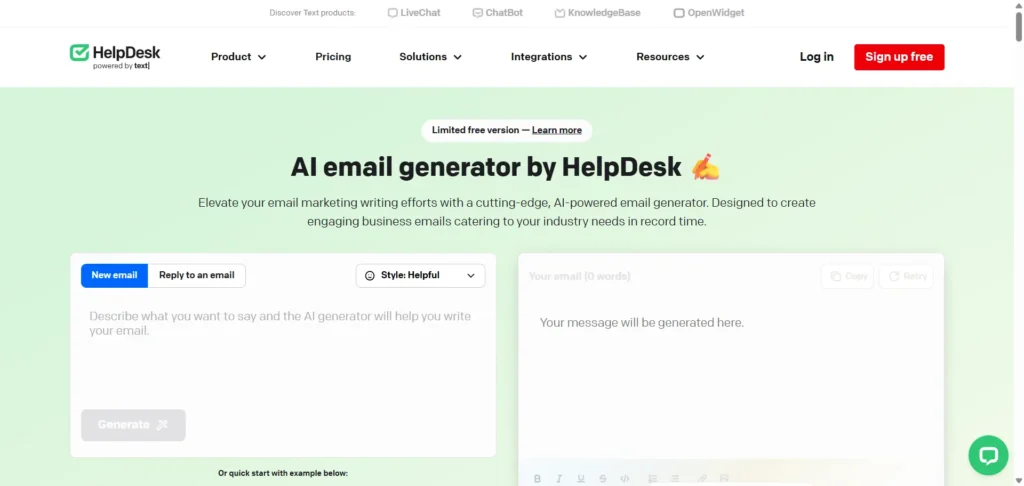
Best for: Business emails tailored to your input
Specifications:
- Generates AI-powered business emails
- Input-based customization
- Professional tone
Pros:
- Saves time
- Produces high-quality emails
- Easy to use
Cons:
- Advanced features may require a premium
- Focused on business emails
Why Reliqus Marketing Recommends Using AI Email Generators
At Reliqus Marketing, we understand the importance of saving time while maintaining professional communication. AI email generators help businesses boost productivity, reduce writing friction, and ensure every message sounds polished and purposeful.
Whether you’re handling client outreach, running email marketing campaigns, or managing internal communication, AI-powered tools allow you to focus on strategy while automation handles the writing.
Final Thoughts
Using an AI email generator can save hours every week and help you create clear, professional, and effective emails effortlessly. From quick replies to full-scale marketing campaigns, the tools listed above offer reliable solutions for different use cases.
If you’re unsure which AI tools best fit your business goals, you can also explore a free AI consultation with our team to get expert guidance tailored to your needs.
Before diving into the FAQs, feel free to get in touch with Reliqus Marketing if you have questions about AI tools, digital marketing, or automation strategies.
FAQs
Q1. Are AI email generators free to use?
Yes, many AI email generators offer free versions. Some tools also provide premium plans for advanced features.
Q2. Can AI tools generate marketing emails?
Absolutely. Tools like Mailmodo and Hiver specialize in creating marketing-friendly emails.
Q3. Are AI-generated emails grammatically correct?
Most AI email generators use advanced algorithms to ensure proper grammar, clarity, and professional tone.
Q4. Can I customize the AI email output?
Yes, many tools allow you to adjust tone, style, and content based on your needs.
Q5. Will AI emails replace human email writing?
AI helps speed up the process and improve quality, but human oversight is still recommended to ensure context and personalization.
Q6. Which tool is best for quick replies?
Voila AI Email Reply Generator and Appointo’s Free AI Email Generator are excellent for fast, context-sensitive replies.
Q7. Can AI email generators be used for Gmail and Outlook?
Yes, most tools can be used across email platforms like Gmail, Outlook, and other web-based clients.