
Long YouTube videos can be helpful… but let’s be honest — nobody always has time to sit through a 45-minute tutorial, a 60-minute podcast, or a 2-hour lecture. That’s exactly why tools like an AI YouTube video summarizer have become essential in 2026.
Whether you’re a student, marketer, blogger, researcher, or someone who just wants the quick takeaways, an AI that summarizes YouTube videos helps you save time, boost productivity, and understand the content faster.
In this guide, we’re reviewing the top AI tools that actually work in 2026, including browser-based tools and Chrome extensions. We will cover key features, pricing, pros, cons, and who each tool is best for.
Let’s dive in.
Why You Need an AI YouTube Video Summarizer in 2026
Using an AI YouTube video summarizer helps you:
- Save hours by reading quick notes instead of watching full videos
- Improve productivity
- Extract key takeaways and action points
- Summarize tutorials, lectures, and podcasts instantly
- Repurpose long videos into blogs, scripts, captions, and social posts
For brands actively working on content repurposing and distribution, combining video summaries with professional social media services can significantly improve reach and engagement.
Whether you are a marketer, student, researcher, or content creator, these tools make your workflow easier and faster.
Top AI YouTube Video Summarizer Tools (2026)
Below are the best AI tools that can summarize YouTube video content quickly and accurately.
1. NoteGPT
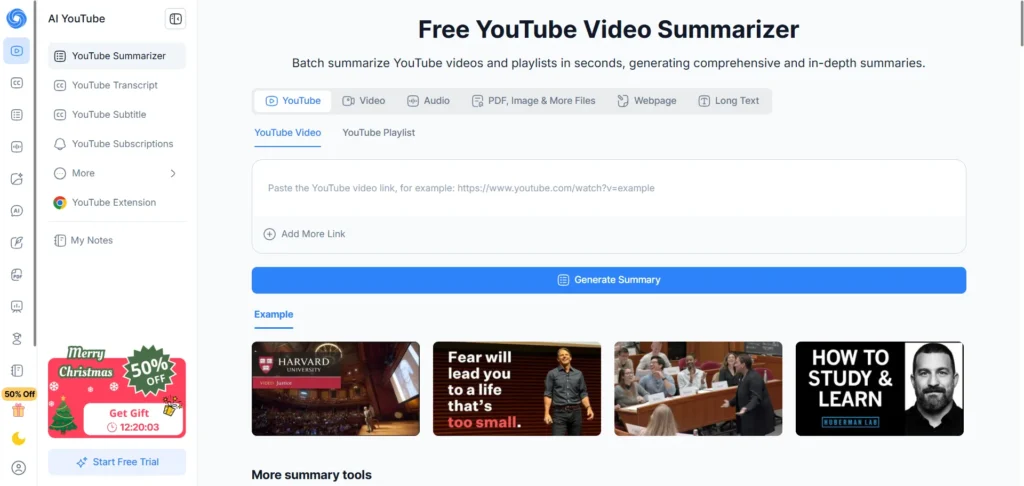
Best for: Fast summaries + learning notes
Specifications:
- Generates summaries, timestamps, and insights
- Supports multiple languages
- Chrome extension available
- Ideal for tutorials and educational videos
Pros:
- Very accurate summaries
- Easy to use
- Includes note-taking features
Cons:
- Advanced features require a paid plan
- UI can feel cluttered for new users
- Limited customization for summary formats
Pricing: Free plan available; premium starts from $8/month.
2. Decopy AI YouTube Video Summarizer
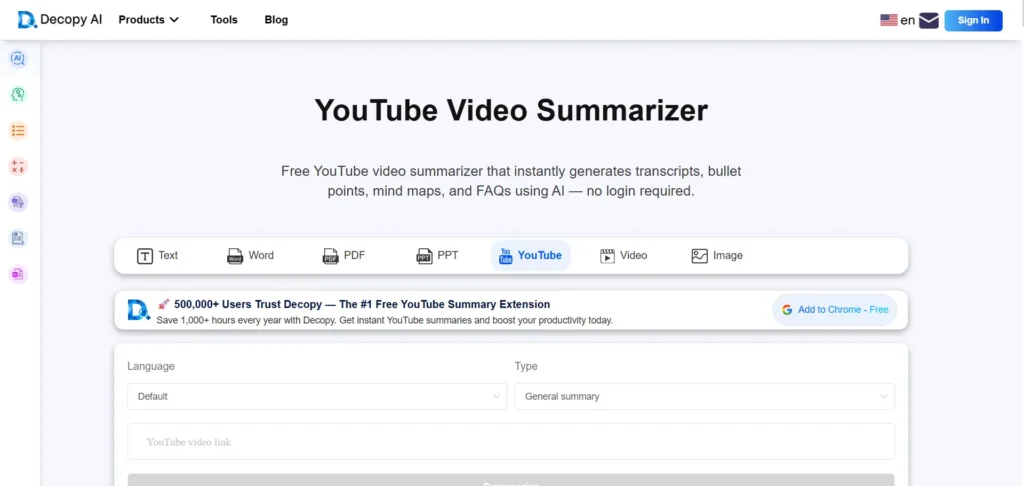
Best for: Quick video-to-text conversion
Specifications:
- URL-based summarizer
- Instant transcript extraction
- Multiple summary styles (short, medium, detailed)
Pros:
- Clean UI
- Fast processing
- Quick summarization
- Good for academic or research-style notes
Cons:
- Limited free usage
- No Chrome extension
- Lacks collaboration features
Pricing: Free basic usage; paid plans available.
3. Notta YouTube Video Summarizer
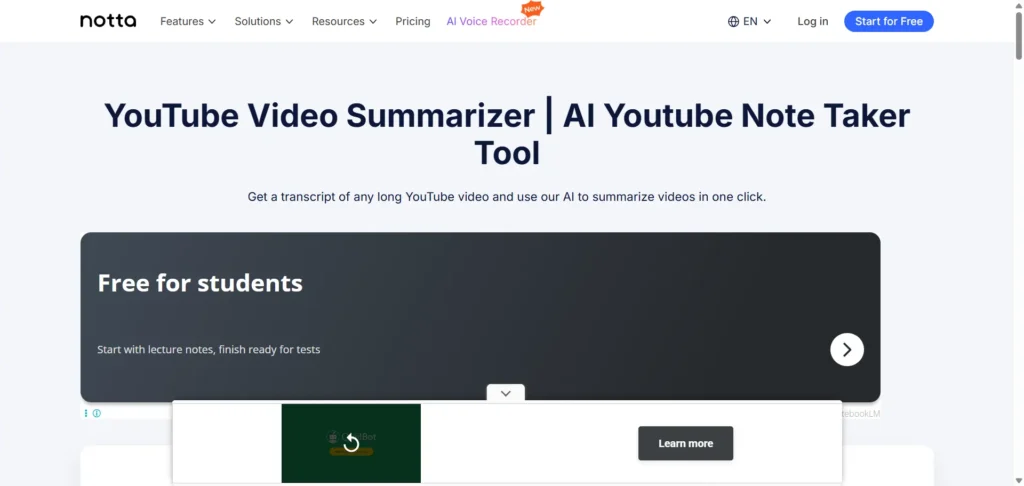
Best for: Transcription + Summaries
Specifications:
- Highly accurate transcription
- AI-powered concise summaries
- Multi-language support
- Supports MP4 + YouTube URLs
- Converts voice to text
Pros:
- Great for long videos
- Detailed outputs
- Great speech recognition
- Powerful collaboration tools
Cons:
- Summaries are shorter by default
- Interface can feel complex
- Premium needed for exports
Pricing: Freemium; paid plans start at $10/month.
This tool is especially useful if you plan to turn long videos into blogs or captions, similar to workflows used in advanced AI tools for UGC video creation and ads.
4. Monica AI YouTube Summary with ChatGPT

Best for: ChatGPT-style interactive summaries
Specifications:
- Summaries + Q&A chat feature
- Choose summary format
- Works with any video topic
- ChatGPT-based output
Pros:
- You can ask follow-up questions
- Easy to use
- Very high-quality summaries
- Summaries are customizable
Cons:
- Requires login for advanced features
- No downloadable transcripts
- Dependent on ChatGPT availability
Pricing: Free & paid plans available.
5. Glasp YouTube Summary Tool

Best for: Summaries + highlights + social learning
Specifications:
- Summary with ChatGPT
- Transcript + bullet-point breakdowns
- Chrome extension support
- Saves insights to your Glasp profile
Pros:
- Very simple
- Supports highlighting
- Great for research
- Easy export options
Cons:
- Summaries can feel basic
- Best results in English only
- Limited formatting option
Pricing: Free with optional upgrades.
Glasp works well alongside subtitle and caption workflows, making it a good companion to tools like AI subtitle generators when optimizing short-form or educational content.
6. Wayin AI
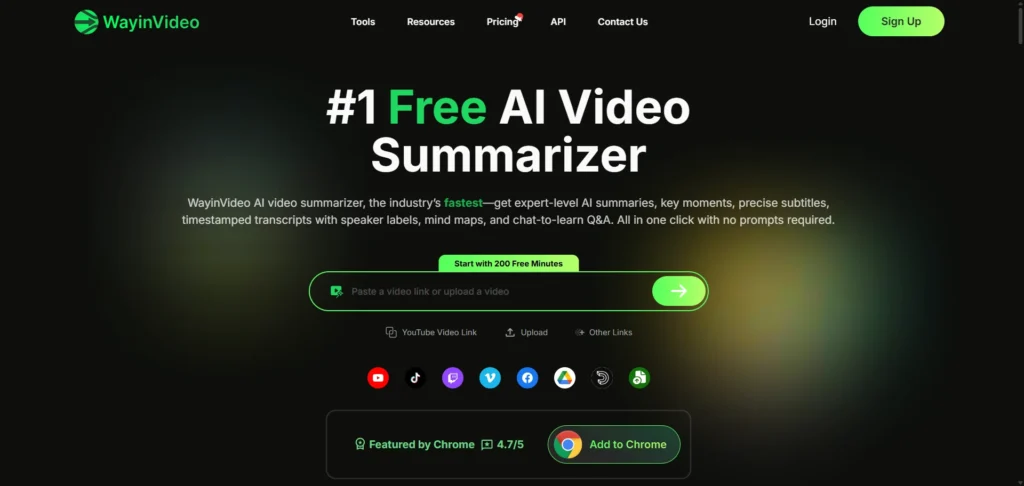
Best for: Modern AI-powered video breakdowns
Specifications:
- Extracts key moments
- Creates quick summaries
- Supports long videos
- Exports to text formats
Pros:
- More detailed summaries than most tools
- Clean dashboard
- Very fast processing
- Good for study content
Cons:
- Slightly longer processing for long videos
- No Chrome extension
- Smaller feature ecosystem
Pricing: Free plan + paid upgrades
7. Noiz.io
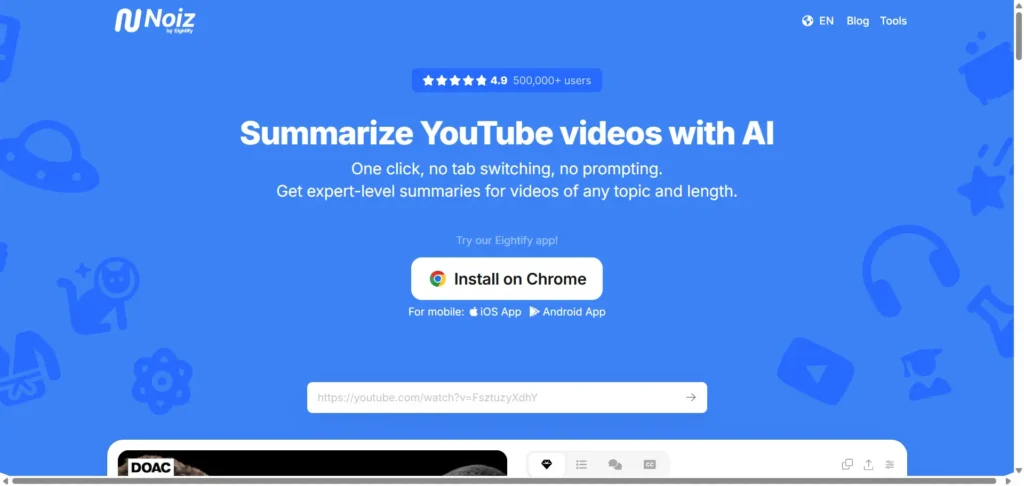
Best for: Creating insights + detailed AI breakdowns
Specifications:
- Extracts themes, insights, and topics
- Converts long videos to structured knowledge
Pros:
- Very intelligent output
- Great for deep-learning topics
- Unique summary formats
- Fast processing
Cons:
- Overkill for simple summaries
- Still evolving platform
- Learning curve for new users
Pricing: Free basic access; paid plans available.
8. ScreenApp AI Summarizer
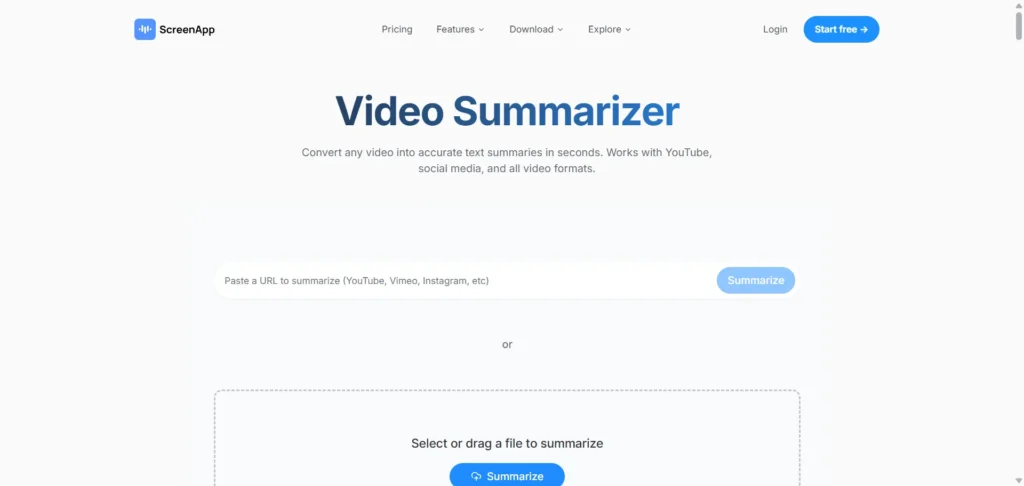
Best for: Recording + summarizing videos
Specifications:
- Summarizes both YouTube and screen recordings
- Generates transcripts + highlights
- Supports uploads + URLs
Pros:
- Great for meetings
- Dual functionality
Cons:
- Summary quality depends on audio clarity
- Interface can feel slow
- Limited styling options
Pricing: Freemium; paid plans start around $7/month.
This tool is ideal for creators producing YouTube Shorts or repurposed clips, especially when paired with an AI YouTube Shorts generator to maximize content output.
9. HappyScribe Video Summarizer
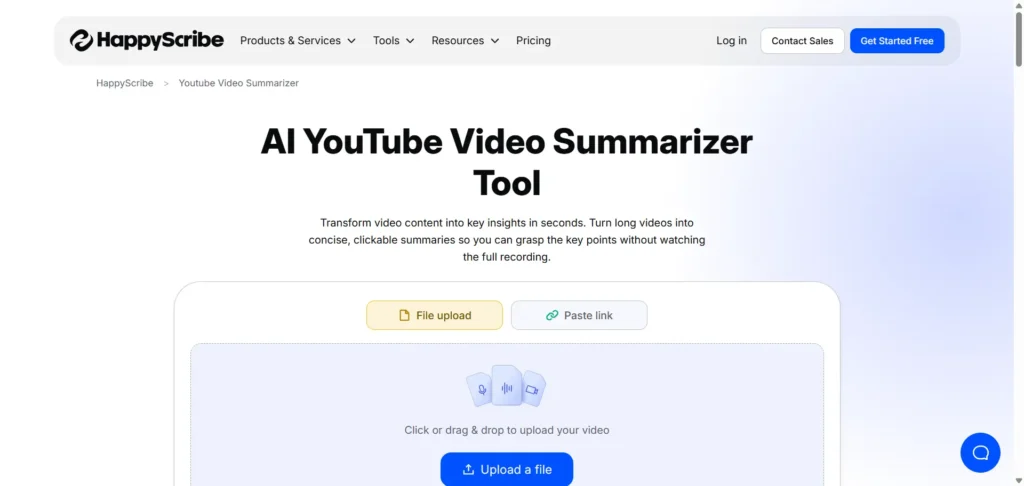
Best for: Accurate transcripts and clean summaries
Specifications:
- Professional-grade transcription
- High-quality summarization
- Supports many languages
Pros:
- Enterprise-level accuracy
- Great for long lectures
- Supports many languages
Cons:
- Higher pricing
- Not beginner-focused
- Limited free usage
Pricing: Pay-as-you-go or monthly subscription.
Chrome Extensions for YouTube Video Summaries
If you want to summarize directly on YouTube pages, these Chrome extensions are perfect. They act as a YouTube video summarizer AI tool inside your browser.
10. Eightify
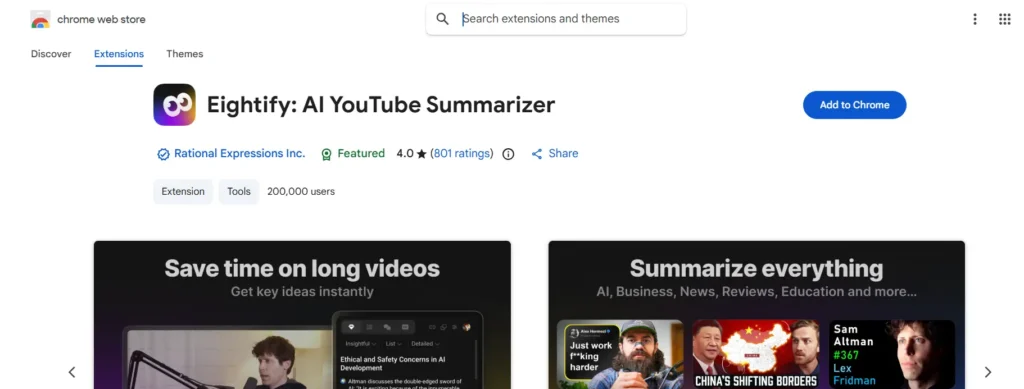
Best for: On-page YouTube summarization
Specifications:
- Shows a summary beside the video
- Works on all YouTube videos
- Timestamp-based highlights
Pros:
- Fastest one-click summary tool
- Clean UI
- Ideal for productivity
Cons:
- Limited free summaries
- Many features require a subscription
Pricing: Free + paid.
11. YouTube Summary with ChatGPT

Best for: Quick ChatGPT-based video summaries
Specifications:
- Auto extracts transcripts
- Opens AI summary in ChatGPT
- Works instantly on YouTube
Pros:
- Very accurate
- Works with any ChatGPT model
Cons:
- Requires ChatGPT login
- No built-in editor
Pricing: Free to use.
Bonus: Where Reliqus Marketing Can Help
If you are a business or content creator looking to scale content production, improve visibility, or want custom AI automation for video summaries and publishing workflows, Reliqus Marketing can help.
Our team builds:
- Custom AI automation pipelines
- Video-to-blog automated workflows
- AI-powered content briefs
- SEO-optimized publishing systems
If you want to explore how this can work for your business, you can book a free consultation with our experts or contact us directly.
Conclusion
In 2026, YouTube video AI summarizer tools have become essential for students, creators, agency owners, and knowledge workers. Whether you need a free AI YouTube video summarizer or a premium professional tool, there’s an option for everyone.
These tools save time, improve learning, boost productivity, and help you understand long content instantly.
FAQs
1. What is an AI YouTube video summarizer?
It’s a tool that automatically generates short summaries from long YouTube videos using artificial intelligence.
2. Can AI summarize any YouTube video?
Yes — most tools can summarize any public video using transcripts or audio analysis.
3. Are these tools free?
Many offer a YouTube video summarizer AI free version, while advanced features are paid.
4. Do Chrome extensions work better?
If you prefer summaries directly on YouTube pages, extensions like Eightify and Glasp are ideal.
5. Can businesses automate summaries?
Yes — and Reliqus Marketing can build custom automation systems to streamline your content workflow.