
“Free text-to-video AI” is one of the most searched phrases in the AI video space — and also one of the most misleading.
Most tools that advertise themselves as free are:
- Free only for previews
- Free with watermarks
- Free for a few exports
- Or “free” until you actually want to publish something
This guide cuts through that noise.
Instead of listing dozens of tools, it explains:
- What “free” really means in text-to-video AI
- How many tools are actually usable for free
- Which free tools are worth your time
- Which ones are technically free but practically useless
This article is part of a larger guide on the text-to-video AI ecosystem.
What Does “Free” Mean in Text-to-Video AI?
Before naming tools, we need clarity.
In text-to-video AI, “free” can mean four very different things:
1. Truly Free (Publishable)
- You can generate and export videos
- No watermark
- No forced upgrade to publish
These tools are rare.
2. Free with Limitations
- Watermarks on exports
- Limited resolution
- Export caps (e.g., 1–3 videos/month)
Useful for testing, not for serious publishing.
3. Trial-Only
- Free for 7–14 days or limited credits
- Designed to expire
Not actually free long-term.
4. “Free” UI, Paid Output
- You can generate previews
- Export requires payment
This is the most common pattern.
Most blogs do not explain these differences — which is why users feel misled.
How Many Free Text-to-Video AI Tools Actually Exist?
Here’s the honest answer.
Out of 120–180+ text-to-video AI tools in the market:
- Truly free & publishable: ~2–3 tools
- Free with limitations: ~5–8 tools
- Trial-only: ~15–25 tools
- Paid-only: The majority
So when you see a list claiming “20 free text-to-video AI tools”, it’s almost always bundling all four categories together — which is misleading.
Truly Free Text-to-Video AI Tools (No Watermark)
These are the only tools that genuinely allow free publishing, with no watermark and no forced upgrade.
1. Canva (Free Tier)
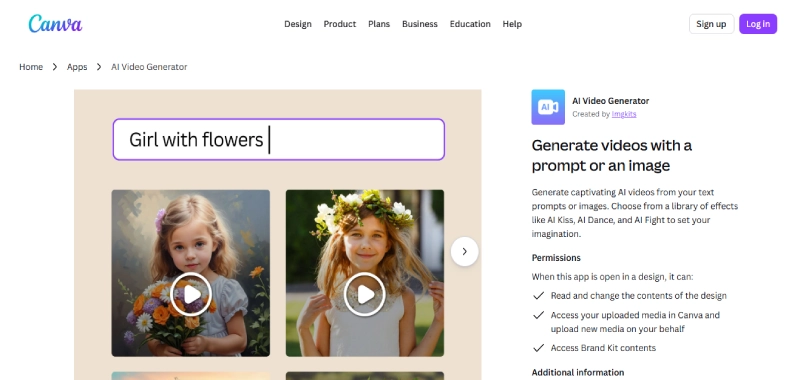
Canva isn’t marketed as a “text-to-video AI generator,” but in practice, it’s one of the most usable free options.
What makes it genuinely free
- No watermark on free exports
- Full 1080p video export
- Vertical formats supported (Shorts, Reels)
Limitations
- Some templates and assets are locked behind Pro
- AI automation is lighter compared to paid tools
- Not a pure generative model
Best for
- Beginners
- Simple explainer or social videos
- Short-form content with text overlays
Verdict: If your budget is zero and you want something you can actually publish, Canva is the safest choice.
2. CapCut (Free Version)
CapCut is another tool that doesn’t brand itself as “text-to-video AI” but effectively works as one.
What makes it free
- No watermark
- Strong auto-captions
- Vertical video support
Limitations
- Requires more manual editing
- AI generation is assistive, not fully automatic
- The desktop/mobile workflow may feel heavy for some users
Best for
- YouTube Shorts
- TikTok/Reels-style videos
- Creators comfortable editing timelines
Verdict: CapCut is powerful, but it trades automation for control. Still one of the best free tools available.
Free Text-to-Video AI Tools (With Limitations)
These tools do allow free usage — but with constraints that matter.
They are useful for testing workflows, not for publishing consistently.
3. InVideo AI (Free Plan)
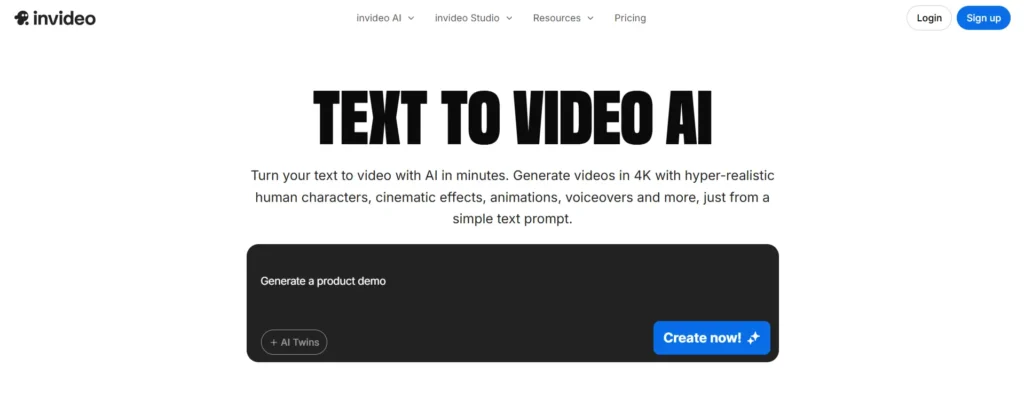
Free tier reality
- Watermark on exported videos
- Limited exports
- Some templates locked
Strengths
- Script-to-video workflow
- Beginner-friendly UI
- Clear text-to-scene mapping
Weaknesses
- Watermark makes it unsuitable for public channels
- Free plan is mainly a demo
Verdict: Good for learning how text-to-video workflows work. Not suitable for real publishing unless you upgrade.
4. Opus Clip (Free Tier)
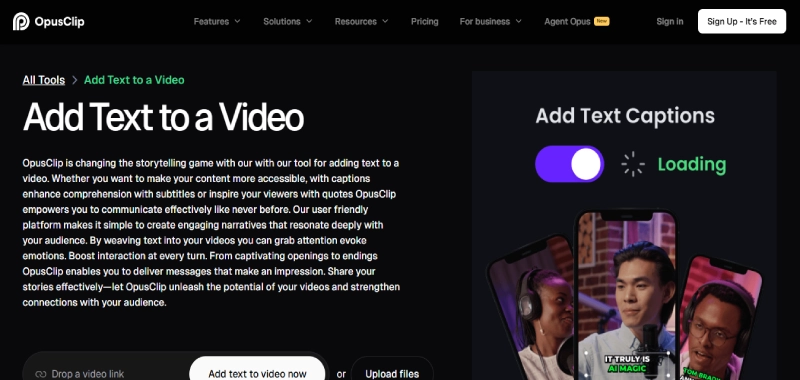
Opus Clip is primarily a repurposing tool, but it’s often included in text-to-video lists.
Free tier reality
- Limited number of clips
- Watermark may be applied
- Designed to push upgrades
Strengths
- Strong viral-moment detection
- Good Shorts formatting
Limitations
- Not pure text-to-video
- Depends on existing content
Verdict: Useful if you already have long videos. Not useful if you’re starting from text alone.
5. VEED (Free Plan)
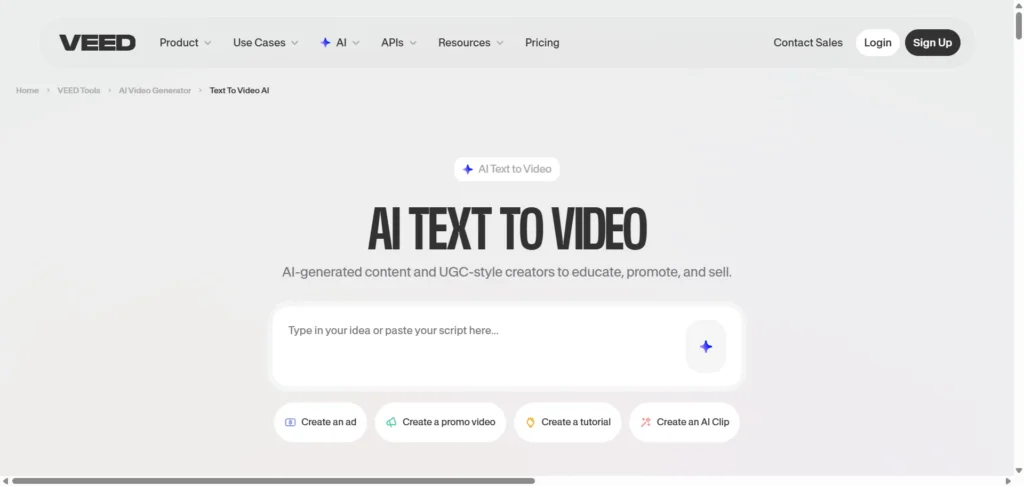
Free tier reality
- Watermark on exports
- Time and resolution limits
Strengths
- Simple UI
- Captioning and basic automation
Weaknesses
- Watermark is unavoidable
- Free plan feels restrictive
Verdict: Acceptable for internal drafts. Not recommended for public publishing.
Trial-Only Text-to-Video AI Tools (Not Actually Free)
These tools are often labeled “free” in lists — but they are trial products, not free tools.
Common examples:
- Runway
- Pika
- Kaiber
- HeyGen
Reality
- Limited credits
- Export caps
- Trial expires quickly
Verdict: Great for experimentation. Not suitable if your requirement is “free.”
For a full breakdown of tools, categories, and workflow comparisons, see our Text-to-Video AI Generator tools guide.
Why Truly Free Text-to-Video AI Is Rare
This isn’t a coincidence — it’s economics.
Text-to-video AI requires:
- GPU-heavy computation
- Video rendering pipelines
- Storage and bandwidth
- Continuous model training
Unlike text or images, video is expensive at scale.
That’s why:
- Free tools are limited
- Watermarks exist
- Trials are common
- Paid plans dominate
Any blog promising “unlimited free text-to-video AI” is not being realistic.
Which Free Tool Should You Choose?
Here’s a practical decision guide.
If you want to publish videos for free
→ Use Canva or CapCut
If you want to test automation
→ Try InVideo AI (accept the watermark)
If you want Shorts from existing content
→ Test Opus Clip (free tier)
If you want pure generative video
→ Use trials (Runway, Pika), but expect to pay later
Common Myths About Free Text-to-Video AI
“There must be a completely free AI video generator somewhere.”
→ Not at scale, not without limitations.
“Open-source tools are free alternatives.”
→ Open-source models exist, but deploying them costs money and technical skill.
“Free tools will get better over time.”
→ Quality improves, but costs don’t disappear.
Final Takeaway
If you’re searching for free text-to-video AI, here’s the truth:
- Only 2–3 tools are genuinely free and publishable
- Most “free” tools are demos or trials
- Free tools are best for learning, not scaling
- Serious video creation eventually requires paid tools
Free tools help you start.
Paid tools help you grow.
If you want the full ecosystem view — including paid tools, categories, and how these tools actually compare — read the main guide on Text-to-Video AI Generators in 2026 or explore the broader AI tools category.