
A PhD student can spend weeks searching for relevant papers, months refining a research question, and years collecting data, analyzing results, and writing a dissertation.
Artificial intelligence can reduce some of the time spent on research administration, but choosing the wrong tool can introduce serious problems.
An AI chatbot might summarize a paper convincingly while misrepresenting its conclusions. A research discovery platform might surface relevant studies but miss important publications. An AI writing assistant might improve readability while changing the meaning of a technical statement.
For doctoral research, speed is useful only when accuracy, traceability, and research integrity are preserved.
The best AI tools for PhD students help researchers discover literature, evaluate evidence, organize sources, analyze data, and communicate findings without replacing scholarly judgment.
This guide compares 20 tools across the doctoral research workflow. It includes specialized AI research platforms, academic writing assistants, data analysis tools, and essential research infrastructure such as reference managers.
Quick Comparison: Best AI Tools for PhD Students
| Tool | Best for | Research application |
| Elicit | Literature reviews | Paper discovery, extraction, synthesis |
| Consensus | Evidence-based research questions | Scholarly search and study summaries |
| SciSpace | Reading research papers | PDF explanations and literature assistance |
| ResearchRabbit | Citation-network discovery | Finding related papers and authors |
| Connected Papers | Mapping research literature | Visual relationships between publications |
| Semantic Scholar | Scholarly search | Paper discovery and AI-assisted research features |
| Scite | Citation context | Supporting and contrasting citation evidence |
| Google NotebookLM | Source-grounded synthesis | Exploring uploaded research materials |
| ChatGPT | Research assistance | Explanations, coding, analysis, writing feedback |
| Claude | Long-document analysis | Reading, comparing and reviewing documents |
| Perplexity | Source discovery | Web research and background information |
| Zotero | Reference management | Citations, PDFs and bibliographies |
| Paperpile | Reference management | Google Docs and research library workflows |
| Jenni AI | Academic writing assistance | Drafting support and citation workflows |
| Paperpal | Academic editing | Manuscript language and research writing |
| Writefull | Scientific writing | Academic language suggestions |
| Grammarly | General writing improvement | Clarity, grammar and editing |
| Julius AI | Data analysis | Statistics, datasets and visualizations |
| GitHub Copilot | Research programming | Code completion, debugging and tests |
| ATLAS.ti | Qualitative research | Coding, thematic analysis and AI-assisted exploration |
Some tools listed here are not primarily generative AI systems. Zotero and Paperpile, for example, are reference managers. They are included because reliable research workflows require more than AI-generated text.
1. Elicit: Best for Literature Reviews and Research Extraction
Website: Elicit
Best for: Literature reviews, systematic review preparation, and evidence extraction
Free plan: Yes
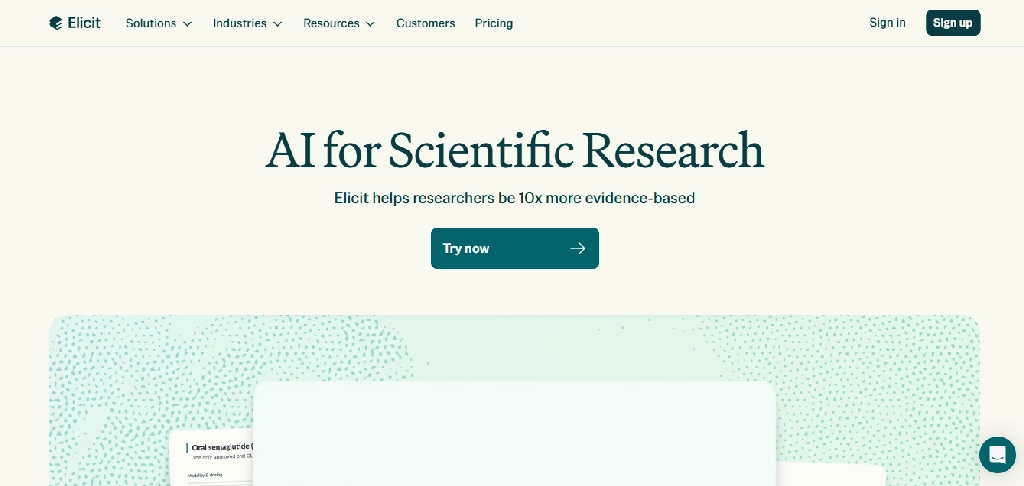
Elicit is one of the more specialized AI research assistants available to doctoral students.
Rather than focusing on general conversations, it helps researchers search scholarly literature, extract information from papers, and compare findings across studies.
Key features
- Semantic search across academic publications
- Research questions expressed in natural language
- Paper summaries and source references
- Structured evidence extraction
- Custom comparison columns
- Research reports
- Systematic review workflows in eligible plans
- Zotero import
- Export to research-friendly formats
Example for PhD students: A doctoral student investigating how remote work affects employee productivity could use Elicit to identify studies, compare sample sizes and methodologies, and extract reported outcomes.
The researcher would then verify the extracted data and assess study quality independently.
Pricing: Elicit offers a free Basic plan, with paid tiers for more advanced research and systematic review workflows. Its official pricing page lists a Pro tier supporting a dedicated systematic review workflow with screening capacity for up to 5,000 papers.
Limitations: Elicit does not guarantee exhaustive literature coverage. Extracted values, study classifications, and conclusions can be wrong.
Verdict: Particularly useful for researchers who need structured evidence tables rather than simple summaries.
2. Consensus: Best for Evidence-Based Research Questions
Website: Consensus
Best for: Scientific research questions and evidence discovery
Free access: Limited
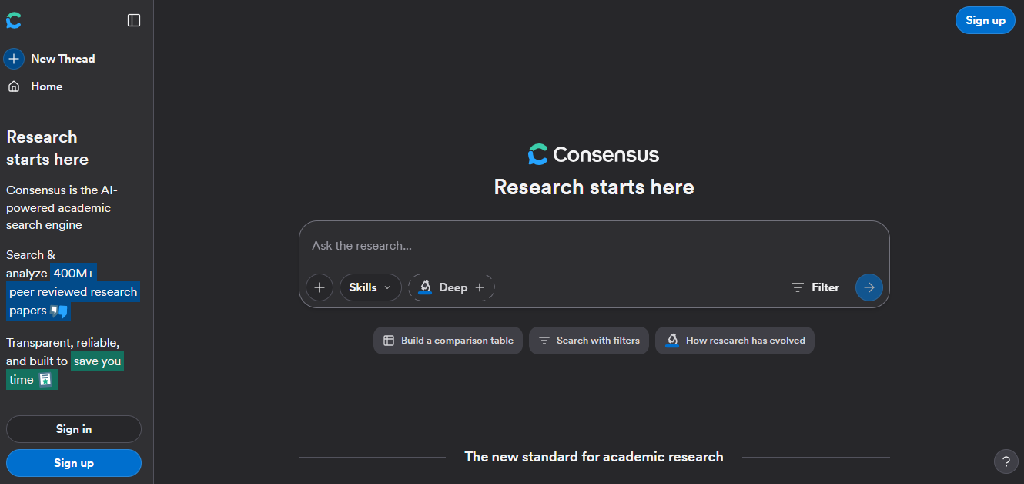
Consensus helps researchers investigate questions using published academic literature.
It is especially useful during the early stages of research when a doctoral student wants to understand what studies have examined a particular relationship.
Key features
- Scholarly literature search
- Natural-language research questions
- AI-generated evidence summaries
- Research paper filtering
- Study discovery
- Links to underlying publications
- Comparison of findings
- Research-oriented synthesis
Example for PhD students: A psychology researcher could ask whether sleep deprivation affects decision-making, review the studies surfaced, and investigate differences in experimental methods.
Limitations: An AI-generated synthesis does not establish scientific consensus. Researchers must assess study quality, relevance, publication bias, and contradictory findings.
Verdict: A useful starting point for research questions that require published evidence.
3. SciSpace: Best for Understanding Complex Research Papers
Website: SciSpace
Best for: Technical papers, difficult terminology, and PDF-based research
Free access: Limited
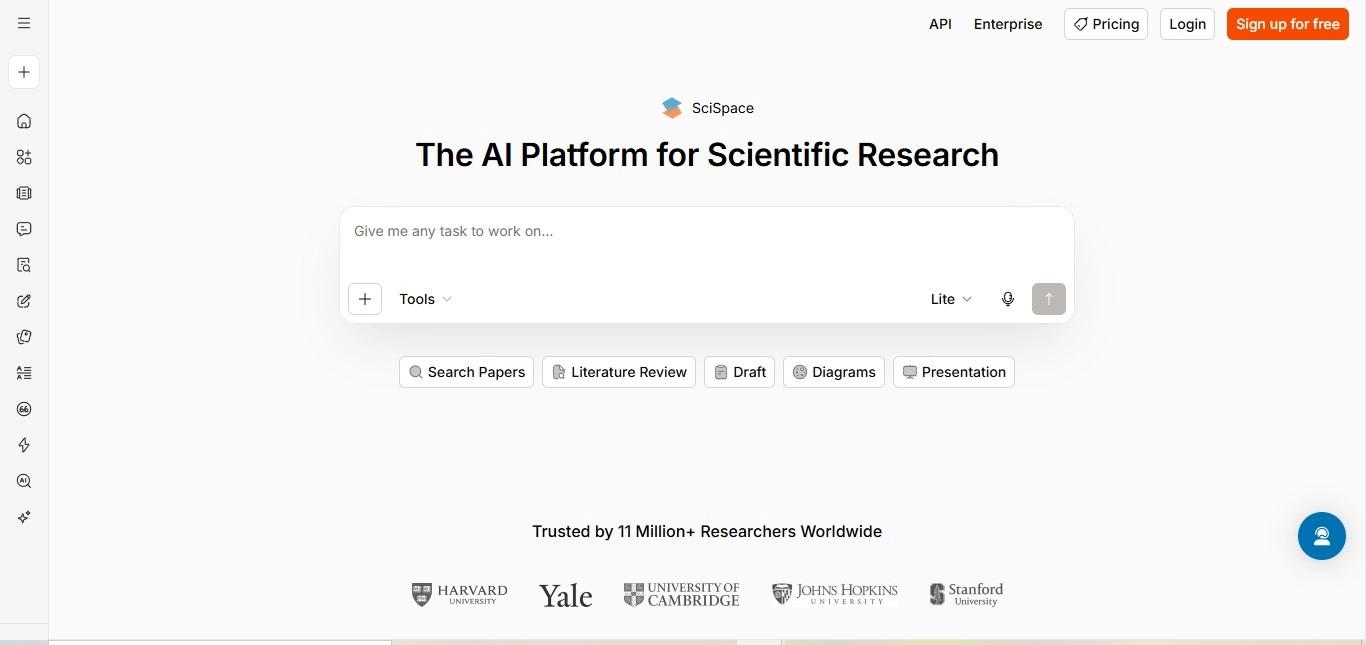
SciSpace helps researchers interact with academic papers.
It is useful when doctoral students need to understand unfamiliar methods, mathematical explanations, or discipline-specific terminology.
Key features
- Questions about research PDFs
- Passage-level explanations
- Technical terminology clarification
- Paper summaries
- Literature discovery
- Research comparison
- Citation-related assistance
- Selected multilingual capabilities
Example for PhD students: A biomedical engineering researcher could upload an authorized paper about neural interfaces and ask SciSpace to explain an unfamiliar experimental method.
Limitations: Simplified explanations may omit methodological details or overstate findings.
Verdict: Useful for reading papers outside a researcher’s immediate area of expertise.
4. ResearchRabbit: Best for Discovering Related Research
Website: ResearchRabbit
Best for: Citation exploration, related papers, and discovering research communities
Free access: Available, with plan-dependent limits
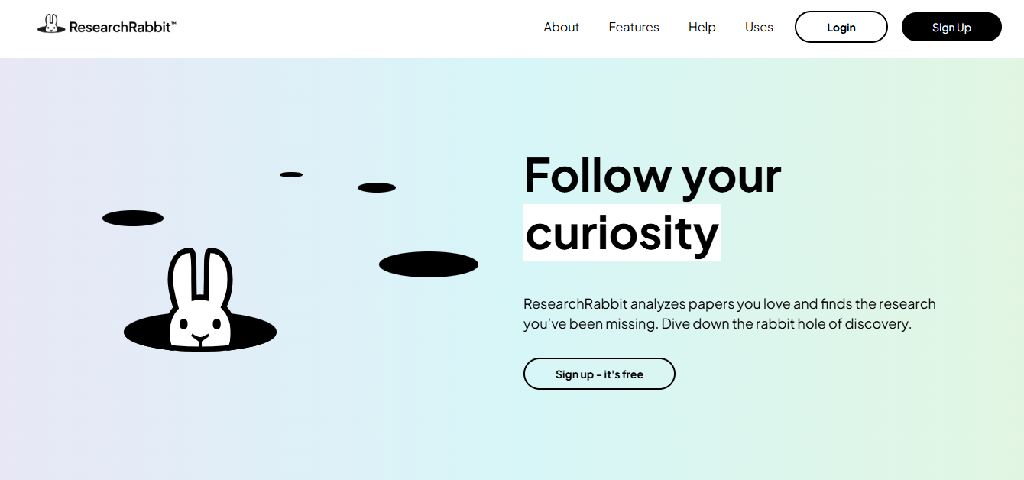
ResearchRabbit helps researchers discover papers through relationships between publications and authors.
It is particularly useful when a researcher has identified several important papers and wants to expand the literature search.
Key features
- Related-paper recommendations
- Citation network exploration
- Author discovery
- Visual research maps
- Paper collections
- Research organization
- Literature exploration
- Discovery of connected publications
Example for PhD students: A materials science researcher could begin with a foundational paper on solid-state batteries and explore related publications, authors, and research directions.
Limitations: Citation-network recommendations may favor well-connected literature and miss relevant papers outside the discovered network.
Verdict: Useful for expanding a reading list, but not a replacement for systematic database searches.
5. Connected Papers: Best for Visualizing Research Relationships
Website: Connected Papers
Best for: Research mapping and understanding a field’s literature
Free access: Limited
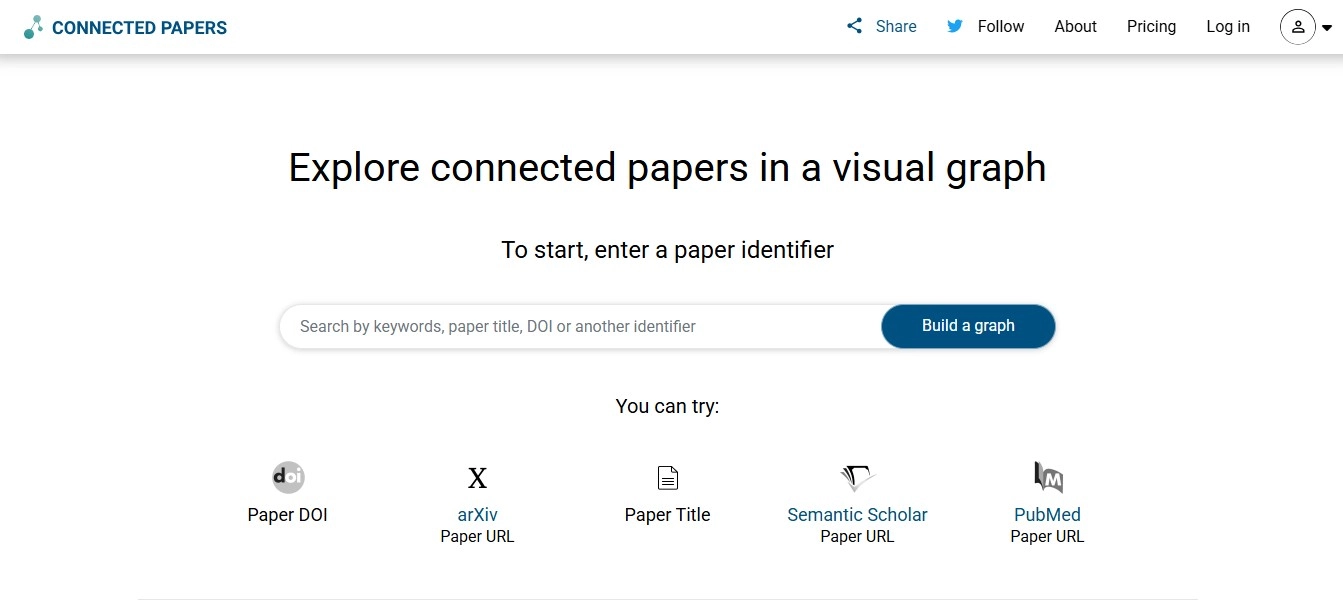
Connected Papers creates visual representations of relationships between scholarly publications.
Its value lies in helping researchers see how papers connect through shared references and related research patterns.
Key features
- Visual literature graphs
- Related-paper discovery
- Identification of foundational works
- Exploration of derivative research
- Paper similarity mapping
- Literature navigation
- Research topic exploration
Example for PhD students: A computer science doctoral student could use a key machine learning paper to generate a graph and identify related research directions.
Limitations: Visual similarity does not necessarily establish agreement, influence, or scientific validity. Coverage is not exhaustive.
Verdict: Particularly useful for understanding the structure of a research field.
6. Semantic Scholar: Best for Scholarly Search and Paper Discovery
Website: Semantic Scholar
Best for: Finding research papers and exploring scholarly literature
Free access: Yes
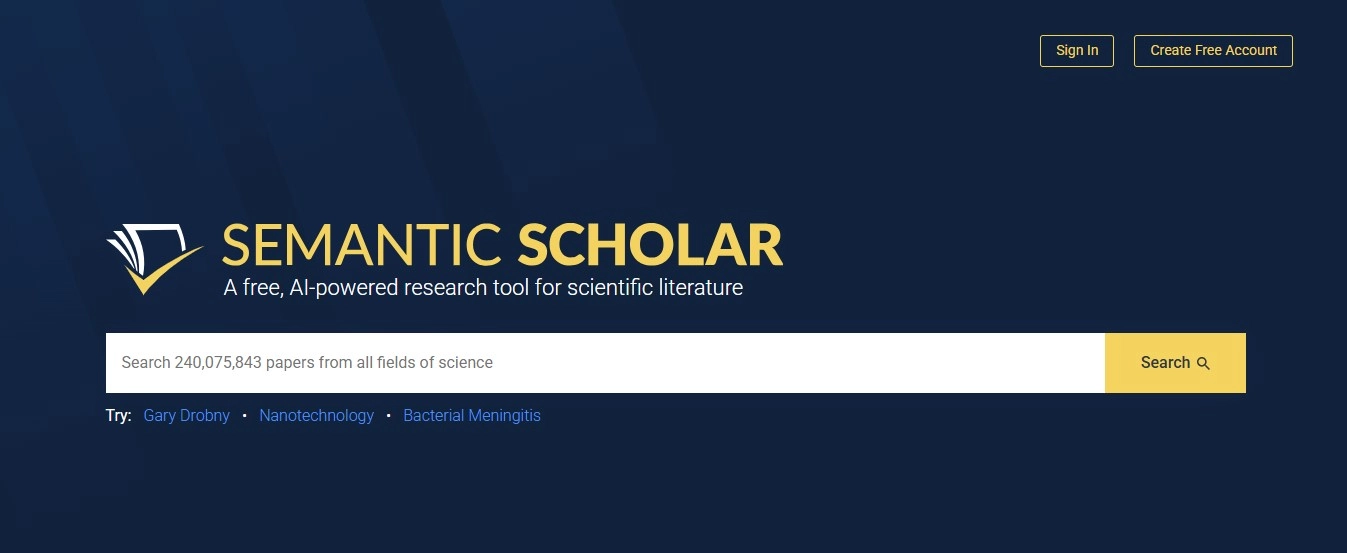
Semantic Scholar is a scholarly search platform developed by the Allen Institute for AI.
It uses AI-supported methods to help researchers discover and navigate academic literature.
Key features
- Scholarly paper search
- Paper recommendations
- Citation information
- Research topic discovery
- Author profiles
- AI-generated paper summaries where available
- Research feeds
- Library organization
Example for PhD students: A doctoral student researching natural language processing could search for recent publications, follow citation trails, and organize relevant papers.
Limitations: Database coverage differs across disciplines, and metadata may be incomplete.
Verdict: A useful free scholarly search tool that complements subject-specific databases.
7. Scite: Best for Understanding How Research Papers Are Cited
Website: Scite
Best for: Citation context, contested findings, and literature evaluation
Free access: Paid or institution-dependent
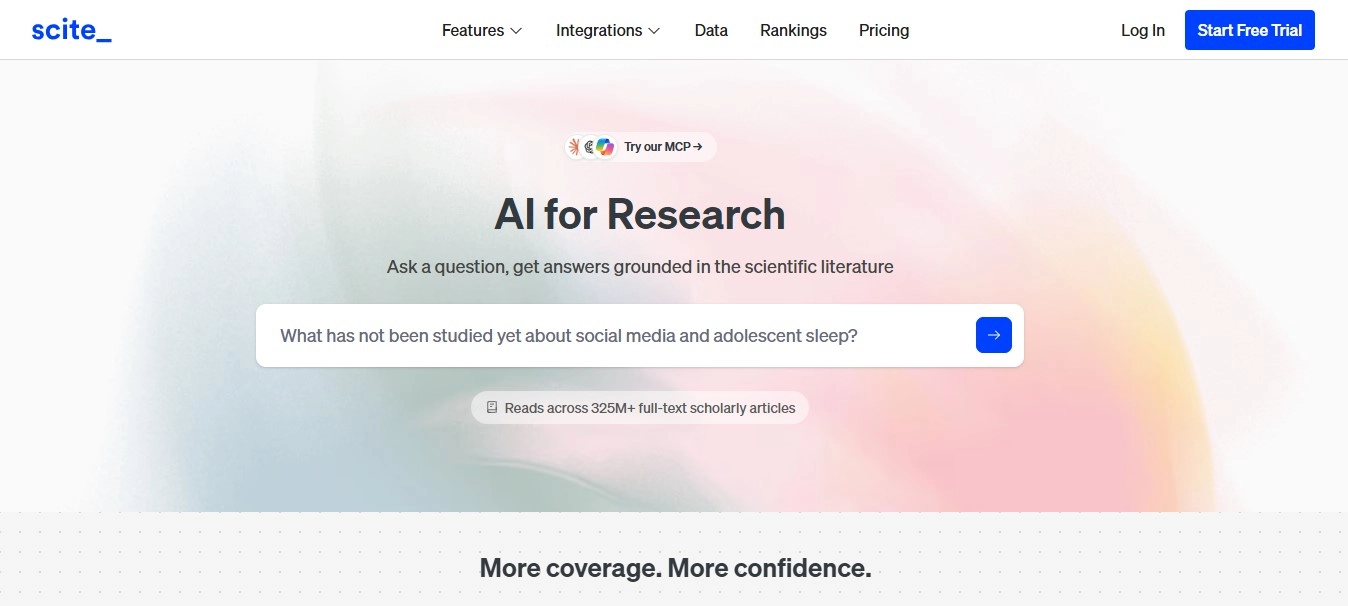
Scite goes beyond traditional citation counts by examining the context in which later papers cite earlier research.
Its Smart Citations system classifies citation statements as supporting, contrasting, or mentioning.
Key features
- Smart Citations: Classifies citation statements by their relationship to cited research.
- Citation context: Shows relevant text surrounding citations.
- Research Assistant: Provides literature-grounded answers.
- Evidence discovery: Helps locate supporting and contrasting studies.
- Reference checking: Supports identifying selected issues in reference lists.
- Zotero integration: Brings citation context into reference-management workflows.
- Research exploration: Helps examine how published findings are discussed.
Scite’s official documentation describes its Smart Citations approach, while a peer-reviewed paper in Quantitative Science Studies explains the underlying citation-context classification method.
Example for PhD students: A researcher studying a widely cited psychological theory could use Scite to identify publications that discuss, support, or challenge the original paper.
Limitations: Citation classifications are algorithmic and can be incorrect. A paper with more supporting citations is not automatically stronger evidence, and contrasting citations do not necessarily invalidate a finding.
Verdict: Particularly useful for evaluating the reception of research rather than relying solely on citation counts.
8. Google NotebookLM: Best for Analyzing a Research Reading Collection
Website: NotebookLM
Best for: Comparing selected papers, research notes, and dissertation source material
Free access: Yes
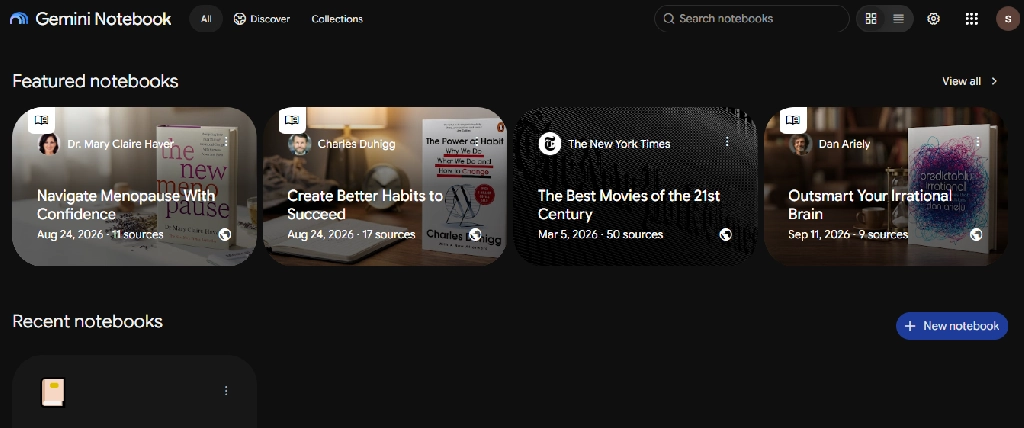
NotebookLM helps researchers explore documents they select.
Its source-grounded responses can be useful when a doctoral student needs to compare arguments, definitions, and findings across a collection of papers.
Key features
- Source uploads
- Questions grounded in selected documents
- Source citations
- Cross-document comparisons
- Summaries
- Mind maps
- Audio Overviews
- Research notes and study resources
Example for PhD students: A sociology researcher could upload authorized papers on social mobility and compare the theoretical frameworks used across studies.
Limitations: NotebookLM is not an exhaustive literature search engine. It can misinterpret source passages and does not independently validate the quality of the uploaded research.
Verdict: Useful for working with a curated reading collection.
9. ChatGPT: Best for General Research Assistance and Coding Support
Website: ChatGPT
Best for: Research planning, coding, explanations, and writing feedback
Free access: Yes
ChatGPT supports a wide range of doctoral research activities.
Its value is flexibility rather than specialization in a particular academic discipline.
Key features
- Research question exploration
- Methodology explanations
- Coding and debugging assistance
- Data analysis in supported environments
- Document discussion
- Academic writing feedback
- Research planning
- Presentation preparation
Example for PhD students: A PhD student conducting survey research could ask ChatGPT to explain the assumptions behind logistic regression before implementing the analysis in statistical software.
Limitations: It can produce inaccurate methods, calculations, citations, and interpretations. Researchers must validate code and analysis independently.
Verdict: Useful as a general research assistant when paired with authoritative sources and validated methods.
10. Claude: Best for Reviewing Long Research Documents
Website: Claude
Best for: Long manuscripts, theoretical comparisons, and writing feedback
Free access: Yes
Claude can help researchers work through lengthy documents and complex arguments.
Key features
- Long-document analysis
- Manuscript feedback
- Argument comparison
- Theory explanations
- Structural editing
- Research planning
- Coding assistance
- Questions about uploaded documents
Example for PhD students: A humanities researcher could compare theoretical arguments across selected chapters and identify areas requiring further evidence.
Limitations: Claude can misquote sources or generate unsupported interpretations. Its outputs should not replace close reading.
Verdict: Particularly useful for document-heavy research disciplines.
11. Perplexity: Best for Background Research and Source Discovery
Website: Perplexity
Best for: Current developments, official reports, and preliminary source discovery
Free access: Yes
Perplexity combines web search with conversational answers and source links.
Key features
- Web research
- Source-linked answers
- Follow-up questions
- Topic exploration
- Research workflows
- Document features in eligible plans
Example for PhD students: A public policy researcher could use Perplexity to locate recent government reports and official statistics before retrieving the original documents.
Limitations: Open-web results are not equivalent to a scholarly literature review. Sources may be outdated, misinterpreted, or unsuitable for academic citation.
Verdict: Useful for background research and finding primary sources outside journal databases.
12. Zotero: Best for Reference Management and Bibliographies
Website: Zotero
Best for: Citation organization, PDF management, and dissertation references
Free access: Yes
Zotero is a reference manager rather than a generative AI tool.
It is included because accurate citation management is essential when using AI-assisted research tools.
Key features
- Reference collection
- Browser-based citation saving
- PDF storage and annotation
- Research collections
- Word processor integration
- Citation and bibliography generation
- Shared libraries
- Synchronization
Example for PhD students: A doctoral student could organize references by dissertation chapter, annotate papers, and generate citations using the university’s required style.
Limitations: Imported metadata may contain errors. Students must verify bibliographic details and quotations.
Verdict: An essential research infrastructure tool, even for students who do not use generative AI.
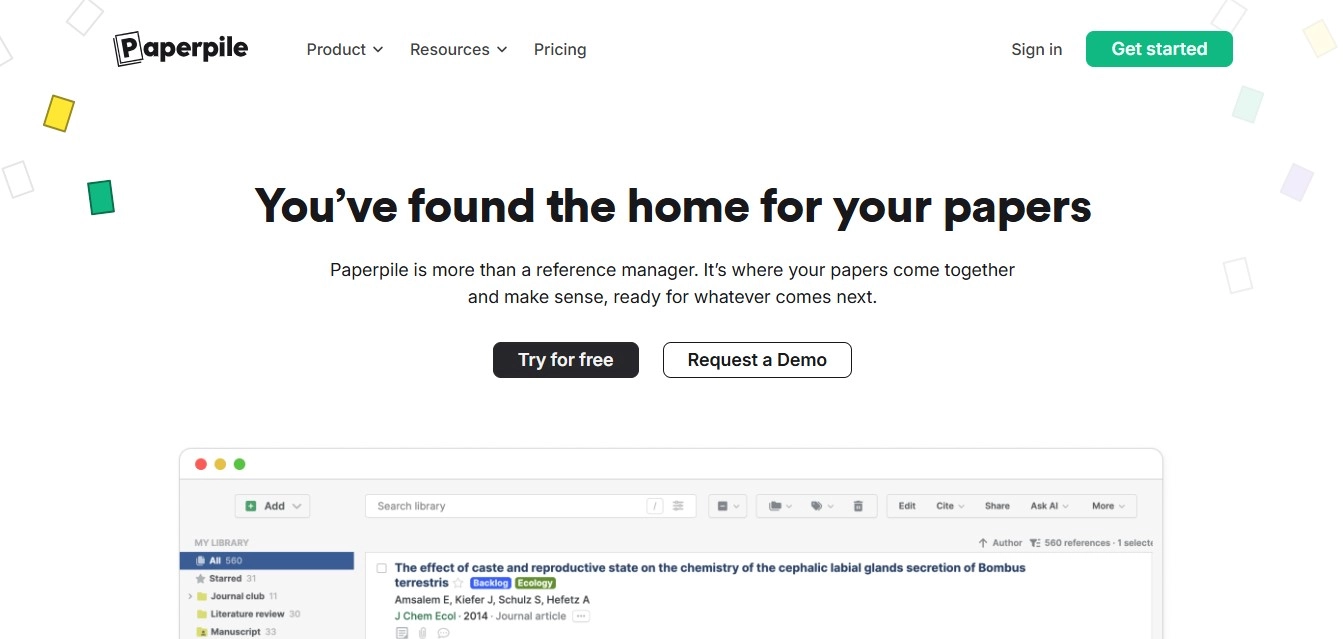
13. Paperpile: Best for Google Docs-Based Research Writing
Website: Paperpile
Best for: Reference management in Google Docs workflows
Free access: Paid plans and trial options
Paperpile helps researchers manage references and insert citations into supported writing environments.
Key features
- Reference organization
- PDF management
- Google Docs integration
- Citation insertion
- Bibliography generation
- Reference import
- Research library search
- Collaboration-related workflows
Example for PhD students: A doctoral student writing a dissertation in Google Docs could use Paperpile to insert and manage citations while drafting.
Limitations: Paperpile is primarily a reference manager, not a generative AI research assistant. Its subscription cost should be weighed against free alternatives such as Zotero.
Verdict: Useful for researchers whose writing workflow is centered on Google Docs.
14. Jenni AI: Best for Academic Writing Assistance
Website: Jenni AI
Best for: Academic drafting, outlines, and writing assistance
Free access: Limited
Jenni AI is designed to support academic writing workflows.
Key features
- AI writing suggestions
- Academic outlines
- Citation assistance
- Research document interaction
- Draft organization
- Writing continuation
- Research-oriented editing
- Reference-related workflows
Example for PhD students: A doctoral student struggling to organize a literature review could use Jenni to explore possible section structures before drafting original analysis.
Limitations: AI-generated text and citations require verification. Universities and publishers may restrict AI-generated manuscript content.
Verdict: Useful for writing support, provided the researcher remains responsible for the argument and source accuracy.
15. Paperpal: Best for Academic Editing and Manuscript Preparation
Website: Paperpal
Best for: Journal manuscripts, dissertations, and academic English
Free access: Yes, with usage limits
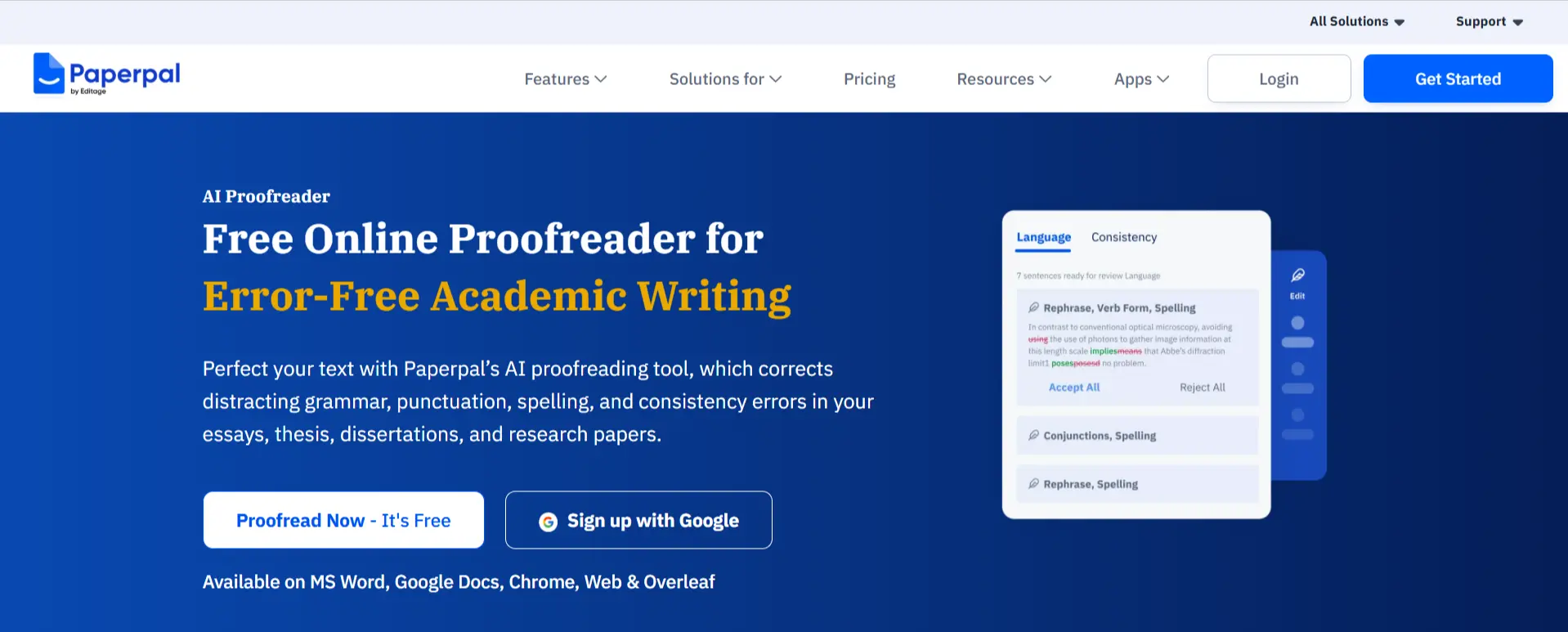
Paperpal is designed specifically for academic and scientific writing.
It offers language editing alongside research and manuscript preparation features.
Key features
- Academic grammar and language suggestions
- Sentence clarity improvements
- Paraphrasing and word reduction
- Academic translation
- Writing assistance
- Research and citation support
- Reference checks
- Manuscript submission checks
- PDF-based research assistance
Paperpal’s official documentation confirms academic writing, reference checks, language assistance, research support, and submission-readiness features.
Example for PhD students: A PhD student preparing a journal manuscript could use Paperpal to improve the clarity of a methods section while checking that technical terminology remains accurate.
Limitations: Automated language changes can alter scientific meaning. Plagiarism checks and AI detection tools should not be treated as definitive proof of originality or authorship.
Verdict: Particularly relevant to researchers preparing manuscripts for academic publication.
16. Writefull: Best for Scientific and Academic Language
Website: Writefull
Best for: Academic English, technical phrasing, and manuscript editing
Free access: Free and paid options vary by product
Writefull provides language assistance designed for academic and scientific writing.
Key features
- Academic language suggestions
- Grammar correction
- Sentence rewriting
- Academic phrasing support
- Title and abstract assistance in supported products
- Word processor and writing environment integrations
- Writing feedback
- Technical language refinement
Example for PhD students: A researcher writing in English as an additional language could use Writefull to improve clarity and academic phrasing.
Limitations: Suggestions may change technical meaning. Researchers must review edits carefully.
Verdict: Useful for academic language refinement, especially in research-intensive writing.
17. Grammarly: Best for General Writing Clarity
Website: Grammarly
Best for: Grammar, clarity, and professional communication
Free access: Yes
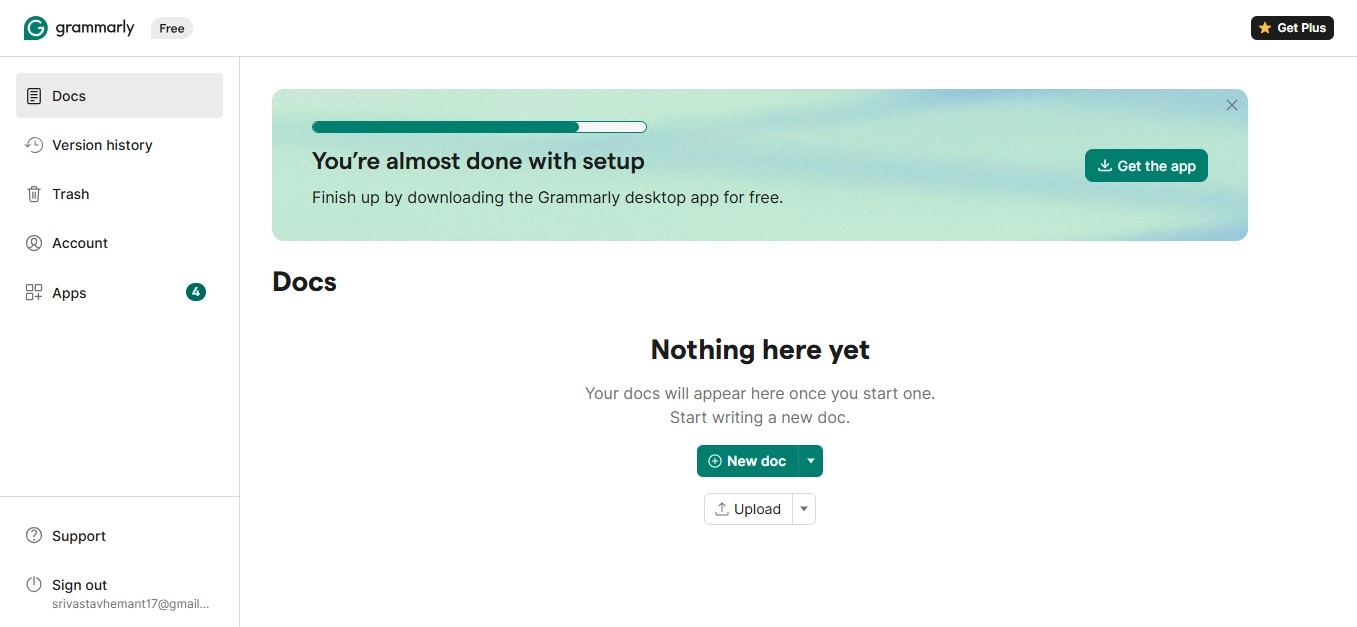
Grammarly is a general writing assistant that can support academic communication.
Key features
- Grammar checking
- Spelling and punctuation
- Clarity suggestions
- Tone feedback
- Rewriting assistance
- Document editing
- Writing support across compatible platforms
Example for PhD students: A doctoral student could use Grammarly to improve the readability of a conference abstract.
Limitations: Grammarly is not a specialized scientific fact-checking tool.
Verdict: Useful for general editing, while Paperpal and Writefull may be more directly aligned with academic manuscript conventions.
18. Julius AI: Best for Exploratory Data Analysis
Website: Julius AI
Best for: Dataset exploration, statistical summaries, and visualization
Free access: Limited
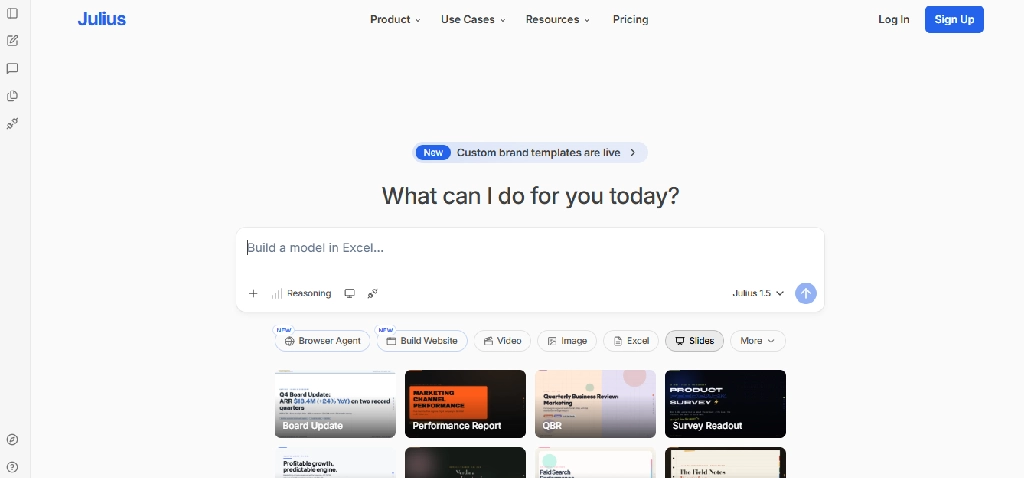
Julius AI allows researchers to interact with datasets through natural-language instructions.
Key features
- Spreadsheet and dataset uploads
- Data cleaning assistance
- Statistical calculations
- Chart generation
- Trend exploration
- Natural-language analysis
- Visualization
- Research-oriented data summaries
Example for PhD students: A social science researcher could upload anonymized survey data and explore descriptive statistics before conducting a formal analysis.
Limitations: AI-generated analyses may use inappropriate methods or incorrect assumptions. Results should be reproduced in validated statistical workflows.
Verdict: Useful for exploratory analysis, not a replacement for rigorous statistical methodology.
19. GitHub Copilot: Best for Research Programming
Website: GitHub Copilot
Best for: Python, R, data processing, simulation code, and reproducible research
Free access: Yes, with eligible student benefits
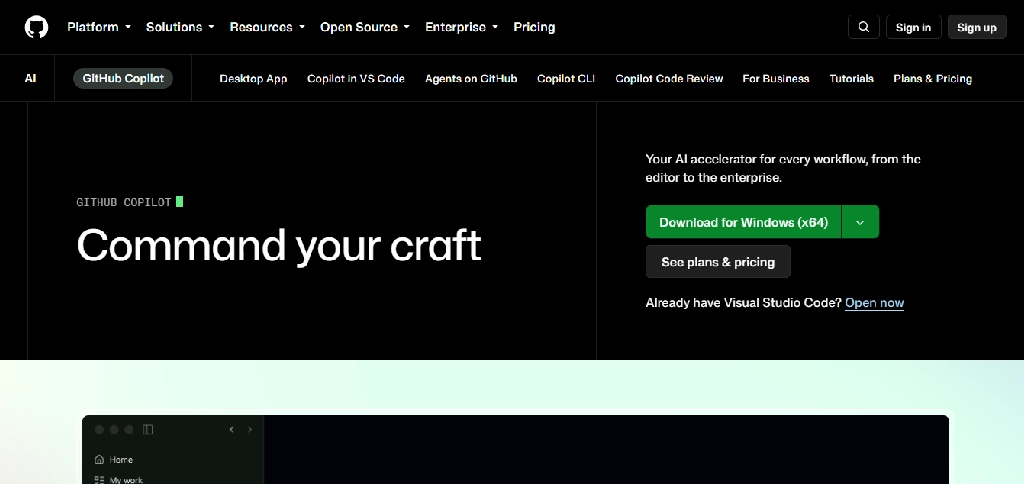
GitHub Copilot assists researchers who write code.
Key features
- Code completion
- Coding chat
- Debugging suggestions
- Test generation
- Refactoring
- Documentation support
- Development environment integration
- Repository-aware assistance in eligible features
Example for PhD students: A computational biology researcher could use Copilot to help write a Python script for processing experimental data.
Limitations: Generated code can introduce subtle analytical errors. Researchers should test outputs, document dependencies, and maintain reproducible workflows.
Verdict: Useful for code-intensive research when paired with careful testing and version control.
20. ATLAS.ti: Best for AI-Assisted Qualitative Research
Website: ATLAS.ti
Best for: Interviews, thematic analysis, qualitative coding, and mixed-methods research
Free access: Paid, with educational licensing options
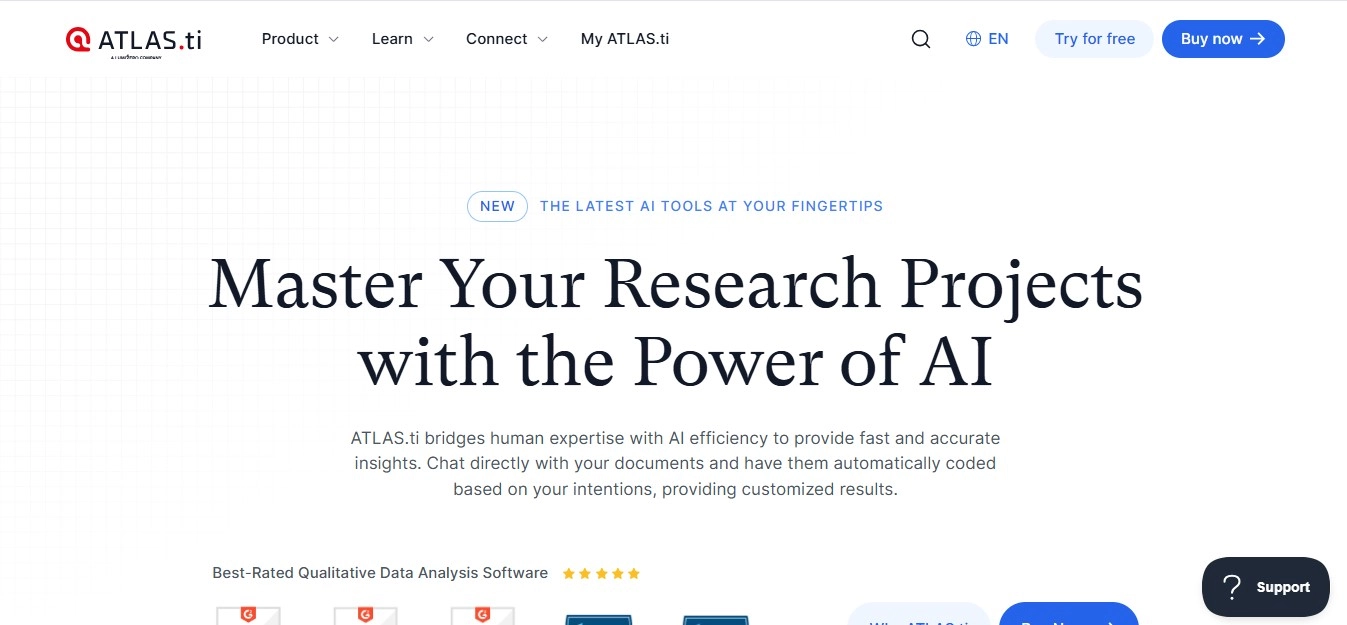
ATLAS.ti is a qualitative data analysis platform used for organizing and interpreting interviews, documents, and other research materials.
Its AI-assisted functionality can support selected qualitative analysis workflows.
Key features
- Qualitative data organization
- Interview transcript analysis
- Coding and categorization
- Thematic exploration
- AI-assisted coding features
- Research memos
- Visual analysis
- Collaboration and reporting
Example for PhD students: An education researcher conducting interviews with teachers could organize transcripts, develop a coding framework, and use AI assistance to explore possible themes.
Limitations: Automated coding can miss context, nuance, irony, and culturally specific meaning. Researchers must review and justify coding decisions.
Verdict: Particularly relevant for qualitative and mixed-methods doctoral research.
Best AI Tools for PhD Students by Research Task
| Research task | Best tool to consider | Alternative |
| Finding scholarly papers | Semantic Scholar | Elicit |
| Expanding a reading list | ResearchRabbit | Connected Papers |
| Visualizing literature relationships | Connected Papers | ResearchRabbit |
| Extracting evidence from papers | Elicit | SciSpace |
| Exploring evidence-based questions | Consensus | Elicit |
| Checking citation context | Scite | Manual citation review |
| Reading difficult PDFs | SciSpace | NotebookLM |
| Comparing selected sources | NotebookLM | Claude |
| Organizing references | Zotero | Paperpile |
| Improving manuscript language | Paperpal | Writefull |
| Improving general writing | Grammarly | Claude |
| Writing research code | GitHub Copilot | ChatGPT |
| Exploring quantitative datasets | Julius AI | Statistical software |
| Analyzing interviews | ATLAS.ti | Other qualitative analysis software |
| Preparing research presentations | ChatGPT for structure | Presentation software |
Best AI Tool Combinations by Research Discipline
Medical and Healthcare Research
Suggested stack: Elicit, Consensus, Scite, Zotero, and Paperpal.
Researchers can use this combination for literature discovery, citation context, reference management, and manuscript editing.
Clinical research also requires discipline-specific databases, protocols, and institutional oversight.
Engineering and Computer Science
Suggested stack: Semantic Scholar, ResearchRabbit, GitHub Copilot, ChatGPT, and Zotero.
This combination supports paper discovery, citation exploration, programming, and reference management.
Specialized simulation or numerical software may also be necessary.
Psychology and Social Sciences
Suggested stack: Elicit, Scite, ATLAS.ti, Zotero, and Paperpal.
Useful for research discovery, citation analysis, qualitative data, and academic writing.
Humanities
Suggested stack: Connected Papers, Claude, NotebookLM, Zotero, and Writefull.
Useful for exploring literature, comparing arguments, organizing sources, and improving academic language.
Business and Management Research
Suggested stack: Elicit, Consensus, Julius AI, ATLAS.ti, and Zotero.
This combination supports literature reviews, quantitative analysis, and qualitative research.
How to Use AI for a PhD Literature Review
A literature review is not simply a collection of paper summaries. It requires researchers to identify relevant evidence, evaluate methods, compare findings, and explain what remains unknown.
Consider a doctoral student researching the relationship between remote work and employee productivity.
- Define the research question. Identify the population, setting, outcomes, and relevant theoretical framework.
- Develop a search strategy. Search appropriate disciplinary databases using documented keywords, synonyms, and inclusion criteria.
- Discover additional papers. Use Elicit, Semantic Scholar, or ResearchRabbit to identify potentially relevant publications.
- Screen the evidence. Review titles, abstracts, and full texts according to predetermined criteria. Record decisions.
- Extract study information. Use Elicit or structured tables to collect methodology, sample sizes, measures, and results. Verify each extraction.
- Evaluate the literature. Use Scite to explore citation context and independently assess methodological quality and conflicting evidence.
- Organize references. Save verified bibliographic records in Zotero.
- Write the synthesis. Compare patterns, disagreements, limitations, and research gaps using original scholarly judgment.
For a formal systematic review, researchers should also follow the appropriate reporting and methodological standards, such as PRISMA 2020 where applicable.
AI can assist with screening and extraction, but it does not automatically make a review systematic, exhaustive, or reproducible.
Can AI Tools Conduct a Systematic Literature Review?
Some tools provide dedicated workflows for systematic review screening and evidence extraction.
Elicit, for example, advertises systematic review functionality and higher screening capacities in paid plans.
However, a systematic review requires more than screening papers.
Researchers must define and document the research question, search strategy, eligibility criteria, screening decisions, extraction methods, risk-of-bias assessment, and synthesis procedures.
AI-assisted decisions should be validated, and the use of automation should be documented.
A tool that produces a literature summary is not necessarily conducting a systematic review.
How Much Do AI Research Tools Cost?
Prices change frequently, so the table below focuses on access models rather than potentially outdated subscription figures.
| Tool | Access model | Best reason to upgrade |
| Elicit | Free + paid tiers | Systematic review and extraction capacity |
| Consensus | Free + paid | Advanced research synthesis |
| SciSpace | Limited free + paid | Higher PDF and research usage |
| ResearchRabbit | Free/paid options | Expanded discovery workflows |
| Connected Papers | Limited free + paid | Additional literature graphs |
| Semantic Scholar | Free | No standard subscription needed for basic search |
| Scite | Paid/institutional | Citation context and research assistant |
| NotebookLM | Free + expanded tiers | Higher notebook and feature limits |
| ChatGPT | Free + paid | Higher usage and advanced capabilities |
| Claude | Free + paid | Higher document and model usage |
| Zotero | Free + paid storage | Additional cloud storage |
| Paperpile | Paid | Google Docs-based citation workflow |
| Jenni AI | Limited free + paid | Extended writing assistance |
| Paperpal | Free + paid | Advanced academic editing and checks |
| Writefull | Product-dependent | Higher editing allowances |
| Grammarly | Free + paid | Advanced writing suggestions |
| Julius AI | Limited free + paid | Higher analysis usage |
| GitHub Copilot | Free + paid | Higher limits and eligible features |
| ATLAS.ti | Paid/educational | Qualitative analysis capabilities |
Before purchasing, doctoral students should check their university library, research office, or graduate school for institutional access.
Research Integrity: Important Risks When Using AI
Fabricated References
Generative AI systems can invent paper titles, authors, journal names, or DOIs.
Researchers should verify every reference using the original publication, DOI record, publisher website, or trusted scholarly database.
Misinterpreted Findings
AI summaries can omit limitations, confuse correlation with causation, or misrepresent statistical results.
Important claims should be checked against the methods and results sections of the original paper.
Incomplete Literature Coverage
No single AI research platform guarantees complete coverage of a research field.
Systematic searches should use appropriate scholarly databases and documented search methods.
Confidential Research Data
Unpublished manuscripts, participant interviews, sensitive datasets, patent-related information, and confidential collaboration materials should not be uploaded to consumer AI services without authorization.
Unreproducible Analysis
AI-generated statistical analyses may be difficult to reproduce if methods, code, software versions, and data transformations are not recorded.
Researchers should preserve reproducible scripts and documentation.
Authorship and Disclosure
Journals and universities have different rules about AI-assisted writing and disclosure.
Researchers should review relevant institutional and publisher policies before submitting work.
How to Evaluate an AI Research Tool Before Using It
A practical evaluation should include:
- Source traceability: Can the researcher inspect the original source behind a claim?
- Coverage: Which databases, publishers, and document types are included?
- Extraction accuracy: Does the tool correctly identify sample sizes, methods, and results?
- Reproducibility: Can searches, prompts, screening decisions, and outputs be documented?
- Export options: Can references and structured data be exported?
- Privacy: What happens to uploaded manuscripts and datasets?
- Integration: Does the tool work with existing reference managers and research software?
- Cost: Is the feature worth paying for when the university may provide an alternative?
A researcher should test a tool on several papers they already know well before trusting it with a larger project.
Frequently Asked Questions
What is the best AI tool for PhD students?
Elicit is particularly relevant for structured literature reviews, Scite for citation context, SciSpace for reading papers, and Paperpal for academic editing. The best tool depends on the research task.
Which AI tool is best for a literature review?
Elicit is useful for discovering papers and extracting structured information. ResearchRabbit and Connected Papers help expand literature discovery, while Zotero manages references.
Can ChatGPT write a PhD thesis?
ChatGPT can assist with outlining, explanations, coding, and writing feedback. However, a thesis requires original scholarly work, verified evidence, and compliance with university policies.
What is the best AI tool for finding research papers?
Semantic Scholar, Elicit, ResearchRabbit, and Consensus support different discovery workflows. Researchers should also use appropriate subject-specific databases.
Which AI tool can check whether a paper has been contradicted?
Scite provides citation-context classifications that can help identify supporting and contrasting citations. These classifications should be reviewed rather than treated as definitive judgments.
Can AI perform systematic reviews?
AI can assist with search, screening, extraction, and synthesis tasks, but researchers must still document methods, validate outputs, and follow relevant systematic review standards.
Which AI tools help with PhD writing?
Paperpal and Writefull focus on academic language, while Grammarly provides general writing assistance. Jenni AI supports academic drafting workflows.
What is the best AI tool for qualitative research?
ATLAS.ti offers qualitative coding and AI-assisted analysis capabilities. Researchers must review coding decisions and preserve interpretive rigor.
Can AI tools analyze PhD research data?
Yes. Julius AI, ChatGPT, and coding assistants can support analysis workflows. Researchers should independently verify statistical methods and maintain reproducible code.
Are AI research tools accepted by universities?
Policies vary by institution, department, supervisor, and assignment. Researchers should confirm permitted uses, disclosure requirements, and restrictions on confidential data.
Final Verdict: Which AI Tools Should PhD Students Use?
Doctoral researchers should build an AI workflow around the actual demands of their research.
For literature discovery, Semantic Scholar, ResearchRabbit, and Connected Papers help researchers explore publications and research networks.
For structured evidence extraction, Elicit is particularly relevant.
For evidence evaluation, Consensus and Scite support different forms of research exploration.
For reading difficult papers, SciSpace and NotebookLM help researchers work with selected documents.
For reference management, Zotero and Paperpile provide essential citation infrastructure.
For academic writing, Paperpal, Writefull, and Jenni AI offer specialized assistance.
For data analysis and coding, Julius AI, GitHub Copilot, and ChatGPT can support technical workflows.
For qualitative research, ATLAS.ti offers structured analysis capabilities.
Most PhD students do not need subscriptions to all these tools. A reliable research database, a reference manager, and two or three specialized applications may be sufficient.
The purpose of AI in doctoral research is to reduce repetitive work and support deeper inquiry, not to replace critical thinking, methodological rigor, or original scholarship.