
Artificial intelligence has completely reshaped how creators, marketers, designers, and businesses produce visuals online. Whether you’re building ad creatives, product designs, digital art, social media graphics, or website visuals, there’s now an AI image generator for every use case imaginable.
And the best part? Many platforms now offer free versions so you can experiment before upgrading.
In this guide, we’re reviewing the best AI image generator tools of 2026, including both free and paid options. These platforms help you create AI-generated images in seconds using simple text prompts.
Why AI Image Generators Matter in 2026
Today’s image generator AI systems do more than convert text to photos. They can:
- Generate images instantly
- Create unique visuals without copyright issues
- Produce marketing creatives, ads, product photos, posters, logos, and more
- Edit and enhance photos with AI-powered tools (you can also explore AI image background removal for editing workflows)
- Save time and reduce design costs
If you’re a business owner, digital marketer, or content creator, using the best AI image generator tools in 2026 is no longer optional — it’s a competitive advantage.
10+ Best AI Image Generators in 2026
Below are the most powerful tools that help you turn imagination into high-quality visuals instantly.
1. Nano Banana Pro (Google Gemini Image Generator)
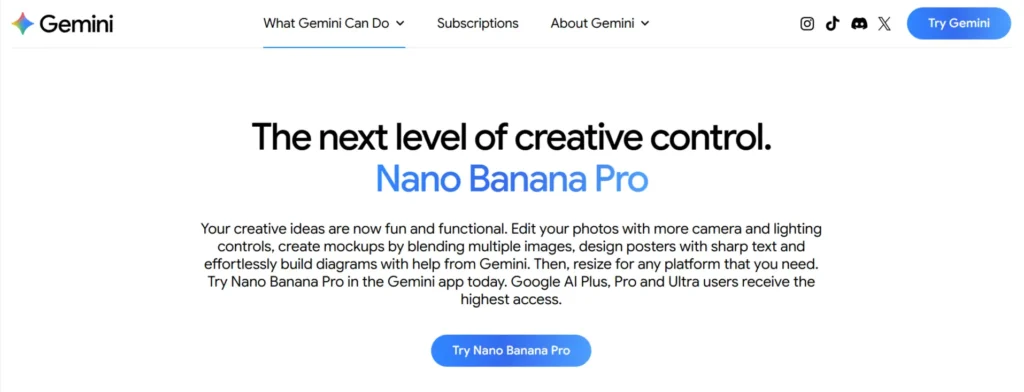
Best for: Hyper-realistic photography, product renders, creative concept art
Specifications:
- Powered by Gemini’s advanced multimodal AI
- Extremely accurate lighting, reflections, and textures
- Supports multiple styles from photorealism to digital art
Pros:
- Industry-leading realism
- Fast rendering
- Strong understanding of prompts
Cons:
- Limited customization tools
- Requires a Google account
Pricing: Free + Paid Gemini Advanced subscription
➤ If you want more tools for artistic creators, check out our AI art generator apps for 2025.
2. Midjourney
Best for: Artistic images, stylized visuals, high-end digital art
Specifications:
- Operates through web app + Discord
- Massive community
- Industry-defining art style
Pros:
- Jaw-dropping artistic images
- Great for concept art
- Constant updates
Cons:
- Not ideal for photorealism
- Learning curve for Discord
Pricing: Paid plans only
3. FLUX (Black Forest Labs)
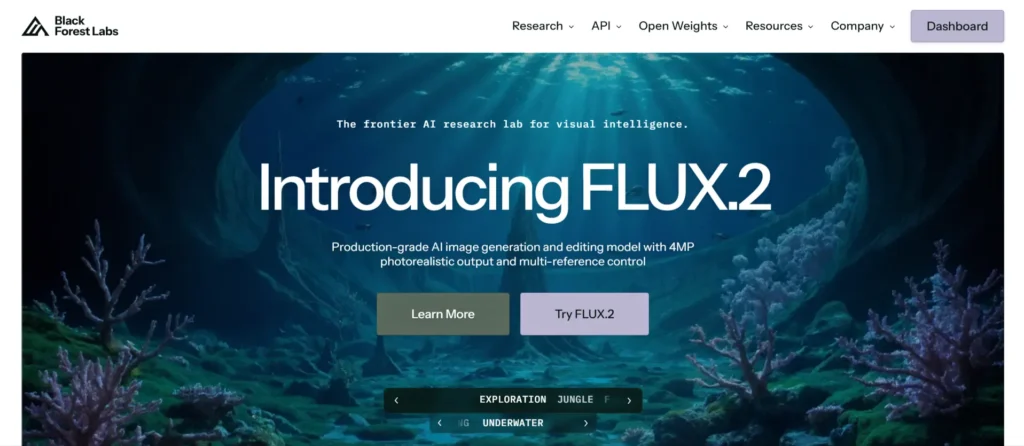
Best for: Photorealism, portraits, cinematic scenes
Specifications:
- High-fidelity image generation
- Natural lighting and skin textures
- Advanced realism tuning
Pros:
- Best for human portraits
- Realistic output
- Fast rendering
Cons:
- Limited presets
- Premium features cost extra
Pricing: Free tier + Paid plans
If you want to grow brand visibility with AI visuals, visit Reliqus Marketing — we help businesses scale with AI-powered digital marketing.
4. QuillBot AI Image Generator
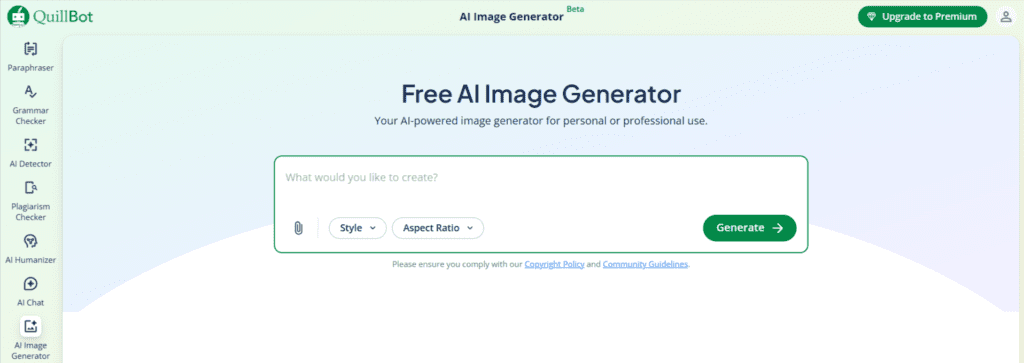
Best for: Writers, educators, and content creators who want to generate meaningful visuals directly from descriptive text and integrate image creation into their writing workflows.
Specifications:
- Generates images from natural language prompts
- Supports multiple visual styles (realistic, illustrative, creative variants)
- Browser-based, intuitive interface with no design skills required
- Integrated within the larger QuillBot AI tool suite
Pros:
- Text-first generation: Designed for people who think in words, not visual design
- Ease of use: Simple prompt entry and quick image creation
- Flexible styles: Generates a range of visual outputs to fit different creative needs
- Workflow integration: Works alongside writing tools like paraphrasing, summarizing, and prompt refinement
Cons:
- Prompt quality matters: Best results require well-crafted, descriptive prompts
Pricing:
- Free plan: Limited daily image generation available at no cost
- Premium subscription: Higher usage limits and expanded generation options as part of QuillBot Premium
5. Deevid AI Image Generator
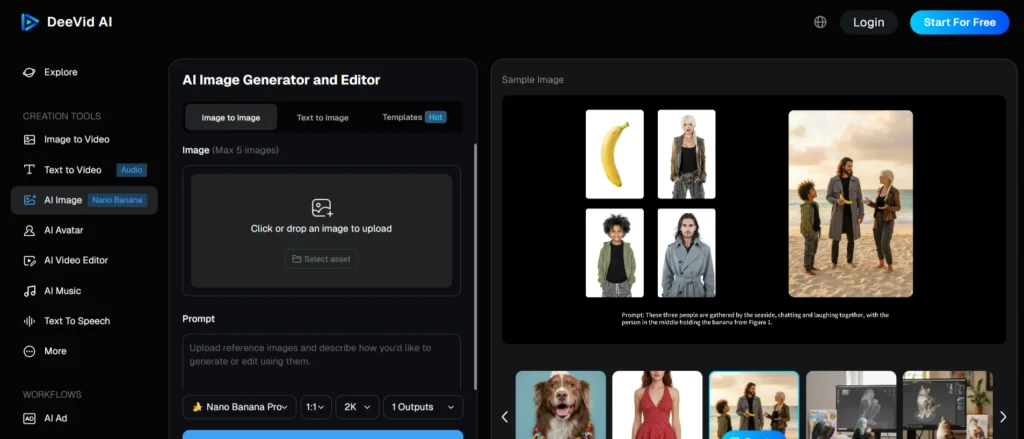
Best for: Marketing visuals, branding assets, social graphics
Specifications:
- Built for marketing workflows
- Generate ads, posters, thumbnails
- Edit images with AI
Pros:
- Strong commercial use-case
- Built-in editing tools
- Easy UI
Cons:
- Not ideal for artists
- Limited advanced controls
Pricing: Free plan + Paid tiers
6. Freepik AI Image Generator
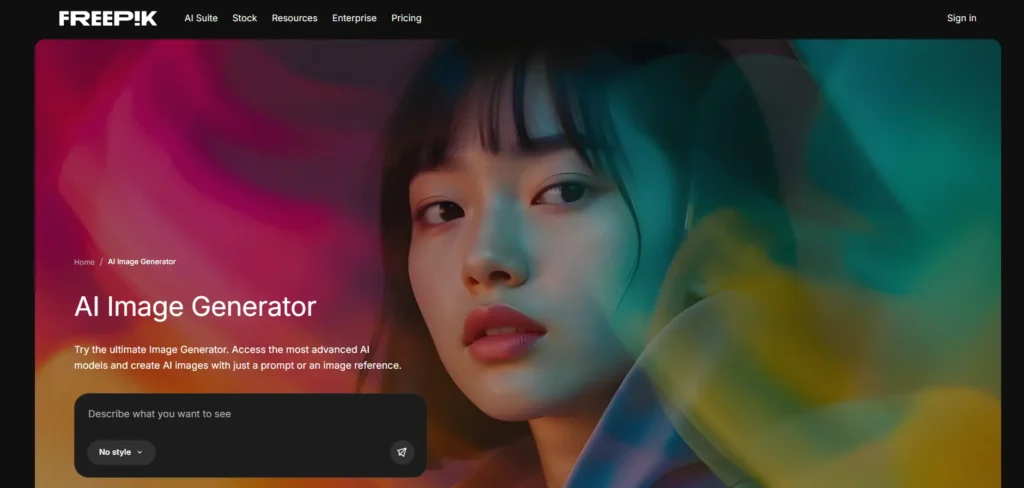
Best for: Social media graphics, content creators, beginners
Specifications:
- Ready-made templates
- Easy-to-use interface
- Style filters and presets
Pros:
- Simple for beginners
- Good for marketing content
- Built-in stock assets
Cons:
- Limited realism
- Not ideal for high-end artwork
Pricing: Free plan + Premium subscription
7. ChatGPT DALL·E 3
Best for: Realistic visuals, branded content, social media ads
Specifications:
- Natural prompt understanding
- Precise brand-safe outputs
- High-quality photorealism
Pros:
- Best prompt understanding
- Strong realism
- Smooth image editing
Cons:
- Editing features are still evolving
- Requires ChatGPT Plus for best results
Pricing: Free limited + ChatGPT Plus subscription
8. Adobe Firefly
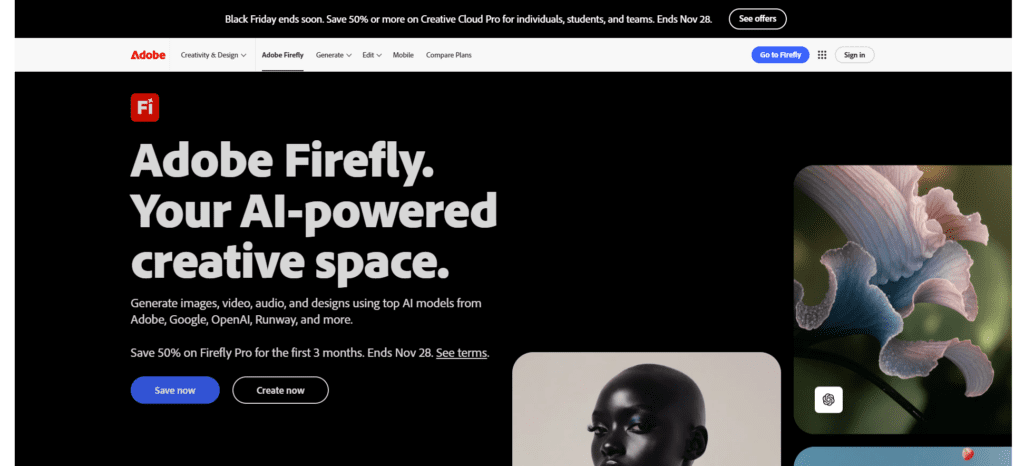
Best for: Designers, photographers, brand creatives
Specifications:
- Integrated with Photoshop, Illustrator
- Generative fill, expand, background creation
- Commercial-safe content
Pros:
- Professional-grade
- Works inside Adobe apps
- Great for editing and expansion
Cons:
- Not the most realistic
- Limited style diversity
Pricing: Free + Adobe Cloud subscription
9. Ideogram
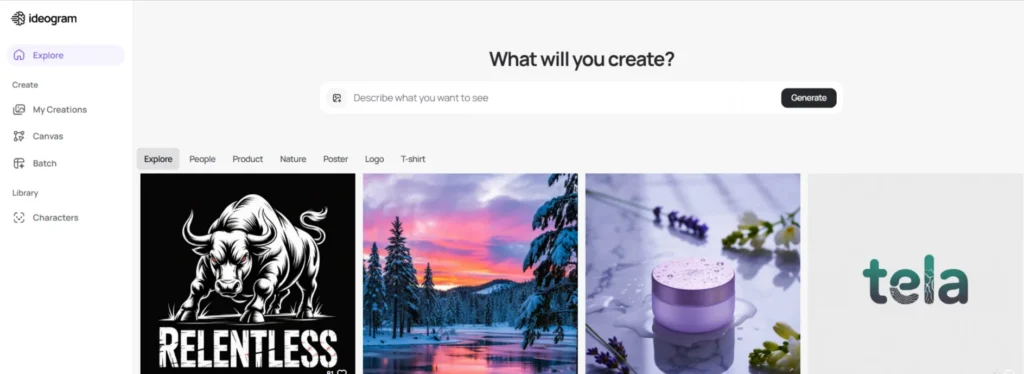
Best for: Text inside images, posters, banners, ads
Specifications:
- Known for perfect typography
- Great for graphic design
- Supports artistic styles
Pros:
- Best text rendering
- Great for social creatives
- Clean UI
Cons:
- Average realism
- Not ideal for portraits
Pricing: Free + Premium tiers
10. Fotor AI Image Generator
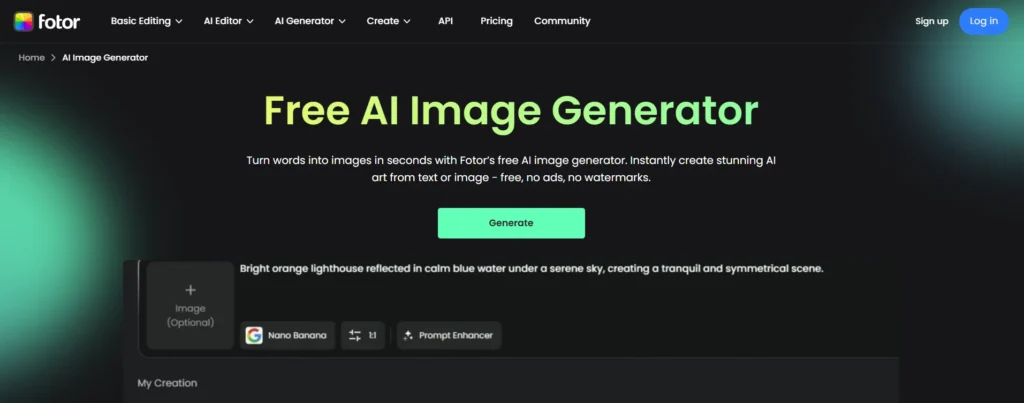
Best for: Quick designs, photo edits, simple AI artwork
Specifications:
- Online photo editor
- Style presets
- Basic design tools
Pros:
- Beginner-friendly
- Great for personal projects
- Fast output
Cons:
- Less advanced
- Limited photorealism
Pricing: Free + Paid upgrades
11. Meta AI Image Generator
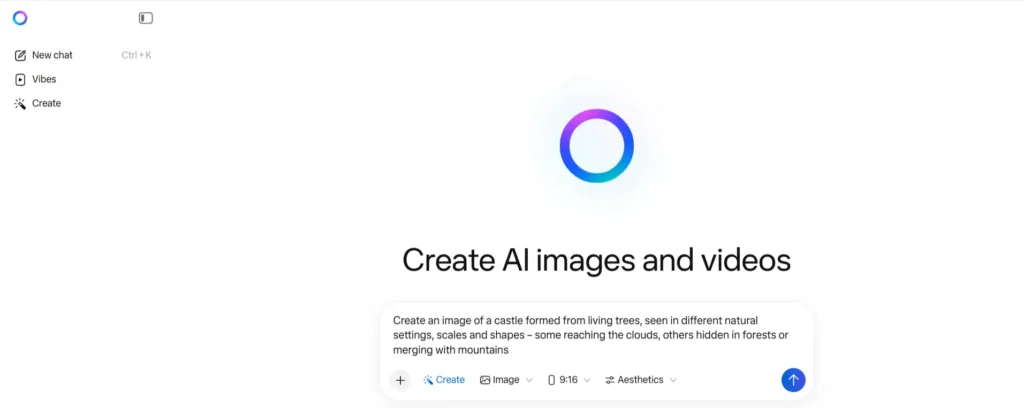
Best for: Quick, conversational generation inside Facebook, Instagram, WhatsApp
Specifications:
- Built into Meta platforms
- Fast mobile-friendly generation
- Good for everyday content
Pros:
- Super convenient
- Great for IG/FB reels, posts
- Responsive generation
Cons:
- Limited professional use
- Less consistency
Pricing: Free
12. Perchance AI Image Generator
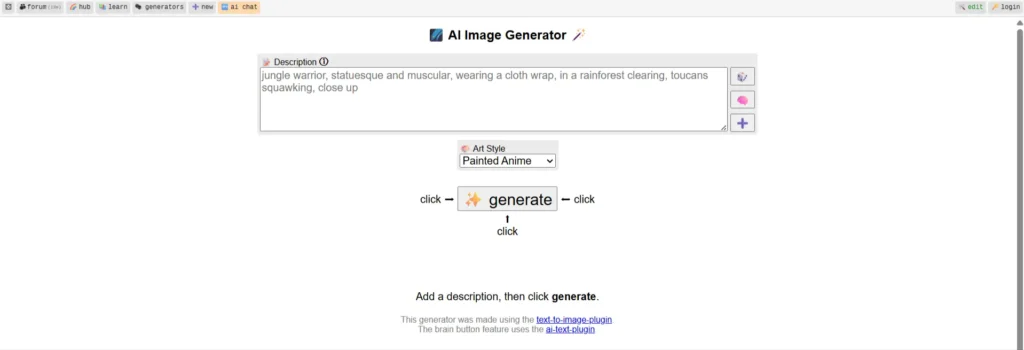
Best for: Free experimentation, random ideas, quirky art
Specifications:
- Completely free
- Simple prompt box
- No login needed
Pros:
- 100% free
- Fun for random imaginations
- No sign-up
Cons:
- Low-quality output
- Not suitable for commercial use
Pricing: Completely free
13. Leonardo AI
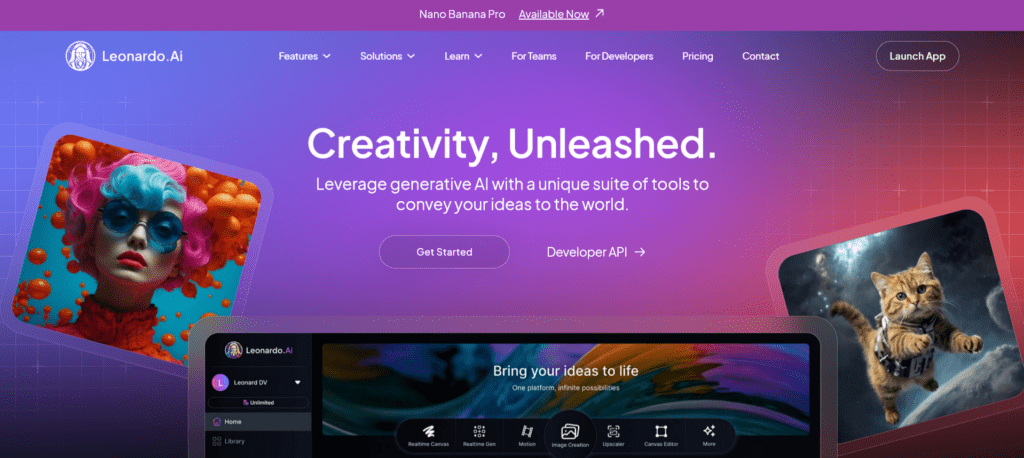
Best for: 3D assets, game art, professional design workflows
Specifications:
- Multiple AI models
- Text-to-image + image-to-image
- Training capability
Pros:
- Flexible and powerful
- Great for gaming/animation
- Custom model training
Cons:
- Complex for beginners
- Premium credits needed for advanced models
Pricing: Free plan + Subscription options
Tips for Getting the Best AI-Generated Images
To make the most out of image generator AI tools, use these pro tips:
- Use detailed prompts – Clearly describe styles, lighting, colors, and mood.
- Add camera settings (for realism) – Example: 35mm lens, cinematic lighting, depth of field.
- Use reference images – Many tools accept uploads.
- Use negative prompts – Tell the AI what to avoid.
- Regenerate multiple options – Pick the best one.
Also see our guide on the best AI video generators if you want to turn images into videos.
Final Thoughts
2026 is the strongest year yet for AI image generators, offering more power, realism, and flexibility than ever before. Whether you need posters, product photos, social media content, or creative artwork, the tools above give you endless creative freedom — many with free AI image generator options.
If you need help implementing AI tools in your business or want tailored marketing support, feel free to reach out:
Contact Reliqus or book a Free Consultation.
FAQs
1. What is an AI image generator?
An AI image generator is a tool that creates images from text prompts using artificial intelligence. It can produce art, photos, graphics, logos, and more.
2. What is the best AI image generator in 2026?
Midjourney, FLUX, DALL·E 3, and Leonardo AI lead the market for quality and performance.
3. Is there a completely free AI image generator?
Yes — tools like Perchance, Freepik (limited), and Meta AI offer free options for generating AI images.
4. Can I use AI-generated images for commercial use?
Most platforms allow commercial usage, but always check each tool’s license.
5. Which AI tool is best for photo editing?
Adobe Firefly and Fotor offer robust AI image editing capabilities.
6. Which AI image creator is best for business marketing?
DALL·E 3, Freepik, and Adobe Firefly work best for brand-ready content.