AI is no longer just writing your content; it’s painting your canvases, designing your posters, and creating social-ready visuals in seconds. Whether you’re a digital artist, marketer, or just curious about AI creativity, the demand for AI art generator apps has skyrocketed in 2026.
The problem? With so many free and paid apps available, it’s hard to know which ones are worth your time (and money). Some are perfect for quick experiments, while others are built for professional artists and businesses.
This guide compares the best AI art generator apps in 2026—both free and paid—with specs, pricing, pros/cons, and direct links.
1. DALL·E (OpenAI)
Best for: Simple AI art from text prompts
Specifications:
- Generates 1024×1024 images from text prompts
- Integrated with ChatGPT (free users get monthly credits)
- Supports inpainting (editing parts of an image)
- Easy to use for beginners
Pricing: Free credits with an OpenAI account; additional images cost ~$15 for 115 credits.
Pros:
- Beginner-friendly
- Strong integration with ChatGPT
- Reliable outputs for everyday use
Cons:
- Limited free credits per month
- Less customizable compared to Stable Diffusion
Tip: For maximum creativity, combine DALL·E with the best ChatGPT prompts for digital marketers to generate ideas before creating images.
2. Stable Diffusion (Stability AI)
Best for: Professionals and power users
Specifications:
- Open-source, can run locally on PC (no credit limits)
- Supports advanced prompt tuning, control nets, and styles
- Huge community on Hugging Face & GitHub for custom models
- Compatible with extensions like Automatic1111
Pricing: Free (open source). Some hosted services (like DreamStudio) charge usage fees.
Pros:
- Completely free if installed locally
- Extremely customizable
- Active developer community
Cons:
- Steep learning curve for non-tech users
- Requires a GPU for best results
3. Adobe Firefly
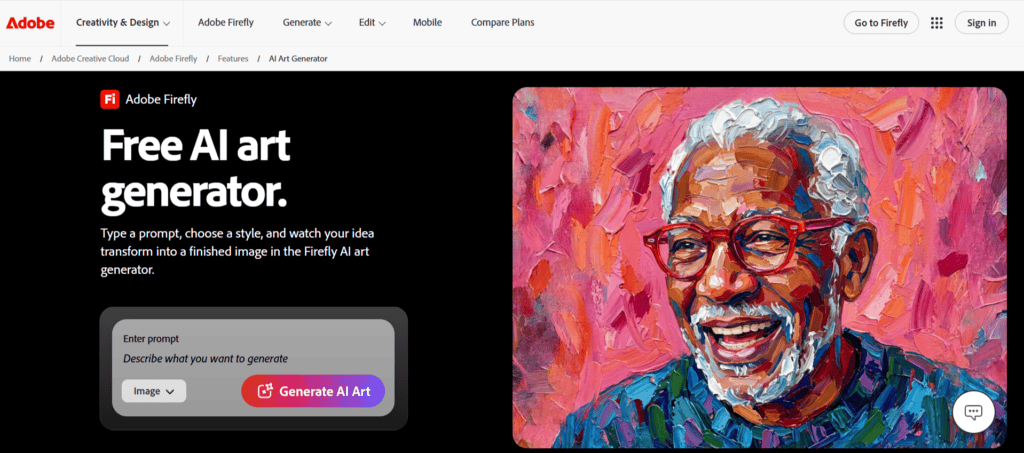
Best for: Professional designers and marketing teams needing commercially safe AI art
Specifications:
- The only major AI art generator trained exclusively on licensed Adobe Stock images and public-domain content
- Fully integrated into Photoshop, Illustrator, and Adobe Express
- Generative Fill for editing specific areas of existing images with text prompts
- IP indemnification for enterprise users — legal protection no competitor here offers
- Access to Adobe Fonts’ library of 20,000+ premium typefaces alongside image generation
Pricing: Free plan with generative credits; Premium from $9.99/month (often included in Creative Cloud).
Pros:
- Strongest commercial safety profile of any tool on this list
- Seamless workflow for existing Adobe users
- IP indemnification for enterprise users
Cons:
- Full feature potential requires an Adobe Creative Cloud subscription
- Free plan generative credits are limited for heavy users
4. Canva AI Image Generator
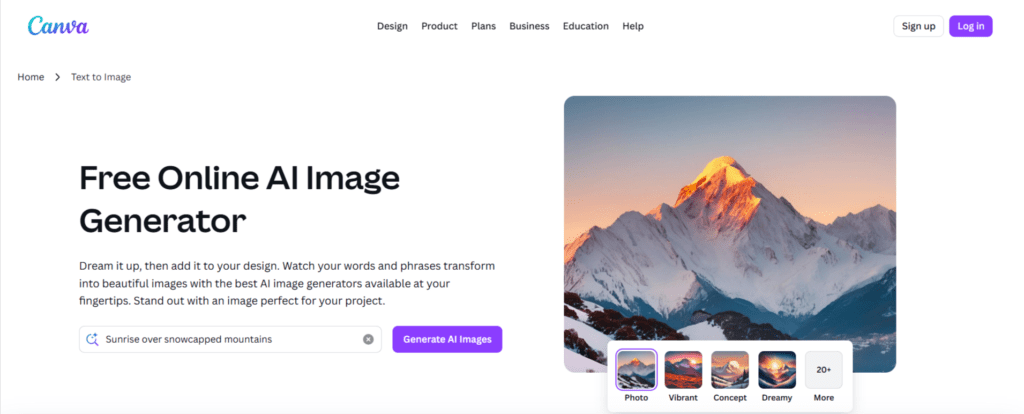
Best for: Marketing teams and businesses
Specifications:
- 25 free AI-generated images/month
- Magic Design (generate templates from a prompt)
- AI-powered text-to-image, background removal, and filters
- Works seamlessly with Canva’s templates and brand kits
Pricing: Free plan; Canva Pro starts at $12.99/month.
Pros:
- Ideal for marketers and small businesses
- Integrated with a full design suite
- Beginner-friendly
Cons:
- Limited free credits
- Output quality is lower than Stable Diffusion or MidJourney
5. NightCafe Studio
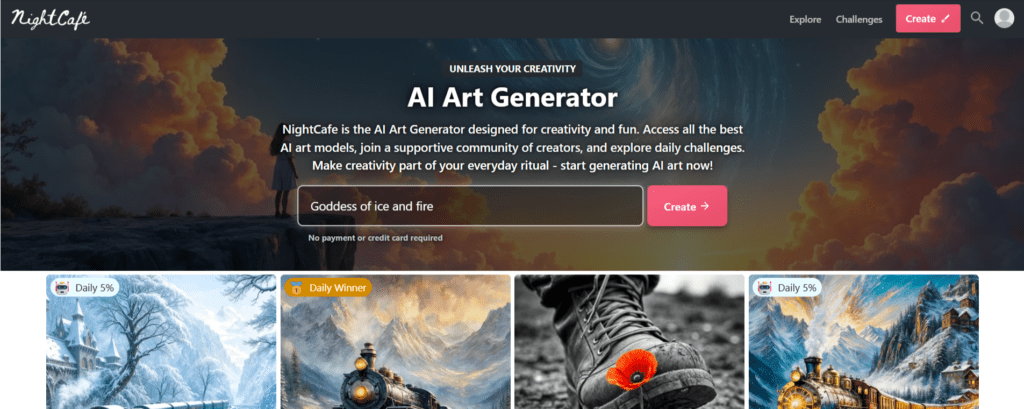
Best for: Hobbyists and community-driven creators
Specifications:
- Multiple AI models (Stable Diffusion, VQGAN+CLIP, etc.)
- Daily free credits (earn by logging in or community activity)
- AI art contests and a community voting system
- Style transfer (turn your photos into art)
Pricing: Free credits daily; paid packages from $5.99 for 100 credits.
Pros:
- Great for beginners experimenting
- Social/community features
- Flexible pricing model
Cons:
- Free outputs can be low resolution
- Paywalls for high-quality results
6. Fotor AI Art Generator
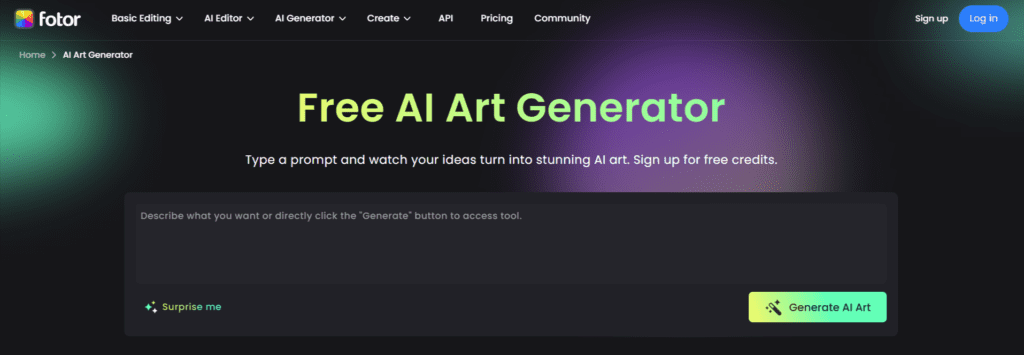
Best for: Quick social-ready AI visuals
Specifications:
- Text-to-image with multiple art styles
- AI photo-to-painting conversion
- AI background remover
- Mobile + web app support
Pricing: Free version with watermarks; paid plans start at $8.99/month.
Pros:
- Simple UI for non-designers
- Mobile-friendly
- Works well for casual art generation
Cons:
- Watermarks in the free plan
- Less creative flexibility than Stable Diffusion
7. DeepAI
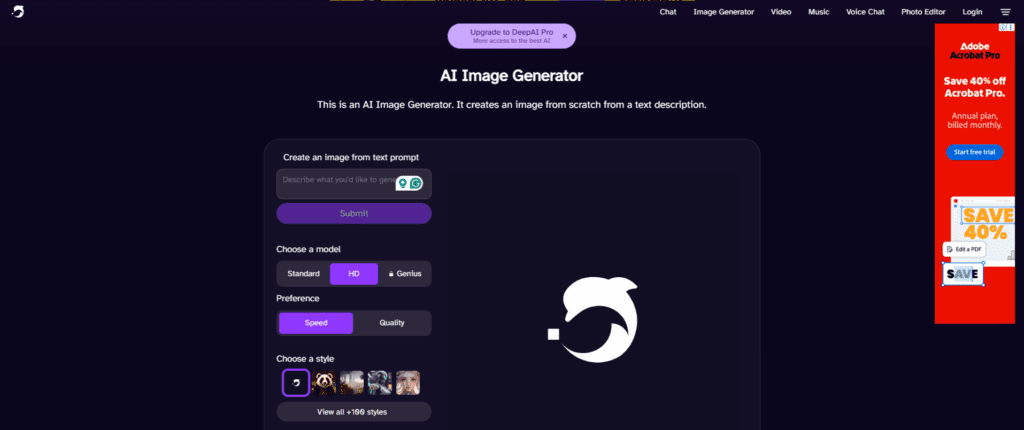
Best for: Developers and experimentation
Specifications:
- Free text-to-image generator via API
- Unlimited image generations (low resolution)
- Other AI models: colorizer, cartoon generator, super-resolution
- Open API for developers to integrate into projects
Pricing: Free; Pro API plan at $5/ month for higher quality.
Pros:
- Free unlimited usage
- Developer-friendly API
- Variety of AI models
Cons:
- Output quality is basic compared to premium tools
- Best for experiments, not professional design
Learn more about innovative AI apps like this in our DeepSeek AI app review.
8. MidJourney (Paid Only)
Best for: Artists and creative professionals
Specifications:
- Operates via a Discord bot
- Produces highly detailed, professional-grade images
- Supports prompt engineering, aspect ratios, styles, and upscaling
- Ideal for concept art, branding, and marketing
Pricing: Starts at $10/month (no free plan anymore).
Pros:
- Best-in-class quality for AI art
- Huge community for prompt sharing
- Stunning realism and creativity
Cons:
- Paid only (no free tier since 2023)
- Requires Discord use
9. Pixazo AI Image Generator
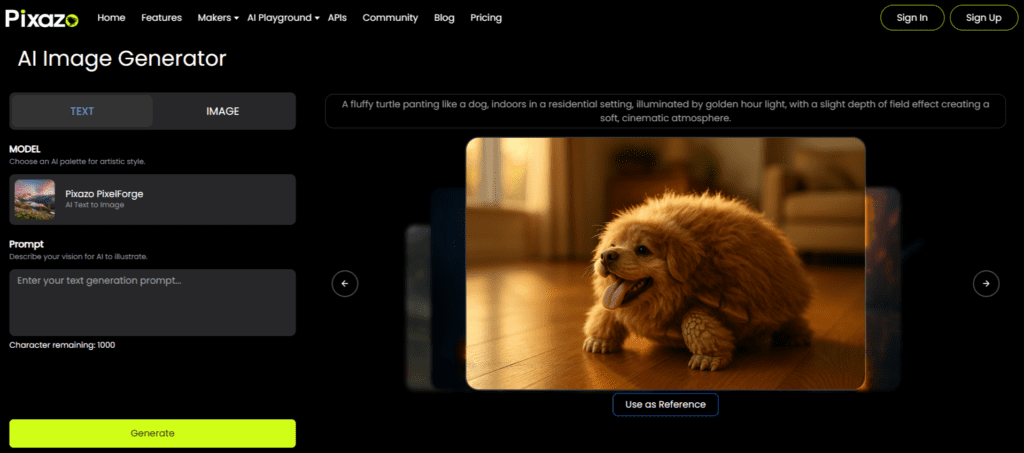
Best for: Creators, designers, and brands needing fast, high-quality visuals
Specifications:
- Unlimited free text-to-image generations
- AI styles for realistic, artistic, and illustration outputs
- Inpainting, outpainting, and background editing
- Supports prompts, image uploads, and custom variations
- Works smoothly with Pixazo’s editing tools and templates
Pricing: Free plan available; Premium plans start at affordable monthly rates.
Pros:
- Strong output quality for both realistic and stylized visuals
- Easy for beginners while offering advanced controls
- Includes built-in editing tools for refining results
Cons:
- Some styles require premium access
- Processing time can slow during high-traffic periods
Free vs Paid AI Art Apps – Which Should You Choose?
- Free AI art apps (DALL·E free credits, NightCafe, Canva) are perfect for beginners, students, and marketers experimenting with visuals.
- Paid apps (MidJourney, premium Canva, Fotor Pro) are better for businesses, agencies, and professional creators who need consistent, high-resolution, commercial-ready images.
- Open-source apps (Stable Diffusion) give you unlimited creative freedom—if you’re willing to learn setup and prompts.
For a broader selection, check our Best Free AI Tools 2026 guide.
Conclusion
AI art tools have democratized creativity. In 2026, anyone can create professional-grade visuals in seconds. If you’re just starting, experiment with DALL·E or Canva AI. For community-driven fun, try NightCafe. If you want total control, dive into Stable Diffusion. And if budget allows, MidJourney remains unmatched for quality.
At Reliqus Consulting, we help brands integrate the right AI design and marketing tools to create visuals that stand out. Contact us for guidance on building your AI-powered design workflow.
FAQs
Q1. What is the best free AI art generator in 2026?
DALL·E (with free credits), Canva AI, and NightCafe Studio are the most popular free options.
Q2. Which AI art tool creates the most realistic images?
MidJourney and Stable Diffusion currently lead in quality and realism.
Q3. Are AI-generated images copyright-free?
Most platforms allow personal use; commercial use depends on licensing (MidJourney is commercial-use friendly).
Q4. Can I use free AI art apps for business marketing?
Yes, Canva AI and Fotor are built with businesses in mind, though premium tiers unlock commercial usage rights.
Q5. Which AI art app works best for beginners?
Canva AI and DALL·E are the easiest to start with, requiring no technical knowledge.