
If you’ve already searched for free text-to-video AI tools, you’ve likely hit a wall.
Watermarks.
Export limits.
Trials that expire before you finish a real video.
That’s not an accident.
Text-to-video AI is one of the most expensive categories in AI to operate. Rendering video, synchronizing audio, generating visuals, and hosting exports all cost real money — which is why the best tools are paid.
This guide focuses on paid text-to-video AI tools that are actually worth using in 2026, based on:
- Output quality
- Workflow maturity
- Use-case fit
- Who they’re best for
This is not a ranked list. It’s a decision guide.
(For market size, free vs paid breakdowns, and categories, see our pillar guide on Text-to-Video AI Generators in 2026.)
Why Paid Text-to-Video AI Tools Exist (Context Matters)
Before tools, here’s the reality.
Paid text-to-video tools are not “greedy versions” of free tools. They exist because they provide:
- Higher-resolution exports
- Longer video durations
- Better scene control
- Stable rendering pipelines
- Commercial usage rights
- Team workflows
If you’re creating videos for:
- YouTube
- Ads
- Client work
- Brand channels
- Faceless content businesses
…paid tools are inevitable.
How This List Is Structured
Instead of “Top 10 overall,” tools are grouped by what they do best:
- Best for pure generative video
- Best for script-to-video marketing
- Best for faceless / avatar videos
- Best for Shorts & repurposing
- Best for teams and agencies
This is how professionals choose tools — by workflow, not hype.
1. Best Paid Tools for Pure Text → Video Generation
These tools generate video visuals directly from text prompts using generative video models.
Runway (Gen-2)
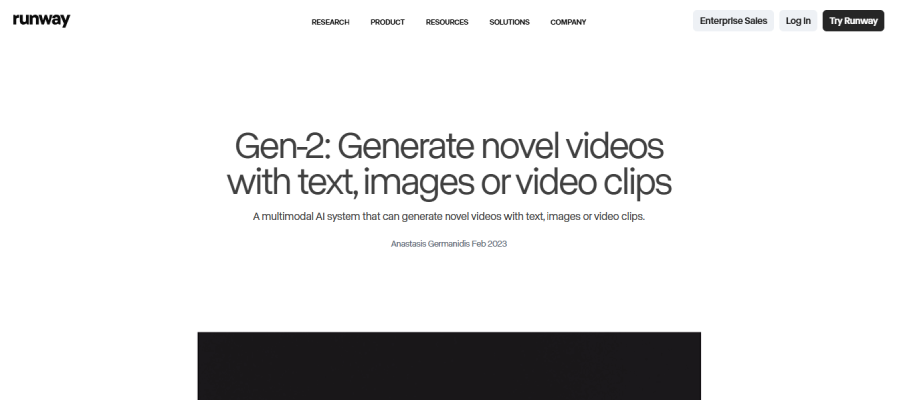
What it does best
- High-quality AI-generated video clips from text prompts
- Creative, cinematic visuals
Why it’s paid
- GPU-heavy generation
- Advanced generative models
- Frame-level rendering control
Best for
- Experimental videos
- Music visuals
- Creative storytelling
- Short cinematic clips
Limitations
- Short clip lengths
- Not ideal for explainers or structured marketing videos
Verdict: One of the strongest pure generative tools — but not a general-purpose video editor.
Pika
What it does best
- Fast text-prompt video generation
- Stylized, animated clips
Best for
- Social content
- Visual experimentation
- Creative Shorts
Limitations
- Less control over outcomes
- Requires trial-and-error prompting
Verdict: Excellent for creators who enjoy creative exploration and don’t need predictable outputs.
2. Best Paid Script-to-Video AI Tools (Marketing & Explainers)
These tools take scripts or text and assemble videos using stock visuals, captions, and pacing.
InVideo AI (Paid Plans)
What it does best
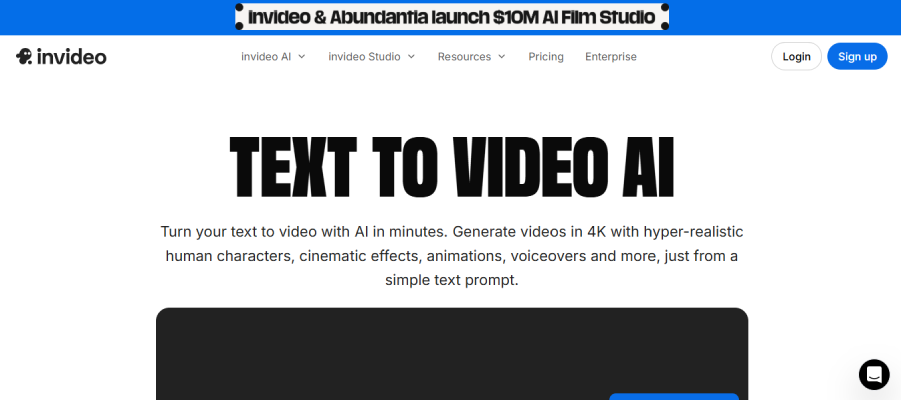
- Script → scene-based videos
- Marketing-friendly layouts
- Fast turnaround
Best for
- YouTube videos
- Ads
- Business explainers
- Social media content
Why is it paid
- Asset licensing
- Export quality
- Automation depth
Verdict: A practical, business-friendly text-to-video tool once you remove the watermark via paid plans.
Pictory
What it does best
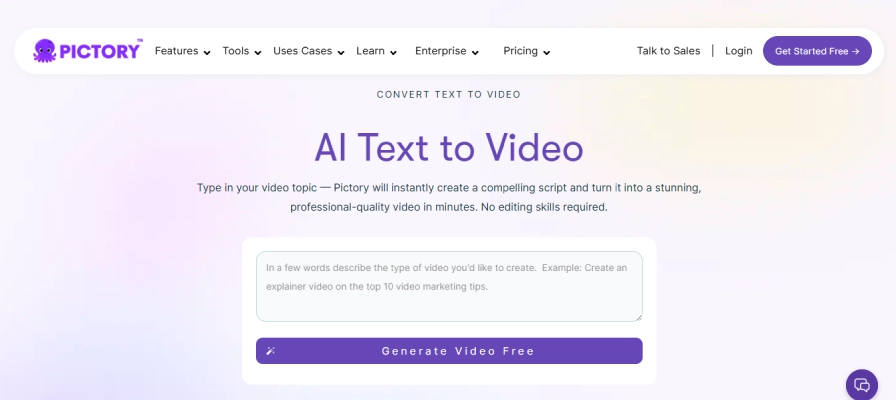
- Turning long scripts or articles into video
- Caption-heavy explainer videos
Best for
- Bloggers
- Educators
- Content marketers
Limitations
- Stock-heavy visuals
- Less creative freedom
Verdict: Not flashy, but very effective for informational videos.
Lumen5
What it does best
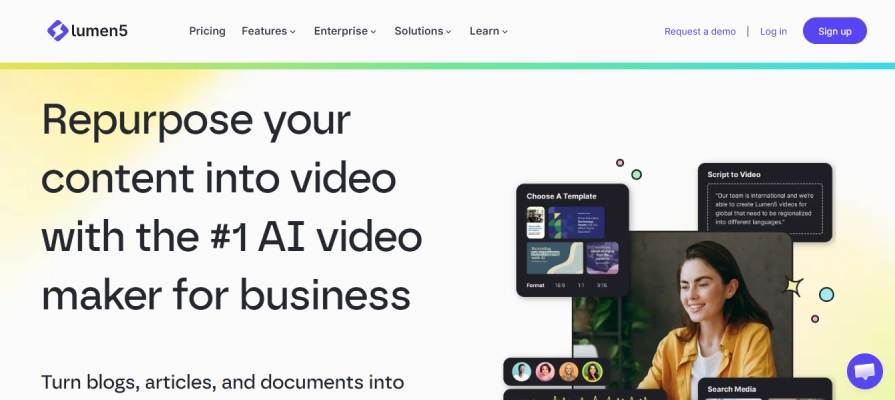
- Brand-aligned videos
- Consistent visual style
Best for
- Marketing teams
- Corporate content
- Brand storytelling
Verdict: A solid paid option for companies that value consistency over experimentation.
For a complete comparison of text-to-video tools, free vs paid, and categories, check our Text-to-Video AI Generator tools guide.
3. Best Paid Avatar & Faceless Text-to-Video Tools
These tools turn text into spoken video using AI presenters or avatars.
HeyGen
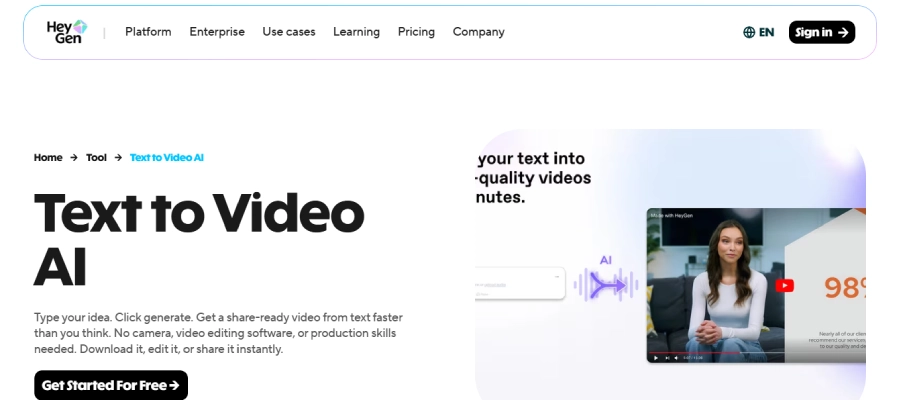
What it does best
- High-quality AI avatars
- Natural-looking talking head videos
Best for
- Faceless YouTube channels
- Product explainers
- Personal brand content without filming
Limitations
- Less emotional nuance than humans
- Overuse can feel generic
Verdict: One of the most polished avatar platforms available.
Synthesia
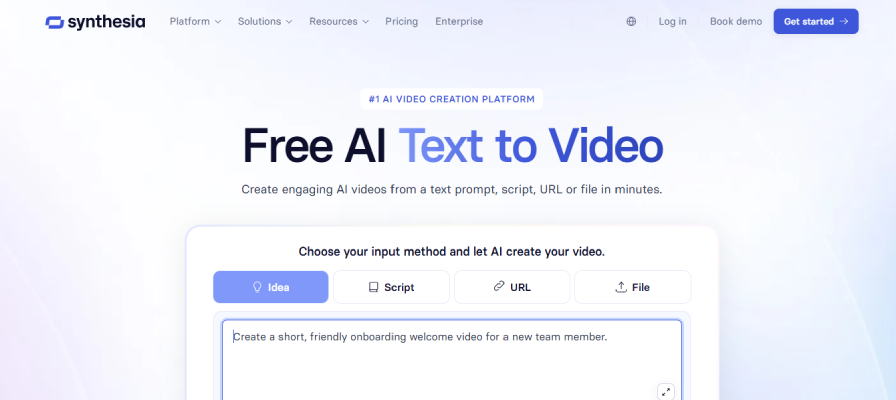
What it does best
- Corporate-grade avatar videos
- Multi-language support
Best for
- Training videos
- Internal communications
- Enterprise use cases
Verdict: More corporate than creative — excellent for professional environments.
D-ID
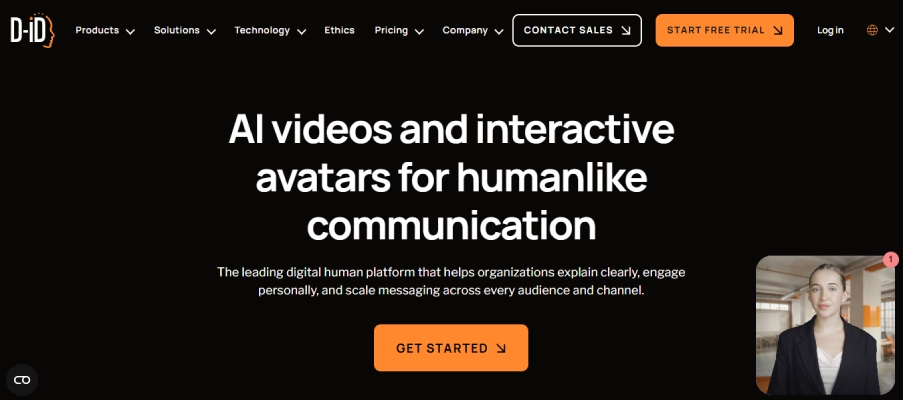
What it does best
- Photo-to-video talking head generation
Best for
- Short explainer clips
- Visual storytelling with static images
Verdict: Powerful but niche — works best as part of a larger workflow.
4. Best Paid Tools for Shorts & Repurposing
These tools excel at turning text or long videos into short-form content.
Opus Clip (Paid)
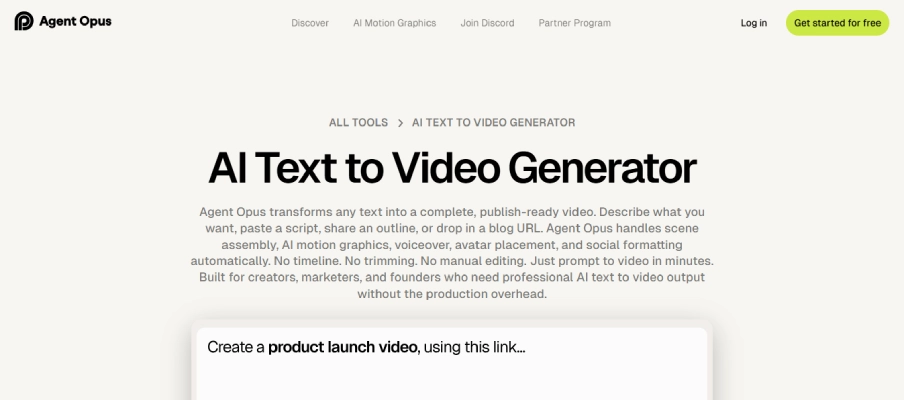
What it does best
- Detecting viral moments
- Formatting content for Shorts, Reels, TikTok
Best for
- Podcasters
- YouTubers
- Content repurposing
Verdict: Not pure text-to-video, but extremely valuable for short-form growth.
Vidyo.ai
What it does best
- Automated clip generation
- Captioning and framing
Best for
- Creators with existing long content
Verdict: A time-saver, not a creative generator.
5. Best Paid Tools for Teams & Agencies
These tools focus on scale, collaboration, and consistency.
Runway (Team Plans)
Why teams use it
- Advanced controls
- Shared projects
- Stable rendering
Canva Pro
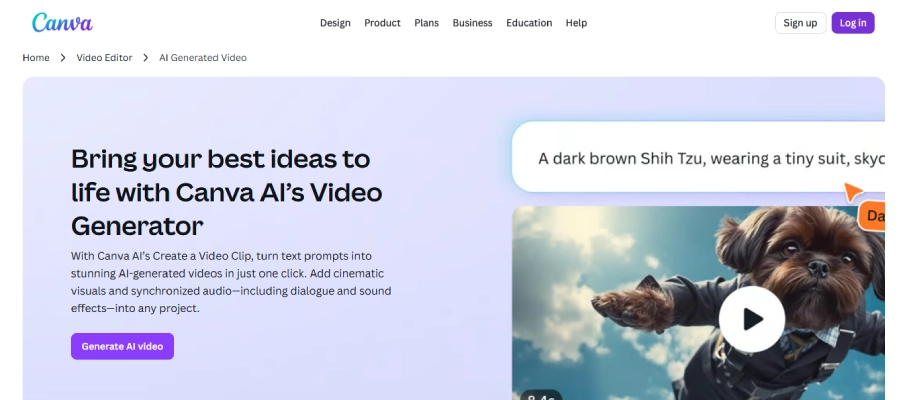
Why teams use it
- Brand kits
- Collaboration
- Predictable output
Free vs Paid: When Is It Worth Paying?
Pay for a text-to-video AI tool if:
- You publish consistently
- You need watermark-free exports
- You value time over tinkering
- You’re building a brand or business
Stick with free tools if:
- You’re experimenting
- You publish rarely
- You’re learning the basics
For free options and comparisons, see our Free Text-to-Video AI Tools 2026 guide.
Final Verdict
There is no single “best” paid text-to-video AI tool.
The best tool depends on:
- What kind of video are you making
- How often do you publish
- Whether creativity or predictability matters more
- Your budget tolerance
Paid tools don’t just remove watermarks — they remove friction.
If you haven’t yet, read the main guide on Text-to-Video AI Generators in 2026 to understand how these tools fit into the larger ecosystem.
For broader AI software insights, explore the AI tools category.
FAQ: Best Paid Text-to-Video AI Tools
Are paid text-to-video AI tools worth it?
Yes, if you create videos regularly. Paid tools offer higher quality, no watermarks, longer exports, and more reliable workflows.
Which paid text-to-video AI tool is best for beginners?
Canva Pro and InVideo AI are good starting points because they balance automation with ease of use.
What is the best-paid AI tool for faceless videos?
HeyGen and Synthesia are among the best options for avatar-based, faceless video creation.
Do paid tools produce better videos than free tools?
In most cases, yes. Paid tools offer better rendering quality, more control, and commercial usage rights.
Can I use paid text-to-video AI tools for YouTube and ads?
Yes. Most paid plans include commercial usage rights, which free plans often restrict.