
In today’s fast-paced digital world, visuals play a critical role in communication, marketing, and analysis. But manually understanding and categorizing thousands of images can be overwhelming. That’s where an AI image analyzer comes in handy. These tools help you efficiently analyze images, extract insights, and make data-driven decisions. Whether you want to explore patterns, detect objects, or generate captions, an image analyzer AI can save you significant time and effort.
In this blog, we’ll review the top 6 AI image analyzer tools for 2026, their features, pros, and cons, so you can pick the best platform to fit your needs.
1. Aicado Free AI Image Analyzer
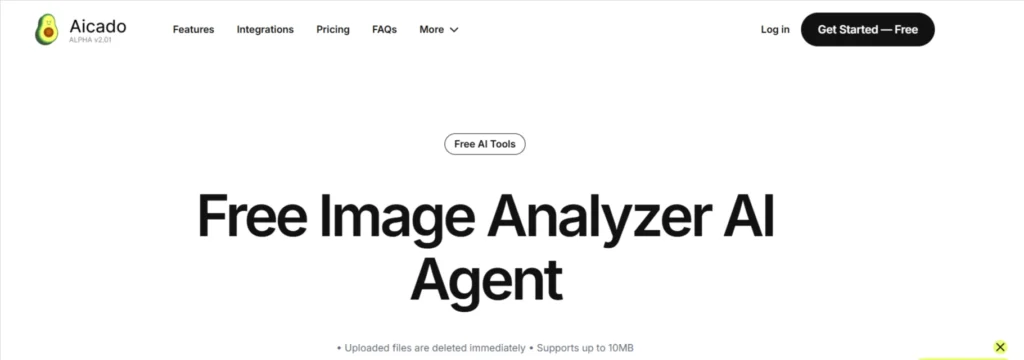
Best for: Quick and free image analysis for basic insights.
Specifications:
- Supports multiple image formats (JPG, PNG).
- Generates captions and basic object detection.
- Cloud-based interface with no installation required.
Pros:
- Completely free to use.
- Easy-to-use interface suitable for beginners.
- Quick analysis with instant results.
Cons:
- Limited advanced analysis features.
- May not handle large datasets efficiently.
- Lacks batch processing capabilities.
2. ScreenApp AI Image Analyzer
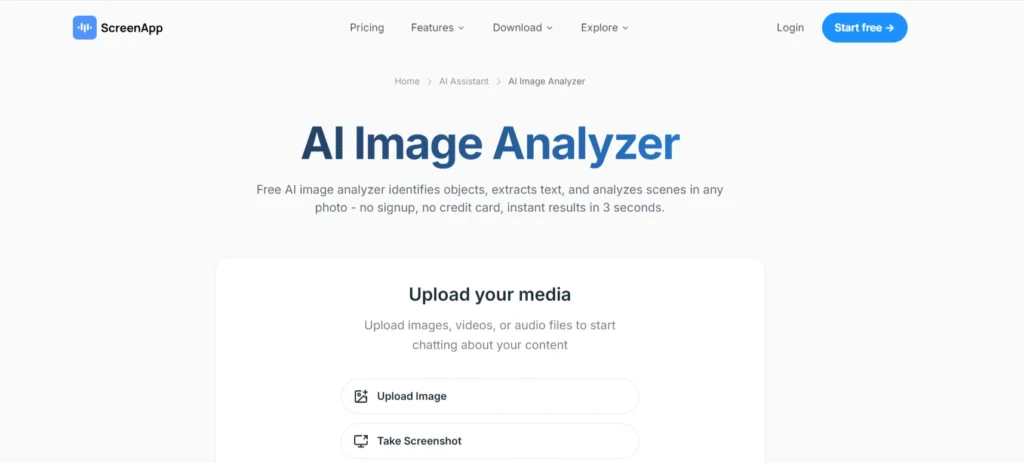
Best for: Marketing teams and content creators who need quick visual insights.
Specifications:
- Real-time analysis of images for visual content optimization
- Provides suggestions to enhance clarity and composition
- Integrates with screen capture and presentation tools
Pros:
- User-friendly interface.
- Provides actionable insights for content improvement.
- Cloud-based and accessible from anywhere.
Cons:
- The free version is limited in the number of analyses per month.
- Some features require paid subscriptions.
- Not ideal for high-volume enterprise usage.
If you’re creating visuals before analyzing them, check out these powerful AI image generators to enhance your workflow.
3. Writer.com Image Analysis Agent
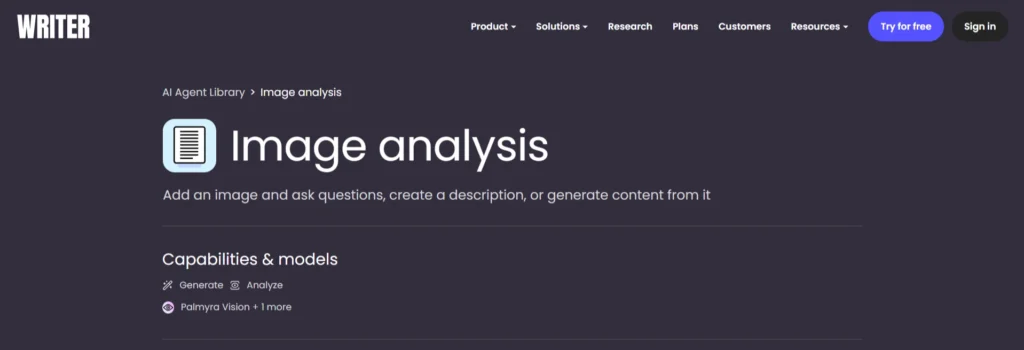
Best for: Businesses that need image analysis AI for automated reporting.
Specifications:
- AI-powered image insights for marketing campaigns
- Detects objects, text, and image context
- Supports integration with writing and content tools
Pros:
- Excellent for automated captioning.
- Integrates with other Writer.com productivity tools.
- Helps in SEO optimization with descriptive metadata.
Cons:
- Limited customization options for analysis.
- Requires a Writer.com account to access.
- Batch image processing is slower compared to specialized platforms.
4. Galaxy.ai Free AI Image Analyzer
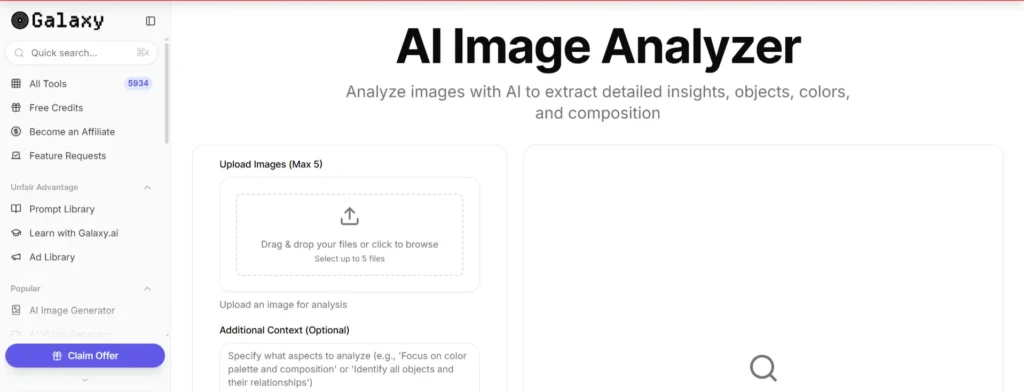
Best for: Quick, no-login required image analysis.
Specifications:
- Advanced AI model for object detection and image classification
- Supports custom dataset input
- Provides detailed visual reports
Pros:
- Accurate and powerful for complex images
- Can integrate with developer tools and APIs
- Supports multiple formats and large datasets
Cons:
- Limited feature set for advanced analysis.
- No batch processing support.
- Lacks detailed reporting tools.
5. Poe Image Analyzer AI
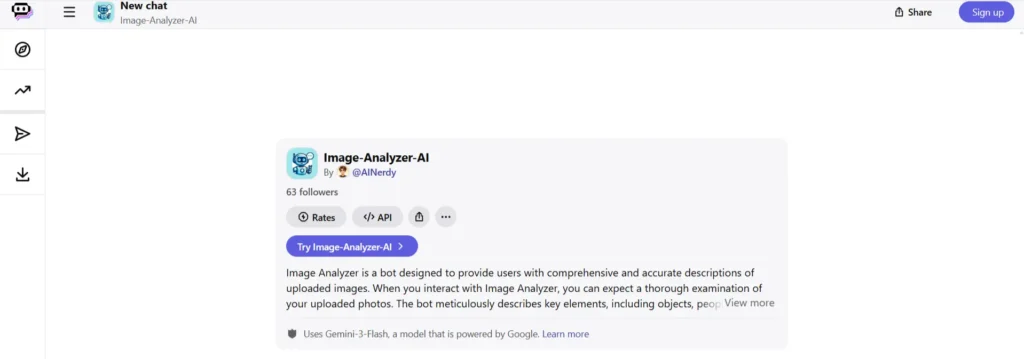
Best for: Creative professionals needing AI to analyze images and generate insights.
Specifications:
- User-friendly interface suitable for casual users
- Provides object recognition and image tagging
- Offers fast processing with a cloud-based platform
Pros:
- Easy to use with minimal setup
- Quick analysis for small-scale projects
- Free tier available
Cons:
- Limited advanced features for professional use
- A cloud-based platform may have speed fluctuations
- Accuracy varies with image complexity
6. iWeaver AI Image Analyzer
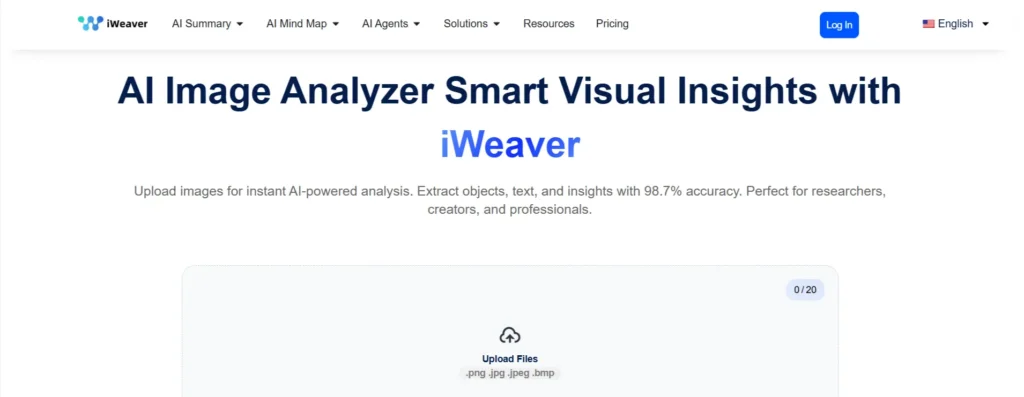
Best for: Professionals needing in-depth visual intelligence.
Specifications:
- Provides insights into image composition, color balance, and objects
- Supports batch image analysis
- Integrates with multiple file formats
Pros:
- Affordable pricing with comprehensive features
- Batch processing for multiple images
- Clear visual outputs for quick understanding
Cons:
- Limited API integration options
- Some features require a paid subscription
- Advanced analytics may require additional tool
How to Choose the Right AI Image Analyzer Tool
When selecting an image AI analyzer, consider:
- Volume of Images: If you need to analyze thousands of images regularly, enterprise-focused platforms like Lighthouse or iWeaver are better.
- Purpose: For marketing and content creation, tools like ScreenApp or Poe provide actionable insights quickly.
- Budget: Free AI image analyzer tools like Galaxy.ai and Aicado are excellent for small-scale or personal projects.
- Integration: If you plan to integrate image analysis with other workflows, consider platforms like Writer.com that support automation and reporting.
- Workflow Compatibility: If your workflow includes editing before analysis, explore these AI image editing tools to improve results.
Conclusion
AI-powered image analyzers are transforming how professionals handle visual content. From simple captioning to advanced enterprise analysis, these tools streamline processes, reduce manual work, and provide actionable insights.
The AI image analyzer you choose depends on your project scale, purpose, and budget. Whether you’re a small business, content creator, or enterprise professional, there’s a tool here that can help you analyze images efficiently and effectively in 2026.
FAQs
Q1: What is an AI image analyzer?
An AI image analyzer is a tool that uses machine learning and computer vision to automatically analyze images. It can detect objects, recognize patterns, generate captions, and provide insights from visual content.
Q2: Can I use a free AI image analyzer?
Yes! Platforms like Aicado and Galaxy.ai offer free AI image analyzer tools that allow you to analyze images with basic features without paying.
Q3: How does AI analyze images?
AI analyzes images by processing pixel data, detecting objects, recognizing patterns, and sometimes generating descriptive text or metadata. These tools save time compared to manual image review.
Q4: Which AI image analyzer is best for marketing purposes?
For marketing, tools like ScreenApp and Poe are ideal as they provide insights for content creation, detect objects, and analyze images to optimize visuals for campaigns.
Q5: Are AI image analyzers suitable for enterprises?
Yes, enterprise-focused tools like Lighthouse and iWeaver handle large-scale datasets, provide advanced analysis, and support integration with workflows for professional reporting.
Q6: Can AI image analyzers improve SEO?
Yes! By generating accurate image captions and metadata, these tools can help improve your website’s SEO and make images more discoverable in search engines.