
Video quality can make or break how content is perceived today. Whether you’re restoring old footage, polishing YouTube videos, improving social media clips, or upgrading low-resolution recordings, an AI video enhancer can dramatically improve clarity, sharpness, and overall visual appeal.
Modern AI video upscaler tools go far beyond basic resizing. They use advanced video enhancement techniques to analyze frames, reduce noise, sharpen details, and intelligently upscale videos to HD, 4K, and even higher resolutions—without destroying quality.
In this guide, we’ll explore how AI video enhancement works, what to look for in a reliable tool, and review some of the best AI video upscaler software available today—both premium and free options.
What Is an AI Video Enhancer?
An AI video enhancer is software that uses machine learning models to automatically improve video quality. Unlike traditional video editing tools that rely on manual adjustments, AI enhancement analyzes each frame and predicts missing details to enhance resolution, reduce blur, and improve color accuracy.
Many of today’s tools also function as an AI video upscaler, allowing users to upscale video files from SD or HD to 4K and beyond with minimal effort. If you’re also working on editing workflows, you can explore some of the best AI video editing software to further refine and polish your footage.
How AI Video Upscaling Works
At its core, AI video upscaling works by:
- Studying patterns from millions of high-resolution videos
- Reconstructing missing pixels intelligently
- Enhancing edges, textures, and motion consistency
- Reducing compression artifacts and noise
This approach delivers far better results than standard interpolation methods, especially for older or low-quality footage. Many creators combine these tools with AI video generators to produce and enhance content efficiently.
Who Should Use an AI Video Enhancer?
AI-powered video enhancement tools are ideal for:
- YouTubers and content creators
- Social media managers
- Filmmakers and video editors
- Marketing teams
- Anyone restoring old or low-resolution videos
If you’re creating short-form or promotional content, pairing these tools with AI tools for UGC video creation and ads can significantly boost engagement and performance.
Key Features to Look For in an AI Video Upscaler
Before choosing a tool, consider:
- Maximum output resolution (HD, 4K, 8K)
- Processing speed and batch support
- Noise reduction and sharpening quality
- File format compatibility
- Cloud-based vs desktop processing
- Availability of a free AI video upscaler option
Best AI Video Enhancer & Upscaler Tools
Below are some of the most popular and reliable video enhancer AI tools available today.
1. Topaz – Industry-Leading AI Video Upscaler 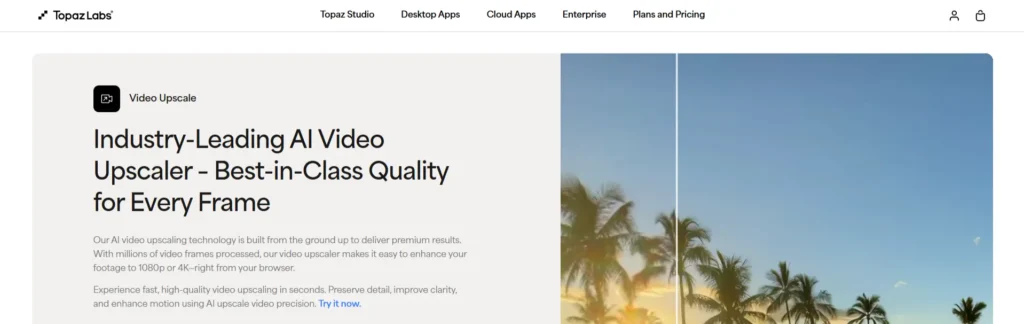
Best for: Professional video upscaling, restoration, and high-end production work.
Specifications:
- Desktop software (Windows & macOS)
- Upscaling up to 8K
- Advanced AI models for denoise, deblur, and enhancement
- Batch processing support
Pros:
- Exceptional AI video quality enhancer results
- Powerful controls for fine-tuning enhancements
- Excellent for restoring old or damaged footage
Cons:
- Expensive compared to online tools
- Requires a powerful computer
- No fully functional free version
2. Wink AI – Upscale videos to 1080P or 4K online
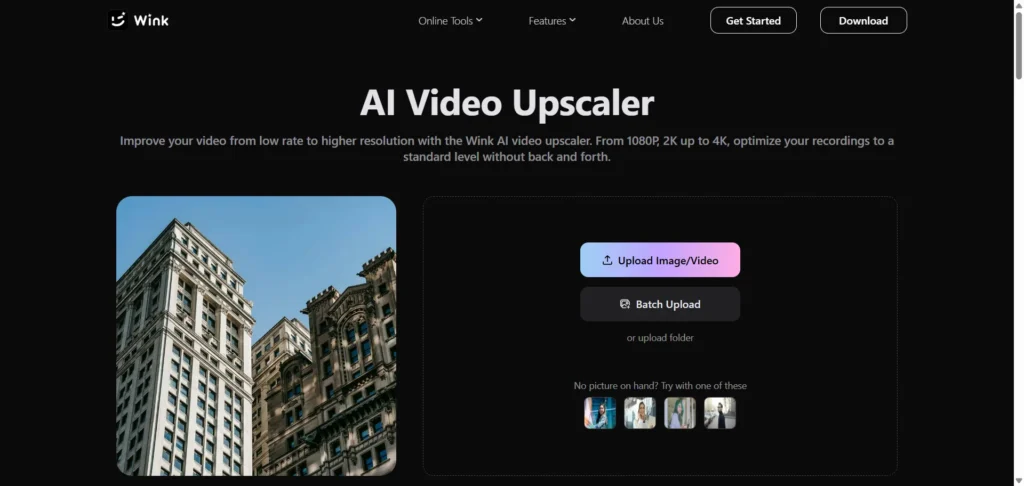
Best for: Quick online video enhancement with minimal setup.
Specifications:
- Browser-based platform
- Supports HD and 4K upscaling
- Simple drag-and-drop workflow
Pros:
- Easy to use for beginners
- No software installation needed
- Decent results for short clips
Cons:
- Limited advanced controls
- Processing speed depends on the internet connection
- Free version has restrictions
3. Canva – Free AI Video Upscaler
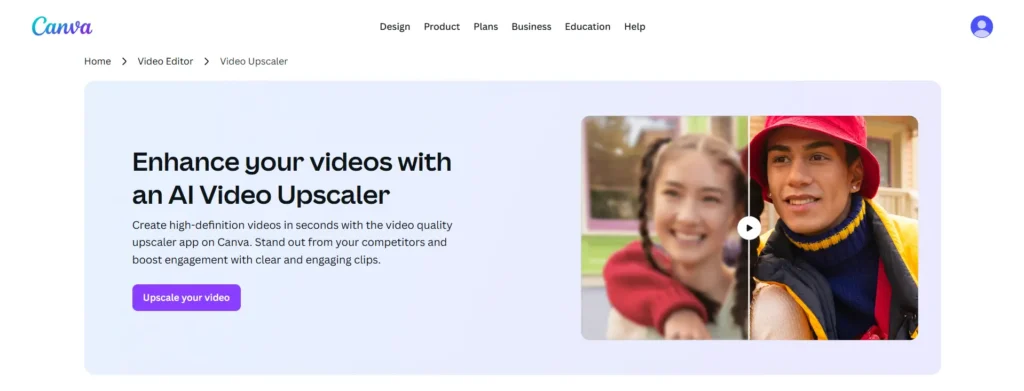
Best for: Content creators and marketers are already using Canva.
Specifications:
- Web-based editor
- Integrated video enhancement features
- Works inside Canva’s design ecosystem
Pros:
- User-friendly interface
- Ideal for social media videos
- No technical knowledge required
Cons:
- Limited upscaling customization
- Not designed for professional restoration
- Advanced features require a paid plan
4. TensorPix – Improve and upscale videos using AI
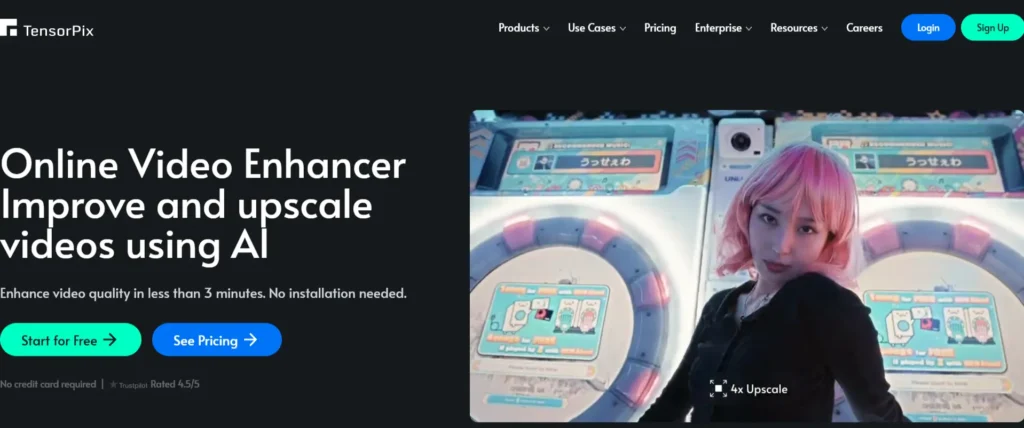
Best for: Upscaling archival or low-resolution videos online.
Specifications:
- Cloud-based AI video upscaler
- Supports up to 4K output
- Frame-by-frame enhancement
Pros:
- Good balance between quality and ease of use
- Handles old footage well
- No local hardware limitations
Cons:
- Upload times can be long
- Pricing based on video length
- Free usage is limited
5. Freepik – Upscale videos up to 4K
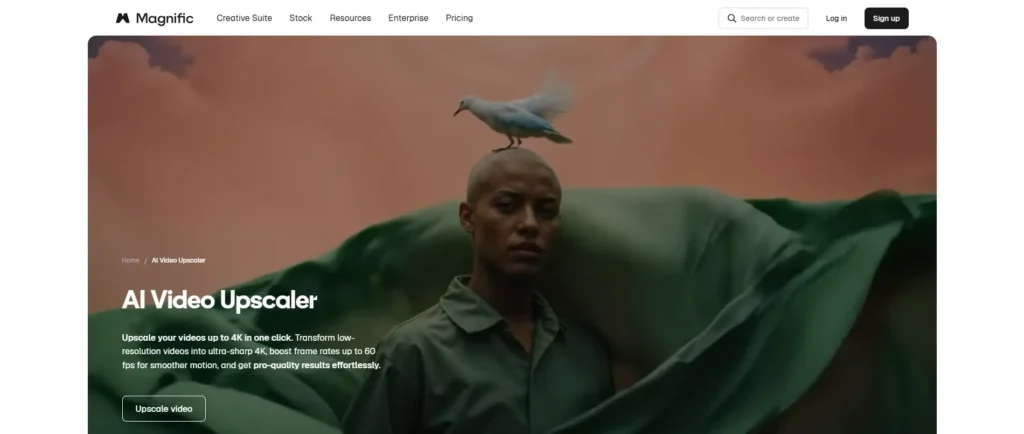
Best for: Creators looking for a simple, free AI video upscaler option.
Specifications:
- Web-based tool
- Focus on basic video upscaling
- Integrated with Freepik AI tools
Pros:
- Beginner-friendly
- No complex settings
- Suitable for quick enhancements
Cons:
- Limited resolution options
- Less control over enhancement quality
- Usage limits on free plans
6. Picwand AI – Enhance low-resolution video
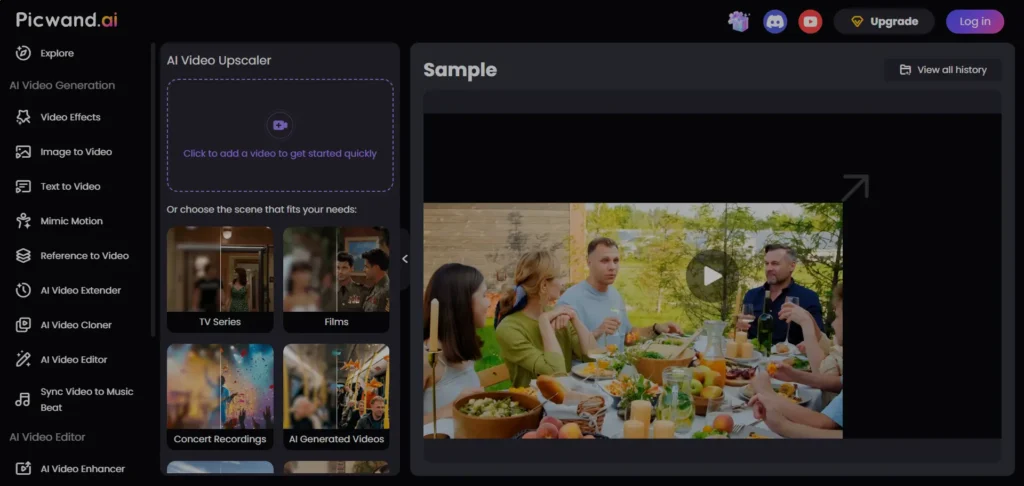
Best for: Casual users are enhancing personal or social videos.
Specifications:
- Online AI video enhancement
- Supports HD and 4K output
- Automatic processing
Pros:
- Clean and simple interface
- Works well for short videos
- No technical learning curve
Cons:
- Not ideal for large projects
- Few customization options
- The free plan has export limits
7. AVCLabs – Automatically Upscale Videos from SD to HD
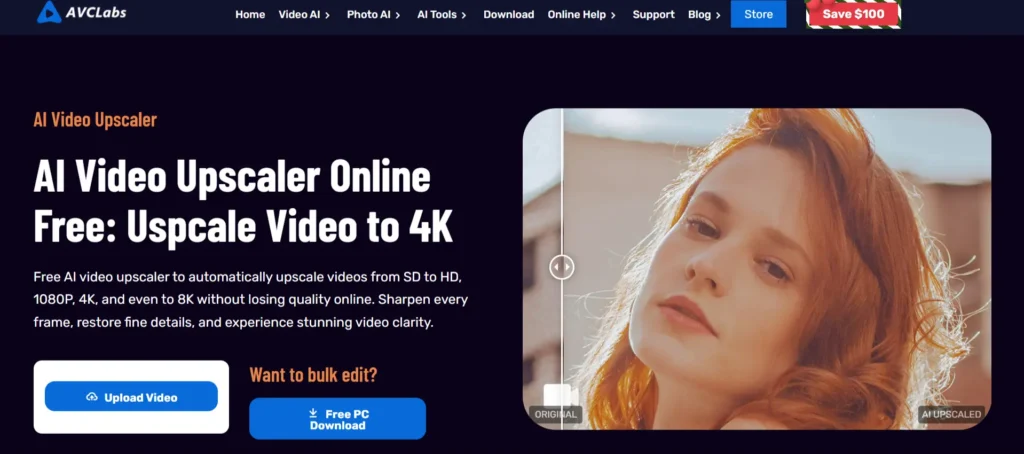
Best for: Professional video editors and filmmakers.
Specifications:
- Desktop software
- Supports up to 8K upscaling
- Advanced noise reduction and enhancement models
Pros:
- High-quality AI video enhancement
- Strong batch processing support
- Suitable for commercial projects
Cons:
- High system requirements
- Paid license required for full features
- The interface may feel complex for beginners
8. Fotor AI Video Upscaler
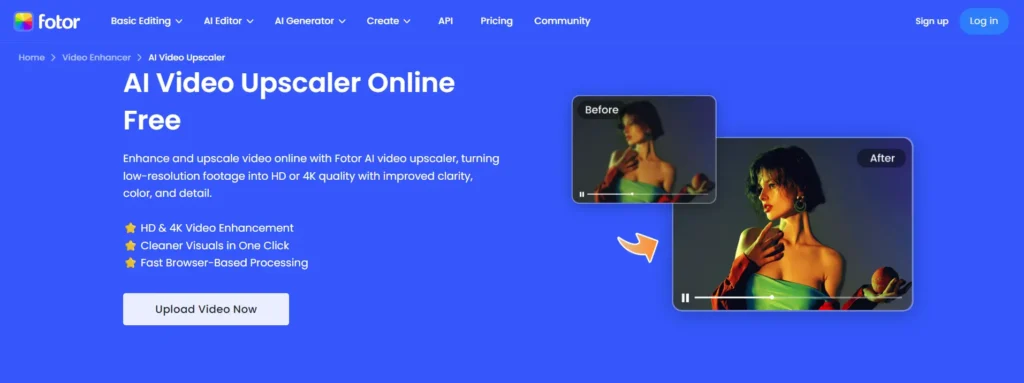
Best for: Quick video enhancement alongside photo editing.
Specifications:
- Web-based platform
- Automatic AI enhancement
- Integrated creative tools
Pros:
- Easy to navigate
- No software installation
- Good for light enhancements
Cons:
- Limited professional controls
- Processing can be slow at times
- Free exports are restricted
9. Perfect Corp – Upscale Video to 4K & Fix Blur
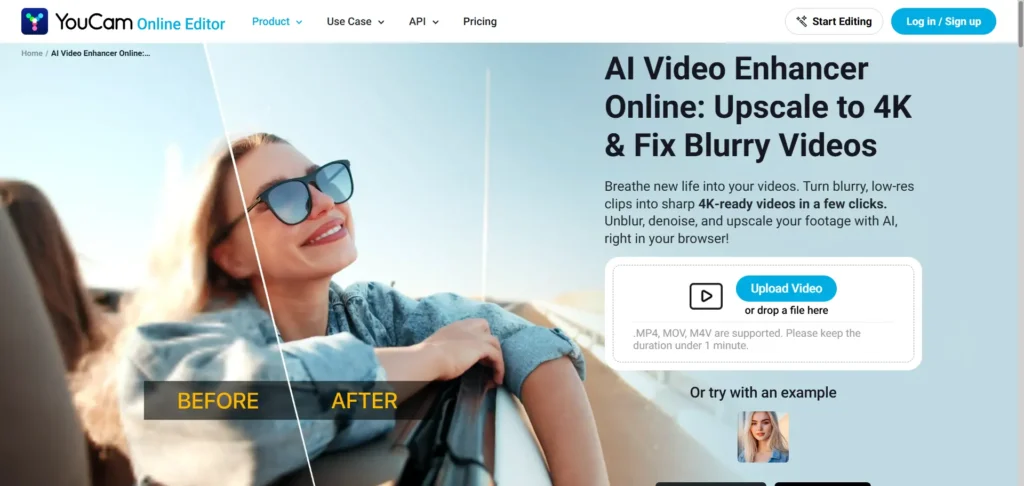
Best for: Beauty, fashion, and social media content.
Specifications:
- Cloud-based AI video enhancer
- Focus on facial and visual clarity
- Real-time preview options
Pros:
- Excellent facial enhancement
- Fast processing
- Modern, polished interface
Cons:
- Less suitable for cinematic footage
- Limited resolution customization
- Pricing can be high for frequent use
10. Vmake AI – Upscale Low-Resolution Videos
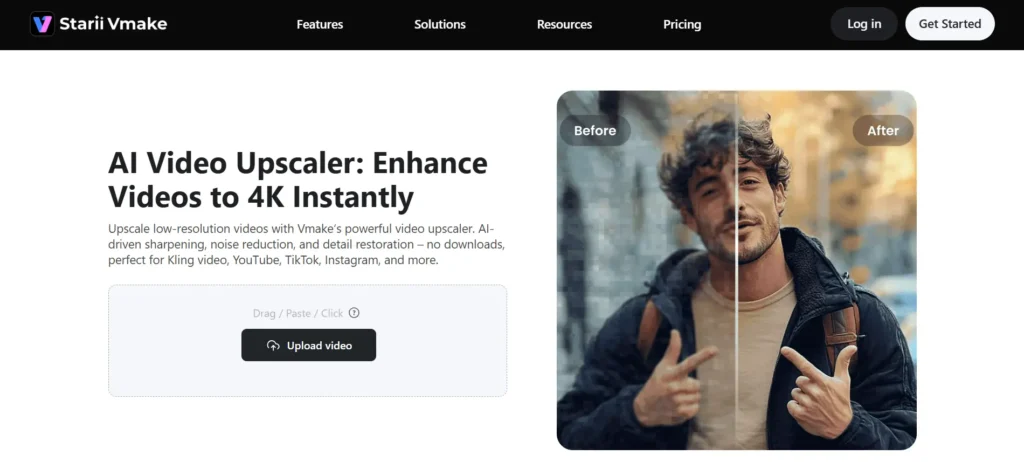
Best for: E-commerce and marketing videos.
Specifications:
- Online AI upscaler video tool
- Automated video enhancement
- Optimized for product visuals
Pros:
- Fast turnaround
- Designed for promotional content
- Simple workflow
Cons:
- Not ideal for long videos
- Limited manual controls
- Free version includes watermarks
Final Thoughts
AI-powered video enhancement has changed the way creators improve footage. Whether you need a quick AI video upscale for social media or a professional solution for restoring high-value content, today’s tools offer impressive results with minimal effort.
From advanced desktop software like Topaz and AVCLabs to accessible online platforms like Canva and Fotor, there’s an AI video enhancer for every workflow and budget. Choose the tool that best fits your needs, test free options when available, and start transforming your videos into crisp, high-quality content that truly stands out.