
College students have more to manage than lectures and assignments. They need to read academic papers, evaluate sources, prepare presentations, work on group projects, understand complex subjects, and complete research-based coursework.
Artificial intelligence can help with many of these tasks, but not every AI tool is equally useful for university-level work.
A general-purpose chatbot may explain an economic theory, but it cannot replace a scholarly research database. An AI writing assistant can improve grammar, but it cannot verify whether an academic citation is accurate. A meeting transcription tool can capture a lecture, but it may struggle with equations and diagrams.
The most useful AI tools for college students solve different parts of the academic workflow.
This guide compares 20 AI tools for college and university students, including free and paid options. We examine their features, practical applications, limitations, and how to combine them into an effective study system.
Quick Comparison: Best AI Tools for College Students
| Tool | Best for | Free option |
| ChatGPT | Personalized tutoring and academic explanations | Yes |
| Google NotebookLM | Studying lectures, PDFs and course materials | Yes |
| Perplexity | Finding sources and researching topics | Yes |
| Claude | Analyzing lengthy readings and essays | Yes |
| Elicit | Academic literature reviews | Limited |
| Consensus | Research-backed questions | Limited |
| SciSpace | Understanding academic papers | Limited |
| Zotero | Managing references and citations | Yes |
| Grammarly | Editing essays and reports | Yes |
| QuillBot | Revising and paraphrasing | Yes |
| Otter.ai | Lecture transcription | Yes |
| Goodnotes | Handwritten lecture notes | Yes |
| Notion AI | Assignments, projects and notes | Limited AI access |
| Quizlet | Flashcards and exam revision | Yes |
| Wolfram Alpha | Mathematics and STEM | Yes |
| GitHub Copilot | Coding and programming | Yes, with eligible student benefits |
| Julius AI | Data analysis and statistics | Limited |
| Canva | Presentations and visual assignments | Yes |
| Gamma | AI-generated presentations | Yes |
| ResearchRabbit | Discovering related research papers | Yes, with plan-dependent limits |
Not all products in this list are exclusively AI tools. Zotero, for example, is primarily a reference manager. It is included because it performs a critical academic task that AI-generated citations should not replace. Looking for a wider list? See our guide to the best AI tools for students, which covers students at every level.
1. ChatGPT: Best for Personalized Academic Tutoring
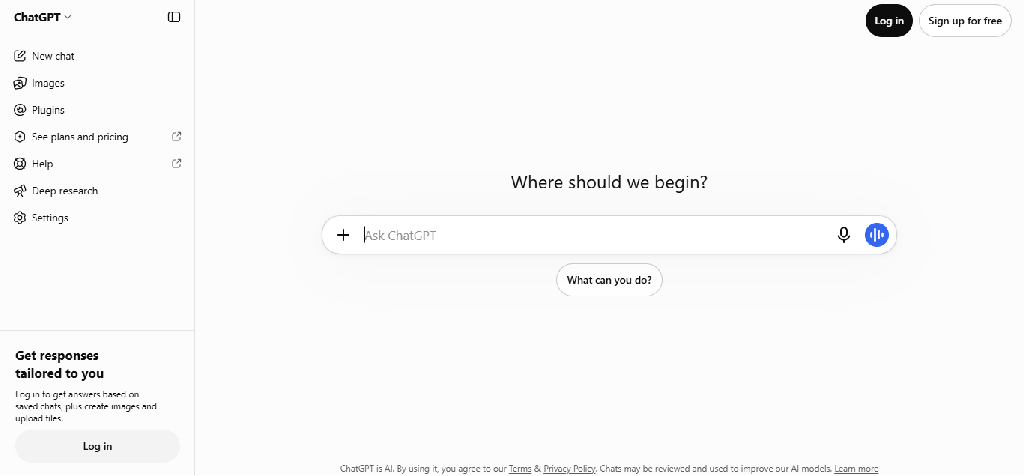
Best for: Understanding difficult concepts, homework guidance, revision and programming.
Free plan: Yes.
Website: ChatGPT
ChatGPT is one of the most flexible AI tools for college students because it can explain subjects, answer follow-up questions, review writing, and guide students through problems.
Its Study Mode is particularly relevant to university learning because it uses guided questions and explanations to encourage understanding.
Key features
- Study Mode: Guides students through concepts and problems using questions, hints and explanations.
- Document analysis: Helps students work with supported PDFs, notes and course materials.
- Practice questions: Generates quizzes and exercises based on selected topics.
- Writing feedback: Reviews essay arguments, structure and clarity.
- Programming assistance: Explains code, identifies errors and discusses alternative approaches.
- Data analysis: Supports calculations, charts and file-based analysis in eligible experiences.
- Voice interaction: Allows supported spoken conversations for revision and practice.
- Study planning: Helps break courses into manageable revision schedules.
OpenAI’s Study Mode documentation confirms guided questions, course-material uploads, knowledge checks and personalized explanations. OpenAI Help Center.
Example: An economics student could ask ChatGPT to explain price elasticity, work through an example and then test their understanding with a new problem.
Limitations: ChatGPT can produce inaccurate facts, calculations or references. It should not be treated as an authoritative academic source.
Verdict: A versatile learning assistant, especially when used for explanations and guided practice rather than automatic assignment completion.
2. Google NotebookLM: Best for Studying Course Materials
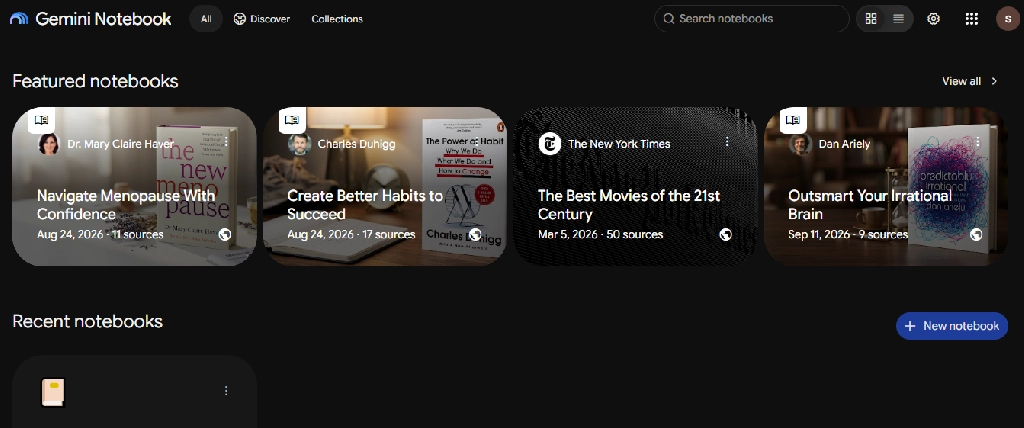
Best for: Reading lecture slides, revising PDFs and preparing for examinations.
Free plan: Yes.
Website: Gemini Notebook
NotebookLM is designed to help users explore information from selected sources.
This makes it especially valuable for university students who already have textbooks, lecture slides, reading lists and research documents.
Key features
- Upload and organize supported source materials.
- Ask questions grounded in notebook sources.
- Inspect citations pointing back to original material.
- Generate study guides and summaries.
- Create flashcards and quizzes.
- Produce Audio Overviews.
- Explore relationships using mind maps.
- Compare information across multiple documents.
- Focus answers on selected sources.
Example: A psychology student could upload approved course readings and ask NotebookLM to compare cognitive and behavioral theories using citations from the material.
Limitations: Source-grounded answers can still contain errors or omit context. Students must verify citations and avoid uploading copyrighted or confidential materials without permission.
Verdict: One of the most useful tools for turning existing course materials into interactive study resources.
3. Perplexity: Best for Research and Finding Sources
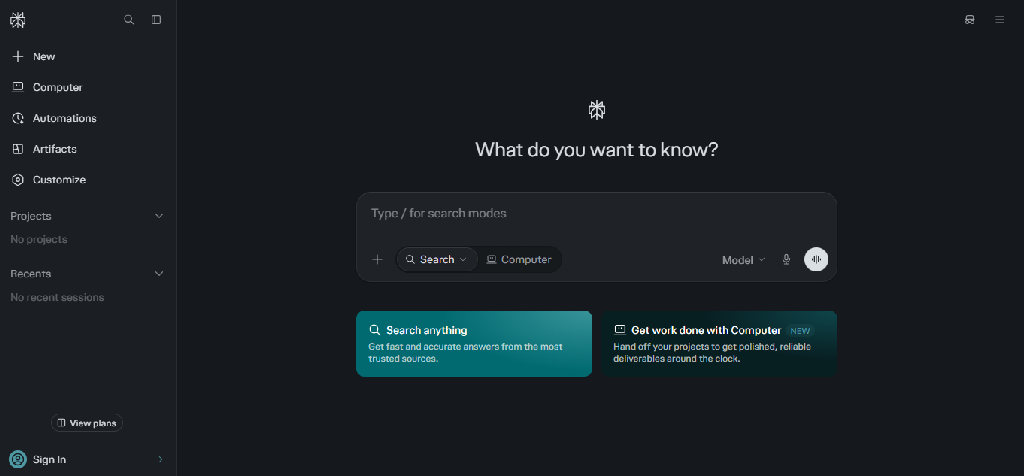
Best for: Research assignments, source discovery and current topics.
Free plan: Yes.
Website: Perplexity
Perplexity combines AI-generated explanations with web search and source links.
It helps students discover relevant material and explore unfamiliar research topics.
Key features
- Web-based information retrieval
- Answers with source links
- Follow-up research questions
- Topic exploration
- File uploads in supported plans
- Advanced research capabilities
- Learn Mode for eligible users
- Education Pro access for verified students and educators
Example: A political science student could use Perplexity to find government reports and academic discussions about voting systems, then review the original documents.
Limitations: Cited answers can still misrepresent sources. Perplexity is not a substitute for scholarly databases or critical source evaluation.
Verdict: Useful for the discovery stage of research, particularly when students need a starting point.
4. Claude: Best for Long Readings and Essay Analysis
Best for: Humanities, social sciences, long readings and writing feedback.
Free plan: Yes.
Website: Claude
Claude can help students work through complex readings, compare arguments and evaluate the structure of written work.
Key features
- Long-document summarization
- Questions about uploaded readings
- Comparison of theories and arguments
- Essay structure feedback
- Writing revision assistance
- Explanations of difficult passages
- Coding and technical assistance
- Multi-step academic discussions
Example: A sociology student could provide excerpts from two academic readings and ask Claude to identify where their arguments agree and differ.
Limitations: Claude may generate inaccurate quotations, interpretations or references. Students should verify claims against original sources.
Verdict: Particularly useful for reading-intensive courses and students who want detailed feedback on their own writing.
5. Elicit: Best for Literature Reviews and Research Evidence
Best for: Research assignments, dissertations and literature reviews.
Free access: Limited.
Website: Elicit
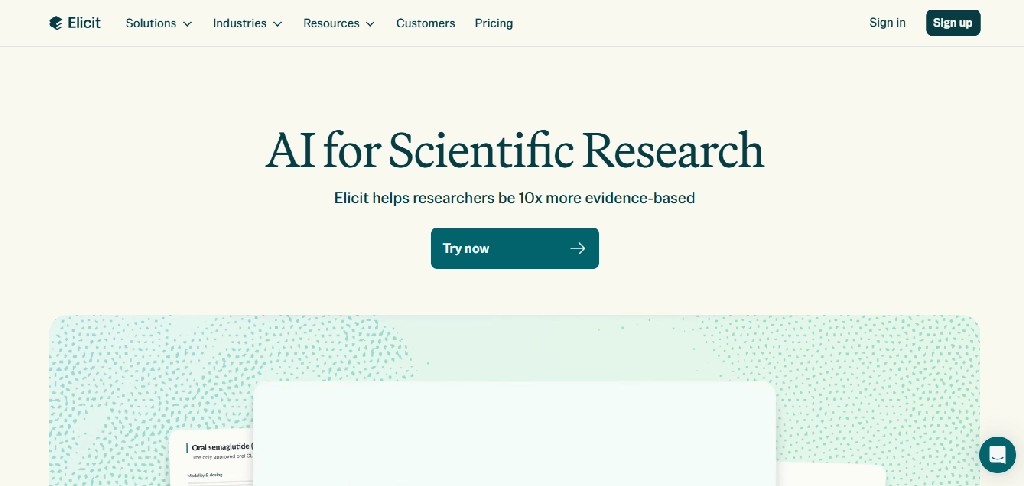
Elicit is designed around academic research workflows.
It helps students discover relevant papers, extract information and compare findings across studies.
Key features
- Semantic research-paper search
- Natural-language research questions
- Paper summaries
- Structured evidence extraction
- Comparison tables
- Literature synthesis
- Research organization
- Export capabilities in eligible plans
Example: A public health student could investigate studies on sleep quality and academic performance, comparing research methods and findings.
Limitations: Search coverage may not be exhaustive. AI-extracted information must be checked against the original papers.
Verdict: More suitable for structured literature reviews than general-purpose chatbots.
6. Consensus: Best for Evidence-Based Research Questions
Best for: Scientific research questions and evidence discovery.
Free access: Limited.
Website: Consensus
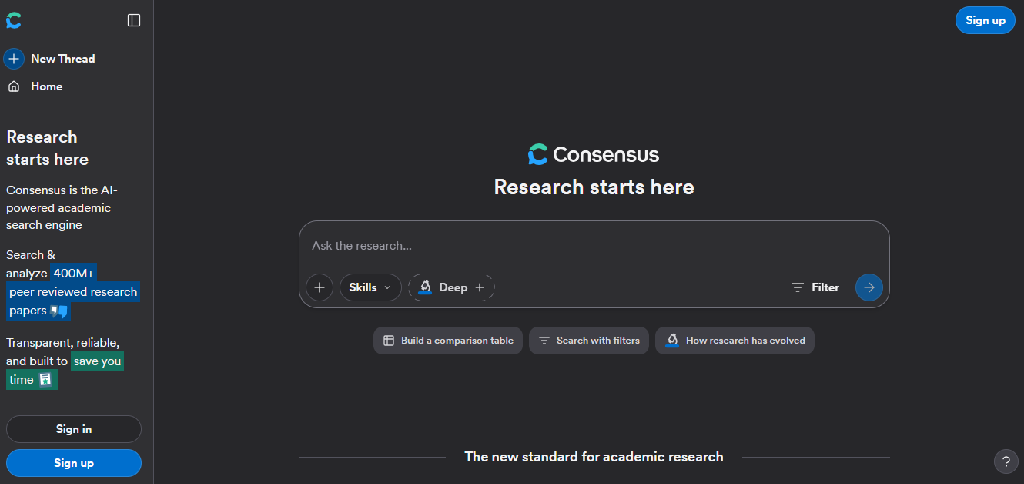
Consensus helps students explore questions using published academic research.
It is especially relevant when a student wants to understand what scientific studies report about a particular topic.
Key features
- Scholarly paper search
- Natural-language research questions
- Evidence summaries
- Study filtering
- Research discovery
- Links to underlying papers
- Comparison of findings
- AI-assisted synthesis
Example: A nutrition student could explore research on dietary fiber and cardiovascular health, then read the original studies.
Limitations: Research summaries should not be confused with definitive scientific conclusions. Study quality and relevance still need evaluation.
Verdict: A useful starting point for evidence-based academic questions.
7. SciSpace: Best for Reading and Understanding Research Papers
Best for: Technical research papers and unfamiliar academic terminology.
Free access: Limited.
Website: SciSpace
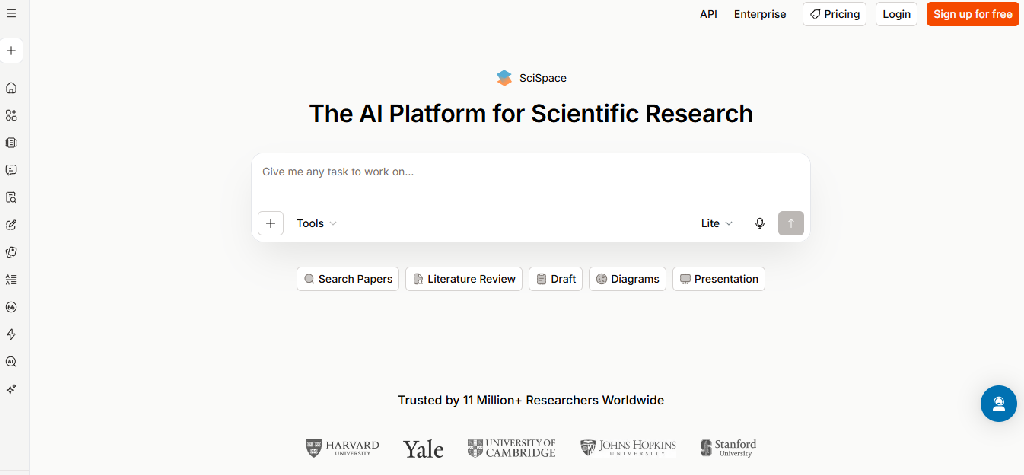
SciSpace helps students read academic papers by explaining the material and answering questions about it.
Key features
- PDF-based questions and answers
- Explanations of technical terminology
- Research paper summaries
- Passage-level explanations
- Literature discovery
- Research comparison
- Citation-related assistance
- Multilingual support in selected features
Example: A biotechnology student could use SciSpace to clarify a complex experimental method before reading the original methods section more carefully.
Limitations: Simplified explanations may omit important scientific details.
Verdict: Useful for navigating difficult research papers, particularly in technical disciplines.
8. Zotero: Best for Managing Academic References and Citations
Best for: Essays, dissertations, literature reviews and bibliography management.
Free plan: Yes.
Website: Zotero
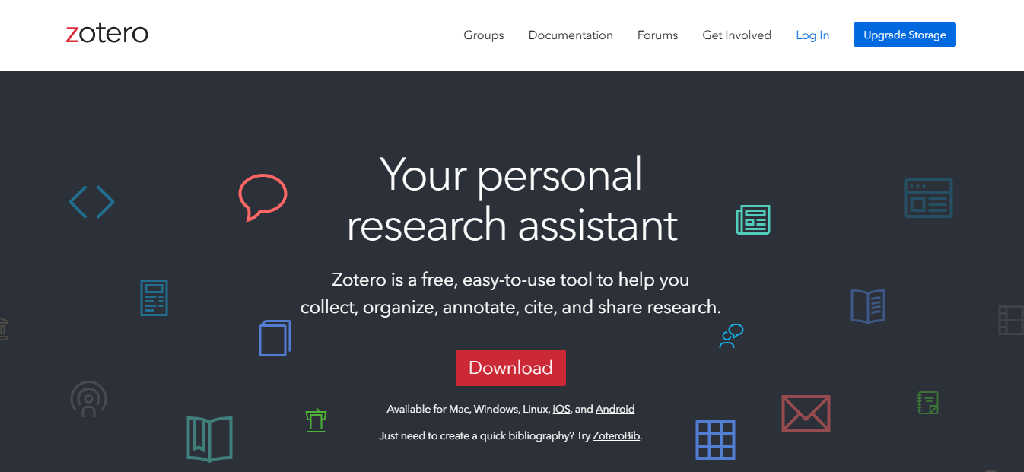
Zotero is a reference-management tool, not a generative AI assistant.
It is included because reliable citation management is essential when students use AI for academic research.
Key features
- Save references from supported websites and academic databases.
- Organize sources into collections.
- Store and annotate PDFs.
- Add notes to research materials.
- Insert citations into supported word processors.
- Generate bibliographies in multiple citation styles.
- Synchronize research libraries.
- Collaborate through shared libraries.
Example: A history student writing a dissertation could collect journal articles, annotate PDFs and generate a bibliography using the required citation style.
Limitations: Imported metadata can be incomplete or incorrect. Students must verify author names, publication details, page numbers and citation formatting.
Verdict: A highly useful companion to AI research tools because it supports verifiable reference management.
9. Grammarly: Best for Editing Essays and Reports
Website: grammarly.com
Best for: Academic writing, grammar and clarity
Free plan: Yes
Grammarly helps students improve drafts by identifying grammatical mistakes and unclear writing.
Key features
- Grammar checking
- Spelling correction
- Punctuation correction
- Sentence clarity
- Tone suggestions
- Rewriting assistance
- Document-level writing feedback
Example: A student could use Grammarly to revise a lab report for clarity while retaining the scientific meaning.
Limitations: Suggestions may alter technical meaning. Plagiarism and advanced AI features vary by plan.
Verdict: Best for improving original drafts rather than generating entire assignments.
10. QuillBot: Best for Revising and Paraphrasing
Website: quillbot.com
Best for: Sentence revision, summarization and language improvement
Free plan: Yes
QuillBot offers paraphrasing and writing tools that can help students improve sentence structure.
Key features:
- Paraphrasing modes
- Grammar checking
- Summarization
- Citation assistance
- Translation
- Writing feedback
Example: A student could compare alternative phrasings for an awkward original paragraph.
Limitations: Paraphrasing source material still requires attribution. Automated rewriting can distort the original meaning.
Verdict: Useful for revising drafts, provided students follow academic integrity rules.
Want more writing assistants? Browse our directory of AI writing tools.
11. Otter.ai: Best for Lecture Transcription
Website: otter.ai
Best for: Recorded lectures, seminars and interviews
Free plan: Yes
Otter.ai converts spoken conversations into searchable transcripts.
Key features:
- Live transcription
- Speaker identification
- AI summaries
- Searchable transcripts
- Otter AI Chat
- Recording review
- Collaboration
Example: A student could record a permitted economics lecture and search the transcript for explanations of monetary policy.
Limitations: Transcripts may struggle with formulas, diagrams and technical terms. Recording limits apply to free accounts.
Verdict: Useful for spoken lecture content when recording is permitted. For more options, see our comparison of the best AI note-taking apps for lectures, meetings and research.
12. Goodnotes: Best for Handwritten Lecture Notes
Website: goodnotes.com
Best for: Handwriting, PDF annotation and visual learning
Free plan: Yes
Goodnotes combines handwritten digital notebooks with document organization and AI-assisted study capabilities.
Key features
- Handwriting recognition
- PDF annotation
- Handwriting search
- Digital notebooks
- Audio-related features
- Quizzes
- Selected AI study tools
Example: An architecture student could annotate drawings, sketch design concepts and organize lecture materials.
Limitations: Advanced AI features vary by subscription and platform.
Verdict: Particularly valuable for students who prefer handwriting and diagrams. You can compare it with other AI note-taking apps before choosing.
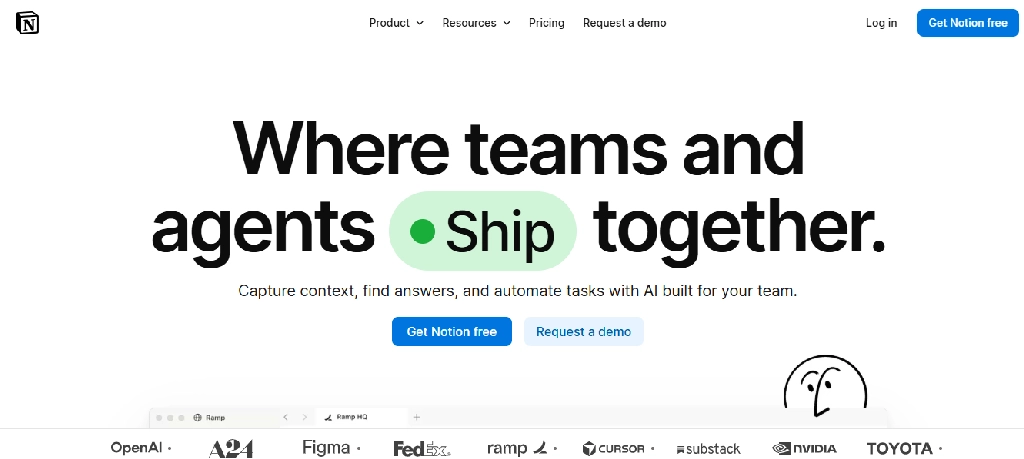
13. Notion AI: Best for Managing Assignments and Projects
Website: notion.com
Best for: Course organization, group projects and productivity
Free plan: Yes, with limited AI entitlements
Notion combines documents, databases, task management and AI assistance in one workspace.
Key features:
- Course databases
- Assignment tracking
- AI summaries
- Connected notes
- Project pages
- Meeting notes
- Collaboration
- Templates
Example: A university student could maintain a dashboard showing assignments, deadlines, lecture notes and group project tasks.
Limitations: Building an organized workspace requires setup. Advanced AI capabilities are plan-dependent.
Verdict: Useful for students managing multiple courses and collaborative assignments.
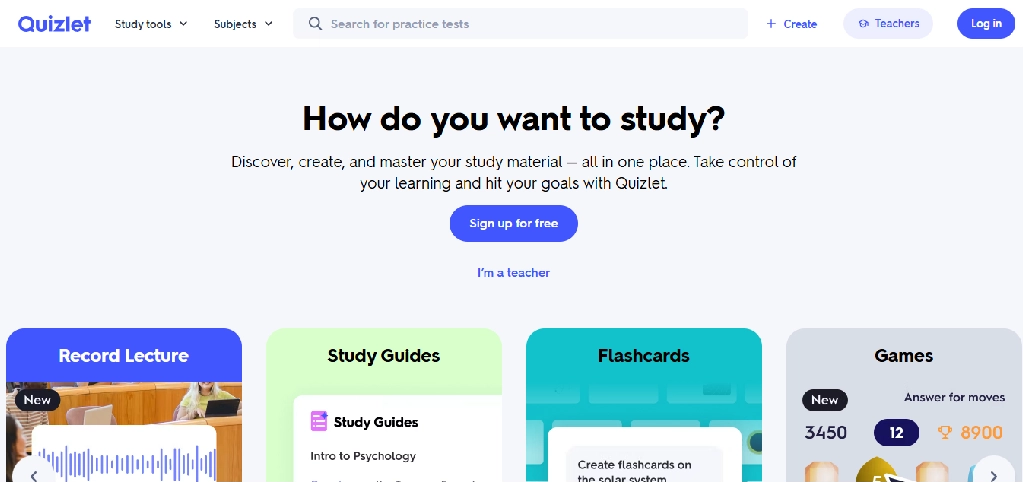
14. Quizlet: Best for Flashcards and Exam Revision
Website: quizlet.com
Best for: Memorization, active recall and exam preparation
Free plan: Yes
Quizlet helps students create flashcards, practice tests and study guides.
Key features:
- AI flashcard generation
- Practice tests
- Notes-to-study-guide conversion
- Learn mode
- Shared study sets
- Repeated review
Example: A nursing student could create flashcards covering medical terminology and use practice tests to identify weak areas.
Limitations: Advanced AI features and usage allowances vary by plan.
Verdict: A useful choice for memorization-heavy courses.
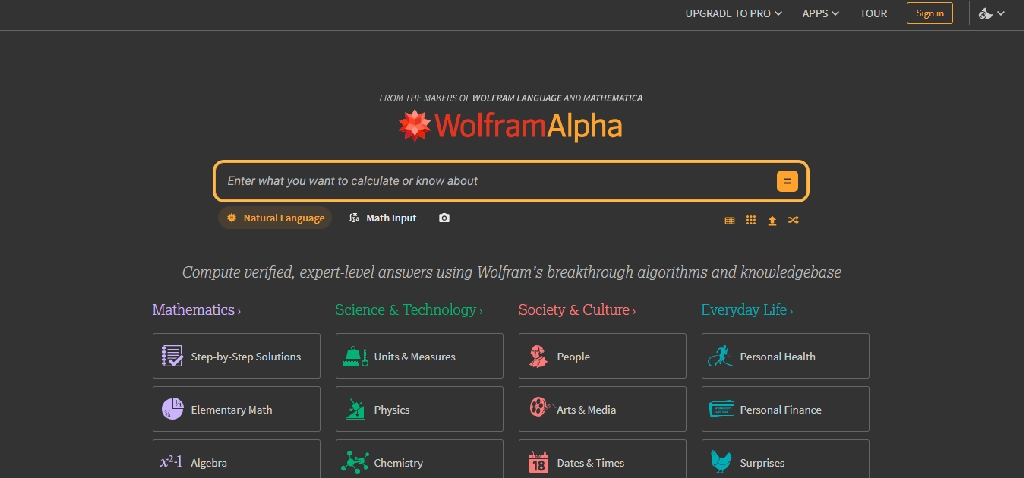
15. Wolfram Alpha: Best for Mathematics and Quantitative Coursework
Website: wolframalpha.com
Best for: Calculus, algebra, physics and statistics
Free access: Yes
Wolfram Alpha is a computational system for mathematical and scientific questions.
Key features:
- Symbolic mathematics
- Equation solving
- Calculus
- Graphing
- Statistics
- Unit conversions
- Step-by-step solutions in eligible plans
Example: A physics student could use Wolfram Alpha to verify a calculation and inspect the mathematical relationship between variables.
Limitations: Students still need to understand the mathematical reasoning behind the output.
Verdict: Valuable for checking quantitative work and exploring mathematical concepts.
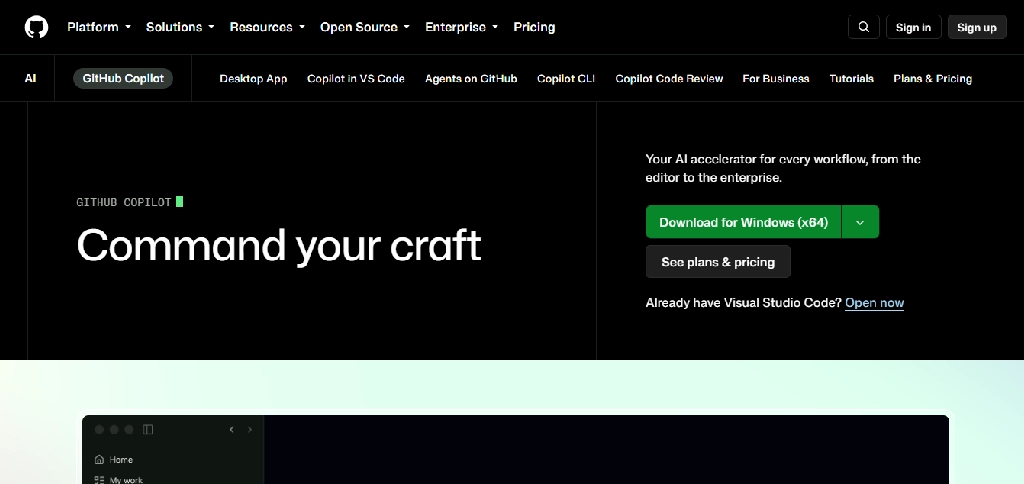
16. GitHub Copilot: Best for Coding Assignments and Projects
Website: GitHub Copilot
Best for: Computer science and software engineering students
Free access: Yes, with additional eligibility-based benefits
GitHub Copilot helps students write, understand and debug code inside supported development environments.
Key features:
- Code completion
- Coding chat
- Debugging suggestions
- Code explanation
- Test generation
- Refactoring support
Example: A programming student could ask Copilot to explain a Python error and compare possible fixes.
Limitations: Generated code can contain bugs or security vulnerabilities. Students should understand and test every suggestion.
Verdict: Useful for developing programming skills when used responsibly.
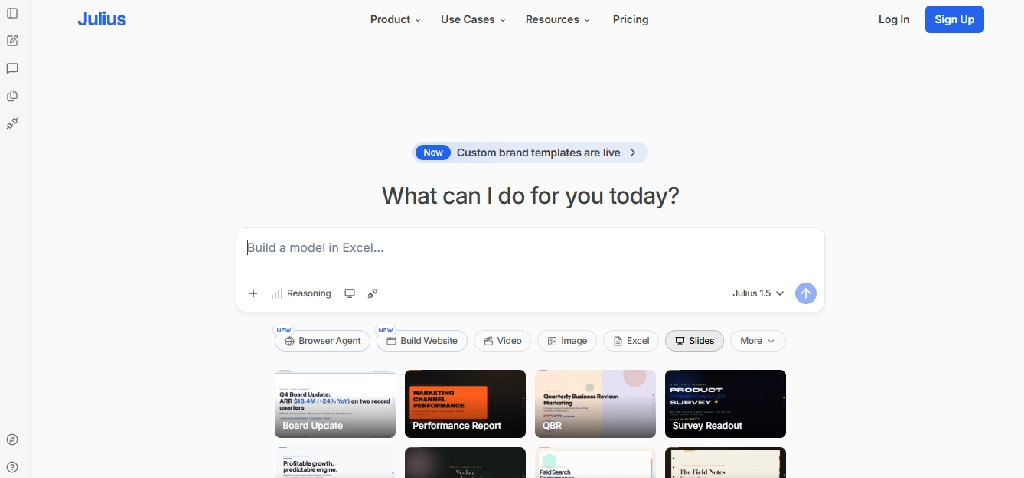
17. Julius AI: Best for Statistics and Data Analysis
Website: julius.ai
Best for: Business analytics, economics and statistics
Free access: Limited
Julius AI helps students analyze datasets through natural-language questions.
Key features:
- Dataset uploads
- Data cleaning
- Statistical calculations
- Charts
- Trend analysis
- Visualizations
- Analysis explanations
Example: An economics student could upload a dataset and explore the relationship between inflation and unemployment.
Limitations: Incorrect assumptions or poor-quality data can produce misleading results. Statistical methods require independent verification.
Verdict: Useful for students who regularly work with datasets.
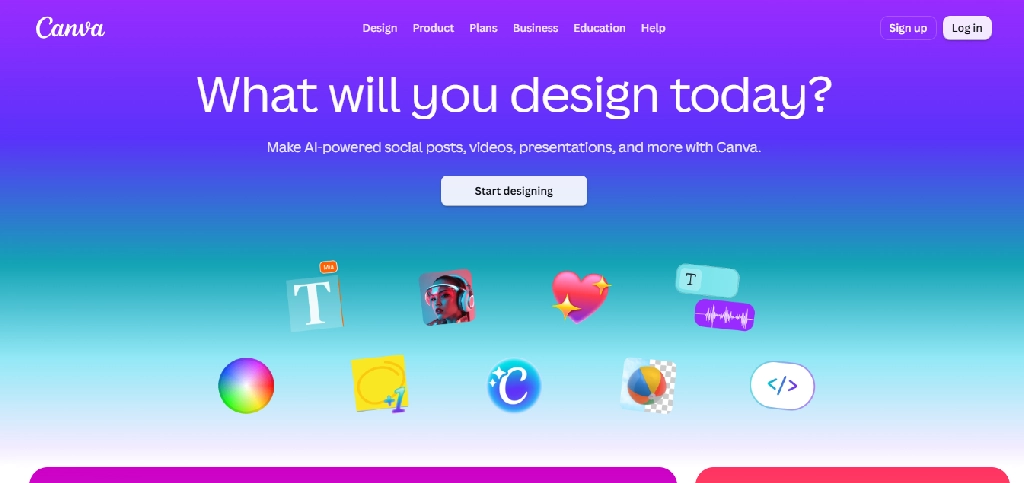
18. Canva: Best for Visual Assignments and Presentations
Website: canva.com
Best for: Slides, posters, infographics and reports
Free plan: Yes
Canva combines visual design with AI-assisted creation tools.
Key features:
- Presentation templates
- AI-assisted layouts
- Image generation and editing
- Infographics
- Collaboration
- Export options
Example: A public health student could create an infographic based on verified health statistics.
Limitations: Generated text and images require review, and students should follow institutional attribution rules. To generate or edit visuals for assignments, you can also explore our list of AI image tools.
Verdict: Useful for making coursework visually clear and professional.
For custom branded visuals beyond templates, see our graphic design services.
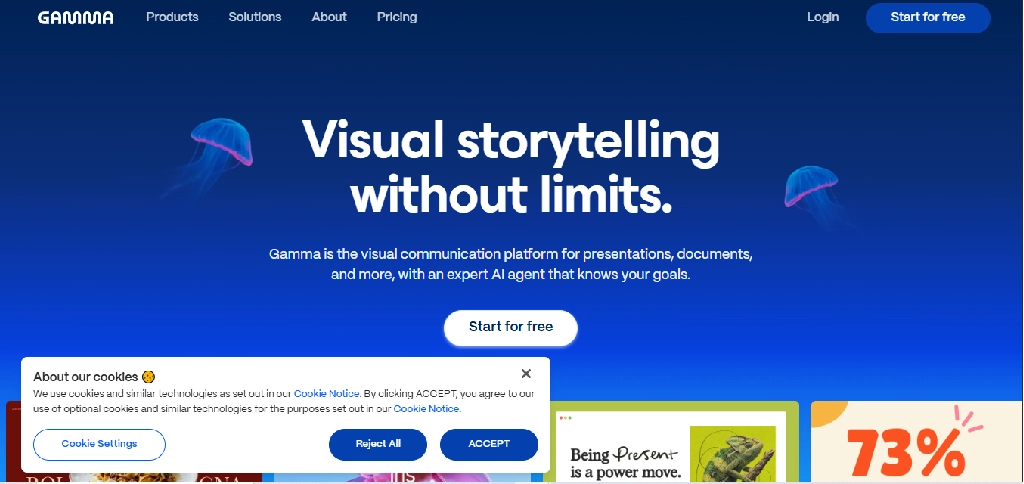
19. Gamma: Best for Creating Presentation Drafts
Website: gamma.app
Best for: Seminar presentations and project decks
Free plan: Yes
Gamma turns prompts, outlines and documents into presentation drafts.
Key features:
- AI slide generation
- Outline conversion
- Layout suggestions
- Theme customization
- Collaboration
- Export options
Example: An MBA student could convert a case study outline into an initial presentation and refine the content manually.
Limitations: Generated slides can be generic or factually inaccurate. Export options and advanced features vary by plan.
Verdict: Useful for speeding up presentation preparation.
If you need a branded presentation, poster or infographic designed professionally rather than from a template, our graphic design services can help.
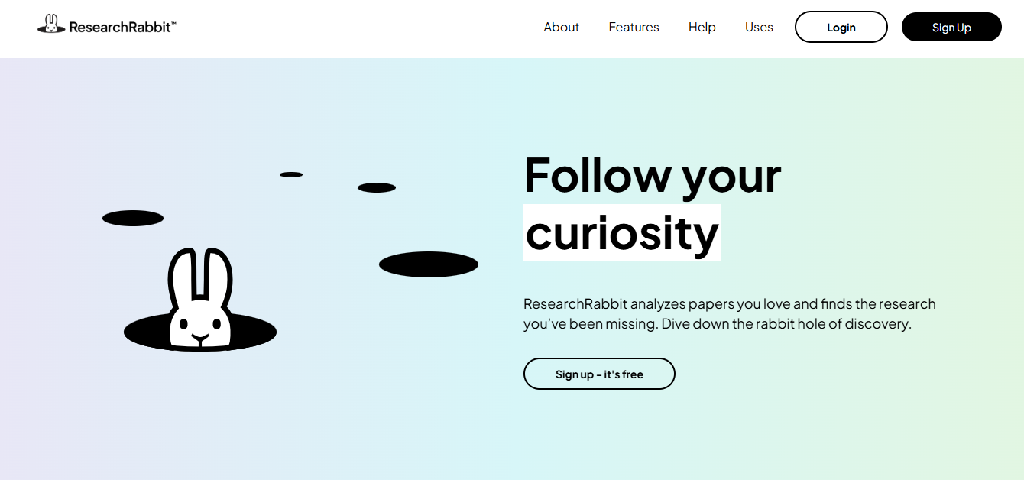
20. ResearchRabbit: Best for Discovering Related Academic Papers
Website: researchrabbit.ai
Best for: Literature discovery and exploring research networks
Free access: Yes, with plan-dependent limits
ResearchRabbit helps students discover scholarly papers by connecting publications, authors and research topics.
It is particularly useful when students already have a relevant paper and want to find related work.
Key features
- Research-paper discovery
- Citation network exploration
- Related-paper recommendations
- Author connections
- Visual research maps
- Paper collections
- Research organization
- Discovery of related literature
Example: A postgraduate student researching renewable energy storage could begin with a foundational paper and explore related publications and authors.
Limitations: Citation-network discovery does not guarantee complete coverage. Students should also search relevant scholarly databases.
Verdict: Useful for expanding a reading list and understanding relationships within a research field.
Best AI Tools for College Students by Academic Task
| Academic task | First tool to consider | Alternative |
| Understanding difficult concepts | ChatGPT | Claude |
| Studying lecture slides and PDFs | NotebookLM | ChatGPT |
| Finding online sources | Perplexity | Gemini |
| Finding scholarly papers | Elicit | ResearchRabbit |
| Reviewing scientific evidence | Consensus | Elicit |
| Understanding research PDFs | SciSpace | NotebookLM |
| Managing references | Zotero | Other reference managers |
| Improving essay grammar | Grammarly | QuillBot |
| Recording permitted lectures | Otter.ai | Goodnotes |
| Organizing assignments | Notion | OneNote |
| Creating flashcards | Quizlet | NotebookLM |
| Solving mathematics | Wolfram Alpha | Symbolab |
| Programming | GitHub Copilot | ChatGPT |
| Data analysis | Julius AI | ChatGPT |
| Designing presentations | Canva | Gamma |
| Generating slide drafts | Gamma | Canva |
Best AI Tool Combinations for Different College Majors
The most useful setup depends on the student’s degree.
Engineering and Computer Science
Suggested combination: ChatGPT, Wolfram Alpha, GitHub Copilot, Goodnotes and NotebookLM. Students can use these tools for technical explanations, mathematical computation, programming, diagrams and revision.
Medicine and Healthcare
Suggested combination: NotebookLM, Quizlet, SciSpace, Consensus and Goodnotes. This combination supports studying course materials, memorizing terminology, reading research papers and annotating diagrams. AI-generated medical information must be checked against authoritative educational and clinical sources.
Law
Suggested combination: Claude, NotebookLM, Zotero and Grammarly, alongside an authoritative legal research database. AI can help organize case notes and compare arguments, but students must verify legal authorities, quotations and citations using reliable legal sources.
Business, MBA and Economics
Suggested combination: ChatGPT, Perplexity, Julius AI, Canva and Gamma. These tools support case study analysis, market research, datasets and presentations.
Humanities and Social Sciences
Suggested combination: Claude, Elicit, NotebookLM, Zotero and Grammarly. This combination supports long readings, research discovery, source organization and writing revision.
Master’s and PhD Research
Suggested combination: Elicit, Consensus, SciSpace, ResearchRabbit, Zotero and NotebookLM. The emphasis shifts from completing coursework to discovering, evaluating and organizing research evidence.
How to Use AI for a College Research Assignment
Consider a university student preparing a 3,000-word research paper.
Step 1: Understand the question. Use ChatGPT to break down the assignment requirements and identify the central research question.
Step 2: Find academic sources. Use Elicit or ResearchRabbit to discover relevant papers. Use Perplexity for background information and official sources.
Step 3: Read the evidence. Use SciSpace or NotebookLM to explore selected papers. Check all important claims against the original publications.
Step 4: Organize references. Save sources in Zotero, verify metadata and select the required citation style.
Step 5: Develop an outline. Organize arguments and evidence before drafting.
Step 6: Write independently. Build the paper using verified evidence and original analysis.
Step 7: Improve the draft. Use Grammarly or another writing assistant to identify clarity and grammar issues.
Step 8: Check citations and academic integrity. Confirm every citation, quotation and claim against the original source and follow institutional AI-use rules.
This workflow uses AI to reduce administrative effort while preserving responsibility for the academic work.
Free AI Tools and Student Discounts
Many students can start with free plans, but free accounts differ from full access to advanced AI capabilities.
| Tool | Free access | What to verify before paying |
| ChatGPT | Yes | Message limits, file uploads and model access |
| NotebookLM | Yes | Notebook and usage limits |
| Perplexity | Yes | Education Pro eligibility and research allowances |
| Claude | Yes | Usage limits and document access |
| Elicit | Limited | Research and extraction allowances |
| Consensus | Limited | Search and advanced synthesis limits |
| SciSpace | Limited | Paper analysis and AI usage limits |
| Zotero | Yes | Cloud storage requirements |
| Grammarly | Yes | Advanced writing features |
| Quizlet | Yes | AI practice and study limits |
| GitHub Copilot | Yes | Student verification and eligibility |
| Canva | Yes | Premium design and AI features |
Students should check whether their university provides institutional subscriptions to Microsoft 365, Google Workspace, design software, research databases or other educational platforms.
An institution-provided tool may be more practical than purchasing a separate subscription.
Are AI Tools Allowed in College Assignments?
There is no universal rule.
Universities, departments, instructors and individual assignments may have different policies governing AI-generated content.
A course may permit AI for brainstorming or grammar feedback while prohibiting AI-generated analysis or code.
Students should distinguish between:
- Learning assistance: Explanations, guided practice, revision questions and feedback.
- Research assistance: Discovering papers, organizing sources and summarizing material for verification.
- Content generation: Producing written arguments, code, images or analyses that may become part of assessed work.
The third category requires particular attention to assignment policies and disclosure requirements.
Students should not assume that paraphrasing AI-generated material makes it independently authored work.
How to Evaluate AI Tools for Academic Reliability
Before relying on an AI tool for coursework, test it against material you can verify.
- For research tools, inspect whether cited papers exist and support the stated conclusions.
- For writing tools, check whether suggestions preserve the intended meaning.
- For mathematics, compare results with worked examples and verify the method.
- For coding, run tests and check for security or logic issues.
- For transcription, compare important statements against the original recording.
- For data analysis, review the statistical assumptions and calculations.
Generating a convincing answer is not the same as academic reliability.
Frequently Asked Questions
What is the best AI tool for college students?
ChatGPT is a flexible choice for tutoring and explanations, but NotebookLM is particularly useful for course materials, Elicit for academic research and Zotero for citation management.
What are the best free AI tools for college students?
ChatGPT, NotebookLM, Perplexity, Zotero, Canva and several other tools offer free access. The best combination depends on the student’s course requirements.
Which AI tool is best for research papers?
Elicit, Consensus and SciSpace help at different stages of academic research. Zotero is valuable for organizing references and generating bibliographies.
Which AI tool is best for writing essays?
Grammarly can improve grammar and clarity, while ChatGPT and Claude can provide feedback on structure and arguments. Students should follow institutional policies about AI-generated writing. For more options, see our AI writing tools library.
Can AI tools generate citations?
Some can, but students must verify citations against the original source. Dedicated reference managers such as Zotero are better suited to maintaining bibliographic records.
Which AI tools help with university lectures?
Otter.ai can transcribe permitted lectures, Goodnotes supports handwritten notes and PDF annotation, and NotebookLM helps students study uploaded course materials.
Are AI tools useful for engineering students?
Yes. Wolfram Alpha supports mathematical computation, GitHub Copilot helps with programming, and NotebookLM can assist with studying technical documents.
Can college students use AI for data analysis?
Tools such as Julius AI and ChatGPT can assist with data exploration and visualization. Students must verify calculations, assumptions and interpretations.
Do students need multiple AI subscriptions?
Usually not. A combination of a general learning assistant, a source-based study tool and one specialized application may be sufficient for many students.
Is AI-generated academic writing plagiarism?
Academic integrity rules vary. Submitting AI-generated content as original work without authorization or required disclosure may violate institutional policies, even if the text isn’t copied from another published source.
Final Verdict: Which AI Tools Should College Students Choose?
The best AI tools for college students are those that address specific academic tasks.
- For understanding difficult subjects, ChatGPT and Claude are useful general-purpose assistants.
- For studying course materials, NotebookLM is especially relevant.
- For research, Elicit, Consensus, SciSpace and ResearchRabbit offer specialized discovery and analysis capabilities.
- For citations, Zotero provides structured reference management.
- For writing, Grammarly and QuillBot support editing and revision.
- For technical subjects, Wolfram Alpha, GitHub Copilot and Julius AI address mathematics, programming and data analysis.
- For presentations, Canva and Gamma help students communicate their work visually.
Most students do not need all 20 tools. A carefully chosen combination of free or institution-provided applications can cover most coursework.
The most effective use of AI in college is to improve how students research, understand, practice and communicate, while preserving independent thinking and academic responsibility.
Studying for school rather than university? Read our guide to the best AI tools for high school students, or explore all AI tools in our library.