
AI note-taking apps do much more than turn speech into text. Depending on the product, they can record meetings, transcribe lectures, recognize handwriting, summarize documents, extract action items, and help you find information buried in months of notes.
But not every AI note-taking app solves the same problem.
An executive who spends six hours a day in meetings needs something different from a student annotating lecture slides on an iPad. A researcher organizing academic papers has different priorities from a sales team trying to find customer objections across hundreds of calls.
That’s why choosing the right AI note-taking app starts with understanding what you need to capture, how you want to use it, and what happens to your information afterward.
In this guide, we compare 15 AI note-taking apps across their core capabilities, supported workflows, pricing structures, and limitations. We also explain which tools make sense for students, professionals, researchers, and teams.
Quick Comparison: Best AI Note-Taking Apps in 2026
| AI note-taking app | Best for | Standout capability | Free option |
| Otter.ai | Live transcription and lectures | Searchable transcripts and AI meeting Q&A | Yes |
| Fathom | Free meeting notes | Automated meeting recording and summaries | Yes |
| Fireflies.ai | Teams and integrations | Conversation search and workflow integrations | Yes |
| Granola | Bot-free meeting notes | Enhances personal notes using meeting context | Yes |
| Google NotebookLM | Studying and research | Source-grounded answers with citations | Yes |
| Goodnotes | Handwritten notes | Handwriting, PDF annotation and AI study features | Yes |
| Notion AI | Notes and knowledge management | Connected workspace and AI meeting notes | Yes, limited AI access |
| OneNote + Copilot | Microsoft 365 users | AI assistance inside a familiar notebook system | OneNote is free; Copilot eligibility varies |
| tl;dv | Recorded video meetings | Timestamped transcripts and meeting highlights | Yes |
| Read AI | Meeting intelligence | Meeting summaries and conversational insights | Yes |
| Plaud | In-person conversations | Dedicated recording hardware with AI processing | Hardware purchase required |
| Reflect | Connected personal notes | AI-assisted notes with backlinks and knowledge connections | Trial available |
| Notability | Students and iPad users | Handwriting, audio recording and study workflows | Yes |
| Mem | Personal knowledge retrieval | AI-assisted search across notes | Plan-dependent |
| Jamie | Meetings without an attendee bot | Automated meeting notes from device audio | Limited free access |
Pricing, free-plan limits, and product capabilities can change. Check each provider’s official pricing page before subscribing. Free access does not necessarily include all the AI features described.
How to Choose an AI Note-Taking App
Before comparing individual products, consider five questions.
- What are you taking notes from? Meetings, lectures, interviews, research papers, handwritten notebooks, and personal ideas require different capture methods.
- Do you need an actual recording? Some apps save audio or video alongside transcripts. Others process audio to create notes without retaining a replayable recording. This matters when you need to verify what someone said.
- What should AI do after capturing information? A transcript alone may not be useful. Look for capabilities such as source-linked summaries, action items, searchable conversations, quizzes, or document-based questions.
- Where will your notes live? Consider whether the tool integrates with Google Drive, Microsoft 365, Notion, Slack, your calendar, or a CRM. Also check whether you can export notes if you switch products.
- What are the real restrictions? Recording minutes, AI credits, storage, transcript length, retention periods, and paid integrations can be more important than the advertised subscription price.
A student might prioritize PDF annotation and exam preparation. A consultant may value accurate speaker attribution and searchable meeting history. A business may need consent controls, access management, and secure integrations.
The best AI note-taking app is the one that fits that workflow with the fewest compromises.
15 Best AI Note-Taking Apps: Detailed Reviews
1. Otter.ai: Best for Live Meeting and Lecture Transcription
Best for: Students, journalists, interviewers, consultants, and professionals who need searchable transcripts.
Starting price: Free plan available.
Website: otter.ai
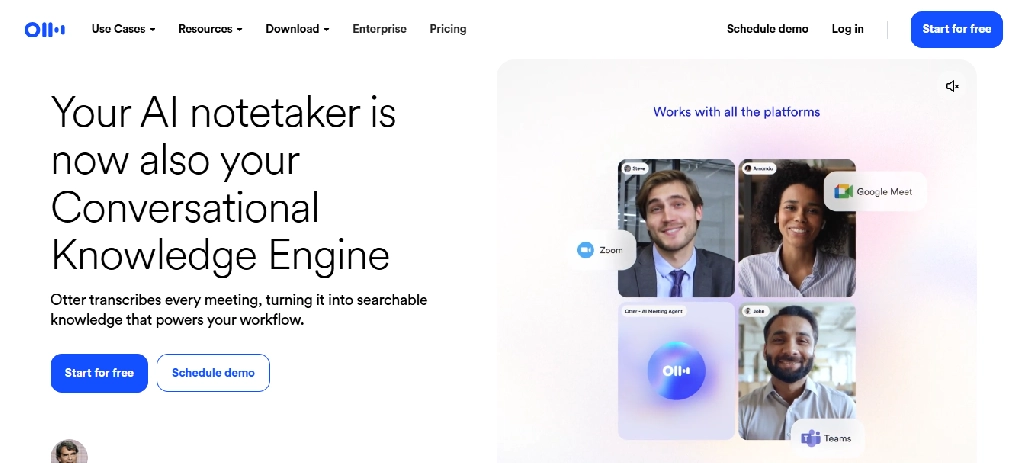
Otter.ai is designed for people who want a searchable written record of conversations. Instead of relying on handwritten notes or memory, users can capture spoken discussions and revisit the transcript afterward.
It is particularly useful for lectures, interviews, meetings, and discussions where important details may be difficult to capture manually.
Key features
- Live transcription: Converts speech into written text during supported recording sessions.
- Speaker identification: Helps distinguish contributions from different participants, although labels and attribution may need correction.
- AI meeting summaries: Produces condensed notes highlighting important discussion points.
- Otter AI Chat: Lets users ask questions about recorded conversations rather than manually searching the entire transcript.
- Searchable transcripts: Helps locate keywords, names, decisions, and topics from earlier recordings.
- Meeting integrations: Supports common online meeting workflows and calendar-based recording.
- Sharing and collaboration: Makes transcripts and notes available to other authorized users.
Practical example: A university student attending a 90-minute economics lecture could use Otter, where recording is permitted, to capture the discussion. After class, the student could search for references to inflation, interest rates, or monetary policy without replaying the entire lecture.
Limitations: Otter focuses primarily on spoken content. It is not a replacement for handwritten diagrams, mathematical notation, or detailed PDF annotation. Transcription accuracy can also vary with accents, technical vocabulary, background noise, and overlapping speakers.
Pricing: Otter offers a free Basic plan with 300 transcription minutes per month and a 30-minute limit per conversation. Paid plans expand allowances and capabilities. Check Otter’s official pricing for current tiers.
Our assessment: A strong option for anyone who needs a transcript they can revisit and search. Students should pay particular attention to recording-length limits before using the free tier for long lectures.
If live transcription is your main need, you can also explore more AI audio and transcription tools before choosing.
2. Fathom: Best Free AI Note-Taker for Online Meetings
Best for: Freelancers, consultants, remote workers, and professionals who attend frequent online meetings.
Starting price: Free plan available.
Website: fathom.video
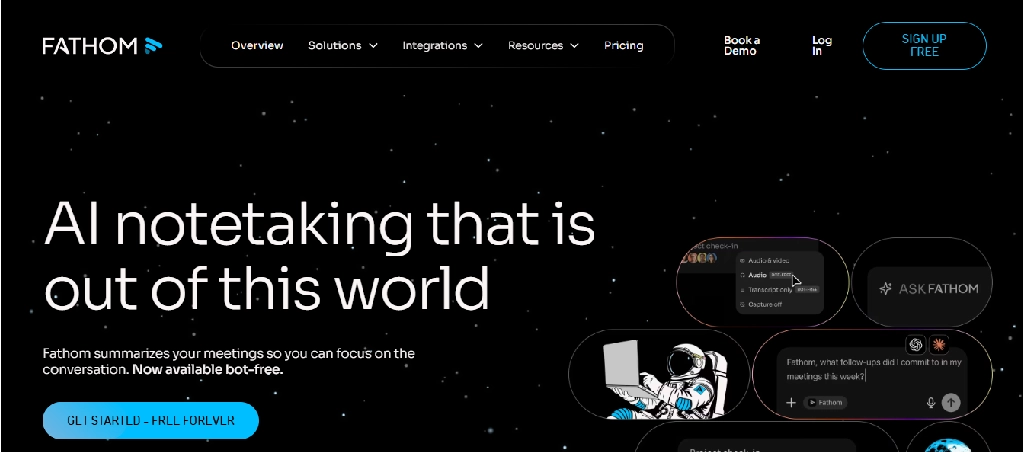
Fathom concentrates on one problem: making online meetings easier to document and follow up on.
It records supported video meetings, generates transcripts and summaries, and helps users review important moments without replaying entire conversations.
Unlike broad knowledge-management platforms, Fathom is built around the meeting itself.
Key features
- Automated meeting capture: Records supported video meetings.
- Transcription: Creates a searchable written record.
- AI-generated summaries: Organizes meeting discussions into digestible notes.
- Highlights: Helps users return to important moments in recordings.
- Action items: Advanced features help identify tasks and follow-up responsibilities.
- Meeting assistant: Paid capabilities allow more advanced interaction with meeting information.
- CRM and workflow integrations: Useful for customer-facing teams, depending on plan eligibility.
Practical example: A freelance designer conducting several client calls each week can use Fathom to document requirements, feedback, and decisions. This reduces reliance on hurried manual notes.
Limitations: Fathom is not intended for handwritten notes, academic paper management, or extensive document annotation. Advanced AI and team capabilities may require payment.
Pricing: The free offering includes unlimited meeting recordings, transcription, and basic AI summaries. Paid tiers add advanced functionality. See Fathom pricing.
Our assessment: One of the first products worth considering if your main requirement is free AI meeting notes. It is less suitable if you need an all-purpose digital notebook.
3. Fireflies.ai: Best for Meeting Search and Workflow Integrations
Best for: Sales teams, agencies, project managers, and organizations handling recurring meetings.
Starting price: Free; Pro from $10 per seat/month with annual billing.
Website: fireflies.ai
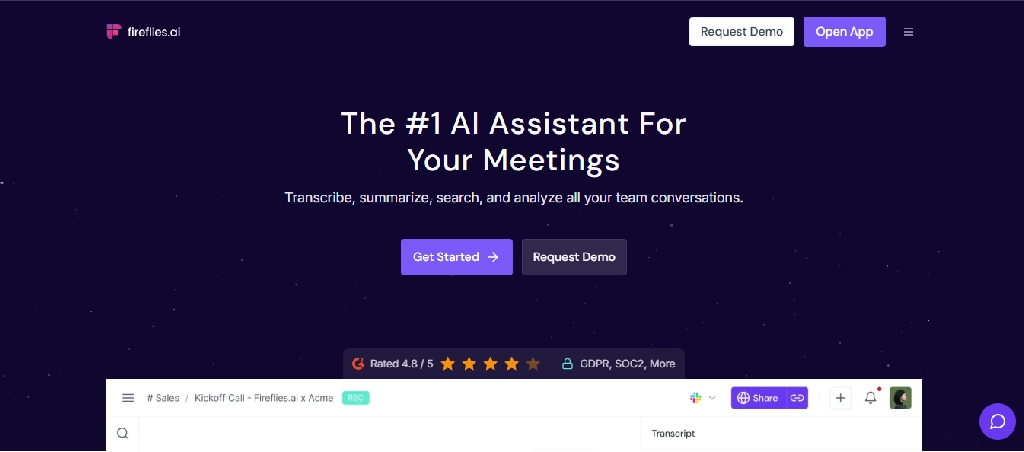
Fireflies.ai combines meeting transcription with conversation search, collaboration, and integrations.
Its value becomes more apparent when an organization wants to use meeting information beyond the meeting itself, such as tracking decisions, updating systems, or reviewing customer conversations.
Key features
- Meeting transcription: Captures spoken discussions in supported meeting environments.
- AI summaries: Condenses conversations into important points and outcomes.
- AskFred AI assistant: Supports questions and analysis based on meeting content.
- Topic and keyword search: Helps locate specific subjects across recorded conversations.
- Speaker analytics: Offers conversation insights and participation information, depending on plan.
- CRM integrations: Connects meeting information with supported business systems.
- Workflow automation: Helps transfer meeting notes and actions into connected applications. To build these automations yourself, see our guide to AI workflow automation tools.
- Team collaboration: Supports shared access to meeting information and organizational workflows.
Practical example: A marketing agency running weekly client meetings can use Fireflies to identify requested website changes, campaign decisions, and outstanding tasks across multiple conversations.
Limitations: Advanced analytics, storage, security, and automation features vary by subscription. The free plan’s storage allowance can become restrictive for teams that retain large volumes of recordings.
Pricing: Fireflies’ July 2026 pricing guide lists Free, Pro ($10/seat/month annually), Business ($19), and Enterprise ($39). It states that transcription and AI summaries are included across plans, while storage and advanced functionality differ.
Our assessment: A compelling option for organizations that want meeting information to become part of their operating workflow, rather than remain isolated transcripts.
4. Granola: Best for Bot-Free Meeting Notes
Best for: Founders, consultants, product managers, and professionals who prefer writing their own notes.
Starting price: Free tier available.
Website: granola.ai
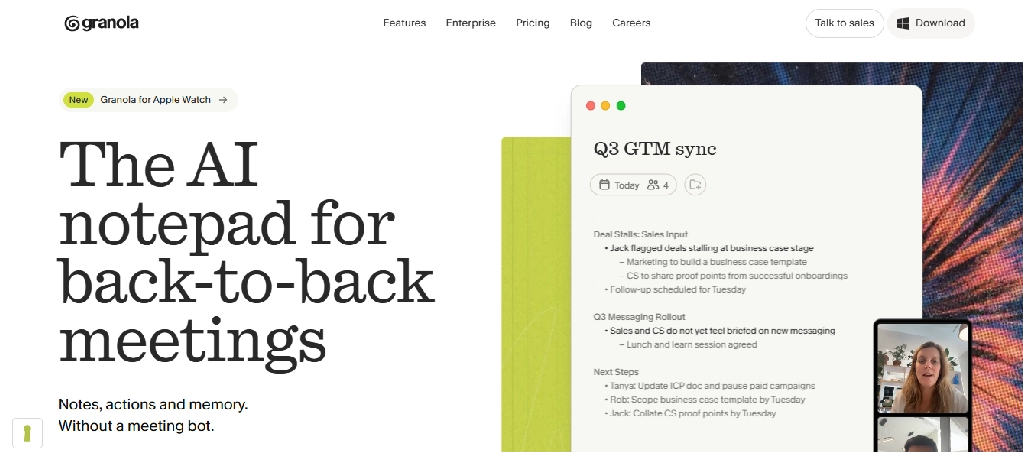
Granola approaches meeting notes differently from conventional meeting assistants.
Rather than focusing on a visible meeting bot, it captures meeting audio through supported device workflows and combines that context with notes written by the user.
The result is a more personal note-taking experience.
Key features
- Bot-free capture: Does not require a conventional attendee bot to join supported meetings.
- AI-enhanced notes: Uses meeting context to expand and organize manually written notes.
- Meeting summaries: Produces structured records of discussions.
- Custom note templates: Helps adapt notes to different meeting types.
- AI-assisted questions: Allows users to explore information captured during meetings.
- Calendar context: Associates notes with scheduled meetings.
- Sharing and integrations: Supports selected collaboration workflows.
Practical example: A product manager can jot down short observations during a user interview, then use Granola to expand those observations into organized notes while retaining the original context.
Limitations: Granola is not the right choice when retaining replayable audio or video is essential. Device support, retention, and collaboration capabilities also depend on the product and plan.
Pricing: A free plan is available, with paid options for expanded usage and collaboration. Check Granola pricing.
Our assessment: Especially attractive to professionals who want AI to improve their own notes rather than replace the act of note-taking.
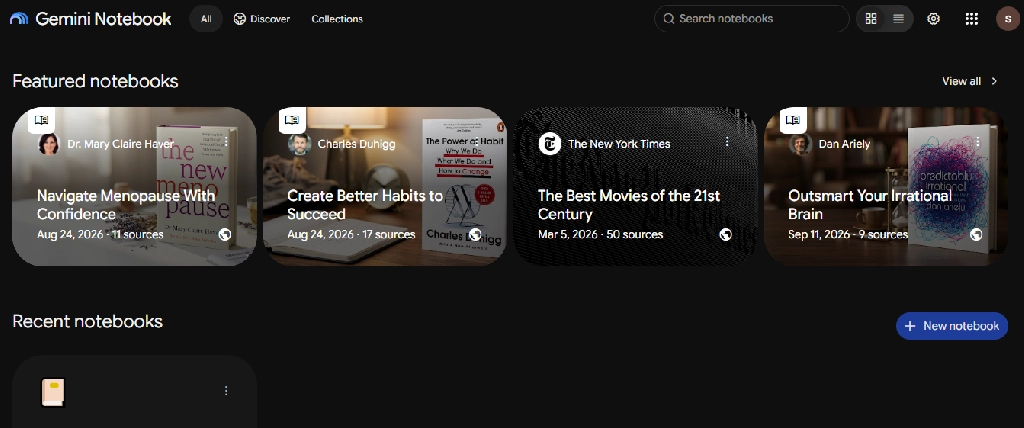
5. Google NotebookLM: Best for Research and Studying From Your Own Sources
Best for: University students, postgraduate researchers, educators, and people studying large collections of documents.
Starting price: Free access available.
Website: notebooklm.google.com
Google NotebookLM is different from traditional meeting recorders. Its primary strength is helping users understand and work with information from selected sources.
Users can create notebooks containing course materials, documents, websites, and other supported content, then ask questions or generate study materials based on those sources.
This makes it particularly useful for research and education.
Key features
- Source-based notebooks: Organizes selected documents and research material into dedicated workspaces.
- Grounded questions and answers: Generates responses based on notebook sources and provides source references.
- Document synthesis: Helps identify common themes and relationships across multiple sources.
- Study guides: Converts supplied material into organized learning resources.
- Flashcards: Generates cards to help students memorize concepts and terminology.
- Quizzes: Creates questions for knowledge checks and revision.
- Audio Overviews: Produces audio discussions based on notebook sources.
- Mind maps and other Studio outputs: Offers different ways to explore and present information.
- Source selection: Lets users select which sources should contribute to a particular response or output.
Google’s November 2025 update also introduced mobile flashcard and quiz controls, including topic selection, difficulty, and the number of questions or cards.
Practical example: A medical student preparing for an anatomy examination could upload permitted lecture slides and notes, ask NotebookLM to explain relationships between anatomical structures, and generate revision questions from those materials.
Limitations: NotebookLM is not primarily a live meeting recorder or handwritten notebook. Source-based answers still require verification, particularly for complex scientific or medical information. Its usefulness also depends on the quality and completeness of the supplied sources.
Pricing: Free access is available, with expanded limits through eligible paid Google plans. Visit NotebookLM for availability.
Our assessment: One of the strongest candidates for students and researchers who want to transform existing learning material into a searchable, interactive study resource.
If you only need quick summaries of articles and long documents rather than a full research notebook, see our roundup of AI article summarizer tools.
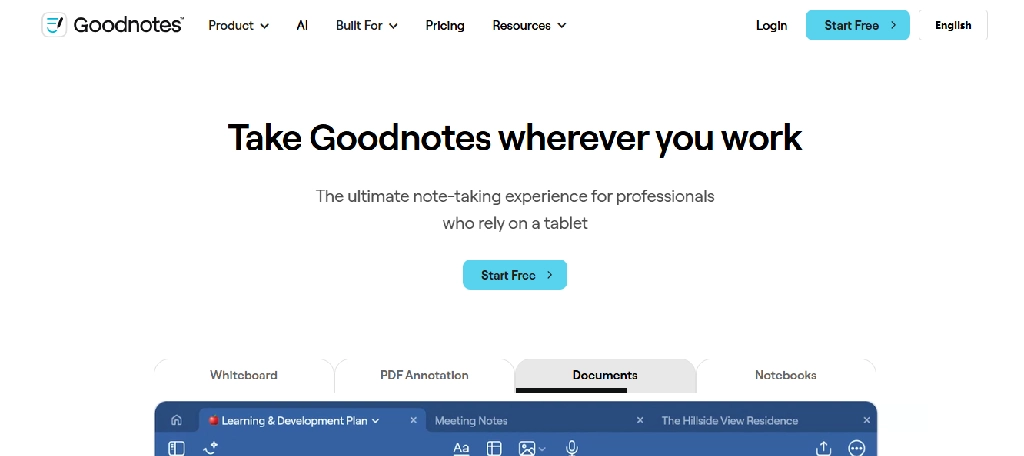
6. Goodnotes: Best for Handwritten Notes and PDF Annotation
Best for: Students, educators, designers, and people who prefer handwritten notes.
Starting price: Free; Essential $11.99/year; Pro $35.99/year.
Website: goodnotes.com
Goodnotes combines the familiarity of handwriting with digital organization and AI-assisted study features.
Instead of requiring users to type every thought, it allows handwritten notes, sketches, annotations, and document markup.
This is particularly valuable in subjects where diagrams, equations, or visual explanations are common.
Key features
- Digital handwriting: Write and sketch using supported stylus and touch workflows.
- PDF annotation: Import lecture slides, textbooks, worksheets, and other documents.
- Handwriting search: Locate handwritten words within supported notebooks.
- Handwriting conversion: Convert supported handwriting into editable text.
- Audio recording and transcription: Capture spoken material alongside note-taking where supported.
- AI study assistance: Generate study aids and interact with notes, subject to plan and platform.
- Math assistance: Supports selected mathematical handwriting and learning workflows.
- Notebook organization: Organize course materials and documents into folders and notebooks.
- Cross-device access: Available on multiple platforms, although capabilities differ.
Practical example: An engineering student can annotate lecture slides, draw diagrams, work through equations, and organize handwritten explanations in one notebook.
Limitations: Some of the most useful AI features require paid subscriptions. Feature availability varies by device and operating system. Users should check the exact capabilities of their preferred platform before purchasing.
Pricing: Goodnotes lists a free tier, Essential at $11.99/year, and Pro at $35.99/year, with additional business options.
Our assessment: A particularly useful option for students who learn by writing and annotating, rather than relying entirely on transcription.
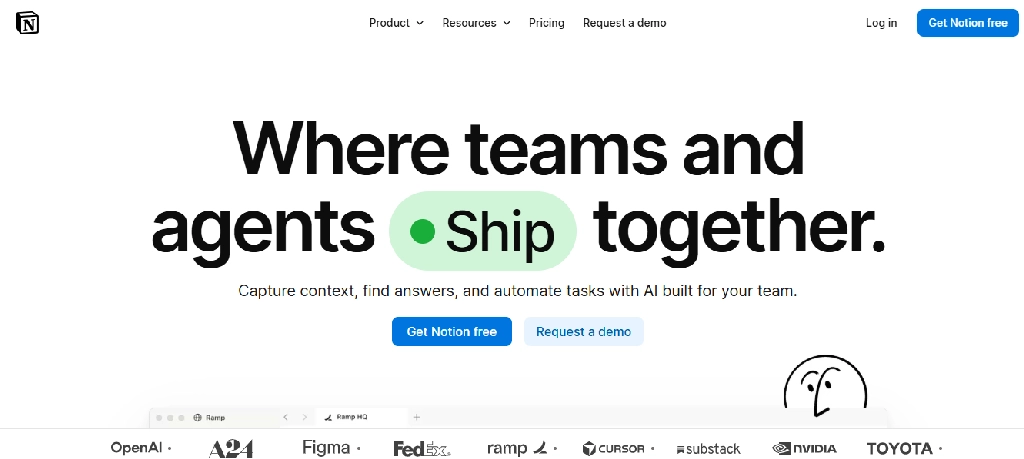
7. Notion AI: Best for Organized Notes and Connected Workspaces
Best for: Students, project teams, content creators, and knowledge workers who want notes connected to tasks and projects.
Starting price: Notion has a free workspace plan; AI entitlements depend on the plan.
Website: notion.com
Notion is a flexible workspace that combines documents, databases, project management, and collaborative knowledge organization.
Its AI capabilities add assistance with summarization, information retrieval, writing, and meeting documentation.
Unlike dedicated meeting recorders, Notion is designed to be a central workspace where notes connect to other work.
Key features
- AI Meeting Notes: Captures and organizes supported meeting discussions.
- AI summaries: Condenses lengthy notes and documents.
- Workspace search: Helps users find information across accessible workspace content.
- Databases: Organizes notes by subject, project, course, client, or topic.
- Connected documentation: Links notes to tasks, projects, and other pages.
- AI writing assistance: Helps restructure, summarize, and improve written content. Compare more AI writing tools if writing is your main use.
- Collaboration: Allows teams to edit and maintain shared information.
- Templates: Supports reusable layouts for lecture notes, meeting notes, and project documentation.
Practical example: A business student managing several group assignments can maintain lecture notes, project deadlines, research sources, and meeting summaries inside one connected workspace.
Limitations: Notion requires more initial organization than a dedicated meeting recorder. Advanced AI features are plan-dependent, and it is not designed around handwriting or traditional PDF annotation.
Pricing: Free and paid workspace plans are available. Check Notion’s pricing for current AI entitlements.
Our assessment: Best suited to people who want AI-assisted notes integrated into a broader productivity system.
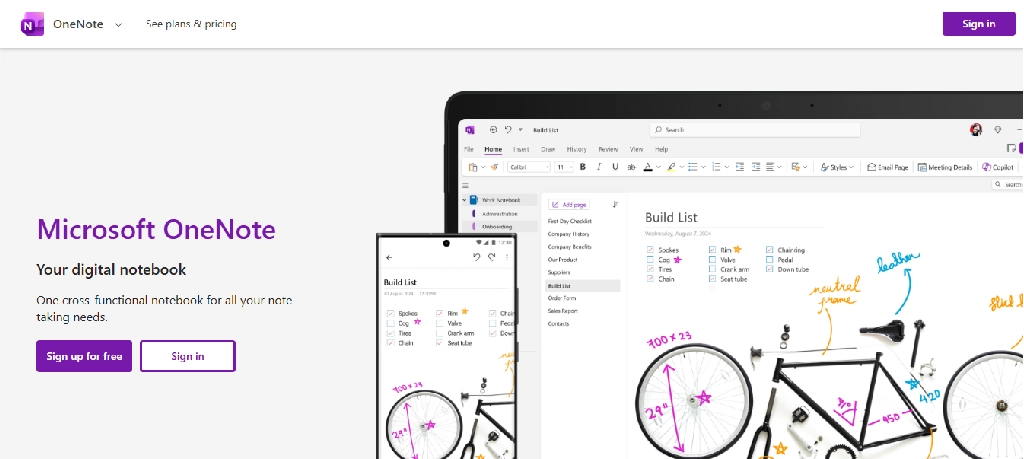
8. Microsoft OneNote + Copilot: Best for Microsoft 365 Users
Best for: Students, educators, office workers, and organizations using Microsoft 365.
Starting price: OneNote is available free; Copilot access depends on eligible licensing.
Website: onenote.com
Microsoft OneNote offers a traditional digital notebook experience with sections, pages, handwriting, typed notes, and multimedia content.
Copilot adds AI assistance to help users summarize, organize, and work with information in their notebooks.
Key features
- Flexible notebooks: Organize information into notebooks, sections, and pages.
- Typed and handwritten notes: Supports keyboard and stylus-based note-taking.
- Document integration: Works within the Microsoft productivity ecosystem.
- Copilot summaries: Converts lengthy notes into shorter summaries.
- Task extraction: Helps create action lists from existing notes.
- Content organization: Uses prompts to reorganize and clarify information.
- AI-generated content: Assists with plans, outlines, and meeting preparation.
- Contextual note creation: Certain Copilot experiences can use relevant Microsoft 365 documents, messages, and emails to help prepare notes.
Microsoft confirms that Copilot in OneNote can summarize information, create lists, analyze ideas, rewrite notes, and generate new content. Availability depends on licensing, platform, and rollout status.
Practical example: A project coordinator working in Microsoft 365 can combine meeting notes, documents, and task information in OneNote and use Copilot to prepare follow-up lists.
Limitations: Copilot features are not universally included with free OneNote. The same AI functionality may not be available on every platform or account type.
Pricing: OneNote is free to use for core note-taking. Copilot access may require an eligible Microsoft 365 or Copilot subscription.
Our assessment: A sensible choice for people already invested in Microsoft 365 who do not want another disconnected note-taking system.
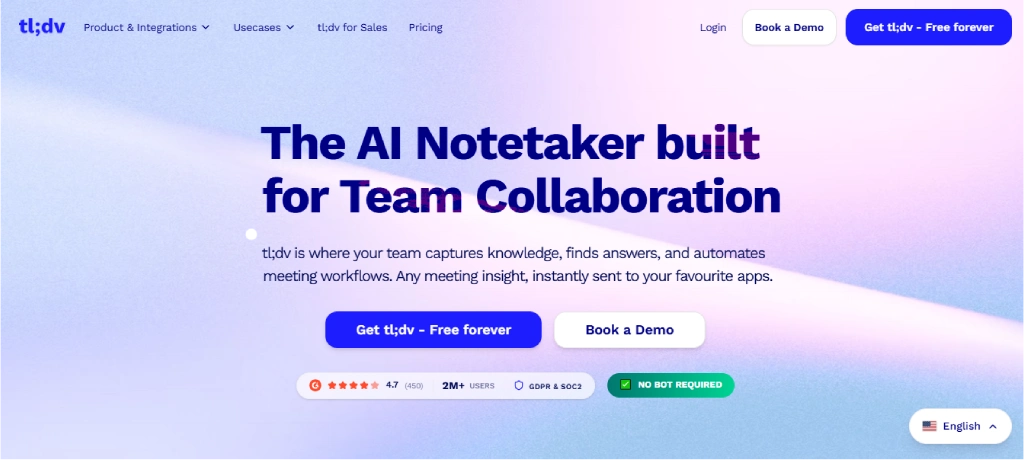
9. tl;dv: Best for Video Meeting Highlights and Searchable Recordings
Best for: Remote teams, customer researchers, sales teams, and people reviewing recorded meetings.
Starting price: Free plan available.
Website: tldv.io
tl;dv focuses on making recorded online meetings easier to review, share, and analyze.
It is particularly useful when users need more than a written summary and want to revisit the relevant part of a conversation.
Key features
- Meeting recording: Captures supported video meetings.
- Transcription: Produces searchable written records.
- Timestamped notes: Helps users connect notes with specific moments in a recording.
- AI summaries: Extracts important information from meetings.
- Video clips: Makes it easier to share relevant discussion segments.
- Multi-meeting analysis: Paid features support broader conversation analysis.
- CRM integrations: Connects meeting information with selected sales workflows.
- Team collaboration: Supports shared meeting knowledge.
Practical example: A UX researcher conducting ten customer interviews could use tl;dv to locate repeated complaints, review important statements, and share relevant clips with a product team.
Limitations: Its strengths are concentrated on recorded conversations. It is less useful for handwritten notes or academic document research. Free-plan restrictions may apply to advanced AI processing, retention, and integrations.
Pricing: tl;dv offers a free plan with unlimited recordings and transcripts, while advanced AI and business features are available through paid tiers.
Our assessment: A strong choice when the recording itself is valuable and users frequently need to revisit specific moments.
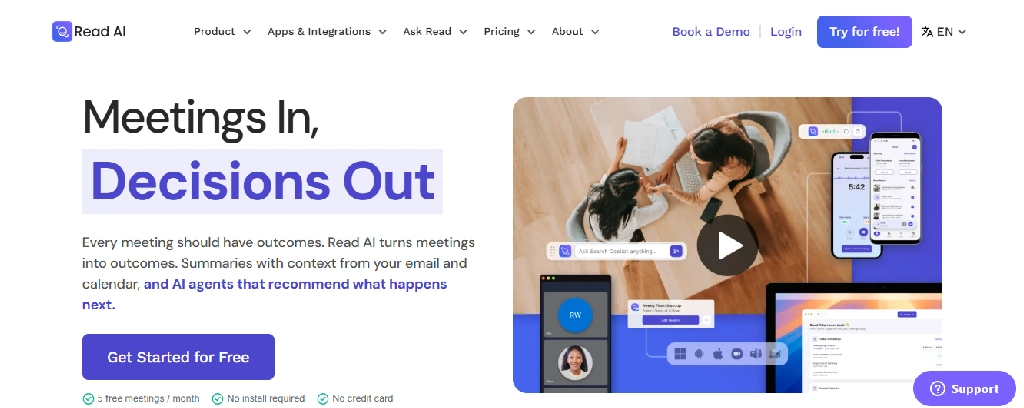
10. Read AI: Best for Meeting Insights and Conversation Analysis
Best for: Managers, team leaders, customer-facing professionals, and organizations analyzing meetings.
Starting price: Free; Pro $15/user/month when billed annually.
Website: read.ai
Read AI extends beyond transcription by providing meeting reports, summaries, and conversational insights.
It is designed for users who want to understand patterns in discussions and connect meeting information with broader workplace activity.
Key features
- Automated transcription: Creates written records of meetings.
- AI meeting summaries: Highlights key points and outcomes.
- Meeting metrics: Provides information about meeting dynamics.
- Personalized coaching: Offers insights intended to improve communication.
- Enterprise search: Helps retrieve information across supported connected sources. Teams that need this across all company knowledge can compare dedicated enterprise AI search tools.
- Topic analysis: Organizes recurring subjects and discussion themes.
- Integrations: Supports selected CRM, collaboration, and productivity platforms.
- Cross-platform apps: Offers access across supported desktop and mobile environments.
Practical example: A team leader running regular project reviews could use Read AI to review meeting outcomes, locate previous decisions, and identify topics requiring follow-up.
Limitations: Meeting analytics should not be treated as definitive measures of employee performance or engagement. Advanced integrations, video playback, and administrative controls require appropriate plans.
Pricing: Read AI lists Pro at $15/user/month annually or $19.75 monthly. Enterprise and Enterprise+ plans add further capabilities. Its support documentation lists a five-meeting monthly allowance on the free plan.
Our assessment: Better suited to workplace meeting analysis than general student note-taking.
11. Plaud: Best for In-Person Conversations and Portable Recording

Best for: Journalists, interviewers, consultants, and professionals who frequently meet people in person.
Starting price: Requires compatible recording hardware; AI plans and allowances vary.
Website: plaud.ai
Plaud differs from software-only note-taking apps because its offering includes dedicated audio recording hardware.
Users can capture conversations using a compatible device and then process the recordings through Plaud’s software to generate transcripts and structured notes.
Key features
- Dedicated recording devices: Captures audio independently of a traditional laptop meeting assistant.
- AI transcription: Converts supported recordings into text.
- AI summaries: Generates organized notes from captured audio.
- Summary templates: Supports different formats for meetings, interviews, and other conversations.
- Speaker-related features: Helps structure conversations involving multiple speakers, depending on recording quality and processing.
- Recording management: Stores and organizes captured conversations through the associated app.
- Export and sharing: Allows users to reuse generated notes in other workflows.
Practical example: A journalist conducting an in-person interview can use a compatible Plaud recorder, with consent, to capture the discussion and later prepare a searchable transcript. Interviewers and podcasters may also want to compare AI tools for podcasters.
Limitations: The hardware adds an upfront cost. Transcription allowances and advanced AI features may involve ongoing charges. Device placement, background noise, and speaker overlap can affect recording quality.
Pricing: Hardware and consumer AI subscriptions are priced separately. Check Plaud’s official website for the current device and subscription combinations.
Our assessment: Worth considering when in-person recording is a primary requirement, rather than an occasional task.
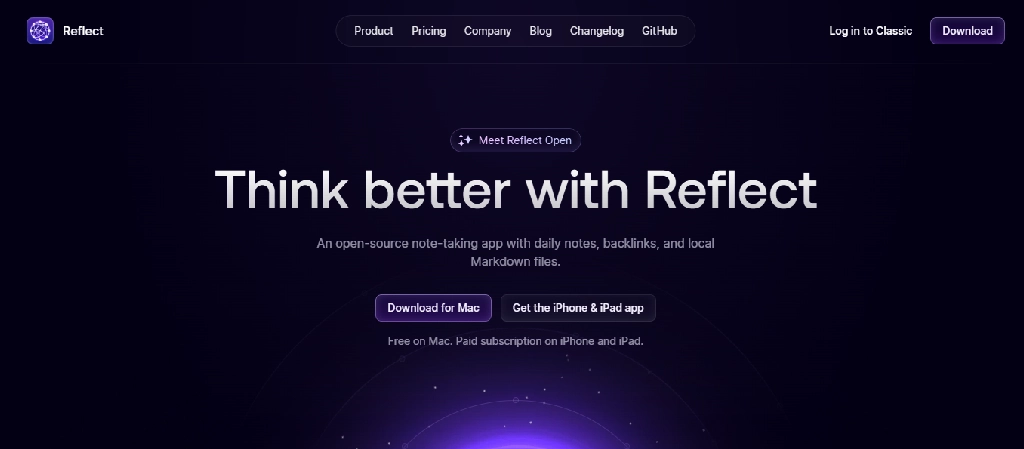
12. Reflect: Best for Personal Knowledge Management
Best for: Writers, researchers, founders, and people maintaining a personal knowledge system.
Starting price: Paid subscription with trial availability.
Website: reflect.app
Reflect focuses on helping users build a connected collection of personal notes.
Instead of treating each note as an isolated document, it emphasizes relationships between ideas, people, projects, and information.
Key features
- Backlinked notes: Connects related notes and ideas.
- AI assistance: Helps summarize, transform, and work with written information.
- Daily notes: Provides a recurring place to capture thoughts and activities.
- Search:Helps retrieve information from the note collection.
- Calendar-related workflows: Supports connecting notes with scheduled activity.
- Knowledge organization: Encourages users to build relationships between notes rather than maintain disconnected documents.
- Cross-device access: Supports note access through available applications.
Practical example: A researcher reading across several disciplines could use Reflect to connect observations, questions, and ideas that appear in different projects.
Limitations: Reflect is not primarily a lecture recorder or meeting intelligence platform. Users who need extensive collaboration, advanced project databases, or dedicated academic citation management may need complementary tools.
Pricing: Check Reflect’s official website for current subscription details.
Our assessment: Best suited to individuals who value long-term knowledge organization over automated meeting capture.
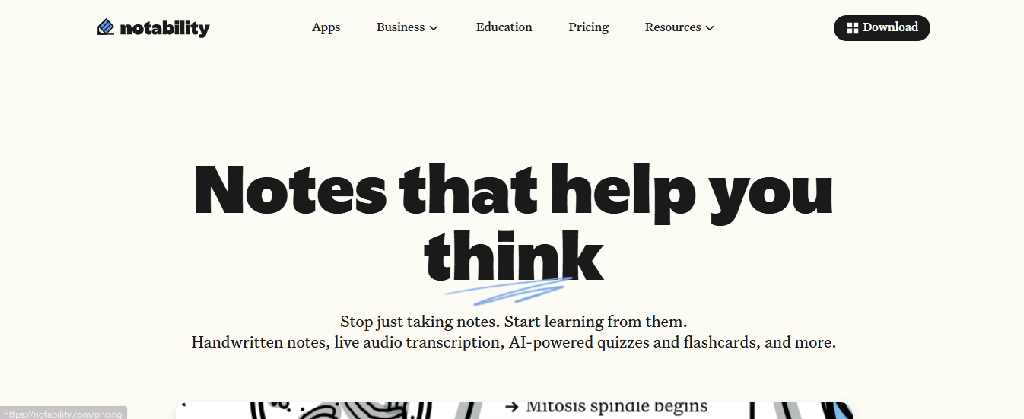
13. Notability: Best for Students Who Combine Handwriting and Lecture Audio
Best for: School and university students, especially those using an iPad.
Starting price: Free; Plus from $15.99/year.
Website: notability.com
Notability combines digital handwriting, document annotation, audio recording, and AI-assisted study features.
It is particularly useful for students who want to write during lectures while retaining supporting audio and study material.
Key features
- Handwritten notes: Supports stylus-based writing and annotation.
- PDF and document markup: Lets users annotate imported study materials.
- Audio recording: Captures lectures and spoken explanations.
- Audio transcription: Converts supported recordings into text.
- Handwriting search: Helps locate information in handwritten notes.
- AI quizzes: Generates practice questions from supported materials.
- Flashcards: Creates revision resources from notes.
- YouTube-to-notes: Supported paid plans can convert video links into study materials.
- Chat with notes: Higher-tier capabilities support asking questions about note content.
Practical example: A biology student could annotate lecture diagrams, record the instructor’s explanation with permission, and generate practice questions before an examination.
Limitations: The free Starter plan is limited to five notes. Advanced transcription, AI summaries, and study features require paid plans. Some capabilities are platform-specific.
Pricing: Notability lists Starter at $0, Plus at $15.99/year, and Pro at $79.99/year, with different AI allowances.
Our assessment: Particularly suitable for students who combine handwritten learning with recorded lectures and automated revision.
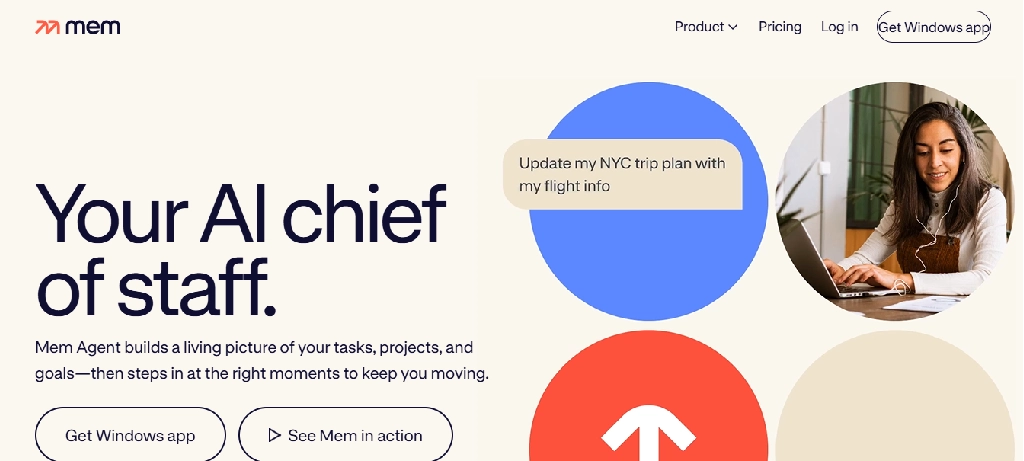
14. Mem: Best for AI-Assisted Personal Notes and Follow-Up
Best for: Founders, independent professionals, and people who want notes connected to tasks and reminders.
Starting price: Free; Mem Plus $9/month.
Website: get.mem.ai
Mem combines personal notes with an AI assistant that can help organize information and identify follow-up work. Its approach is less about maintaining a traditional notebook hierarchy and more about making captured information useful later.
Key features
- AI-assisted note organization: Helps structure information entered into the system.
- Voice Mode: Captures spoken thoughts or conversations and organizes them into notes.
- Task detection: Identifies potential tasks and projects from note content.
- AI interaction: Allows users to communicate with the assistant about stored information.
- Routines: Higher plans support recurring AI-assisted workflows.
- Connections: Paid plans support integrations with selected external sources.
- Search and retrieval: Helps users locate relevant information from their notes.
Practical example: A small-business owner can dictate ideas after a meeting, capture follow-up tasks, and use Mem to organize them into ongoing projects.
Limitations: The free tier has relatively small monthly allowances. Higher-capacity voice capture, integrations, and routines require more expensive plans.
Pricing: Mem currently lists Free, Plus at $9/month, and Pro at $29/month, with higher-capacity tiers. The free plan includes 25 new notes per month, 25 messages, and three hours of Voice Mode.
Our assessment: A useful candidate for users who want notes to drive future actions, not simply remain stored information.
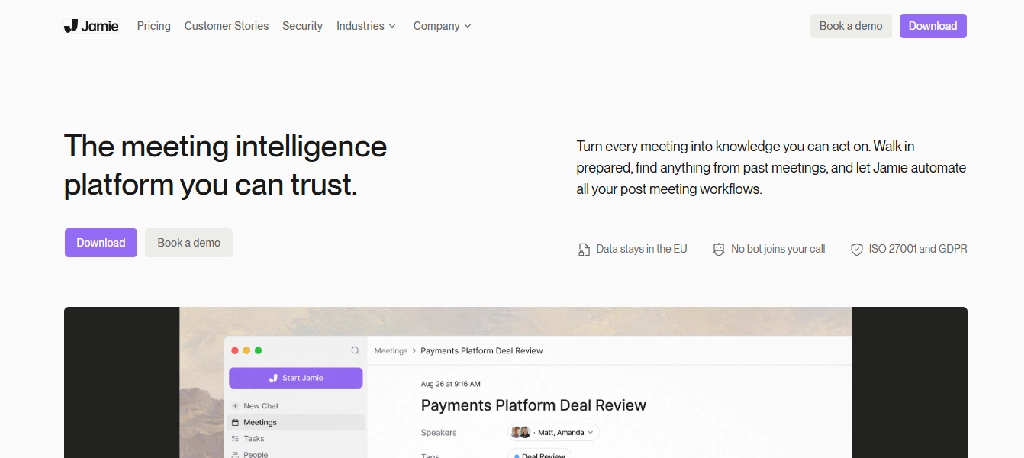
15. Jamie: Best for Meeting Notes Without a Visible Bot
Best for: Consultants, managers, and professionals who prefer a bot-free meeting experience.
Starting price: Limited free access, with paid plans available.
Website: meetjamie.ai
Jamie is designed to create meeting notes without requiring a conventional meeting bot to appear as a participant.
This can make it appealing to professionals who prefer a less intrusive meeting setup.
Key features
- Bot-free meeting capture: Processes supported meeting audio without a separate attendee bot.
- AI-generated summaries: Creates organized notes after conversations.
- Action items: Helps identify follow-up responsibilities.
- Speaker recognition: Supports distinguishing meeting participants where available.
- Meeting history: Allows users to revisit earlier discussions.
- AI assistant: Supports questions and retrieval based on captured meeting information.
- Language support: Offers multilingual capabilities, with availability depending on the feature.
Practical example: A consultant who frequently conducts sensitive client conversations may prefer a meeting assistant that does not add a visible participant to the call, subject to client consent and organizational recording policies.
Limitations: Bot-free does not mean recording-free, consent-free, or automatically more private. Audio handling, retention, and plan limits should be reviewed before use.
Pricing: Visit Jamie’s official website for current free and paid options.
Our assessment: A relevant alternative to Granola for professionals who want automated meeting notes without a conventional meeting bot.
Best AI Note-Taking Apps by Use Case
There is no universal winner because different users need different combinations of recording, organization, retrieval, and AI assistance.
| Your primary need | First tool to consider | Alternative |
| Free online meeting summaries | Fathom | tl;dv |
| Searchable lecture transcripts | Otter.ai | Notability |
| Team meetings and CRM workflows | Fireflies.ai | Read AI |
| Bot-free meeting notes | Granola | Jamie |
| Research papers and course documents | NotebookLM | Notion AI |
| Handwritten notes on an iPad | Goodnotes | Notability |
| Notes connected to projects | Notion AI | OneNote + Copilot |
| Microsoft 365 workflows | OneNote + Copilot | Notion AI |
| In-person interview recording | Plaud | Otter.ai with a compatible recording workflow |
| Personal knowledge management | Reflect | Mem |
| Video meeting clips and highlights | tl;dv | Fathom |
| Notes connected to tasks and follow-ups | Mem | Notion AI |
These recommendations reflect product positioning and documented features, not a controlled accuracy benchmark.
Which AI Note-Taking Apps Are Best for Students?
Students should prioritize tools that support understanding, retention, and revision, rather than simply generating long transcripts.
High School Students
A practical combination is Goodnotes or Notability for class notes, plus NotebookLM for studying permitted course material, subject to account age requirements and school policies.
Goodnotes and Notability are useful when students need handwriting, diagrams, and PDF annotation. NotebookLM adds source-based explanations, quizzes, and flashcards.
For younger students, parental consent, institutional policies, and minimum-age restrictions should be checked before creating accounts or uploading schoolwork.
College and University Students
University students typically manage longer lectures, research assignments, multiple courses, and group projects.
A useful combination is:
- Otter.ai: Capture permitted lectures and discussions.
- NotebookLM: Study uploaded course materials and research sources.
- Notion AI: Organize assignments, group projects, and course notes.
- Goodnotes: Work through diagrams, formulas, and annotated documents.
Not every student needs all four. Someone who primarily studies from PDFs may get more value from NotebookLM than from a meeting recorder.
Engineering and STEM Students
STEM students often need to capture equations, diagrams, derivations, and technical explanations that speech transcription alone may not represent accurately.
Goodnotes and Notability are useful for handwritten mathematical work and diagrams. NotebookLM can help explain uploaded technical material, but generated explanations and calculations still require verification.
For subjects involving symbolic mathematics or programming, a specialized tool may be needed alongside the note-taking app.
Medical and Healthcare Students
Medical students often work with dense textbooks, lecture slides, anatomical diagrams, and large volumes of terminology.
NotebookLM can help turn authorized educational sources into study guides and practice questions. Goodnotes and Notability are useful for annotating diagrams and lecture materials.
AI-generated medical explanations should always be checked against authoritative course materials and clinical references. These tools are study aids, not clinical decision-making systems.
Master’s and PhD Researchers
Research students need more than transcription. They must organize sources, distinguish evidence from interpretation, and trace claims back to original documents.
NotebookLM is particularly relevant for source-grounded analysis. Reflect can support connections between ideas, while Otter and Plaud may help with interviews where recording is permitted.
For formal literature reviews and bibliography management, researchers should also consider dedicated scholarly databases and reference-management software.
AI Note-Taking Apps for Meetings vs. Studying: What’s the Difference?
The distinction becomes clearer when we compare the typical workflow.
| Capability | Meeting-focused tools | Study-focused tools |
| Primary input | Spoken conversations | Notes, PDFs, lectures, documents |
| Typical output | Transcript, summary, action items | Study notes, explanations, quizzes |
| Speaker identification | Often important | Sometimes useful |
| Handwriting | Usually limited | Often central |
| PDF annotation | Usually secondary | Often important |
| CRM integration | Common in business tools | Rarely essential |
| Flashcards and quizzes | Not usually a core feature | Often valuable |
| Recording retention | Important for verification | Depends on learning workflow |
| Source-grounded answers | Varies by product | Important for research |
| Primary success measure | Accurate documentation and follow-up | Understanding and retention |
Meeting tools help users remember what happened. Study tools help users understand and retain information.
Some applications support both, but the distinction is useful when deciding which capabilities justify paying for a subscription.
How Much Do AI Note-Taking Apps Cost?
Subscription prices can be misleading if users overlook usage restrictions.
For example, a free meeting recorder may include unlimited transcription but limit storage, AI-generated summaries, or access to older recordings. A digital notebook may offer inexpensive annual pricing while reserving advanced AI study features for a more expensive tier.
Here are selected official prices that illustrate the differences.
| Tool | Published price | Important consideration |
| Fireflies.ai | Pro $10/seat/month annually | Storage and advanced automation differ by tier |
| Goodnotes | Essential $11.99/year | Pro offers additional AI capabilities |
| Notability | Plus $15.99/year | Pro offers higher AI and transcription allowances |
| Read AI | Pro $15/user/month annually | Free plan has meeting limits |
| Mem | Plus $9/month | Monthly note, message, and voice allowances |
| OneNote + Copilot | License-dependent | Free OneNote does not imply full Copilot access |
What to Check Before Paying
- Recording allowances: Some products count monthly minutes, while others limit the length of individual sessions.
- AI processing limits: Unlimited transcription does not necessarily mean unlimited AI summaries, follow-up questions, or advanced analysis.
- Storage and retention: Check how long recordings and transcripts remain accessible.
- Export options: Confirm whether you can download transcripts, audio, PDFs, or structured notes.
- Integrations: CRM, project management, and collaboration features may require paid plans.
- Student discounts: Check eligibility and verification requirements rather than assuming a student discount is available.
- Annual commitments: A low advertised monthly price may require paying for a full year.
The cheapest subscription is not necessarily the lowest-cost option if you need several paid features to complete one workflow.
Are AI Note-Taking Apps Accurate?
AI note-taking accuracy depends on both the recording conditions and the type of information being processed.
Speech transcription may struggle with overlapping speakers, unfamiliar names, technical terminology, accents, and background noise. AI summaries introduce another layer of interpretation: even when a transcript is largely correct, a generated summary can omit context or misrepresent a decision.
Consider a meeting where someone says:
- We could launch the campaign next Monday, but only if legal approves the final creative.
- A poor summary might turn that conditional suggestion into a confirmed launch date.
- That distinction matters in business, education, journalism, and research.
For important conversations, review the original recording or transcript before relying on the summary. For academic notes, verify quotations, formulas, citations, and source references.
How to Evaluate Accuracy Yourself
A practical test should include:
- Record a permitted 15–20-minute conversation containing several speakers, unfamiliar names, and specific action items. If background noise is the problem, cleaning up the recording first with AI audio editing tools can improve transcription quality.
- Prepare a reference transcript or manually verify the recording.
- Compare speaker attribution, terminology, dates, and important statements.
- Examine whether the AI summary preserves conditions, disagreements, and uncertainty.
- Check whether questions about the meeting produce answers supported by the original conversation.
For academic tools, use a known source document and verify whether generated answers point to the correct passages. Do not rely solely on a vendor’s advertised accuracy percentage unless the testing conditions and methodology are clearly documented.
Privacy and Security: What Happens to Your Notes?
AI note-taking apps may process sensitive information, including business conversations, student records, research interviews, and personal discussions.
Before using one, review the provider’s privacy and security documentation.
Important questions include:
- Does the app store raw audio or only generated notes?
- How long are recordings and transcripts retained?
- Can users permanently delete recordings and derived data?
- Is customer content used to train AI models, and can users control that?
- Which subprocessors handle audio, transcription, and AI processing?
- Does the service provide administrative controls and access restrictions?
- Where is information stored and processed?
- Are enterprise security commitments available for the relevant subscription?
Recording consent also matters. Depending on the jurisdiction and setting, recording a conversation may require permission from one or all participants. Schools, universities, employers, and healthcare organizations may impose additional restrictions.
A bot-free recorder is still a recorder. Removing a visible meeting assistant does not remove privacy or consent obligations.
For confidential meetings, research involving human participants, or regulated information, review institutional policies and contractual safeguards before uploading content.
How to Get Better Results From AI Note-Taking Apps
Even capable tools benefit from a well-designed workflow.
Before a Meeting or Lecture
Use a clear meeting title and agenda. Check the microphone, recording permissions, language settings, and available transcription allowance.
For technical lectures, keep a separate place for diagrams, equations, and visual explanations that transcription may not capture adequately.
During the Session
Mark important decisions, questions, and uncertain statements where the tool supports it.
Avoid assuming that every important detail will appear correctly in the AI summary.
Immediately Afterward
Review the summary against the original notes or recording.
Confirm names, dates, deadlines, commitments, and action items.
For academic use, add explanations and connections in your own words. This encourages active processing rather than passive collection of transcripts.
During Review
Use AI to retrieve specific information and test understanding.
For example:
- Which decisions were confirmed in this meeting?
- What questions remained unresolved?
- Which sections of this lecture explain the main causes of inflation?
- Generate ten practice questions from these course notes.
- Identify the evidence supporting this research conclusion.
For source-grounded systems, inspect the cited passages before relying on the answer.
Frequently Asked Questions
What is the best AI note-taking app overall?
There is no single best option for every workflow. Fathom is worth considering for free online meeting summaries, Fireflies for team meeting workflows, Otter for searchable speech transcripts, Goodnotes for handwriting, and NotebookLM for source-based study and research.
What is the best free AI note-taking app?
Fathom is a strong candidate for online meetings because its free offering includes core recording, transcription, and summary capabilities. NotebookLM is useful for working with study sources, while Goodnotes and Notability offer limited free digital note-taking. The best free choice depends on whether you need meetings, handwritten notes, or document-based learning.
Can AI take notes during a live lecture?
Yes. Apps such as Otter and supported audio-enabled notebook applications can transcribe lectures. However, recording must be permitted, and transcripts may not capture equations, diagrams, or other visual information accurately.
Can AI turn handwritten notes into text?
Yes. Applications such as Goodnotes, Notability, and OneNote offer handwriting-related capabilities, although recognition quality depends on handwriting clarity, language, device, and feature availability.
Which AI note-taking app is best for research papers?
Google NotebookLM is a useful choice for working with selected research documents because it supports source-based questions and citations. However, it should complement rather than replace scholarly search databases and formal reference-management tools.
Is Otter.ai better than Fireflies.ai?
Otter is particularly relevant for users who prioritize live transcription and searchable conversations. Fireflies is attractive for teams needing meeting integrations, conversation analysis, and workflow automation. Neither is automatically better for every user.
Are AI note-taking apps safe for confidential meetings?
Safety depends on the provider’s data-handling practices, security controls, contract terms, and the information being recorded. Review retention policies, training disclosures, access controls, and consent requirements before using any service for confidential conversations.
Can AI note-taking apps replace manual notes?
They can reduce manual transcription and summarization, but they should not completely replace review and active note-taking. Writing explanations, identifying important concepts, and checking generated summaries remain valuable, especially for learning and high-stakes decisions.
Do AI note-taking apps work offline?
Offline support varies. Some traditional notebook features work without a connection, while transcription, cloud synchronization, and generative AI processing may require internet access. Check the specific feature and platform before relying on offline use. For tools that run locally and keep data on your device, see our guide to AI software that runs on your PC.
What is the difference between an AI note-taker and an AI meeting assistant?
An AI note-taker is a broad category covering handwritten notes, document analysis, transcription, and personal knowledge organization. An AI meeting assistant focuses more specifically on recording discussions, generating summaries, identifying action items, and supporting meeting-related workflows.
Final Verdict: Which AI Note-Taking App Should You Choose?
The right choice depends on what you want to do with your notes after capturing them.
If your main priority is documenting online meetings, start by comparing Fathom, Otter.ai, Fireflies.ai, Granola, and tl;dv.
If you are a student, Goodnotes, Notability, and NotebookLM deserve particular attention because they support different parts of the learning process.
If you need an organized knowledge system, Notion AI, OneNote + Copilot, Reflect, and Mem are more relevant than standalone meeting recorders. For team-wide knowledge, also compare AI knowledge base tools.
For in-person conversations, Plaud provides a hardware-based approach worth evaluating.
Rather than paying for the product with the longest feature list, choose the app that reliably handles your most frequent note-taking task, provides the level of verification you need, and fits your privacy and budget requirements.
The best AI note-taking system is not necessarily the one that captures the most information. It is the one that helps you find, understand, verify, and use that information when it matters.
Need help choosing and setting up AI tools for your business? Talk to our team.