
Engineering students need more than AI tools that summarize notes or answer homework questions. Their coursework involves mathematical modeling, programming, circuit analysis, CAD, simulations, laboratory data, technical drawings, and research.
A mechanical engineering student designing a gearbox has different requirements from an electrical engineering student analyzing circuits or a computer science student debugging software.
A general-purpose AI chatbot can explain engineering concepts, but it cannot replace specialized tools for numerical computation, circuit simulation, or engineering design.
The best AI tools for engineering students combine conceptual learning with practical technical workflows.
This guide compares 15 tools that can help engineering students understand difficult concepts, write and debug code, analyze data, develop designs, and prepare technical reports. It also explains which tools are most relevant for mechanical, civil, electrical, electronics, and computer engineering students.
Quick Comparison: Best AI Tools for Engineering Students
| Tool | Best for | Primary engineering use |
| ChatGPT | Engineering explanations | Concepts, calculations, coding and troubleshooting |
| GitHub Copilot | Programming | Code suggestions, debugging and tests |
| Wolfram Alpha | Engineering mathematics | Symbolic computation, equations and graphs |
| MATLAB + AI tools | Numerical computing | Modeling, algorithms, simulation and analysis |
| Ansys Engineering Copilot | Simulation assistance | CAE guidance and engineering simulation workflows |
| Autodesk Fusion | CAD and generative design | 3D modeling, manufacturing and design exploration |
| Siemens NX | Advanced CAD and engineering design | CAD/CAM/CAE and AI-assisted workflows |
| Julius AI | Engineering data analysis | Datasets, statistics and charts |
| Google NotebookLM | Technical study notes | Course PDFs, explanations and revision |
| Elicit | Engineering research | Paper discovery and evidence extraction |
| SciSpace | Reading technical papers | PDF explanations and terminology |
| Grammarly | Technical writing | Report clarity, grammar and editing |
| Canva | Engineering presentations | Posters, slides and project visuals |
| Symbolab | Step-by-step mathematics | Calculus, algebra and differential equations |
| Altium Designer + AI features | Electronics and PCB design | Circuit and PCB design assistance |
Not every product listed is primarily an AI application. MATLAB, Fusion, NX, and Altium are established engineering platforms that incorporate AI-assisted capabilities into broader technical workflows. Student access, licensing and feature availability vary.
1. ChatGPT: Best for Understanding Engineering Concepts
Website: ChatGPT
Best for: First-year engineering, concept explanations, coding, and troubleshooting
Free access: Yes, with limits
ChatGPT helps engineering students understand the reasoning behind technical concepts.
It can explain thermodynamics, electrical circuits, fluid mechanics, programming, control systems, and engineering mathematics at different levels of complexity. Students looking for tools beyond engineering coursework can also explore our guide to the best AI tools for students.
Key features
- Guided explanations: Breaks complex engineering topics into manageable steps.
- Study Mode: Uses questions and hints to encourage students to work through problems.
- Equation explanations: Explains variables, assumptions, and derivations.
- Code assistance: Helps understand Python, MATLAB, C++ and other languages.
- Document analysis: Supports questions about uploaded notes, assignments, and technical documents.
- Data analysis: Can help explore datasets and create visualizations in supported environments.
- Project planning: Helps outline experiments, reports and design projects.
Engineering example: A mechanical engineering student could ask ChatGPT to explain the difference between laminar and turbulent flow, introduce the Reynolds number, and guide them through a sample calculation.
Limitations: ChatGPT can make errors in numerical calculations, unit conversions, physical assumptions, and technical explanations. Generated equations should be verified independently.
Verdict: A flexible engineering study companion, but not a validated simulation or engineering calculation package.
2. GitHub Copilot: Best for Engineering Programming Projects
Website: GitHub Copilot
Best for: Computer science, embedded systems, automation, and engineering programming
Free access: Available; eligible students may receive additional benefits
GitHub Copilot assists students directly inside supported programming environments.
It is particularly relevant to engineering disciplines that require coding for simulation, automation, data processing, and hardware control.
Key features
- Code completion: Suggests code while students type.
- Coding chat: Explains programming concepts and code behavior.
- Debugging assistance: Helps identify possible causes of errors.
- Test generation: Suggests tests for software functions.
- Refactoring: Recommends ways to reorganize code.
- Documentation assistance: Helps generate comments and explanations.
- IDE integrations: Works with supported development environments.
- Repository context: Certain features can use information from project files.
Engineering example: An electronics student building an Arduino-based sensor project could use Copilot to understand a serial communication routine and identify potential logic errors.
Limitations: Generated code may contain bugs, unsafe assumptions, or security vulnerabilities. Students must test code and understand how it interacts with physical systems.
Verdict: Particularly useful for engineering students who regularly write software.
3. Wolfram Alpha: Best for Engineering Mathematics
Website: Wolfram Alpha
Best for: Calculus, differential equations, linear algebra, and mathematical modeling
Free access: Yes; advanced features are paid
Wolfram Alpha is a computational knowledge engine, not a general-purpose AI chatbot.
It helps verify mathematical expressions and explore quantitative relationships.
Key features
- Symbolic mathematics
- Differential equation solving
- Calculus and integration
- Linear algebra
- Matrix operations
- Mathematical graphing
- Statistics and probability
- Unit conversions
- Step-by-step solutions in eligible plans
Engineering example: A civil engineering student could use Wolfram Alpha to check an integration or solve a system of linear equations arising from a structural analysis exercise.
Limitations: Wolfram Alpha does not determine whether a mathematical model accurately represents a real physical system.
Verdict: A useful mathematical verification tool, particularly for students handling advanced equations.
4. MATLAB Copilot: Best for Numerical Computing and Engineering Algorithms
Website: MATLAB Copilot
Best for: Control systems, signal processing, numerical analysis, and engineering programming
Access: Requires eligible MATLAB licensing and Copilot access
MATLAB is widely used in engineering education for numerical computation, modeling, visualization, and algorithm development.
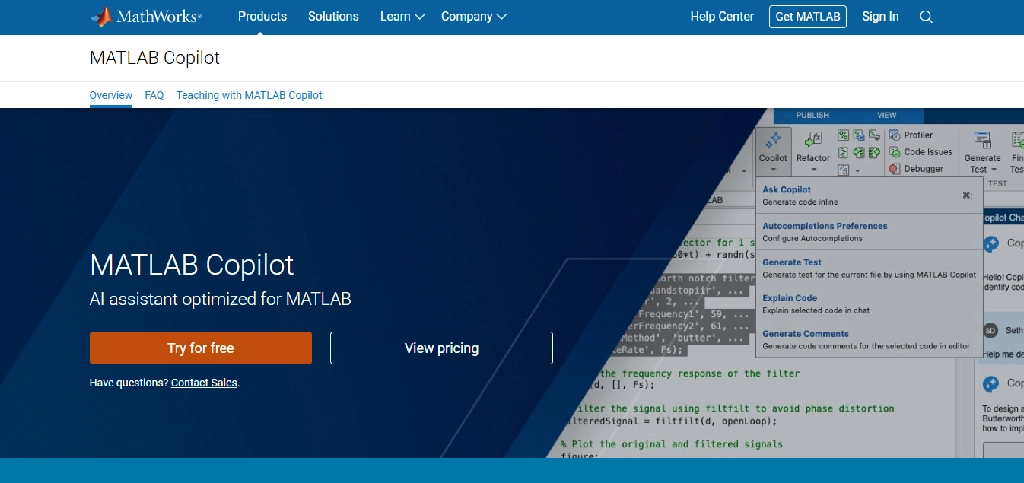
MATLAB Copilot adds generative AI assistance directly to MATLAB programming workflows.
Key features
- MATLAB-specific AI chat: Answers questions using relevant MathWorks documentation and examples.
- Code generation: Helps create MATLAB code from natural-language instructions.
- Code completion: Suggests code while students work in the editor.
- Debugging assistance: Explains errors and suggests changes.
- Code explanations: Helps students understand unfamiliar functions.
- Comment generation: Helps document scripts.
- Test generation: Supports creating test cases when the required MATLAB Test capabilities are available.
- Documentation assistance: Helps locate relevant MATLAB functions and examples.
MathWorks confirms these capabilities in its MATLAB Copilot documentation.
Engineering example: An electrical engineering student studying digital signal processing could use MATLAB Copilot to understand code for filtering a noisy signal, then verify the filter response using MATLAB’s numerical tools.
Limitations: Copilot is not included automatically with every MATLAB license. Its availability depends on software version, account entitlements, internet access, and service requirements. Generated code still needs testing.
Verdict: Particularly valuable for students whose courses already use MATLAB. It is not worth purchasing solely for basic homework questions if the student does not otherwise need MATLAB.
5. Ansys Engineering Copilot: Best for Simulation Learning and Technical Support
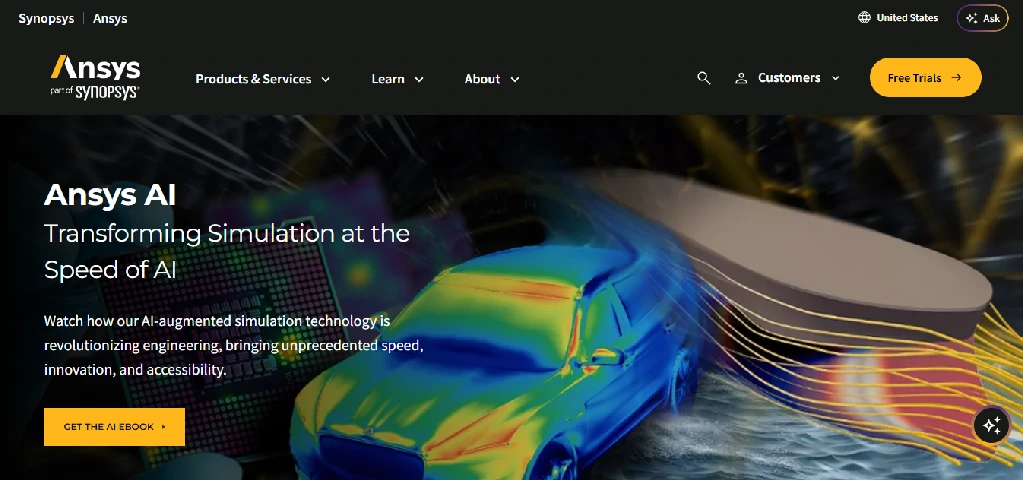
Website: Ansys AI
Best for: Mechanical, aerospace, automotive, and simulation-focused engineering students
Access: License-dependent
Ansys provides engineering simulation software used in areas such as structural mechanics, fluid dynamics, electromagnetics, and thermal analysis.
Ansys Engineering Copilot is an AI-assisted support experience designed to help users find technical information and understand supported Ansys workflows.
Key features
- In-product assistance: Provides help within supported Ansys applications.
- Documentation retrieval: Connects users with Ansys technical resources.
- Engineering concept support: Answers selected questions related to engineering and simulation.
- Product guidance: Helps users locate relevant features and workflows.
- Learning resources: Draws on available Ansys educational materials.
- Multilingual assistance: Supports questions in multiple languages.
- Support navigation: Helps users access relevant technical support information.
Ansys introduced Engineering Copilot in its 2025 R2 release. Its current documentation states that use requires an AnsysGPT AI+ license, so students should not assume access is included with every educational installation.
Engineering example: A mechanical engineering student learning finite element analysis could use supported Ansys assistance to locate documentation about meshing or boundary conditions.
Limitations: Engineering Copilot is primarily a support and knowledge assistant. It does not automatically validate simulation setups, replace physical reasoning, or guarantee correct simulation results.
Verdict: Useful for students who already have access to compatible Ansys products, particularly when learning complex simulation workflows.
6. Autodesk Fusion: Best for CAD and Generative Design
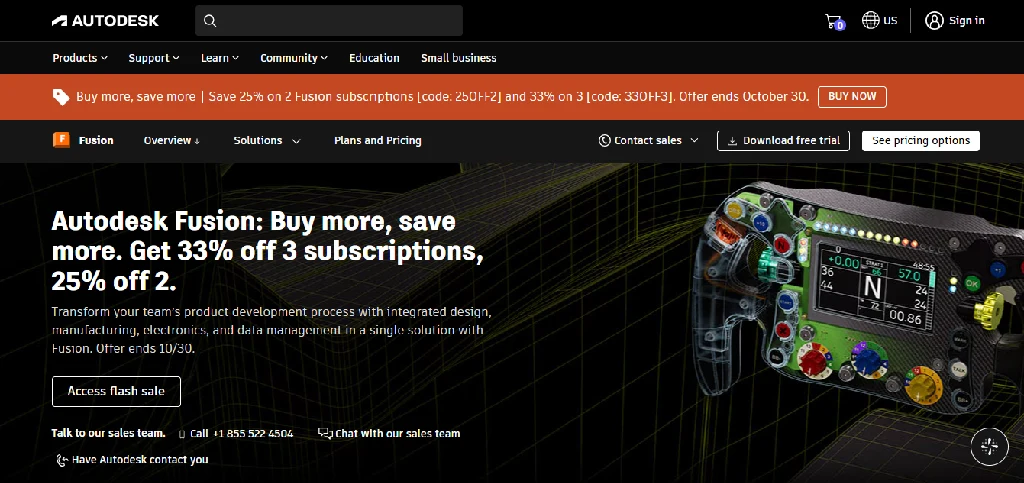
Website: Autodesk Fusion
Best for: Mechanical engineering, product design, manufacturing, and prototyping
Student access: Free educational licensing for eligible students
Autodesk Fusion combines computer-aided design, manufacturing, and engineering workflows.
Generative design lets users explore alternative designs based on defined constraints.
Key features
- 3D CAD modeling: Creates parts and assemblies.
- Generative design: Explores multiple design alternatives based on requirements.
- Automated modeling: Suggests geometry using selected design constraints.
- Simulation tools: Support selected engineering analyses.
- Manufacturing workflows: Connects designs with machining and fabrication.
- PCB capabilities: Supports selected electronics design workflows.
- Cloud collaboration: Enables sharing and collaboration on supported designs.
- Design iteration: Helps compare alternative approaches.
Autodesk explains that generative design can produce multiple editable solutions using geometric, performance, and manufacturing constraints.
Engineering example: A mechanical engineering student could define mounting points, loads, and manufacturing constraints for a lightweight bracket, then compare generated design alternatives.
Limitations: Generative designs must be evaluated against engineering requirements, manufacturing feasibility, and appropriate validation procedures. Some cloud-based studies require additional entitlements or usage credits.
Pricing: Autodesk provides eligible students with renewable one-year educational access. Educational licenses are not authorized for commercial or for-profit use.
Verdict: One of the more relevant professional engineering platforms for students learning CAD and generative design.
7. Siemens NX: Best for Advanced CAD and Product Engineering

Website: Siemens NX
Best for: Mechanical, automotive, aerospace, and manufacturing engineering
Student access: Educational options available; AI capabilities depend on licensing
Siemens NX is a professional CAD, CAM, and CAE platform used for complex product development.
Its broader ecosystem includes intelligent design assistance, automation, and AI-supported engineering capabilities.
Key features
- Parametric and direct 3D modeling
- Complex assembly design
- CAD automation
- Manufacturing and machining workflows
- Simulation integration
- Design optimization
- Engineering collaboration
- AI-assisted functions in supported versions and configurations
Engineering example: An automotive engineering student could use NX to develop a component assembly, inspect clearances, and prepare manufacturing documentation.
Limitations: NX has a steeper learning curve than entry-level CAD software. Not every AI feature is included in educational editions, and availability should be confirmed for the specific license.
Verdict: Most relevant to advanced students who want experience with industrial product-development workflows.
8. Julius AI: Best for Engineering Data Analysis
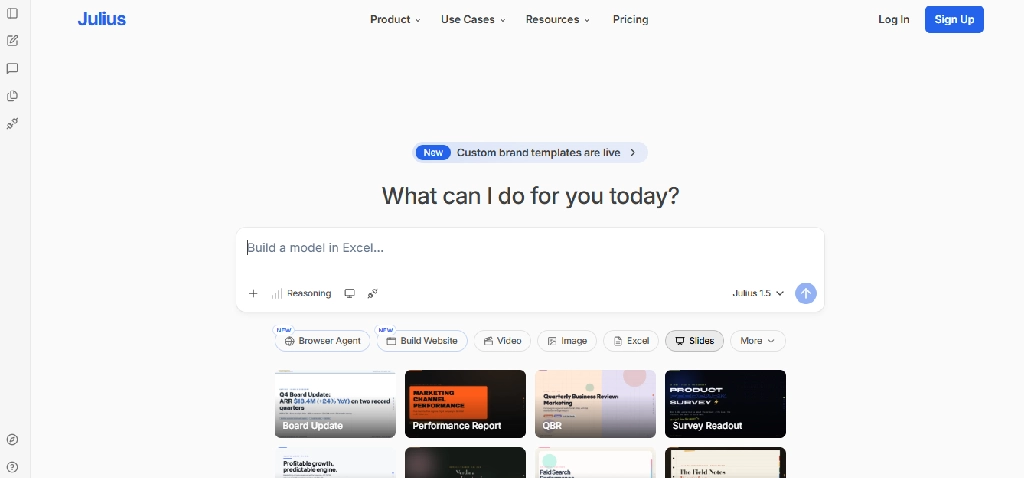
Website: Julius AI
Best for: Laboratory data, statistics, experimental results, and visualization
Free access: Limited access may be available
Engineering experiments generate data that students need to clean, analyze, interpret, and present.
Julius AI lets users ask questions about datasets in natural language.
Key features
- Spreadsheet and CSV analysis
- Data cleaning assistance
- Statistical calculations
- Trend analysis
- Chart generation
- Dataset exploration
- Natural-language questions
- Report-oriented data summaries
Engineering example: A materials engineering student could upload tensile-test measurements and explore the relationship between stress and strain.
Limitations: Students must verify units, calculations, statistical assumptions, and data transformations. An AI-generated graph does not validate an engineering conclusion.
Verdict: Useful for exploratory analysis, especially for students who are less familiar with statistical programming.
9. Google NotebookLM: Best for Engineering Lectures and Technical Documents
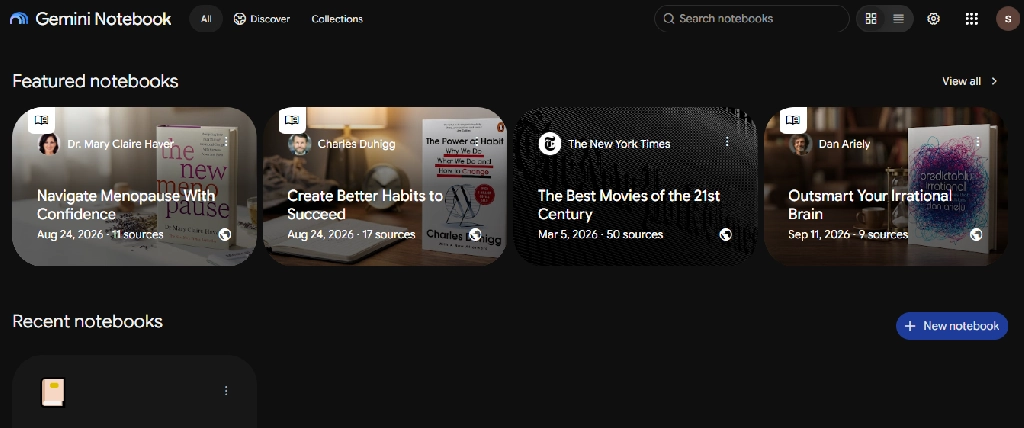
Website: NotebookLM
Best for: Lecture slides, technical reading, revision, and project documentation
Free access: Yes
NotebookLM helps students ask questions about selected documents and study materials.
Its source-grounded approach is especially useful for engineering students working with lengthy lecture notes and technical reference material. If you want to compare other options for lectures and revision, see our list of the best AI note-taking apps.
Key features
- Upload supported documents and PDFs
- Source-grounded questions
- Citations to notebook materials
- Study guides
- Flashcards and quizzes
- Audio Overviews
- Mind maps
- Cross-document comparisons
Engineering example: A chemical engineering student could upload permitted thermodynamics lecture notes and ask NotebookLM to compare different thermodynamic cycles.
Limitations: Complex diagrams, equations, and mathematical notation may be misinterpreted. Answers must be checked against the original materials.
Verdict: A useful learning companion for theory-heavy engineering courses, but not a computational solver.
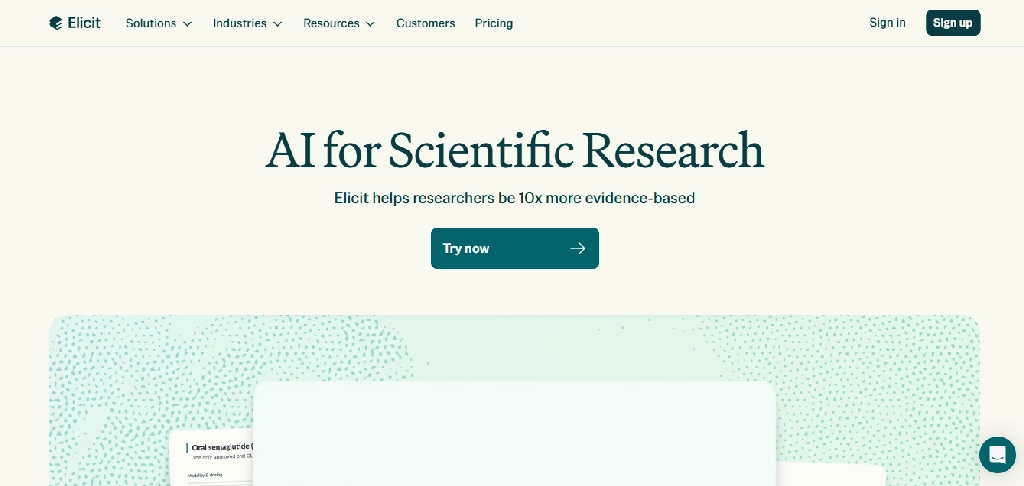
10. Elicit: Best for Engineering Research Papers
Website: Elicit
Best for: Final-year projects, dissertations, and engineering literature reviews
Free access: Limited
Elicit helps researchers discover academic papers and extract information from studies.
It helps engineering students develop research questions or compare published approaches.
Key features
- Research-paper discovery
- Semantic search
- Paper summaries
- Structured evidence extraction
- Study comparison tables
- Literature review assistance
- Research synthesis
- Export capabilities, depending on plan
Engineering example: A renewable energy engineering student could use Elicit to discover studies comparing battery energy storage technologies and extract reported performance metrics.
Limitations: Research coverage may be incomplete. Extracted values and conclusions require verification against original papers.
Verdict: Useful for preparing literature reviews, especially in research-intensive engineering projects.
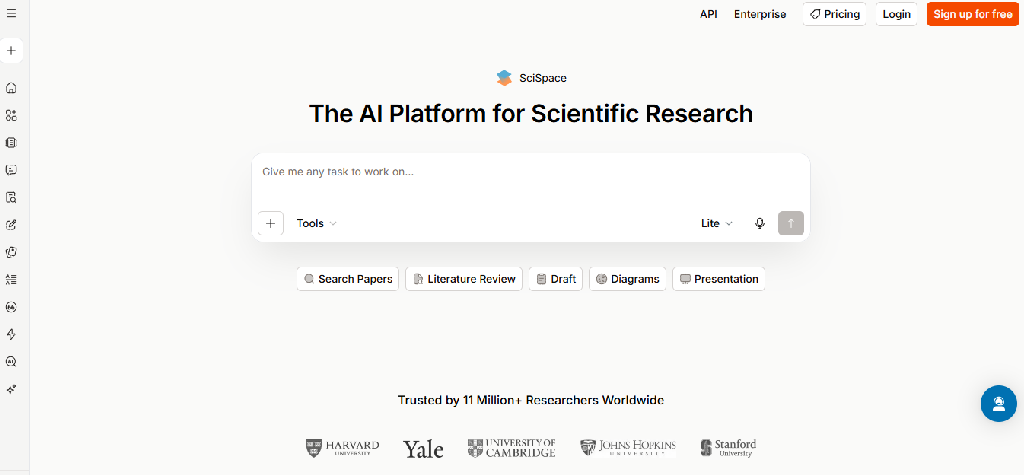
11. SciSpace: Best for Understanding Technical Research Papers
Website: SciSpace
Best for: Academic reading, technical terminology, and research interpretation
Free access: Limited
SciSpace helps students read technical papers and ask questions about complex passages. For more help with research, writing and studying, check out our roundup of the best AI tools for college students.
Key features
- AI-assisted PDF reading
- Technical terminology explanations
- Questions about selected passages
- Paper summaries
- Research discovery
- Literature comparison
- Multilingual explanation support
- Citation-related assistance
Engineering example: A biomedical engineering student could use SciSpace to understand terminology in a paper about biosensors.
Limitations: Simplified explanations may omit methodological details or technical uncertainty.
Verdict: Useful for interpreting difficult papers, particularly when students are new to a research field.
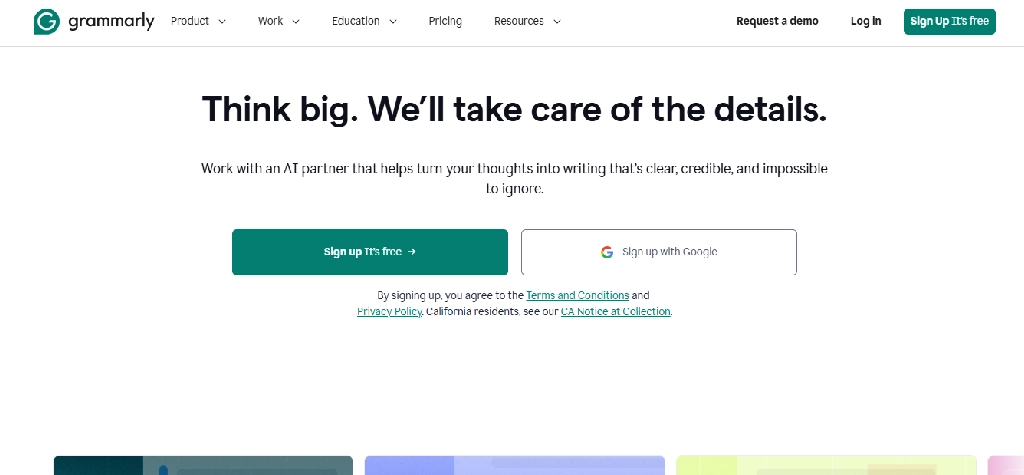
12. Grammarly: Best for Engineering Reports and Documentation
Website: Grammarly
Best for: Lab reports, dissertations, project proposals, and technical communication
Free access: Yes
Engineering students must communicate methods, results, assumptions, and conclusions clearly.
Grammarly can help improve the language of technical documents. If you need polished web or documentation content written for you, our web content writing services can help.
Key features
- Grammar and spelling corrections
- Sentence clarity suggestions
- Tone and style feedback
- Rewriting assistance
- Document-level editing
- Writing suggestions in supported applications
Engineering example: A civil engineering student could use Grammarly to improve the clarity of a structural engineering lab report.
Limitations: Automated rewriting may change technical meaning or remove necessary qualifications.
Verdict: Useful for polishing technical writing after the calculations and engineering reasoning are complete.
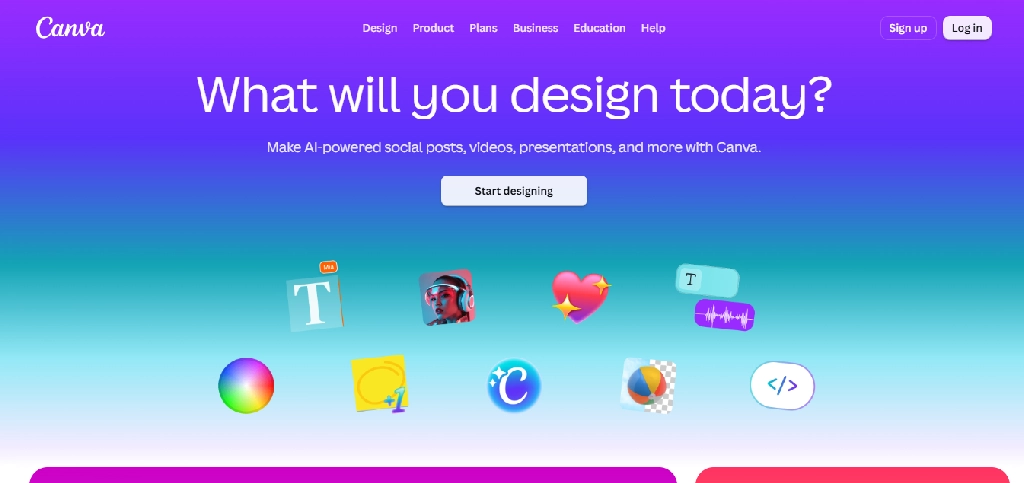
13. Canva: Best for Engineering Posters and Project Presentations
Website: Canva
Best for: Project posters, presentations, infographics, and visual communication
Free access: Yes
Canva helps students prepare polished visual materials for technical projects. For custom visuals beyond ready-made templates, our graphic design services can help create professional-quality graphics.
Key features
- Presentation templates
- AI-assisted layouts
- Infographic creation
- Image generation and editing
- Diagram-oriented design
- Collaboration
- Poster creation
- Export and sharing
Engineering example: An environmental engineering student could create a presentation showing wastewater treatment stages and verified experimental results.
Limitations: Canva is not an engineering CAD or simulation package. AI-generated technical diagrams may contain inaccuracies.
Verdict: Useful for communicating engineering work, not for performing engineering calculations.
14. Symbolab: Best for Step-by-Step Engineering Mathematics
Website: Symbolab
Best for: Calculus, differential equations, algebra, and mathematical practice
Free access: Yes, with paid advanced features
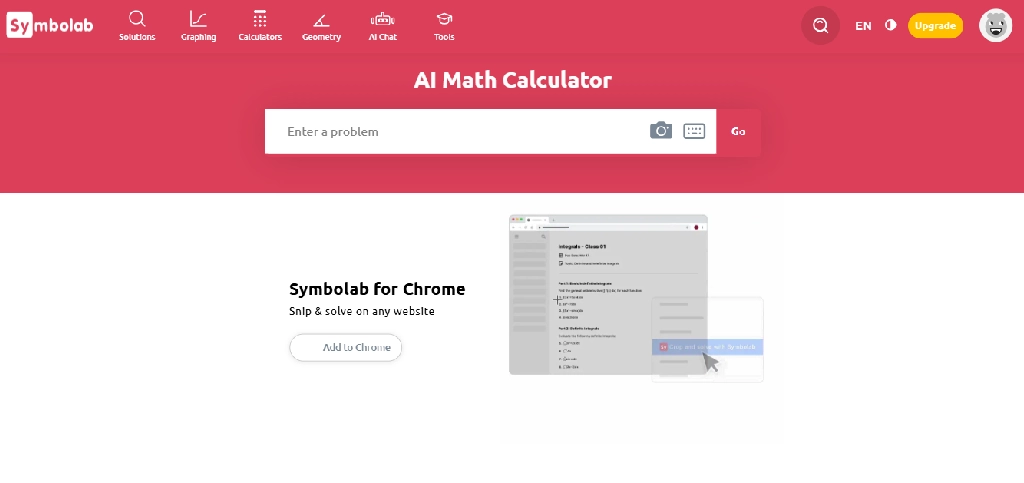
Symbolab helps students work through mathematical problems and examine solution steps. Students building their math foundations can also look at our guide to the best AI tools for high school students, which covers more homework and exam-prep tools.
Key features
- Equation solving
- Differentiation and integration
- Differential equations
- Algebraic simplification
- Matrix calculations
- Graphing
- Step-by-step explanations
- Practice exercises
Engineering example: A first-year engineering student could use Symbolab to check the steps in solving a differential equation.
Limitations: Some detailed explanations require a subscription. The tool cannot establish whether an engineering model is physically valid.
Verdict: Particularly useful for learning mathematical procedures and reviewing worked solutions.
15. Altium Designer: Best for PCB Design and Electronics Engineering
Website: Altium Designer
Best for: Electronics, embedded systems, and PCB design
Student access: Educational licensing may be available
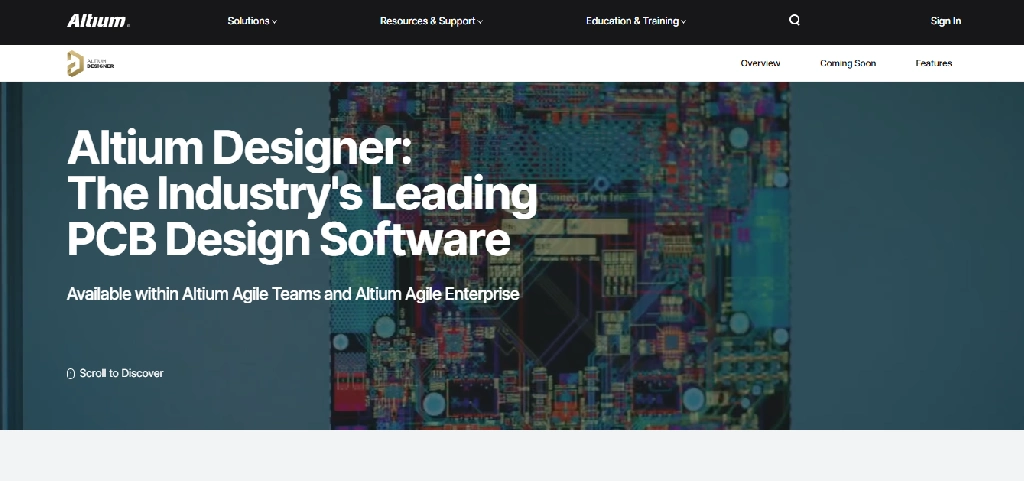
Altium Designer is a professional electronics design platform.
It supports schematic capture, PCB layout, design validation and manufacturing preparation. AI-assisted and automated functionality depends on the specific Altium product, release, and entitlement.
Key features
- Schematic capture
- PCB layout
- Component library management
- Design-rule checking
- Routing assistance and automation
- 3D board visualization
- Manufacturing outputs
- Collaboration and design review
- AI-related assistance where supported
Engineering example: An electronics engineering student could create a sensor board schematic, develop its PCB layout, and check routing and clearance constraints.
Limitations: Automated routing or AI assistance does not guarantee electrical correctness, signal integrity, thermal performance, or manufacturability. Verify Altium’s specific AI features for the licensed edition before purchase.
Verdict: Relevant for advanced electronics projects, although beginners may prefer simpler tools before moving into professional PCB workflows.
Best AI Tools for Different Engineering Branches
The most effective tools depend on the student’s specialization.
| Engineering branch | Recommended tools | Primary applications |
| Mechanical engineering | Fusion, Ansys, MATLAB Copilot, Wolfram Alpha | CAD, simulation, numerical modeling |
| Civil engineering | Ansys, MATLAB, Wolfram Alpha, ChatGPT | Structural concepts, calculations, analysis |
| Electrical engineering | MATLAB Copilot, Wolfram Alpha, ChatGPT, Ansys | Signal processing, circuits, electromagnetics |
| Electronics engineering | Altium Designer, GitHub Copilot, MATLAB, ChatGPT | PCB design, embedded coding, signal analysis |
| Computer science | GitHub Copilot, ChatGPT, MATLAB, NotebookLM | Programming, algorithms, debugging |
| Aerospace engineering | Ansys, MATLAB, Fusion, Wolfram Alpha | Aerodynamics, modeling, design |
| Chemical engineering | MATLAB, Wolfram Alpha, NotebookLM, Elicit | Process calculations, thermodynamics, research |
| Biomedical engineering | MATLAB, SciSpace, Elicit, Julius AI | Data analysis, biosignal processing, research |
| Industrial engineering | MATLAB, Julius AI, Fusion, ChatGPT | Optimization, manufacturing, analytics |
| Environmental engineering | MATLAB, Julius AI, Elicit, Canva | Environmental data, modeling, reports |
Some tools, especially professional CAD and simulation platforms, are most appropriate when a course requires them or the university provides them.
Practical AI Workflows for Engineering Students
Workflow 1: Mechanical Engineering Design Project
Project: Design a lightweight mounting bracket that must withstand a specified load.
- Understand the requirements with ChatGPT. Identify design constraints, material properties, load cases, and relevant equations.
- Develop geometry in Autodesk Fusion. Create a CAD model with mounting locations and dimensional requirements.
- Explore design alternatives. Use generative design where available, specifying valid constraints and manufacturing methods.
- Analyze the design. Perform suitable engineering calculations or simulations using authorized tools.
- Verify the results. Review boundary conditions, mesh convergence where relevant, material assumptions, and safety factors.
- Present the project. Use Canva to organize validated results into a clear design presentation.
AI can help students explore alternatives, but the student remains responsible for checking whether the final design meets the engineering requirements.
Workflow 2: Electrical Engineering Signal Processing Assignment
Project: Remove noise from a recorded sensor signal.
The student can use MATLAB to import and inspect the signal, MATLAB Copilot to understand or generate filtering code, and Wolfram Alpha to check selected mathematical expressions.
They should then compare the signal before and after filtering, evaluate whether useful information was lost, and explain the filter’s behavior.
A generated script is only one part of the assignment. The important engineering work is selecting a suitable method, evaluating the results, and documenting the assumptions.
Workflow 3: Electronics Engineering PCB Project
Project: Design a temperature-monitoring circuit.
A student could use ChatGPT to understand sensor communication concepts, GitHub Copilot to assist with firmware development, and Altium Designer for schematic capture and PCB layout.
Before manufacturing, they should independently review component ratings, power requirements, pin assignments, electrical rules, and board design constraints.
Workflow 4: Final-Year Engineering Research Project
Project: Compare energy storage technologies for renewable energy systems.
The student can use Elicit to discover relevant papers, SciSpace to understand difficult passages, and NotebookLM to compare selected authorized research materials.
They can then use MATLAB or Julius AI to analyze verified numerical data, prepare original conclusions, and present the results.
For formal academic work, references should be maintained in a citation manager such as Zotero.
Which Engineering AI Tools Are Free for Students?
Students should check educational licensing before purchasing professional engineering software.
| Tool | Free or educational access | Important restriction |
| ChatGPT | Free plan | Usage limits |
| GitHub Copilot | Free tier; student benefits | Verification and eligibility |
| Wolfram Alpha | Free basic access | Advanced steps may be paid |
| MATLAB Copilot | License-dependent | Requires eligible MATLAB and Copilot access |
| Ansys Engineering Copilot | License-dependent | Requires supported Ansys licensing |
| Autodesk Fusion | Free for eligible students | Educational use only |
| Siemens NX | Educational options | Edition and AI feature restrictions |
| Julius AI | Limited access | Analysis usage limits |
| NotebookLM | Free access | Usage and feature limits |
| Elicit | Limited free access | Research workflow limits |
| SciSpace | Limited free access | AI usage limits |
| Grammarly | Free plan | Advanced features paid |
| Canva | Free plan | Premium design features |
| Symbolab | Free basic access | Advanced solution steps |
| Altium Designer | Educational options | Eligibility and product entitlement |
Autodesk explicitly offers renewable educational access to eligible students, while MathWorks and Ansys specify additional requirements for their AI assistants.
Can AI Tools Replace Engineering Software?
No. General-purpose AI assistants and engineering software perform different functions.
An AI chatbot can explain a finite element model, but it does not automatically create a validated simulation.
An AI coding assistant can suggest a control algorithm, but it does not establish whether the algorithm is safe for a physical system.
A generative design platform can produce alternative geometries, but those geometries still need to satisfy engineering constraints.
This distinction matters because engineering involves not only producing answers but demonstrating that they are physically meaningful, reliable, and appropriate for the intended application.
What Engineering Students Must Verify
- Units and dimensions: Check dimensional consistency in every calculation.
- Boundary conditions: Ensure simulations represent the intended physical situation.
- Material properties: Confirm that values match the actual material and conditions.
- Numerical methods: Check convergence, stability, and approximation errors.
- Code: Test generated scripts with known inputs and edge cases.
- Design rules: Review clearances, tolerances, electrical constraints, and manufacturability.
- Research claims: Confirm numerical results and references against original sources.
- Safety: Never use unverified AI-generated outputs as the sole basis for safety-critical decisions.
How to Choose the Right AI Tool for Engineering Coursework
A first-year engineering student may only need ChatGPT, a mathematical solver, and a notebook app.
A student working on a CAD project may benefit more from Autodesk Fusion than from several general-purpose AI assistants.
An electronics student may need a PCB design platform and a coding assistant, while a postgraduate researcher may benefit most from Elicit, SciSpace, and MATLAB.
Before paying for a tool, check whether the university already provides access, whether the required AI features are included, and whether the software is relevant to the actual course.
Frequently Asked Questions
What is the best AI tool for engineering students?
ChatGPT is useful for general explanations, but the best specialized tool depends on the task. GitHub Copilot supports coding, Wolfram Alpha supports mathematics, MATLAB Copilot supports MATLAB programming, and Autodesk Fusion supports CAD and generative design.
Which AI tools are best for mechanical engineering students?
Autodesk Fusion, Ansys, MATLAB, and Wolfram Alpha are relevant for CAD, simulation, numerical modeling, and calculations. The appropriate combination depends on course requirements and available licenses.
Which AI tools are best for electrical engineering students?
MATLAB Copilot, Wolfram Alpha, GitHub Copilot, and supported Ansys tools can help with signal processing, mathematical modeling, programming, and electromagnetic simulation.
Can AI generate CAD models?
Some engineering platforms provide generative design and automated modeling capabilities. For example, Autodesk Fusion can generate design alternatives based on specified constraints. This is different from assuming that any text prompt can produce a production-ready CAD model.
Can ChatGPT solve engineering problems accurately?
It can help explain and work through engineering problems, but it can also make errors in equations, calculations, assumptions, and units. Results should be independently verified.
Is MATLAB Copilot free for engineering students?
Not universally. MATLAB Copilot requires appropriate MATLAB licensing and additional access conditions. Students should check their university’s MathWorks entitlement.
Is Autodesk Fusion free for students?
Autodesk provides eligible students with renewable educational access to Fusion. Educational licenses are restricted to authorized educational purposes.
Can AI help with engineering simulations?
Yes. AI assistants can help users understand simulation software and locate documentation, while specialized platforms may incorporate AI-supported workflows. However, simulations still require correct models, material properties, boundary conditions, and validation.
What is the best AI tool for engineering research papers?
Elicit helps you discover and compare research, while SciSpace explains technical papers. NotebookLM can help students explore selected research documents.
Can engineering students use AI for final-year projects?
They can use AI where university policies permit it, including for learning, coding assistance, literature discovery, and documentation. Students should disclose AI assistance when required and independently verify all technical outputs.
Final Verdict: Which AI Tools Should Engineering Students Use?
The best AI tools for engineering students are not necessarily the most popular chatbots.
- For conceptual learning, ChatGPT is a flexible starting point.
- For programming, GitHub Copilot is particularly relevant.
- For engineering mathematics, Wolfram Alpha and Symbolab help students explore and verify calculations.
- For numerical computing, MATLAB Copilot provides assistance within MATLAB workflows.
- For CAD and product design, Autodesk Fusion and Siemens NX offer professional engineering capabilities.
- For simulation learning, Ansys Engineering Copilot provides access to relevant product knowledge in supported environments.
- For electronics, Altium Designer supports advanced PCB development.
- For research, Elicit, SciSpace, and NotebookLM help students discover, read, and organize technical information.
Students should choose tools based on their engineering branch, project requirements and available educational licenses. AI can make engineering work more efficient, but engineering judgment, mathematical understanding, experimentation, and validation remain essential. To find more tools for other tasks, browse our full AI tools library.