

SEO has never been simple. Between keyword research, technical audits, content optimization, reporting, and constant algorithm updates, SEO teams often spend more time on repetitive tasks than on strategy.
At Reliqus Consulting, we initially approached SEO automation with caution. Like many SEO professionals, we believed that too much automation could dilute quality. But over time, we discovered something important: when used correctly, SEO automation doesn’t replace expertise—it amplifies it.
With the right tools and workflows, SEO automation helps reduce manual effort, eliminate human error, and create more consistent, data-driven results. Most importantly, it allows SEO professionals to focus on what truly matters: strategy, creativity, and business growth.
This blog breaks down what SEO automation really is, which SEO tasks can be automated, the tools available, real-world examples, and how businesses can use automation responsibly to improve efficiency and accuracy.
What is SEO Automation?

SEO automation is the use of automated SEO software and platforms to handle repetitive SEO tasks — the kind that don’t require creativity or judgment but still eat up hours.
Think of things like:
- Running technical audits
- Tracking keyword rankings
- Monitoring Google Search Console issues
- Pulling performance reports
- Identifying content opportunities
An SEO automation tool doesn’t replace an SEO expert. It replaces busy work.
In the past, these tasks were often handled by junior SEOs or virtual assistants. Today, automation helps SEO teams move faster and focus on higher-impact work.
What SEO Automation Is Not
Let’s clear this up.
SEO automation is not:
- Clicking a button and ranking overnight
- Publishing AI-generated content without review
- Replacing the SEO strategy or human judgment
Automation helps with execution. Humans make decisions.
At Reliqus Consulting, we use automation to support our SEO experts — not replace them.
Which Parts of SEO Can Be Automated?
Not everything in SEO should be automated—and that’s important to understand.
Here’s how we realistically use automation for SEO in day-to-day work.
1. Technical SEO
Technical SEO is foundational, but monitoring it manually is inefficient—especially for large websites.
What Can Be Automated
- Site health audits
- Crawl error detection
- Broken link checks
- Duplicate content identification
- XML sitemap updates
Tools Commonly Used
- Google Search Console
- Screaming Frog
- SEMrush Site Audit
Example Workflow
- A site audit tool crawls the website weekly
- Errors and warnings are automatically reported
- High-priority issues are fixed first
- Improvements are validated in the next crawl
Automation ensures that technical issues are caught early, before they impact rankings or user experience.
2. Keyword Research and Optimization
Keyword research still requires human judgment—but keyword analysis and tracking are perfect candidates for automation.
What Can Be Automated
- Search volume and competition data collection
- Keyword clustering by intent
- Rank tracking updates
- SERP feature monitoring
Tools Commonly Used
- SEMrush
- Ahrefs
- SE Ranking
Example
An SEO team collects a list of target keywords. Automation tools then:
- Pull search volume and difficulty
- Group keywords into topic clusters
- Track ranking changes daily or weekly
This allows strategists to focus on selecting the right keywords, not gathering raw data.
3. Content Optimization & On-Page SEO
Content quality still relies on human expertise—but automation helps ensure content meets SEO best practices.
What Can Be Automated
- Keyword usage checks
- Content structure suggestions
- Readability analysis
- Internal linking opportunities
Tools Commonly Used
- Surfer SEO
- Page Optimizer Pro
- Clearscope
Example Workflow
- A draft is written by a content expert
- Optimization tools analyze top-ranking pages
- Recommendations are applied manually
- Content is refined without over-optimization
This approach ensures content is search-friendly yet human-focused.
4. Internal Linking Automation
Internal linking is crucial for SEO but often overlooked because of its manual nature.
What Can Be Automated
- Identifying orphan pages
- Suggesting relevant internal links
- Monitoring broken internal links
Tools Commonly Used
- Ahrefs
- SEMrush
- CMS-based SEO plugins
Automation helps maintain a strong internal linking structure, improving crawlability and page authority distribution.
5. Link Monitoring & Backlink Analysis
Link building requires human outreach—but link tracking can be automated.
What Can Be Automated
- Backlink discovery
- Toxic link detection
- Anchor text monitoring
- Competitor backlink tracking
Tools Commonly Used
- Ahrefs
- SEMrush
- Google Search Console
Automation ensures your backlink profile stays healthy while allowing SEO experts to focus on relationship-driven outreach.
6. SEO Analytics & Reporting
Reporting is one of the most time-consuming SEO tasks—and one of the easiest to automate.
What Can Be Automated
- Traffic reports
- Keyword performance summaries
- Conversion tracking
- Monthly or weekly dashboards
Tools Commonly Used
- Google Analytics (GA4)
- Google Search Console
- Looker Studio
Example Workflow
- GA4 and GSC data feed into Looker Studio
- Reports update automatically
- SEO managers add insights and recommendations
- Clients access real-time dashboards
This results in consistent, accurate, and transparent reporting.
Popular SEO Automation Tools We Actually Use (or Test)
Rather than listing dozens of tools, here are the core tools widely used by SEO professionals and agencies:
1. Google Search Console
Best for: Performance tracking & indexing insights
Helps with:
- Query-level performance
- Index coverage issues
- Page experience monitoring
- Automated SEO monitoring alerts
If you’re not using GSC deeply, no SEO automation platform can save you.
2. SEMrush / Ahrefs

Best for: Keyword analysis, audits, competitor tracking
We use these tools to automate:
- Keyword tracking
- Site audits
- Backlink monitoring
- Competitor comparisons
They don’t replace strategy—but they make it faster.
3. Screaming Frog
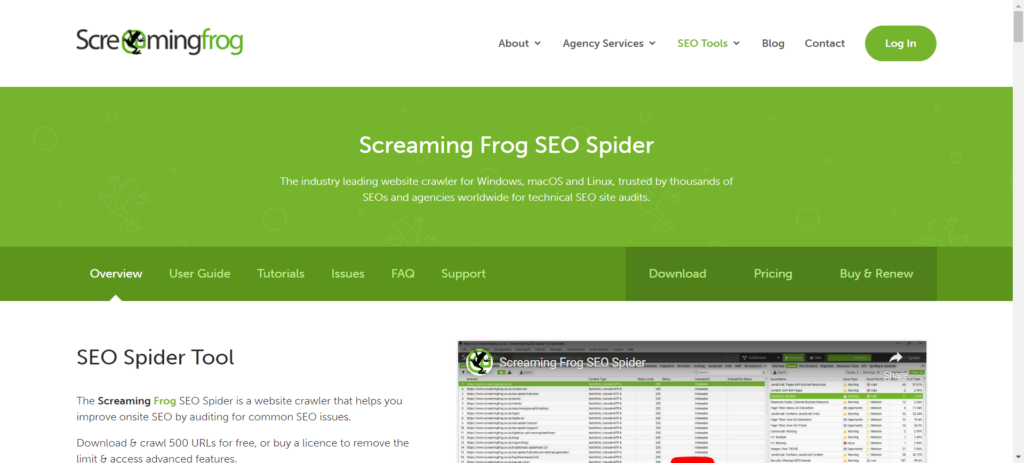
Best for: Technical SEO automation
Used for:
- Crawling large sites
- Finding broken links
- Analyzing page-level SEO elements
- Bulk technical audits
4. Looker Studio
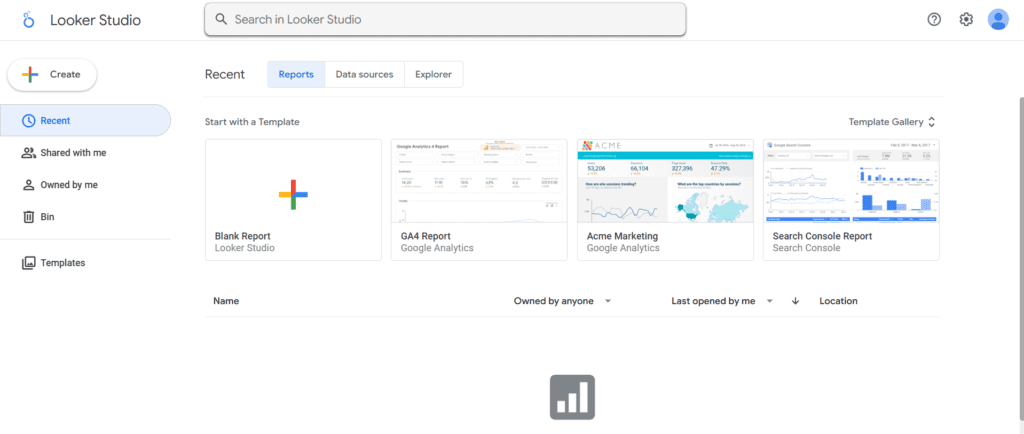
Best for: Automated reporting
Perfect for:
- GSC + GA4 dashboards
- Client-friendly SEO reports
- Real-time performance tracking
5. Workflow Automation Tools (Zapier / n8n)
Best for: Connecting tools
Used for:
- Sending alerts when errors spike
- Syncing SEO data into sheets
- Automating repetitive admin tasks
Real SEO Automation Workflows (Practical Examples)
Workflow 1: Keyword to Content Brief
- SEMrush pulls keyword data automatically
- Keywords are grouped by intent
- SEO strategist finalizes content outline
Result: Faster content planning without sacrificing quality.
Workflow 2: Ongoing Technical Monitoring
- Screaming Frog scheduled weekly crawls
- Errors reported automatically
- Critical issues fixed by the development team
Result: Proactive issue resolution before rankings drop.
Workflow 3: Automated SEO Reporting
- GA4 and GSC are connected to Looker Studio
- Weekly automated dashboards generated
- Human insights added for context
Result: Clear, actionable reports without manual effort.
Common Mistakes to Avoid with SEO Automation
Automation is powerful—but misuse can hurt performance.
Avoid These Pitfalls
- Publishing AI-generated content without review
- Over-optimizing based solely on tool recommendations
- Ignoring data accuracy
- Automating black-hat SEO practices
Automation should assist decision-making, not replace it.
Are SEO Automation Tools Worth the Cost?
Here’s our rule of thumb:
If a tool costs less than the time it saves, it’s worth it.
But automation should never:
- Replace strategy
- Replace experience
- Replace content quality
SEO shortcuts often create long-term problems. We use automation to support good SEO, not fake it.
Final Thoughts
SEO automation is about working smarter, not harder.
By automating repetitive tasks, you save time, reduce errors, and gain valuable insights — all while keeping human expertise at the core.
At Reliqus Consulting, we combine automation tools with strategic SEO expertise to maximize efficiency and deliver measurable results.
If you want to boost your SEO efficiency, explore our SEO services to see how we can help you implement automation successfully.