
Combining images used to mean juggling layers in Photoshop or dealing with complex editors. Today, an AI image combiner makes it easy to merge visuals in seconds—no design skills required.
Whether you want to combine two images using AI, blend photos creatively, or generate new visuals from existing ones, modern tools make the process seamless and accessible.
In this guide, we’ve handpicked the best image combiner AI tools for 2026, including free options and platforms that support AI image combiner no sign-up workflows.
1. Overchat AI Image Combiner
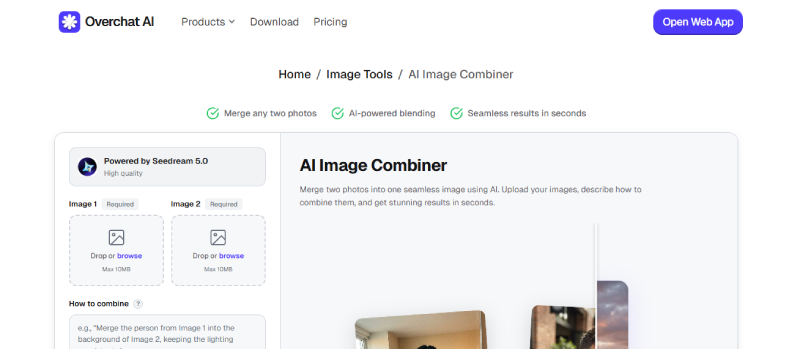
Best for: Quick AI-based image merging with minimal setup.
Specifications:
- Browser-based AI image combiner
- Supports combining two or more images
- Simple drag-and-drop interface
Pros:
- Fast image processing
- Clean and beginner-friendly UI
- No software installation required
Cons:
- Limited advanced editing controls
- Export quality options are basic
- May require sign-up for higher usage limits
2. Vidnoz Image Combiner
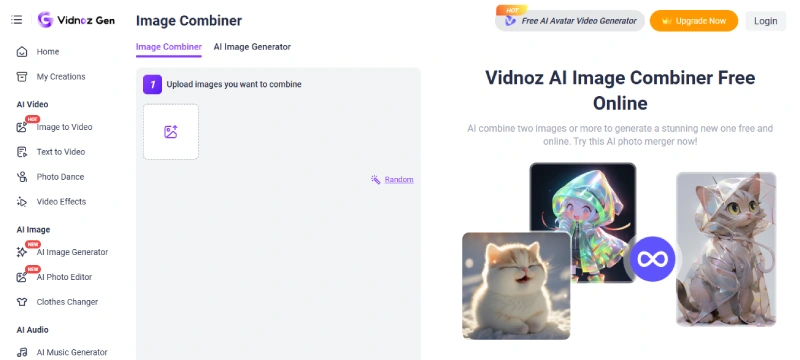
Best for: Users who want to combine images AI-style for presentations or marketing visuals.
Specifications:
- Online image combiner AI tool
- Supports image merging and layout adjustments
- Works well with branded visuals
Pros:
- Easy to use for non-designers
- Good output clarity
- Reliable performance
Cons:
- Free version has usage limits
- Customization is somewhat restricted
- Not ideal for complex creative blending
3. Pixnova AI Image Combiner
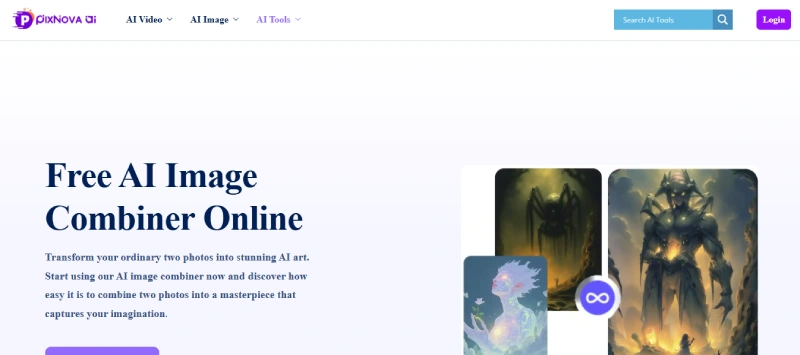
Best for: Creative users looking to combine images with artistic effects.
Specifications:
- AI-powered image fusion
- Supports multiple image styles
- Cloud-based processing
Pros:
- Creative outputs with unique blends
- Smooth user experience
- Good for social media visuals
Cons:
- Processing time can be slow
- Free exports may include limitations
- Advanced features require a login
If you’re more focused on analyzing visuals before merging them, you can also explore tools like this detailed guide on an AI image analyzer.
4. VisualGPT AI Image Combiner
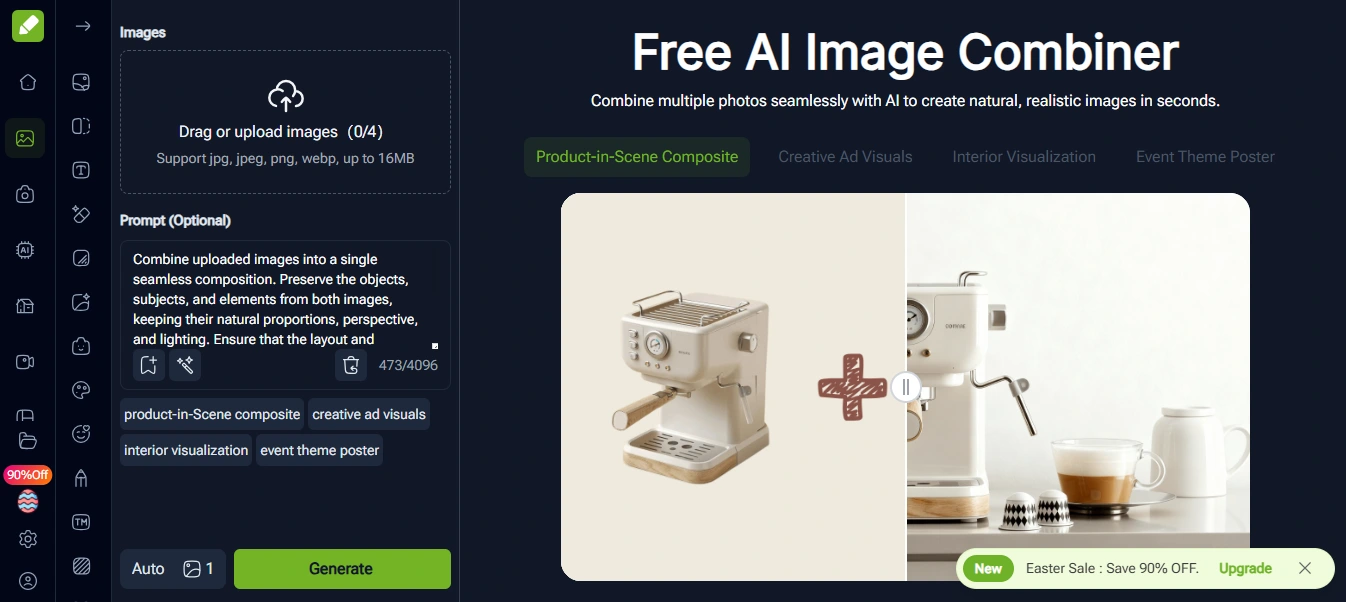
Best for: Users experimenting with an AI image generator to combine two image prompts.
Specifications:
- Prompt-based image combining
- AI-driven visual interpretation
- Web-based platform
Pros:
- Unique AI-generated results
- Good for concept visuals
- Works well with text prompts
Cons:
- Results can be unpredictable
- Limited manual control
- Not ideal for precise image merging
For deeper insights into how AI-generated visuals work, check out top Ai image generators:
https://reliqus.com/top-ai-image-generators/
5. Canva Image Combiner
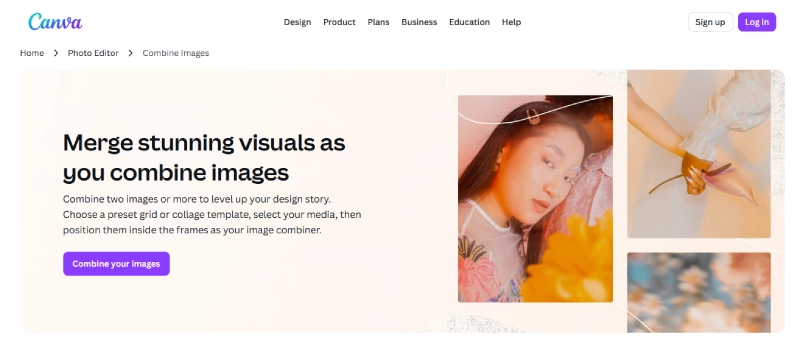
Best for: Designers and marketers who want polished visuals quickly.
Specifications:
- Drag-and-drop image editor
- Manual and AI-assisted combining
- Large template library
Pros:
- Extremely beginner-friendly
- High-quality exports
- Great for marketing and branding
Cons:
- Not a pure AI image combiner
- Some features require Canva Pro
- Less flexible for experimental blends
6. Nano Banana AI Image Combiner
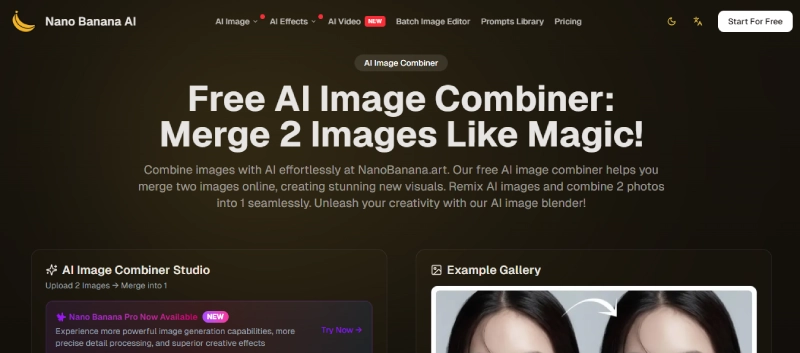
Best for: Art-focused users experimenting with AI effects.
Specifications:
- AI image effects and blending
- Creative transformation engine
- Online access
Pros:
- Stylish and artistic outputs
- Easy to experiment
- Good for digital art
Cons:
- Limited control over the final result
- Not suitable for professional layouts
- The free version has constraints
7. Imagine.art Image Combiner
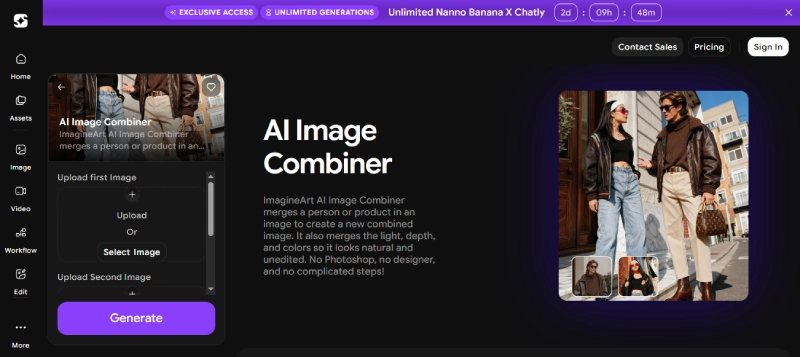
Best for: Creators generating concept art or stylized visuals.
Specifications:
- AI-based image blending
- Supports artistic transformations
- Prompt-assisted workflow
Pros:
- Creative and visually appealing results
- Great for inspiration
- Clean interface
Cons:
- Not ideal for realistic merging
- Requires experimentation
- Limited export options
8. Fotor AI Image Combiner
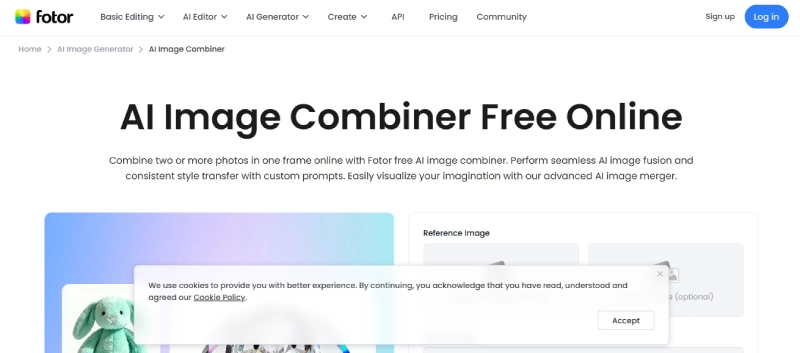
Best for: Users who want balanced control and automation.
Specifications:
- AI image combiner with editing tools
- Supports overlays and blending
- Web and app access
Pros:
- Good balance of AI and manual control
- High-quality exports
- Trusted brand
Cons:
- Watermark on the free version
- Some features are locked behind a paywall
- AI blending can feel limited
9. Bylo AI Image Combiner
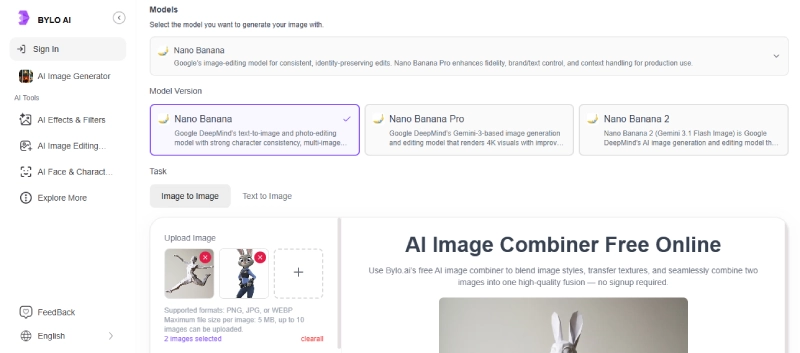
Best for: Quick and simple combination of two images for AI tasks.
Specifications:
- Lightweight online tool
- Fast image merging
- Minimal interface
Pros:
- Very easy to use
- Fast results
- No learning curve
Cons:
- Limited customization
- Not suitable for complex designs
- Output formats are basic
10. AI Studios Image Combiner
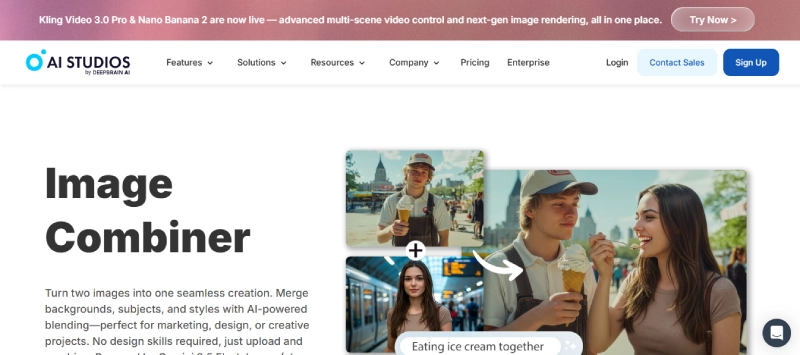
Best for: Content creators working with visuals and media assets.
Specifications:
- Online image combiner AI
- Integrated media editing tools
- Cloud-based
Pros:
- Professional-looking outputs
- Works well with other media tools
- Smooth performance
Cons:
- Free usage is limited
- Not focused purely on image merging
- Learning curve for new users
11. Writecream AI Image Combiner
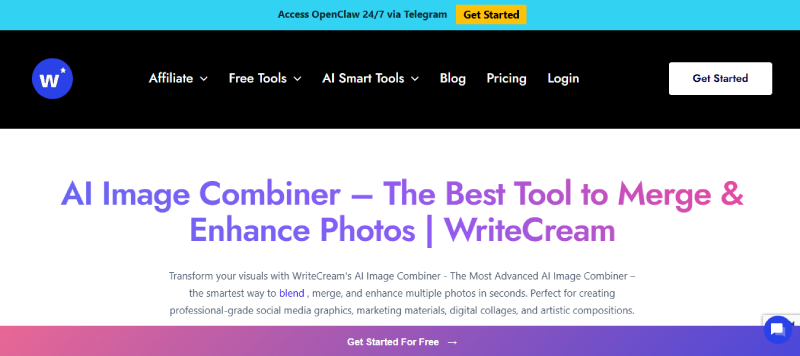
Best for: Anyone searching for an AI image combiner with no sign-up option.
Specifications:
- No-login image merging
- AI-assisted processing
- Browser-based
Pros:
- No account required
- Quick and simple
- Ideal for one-off tasks
Cons:
- Limited features
- Basic output quality
- Not suitable for professional use
12. VideoPlus AI Merge Two Images
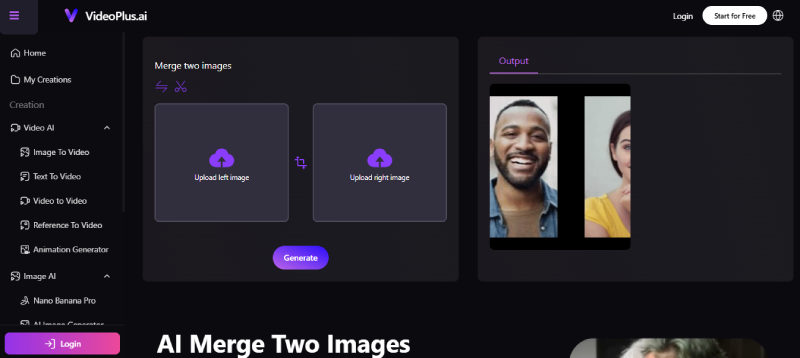
Best for: Users combining images for video or motion content.
Specifications:
- AI-based image merging
- Supports creative transitions
- Web-based tool
Pros:
- Good for visual storytelling
- AI-driven blending
- Modern interface
Cons:
- Limited static image controls
- Not ideal for print-quality output
- Free usage is restricted
How to Use AI Image Combiners Effectively
Using an AI image combine tool is simple and efficient:
- Choose the right tool based on your needs (creative, no sign-up, or professional output).
- Upload the images you want to combine.
- Adjust settings, layouts, or AI effects.
- Let the tool combine two images AI-style automatically.
- Download and use your final image for social media, marketing, or design projects.
If you’re also working with generated visuals, you can improve your workflow by exploring tools like an AI image generator or editor. For example, you can check out these guides on
Final Thoughts
An AI image combiner can save hours of manual editing while delivering clean and creative results. Whether you want to combine images AI-style, create marketing visuals, or experiment with digital art, these tools offer powerful and accessible solutions.
To further enhance your visuals, you can also explore tools that analyze or refine images before combining them. For instance:
FAQs
Q1: What is an AI image combiner?
An AI image combiner is an online tool that allows you to merge two or more images seamlessly. It uses AI technology to blend, align, and enhance visuals, saving time compared to manual editing.
Q2: Can I combine images for free using these tools?
Yes, several platforms in this guide offer free image combining features. Some may have limited usage or require creating a free account for full functionality.
Q3: Do I need to sign up to use an AI image combiner?
Not always. Tools like Writecream provide an AI image combiner with no sign-up options, allowing you to merge images instantly without creating an account.
Q4: Can AI combiners be used for marketing and social media?
Absolutely! AI image combiners are great for creating visuals for marketing campaigns, social media posts, and digital ads. You can also integrate them into a professional design workflow.
Q5: What is the difference between an AI image combiner and a regular image editor?
Unlike traditional image editors, AI image combiners automatically blend, align, and enhance images, often producing creative results with minimal manual effort.