
You no longer need to be a software engineer to create an intelligent app.
In 2026, no-code AI app builders empower entrepreneurs, marketers, and educators to design, train, and deploy AI-powered applications — all through drag-and-drop interfaces.
Whether you want to build a chatbot, image classifier, or predictive analytics dashboard, these tools make it possible with zero coding.
This guide compares the best no-code AI app builders of 2026, including their pricing, features, and ideal use cases for business and innovation.
What Is a No-Code AI App Builder?
A no-code AI app builder is a platform that allows users to build applications powered by artificial intelligence — without writing a single line of code.
They combine:
- AI models (vision, NLP, analytics, etc.)
- Workflow automation
- User interfaces (UIs) for interaction
Everything is modular. You drag, drop, train, and connect — and the AI handles the logic.
These tools make AI accessible for startups, agencies, educators, and product designers who lack a technical background. If you’re exploring AI automation for business growth, you may also want to check how AI can be used to build digital stores and automate product operations in our guide to AI Online Store Builders.
Top No-Code AI App Builders in 2026 (Free & Paid)
| Platform | Best For | Key Features | Pricing | Link |
| Lobe by Microsoft | Beginners & students | Drag-and-drop ML training, export to TensorFlow/ONNX | Free | lobe.ai |
| Peltarion | Deep learning without code | Neural network builder, model deployment via API | Paid (custom) | peltarion.com |
| Make.com (Integromat) | AI workflow automation | Connect 1,000+ apps, integrate OpenAI & GPT models | Free / from $9 per mo | make.com |
| Bubble.io | AI web apps | Visual web app builder with OpenAI plugins | Free / from $29 per mo | bubble.io |
| Zapier AI Actions | Marketing automations | GPT integration, no-code workflows for marketing | Free / from $19.99 per mo | zapier.com |
| Cogniflow | AI training & automation | Train image/text models, deploy via REST API | Free / Pro $29 per mo | cogniflow.ai |
| Akkio | Predictive analytics | Drag-and-drop forecasting & data visualization | Free trial / from $50 per mo | akkio.com |
| Levity AI | SMEs & automation | Train models from email, docs, and images | Free trial / from $25 per mo | levity.ai |
| Runway ML | Creative professionals | Video generation, image classification, custom pipelines | Free / from $15 per mo | runwayml.com |
| Durable AI | Small businesses | AI website & CRM builder | Free trial / from $15 per mo | durable.co |
What You Can Build with No-Code AI Tools
These platforms support a surprisingly wide range of applications:
| Use Case | Example Tool | Result |
| Chatbots & Support Bots | Bubble, Make.com | AI-powered website assistants |
| AI Image Classifiers | Lobe, Cogniflow | Detect product defects or images |
| Lead Scoring Models | Akkio, Levity AI | Predict conversion probability |
| Marketing Automation | Zapier, Make | Auto-email replies, social posts |
| AI Websites | Durable, Bubble | Build websites that update dynamically |
| Video & Image Generation | Runway ML | Auto-create visuals from text |
Essentially — if you can describe it, you can build it.
Key Features to Look For
When choosing a no-code AI platform, look for:
- Pre-trained models – Save time by using ready-to-use NLP or image models.
- Integrations – Works with CRMs, Google Sheets, APIs, and OpenAI.
- Exportability – Ability to deploy or host elsewhere.
- Scalability – Handles large data or users without crashing.
- Cost-efficiency – Clear usage-based billing.
Top Tools Breakdown
1. Lobe by Microsoft
Best For: Beginners & educators
Why It’s Great: Intuitive drag-and-drop interface for building custom ML models.
Use Case: Train an image recognition model to identify products.
Price: Free
2. Peltarion
Best For: Deep learning startups
Why It’s Great: Offers neural architecture design visually — without code.
Use Case: Deploy AI models for NLP, image segmentation, or text classification.
Price: Custom (enterprise-grade)
3. Emergent – Best No Code App Builder for Full-Stack AI Apps

Best For: Building AI-powered web and mobile apps without coding
Why It’s Great: Emergent helps users create complete apps using simple prompts. Unlike traditional no-code tools that focus mainly on UI, Emergent can generate frontend, backend logic, workflows, and AI-powered features together. It is especially useful for quickly building functional apps without local setup or manual coding.
Use Case: Build AI chatbots, ecommerce apps, internal business tools, productivity apps, or full-stack SaaS platforms directly from natural language prompts.
Price: Free plan available / Paid plans start from $20 per month
4. Bubble.io
Best For: Building AI web apps
Why It’s Great: Connects to OpenAI APIs, allowing AI chat, summarization, or writing apps.
Use Case: Build a ChatGPT-style blog generator or customer assistant.
Price: Free / from $29 per month
5. Akkio
Best For: Data analysts & marketing teams
Why It’s Great: Predicts leads, sales, or churn rates with drag-and-drop AI.
Use Case: Import CRM data → Predict conversions → Export to HubSpot.
Price: From $50 per month
6. Make.com (Integromat)
Best For: Automation enthusiasts
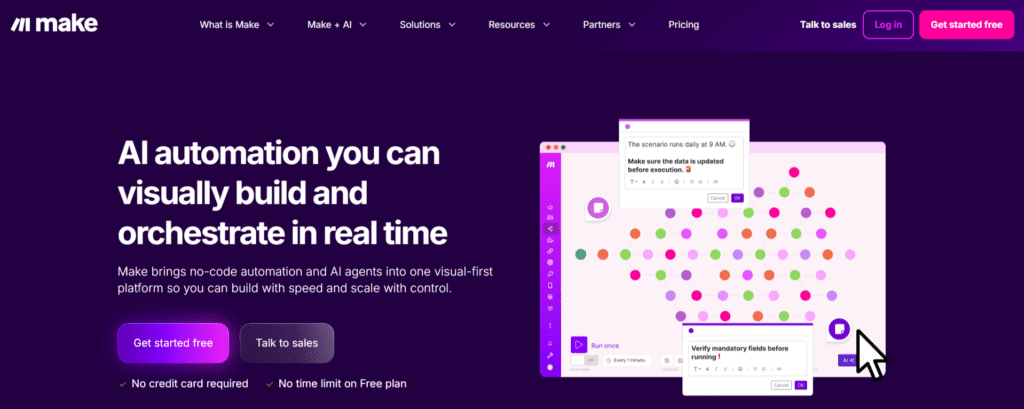
Why It’s Great: Combines AI actions with 1,000+ integrations (Slack, Gmail, Sheets).
Use Case: Automate replies using OpenAI text generation.
Price: Free plan available
7. Cogniflow
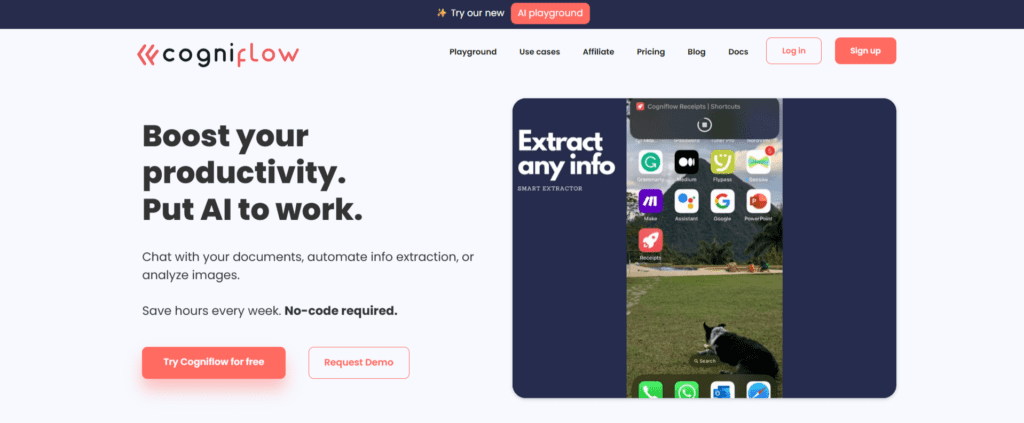
Best For: AI learners & small startups
Why It’s Great: Offers pre-built models for text, image, and sound recognition.
Use Case: Detect sentiment in customer feedback.
Price: Free / from $29
8. Levity AI
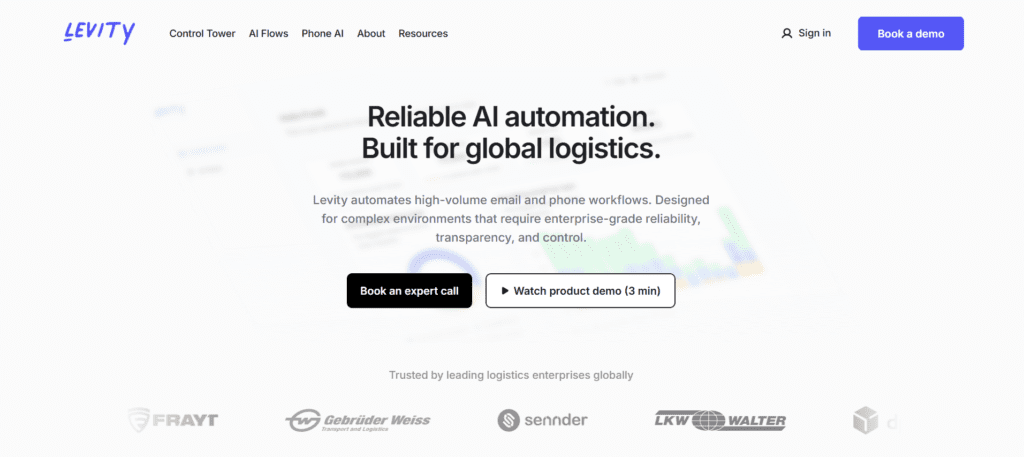
Best For: Email and document automation
Why It’s Great: Trains models from company data (emails, PDFs, CRM logs).
Use Case: Route emails based on intent or urgency.
Price: Free trial
9. Runway ML
Best For: Creatives & designers
Why It’s Great: Combine generative video tools and AI automation pipelines.
Use Case: Generate product demo videos from text scripts.
Price: Free / from $15
10. Durable AI
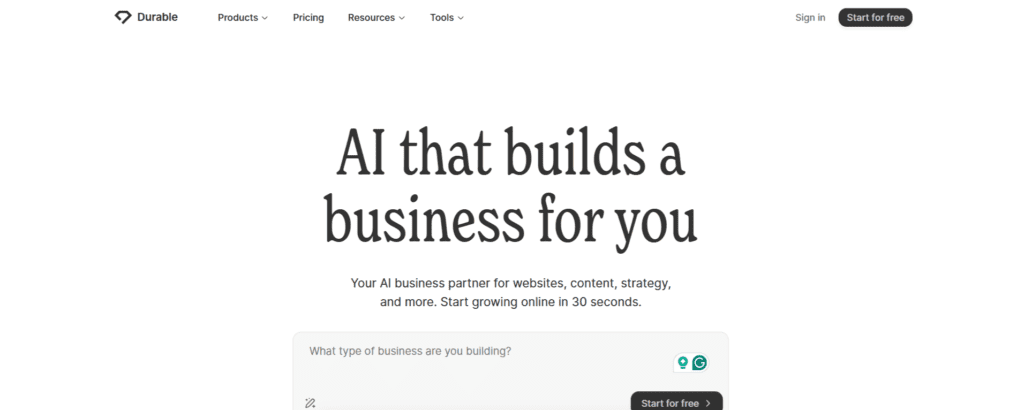
Best For: Solopreneurs
Why It’s Great: AI website and CRM builder that generates site, copy, and SEO.
Use Case: Build a business website in 30 seconds.
Price: Free trial / $15 per month
Comparison Table
| Tool | Ease of Use | Model Training | Integration | Free Plan |
| Lobe | 5/5 | Yes | Partial | Yes |
| Peltarion | 3/5 | Yes | Yes | No |
| Bubble | 4/5 | Partial | Yes | Yes |
| Akkio | 4/5 | Yes | Yes | Partial |
| Make.com | 4/5 | Partial | Yes | Yes |
| Cogniflow | 4/5 | Yes | Yes | Yes |
| Levity AI | 3/5 | Yes | Partial | Partial |
| Runway ML | 4/5 | Partial | Yes | Yes |
| Durable AI | 4/5 | Partial | Partial | Partial |
Pros and Cons of No-Code AI Builders
| Pros | Cons |
| No programming required | Limited customization |
| Fast deployment | Can be expensive at scale |
| Great for prototypes | May lack advanced analytics |
| Perfect for SMBs | Some data privacy limits |
| Cloud hosting built-in | Model interpretability varies |
Future of No-Code AI App Builders
By 2026, no-code AI will integrate with:
- AutoML pipelines (Google Vertex, AWS Bedrock)
- AI-generated UI design (Canva + Bubble fusion tools)
- Edge AI deployment for IoT and robotics
- AI-powered app testing & debugging
We’re moving toward a future where every entrepreneur can launch an AI-powered business idea — solo.
Conclusion
In 2026, no-code AI builders have democratized software creation.
From Lobe for students to Akkio for marketers and Bubble for entrepreneurs, anyone can now build apps powered by machine intelligence — no coding required.
If you’re ready to bring your AI idea to life, start exploring these tools today.
Reliqus Marketing helps startups and agencies integrate AI automation, app workflows, and custom model integrations — all without code.
Contact us to build your no-code AI app system.
FAQs
Q1. What is the best no-code AI app builder in 2026?
Lobe and Bubble lead the market for AI app creation, while Make.com and Akkio are best for automation and prediction.
Q2. Can I use these tools for commercial apps?
Yes, most no-code platforms offer paid licenses that allow deployment and commercial usage.
Q3. Do I need programming skills?
No — these tools are designed for non-developers with visual interfaces.
Q4. Is no-code AI secure?
Yes, leading platforms use encrypted storage and allow private model hosting for businesses.
Q5. Are these platforms free?
Most offer free tiers with limited features, ideal for testing and learning.