
AI has completely transformed how we edit photos. What once took hours of manual retouching can now be done in seconds using AI-powered editing tools. Whether you’re a designer, marketer, photographer, or business owner, the right AI image editor can help you enhance images, remove backgrounds, upscale quality, fix lighting, add effects, and even generate creative visuals—all without needing advanced editing skills.
But with so many options out there, finding the best AI image editor can be overwhelming. That’s why we’ve analyzed the top tools people are actually searching for.
In this guide, we break down the top 10 AI image editors of 2026, their features, pricing, pros/cons, and who they’re best for — so you can pick the perfect tool for your workflow.
Why AI Image Editors Matter in 2026
AI doesn’t just “assist” in editing anymore—it does the heavy lifting:
- Remove unwanted objects in seconds
- Clean up skin and lighting automatically
- Replace backgrounds instantly
- Restore low-quality photos
- Color-correct with one click
- Generate creative transformations
- Edit using prompts (“make it cinematic,” “add neon lights,” “sharpen details”)
And if you’re a business looking to scale your content production, AI tools save time, money, and effort.
Top 10 Best AI Image Editors in 2026
Below are the best AI editing tools you can use today — including free options, no-login tools, and advanced professional editors.
1. DeepAI Image Editor
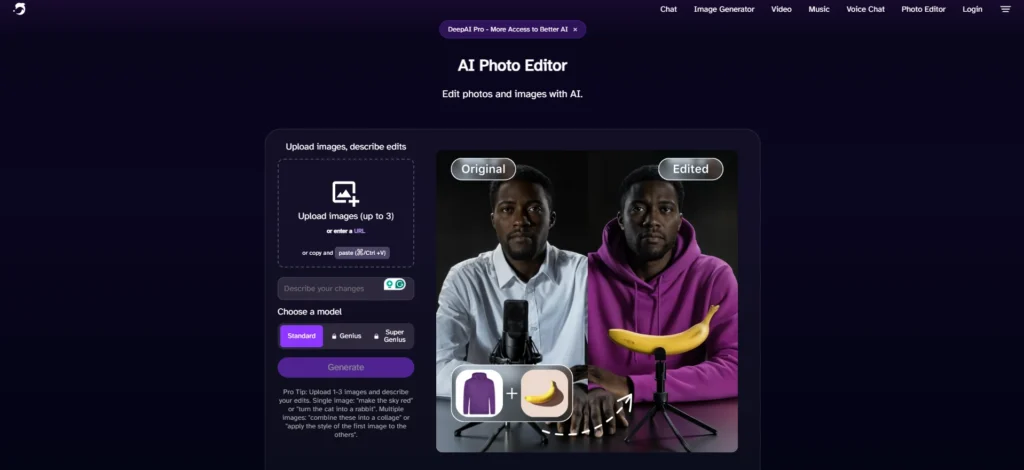
Best for: Quick AI edits with text prompts and simple controls.
Specifications:
- AI-powered background removal
- Text-to-image editing
- Basic retouching
- Fast workflow
- Works in browser
Pros:
- Easy for beginners
- Simple interface
- Supports AI prompts
- Good for instant edits
Cons:
- Limited advanced features
- Outputs can be inconsistent
Pricing: Free plan available; Paid API credits for extended usage.
If you’re someone who cares about image quality, you may also find it useful to explore tools like AI image generators or AI background removers when improving your workflow. (If you need the best recommendations, you can check guides like Top AI Image Generators or Best AI Background Removers.)
2. Canva AI Photo Editor
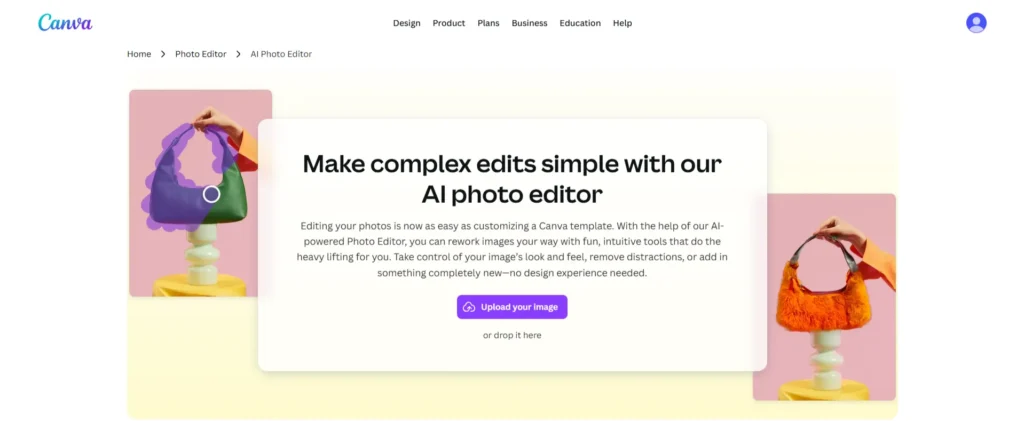
Best for: Creatives, marketers, and beginners needing fast edits + design templates.
Specifications:
- Magic Edit (AI replace)
- Magic Eraser
- AI background generator
- AI retouch and filters
- Brand kits & templates
Pros:
- Very beginner-friendly
- Thousands of templates
- Collaborative workspace
Cons:
- Some AI features are paid
- Limited pixel-level editing
Pricing: Free plan available; Pro starts at $12.99/month.
3. Pixlr
Best for: Fast online edits with a clean, Photoshop-like UI.
Specifications:
- AI background remover
- AI filter styles
- Retouch tools
- Collage maker
Pros:
- Runs fast in the browser
- No login required
- Great for mobile/tablet
Cons:
- Ads on the free version
- Limited advanced features
Pricing: Free plan; Premium starts at $1.99/month.
4. Topaz Labs
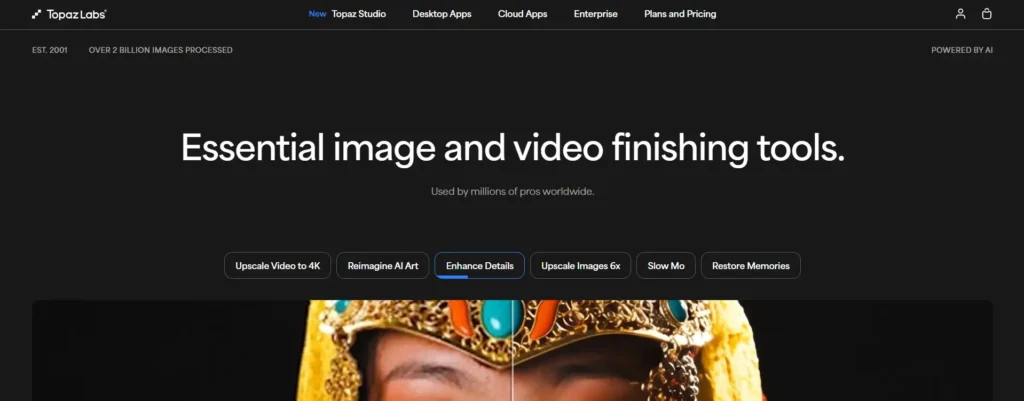
Best for: Photographers needing high-end image enhancement.
Specifications:
- AI upscaling
- Noise reduction
- Sharpening
- RAW support
Pros:
- Incredible output quality
- Ideal for photographers
- Advanced AI engine
Cons:
- Higher pricing
- Heavy system usage
Pricing: Tools start at $79–$299 (one-time).
If you’re looking for expert guidance on how to use these tools for your brand, you can get a Free Consultation directly with Reliqus Marketing.
5. Imagen AI
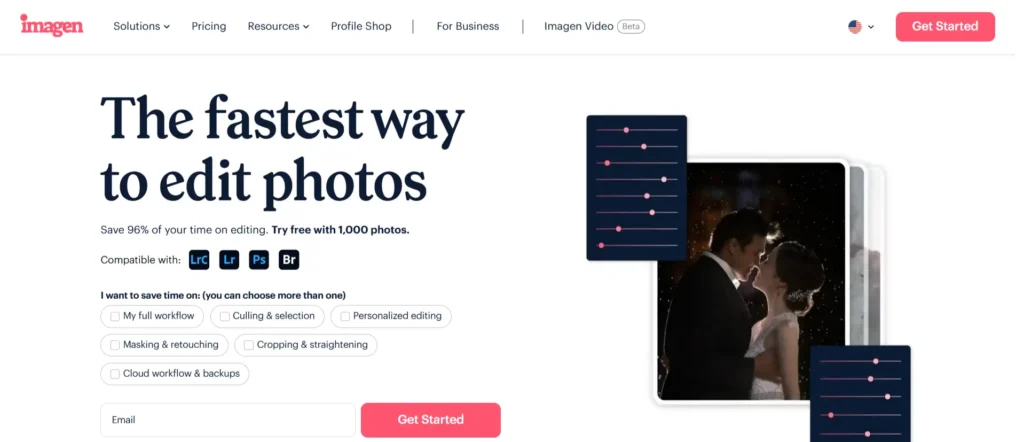
Best for: Automated editing workflow for photographers
Specifications:
- AI preset creation
- Batch editing
- Cloud storage
- Lightroom integration
Pros:
- Saves huge editing time
- Learns your editing style
- Great for batch workflows
Cons:
- Requires Lightroom
- Not ideal for beginners
Pricing: Pay-as-you-go based on editing volume.
6. Adobe Express
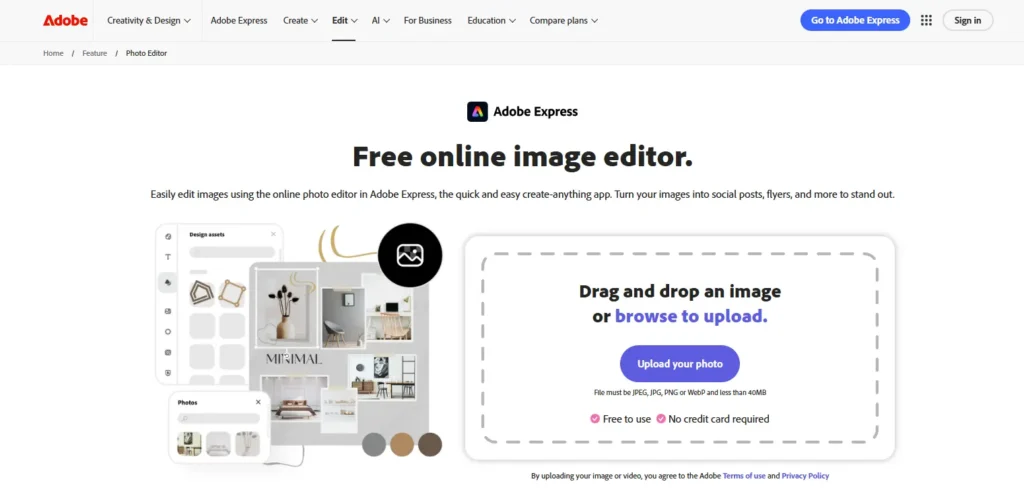
Best for: All-in-one creative design + AI editing
Specifications:
- AI object removal
- AI background replace
- Text-to-image generation
- Thousands of templates
Pros:
- Very reliable
- Premium-quality tools
- Works in browser
Cons:
- The free plan is limited
- Lacks full Photoshop control
Pricing: Free plan; Premium $9.99/month.
For AI-generated animations, Adobe Express works well alongside the Best AI Animation Generator Tools for creating dynamic content.
7. Picsart AI Photo Editor
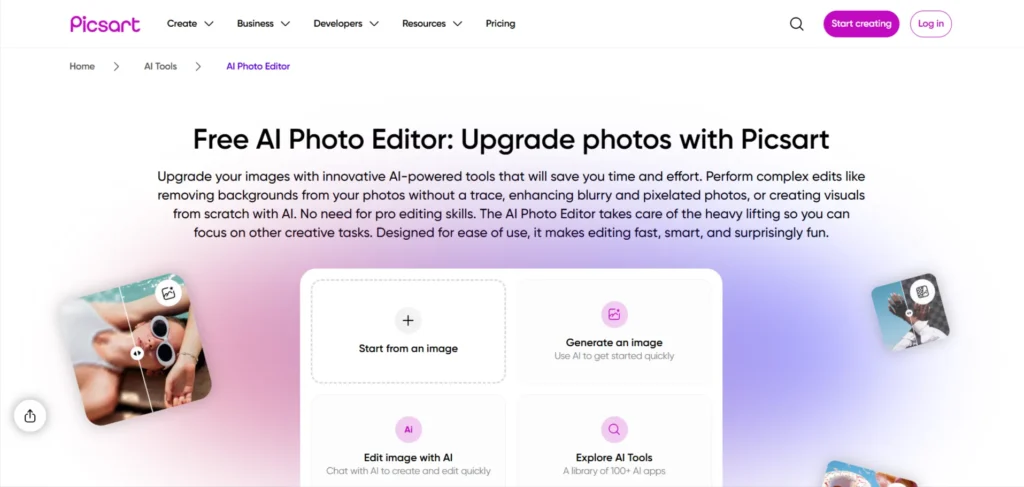
Best for: Casual users, social media creators, and quick phone edits.
Specifications:
- AI replace
- Filters & effects
- Text-to-image prompts
- AI avatars
Pros:
- Fun and creative
- Great mobile app
- Huge effects library
Cons:
- Ads in the free version
- Some tools require Pro
Pricing: Free plan; Picsart Gold starts at $5/month.
8. Lensa AI
Best for: Portrait editing, selfies, and face enhancement.
Specifications:
- AI skin smoothing
- Background removal
- Magic Avatars
- Photo enhancement
Pros:
- Best for portraits
- Mobile-friendly
- Very easy to use
Cons:
- The credits system can be confusing
- Some results vary
Pricing: Free install; in-app premium features.
9. Luminar AI
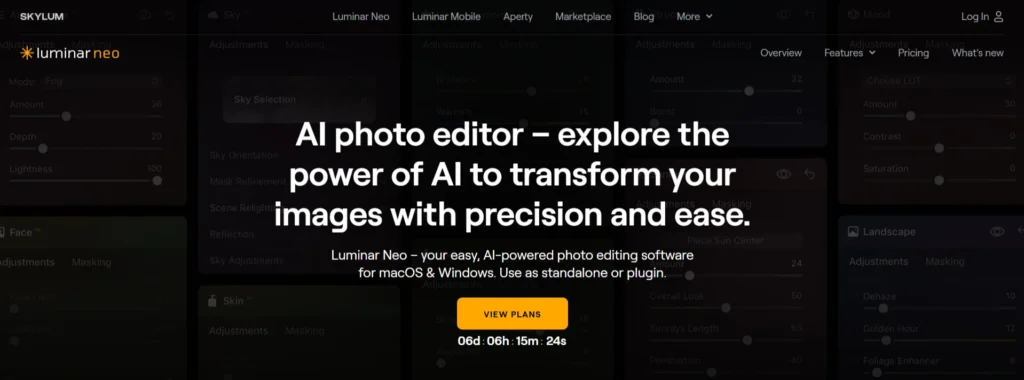
Best for: Landscape & professional aesthetic edits
Specifications:
- Sky replacement
- Atmosphere AI
- Structure enhancement
- Portrait tools
Pros:
- Stunning output
- Professional controls
- Fast AI-powered workflow
Cons:
- Requires download
- Higher learning curve
Pricing: One-time license from $79.
10. Fotor AI Photo Editor
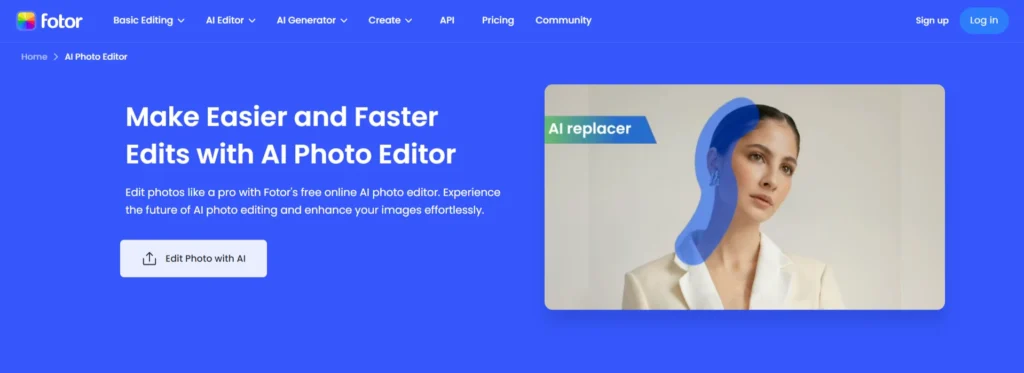
Best for: Beginners and quick browser-based edits.
Specifications:
- AI background remover
- AI enhance
- AI retouch
- Preset filters
Pros:
- Super easy
- Browser-based
- Good free features
Cons:
- Watermarks in the free plan
- Limited professional control
Pricing: Free plan; Pro starts at $8.99/month.
Which AI Image Editor Should You Choose?
Here’s a quick breakdown based on your needs:
| Need | Best Tool |
| Professional photography | Topaz Labs, Luminar AI |
| Marketing graphics | Canva, Adobe Express |
| Portrait enhancement | Lensa |
| Quick free editing | Pixlr, Fotor |
| AI prompts + object replacement | Adobe Express, Canva |
| Batch editing workflow | Imagen AI |
If you want help choosing the best tool for your brand or business, the team at Reliqus Marketing can guide you. You can also explore Best AI Logo Generators if your visuals include branding assets.
Final Thoughts
The rise of AI is making photo editing easier, faster, and more accessible than ever. Whether you want a free AI image editor, a powerful professional tool, or something that works with prompts, there’s an AI editor that fits your needs perfectly.
If you’re a business owner or creator looking to scale your brand visuals, Reliqus Marketing can help you build a smart content strategy using the best AI tools of 2026. To discuss your project, contact us today.
FAQs – AI Image Editors in 2026
1. What is an AI image editor?
It’s a tool that uses artificial intelligence to automatically enhance, modify, or transform photos with minimal manual work.
2. Which is the best AI image editor in 2026?
Topaz Labs, Canva, Adobe Express, and Luminar AI are among the best, depending on your use case.
3. Is there a free AI image editor available?
Yes! Tools like Pixlr, Fotor, and Canva (Free version) are great free AI image editor options.
4. Can I edit images using text prompts?
Yes. Tools like DeepAI, PicsArt, and Adobe Express support an AI image editor with prompt editing.
5. What is the best free AI image editor for social media?
Canva (free version) and Fotor are among the best free AI image editor tools for social content.
6. Is there an AI editor with no login required?
Yes. DeepAI offers some features as an AI image editor prompt no login option.
7. Can AI replace Photoshop?
AI cannot fully replace expert-level manual control, but it can automate 70–80% of common edits.