
Creating high-performing YouTube thumbnails is no longer optional — it’s the difference between 1,000 views and 100,000 views. In 2026, creators are shifting to bold, scroll-stopping visuals powered by AI. And that’s where an AI YouTube thumbnail generator comes in.
AI tools now analyze your video, your niche, trending CTR patterns, and even top-performing competitor elements to build thumbnails that get clicks. Whether you’re a beginner or a pro creator, the right AI tool can help you produce polished thumbnails in seconds.
In this guide, Reliqus Marketing brings you the Best AI YouTube Thumbnail Generators in 2026, hand-picked and tested to help you increase clicks, watch time, and overall channel performance.
Why You Need an AI YouTube Thumbnail Generator in 2026
YouTube is more competitive than ever, and viewers decide in less than a second based on your thumbnail. This means your thumbnail needs to be:
- Clean and eye-catching
- Optimized for mobile
- Emotion-driven
- Easy to read
- Consistent with your brand
AI tools do all this automatically. And with features like:
- Auto-image generation
- Face enhancement
- CTR prediction
- Scene analysis
- Template customization
- Branding presets
…they’re becoming the new must-have for both beginners and pro creators.
Thumbnails may drive the click, but retention comes from accessibility and clarity. If you’re also optimizing engagement, explore our list of the best AI subtitle generators to automatically add captions and improve watch time.
10 Best AI YouTube Thumbnail Generator Tools in 2026
Below is the complete list of top AI tools.
1. Canva
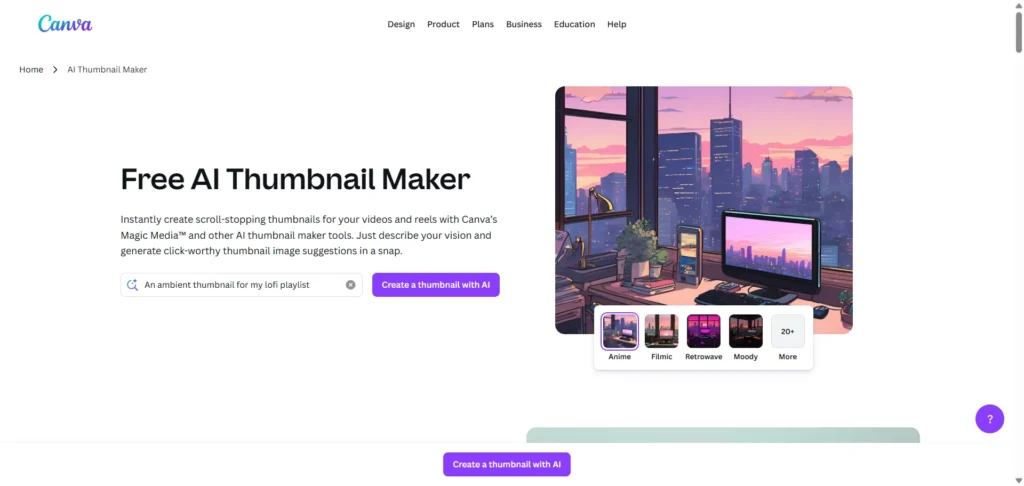
Best for: Creators who want fast, professional thumbnails with easy customization.
Specifications
- Generates thumbnails using Magic Media™
- Thousands of templates
- One-click resizing
- AI image generation
- Brand kit support
Pros
- Very beginner-friendly
- Huge template library
- Can generate an AI-generated YouTube thumbnail from prompts
- Excellent for branding consistency
Cons
- Limited AI creativity compared to niche tools
- Advanced design controls locked behind Pro
- Overused templates can reduce originality
Pricing
- Free plan available
- Canva Pro: $14.99/month
2. Opus Clip
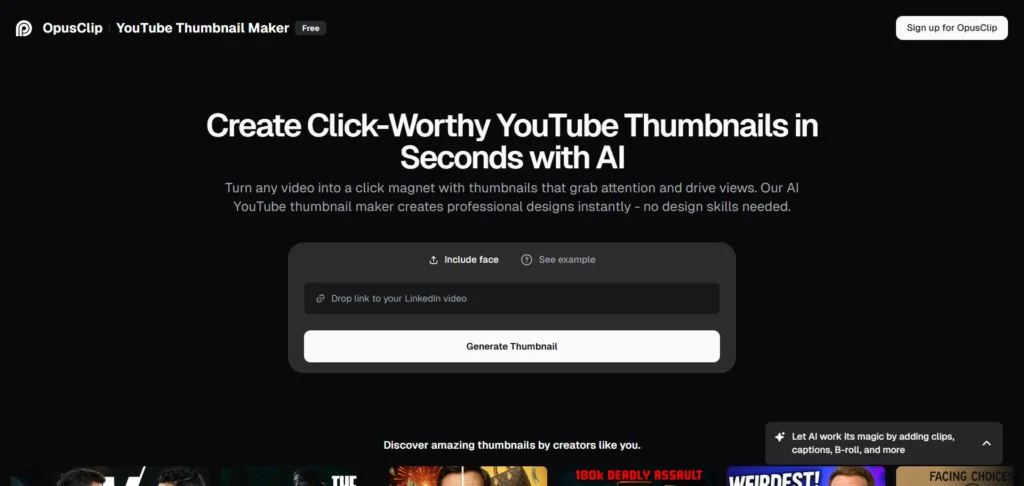
Best for: Short-form creators who want instant, click-worthy AI thumbnails.
Specifications
- Generate thumbnails from your video
- AI-powered design assistant
- Captions + color enhancement
Pros
- Very fast generation
- High-CTR design style
- Uses AI to analyze your video
Cons
- Limited manual design flexibility
- Not ideal for long-form branding
- Requires subscription for exports
Pricing: Starts at $19/month
Tip: If you’re also creating AI-generated social media content, check out our guide on top AI social media post generator tools for a complete workflow.
3. TestMyThumbnails
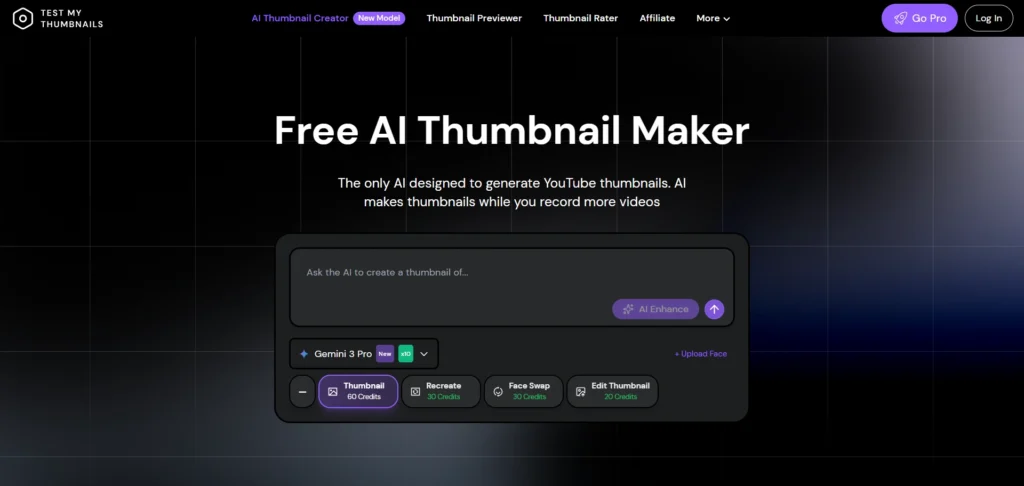
Best for: Creators who want thumbnails generated directly from a YouTube URL.
Specifications
- Paste a URL, get a thumbnail
- Uses AI to detect the main subject
- Suggests text overlays
Pros
- Super simple
- Perfect for beginners
- Auto-CTR optimization
Cons
- Minimal creative control
- Limited font and layout options
- Not suitable for brand-heavy channels
Pricing: Free
4. RunComfy
Best for: Creators who want creative, artistic thumbnails.
Specifications
- Custom prompts
- Image stylization
- Direct download
Pros
- Highly creative outputs
- Great for unique niche channels
Cons
- Requires prompt-writing skills
- Inconsistent results for beginners
- No built-in CTR analytics
Pricing: Free & paid credits
5. VidIQ
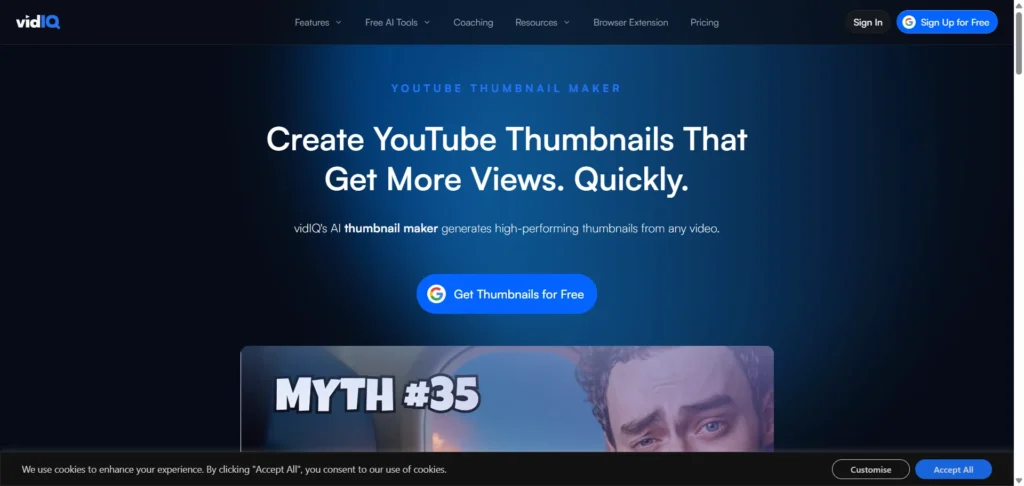
Best for: YouTubers who want an all-in-one SEO + thumbnail optimization suite.
Specifications
- AI thumbnail writer
- SEO + keyword analysis
- CTR enhancement
Pros
- Perfect for YouTube growth
- Uses AI to detect viral styles
- Integrates with your YT studio
Cons
- Can feel overwhelming initially
- Limited design templates
- Best features require paid plans
Pricing
- Free plan
- Paid plans start at $10/month
6. Adobe Express
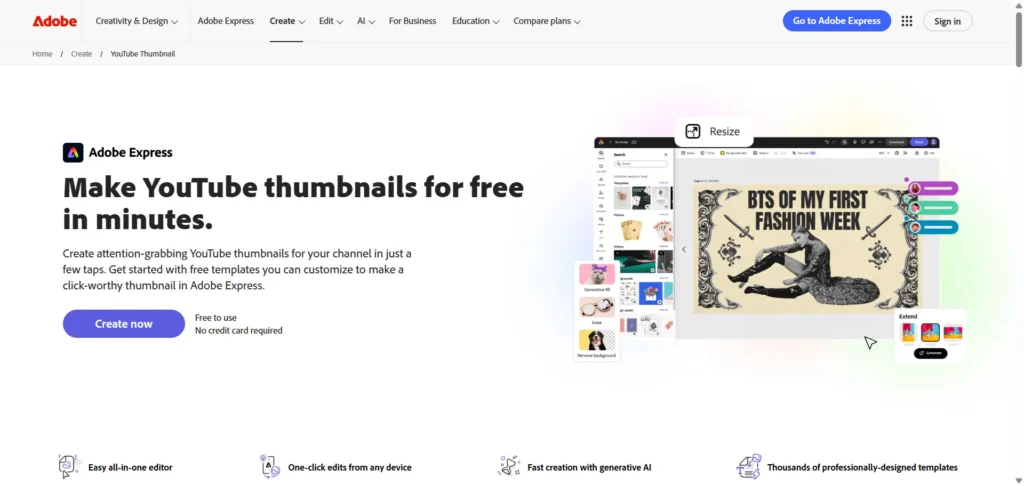
Best for: Creators who want polished, brand-focused thumbnails.
Specifications
- Professional templates
- AI image editing
- Text & graphic customization
Pros
- Top-tier design quality
- Great font & color control
Cons
- Steeper learning curve
- Less AI automation than competitors
- Limited free exports
Pricing
- Free plan available
- Premium: $9.99/month
7. Pikzels
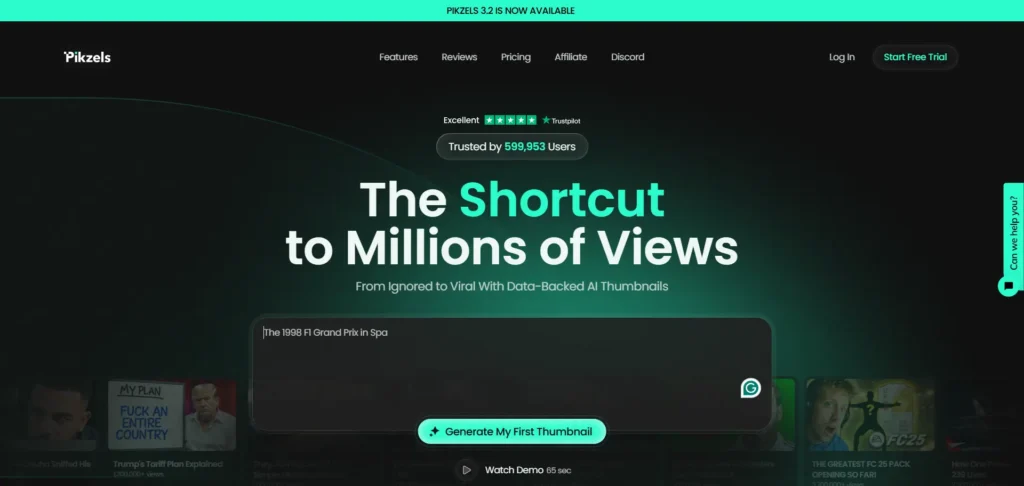
Best for: Fast and aesthetic YouTube thumbnails.
Specifications
- AI design suggestions
- Template-based editing
- HD downloads
Pros
- Simple for beginners
- Mobile-friendly
Cons
- Few advanced features
- Limited AI intelligence
- Smaller template library
Pricing: Free + Premium plans
8. Fliki AI
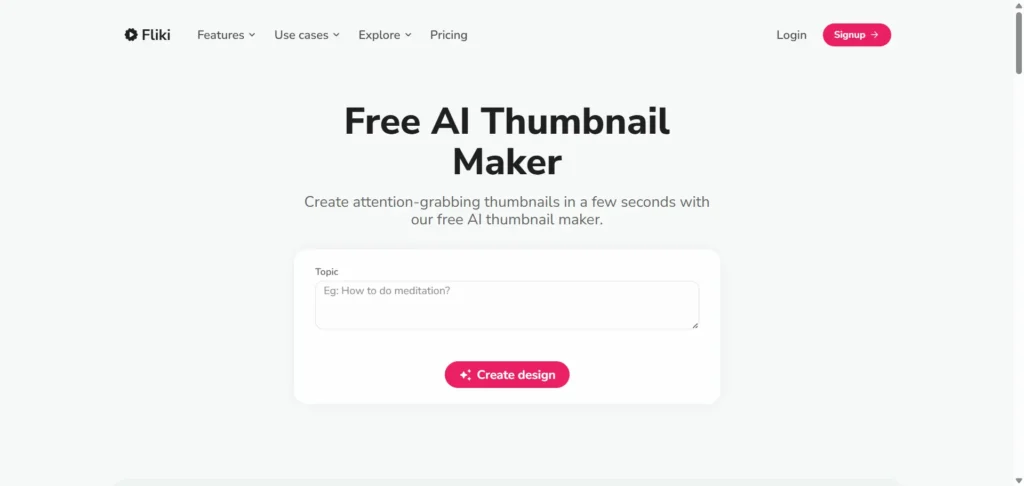
Best for: Creators who want AI-generated visuals for thumbnails.
Specifications
- AI image generator
- 100+ templates
- Media library
Pros
- Clean UI
- Fast results
- Great for original images
Cons
- Repetitive template styles
- Limited branding options
- Average text customization
Pricing
- Free plan
- Premium from $8/month
9. Recraft AI
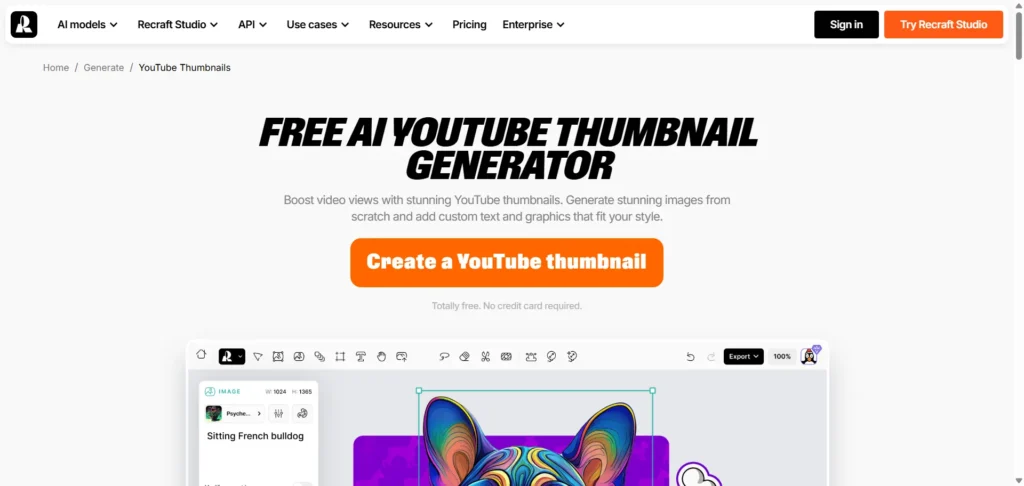
Best for: Design-heavy creators who want stunning, artistic thumbnails.
Specifications
- AI image creation
- Graphic design tools
- Multi-style outputs
Pros
- Industry-leading AI visuals
- Great for bold color-rich thumbnails
Cons
- Learning curve for new users
- Slower generation time
- Limited YouTube-specific presets
Pricing: Free + Paid plans
10. InVideo
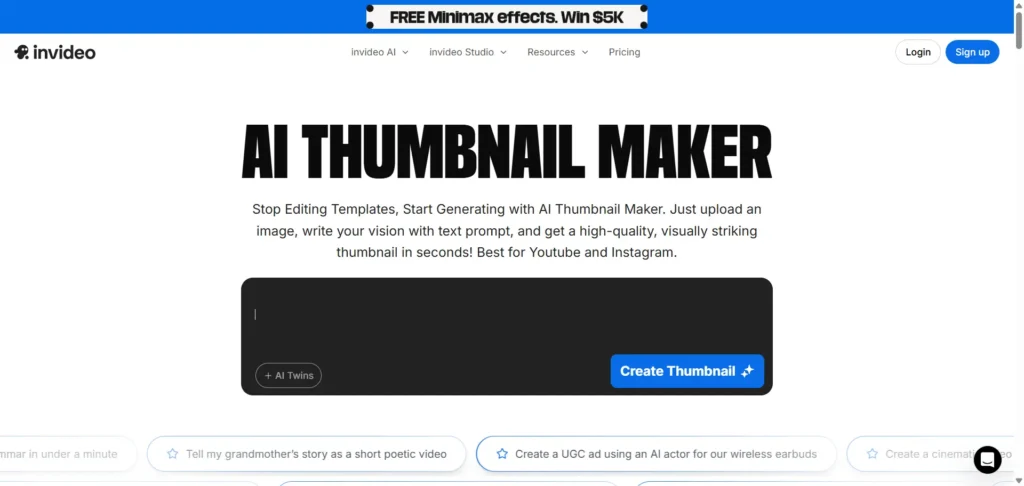
Best for: YouTubers who want text-prompt–based thumbnail creation.
Specifications
- Prompt to thumbnail
- Layout suggestions
- Style presets
Pros
- Strong AI creativity
- Good for marketers
- Simple prompt workflow
Cons
- Requires good prompts
- Fewer templates than Canva
- Limited advanced editing
Pricing
- Free
- Paid plans start at $20/month
Where “AI Thumbnail Maker” Fits in Your Workflow
Every creator’s workflow is different. But in 2026, these tools are typically used for:
- Turning video scenes into thumbnails
- Creating AI-generated YouTube thumbnail designs
- Using templates for fast publishing
- Improving CTR with bold layouts
- Creating brand-consistent thumbnail themes
If you’re producing short-form content alongside long videos, thumbnails work best when paired with automated Shorts creation. Explore our guide on the best AI YouTube Shorts generator tools to build a complete YouTube workflow.
How Reliqus Marketing Can Help You Grow Faster
AI tools are amazing—but strategy turns clicks into revenue. If you want:
- YouTube channel optimization
- Thumbnail A/B testing
- Keyword research
- Ranking strategy
- Video SEO
…our team at Reliqus Marketing can help you scale faster with a complete YouTube growth strategy.
Or book a free consultation today.
Final Thoughts
Using a powerful AI YouTube thumbnail generator in 2026 gives creators a competitive edge. You don’t need expert design skills—just the right tool, solid content, and a smart thumbnail strategy.
Combine AI creativity with data-driven insights, and your videos will get the clicks they deserve.
If you want to expand your AI toolkit, check our guides on:
FAQs
Q1. Why use an AI YouTube thumbnail generator?
AI tools save hours and create thumbnails optimized for clicks, mobile, and branding.
Q2. Are free AI thumbnail tools effective?
Yes, most free versions provide templates and auto-generated designs that boost CTR.
Q3. Can AI generate thumbnails directly from videos?
Yes — tools like Opus Clip, TestMyThumbnails, and VidIQ do this automatically.
Q4. Which AI thumbnail maker is best for beginners?
Canva AI and Pikzels are the most beginner-friendly options.
Q5. How can AI thumbnails improve channel growth?
Better thumbnails increase CTR, watch time, and overall engagement, which signals YouTube’s algorithm to rank your videos higher.