
High school students face a different set of learning challenges than university students. They are developing independent study habits while managing homework, subject-specific exams, classroom projects, essays, and increasingly complex mathematics and science.
AI tools can help with these tasks, but choosing the right ones matters.
A student preparing for a mathematics exam may need step-by-step problem guidance. Someone studying biology may benefit from flashcards and interactive quizzes. A student writing a history essay needs research assistance, reliable sources, and feedback on their own argument.
Using a general-purpose chatbot for all these activities is not necessarily the most effective approach.
The best AI tools for high school students should help them understand concepts, practice independently, identify mistakes, and build confidence in their own work.
This guide compares 15 AI tools across tutoring, mathematics, science, writing, research, language learning, note-taking, and exam preparation. It also explains how to choose tools based on grade level, subject, and age eligibility.
Quick Comparison: Best AI Tools for High School Students
| Tool | Best for | Standout features | Free option |
| Khanmigo | Guided tutoring | Socratic tutoring, learning assistance | Eligibility-dependent |
| ChatGPT | Concept explanations | Study Mode, interactive questions, file analysis | Yes |
| Google Gemini | Guided learning | Guided Learning, explanations, quizzes | Yes |
| Photomath | Math homework | Camera-based problem recognition, worked steps | Yes |
| Symbolab | Algebra and calculus | Equation solving, graphs, step-by-step methods | Yes |
| Quizlet | Flashcards and revision | AI-generated flashcards, practice tests | Yes |
| Knowt | Notes-to-flashcards | Flashcards, practice tests, study modes | Yes |
| Google NotebookLM | Studying course materials | Source-based answers, quizzes, study guides | Eligibility-dependent |
| Grammarly | Essay improvement | Grammar, clarity, writing feedback | Yes |
| QuillBot | Writing revision | Paraphrasing, summarization, grammar | Yes |
| Perplexity | Research assignments | Web research and source links | Age-dependent |
| Goodnotes | Handwritten class notes | PDF annotation, handwriting search, study tools | Yes |
| Duolingo | Language practice | Adaptive exercises and AI-assisted learning features | Yes |
| Canva | School presentations | AI-assisted design, slides, posters | Yes |
| Wolfram Alpha | Advanced STEM | Mathematical computation, graphing, symbolic math | Yes |
Important: High school students may be under 18. Age requirements, parental consent, school-managed accounts, and AI feature availability vary by provider and country. A tool appearing in this list does not mean it is available to every minor.
1. Khanmigo: Best AI Tutor for Guided Learning
Best for: Students who want a tutor that guides them through problems rather than immediately supplying answers.
Price: $4/month or $44/year for eligible US families.
Website: Khanmigo
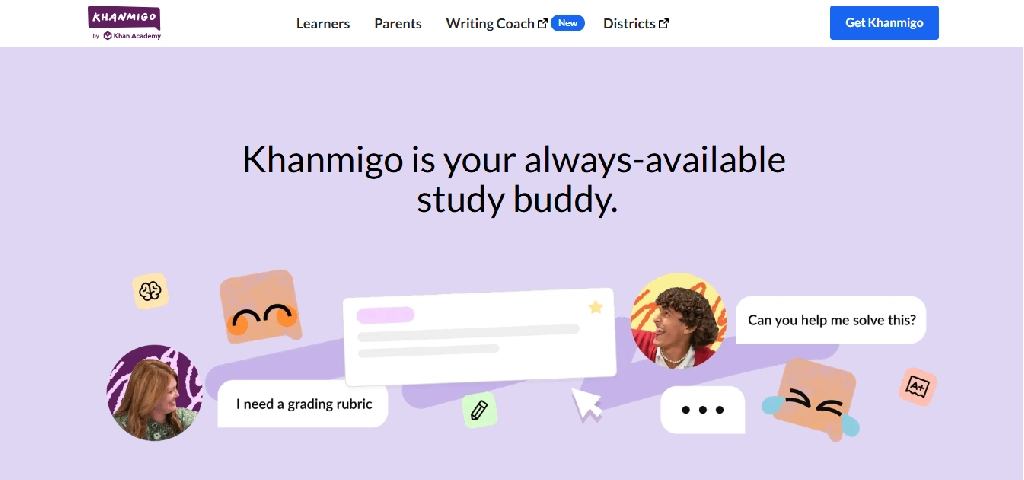
Khanmigo is Khan Academy’s AI-powered tutoring assistant. It is designed to encourage students to think through questions, identify mistakes, and develop understanding.
Unlike a general-purpose chatbot, Khanmigo is closely connected to Khan Academy’s educational content.
Key features
- Socratic tutoring: Uses questions and hints to help students work toward solutions.
- Subject support: Covers mathematics, science, history, humanities, and coding.
- Writing coaching: Helps students develop ideas, organize arguments, and revise writing.
- Coding assistance: Supports learning languages such as Python, JavaScript, HTML, and SQL.
- Speech interaction: Supports speech-to-text and text-to-speech.
- Parent oversight: Family accounts offer access to interaction history and moderation alerts.
- Khan Academy integration: Connects tutoring with educational resources and exercises.
Example: A student struggling with linear equations can ask Khanmigo for guidance and work through the solution one step at a time.
Limitations: Direct family subscriptions currently require a US billing address and an adult account holder. Students under 18 need parent/guardian or eligible school access.
Verdict: A strong guided-tutoring option for eligible families, especially when developing independent reasoning is the priority.
2. ChatGPT: Best for Explaining Difficult School Subjects
Best for: Mathematics, science, history, writing, and interactive explanations.
Price: Free plan available.
Website: ChatGPT
ChatGPT can help high school students understand difficult concepts through interactive conversations.
Its Study Mode is especially relevant because it supports guided questions, explanations, and knowledge checks rather than simply presenting completed answers.
Key features
- Study Mode: Guides students through concepts with questions and hints.
- Explanations at different levels: Can simplify complex subjects or introduce more advanced explanations.
- Homework guidance: Helps identify where a student went wrong.
- Image and document analysis: Supports questions about uploaded worksheets and notes.
- Practice questions: Generates revision exercises and quizzes.
- Writing feedback: Reviews essay structure, arguments, and clarity.
- Language practice: Supports conversations and explanations in multiple languages.
- Study planning: Helps students organize revision topics and schedules.
ChatGPT for Teens also includes learning-focused features and additional protections for eligible users aged 13–17.
Example: A Grade 10 student could ask ChatGPT to explain photosynthesis, then request five progressively harder questions to test understanding.
Clear prompts get better explanations, and our guide to AI prompt generators shows which tools can help students write them.
Limitations: ChatGPT can produce incorrect explanations and calculations. Students should verify answers against textbooks and teacher-provided materials.
Verdict: A versatile study companion for students who need explanations across several subjects.
3. Google Gemini: Best for Guided Learning Across Subjects
Best for: Interactive explanations, research, revision, and Google-based learning workflows.
Price: Free access available.
Website: Google Gemini
Google Gemini combines conversational AI with educational features designed to support understanding and practice.
Its Guided Learning experience is particularly relevant for students who prefer structured explanations.
Key features
- Guided Learning for supported users
- Step-by-step explanations
- Questions and practice exercises
- Image and document understanding
- Study guides and revision assistance
- Research support
- Google ecosystem integration
- Multimodal explanations
Example: A physics student studying electric circuits could use Gemini to explore the relationship between current, voltage, and resistance.
Limitations: Availability of specific educational features depends on age, region, account type, and product rollout.
Verdict: A useful alternative to ChatGPT for students who prefer Google’s learning environment.
4. Photomath: Best for Solving Math Problems From Photos
Best for: Algebra, arithmetic, functions, and everyday mathematics homework.
Price: Free core features; Plus subscription available.
Website: PhotoMath
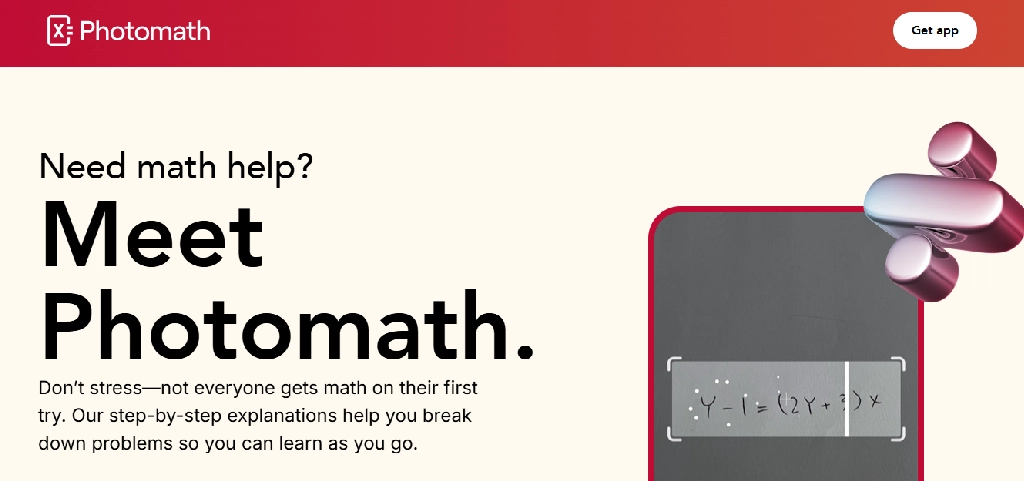
Photomath lets students scan mathematical expressions using a smartphone camera and review the solution.
It is particularly useful when students have handwritten or printed equations they want to understand.
Key features
- Camera-based math recognition: Scans printed and supported handwritten expressions.
- Step-by-step solutions: Explains how mathematical results are obtained.
- Algebra support: Handles equations and symbolic expressions.
- Graphs: Provides visual representations of supported functions.
- Multiple methods: Some problems include alternative solving approaches.
- Animated tutorials: Paid features offer additional explanations.
- Contextual hints: Helps clarify selected steps.
Google confirms that core symbolic-math scanning and step-by-step solutions remain free, while Photomath Plus adds deeper explanations and animated tutorials.
Example: A student can scan a quadratic equation after attempting it manually and compare the solution steps.
Limitations: Scanning quality and notation complexity can affect recognition. It is less suitable for conceptual questions that require lengthy explanations.
Verdict: One of the more practical specialized tools for school mathematics.
5. Symbolab: Best for Algebra, Trigonometry, and Calculus
Best for: Students studying advanced mathematics.
Price: Free access; advanced features require payment.
Website: Symbolab
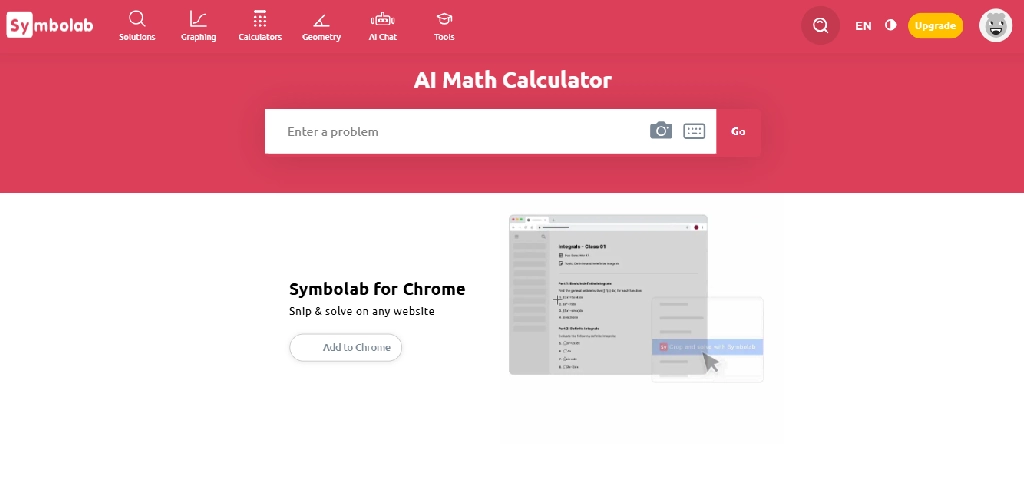
Symbolab focuses on mathematical problem-solving and structured solutions.
It is useful for students progressing from basic algebra into trigonometry, functions, and introductory calculus.
Key features
- Algebraic equation solving
- Calculus operations
- Trigonometric calculations
- Step-by-step explanations
- Graphing
- Mathematical notation input
- Practice problems
- Topic-specific mathematical tools
Example: A Grade 12 student studying differentiation could use Symbolab to check derivative calculations and compare solution methods.
Limitations: Detailed solution steps and advanced features may require payment. Students should attempt problems before checking solutions.
Verdict: Especially relevant for students taking advanced mathematics courses.
6. Quizlet: Best for Flashcards and Exam Preparation
Best for: Biology, history, geography, vocabulary, and exam revision.
Price: Free plan; paid advanced features.
Website: Quizlet
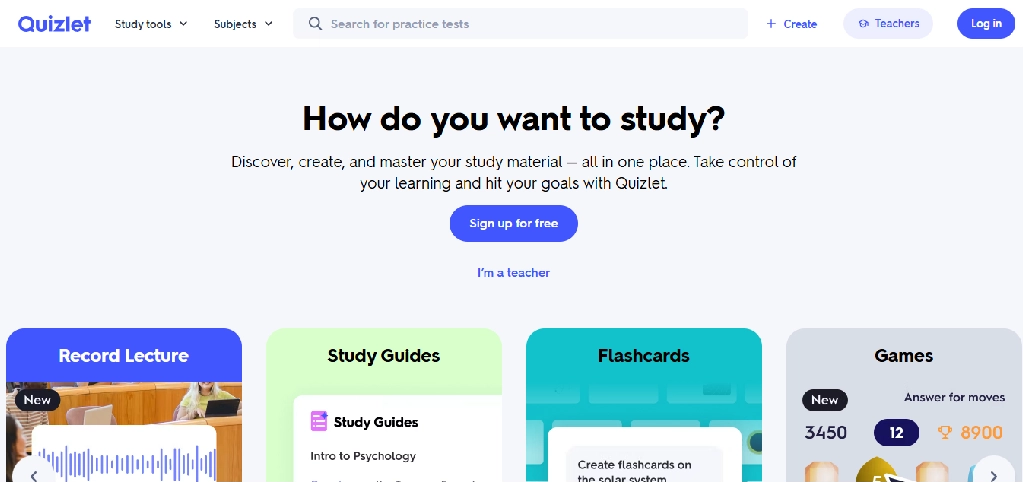
Quizlet helps students turn information into flashcards, quizzes, and repeated practice activities.
It is particularly useful for subjects that require memorization and factual recall.
Key features
- AI-generated flashcards
- Notes-to-study-guide conversion
- Practice tests
- Customizable question types
- Time-limited practice exams
- PDF and notes summarization
- Learn and Match activities
- Shared study sets
- AI homework assistance
Quizlet confirms that its AI Practice Tests can generate questions from uploaded notes or flashcard sets. However, age restrictions vary significantly by country. For example, the documented minimum age for Practice Tests is 14 in the US and 18 in India.
Example: A biology student can create flashcards covering cell structures and use practice questions to identify weak areas.
Limitations: Some AI features are unavailable to younger students or require subscriptions. AI-generated questions can contain errors.
Verdict: A strong revision platform, provided the student’s age and account are eligible for the intended features.
7. Knowt: Best for Converting Class Notes Into Flashcards
Best for: Students who want flashcards and practice activities from their existing notes.
Price: Free access available.
Website: Knowt
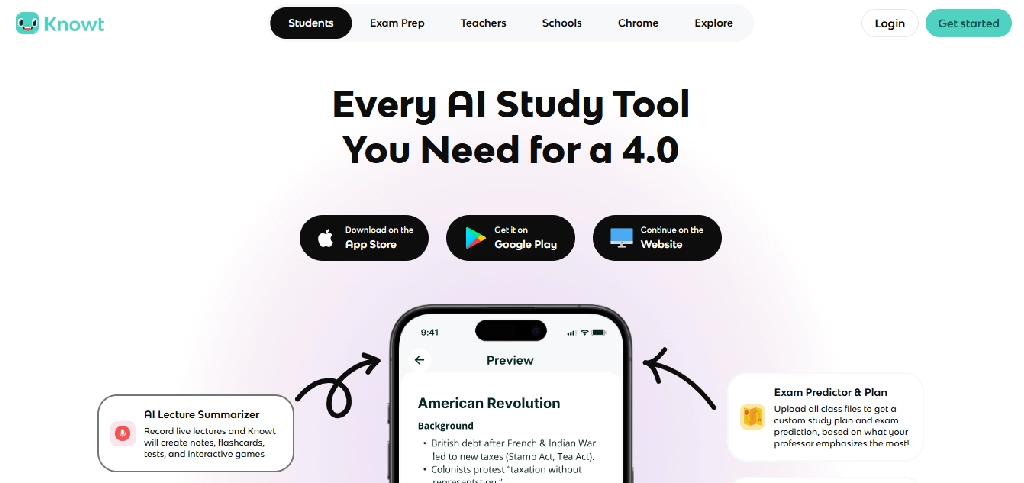
Knowt focuses on transforming study materials into interactive revision resources.
It is useful when students already have class notes but need help converting them into practice activities.
Key features
- AI flashcard generation
- Notes-to-flashcards conversion
- Practice tests
- Study modes
- Shared flashcard sets
- Document imports
- Repeated revision
- Learning-material organization
Example: A student preparing for a history exam could turn chapter notes into questions about important dates, events, and causes.
Limitations: Generated cards should be reviewed for factual accuracy. Feature limits and age eligibility should be checked before use.
Verdict: A useful alternative to Quizlet for students who want to generate revision material from notes.
8. Google NotebookLM: Best for Studying School Notes and Textbooks
Best for: Students studying textbooks, lecture notes, PDFs, and course documents.
Price: Free access available.
Website: Gemini Notebook
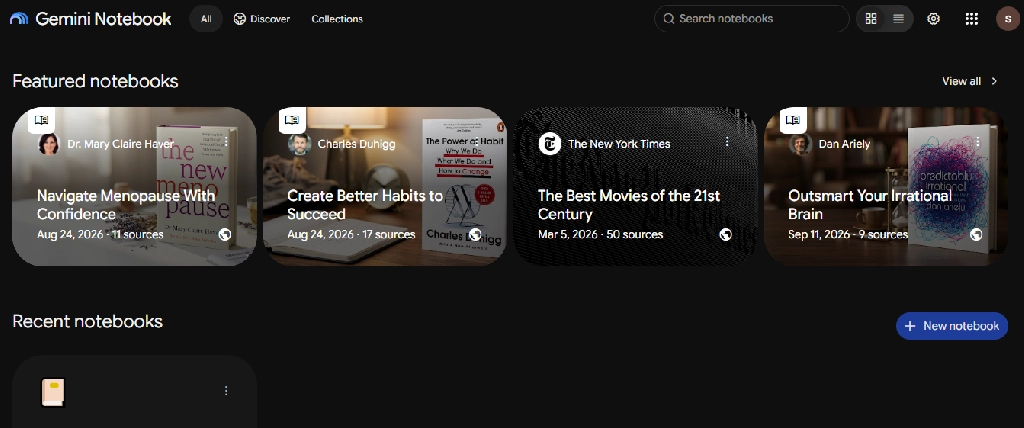
NotebookLM helps students learn from documents they provide.
Its main advantage is that students can ask questions about selected learning materials and inspect references to those sources.
Key features
- PDF and document uploads
- Source-grounded questions and answers
- Source citations
- Study guides
- Flashcards
- Quizzes
- Audio Overviews
- Mind maps
- Source-based summaries
- Interactive study workflows
Google expanded NotebookLM access in August 2025. It is available to consumers aged 13 and older, or the applicable minimum age in their country, and through Google Workspace for Education as a core service for students of all ages.
Example: A Grade 11 student could upload approved chemistry notes and generate revision questions from the exact chapters being studied.
Limitations: NotebookLM cannot guarantee the correctness of uploaded sources or generated explanations. Students should verify important scientific and mathematical information.
Verdict: Particularly useful for studying from teacher-provided materials rather than searching the open web.
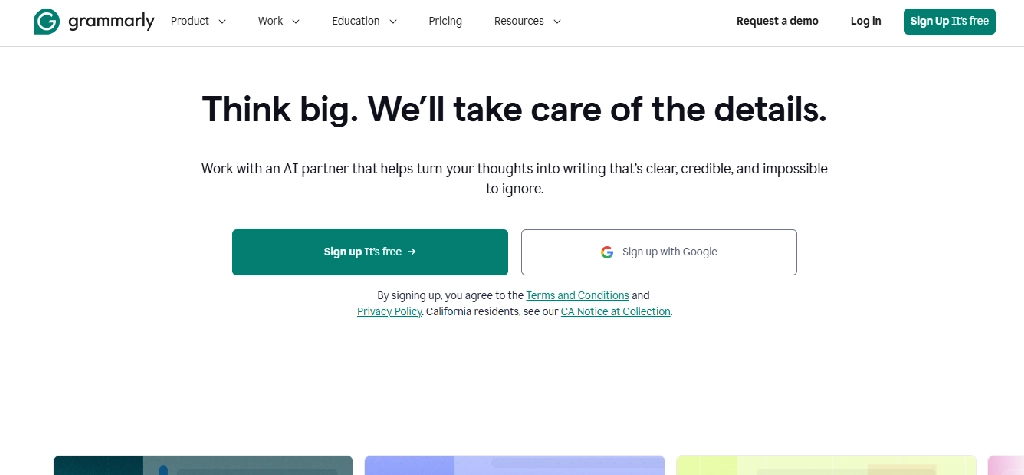
9. Grammarly: Best for Improving Essays and Written Assignments
Website: grammarly.com
Best for: English essays, reports, and writing improvement
Free plan: Yes
Grammarly helps students identify errors and improve the clarity of their writing.
Key features:
- Grammar and spelling checks
- Punctuation correction
- Sentence clarity suggestions
- Tone feedback
- Rewriting assistance
- Vocabulary suggestions
- Writing support across compatible applications.
Example: A student could draft an essay about climate change and use Grammarly to identify confusing sentences without changing the underlying argument.
Limitations: Automated suggestions may change meaning, especially in scientific or historical writing. Students should review each change.
Verdict: Best used to improve original writing rather than generate an assignment from scratch.
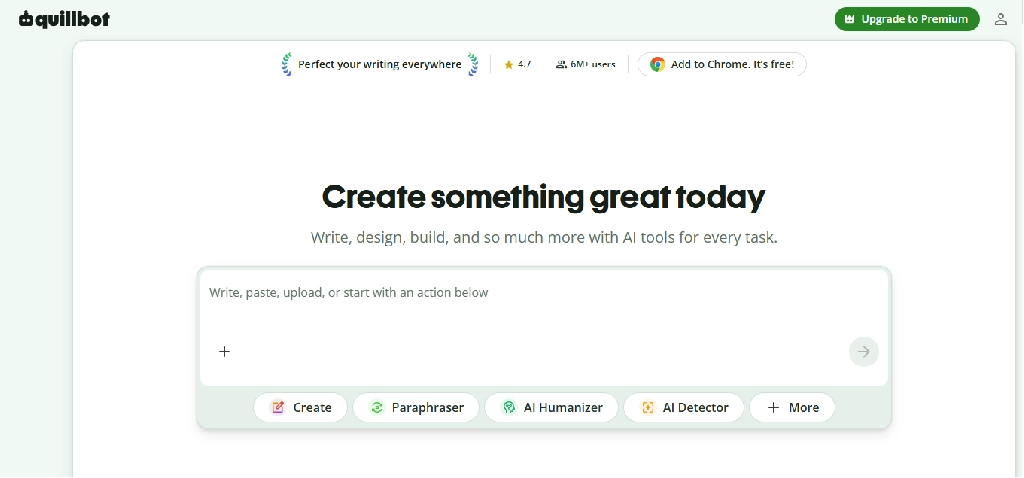
10. QuillBot: Best for Paraphrasing and Sentence Revision
Website: quillbot.com
Best for: Revising drafts and improving sentence structure
Free plan: Yes
QuillBot offers writing tools that help students rewrite and clarify text.
Key features:
- Paraphrasing
- Multiple rewriting styles
- Grammar checking
- Summarization
- Citation assistance
- Translation
- Writing improvement.
Example: A student could use QuillBot to explore alternative ways to express a sentence they originally wrote.
Limitations: Rewriting another author’s work does not remove the obligation to cite it. Paraphrasing tools can also distort the meaning of technical statements.
Verdict: Useful for editing and language practice, but not for concealing copied work.
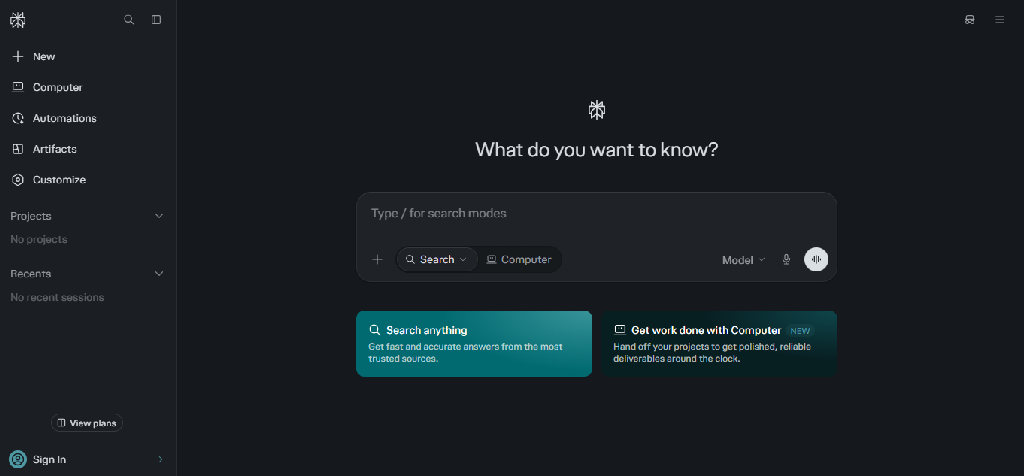
11. Perplexity: Best for School Research Projects
Website: perplexity.ai
Best for: Research assignments and finding online sources
Free plan: Yes
Perplexity helps students explore research questions and discover relevant online information.
Key features:
- Web research
- Cited answers
- Follow-up questions
- Topic exploration
- Source links
- Advanced research capabilities in eligible plans
Example: A geography student researching deforestation could use Perplexity to locate reports from environmental organizations and government agencies.
Limitations: Source links must be inspected. An AI-generated answer can misinterpret the information in a cited document. Age eligibility should also be checked.
Verdict: Useful for preliminary research, provided students read and verify original sources.
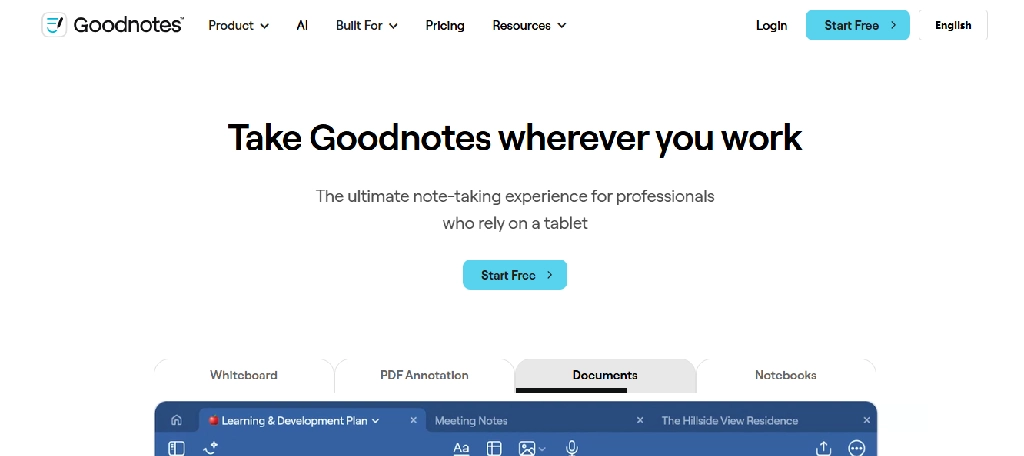
12. Goodnotes: Best for Handwritten Class Notes
Website: goodnotes.com
Best for: Handwriting, diagrams, mathematics, and PDF annotation
Free plan: Yes
Goodnotes is particularly relevant for students who prefer writing by hand on a tablet. For more options, including apps that transcribe lectures and summarize notes, see our comparison of the best AI note-taking apps.
Key features:
- Digital notebooks
- Handwriting recognition
- Handwriting search
- PDF annotation
- Handwriting-to-text conversion
- Audio-related features
- AI study assistance
- Notebook organization.
Example: A physics student could annotate diagrams, work through calculations, and organize worksheets into subject-specific notebooks.
Limitations: AI features and device support vary by subscription and platform.
Verdict: A practical choice for students who learn through handwriting and visual organization.
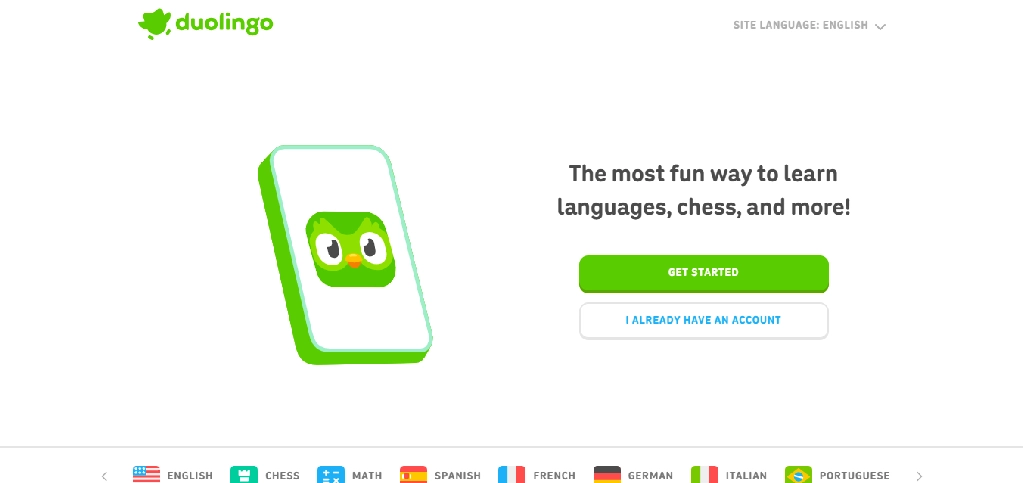
13. Duolingo: Best for Language Learning and Daily Practice
Website: duolingo.com
Best for: Vocabulary, grammar practice, and language learning
Free plan: Yes
Duolingo combines short lessons with adaptive learning features and selected AI-powered experiences.
Key features:
- Vocabulary exercises
- Listening practice
- pronunciation activities
- grammar lessons
- progress tracking
- personalized practice
- AI-powered conversational features in eligible subscriptions.
Example: A student studying French could use Duolingo for daily vocabulary practice alongside classroom lessons.
Limitations: Advanced AI conversation features may require a paid plan. The app should supplement rather than replace comprehensive language instruction.
Verdict: Useful for building a consistent language-practice habit.
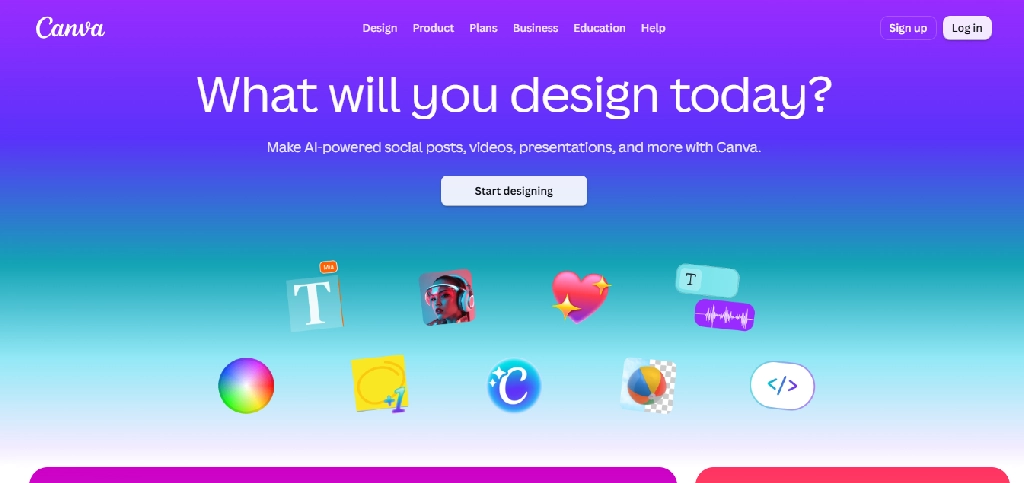
14. Canva: Best for School Presentations and Creative Projects
Website: canva.com
Best for: Presentations, posters, infographics, and visual assignments
Free plan: Yes
Canva helps students create visual materials using templates and AI-assisted design features.
Key features:
- Presentation creation
- Poster design
- AI-assisted layouts
- Image generation and editing
- Text assistance
- Templates
- Collaboration
- Export options
Example: A student could create an infographic explaining the water cycle, using verified scientific information and original visual organization.
Limitations: AI-generated text and visuals may contain errors. Students should follow school rules about generated content and attribution.
Verdict: A useful creative tool for visual school assignments. For schools, tutoring brands, or education businesses that need professional visuals rather than DIY designs, our graphic design services can help.
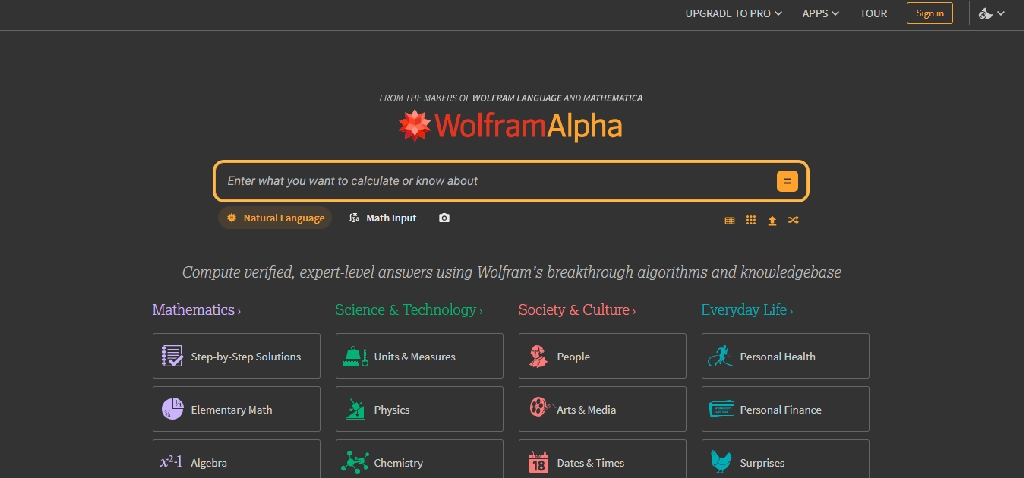
15. Wolfram Alpha: Best for Advanced Mathematics and Science
Website: wolframalpha.com
Best for: Advanced mathematics, physics, and quantitative subjects
Free access: Yes; advanced capabilities require payment
Wolfram Alpha is a computational knowledge engine designed to answer mathematical and scientific questions.
Key features:
- Symbolic computation algebra
- Calculus
- Graphs
- Statistics
- Scientific calculations
- Unit conversions
- Step-by-step solutions in eligible plans.
Example: A student studying calculus could use Wolfram Alpha to check derivatives or visualize a mathematical function.
Limitations: Correct computational results do not necessarily explain why a method works. Students should develop their own reasoning rather than relying entirely on calculated answers.
Verdict: Particularly valuable for students taking advanced STEM courses.
Best AI Tools for High School Students by Subject
| Subject | Recommended tools | What they help with |
Students should verify the relevant AI features are available for their age and location.
Best AI Tools by High School Grade Level
Grades 9–10: Build Strong Foundations
At this stage, students often need help with algebra, science fundamentals, essay structure, and study habits.
Suggested combination: An eligible guided tutor, Photomath, Quizlet or Knowt, and Canva.
The goal should be to understand concepts and practice independently.
Grades 11–12: Prepare for Advanced Subjects and Exams
Older high school students often need more specialized support for advanced mathematics, research, and examination preparation.
Suggested combination: ChatGPT Study Mode, NotebookLM, Symbolab or Wolfram Alpha, and a flashcard tool.
For research-heavy subjects, a source-discovery tool may be useful where permitted.
The ideal combination depends on the student’s curriculum and examination system.
How to Use AI for Exam Preparation
Consider a student preparing for a biology examination.
Step 1: Organize the syllabus. Identify chapters, topics, and examination requirements using official school materials.
Step 2: Study the material. Use NotebookLM with permitted class notes to summarize key concepts and identify relationships between topics.
Step 3: Create practice questions. Use an eligible Quizlet or Knowt feature to turn verified notes into flashcards.
Step 4: Test understanding. Attempt questions without assistance before checking answers.
Step 5: Identify weak areas. Record topics where mistakes occur repeatedly.
Step 6: Request explanations. Use a guided tutor to understand why answers were incorrect.
Step 7: Repeat independently. Complete new practice questions without AI assistance.
This approach uses AI to support active learning rather than replace it.
Free vs. Paid AI Tools for High School Students
Students do not necessarily need paid subscriptions.
Free tools may be sufficient for occasional homework questions, basic flashcards, short writing assignments, and presentations.
Paid subscriptions matter more when a student needs frequent tutoring, advanced math explanations, larger document uploads, or more study-generation capacity.
Before purchasing, families should check:
- Age and geographic eligibility
- Parent or guardian consent requirements
- Monthly usage limits
- AI feature restrictions
- Data privacy and retention
- Subscription renewal terms
- School policies about AI use
For example, Khanmigo’s family subscription is limited to eligible US accounts, while Quizlet restricts certain AI study features according to age and country.
Are AI Tools Safe for High School Students?
AI tools can support learning, but students and families should understand several risks.
- Incorrect answers: AI may produce convincing but inaccurate explanations.
- Overdependence: Students may stop practicing independently if they use AI to complete every assignment.
- Privacy: Students should avoid uploading personal information, classmates’ details, or confidential school documents without permission.
- Academic integrity: Schools may restrict AI-generated writing, answers, code or images, and some use AI content detectors to review submissions.
- Age restrictions: Not every AI product is designed or authorized for minors.
- Inappropriate content: Families should review available safeguards and school-approved tools.
For younger students, teacher-supervised or institution-managed experiences may be more appropriate than unrestricted general-purpose AI services.
Frequently Asked Questions
What is the best AI tool for high school students?
ChatGPT is a versatile option for explanations and guided learning, while Khanmigo is a more specialized tutoring option for eligible users. The best choice depends on the student’s subject, age, location and learning needs.
What is the best free AI tool for homework?
Free access to ChatGPT, Gemini, Photomath, and other educational tools can help with homework explanations and practice. Students should use them to understand problems rather than copy answers.
Which AI tool is best for high school math?
Photomath is useful for camera-based problem solving, Symbolab for structured mathematical steps, and Wolfram Alpha for advanced computations.
Can high school students use ChatGPT?
Eligible teenagers can use ChatGPT with age-appropriate safeguards. Availability and parental controls depend on the account and applicable policies.
Which AI tools help students prepare for exams?
NotebookLM, Quizlet, and Knowt support study guides, flashcards, quizzes, and revision workflows, subject to age and plan eligibility.
Can AI help students improve essay writing?
Yes. Tools such as Grammarly, ChatGPT, and QuillBot can provide feedback on grammar, clarity, organization, and arguments. Students should follow school rules and retain responsibility for their final writing.
Is Khanmigo free for students?
Khanmigo’s direct parent and learner plans are paid. Teacher tools are free for eligible educators, and some students may get access through participating schools.
Can AI tools replace teachers or textbooks?
No. AI tools can provide explanations and practice, but teachers, textbooks, classroom activities, and independent study remain important for learning and assessment.
Final Verdict: Which AI Tools Should High School Students Choose?
The best AI tool depends on the student’s immediate learning challenge.
- For guided explanations, ChatGPT, Gemini, and Khanmigo are relevant options.
- For mathematics, Photomath, Symbolab, and Wolfram Alpha provide specialized problem-solving capabilities.
- For exam preparation, Quizlet, Knowt, and NotebookLM can help students organize information and practice recall.
- For writing, Grammarly and QuillBot help with revision, and you can explore more in our AI writing tools library.
- For presentations and creative projects, Canva offers accessible design tools.
High school students do not need every application on this list. A small set of age-appropriate tools that support their subjects and encourage independent practice is usually more useful than a large collection of subscriptions.
The goal of AI in high school should be to help students become better learners, not simply faster assignment finishers.
Looking for more? Browse our full AI tools library or read our latest AI tool guides.