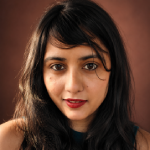
Have you ever looked at a photograph and wondered what it would look like as a watercolor painting, an oil portrait, a comic book illustration, or a piece of pop art?
You no longer need to recreate the image manually. AI photo to art converters can take an existing photograph and transform it into different artistic styles, often within seconds.
But the results vary considerably.
Some tools apply predefined artistic effects. Others use generative AI to reinterpret the image, changing textures, lighting, backgrounds, and sometimes even facial features. That difference matters when you want the finished artwork to remain recognizable.
In this guide, we compare AI photo to art converters for different purposes, including photo-to-painting transformations, portraits, pop art, illustrations, and creative design projects.
Quick comparison: Best AI photo to art converters
| Tool | Best for | Popular artistic styles | Free access |
| Fotor | All-around photo-to-art conversion | Oil painting, watercolor, sketches, cartoons | Free features; premium restrictions |
| Picsart | Creative social media artwork | Cartoon, painting, illustrated effects | Free and premium features |
| BeFunky | Traditional painting effects | Oil painting, watercolor, impressionism | Limited free features |
| DeepArt | Artistic style transfer | Painting-inspired artistic styles | Check current access |
| Prisma | Mobile photo-to-art filters | Painting, illustration, artistic filters | Limited free access |
| Adobe Firefly | Generative art transformations | Painterly, illustrated, stylized images | Limited generative credits |
| Canva | Artwork for marketing and design | Watercolor, illustration, creative effects | Free plan with limits |
| Media.io | Quick AI photo effects | Cartoon, illustration, stylized images | Feature-dependent |
| OpenArt | Prompt-controlled image transformations | Anime, fantasy, digital painting | Limited free access |
| NightCafe | Experimental AI artwork | Digital art, painting, creative styles | Credit-based access |
Tool capabilities and free access vary by product and plan. This compares intended use cases, not a ranking based on original hands-on testing. Want to explore more than photo-to-art tools? Browse our AI image tools library for generators, editors and design tools.
1. Fotor: Best overall for turning photos into artwork
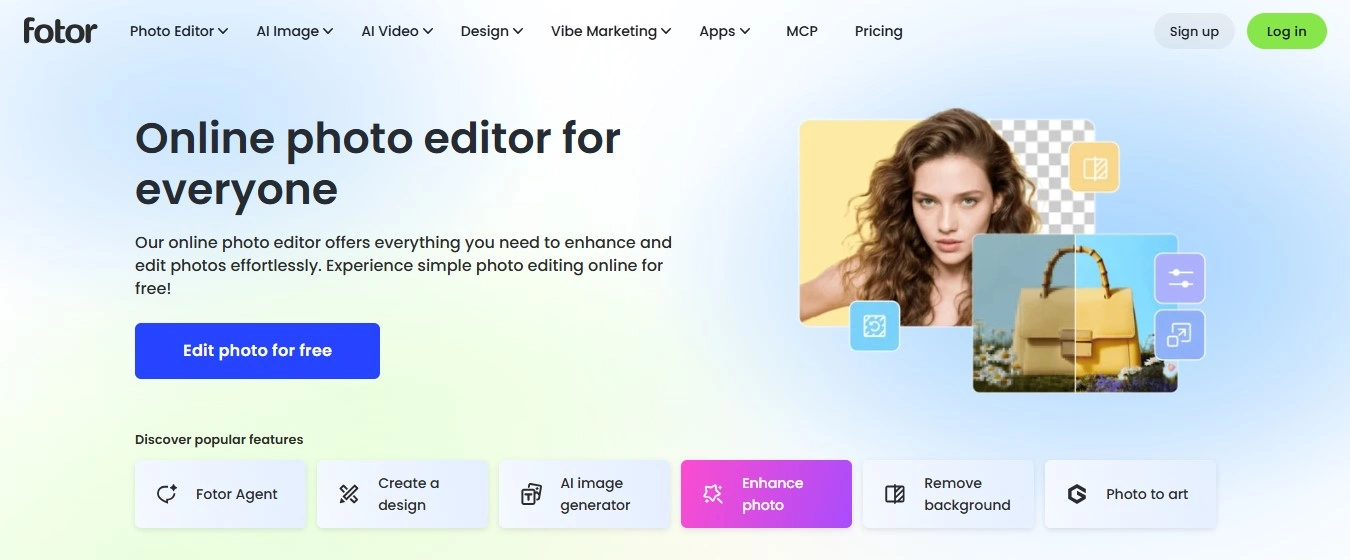
Fotor is a practical option for people who want to transform an existing photograph into artwork without learning complex prompts.
Its broader photo-editing environment makes it suitable for portraits, landscapes, pet photos and social media images.
What makes it useful
- Artistic photo effects and AI-assisted editing.
- Painting, sketch and illustrated transformations.
- Additional tools for retouching and improving source images.
- A workflow aimed at users without advanced editing experience.
Best for: Casual creators, social media users and people experimenting with multiple artistic styles.
Potential drawbacks: Some effects may produce more convincing results than others. Check free access, export resolution and premium restrictions before purchasing.
Verdict: Consider Fotor if you want a general-purpose photo editor alongside artistic transformations.
Official website: fotor.com
2. Picsart: Best for social media artwork and creative editing
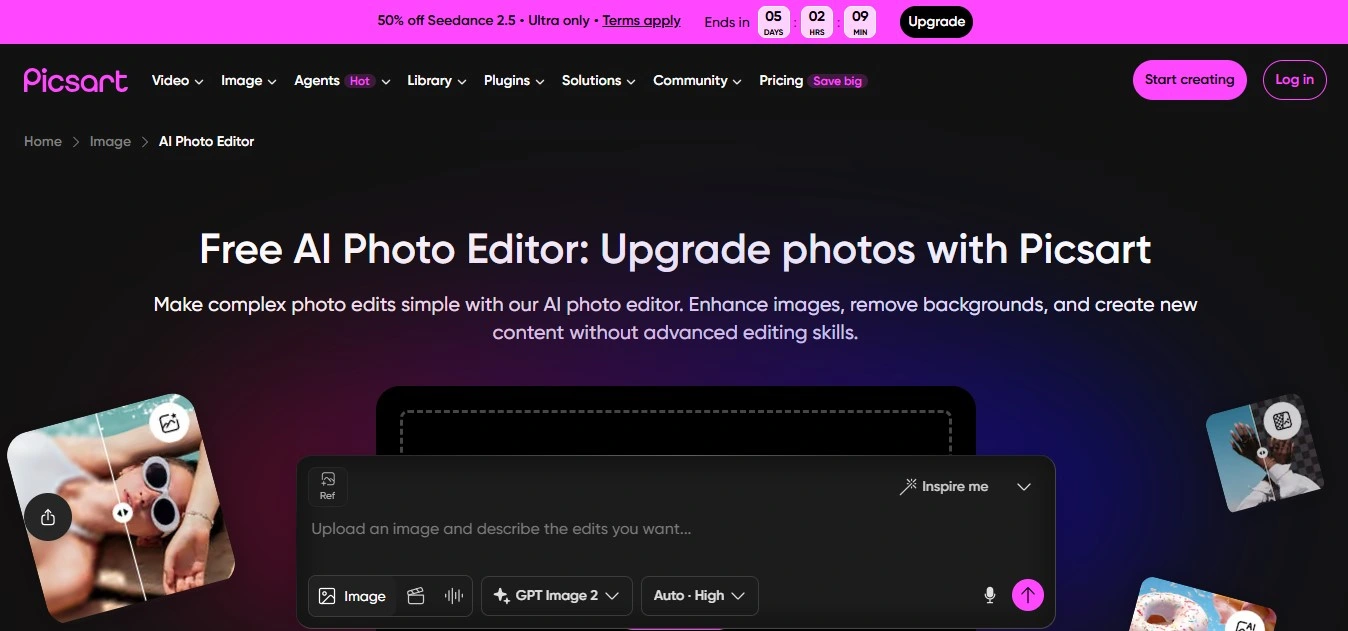
Picsart combines photo editing, visual effects and AI-assisted creative features.
It is especially useful for users who want to turn a photograph into an illustrated image and then add text, graphics or other design elements.
What makes it useful
- Creative filters and image-editing effects.
- Tools for adjusting backgrounds and compositions.
- Social media-oriented editing workflows.
- Mobile and web editing options.
Best for: Profile pictures, social media posts, creative selfies and informal promotional graphics.
Potential drawbacks: Not every artistic effect uses the same underlying technology. Some may be conventional filters rather than generative transformations.
Verdict: A useful choice when the final artwork will become part of a social media design. If you want a consistent content strategy around those visuals, our social media management services can help.
Website: picsart.com
3. BeFunky: Best for oil painting and watercolor effects
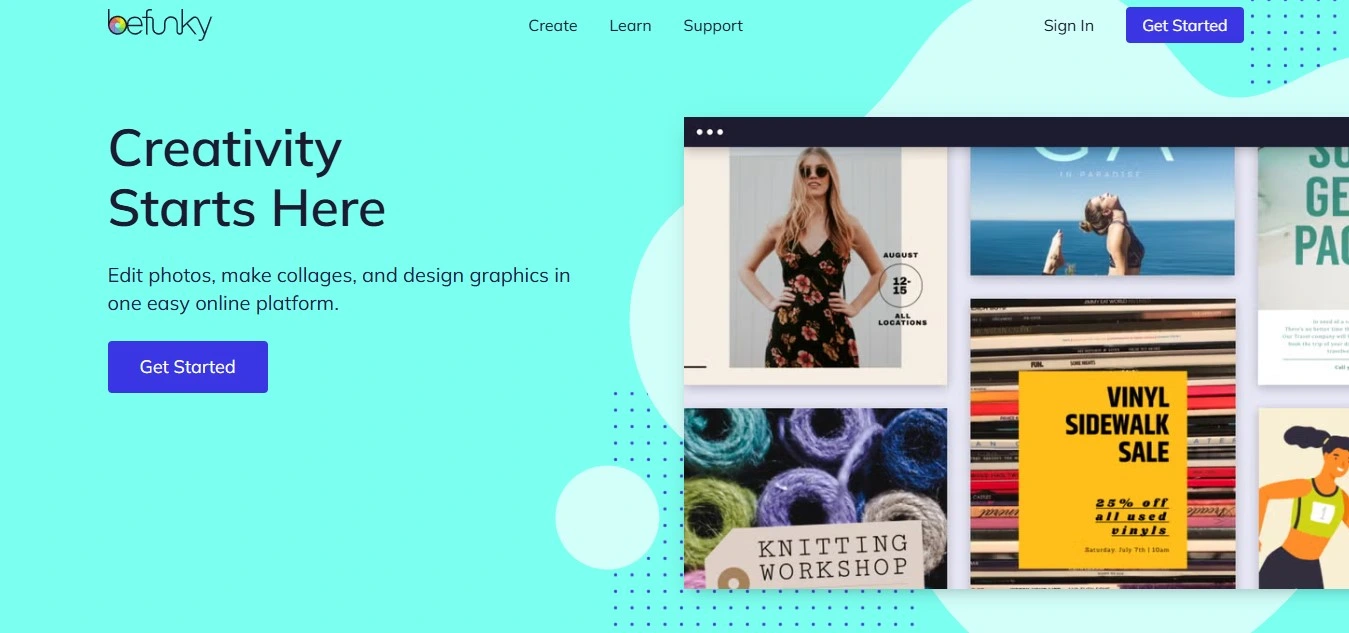
BeFunky is worth considering if you want your photographs to resemble traditional artwork.
Rather than focusing entirely on text-to-image generation, BeFunky’s creative editing tools focus on applying artistic effects to existing images.
What makes it useful
- Painting-inspired photo effects.
- Artistic transformations for portraits and landscapes.
- An editor for adjusting the image after applying an effect.
- Accessible workflows for non-designers.
Best for: Oil-painting effects, watercolor-style pictures and decorative photo artwork.
Potential drawbacks: Artistic filters may offer less control over image content than prompt-driven generative tools.
Verdict: A relevant option when the goal is to make an existing photograph look like a painting, rather than generate an entirely new scene.
Official website: befunky.com
4. Adobe Firefly: Best for controlled image-to-image transformations
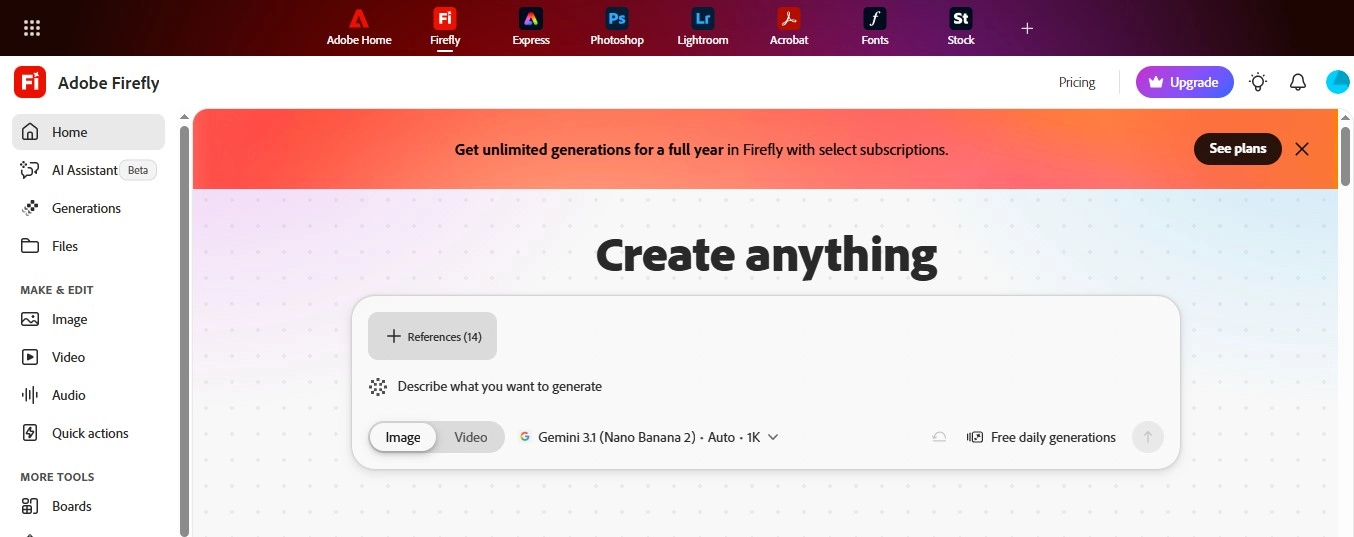
Adobe Firefly stands out because it offers more than simple photo filters.
Adobe’s image-to-image workflow lets users upload an existing photograph, sketch or design and generate new variations using the original as a reference.
Its style-reference and composition controls can help influence the result’s visual appearance and structure. Adobe also documents styles such as watercolor, pencil, pop art and vintage illustration.
What makes it useful
- Image-to-image generation from uploaded references.
- Style and composition reference controls.
- Adjustable strength for style influence.
- Prompt-based transformations.
- Integration with other creative editing workflows.
Best for: Designers, marketers and creators who want more control over the finished artwork.
Potential drawbacks: Generative transformations can alter details from the original image. Also check credit limits and model-specific functionality.
Verdict: A strong candidate when creative control matters more than a one-click filter.
Official website: Adobe Firefly
5. Prisma: Best for artistic photo filters on mobile
Prisma transforms photographs into stylized artwork.
It is especially relevant for users who prefer choosing an artistic look over writing detailed prompts.
What makes it useful
- Painting-inspired photo effects.
- Mobile-oriented editing.
- A relatively straightforward photo-to-art workflow.
- Creative transformations suited to portraits and everyday photographs.
Best for: Mobile users and people who want artistic effects without a complex editing process.
Potential drawbacks: A filter-driven workflow may provide less control over the underlying scene than image-to-image generation.
Verdict: Consider Prisma when convenience and painterly effects are your main priorities.
Website: prisma-ai.com
6. Canva: Best for turning photo artwork into finished designs
Canva is useful when converting a photo into artwork is only one part of a larger creative project.
For example, you might want to create an illustrated photograph and use it in a social media post, invitation, presentation or promotional design.
What makes it useful
- Photo editing and AI-assisted image creation.
- Templates for social media and marketing materials.
- Design tools for combining images, text and graphics.
- A browser-based workflow.
Best for: Small businesses, marketers, social media creators and users preparing finished designs.
Potential drawbacks: Available artistic transformations depend on the specific Canva feature or integrated application you use.
Verdict: Best considered as an integrated design platform rather than a dedicated photo-to-painting tool. If you need custom marketing creatives instead of templates, our graphic design services can help.
Website: canva.com
7. OpenArt: Best for experimenting with artistic styles
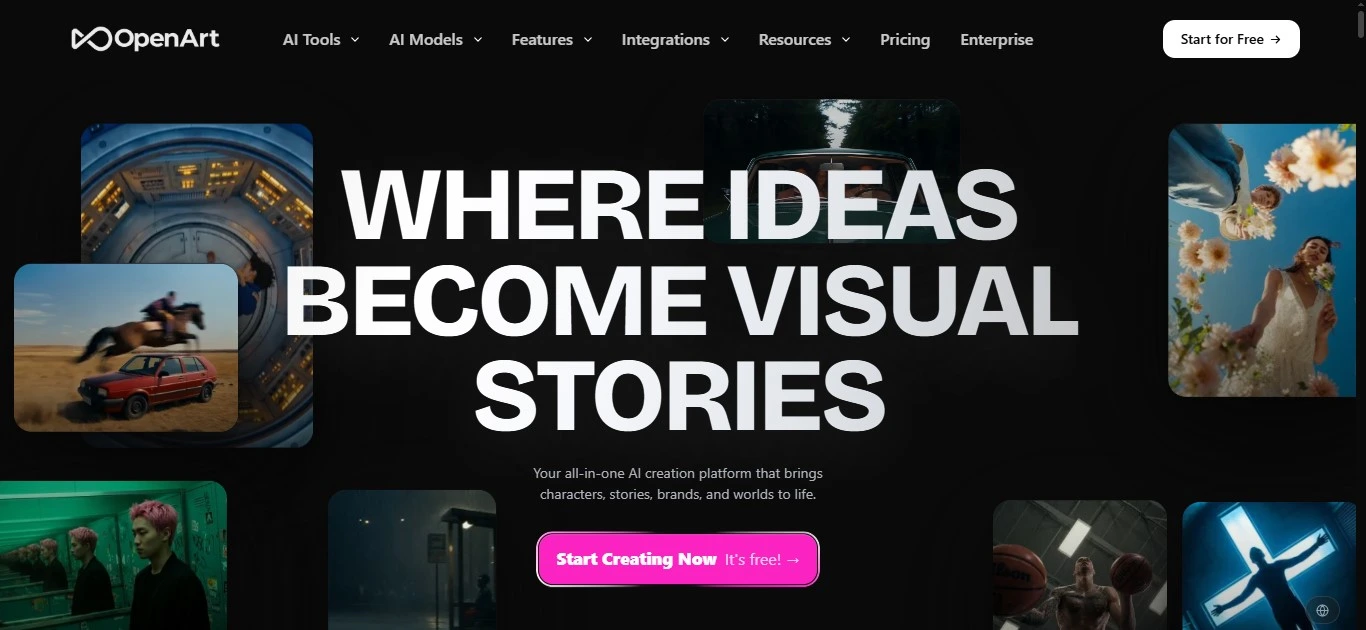
OpenArt is relevant to creators interested in generative image editing and style experimentation.
It offers a different approach from traditional photo filters because users can explore image-generation workflows with greater creative flexibility.
Best for: Stylized illustrations, imaginative image transformations and creative experimentation.
Potential drawbacks: Controls and results vary depending on the chosen workflow and model.
Website: openart.ai
8. NightCafe: Best for experimental AI artwork
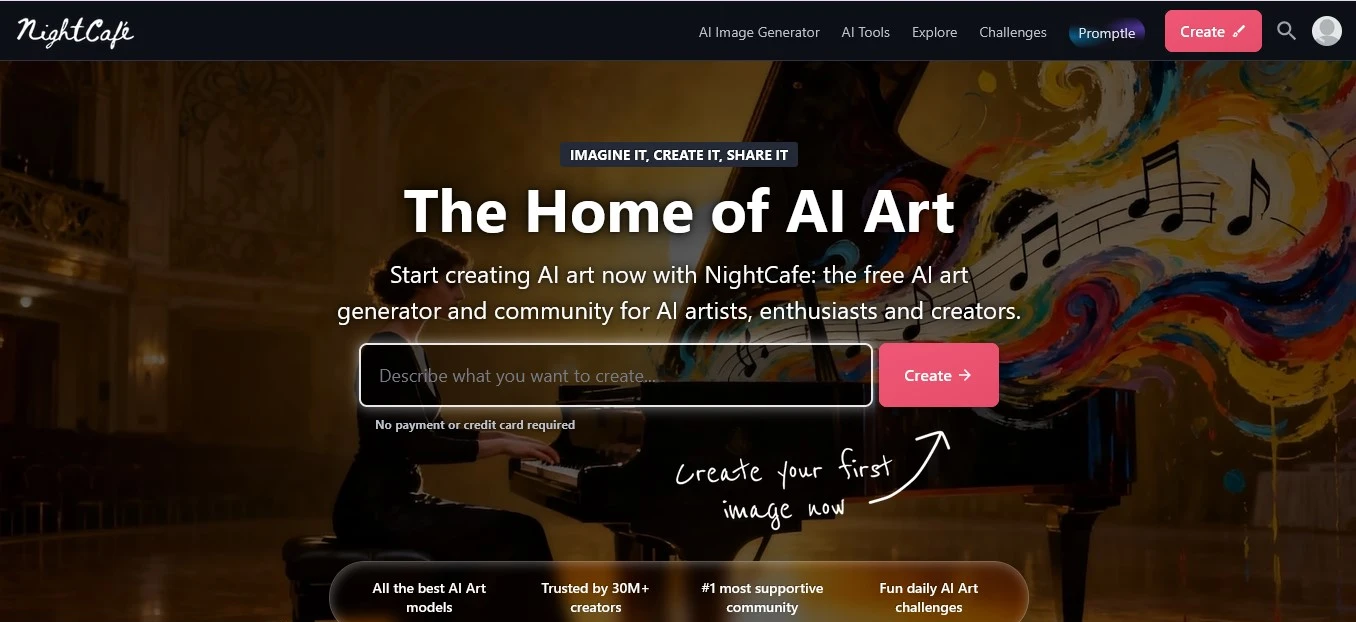
NightCafe focuses on AI art creation and experimentation.
It suits users who want to explore artistic interpretations and generate creative variations rather than simply apply a conventional photo filter.
Best for: Experimental artwork and exploring different AI image-generation styles.
Potential drawbacks: The workflow and credit requirements may vary between generation methods.
Website: nightcafe.studio
9. Media.io: Best for quick online artistic effects
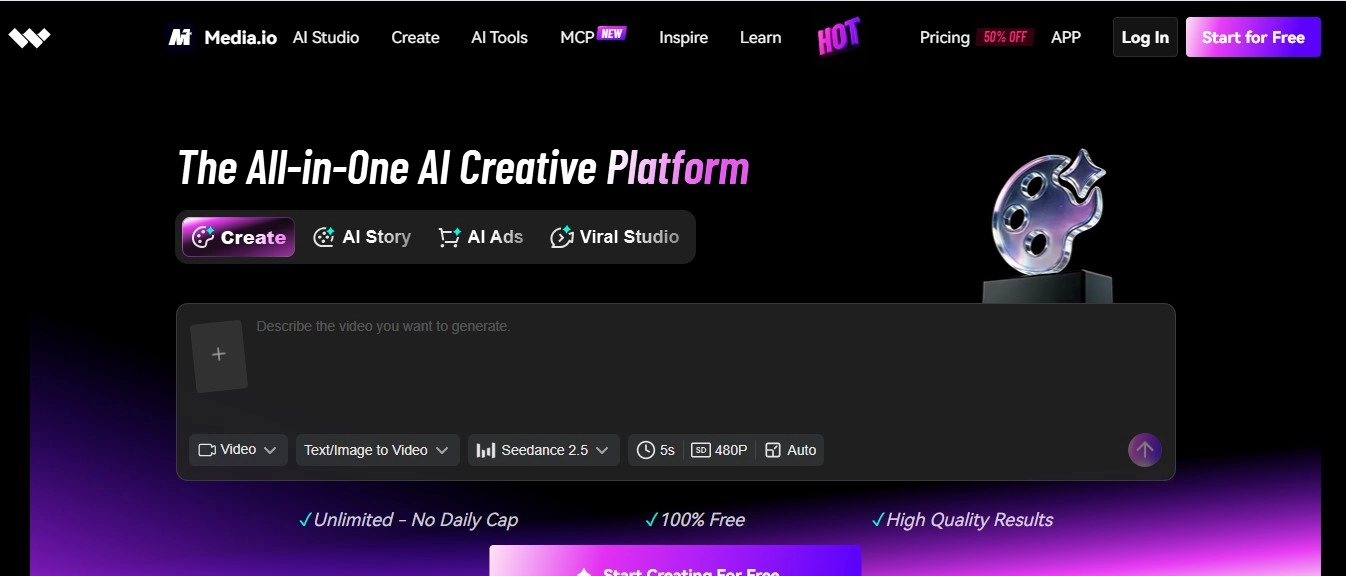
Media.io offers a range of online creative media tools.
For this comparison, its relevance is in image transformation and creative effects rather than its broader audio and video capabilities.
Best for: Users who want straightforward, browser-based creative transformations.
Potential drawbacks: Confirm that the specific artistic effect you want is currently supported and whether it requires credits.
Website: media.io
10. DeepArt: Best for exploring artistic style transfer
DeepArt is associated with transforming photographs using artistic styles.
This approach differs from prompt-driven image generation. Style-transfer systems typically use a source image and a visual style reference to produce a stylized result.
Best for: Users specifically interested in style-transfer techniques.
Potential drawbacks: Its current service availability, supported features and commercial terms require verification before it can be recommended as an active 2026 product.
AI photo to art converter vs. AI art generator: What’s the difference?
The distinction matters because the two types of software solve different problems.
| Feature | AI photo to art converter | AI art generator |
| Starting point | Existing photograph | Usually a text prompt or reference image |
| Main purpose | Transform a photograph’s appearance | Create new artwork |
| Common output | Painting, sketch, pop art, illustration | Characters, scenes, artwork, concepts |
| Identity preservation | Often important | Not always required |
| Typical controls | Style, effect intensity, editing | Prompt, model, reference, composition |
Some tools provide both capabilities.
Adobe, for example, describes image-to-image generation as using an existing image to guide new visual variations, whereas text-to-image generation creates artwork from written descriptions.
For tools that primarily generate original artwork, see Reliqus’s Best AI Art Generator Apps.
Best AI photo to art converters by artistic style
Best AI tools for turning photos into paintings
If you want an oil painting, watercolor or hand-painted look, start with tools that specialize in artistic effects.
BeFunky, Fotor and Prisma are worth comparing.
When evaluating results, look at whether the tool preserves recognizable facial features, object outlines and important details. If your photos are mostly portraits, also see our guide to the best AI portrait generators.
Best tools for turning photos into pop art
Pop art transformations typically involve bold colors, simplified shapes, graphic contrast and repeated visual patterns. These bold, high-contrast looks also work well for thumbnails, so our list of AI YouTube thumbnail generators is worth a look.
Adobe Firefly is one candidate because its image-to-image workflow explicitly supports experimenting with pop art styles.
Fotor and Picsart are also worth checking for suitable effects.
A useful comparison should show the same photograph converted into several pop art variations.
Best AI tools for turning photos into watercolor artwork
Watercolor transformations usually emphasize softer edges, translucent colors and painterly textures.
Adobe Firefly supports watercolor-inspired image transformations.
BeFunky and Fotor also offer painting-style effects.
The best results preserve the subject while making the image look less photographic.
Best AI tools for turning photos into sketches
Sketch transformations may imitate pencil, charcoal, ink or hand-drawn illustration.
The best tool depends on whether you want a simple outline effect or a more detailed artistic interpretation.
Compare how each converter handles hair, shadows, facial features and background details.
How to turn a photo into art using AI
- Choose a converter. Select a tool based on whether you want a simple filter or a generative transformation.
- Upload your photograph. Use a clear image with good lighting and sufficient resolution. If the photo is cropped too tightly, you can first expand it with AI image extender tools.
- Select an artistic style. Choose watercolor, oil painting, pop art, sketch or another supported style.
- Adjust the result. If available, use prompts or strength controls to refine the transformation.
- Compare multiple versions. Check that the subject remains recognizable and that important details have not changed unexpectedly.
- Download the artwork. Select the highest appropriate resolution and check usage rights before publishing commercially.
Photo-to-art prompts you can try
Oil painting
Copy
Transform the uploaded photograph into a realistic oil painting with visible brushstrokes, layered paint textures, natural lighting, and rich colors. Preserve the subject, facial features, and original composition.
Watercolor
Copy
Turn this photograph into a delicate watercolor painting with soft pigment washes, subtle paper texture, natural color blending, and lightly defined edges. Keep the main subject recognizable.
Pop art
Copy
Convert this photograph into bold pop art with vivid contrasting colors, clean graphic shapes, halftone details, and strong outlines. Preserve the original pose and composition.
Pencil sketch
Copy
Transform the uploaded image into a detailed graphite pencil drawing with natural shading, fine linework, realistic proportions, and a subtle paper texture.
Prompts work best with tools that support image-to-image generation. A conventional artistic filter may not accept text instructions.
Are free AI photo to art converters good enough?
Free converters can help you experiment, create occasional social media images or decide whether a particular artistic style works for your photograph.
However, check for these restrictions before choosing a tool:
- Image-generation or processing limits.
- Watermarks and export resolution.
- Premium-only styles.
- Commercial-use restrictions.
- Retention and handling of uploaded photographs.
If you are transforming client photographs, private images or photographs of other people, review the provider’s privacy policy and obtain appropriate permission.
Frequently asked questions
What is the best AI photo to art converter?
There is no single best tool for every style. Fotor is worth considering for general-purpose transformations, BeFunky for traditional painting effects, Adobe Firefly for prompt-controlled image-to-image workflows, and Canva for artwork incorporated into larger designs.
Can AI turn a photograph into a painting?
Yes. AI-assisted photo editors and image-to-image generators can produce watercolor, oil-painting, sketch and other painterly interpretations of photographs.
Is there a free AI photo to art converter?
Several platforms offer free editing features or limited access to AI image generation. Check current restrictions, as free allowances and paid features change.
How can I turn a photo into pop art?
Upload your photograph to a tool that supports pop art transformations. Select a suitable effect or describe the intended style in an image-to-image prompt. Adjust the colors, contrast and graphic details before downloading.
Can AI convert a photograph into a drawing?
Yes. Depending on the software, you can apply a sketch effect or generate a drawing-style interpretation of the original photograph.
Will AI preserve my face when converting a photo into art?
Not necessarily. Some transformations preserve the source photograph closely, while generative models may reinterpret facial features. If likeness matters, use reference controls where available and review the result carefully.
Can I sell AI artwork created from my photographs?
Possibly, depending on the provider’s terms, the rights to the source photograph, and applicable intellectual property law. Review the relevant licensing conditions before selling prints or using the artwork commercially.
Final verdict
If you want to convert an existing photograph into a painting or illustration, start with tools designed for photo effects, such as Fotor, BeFunky or Prisma.
For more creative control, Adobe Firefly provides image-to-image generation and reference-based styling. Canva and Picsart are relevant when the finished artwork needs to become part of a social media post or marketing design. If the artwork is part of a wider brand identity, our logo design and branding services can help turn it into a consistent visual system.
The most useful comparison is not simply how many styles a tool offers. It is whether the finished artwork preserves the important details of the original photograph, provides enough editing control, and can be exported at a suitable quality.