
Static images don’t hold attention the way videos do anymore. Whether you’re a marketer, content creator, business owner, or educator, turning images into engaging videos is now a must. That’s where image to video AI tools come in.
Modern AI image to video generators can animate photos, add motion effects, transitions, music, and even AI avatars—without advanced editing skills. In this guide, we’ll cover the best image to video AI tools in 2026, including free and paid options, so you can choose the right solution for your needs.
Why Image to Video AI Is Gaining Popularity
Using images to video AI tools saves time, boosts engagement, and helps brands stand out on social media, websites, ads, and presentations. Instead of manually editing videos, AI handles animations, timing, and effects in minutes.
Businesses working with marketing and web design teams—like full-service digital agencies—often rely on these tools to quickly repurpose visual content for campaigns, landing pages, and product showcases.
Best Image to Video AI Tools in 2026
1. Artlist Image to Video AI
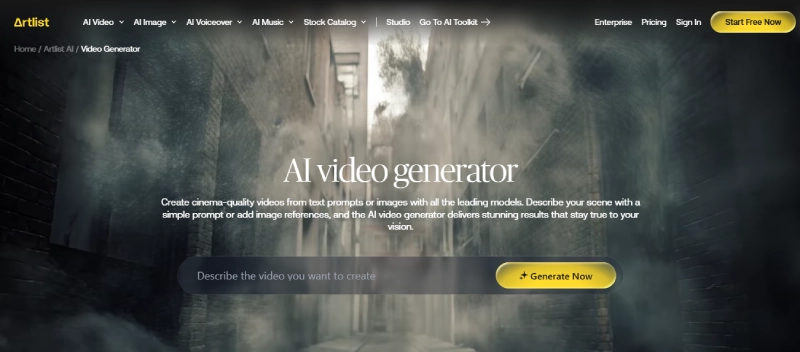
Best for: Cinematic visuals and creative storytelling
Specifications: AI-powered motion effects, music integration, commercial usage rights
Pros:
- High-quality, cinematic animations
- Seamless integration with licensed music
- Clean and professional output
Cons:
- Limited free access
- Fewer customization controls than advanced editors
- Best suited for creative projects, not marketing-heavy videos
2. VEED Image to Video AI
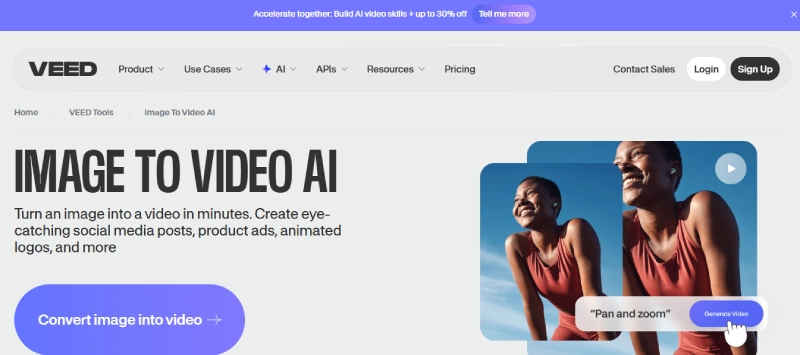
Best for: Social media videos and quick edits
Specifications: Browser-based editor, AI animations, captions, exports for multiple platforms
Pros:
- Very easy to use
- Strong social media presets
- Works directly in the browser
Cons:
- Watermark on the free version
- Export quality is limited to lower plans
- Advanced features require a paid plan
3. Magic Hour Image to Video
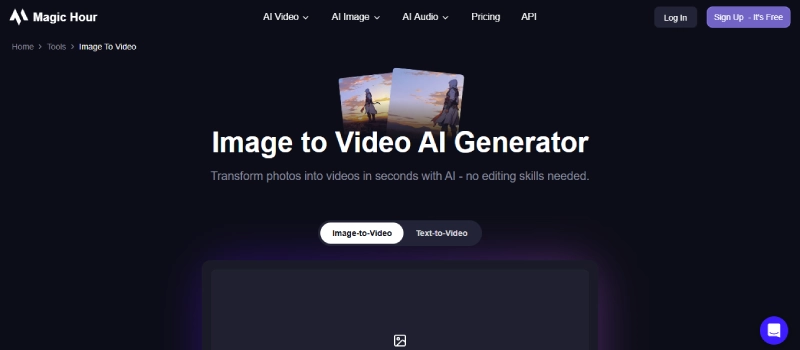
Best for: Short-form AI video creation
Specifications: AI animation engine, fast rendering, simple UI
Pros:
- Quick image-to-video conversion
- Clean interface
- No steep learning curve
Cons:
- Limited export formats
- Not ideal for long videos
- Fewer design customization options
4. Vidnoz Image to Video AI
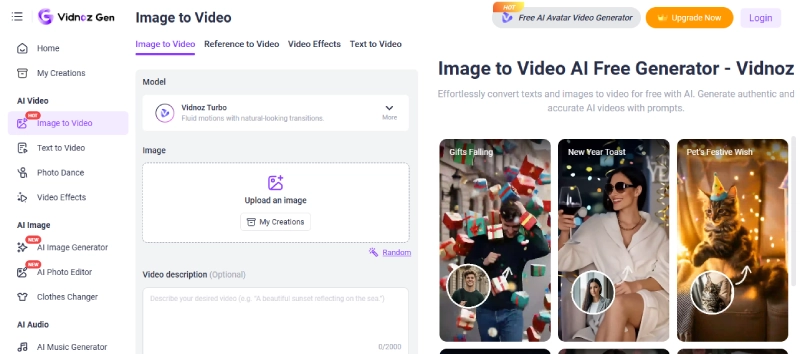
Best for: AI avatars and business videos
Specifications: Talking avatars, AI voiceovers, image animation
Pros:
- Great for explainer and training videos
- Multiple AI avatar options
- Supports voice and subtitles
Cons:
- Watermark on free plan
- Avatar customization is limited
- Best results require paid access
5. Viggle Image to Video AI
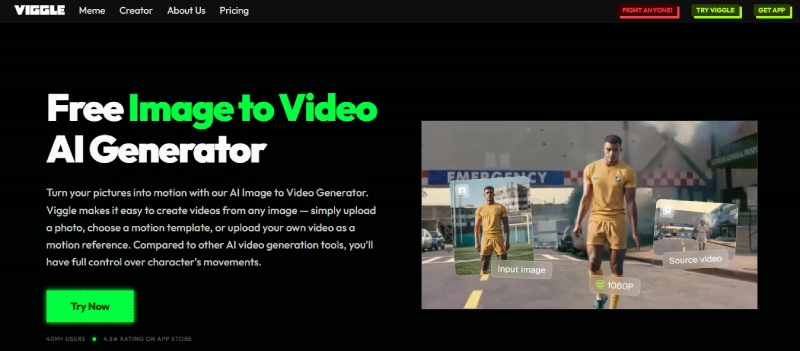
Best for: Character animation and motion effects
Specifications: AI motion mapping, image-based animation
Pros:
- Unique character animation features
- Great for creative experiments
- Fun and engaging outputs
Cons:
- Not ideal for business marketing videos
- Learning curve for beginners
- Limited export control
6. HeyGen Image to Video Tool
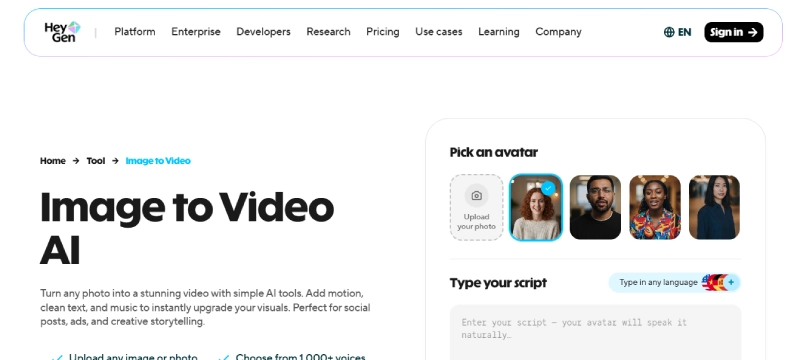
Best for: Professional marketing and sales videos
Specifications: AI presenters, photo animation, brand customization
Pros:
- High-quality AI avatars
- Excellent for sales and promo videos
- Clean and polished output
Cons:
- No true free image to video AI plan
- Premium pricing
- More focused on avatars than raw image animation
7. Canva Photo to Video
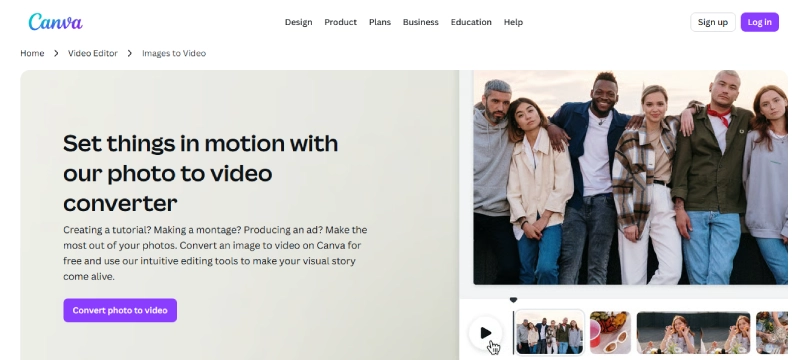
Best for: Beginners and quick designs
Specifications: Templates, transitions, animations, drag-and-drop editor
Pros:
- Extremely beginner-friendly
- Large template library
- Works well for social posts and ads
Cons:
- Limited animation depth
- Free exports may include watermarks
- Less control compared to dedicated AI video tools
If you’re already using Canva for visuals, you might also want to explore the best AI image editors to enhance your images before turning them into videos.
8. Easemate Image to Video Generator
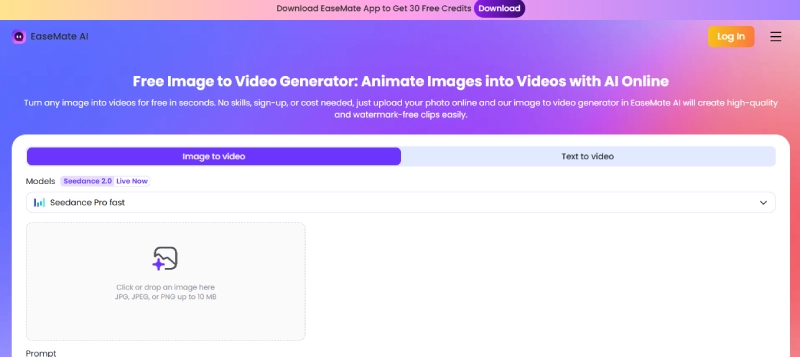
Best for: Simple AI image animation
Specifications: Lightweight AI engine, quick processing
Pros:
- Easy to use
- Fast results
- Suitable for basic image motion
Cons:
- Fewer customization options
- Not ideal for advanced video projects
- Limited export settings
9. InVideo Image to Video
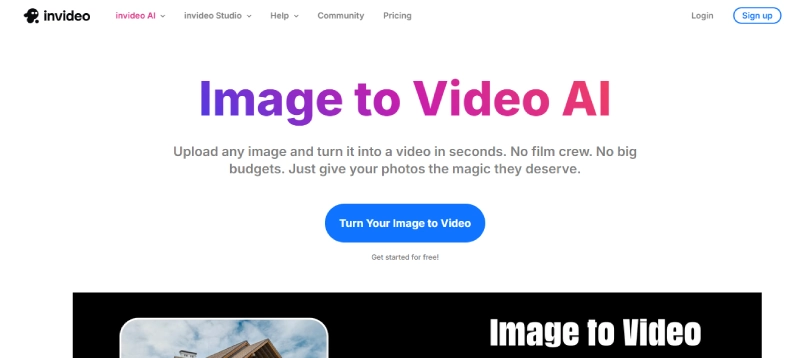
Best for: Marketing and promotional videos
Specifications: AI templates, stock media, image-to-video automation
Pros:
- Strong marketing-focused templates
- Ideal for ads and brand videos
- Cloud-based editor
Cons:
- Watermark on free plan
- Slight learning curve
- Export limitations on lower tiers
10. Synthesys Image to Video
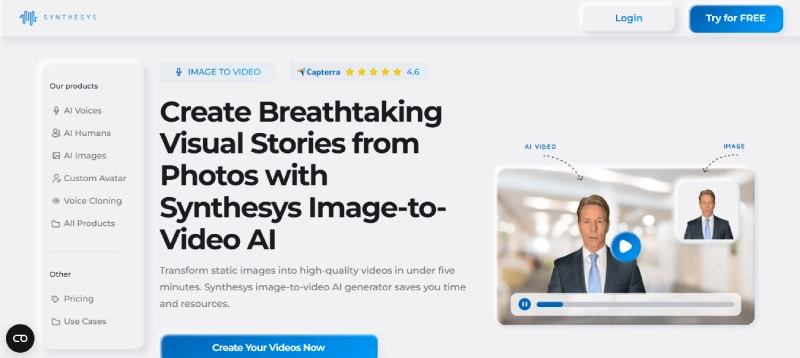
Best for: Corporate and AI spokesperson videos
Specifications: AI avatars, voiceovers, professional video rendering
Pros:
- High-end AI presentation videos
- Multiple avatar styles
- Strong enterprise appeal
Cons:
- Expensive for small creators
- Limited free usage
- More business-focused than creative
How to Get Better Results with Image to Video AI
To maximize results, don’t just rely on animation—focus on input quality. High-resolution, well-edited images perform significantly better when converted into videos.
If you’re unsure about the authenticity or quality of your visuals, tools from our AI image analyzer guide and AI image detector tools can help validate and optimize your content before turning it into video.
Combining these steps ensures your final video looks professional, engaging, and trustworthy.
FAQs
Is there any image to video AI free without watermark?
Most tools offer free trials, but truly watermark-free exports usually require a paid plan. Canva and InVideo sometimes allow limited watermark-free exports depending on usage and plan.
Can I use image to video AI free with no sign up?
Some tools provide limited access without sign-up, but features are restricted. For full-quality exports, most platforms require an account.
What are the benefits of converting images to videos with AI?
Using image to video AI helps increase engagement, saves editing time, improves storytelling, and makes content more shareable across social media, websites, and ads.