
If you’ve ever wished your images could magically extend beyond their original boundaries, AI image extender tools are here to make it happen. These tools allow users to expand an image, filling missing areas seamlessly.
Whether you want to expand an image for creative projects, social media, or professional design, these tools offer easy solutions without needing advanced skills.
In this guide, we’ve compiled the top 10 AI image extender tools you can try in 2026, including some that are free and even with no sign-up. We also cover key features, pros, and cons to help you choose the right one.
Why Use an AI Image Extender?
Before diving into the tools, here’s why an AI image expander is worth trying:
- Save time on manual editing: No need to clone, crop, or manually extend the image background.
- High-quality results: Modern AI algorithms produce realistic fills for missing areas.
- Flexibility: Works on photos, social media graphics, and design assets.
With that in mind, let’s explore the best AI image extender tools to help you expand the image effortlessly.
Top 10 AI Image Extender Tools in 2026
Here are the top 10 AI image extender tools to consider in 2026:
1. Pixelcut – Uncrop & AI Expand Image
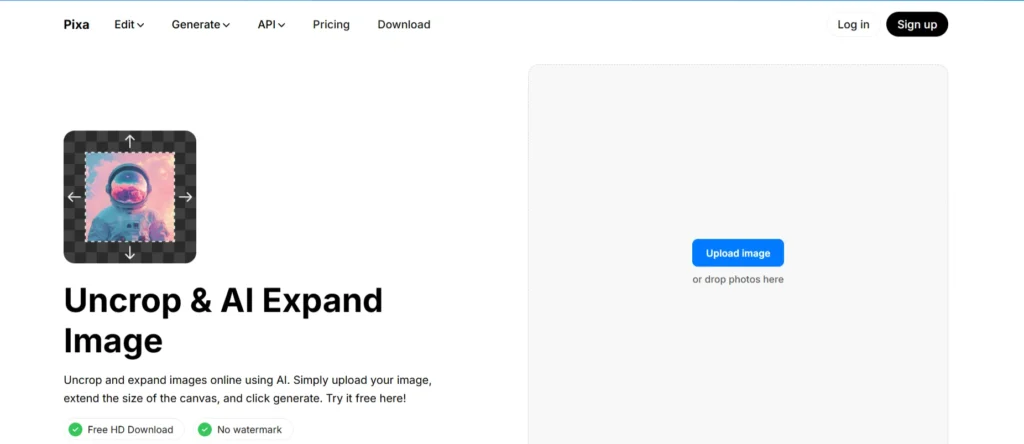
Best for: Quick photo uncropping and background extension
Specifications:
- Web-based tool with an intuitive interface
- Supports JPG and PNG files
- AI-powered automatic extension
Pros:
- Extremely fast and easy to use
- Maintains color consistency
- Offers a free version with limited usage
Cons:
- Limited customization options
- Occasional artifacts in complex backgrounds
- Free version has a watermark
2. PerfectCorp – Expand Images Easily
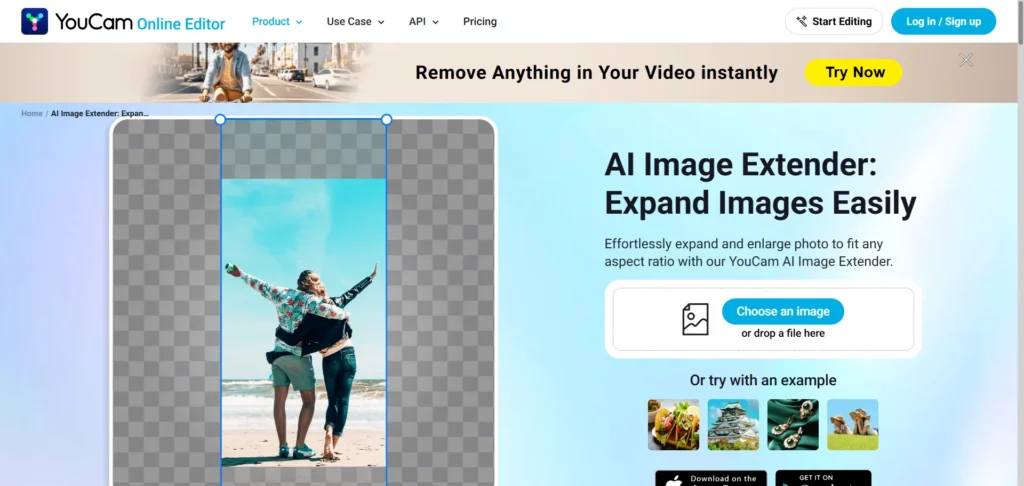
Best for: Cosmetic and lifestyle image enhancements
Specifications:
- AI-powered image outpainting
- Optimized for mobile and web
- Supports high-resolution exports
Pros:
- Smooth, realistic image expansion
- Free trials available
- Mobile-friendly
Cons:
- Requires sign-up for full features
- Limited batch processing
- Complex images may need manual touch-ups
3. Picsart – Uncrop and Expand Images for Free
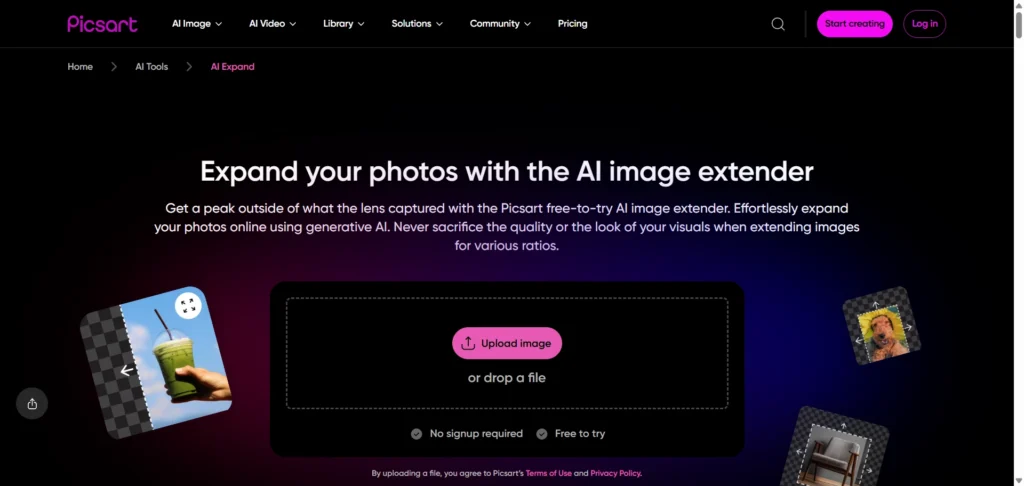
Best for: Social media creatives and content marketers
Specifications:
- Web and mobile apps
- Advanced AI with multiple style options
- Can integrate with other Picsart editing tools
Pros:
- Variety of style filters
- Free version available
- Intuitive user interface
Cons:
- Free plan limits output resolution
- Watermarks on free images
- Can be slow on large files
4. Canva – Expand images for better clarity
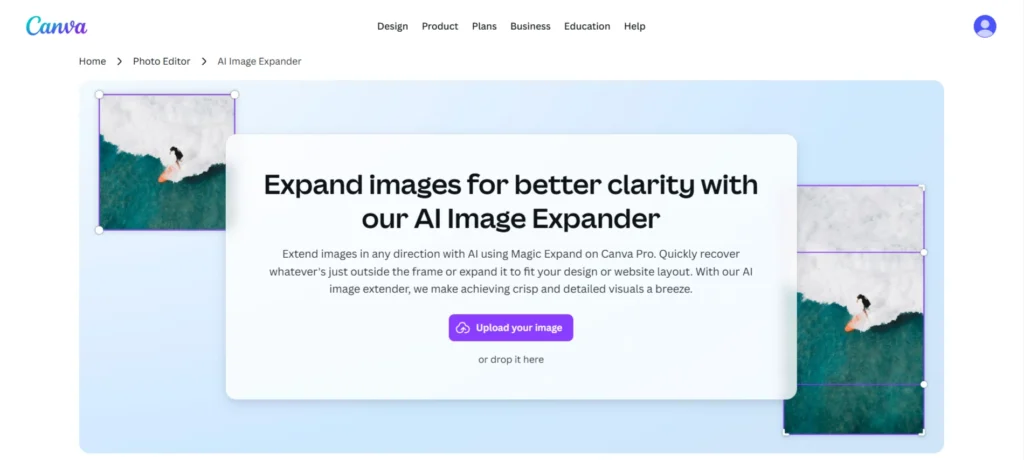
Best for: Designers who already use Canva for content creation
Specifications:
- Part of Canva suite
- Web-based, no software download
- Supports drag-and-drop editing
Pros:
- Seamless integration with Canva design projects
- Multiple export formats
- Beginner-friendly
Cons:
- Limited free credits
- Some advanced features require Canva Pro
- AI expansion may not work well for highly detailed images
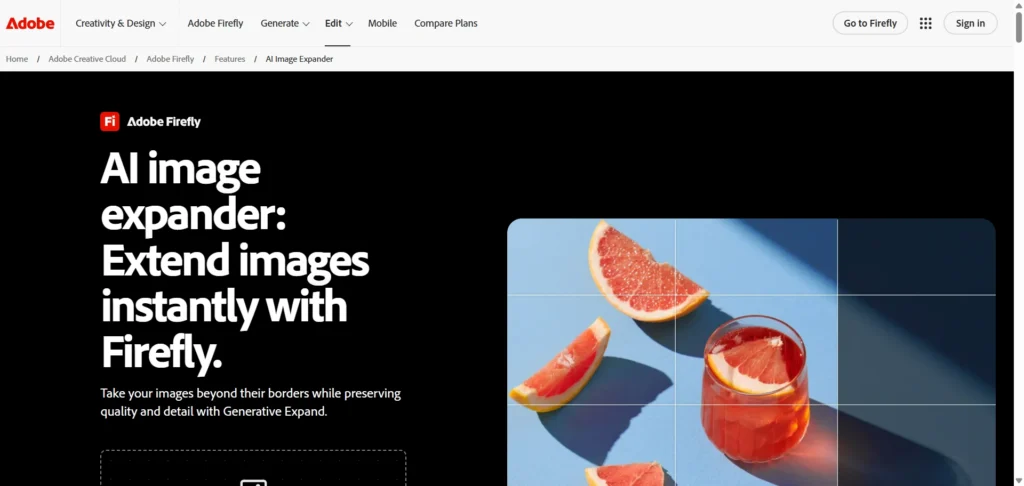
5. Adobe Photoshop Generative Expand
Best for: Professional designers and photographers
Specifications:
- Part of Adobe Photoshop 2026
- Generative AI for high-quality image extension
- Supports layers and complex editing
Pros:
- Professional-grade results
- High-resolution output
- Extensive customization options
Cons:
- Requires an Adobe subscription
- Steep learning curve
- Resource-intensive on computers
Related:
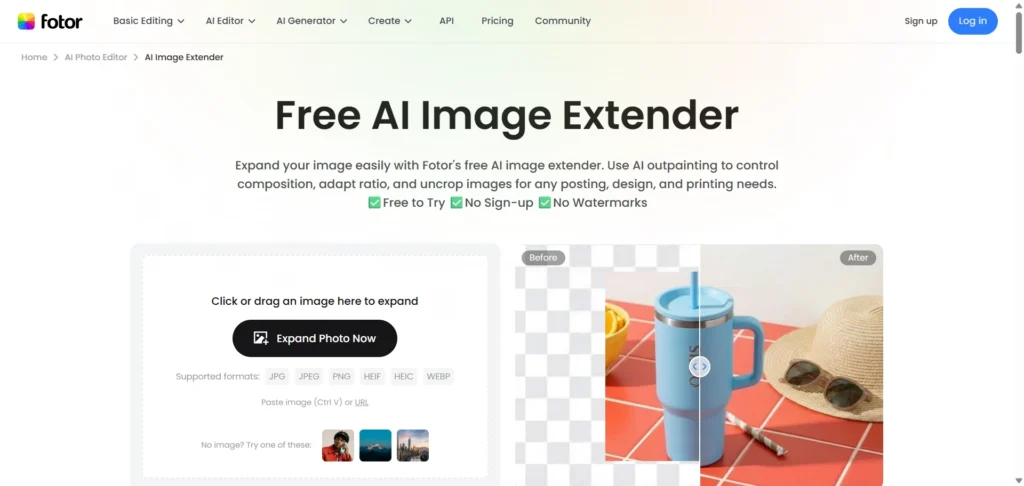
6. Fotor – Free & No Sign-Up AI Image Extender
Best for: Quick and simple image expansion
Specifications:
- Online editor with AI-powered extension
- Supports various image formats
- Free and premium plans
Pros:
- Fast processing
- Free version available
- Beginner-friendly interface
Cons:
- Free version has limited resolution
- May produce artifacts on complex images
- Limited batch editing
7. Kapwing – Expand Images With AI in Seconds
Best for: Video creators and meme makers
Specifications:
- Online image and video editor
- AI extension tool integrated
- Supports JPG, PNG, and GIF
Pros:
- Free version with basic features
- Easy sharing and exporting
- Works well for simple images
Cons:
- Free output limited to lower resolution
- Advanced editing requires a subscription
- Can be slow with large files
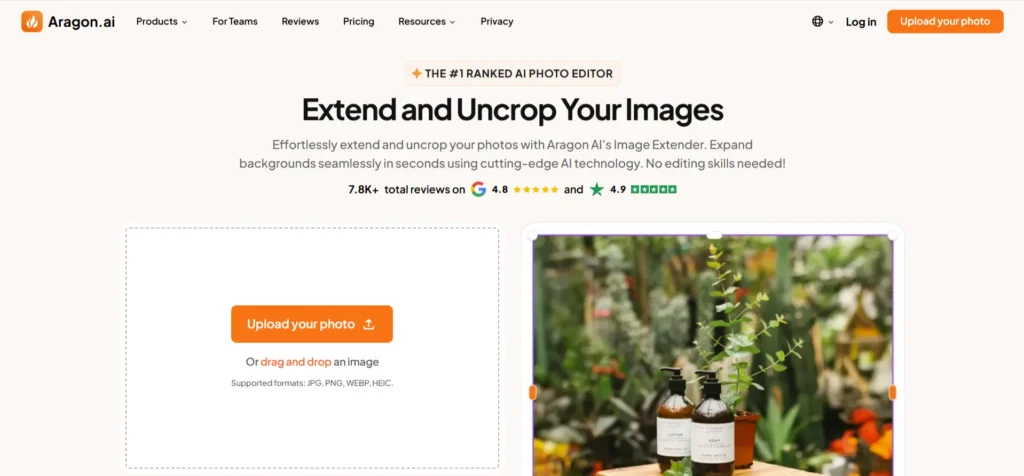
8. Aragon – Extend and Uncrop Images Effortlessly
Best for: Designers looking for AI creativity assistance
Specifications:
- AI-based image expansion and editing
- Web-based interface
- Supports high-resolution output
Pros:
- Easy to use
- Free plan available
- Works well for creative edits
Cons:
- Advanced tools require a paid plan
- Limited templates
- Occasionally, inconsistent results on complex backgrounds
9. Pxbee – AI Image Extender Free Online No Signup
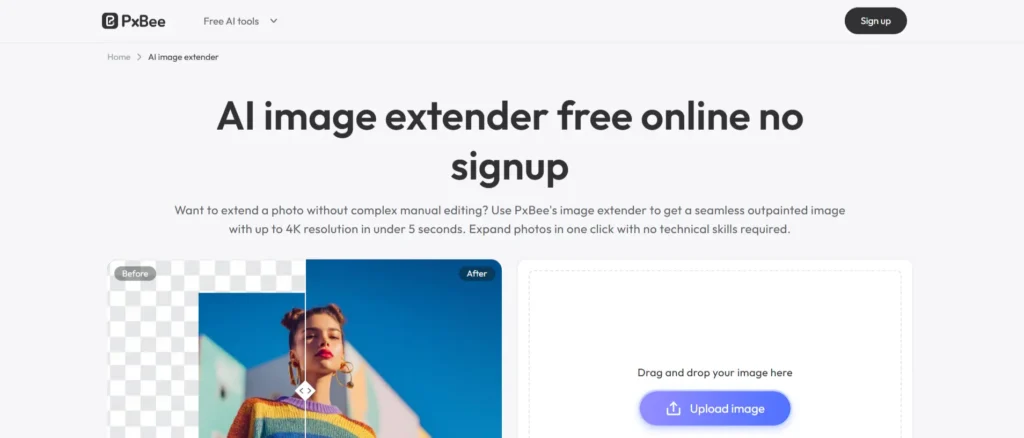
Best for: Quick online edits and uncropping
Specifications:
- Online image editor
- AI-powered extension
- Fast processing
Pros:
- No installation required
- Free usage with limited features
- Easy interface
Cons:
- Free version has a watermark
- Limited editing options
- Complex patterns may distort
10. Airbrush – Uncrop Image with AI
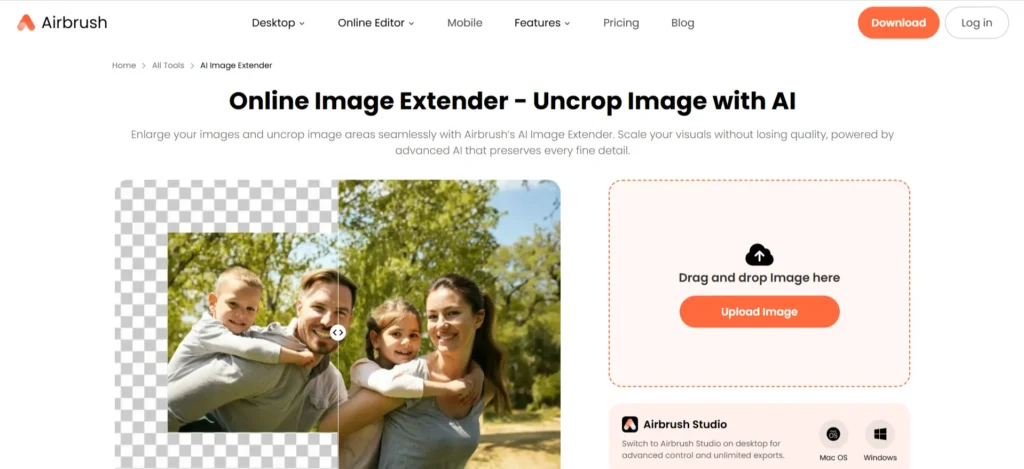
Best for: Mobile photo editing and retouching
Specifications:
- Mobile-first AI image expansion
- Web and app versions available
- Supports common image formats
Pros:
- User-friendly for beginners
- Mobile-optimized
- Free plan available
Cons:
- Limited resolution in the free version
- Paid features unlock advanced tools
- Not suitable for professional-grade editing
Top Ways to Expand & Uncrop Photos in 2026
If you want to expand image AI effectively in 2026, here are the top approaches:
- Use AI-Powered Outpainting Tools – Tools like Pixelcut Uncrop, Canva AI Image Expander, and Adobe Photoshop Generative Expand allow you to automatically extend images while maintaining style and context.
- Leverage Online Editors for Quick Expansion – Web-based tools like Fotor, Kapwing, and Pxbee make it easy to extend image AI without installing software.
- Optimize Input Images – Start with high-resolution images and consider the composition. The AI performs best when it has clear patterns and structures to follow.
- Experiment with Styles – Some AI image extenders let you choose artistic styles or texture settings to ensure the extended portion matches the original photo seamlessly.
- Use Mobile-Friendly Apps – Apps like Airbrush and Picsart allow you to extend image AI on the go, perfect for social media content creation.
Conclusion
AI image extender tools have revolutionized the way we edit, expand, and enhance images. From professional designers to casual creators, these tools simplify the process of uncropping or expanding images without losing quality. Whether you want an AI image extender free no sign up, or a professional-grade tool like Adobe Photoshop, there’s something for everyone.
For even better results, consider combining these tools with AI image analyzer tools and AI image combiner tools to enhance and refine your visuals further.
By leveraging these tools, you can save time, improve your visuals, and create stunning images effortlessly. Choose the right AI image expander based on your needs and experience, and take your creative projects to the next level.
FAQs About AI Image Extenders
What is an AI image extender?
An AI image extender automatically expands and fills missing parts of a photo using artificial intelligence, making images appear larger and complete.
Can I use AI image extenders for free?
Yes, many tools offer free options, including no sign-up versions like PerfectCorp and Pixelcut Uncrop.
How does the AI image expander work?
It analyzes the existing pixels and predicts how the surrounding areas should look, creating realistic extensions of the image.
What types of images can I extend?
Most tools support JPG and PNG formats. Portraits, landscapes, and creative designs can all be extended.
How do I avoid distorted results?
Use high-quality images, center the subject, and extend in small increments for the best output.
Which is the best AI image extender for professionals?
Adobe Photoshop Generative Expand is ideal for high-quality, professional results, while Canva and Picsart work well for casual or marketing needs.
Are AI image extenders safe to use?
Yes, most online tools are secure, but it’s best to avoid uploading sensitive images to free public platforms.