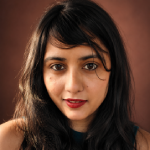
Want to turn a selfie into a professional headshot, create a fantasy portrait, or make a watercolor painting of your pet?
AI portrait generators can help you create these images without arranging a photography session or learning advanced illustration software. Some tools transform existing photographs, while others generate completely new portraits from text descriptions.
However, the results are not always equally convincing. A tool that creates beautiful fantasy characters may struggle to preserve your facial features. Meanwhile, a dedicated AI headshot generator may produce realistic business portraits but offer limited artistic styles.
This guide compares 10 AI portrait generators in 2026, including options for realistic headshots, artistic selfies, fictional characters, and pet portraits. We also explain how to create AI artwork, what to look for in a free tool, and how to recognize potentially AI-generated images.
What Is an AI Portrait Generator?
An AI portrait generator is a software tool that uses artificial intelligence to create or transform images of people, animals, or fictional characters.
Depending on the platform, you can:
- Turn a selfie into a professional-looking headshot.
- Transform an existing photograph into a watercolor or oil painting.
- Create fictional characters from text descriptions.
- Generate illustrated profile pictures and avatars.
- Make artistic portraits of dogs, cats, and other pets.
- Experiment with backgrounds, lighting, clothing, and visual styles.
AI portrait generators generally fall into three categories:
- Photo-to-portrait generators: These use an uploaded photograph as the starting point. They are useful when preserving the subject’s appearance matters.
- Text-to-image generators: These create portraits from written descriptions. They are useful for fictional characters, fantasy illustrations, and artistic experimentation.
- AI headshot generators: These focus on producing professional portraits, often using multiple uploaded selfies to create different outfits, backgrounds, and compositions.
Understanding these differences makes it easier to choose the right tool for your needs. For a wider look at image-creation software beyond portraits, browse our AI image tools library.
Best AI Portrait Generators in 2026: Quick Comparison
| Tool | Best For | Free Access | Main Limitation |
| Fotor | Artistic selfies and portrait effects | Limited free features or credits | Premium effects may require payment |
| Adobe Firefly | Custom artistic portraits | Limited free generative access | Credit requirements vary |
| Canva | Social media and design portraits | Free plan with limits | AI usage restrictions |
| Picsart | Creative profile pictures | Free and paid features | Some editing tools require payment |
| Remini | Enhancing existing portraits | Varies by platform | May change facial details |
| Leonardo.Ai | Fantasy and character portraits | Limited free access | Requires experimentation |
| Midjourney | Cinematic and artistic portraits | Generally paid | Not designed primarily for exact likeness |
| Artbreeder | Fictional faces and characters | Limited free access | Less suited to business headshots |
| HeadshotPro | Professional AI headshots | Paid service | Limited artistic focus |
| Dreamwave | Professional and team portraits | Check current offers | Specialized headshot workflow |
Pricing, free credits, features, and subscription requirements may change. Confirm current details on each provider’s official website.
1. Fotor: Best for Artistic Selfies and Portrait Effects
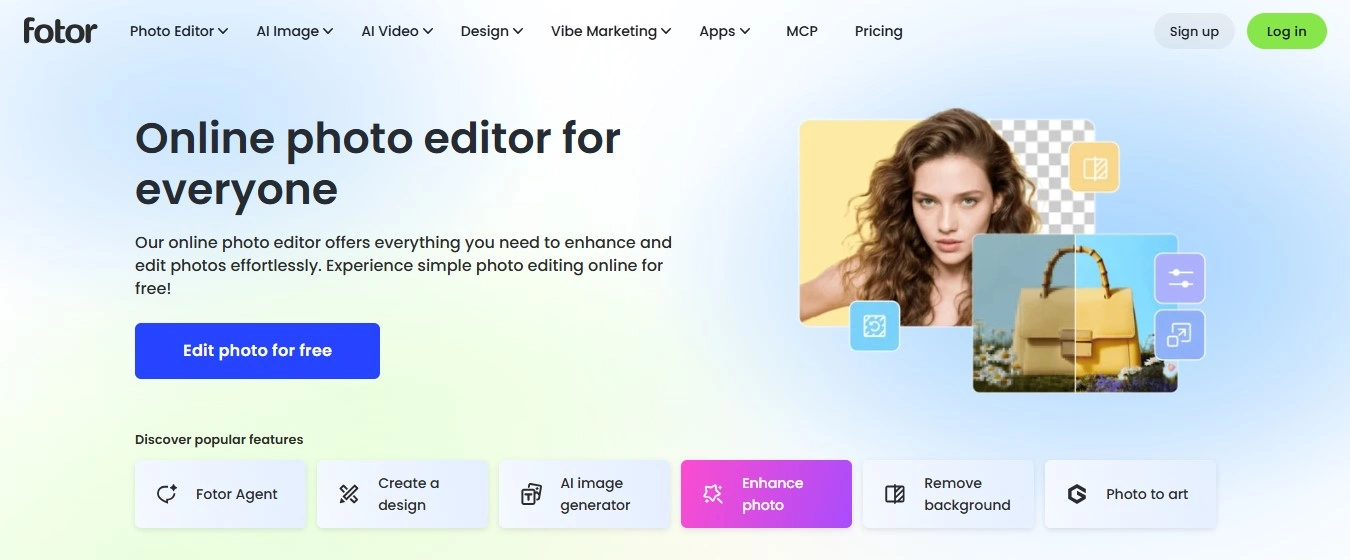
Website: Fotor
Fotor is a useful option for people who want to transform photographs into artistic portraits without learning complicated image-generation techniques.
Its photo-editing environment combines creative effects with AI-assisted features, making it relevant for selfies, profile pictures, and personalized artwork.
Key Features
- AI-assisted portrait creation and photo editing.
- Artistic effects and stylized transformations.
- Background editing and photo enhancement.
- Browser-based and mobile editing.
- Tools for transforming existing photographs.
What Is Fotor Best For?
Fotor is worth considering if you want to experiment with several styles using the same photograph.
For example, you could create an illustrated profile picture, a painted family portrait, or a creative image for social media.
It also offers a dedicated AI pet portrait generator, which we cover later in this guide.
Limitations: Some features require credits or paid access. Generated portraits may also change facial details, especially when the source photograph is blurry or poorly lit.
Verdict: Fotor is a practical starting point for artistic portraits and everyday photo editing.
2. Adobe Firefly: Best for Custom AI Portraits and Creative Control
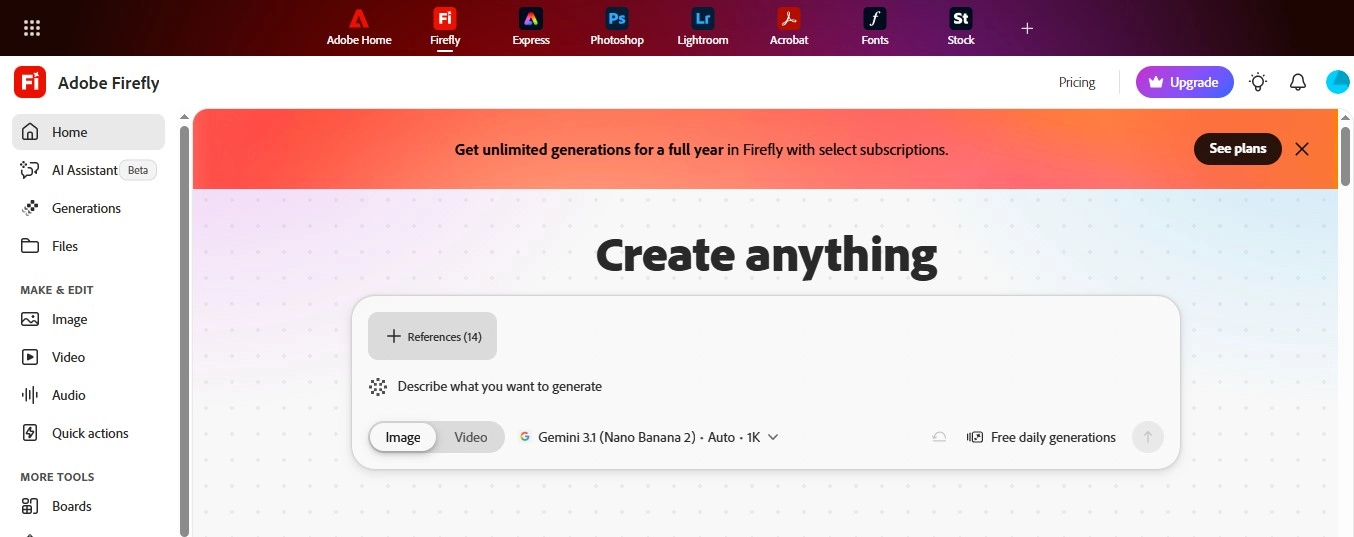
Website: Adobe Firefly
Adobe Firefly offers a customizable approach to AI portrait generation.
Instead of relying exclusively on preset filters, users can describe the portrait they want, upload reference images, and adjust creative settings.
Adobe’s AI portrait tools support text-based generation and artistic transformations of existing images.
Key Features
- Text-to-image portrait generation.
- Reference-image workflows.
- Controls for lighting, color and visual style.
- Artistic effects and composition adjustments.
- Integration with Adobe’s creative editing tools.
What Is Adobe Firefly Best For?
Firefly is relevant when you have a specific creative direction.
For example, you might want to transform a photograph into a watercolor portrait with soft lighting or generate a fictional character in a cinematic setting.
It is also useful for marketers and designers who want to incorporate generated portraits into larger creative projects. Designers building brand assets can also explore our guide to the best AI logo generators.
Limitations: Generated images may not preserve every facial detail. Free usage is limited, and available models or features may have different credit requirements and terms.
Verdict: Adobe Firefly is a strong option for creative control, reference-based styling, and professional design workflows.
3. Canva: Best for Social Media and Marketing Portraits
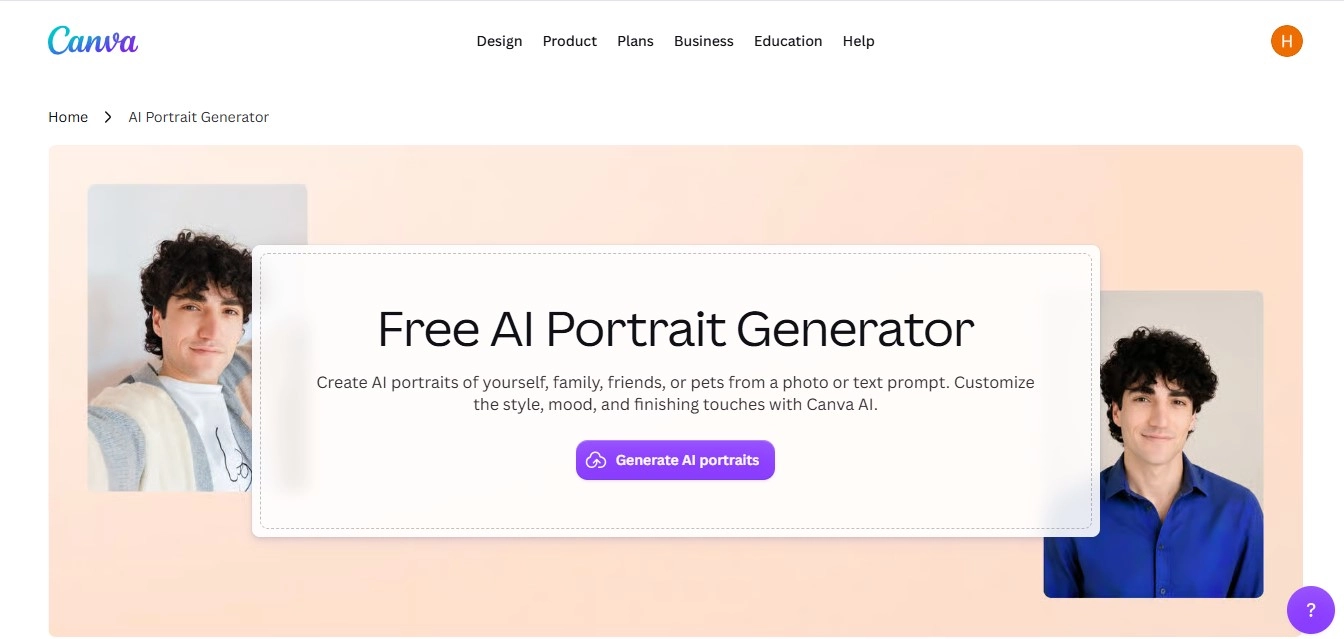
Website: Canva AI Portrait Generator
Canva is especially useful when you want to create a portrait and immediately use it in a design.
Its AI portrait generator creates portraits from photographs or text descriptions, including people and pets.
You can use the finished image in presentations, invitations, social media posts and other visual materials.
Key Features
- AI portraits from photographs and text prompts.
- Artistic style customization.
- Integrated design templates.
- Background and layout editing.
- Tools for adding graphics, text, and other elements.
What Is Canva Best For?
Canva is useful for content creators, marketers, and small businesses.
For example, you could create an illustrated team profile, a birthday invitation, a social media avatar, or a personalized pet-themed design. If you’d rather have specialists handle the visuals and posting, our social media management services can help.
Limitations
AI feature availability and usage limits depend on the account and plan. Canva is a general design platform, not a specialized professional headshot service.
Verdict: Canva is a convenient choice when portrait generation is part of a larger design project.
4. Picsart: Best for Creative Profile Pictures
Website: Picsart
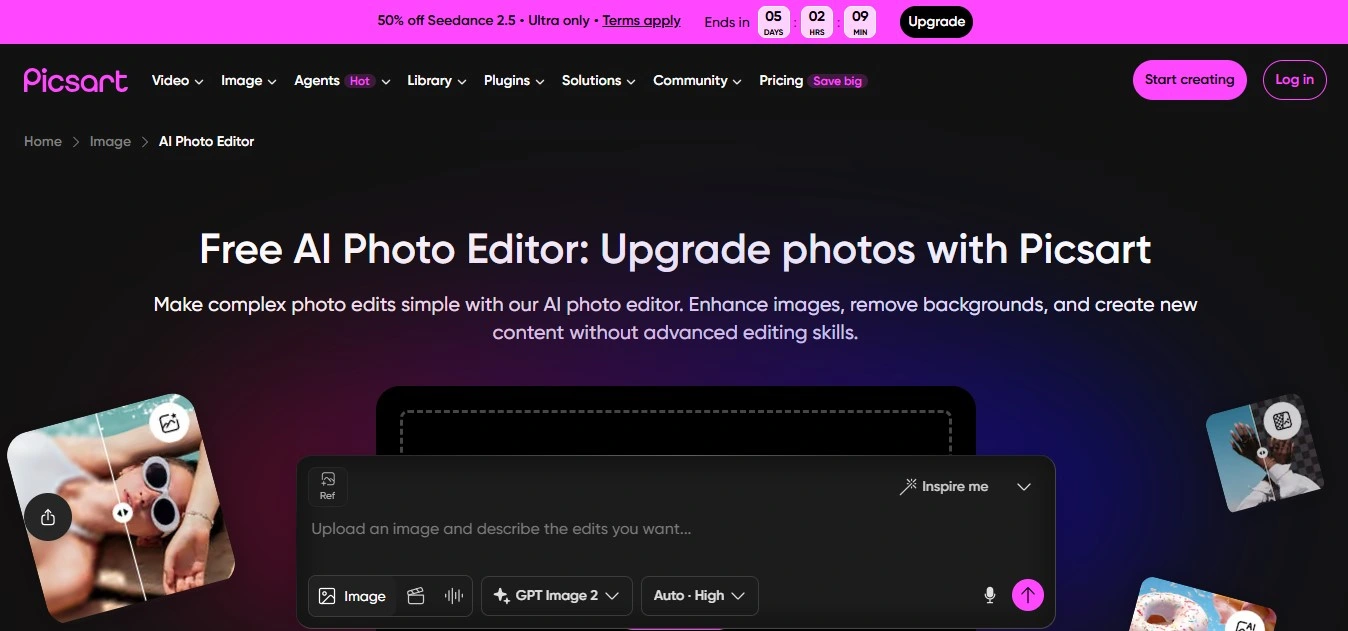
Picsart combines photo editing, creative effects, and AI-assisted image tools.
It is ideal for people who want to turn selfies into illustrated or stylized profile pictures and then make additional edits.
Key Features
- Creative photo effects and filters.
- Background editing.
- AI-assisted image tools.
- Mobile and browser-based workflows.
- Social media-oriented editing.
What Is Picsart Best For?
Picsart suits casual portraits, social media avatars and creative personal photographs.
It’s useful when you want to edit a finished portrait rather than just generate and download it. Creators designing video covers can also see our guide to the best AI YouTube thumbnail generators.
Limitations: Some artistic effects are conventional filters rather than generative AI transformations. Certain features and exports may require payment.
Verdict: Picsart is worth exploring for creative profile pictures and mobile-friendly editing.
5. Remini: Best for Improving Existing Portrait Photos
Website: Remini
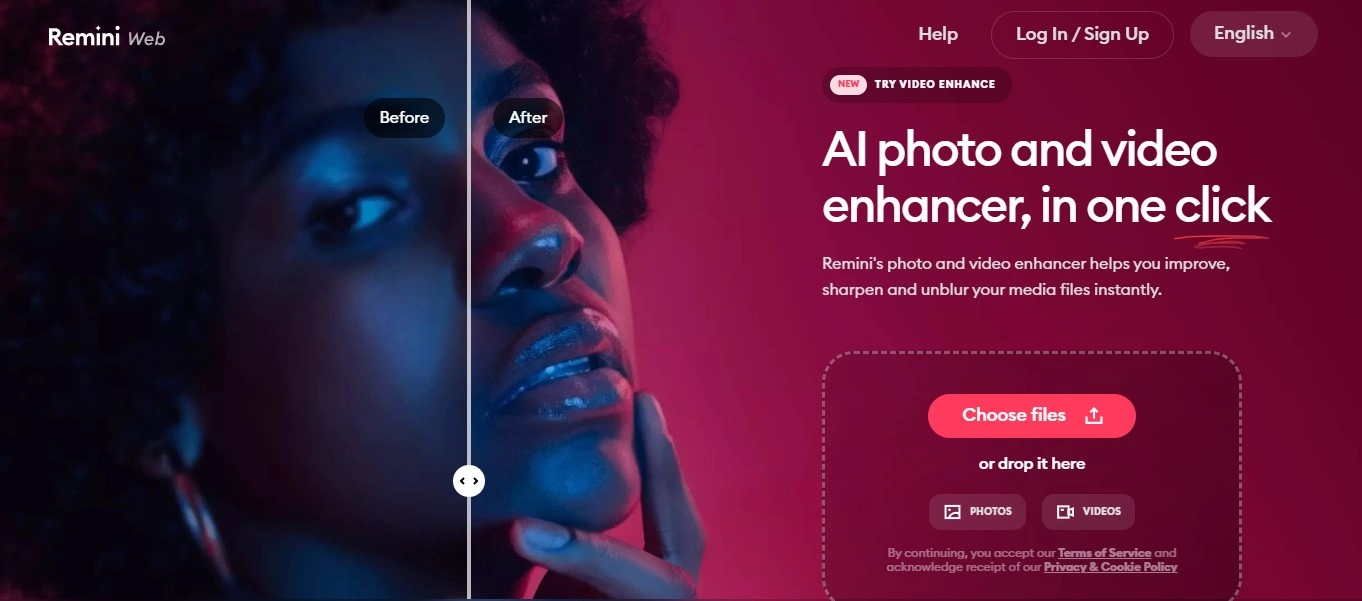
Remini is primarily known for AI-powered photo enhancement.
It’s useful for improving an existing portrait rather than creating an entirely fictional character.
Key Features
- AI-assisted image enhancement.
- Portrait clarity and detail improvements.
- Tools for improving existing photographs.
- Mobile-focused workflows.
What Is Remini Best For?
Remini is worth considering when a portrait looks blurry, soft, or insufficiently detailed.
It may help improve an existing photograph for personal use, though enhancement differs from generating a completely new portrait.
Limitations: AI enhancement can introduce details that were not present in the original photograph. Review facial features carefully when accuracy matters.
Verdict: Remini is better suited to portrait enhancement than fantasy illustration or original character generation.
6. Leonardo.Ai: Best for Fantasy and Character Portraits

Website: Leonardo.Ai
Leonardo.Ai is a generative image platform suited to artists, illustrators, and creators working with fictional characters.
Rather than focusing exclusively on business headshots, it provides creative image-generation workflows.
Key Features
- Text-to-image generation.
- Creative image models and style options.
- Character and concept-art workflows.
- Image editing and refinement tools.
What Is Leonardo.Ai Best For?
Leonardo.Ai is relevant for fantasy characters, illustrated portraits, game concepts, and fictional personalities.
For example, you might generate a medieval warrior, a science-fiction character, or an illustrated portrait for a storytelling project.
Limitations: Maintaining the same character across multiple images may require careful prompting and reference settings. Free usage is limited.
Verdict: Leonardo.Ai is worth considering when imagination and artistic style matter more than exact photographic likeness.
7. Midjourney: Best for Cinematic and Artistic Portraits
Website: Midjourney
Midjourney is an AI image-generation platform relevant to creative visual work.
It is especially useful for people interested in cinematic compositions, atmospheric portraits, and experimental visual styles.
Key Features
- Text-to-image generation.
- Creative style and composition controls.
- Reference-based image workflows.
- Detailed artistic image generation.
What Is Midjourney Best For?
Midjourney suits fictional portraits, editorial-style artwork, and imaginative character concepts.
For example, you could generate a fantasy portrait with dramatic lighting or an illustrated character in a richly detailed environment.
Limitations: It is not primarily a dedicated professional headshot service. Producing a recognizable likeness from an existing photograph may require experimentation.
Verdict: Midjourney is a relevant option for artistic portraits rather than straightforward photo enhancement.
8. Artbreeder: Best for Fictional Faces and Character Exploration
 Website: Artbreeder
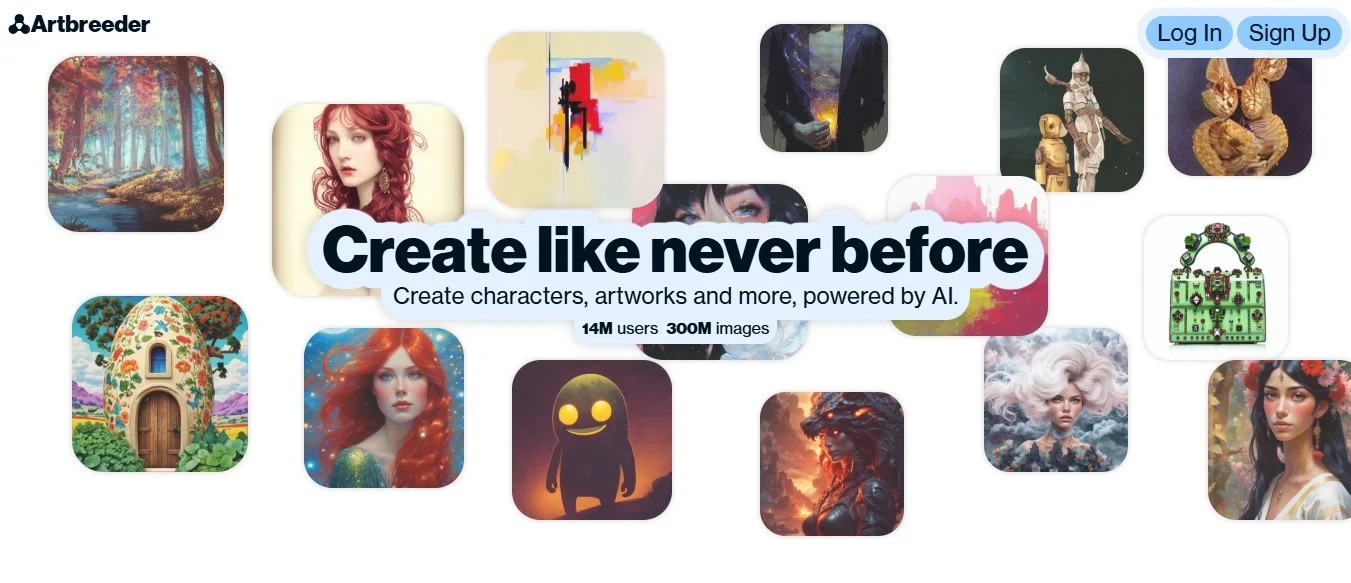
Artbreeder suits users who want to experiment with generated faces and character concepts.
Its creative workflows make it better suited to visual exploration than conventional professional headshots.
Key Features
- AI-assisted character creation.
- Creative exploration of facial appearances.
- Image variations and experimentation.
- Character-oriented visual workflows.
What Is Artbreeder Best For?
Artbreeder may help writers, game developers and artists develop fictional personalities.
Limitations: Its generation methods and controls differ from traditional selfie-to-portrait tools.
Verdict: Artbreeder is a niche option for developing fictional characters.
9. HeadshotPro: Best for Professional Business Headshots
Website: HeadshotPro
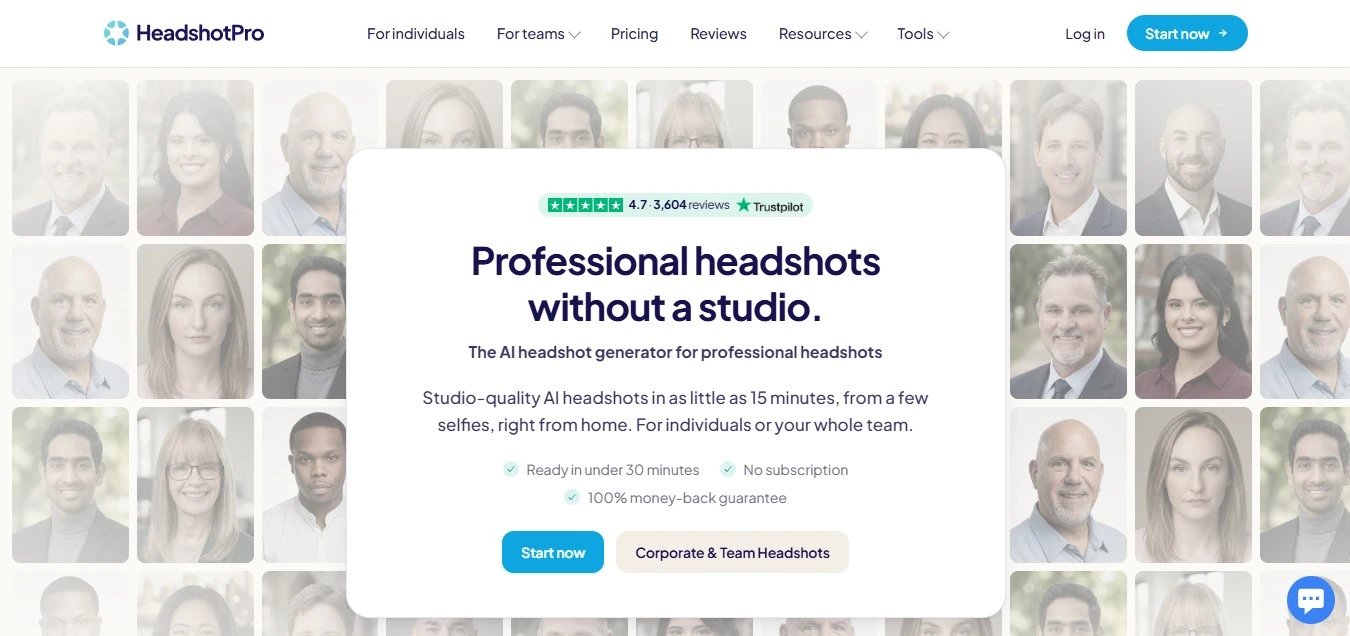
HeadshotPro generates professional-looking business portraits using AI.
Unlike general AI art generators, it focuses on creating headshots rather than fantasy artwork or illustrations.
Key Features
- AI-generated professional headshots.
- Business-oriented portrait styles.
- Outfit and background variations.
- Workflows designed for professional profiles.
What Is HeadshotPro Best For?
HeadshotPro suits professionals who need photos for LinkedIn, company bios, team directories and personal websites.
Limitations: It is a specialized paid service. Review the input-photo requirements, current package options, and delivery terms before purchasing.
Verdict: HeadshotPro is worth considering when you need professional headshots rather than artistic experimentation.
10. Dreamwave: Best for Professional and Team Headshots
Website: Dreamwave
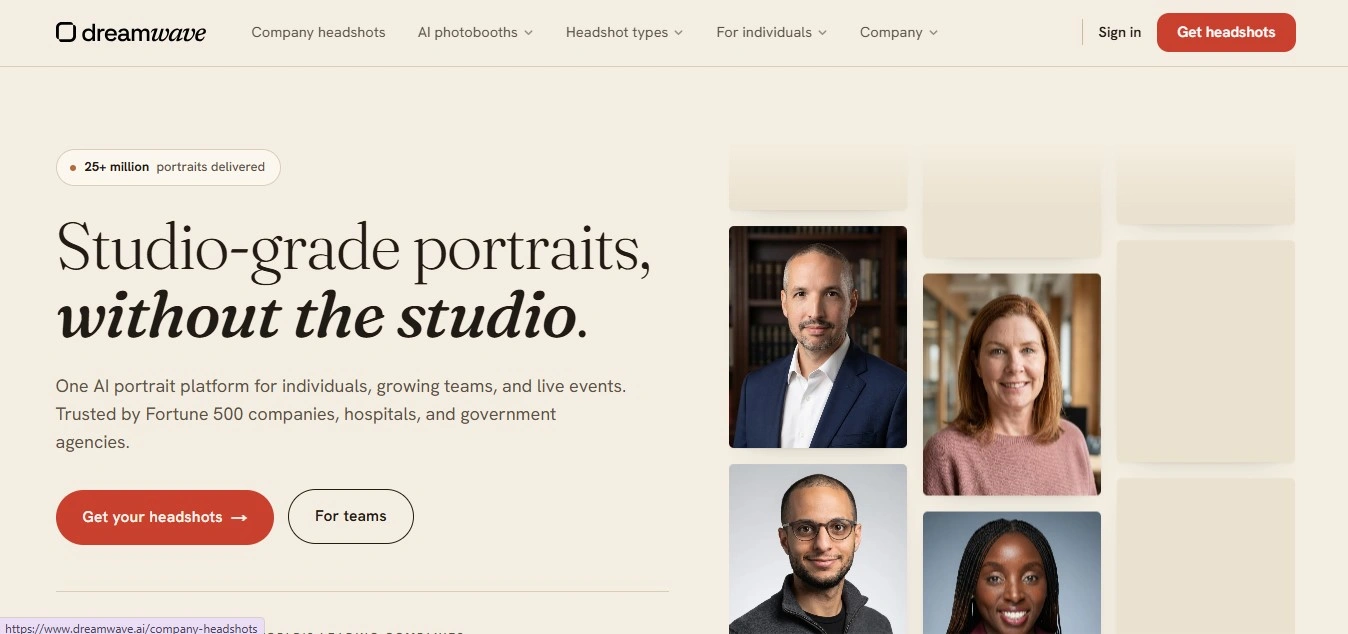
Dreamwave is another dedicated AI headshot platform.
It suits individuals and organizations that want professional portraits without scheduling a traditional photo session for everyone.
Key Features
- AI-generated professional portraits.
- Business-focused backgrounds and clothing styles.
- Headshot generation from uploaded photographs.
- Options for professional teams.
What Is Dreamwave Best For?
Dreamwave suits organizations that want consistent-looking staff photos for websites, company directories and professional profiles. Consistent portraits work best when they follow a clear visual identity, which our brand consultants can help define.
Limitations: It is less focused on experimental art styles than general image-generation platforms. Check pricing, input requirements, and trial availability before purchasing.
Verdict: Dreamwave is a specialized option for business portraits and team headshots.
What Are the Best Online AI Pet Portrait Generators Available in 2026?
AI portrait generators are not limited to people.
You can also use them to transform photographs of dogs, cats, and other pets into watercolor paintings, cartoons, fantasy characters, or royal portraits.
Some platforms offer dedicated AI pet portrait generators. Others support pet portraits through general image-to-image tools.
The best choice depends on whether you want a realistic portrait that preserves your pet’s appearance or a playful illustration.
Best AI Pet Portrait Generators Compared
| AI Pet Portrait Generator | Best For | Notable Capabilities |
| Fotor | Dedicated AI pet portraits | Pet photo uploads, artistic styles, character transformations |
| Canva | Pet portraits for gifts and social media | Photo-based portraits, templates, creative styling |
| Adobe Firefly | Custom artistic pet portraits | Reference images, text prompts, style controls |
| Picsart | Cartoon-style pet artwork | Creative photo effects and editing |
| OpenArt | Fantasy pet artwork | Generative image editing and creative styles |
Fotor: Best for Dedicated AI Pet Portraits
Fotor offers a dedicated AI pet portrait generator that transforms uploaded animal photographs into artistic images.
Its official product page describes styles including cartoon, anime, and fantasy-inspired transformations.
Users can upload a pet photograph and describe the desired portrait using a text prompt.
Best for: Dog portraits, cat portraits, artistic pet photographs, and personalized pet gifts.
Canva: Best for Pet Portrait Gifts and Social Media
Canva’s AI portrait generator supports portraits of pets as well as people.
You can upload a pet photo, choose a visual style, and use the resulting portrait in a design.
For example, you could create a birthday card featuring your dog, a social media post with an illustrated cat, or a personalized pet-themed invitation.
Best for: Pet-themed greeting cards, posters, and social media graphics.
Adobe Firefly: Best for Custom Pet Portrait Styles
Adobe Firefly supports reference-image and prompt-based generation, making it useful for artistic transformations of pet photographs.
For example, you could upload a photo of your cat and request a watercolor portrait, or turn a dog into a fantasy character.
Best for: Custom watercolor pet portraits, fantasy artwork, and creative compositions.
Picsart: Best for Playful Pet Photo Editing
Picsart is worth exploring if you want to add creative effects to pet photos.
Its editing tools suit casual artistic transformations and social media content.
Best for: Pet profile pictures and playful photo edits.
OpenArt: Best for Fantasy Pet Artwork
OpenArt suits users interested in generative image creation and creative transformations.
Consider it for imaginative projects such as fantasy animal characters or stylized pet illustrations.
Best for: Fantasy pet characters and experimental artwork.
How to Create an AI Pet Portrait Online
- Choose an AI portrait generator that accepts pet photographs.
- Upload a clear image showing your pet’s face and distinctive markings.
- Select a style, such as watercolor, oil painting, cartoon, or royal portrait.
- Add a prompt describing the background, lighting, and artistic details.
- Generate several versions and compare the results.
- Download the image at a suitable resolution for sharing or printing.
For the most recognizable result, check whether the AI preserves your pet’s eye color, fur markings, ear shape, and facial proportions.
AI Pet Portrait Prompts You Can Try
Watercolor pet portrait
“Transform this photograph of my pet into a delicate watercolor painting with soft brushstrokes, natural lighting, and subtle paper texture. Preserve the original eye color, fur markings, and facial features.”
Royal pet portrait
“Create a classical royal portrait of my pet wearing an elegant historical costume, with a richly painted background and warm studio lighting. Keep the pet’s face and distinctive markings recognizable.”
Cartoon pet portrait
“Turn this photograph of my pet into a charming cartoon illustration with clean outlines, expressive eyes, soft colors, and a simple background. Preserve the original fur pattern and ear shape.”
Fantasy pet portrait
“Transform my pet into a magical fantasy companion in an enchanted forest, with cinematic lighting, detailed fur, and a whimsical atmosphere. Maintain the pet’s recognizable facial features.”
Can You Make AI Pet Portraits for Free?
Yes. Some AI image generators offer free credits or limited access for pet portraits.
Fotor advertises limited free credits for its dedicated pet portrait generator. Canva also offers AI portrait creation with usage limits based on your account and the feature.
Before downloading, check whether the free version includes high-resolution exports, watermarks, or restrictions on commercial use.
How to Choose the Right AI Portrait Generator
The best AI portrait generator depends on what you want to create.
| Your Goal | Tools to Consider |
| Artistic selfies | Fotor, Picsart, Canva |
| Professional headshots | HeadshotPro, Dreamwave |
| Fantasy characters | Leonardo.Ai, Midjourney, Artbreeder |
| Social media profile pictures | Canva, Picsart, Fotor |
| Portrait photo enhancement | Remini |
| Custom artistic portraits | Adobe Firefly, Fotor |
| AI dog and cat portraits | Fotor, Canva, Adobe Firefly |
| Fictional characters | Leonardo.Ai, Midjourney, Artbreeder |
Consider Identity Preservation
If you’re creating a professional headshot, the generated image should still resemble the real person.
Check facial proportions, hairstyle, eye shape, skin texture, and other recognizable features.
Compare Free and Paid Features
A free AI portrait generator may be sufficient for occasional creative projects.
Paid services may offer more generations, specialized styles, higher-resolution exports, or additional editing controls.
Check Privacy and Usage Rights
Uploading personal photographs to an AI service may involve storing or processing personal information.
Review the provider’s privacy policy, data retention terms, and commercial-use conditions before uploading photographs of yourself, clients, employees, or other people.
How to Create an AI Portrait From a Photo
Creating an AI portrait usually involves six steps.
- Choose a suitable generator: Select a tool based on whether you need a realistic headshot, artistic illustration, or fictional character.
- Upload a clear photograph: Use a well-lit image with visible facial features. Avoid heavily filtered or blurry photographs.
- Choose a portrait style: Select a preset style or describe the intended appearance using a prompt.
- Adjust the settings: Where available, modify lighting, background, clothing, color and reference-image strength.
- Generate several versions: Compare the results and choose the one that best fits your intended use.
- Review and download: Inspect key details before downloading, especially if you plan to use the portrait professionally or print it.
How to Make Artificial Intelligence Art
You don’t need professional drawing skills or expensive design software to create artwork with artificial intelligence.
AI art generators can transform written descriptions, uploaded photographs, or reference images into digital artwork.
Whether you want a realistic portrait, fantasy illustration, watercolor painting, or an artistic image of your pet, the process is similar.
Step 1: Choose an AI Art Generator
Start with a tool suited to the artwork you want to create.
- Adobe Firefly: For text-to-image generation and reference-based artwork.
- Leonardo.Ai: For fantasy characters, illustrations, and creative concepts.
- Midjourney: For artistic compositions and cinematic images.
- Fotor: For transforming photographs into artistic portraits.
- Canva: For creating artwork you can incorporate into social media graphics, invitations, and presentations.
If you want to create artwork from scratch, choose a text-to-image generator.
To transform an existing photograph, use image-to-image generation or artistic photo effects.
Step 2: Write a Detailed AI Art Prompt
A prompt is a written description that tells the AI what you want to create.
A useful prompt describes the subject, artistic style, lighting, colors, background, and composition.
For example, instead of writing: “Create a portrait of a woman.”
Try: “Create a realistic digital portrait of a woman sitting beside a window, with soft afternoon sunlight, natural skin texture, a warm color palette, and a softly blurred background.”
Specific details give the generator clearer creative direction, although longer prompts don’t always produce better results.
Step 3: Choose an Artistic Style
Depending on the platform, you may be able to choose styles such as:
- Watercolor painting
- Oil painting
- Pencil sketch
- Anime illustration
- Fantasy artwork
- Photorealistic portrait
- Digital painting
- Pop art
For example, adding “traditional watercolor painting with soft brushstrokes and textured paper” can produce a different result from requesting a “photorealistic studio portrait.”
Step 4: Generate and Refine Your Artwork
Create an initial image and examine the result.
If something looks wrong, adjust the prompt or use the editing controls available in your chosen tool.
You may need to refine facial features, hands, lighting, background objects, or the overall composition.
Generating several variations can help you find an image that better matches your idea. If the composition feels cramped, an AI image extender can widen the frame.
Step 5: Download and Use Your AI Artwork
Once you’re satisfied, download the image in an appropriate format and resolution.
If you plan to use it for advertising, merchandise, or other commercial purposes, review the provider’s licensing conditions. For polished final assets, our graphic design services can turn AI artwork into finished brand materials.
For more options beyond portrait creation, explore our Best AI Art Generator Apps.
AI Portrait Prompts You Can Try
Professional Headshot Prompt
“Create a realistic professional studio portrait based on the uploaded photograph. Use soft, natural lighting, a neutral background, business-casual clothing, and realistic skin texture. Preserve the person’s recognizable facial features.”
Fantasy Character Portrait Prompt
“Create a detailed fantasy character portrait with medieval-inspired clothing, cinematic lighting, an atmospheric forest background, and rich painterly textures.”
Watercolor Portrait Prompt
“Transform the reference photograph into a delicate watercolor portrait with soft brushstrokes, muted colors, and subtle paper texture. Preserve the person’s facial proportions and expression.”
Cinematic Portrait Prompt
“Create a cinematic close-up portrait with dramatic side lighting, natural skin texture, shallow depth of field, subtle film grain, and a softly blurred background.”
How to Tell If Art Is AI Generated
AI-generated artwork can look remarkably similar to human-created digital illustrations, paintings, and photographs.
However, no single visual feature reliably proves an image was created using artificial intelligence.
Some AI-generated images show noticeable inconsistencies, while others are hard to distinguish from photographs or human-made artwork.
Human-created images can also contain unusual details, intentional distortions, or editing mistakes.
If you’re trying to determine whether a portrait or artwork was generated using AI, the following checks can help.
1. Look for Inconsistent Details
Inspect small details such as hands, jewelry, clothing patterns, hair, and background objects.
Possible signs include:
- Unusual finger shapes or hand positions.
- Jewelry that changes shape or merges into clothing.
- Repeated patterns that don’t align naturally.
- Background objects with inconsistent structure.
- Text or lettering that appears distorted.
These details may raise questions, but they don’t prove AI generation.
Modern AI models can produce convincing details, and human artists may intentionally create surreal or distorted artwork.
2. Examine Lighting, Shadows, and Reflections
Look at how light interacts with the subject and surrounding objects.
An image might contain shadows pointing in different directions, reflections that don’t match the scene, or lighting that appears inconsistent across a person’s face and clothing.
However, these effects can also occur in heavily edited photographs or stylized artwork.
3. Check the Image’s Origin
Understanding where an image came from is often more useful than examining its appearance.
Look for:
- The original creator or publisher.
- Earlier versions of the image.
- Information about how the artwork was produced.
- An original project page or artist portfolio.
- Disclosures identifying the image as AI-generated.
You can also use a reverse image search to look for earlier appearances of the artwork.
This may help establish its publication history, although it cannot independently prove whether AI was used.
4. Check Content Credentials and Image Metadata
Some image creation tools support provenance information that can help identify how digital content was created or edited.
For example, Content Credentials, based on the C2PA standard, can record information about an image’s origin, editing history, or use of generative AI.
Learn more about Content Credentials and the C2PA specification.
However, not every image contains these credentials. Metadata can also be removed during downloading, editing, or sharing.
The absence of Content Credentials does not mean an image was created by a human.
5. Be Careful With AI Image Detectors
AI detection tools attempt to estimate whether an image was generated or manipulated using artificial intelligence.
However, their results can be inaccurate, especially when an image has been resized, compressed, edited, or generated with a model the detector wasn’t designed to recognize.
Do not treat a detector’s confidence score as definitive evidence.
For a more reliable assessment, combine available provenance information, source verification, and visual inspection.
You can compare options in our guide to the best AI image detector tools, but treat their scores as one signal among several.
Can You Always Tell Whether Artwork Was Made by AI?
No. You can’t always tell whether an image was generated using AI just by looking at it.
Some images are entirely AI-generated, others are human-created, and many combine traditional editing with AI-assisted features.
The most reliable approach is to investigate the image’s source and any available creation records rather than relying on visual clues alone.
AI Portrait Generator vs. AI Art Generator: What’s the Difference?
Although the terms are sometimes used interchangeably, they describe slightly different purposes.
| Feature | AI Portrait Generator | AI Art Generator |
| Primary purpose | Create images of people, pets, or characters | Create a broad range of visual artwork |
| Typical input | Selfie, reference photo, or text prompt | Text prompt or reference image |
| Common output | Headshots, avatars, illustrated portraits | Landscapes, illustrations, abstract art, concepts |
| Identity preservation | Often important | Not always required |
| Common users | Individuals, professionals, content creators | Artists, designers, marketers, creators |
Some platforms provide both capabilities.
For a broader comparison of creative image-generation software, read our Best AI Art Generator Apps.
If your goal is to turn an existing photograph into watercolor, pop art, or a painting, our guide to AI photo-to-art converters covers that workflow in more detail.
Frequently Asked Questions
What is the best free AI portrait generator?
Fotor, Canva, and Adobe Firefly offer limited free access to AI portrait creation. The best option depends on whether you want artistic effects, design integration or detailed creative controls.
Can AI generate a realistic portrait from my photo?
Yes. Some AI portrait generators accept reference photographs and use them to create realistic or stylized portraits. However, the result may not preserve every facial feature accurately.
Which AI portrait generator is best for LinkedIn?
HeadshotPro and Dreamwave are dedicated professional headshot platforms. Review the generated image carefully to make sure it remains recognizable and appropriate for your professional profile.
Can I create an AI portrait without uploading a photograph?
Yes. Text-to-image platforms such as Adobe Firefly, Leonardo.Ai, and Midjourney can generate fictional portraits from written descriptions.
What are the best online AI pet portrait generators?
Fotor, Canva, and Adobe Firefly are useful options to compare. Fotor offers a dedicated AI pet portrait generator, while Canva and Adobe Firefly offer broader portrait creation and artistic image-transformation workflows.
Can AI create a portrait of my dog or cat?
Yes. You can upload a photograph of your dog or cat to a compatible AI portrait generator and create painted, illustrated, or fantasy-style versions.
Can AI turn a selfie into an oil painting?
Yes. Image-to-image tools such as Adobe Firefly can use a selfie as a reference and generate an oil-painting-style interpretation.
How do you make artificial intelligence art for free?
Choose an AI art generator offering free credits or a limited free plan. Enter a text prompt or upload a reference image, select an artistic style, and generate your artwork. Check download options and usage restrictions before saving it.
How can you tell if a portrait is AI-generated?
Look for inconsistencies in facial details, hands, jewelry, lighting, and background objects. You can also investigate the image’s source and check for Content Credentials. However, visual clues and AI detectors cannot reliably establish authenticity on their own.
Are AI-generated portraits suitable for professional use?
They can be useful for professional profiles, company websites, and marketing materials, provided the result is accurate, appropriate, and permitted under the tool’s terms. Avoid using misleading portraits where an authentic photograph is required.
Can I sell AI-generated portraits?
Commercial usage depends on the provider’s terms, the rights to the source photographs, and applicable law. Check the licensing conditions before selling prints or using generated portraits in commercial products.
Final Verdict: Which AI Portrait Generator Should You Choose?
No single AI portrait generator is best for every situation.
For artistic selfies and creative profile pictures, Fotor, Canva, and Picsart are practical options to explore.
Adobe Firefly suits users who want more control over portrait style, lighting and composition.
HeadshotPro and Dreamwave focus on professional headshots, while Leonardo.Ai, Midjourney, and Artbreeder are better for fictional characters and imaginative portraits.
If you’re creating pet portraits, Fotor’s dedicated pet portrait generator is a useful starting point. Canva makes it easy to turn pet portraits into finished designs, and Adobe Firefly offers extra creative flexibility.
Before paying for a subscription, try the same photograph or prompt in more than one tool. Compare the quality, recognizable details, editing controls, export options, and licensing terms.
The best AI portrait generator is the one that creates the image you actually need, not simply the one with the longest list of features. For more comparisons, explore our full AI tools library.