
Students today can use AI to understand difficult subjects, research academic papers, organize lectures, practice for exams, improve writing, solve mathematical problems, and prepare presentations.
But there is a problem with many lists of the best AI tools for students: they recommend several general-purpose chatbots without explaining why a student would need more than one.
A high school student preparing for a mathematics exam does not need the same AI tools as a medical student memorizing anatomy or a PhD researcher conducting a systematic literature review.
The best AI tools for students are the ones that solve specific learning problems.
For example, ChatGPT can explain concepts and guide students through problems, NotebookLM can help them study their own course materials, Elicit can support academic literature research, and Wolfram Alpha can perform mathematical computations.
These tools are not interchangeable.
In this guide, we compare 20 AI tools based on their features, academic applications, limitations, and suitability for different types of students. We also show how to combine tools into practical study workflows without paying for unnecessary subscriptions.
Quick Comparison: 20 Best AI Tools for Students
| AI tool | Best for | Key capabilities |
| ChatGPT | Personalized tutoring | Study Mode, explanations, guided questions, file analysis |
| Google NotebookLM | Studying course materials | Source-based answers, flashcards, quizzes, study guides |
| Perplexity | Research and source discovery | Web research, cited answers, follow-up questions |
| Claude | Reading and analyzing documents | Long-document analysis, explanations, writing feedback |
| Gemini | Google-based learning workflows | Guided Learning, research, Google ecosystem integration |
| Elicit | Academic literature reviews | Research-paper discovery, evidence extraction, synthesis |
| Consensus | Evidence-based research questions | Scholarly search, study summaries, research synthesis |
| SciSpace | Understanding research papers | PDF questions, paper explanations, literature assistance |
| Grammarly | Improving academic writing | Grammar, clarity, tone, writing feedback |
| QuillBot | Revising and paraphrasing | Paraphrasing, grammar checking, summarization |
| Otter.ai | Lecture transcription | Live transcription, summaries, searchable recordings |
| Goodnotes | Handwritten study notes | Handwriting, PDF annotation, AI study assistance |
| Quizlet | Flashcards and exam practice | Flashcards, practice questions, adaptive study features |
| Knowt | Notes-to-flashcards learning | Flashcards, practice tests, study activities |
| Wolfram Alpha | Mathematics and STEM | Symbolic computation, graphs, mathematical results |
| Symbolab | Step-by-step mathematics | Equation solving, worked solutions, practice |
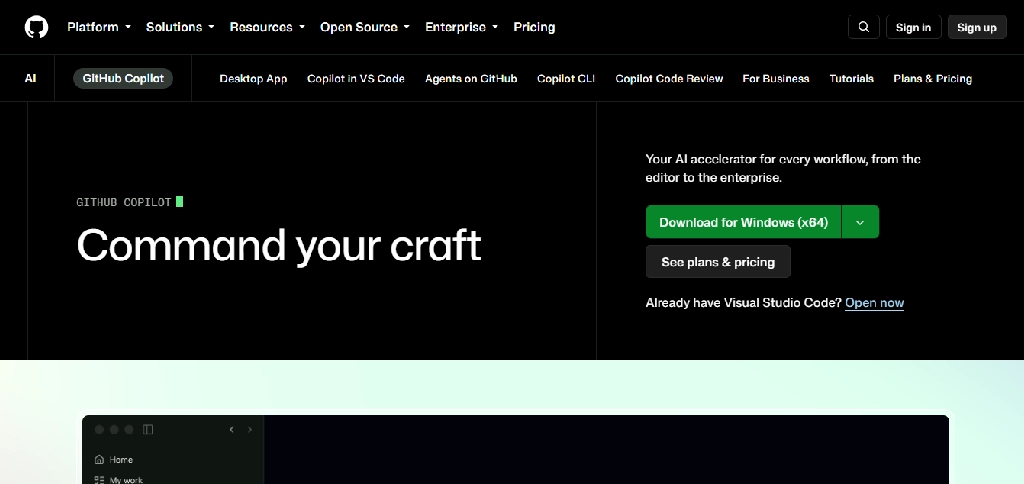
| GitHub Copilot | Programming students | Code completion, coding chat, development assistance |
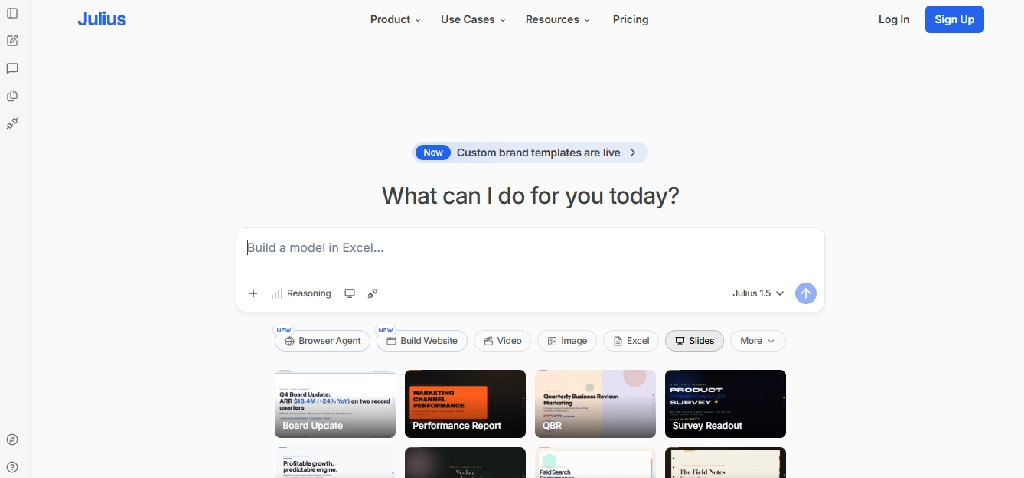
| Julius AI | Data analysis | Dataset questions, visualizations, statistical analysis |
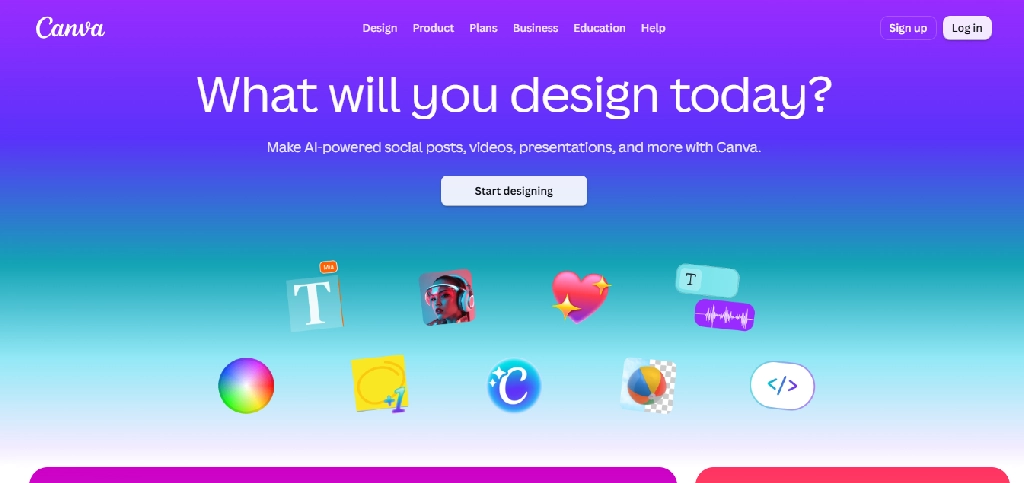
| Canva | Presentations and coursework visuals | AI design assistance, presentations, visual assets |
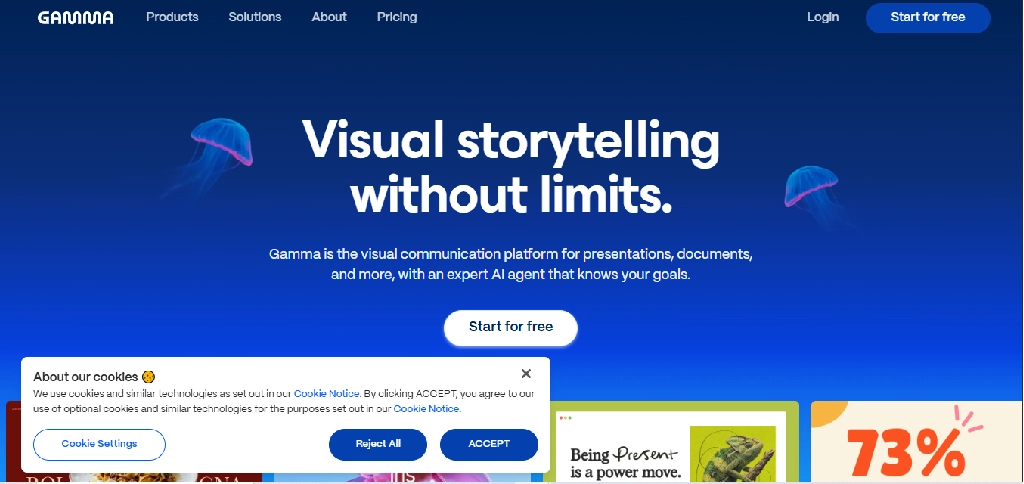
| Gamma | AI-generated presentations | Slide generation, document-to-presentation workflows |
The table is a starting point. The detailed reviews below explain what each product actually does, where it performs best, and where students should be cautious.
1. ChatGPT: Best for Personalized Tutoring and Understanding Difficult Concepts
Website: chatgpt.com
Best for: High school students, university students, and independent learners
Free plan: Yes, with usage limits
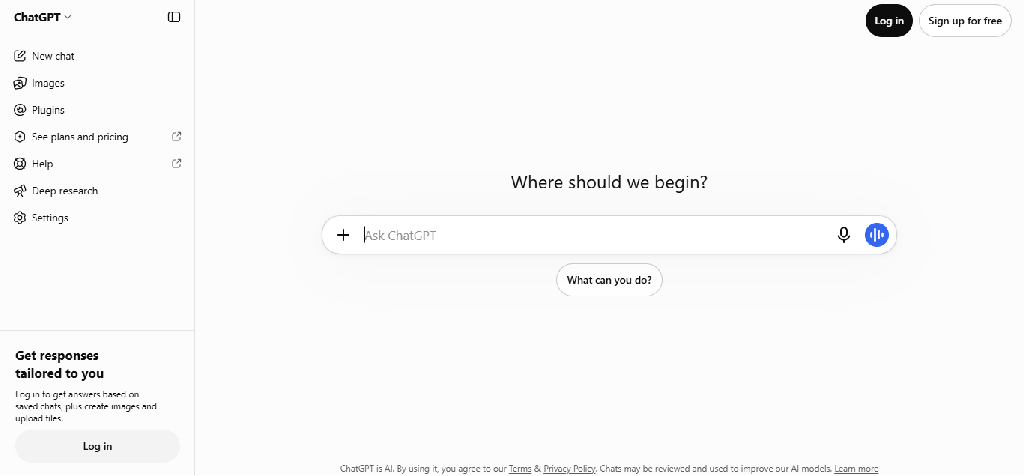
ChatGPT is one of the most versatile AI learning assistants because students can use it to explore subjects, ask follow-up questions, analyze study materials, and receive explanations at different levels of difficulty.
Its most important education-specific capability is Study Mode, which is designed to guide students through problems instead of immediately supplying final answers.
Key features
- Study Mode: Uses guided questions and step-by-step explanations to help students develop understanding.
- Adaptive explanations: Students can request beginner, intermediate, or advanced explanations of the same concept.
- Homework guidance: Helps work through problems while explaining the reasoning involved.
- File and image understanding: Students can upload supported notes, worksheets, slides, PDFs, and images for discussion.
- Practice questions: Generates quizzes and questions to test understanding.
- Writing feedback: Reviews arguments, organization, clarity, and structure.
- Programming support: Explains code, identifies bugs, and helps students understand programming concepts.
- Voice-based learning: Supported voice features enable spoken questions and explanations.
- Study planning: Helps organize revision schedules and break large subjects into manageable topics.
OpenAI’s documentation confirms that Study Mode supports guided questions, course-material uploads, practice questions, and personalized explanations.
How students can use it
Suppose a student is struggling with quadratic equations.
Instead of asking ChatGPT to solve the entire worksheet, they could use this prompt:
I’m in Grade 10 and struggling with quadratic equations. Teach me how to factor them. Start with a simple example, ask me to solve the next one, and give hints when I make mistakes.
This turns the interaction into a guided learning session.
Limitations
ChatGPT can generate incorrect explanations, references, calculations, or interpretations. Students should verify important answers against textbooks and reliable sources.
Study Mode also does not guarantee that the system will always withhold the final answer. Its effectiveness depends partly on how the student interacts with it.
Verdict
A strong general-purpose learning companion, especially when students want interactive explanations rather than passive summaries.
2. Google NotebookLM: Best for Studying PDFs, Lectures, and Course Materials
Website: notebooklm.google.com
Best for: College students, medical students, researchers, and exam preparation
Free plan: Yes
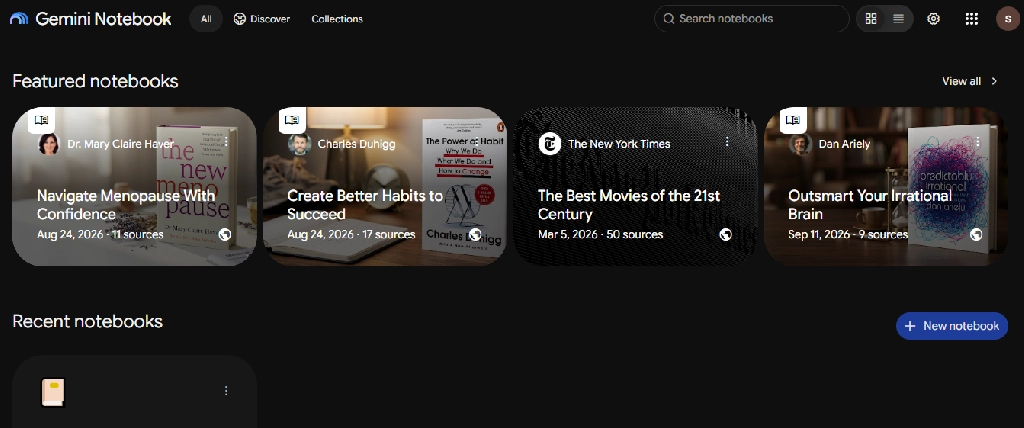
NotebookLM is especially useful when students already have the material they need to learn but struggle to organize and understand it.
Unlike a general-purpose chatbot answering broad questions, NotebookLM focuses on information from the sources included in a notebook.
Key features
- Source uploads: Supports selected documents, PDFs, websites, and other content formats.
- Source-grounded Q&A: Answers questions using selected materials and provides citations.
- Study guides: Converts course content into organized explanations and revision resources.
- Flashcards: Creates cards for definitions, terminology, dates, and concepts.
- Quizzes: Generates questions with customizable difficulty and topic coverage.
- Audio Overviews: Turns source material into audio discussions.
- Video Overviews: Offers visual explanations of selected source content.
- Mind maps: Helps students explore relationships between concepts.
- Source selection: Allows users to control which sources contribute to particular outputs.
- Learning Guide: Supports more interactive exploration of educational material.
Google confirms that NotebookLM supports source-based flashcards, quizzes, learning guides, and citations back to the underlying materials.
How students can use it
A biology student preparing for examinations could upload lecture slides, textbook excerpts, and personal notes.
They could then ask NotebookLM to:
- Identify the most important concepts across the material.
- Explain how related biological processes connect.
- Generate 30 flashcards covering important terminology.
- Create a practice quiz based on selected chapters.
- Explain incorrect answers using references to the original sources.
Limitations
NotebookLM does not automatically make unreliable source material accurate. It can also misunderstand complex diagrams or omit important context.
Students should inspect cited passages, especially for scientific and technical subjects.
Verdict
Particularly useful for turning existing course material into interactive learning resources.
3. Perplexity: Best for Research and Finding Sources
Website: perplexity.ai
Best for: Research assignments, current topics, source discovery, and background reading
Free plan: Yes
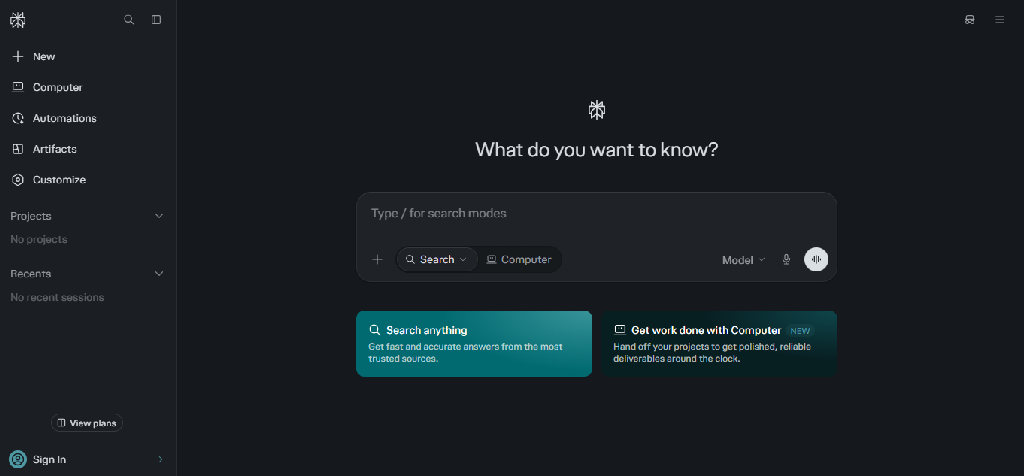
Perplexity combines conversational AI with web-based information retrieval.
Its primary value for students is helping them discover relevant sources, explore questions, and follow references for further reading.
Key features
- Web-based research: Retrieves information from online sources.
- Cited answers: Includes links that students can inspect.
- Follow-up questions: Supports continued exploration of a research topic.
- Research assistance: Helps break broad questions into smaller research areas.
- File uploads: Available according to plan limits.
- Learn Mode: Provides education-focused assistance for supported users.
- Education Pro: Offers discounted access for verified students and educators.
- Premium research capabilities: Higher plans expand search allowances and model access.
Perplexity’s official Education Pro documentation confirms access to Learn Mode, premium models, file uploads, and expanded search capabilities for eligible users.
How students can use it
A political science student researching renewable energy policies could ask:
Find recent government and academic sources comparing renewable energy adoption policies in Germany and the United States. Separate official statistics from opinion pieces.
The student could then inspect the sources, compare their reliability, and use the original documents for the assignment.
Limitations
A cited answer is not necessarily a correct answer. Sources may be irrelevant, outdated, misinterpreted, or insufficient to support a claim.
For formal academic research, students should consult original papers, official datasets, and scholarly databases.
Verdict
Useful for finding starting points and relevant sources, but not a replacement for academic source evaluation.
4. Claude: Best for Long Documents and Writing Feedback
Website: claude.ai
Best for: Humanities, social sciences, long readings, and structured writing feedback
Free plan: Yes
Claude is a general-purpose AI assistant particularly relevant to students who work with lengthy documents and written arguments.
It can help break down difficult readings, compare ideas, and review the structure of essays.
Key features
- Long-document analysis and summarization
- Questions about uploaded documents
- Comparison of arguments and themes
- Essay outlines and structural feedback
- Explanations of difficult passages
- Writing revision suggestions
- Coding and technical explanations
- Multi-step conversations about complex topics
Practical example
A literature student studying two novels could provide selected passages and ask Claude to compare how the authors portray social class, using only the supplied excerpts.
Limitations
Claude may generate unsupported interpretations or inaccurate quotations. Students must verify references and avoid presenting AI-generated analysis as independent original scholarship when institutional rules prohibit it.
Verdict
Worth considering for reading-heavy courses and students seeking detailed writing feedback.
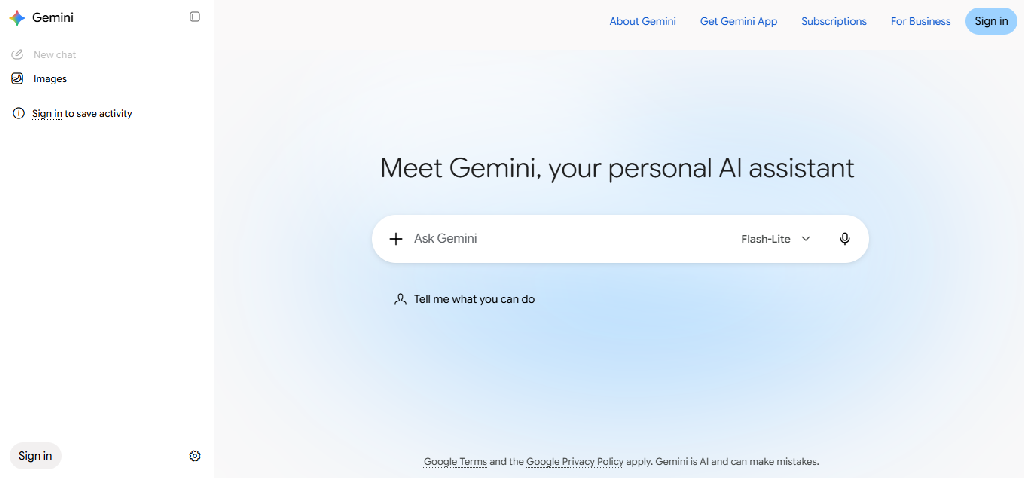
5. Google Gemini: Best for Guided Learning and Google-Based Study Workflows
Website: gemini.google.com
Best for: Guided study, Google ecosystem users, and interactive revision
Free plan: Yes, with feature limits
Gemini provides general AI assistance alongside dedicated educational capabilities.
Google’s Guided Learning approach encourages students to work through concepts rather than simply receive completed answers.
In 2026, Google also introduced adaptive study notebooks, with lessons and quizzes that respond to student progress.
Key features
- Guided Learning: Supports step-by-step exploration of subjects.
- Study guides: Helps organize material into learning resources.
- Quizzes and flashcards: Supports knowledge checks and revision.
- Study notebooks: Offers adaptive lessons and diagnostic quizzes in eligible experiences.
- Multimodal understanding: Supports questions involving text and supported images or files.
- Google ecosystem integration: Connects with selected Google products, depending on plan and account.
- Research assistance: Supports topic exploration and deeper research workflows.
Practical example
A student studying electricity could ask Gemini to explain Ohm’s law, show how it applies to circuits, and test their understanding with progressively harder problems.
Limitations
Some educational features are restricted by age, account type, country, platform, or rollout stage. Generated explanations and calculations still need verification.
Verdict
A relevant alternative for students who prefer Google’s learning ecosystem, particularly when Guided Learning features are available.
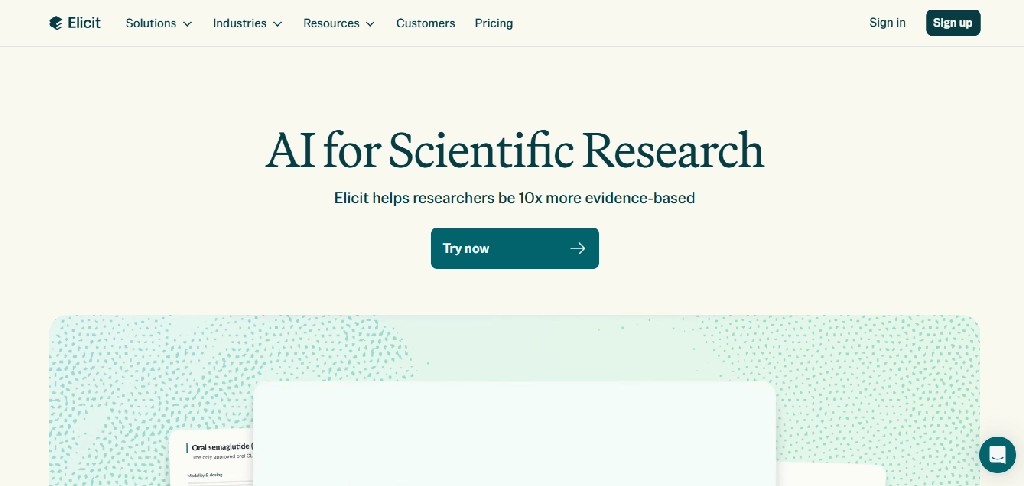
6. Elicit: Best for Academic Literature Reviews
Website: elicit.com
Best for: Master’s students, PhD researchers, and academic literature reviews
Free access: Available with limitations
Elicit is designed specifically for research workflows.
Instead of simply answering a question, it helps researchers discover papers, extract relevant information, and compare evidence across studies.
Key features
- Semantic research-paper search
- Research questions expressed in natural language
- AI-generated paper summaries
- Structured information extraction
- Comparison of studies in tables
- Research evidence synthesis
- Literature review workflows
- Paper organization and export options, depending on plan
Practical example
A psychology postgraduate investigating sleep and memory could use Elicit to find relevant studies, compare participant populations, examine reported outcomes, and identify limitations requiring further investigation.
Limitations
Elicit cannot guarantee that a search is exhaustive. Extracted information may contain errors, and some research papers may not be fully accessible.
For systematic reviews, researchers still need documented search strategies, screening procedures, and manual verification.
Verdict
More specialized than general AI chatbots for academic evidence discovery and extraction.
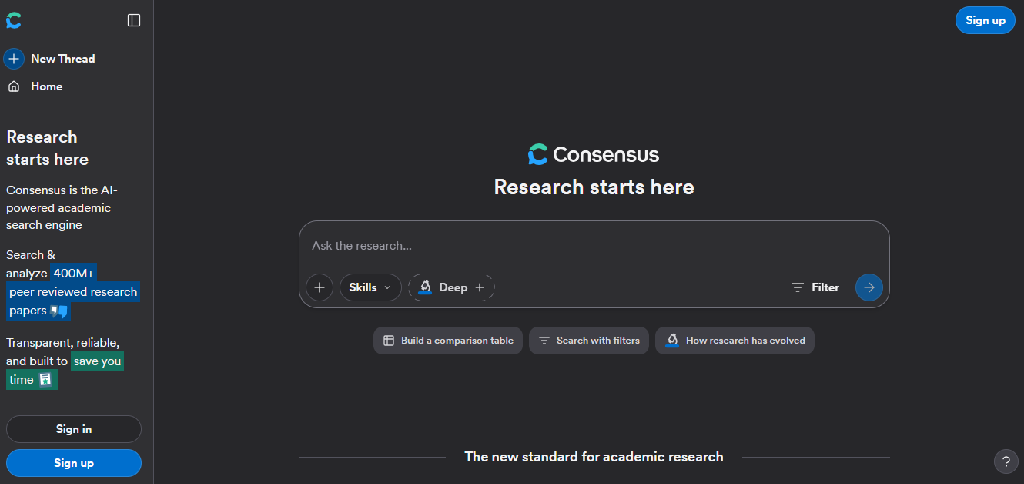
7. Consensus: Best for Evidence-Based Academic Questions
Website: consensus.app
Best for: Students evaluating scientific evidence and research-backed claims
Free access: Available with limitations
Consensus focuses on helping users find answers grounded in scholarly research.
It is especially useful when a student wants to understand what published studies say about a particular question.
Key features
- Academic paper search
- Natural-language research questions
- Research summaries
- Evidence-oriented answer synthesis
- Study filtering and discovery
- Links to underlying research
- Tools for comparing findings across papers
- Research organization features, depending on plan
Practical example
A sports science student could investigate whether resistance training improves bone density, review the papers surfaced, and compare outcomes across different study populations.
Limitations
A summary of published studies is not necessarily a definitive scientific consensus. Results depend on the search coverage, study quality, and interpretation of the evidence.
Verdict
Particularly useful for exploring evidence-based questions before reading the original studies.
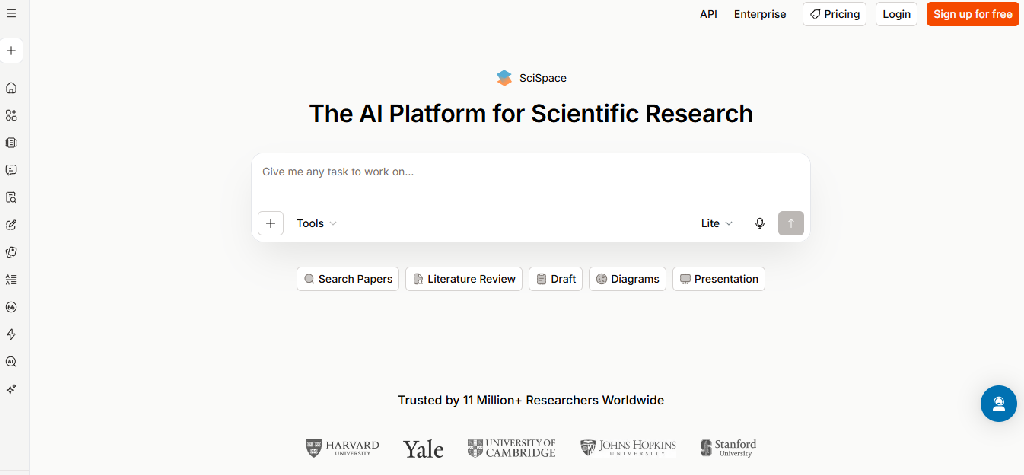
8. SciSpace: Best for Understanding Difficult Research Papers
Website: scispace.com
Best for: University students, postgraduate researchers, and academic reading
Free access: Limited features available
SciSpace helps students interact with scholarly papers and understand difficult academic content.
Its PDF-oriented workflows are useful when reading technical research with unfamiliar terminology or complex explanations.
Key features
- AI-assisted PDF reading
- Questions about research papers
- Explanations of selected passages
- Technical terminology explanations
- Paper summaries
- Literature discovery
- Research comparison features
- Citation and reference-related assistance
- Multilingual explanations, depending on capability
Practical example
A biotechnology student reading a paper about gene expression could use SciSpace to clarify technical terms, understand the experimental methodology, and identify the study’s main findings.
Limitations
Simplified explanations can omit scientific nuance. Students should always examine the original methodology, results, and limitations.
Verdict
A practical companion for reading research papers, especially when the subject matter is technically demanding.
9. Grammarly: Best for Improving Academic Writing
Website: grammarly.com
Best for: Essays, reports, dissertations, and English-language writing
Free plan: Yes
Grammarly helps students identify writing problems and improve clarity.
It is most useful when students already have a draft and want feedback on grammar, sentence structure, and readability.
Key features
- Grammar and spelling corrections
- Punctuation suggestions
- Sentence clarity improvements
- Tone and style feedback
- Rewriting suggestions
- Vocabulary improvements
- Document-level writing assistance
- Plagiarism-related features in eligible offerings
- Integrations with supported writing environments
Student example
A university student could use Grammarly to review a draft essay for unclear sentences and grammatical mistakes while retaining their original arguments.
Limitations
Suggestions may change intended meaning, particularly in technical or discipline-specific writing. Students should review edits individually.
Verdict
Best used as an editing assistant rather than an automatic essay writer.
Want to check essay length before you submit? Try our free Word Counter. For more writing assistants, browse our library of AI writing tools.
10. QuillBot: Best for Paraphrasing and Revising Drafts
Website: quillbot.com
Best for: Sentence revision, summarization, and writing improvement
Free plan: Yes
QuillBot offers tools to rewrite and refine text. It can help students explore alternative sentence structures and improve readability, but they should use its paraphrasing capabilities carefully in academic work.
Key features
- AI paraphrasing
- Multiple rewriting styles, depending on plan
- Grammar checking
- Text summarization
- Citation assistance
- Writing improvement suggestions
- Plagiarism-related tools in eligible plans
- Translation and language-related assistance
Student example
A student who has written a difficult-to-read paragraph could compare alternative phrasings and select one that preserves the intended meaning.
Limitations
Paraphrasing someone else’s research does not eliminate the need for citation. Rewriting can also distort technical information.
Verdict
Useful for revising original drafts, but not for disguising copied material. For website or blog content that needs a professional touch beyond what AI paraphrasing can offer, see our SEO copywriting services.
11. Otter.ai: Best for Recording and Transcribing Lectures
Website: otter.ai
Best for: University lectures, interviews, and discussion-based classes
Free plan: Yes
Otter.ai converts spoken conversations into searchable transcripts.
It is particularly helpful for students attending long lectures or conducting permitted research interviews.
Key features
- Live speech transcription
- Speaker identification
- AI-generated summaries
- Searchable lecture transcripts
- Otter AI Chat
- Audio-linked transcript review
- Meeting integrations
- Transcript sharing and collaboration
Student example
A history student could record a permitted lecture and later search for specific events, historical figures, or dates.
Limitations
Mathematical equations, diagrams, and specialized terminology may not be captured accurately. The free plan has transcription limits.
Verdict
Useful for spoken lectures, especially when students need to revisit explanations. For more options, see our companion guide to the best AI note-taking apps. If you also need to capture group projects or online calls, our comparison of the best AI meeting assistants is a useful next read.
12. Goodnotes: Best for Handwritten Notes and Digital Study Materials
Website: goodnotes.com
Best for: iPad note-taking, handwritten equations, diagrams, and PDF annotation
Free plan: Yes
Goodnotes combines digital handwriting with document organization and AI-assisted study capabilities.
It is especially useful for students who learn through writing, sketching, or annotating lecture slides.
Key features
- Handwritten digital notebooks
- PDF annotation
- Handwriting recognition and search
- Handwriting-to-text conversion
- Audio recording and supported transcription
- AI study assistance
- Quiz and study-material generation
- Mathematical handwriting features
- Notebook organization and sharing
Student example
An engineering student could annotate circuit diagrams, write equations, and organize lecture slides in one notebook.
Limitations
AI capabilities differ by subscription and operating system. Goodnotes is not a complete replacement for specialized mathematics software.
Verdict
A strong choice for students whose coursework involves substantial handwriting and visual learning.
13. Quizlet: Best for Flashcards and Exam Preparation
Website: quizlet.com
Best for: Memorization, terminology, exam practice, and active recall
Free plan: Yes, with paid advanced features
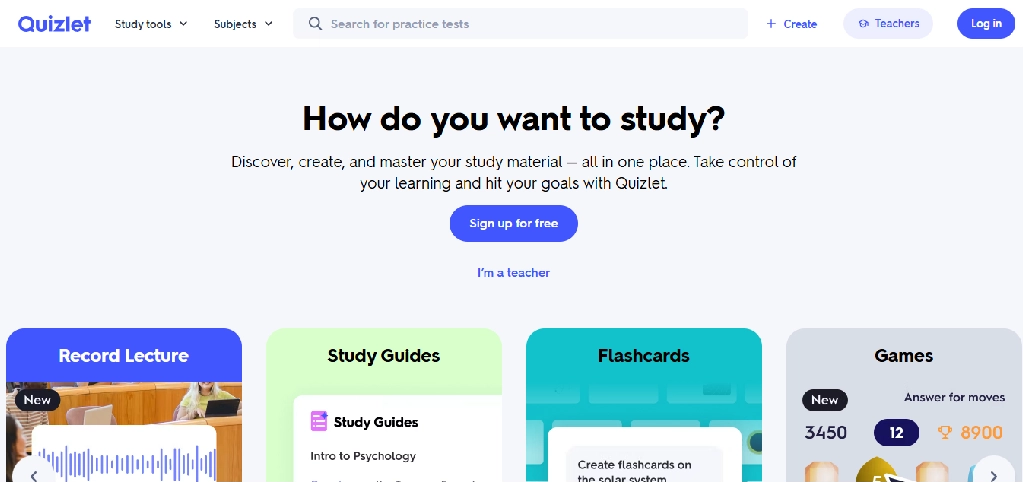
Quizlet combines traditional flashcards with AI-powered study resources.
It is especially useful for subjects that involve vocabulary, definitions, factual recall and repeated practice.
Key features
- AI flashcard generation: Creates flashcards from notes and prompts.
- Practice tests: Generates exam-style questions with configurable difficulty and question types.
- Study guides: Converts uploaded notes, slides, and PDFs into organized resources.
- PDF summarization: Extracts important information from supported documents.
- Learn mode: Supports repeated practice.
- AI homework help: Provides explanations and alternative solution approaches.
- Shared study sets: Lets students create or use collaborative resources.
Quizlet’s official documentation confirms AI-generated practice tests, study guides, flashcards, PDF summarization and homework assistance.
Practical example
A nursing student learning medical terminology could generate flashcards from approved notes and use repeated practice to identify concepts that need further review.
Limitations
AI-generated cards may contain errors. Some advanced capabilities require Quizlet Plus.
Verdict
Particularly useful for exam preparation that relies on active recall and repeated testing.
14. Knowt: Best for Turning Notes Into Study Activities
Website: knowt.com
Best for: Students who want flashcards, quizzes, and practice from existing notes
Free access: Available
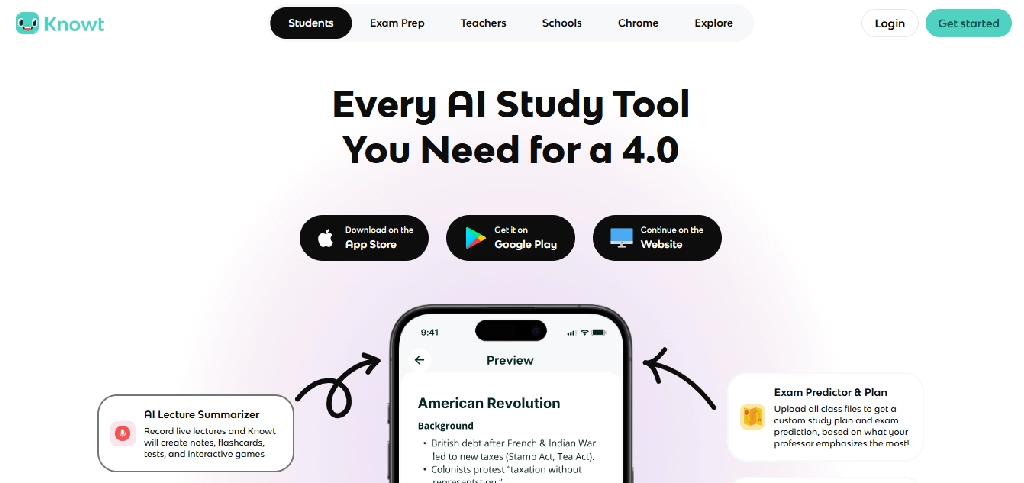
Knowt focuses on converting learning material into resources students can actively study.
It is especially relevant to students who already have lecture notes but need help turning them into revision exercises.
Key features
- AI-assisted flashcard creation
- Notes-to-flashcards workflows
- Practice tests
- Study activities
- Flashcard organization
- Repeated review
- Shared study resources
- Supported document imports
Student example
A high school student preparing for a geography examination could convert class notes into flashcards and practice questions.
Limitations
Generated cards should be checked against the original material. Free and paid feature allowances may change.
Verdict
A useful Quizlet alternative for students who want to turn existing notes into practice resources.
15. Wolfram Alpha: Best for Advanced Mathematics and STEM
Website: wolframalpha.com
Best for: Mathematics, physics, engineering, and quantitative subjects
Free access: Available; advanced features require payment
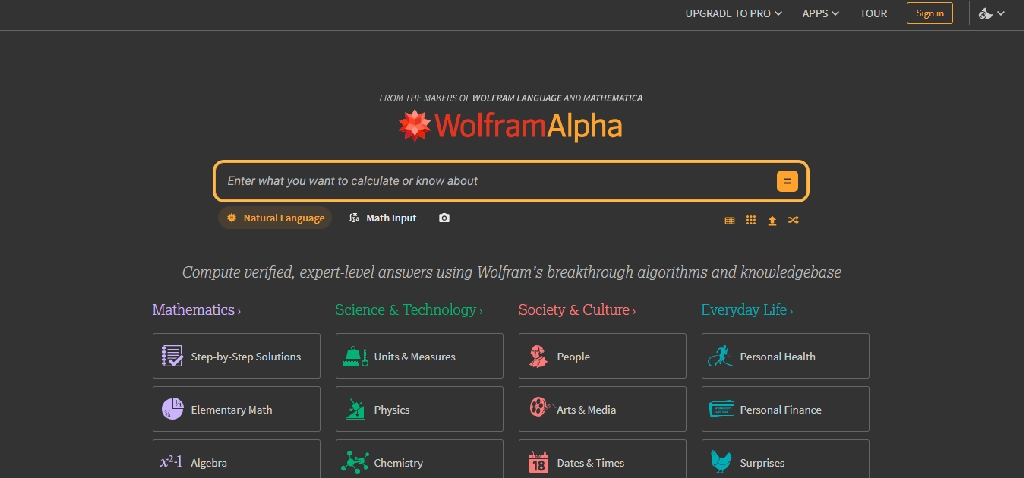
Wolfram Alpha is a computational knowledge system rather than a conventional conversational chatbot.
It is valuable when students need mathematical computation, symbolic manipulation, graphs, and structured quantitative results.
Key features
- Symbolic mathematics
- Algebra and calculus computations
- Equation solving
- Mathematical graphing
- Statistics and probability
- Unit conversions
- Scientific computations
- Mathematical knowledge queries
- Step-by-step solutions in eligible paid offerings
Practical example
A calculus student could use Wolfram Alpha to verify a derivative, inspect a graph, or explore a mathematical expression after attempting the problem manually.
Limitations
Obtaining a correct computed answer does not automatically mean a student understands the method. Step-by-step explanations and advanced features may require payment.
Verdict
A valuable computational companion for mathematics and STEM students.
16. Symbolab: Best for Step-by-Step Math Practice
Website: symbolab.com
Best for: Algebra, calculus, trigonometry, and mathematical problem-solving
Free access: Available
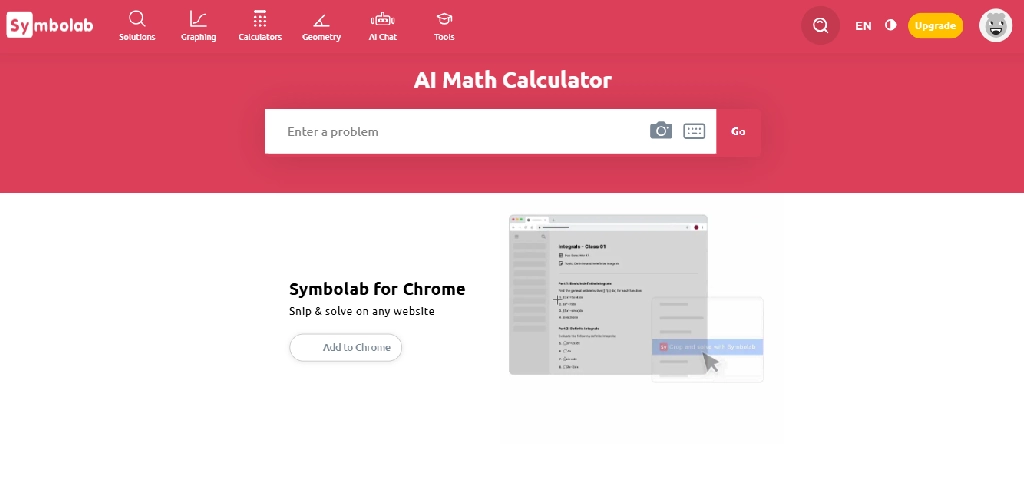
Symbolab focuses on helping students solve and understand mathematical problems.
Its appeal lies in structured mathematical workflows and worked solutions.
Key features
- Equation solving
- Algebraic simplification
- Calculus operations
- Trigonometric calculations
- Step-by-step solutions
- Graphing
- Practice exercises
- Mathematical notation input
- Topic-based learning resources
Practical example
A student struggling with integration could attempt a problem independently and use Symbolab to compare the steps with their own work.
Limitations
Access to detailed steps may depend on the subscription. Students should avoid using solutions as a substitute for practicing.
Verdict
Particularly useful for reviewing mathematical procedures and identifying mistakes.
17. GitHub Copilot: Best for Programming Students
Website: GitHub Copilot
Best for: Computer science students, software engineering students, and coding projects
Free access: Available, with eligibility-based benefits for students
GitHub Copilot provides AI assistance inside supported development environments.
Unlike general chatbots, it is designed to work directly with code and programming workflows.
Key features
- Inline code completion
- Code suggestions
- Coding chat
- Code explanation
- Debugging assistance
- Test-generation support
- Code refactoring suggestions
- Development environment integrations
- Context-aware programming assistance
Practical example
A computer science student learning Python could write a function, ask Copilot to explain a confusing error, and compare different implementations.
Limitations
Generated code can contain bugs, security problems, inefficient logic, or incorrect assumptions. Students must understand and test code before using it.
Verdict
Useful for learning programming workflows when used as an assistant rather than an automatic assignment generator.
Computer science students can find more coding assistants in our AI developer tools section.
18. Julius AI: Best for Data Analysis and Statistics
Website: julius.ai
Best for: Business, economics, statistics, and data science students
Free access: Limited access may be available
Julius AI helps users analyze datasets through natural-language instructions.
It helps students explore spreadsheets, visualize data, or run statistical analyses without manually writing every calculation.
Key features
- Spreadsheet and dataset uploads
- Natural-language data questions
- Data cleaning assistance
- Statistical calculations
- Chart generation
- Trend analysis
- Data interpretation
- Analysis workflow support
- Export of selected outputs
Practical example
An economics student could upload a dataset containing unemployment and inflation figures, generate charts, and investigate relationships between variables.
Limitations
Statistical outputs can be misleading if the data is incomplete, the methodology is inappropriate, or assumptions are not checked.
Students should verify calculations and understand the methods used.
Verdict
Useful for exploring datasets, especially when paired with basic statistical knowledge.
19. Canva: Best for Student Presentations and Visual Assignments
Website: canva.com
Best for: School presentations, posters, infographics, and visual coursework
Free plan: Yes
Canva combines visual design tools with AI-assisted content and design capabilities. It is particularly helpful for students who need to communicate information visually. If you need professional visuals for a business or startup project rather than a class assignment, our graphic design services can help.
Key features
- Presentation templates
- AI-assisted design generation
- Layout suggestions
- Image generation and editing features
- Text assistance
- Infographic creation
- Poster and report design
- Collaboration
- Export and sharing
- Brand and design controls in eligible plans
Practical example
A public health student could use Canva to create an infographic explaining vaccination coverage using verified data from an official source.
Limitations
AI-generated visuals and text may contain inaccuracies. Students should check image rights, citations, and institutional rules.
Verdict
A versatile design tool for visual assignments and presentations.
Marketing and design students can go deeper with our guides to the best AI design tools for marketing teams and the Canva and ChatGPT workflow.
20. Gamma: Best for Quickly Creating AI Presentations
Website: gamma.app
Best for: College presentations, seminar decks, and project summaries
Free access: Available with limits
Gamma helps users transform prompts, outlines, and documents into structured presentations.
Its primary strength is reducing the time required to build a first draft of a slide deck.
Key features
- AI presentation generation
- Outline-to-slide conversion
- Document-to-presentation workflows
- Automatic layout suggestions
- Visual content organization
- Theme customization
- Collaboration
- Presentation sharing
- Export options, depending on plan
Practical example
An MBA student could prepare a case study analysis outline and use Gamma to generate an initial presentation structure, then verify the content and refine the arguments.
Limitations
AI-generated slides may be generic, repetitive, or factually incorrect. Advanced exports and branding options may require payment.
Verdict
Useful for quickly producing an initial presentation, provided the student reviews and improves the content.
Best AI Tools for Students by What You Need to Do
Students do not need 20 subscriptions. Most can build an effective study workflow using three to five complementary tools.
| Student task | Recommended tool | Alternative |
| Understand difficult concepts | ChatGPT Study Mode | Gemini Guided Learning |
| Study uploaded course materials | NotebookLM | ChatGPT |
| Find information and online sources | Perplexity | Gemini |
| Discover academic research papers | Elicit | Consensus |
| Understand research PDFs | SciSpace | NotebookLM |
| Improve essay grammar and clarity | Grammarly | QuillBot |
| Record permitted lectures | Otter.ai | Goodnotes |
| Organize handwritten notes | Goodnotes | OneNote |
| Create flashcards | Quizlet | Knowt |
| Prepare for exams | Quizlet | NotebookLM |
| Solve symbolic math problems | Wolfram Alpha | Symbolab |
| Learn programming | GitHub Copilot | ChatGPT |
| Analyze datasets | Julius AI | ChatGPT |
| Create visual assignments | Canva | Gamma |
| Generate presentation drafts | Gamma | Canva |
Best AI Tool Combinations by Student Age and Education Level
Different students need different learning tools. A combination that works for a doctoral researcher may be unnecessary or unsuitable for a younger student.
Middle School Students (Approximately Ages 11–13)
Suggested learning stack: School-approved guided learning tools, Quizlet, Canva, and age-appropriate math practice tools.
At this stage, the priority should be understanding concepts, supervised practice and developing independent study habits.
Students should not be encouraged to create accounts on services that do not permit their age group. Parents and schools should review eligibility, privacy policies, and AI-use restrictions.
High School Students (Approximately Ages 14–18)
Suggested stack: ChatGPT Study Mode, NotebookLM where eligible, Quizlet, Goodnotes, and Canva.
This combination supports guided explanations, revision, handwritten notes and presentations.
For examination preparation, students can use NotebookLM to create questions from their notes and Quizlet for repeated recall practice.
Account eligibility and school rules still apply.
College and University Students
Suggested stack: ChatGPT, NotebookLM, Perplexity, Grammarly, and Notion or GoodNotes.
This combination covers the typical university workflow:
Understand → Research → Read → Take Notes → Write → Revise → Present
Students can replace individual tools based on their degree and learning preferences. If you plan to organize your notes in Notion, our guide to Notion and ChatGPT workflows shows how to set it up.
Best AI Tools for Different Fields of Study
Engineering and Computer Science
Recommended: ChatGPT, Wolfram Alpha, Symbolab, GitHub Copilot, and Goodnotes.
This combination supports mathematical reasoning, programming, technical explanations, and handwritten diagrams.
Medical and Healthcare Students
Recommended: NotebookLM, Quizlet, Goodnotes, Consensus, and SciSpace.
Useful for studying anatomy, memorizing terminology, reading medical research, and reviewing course materials. Verify medical information against authoritative educational sources.
Law Students
Recommended: NotebookLM, Claude, Perplexity, and Grammarly.
These tools can assist with reading, summarization, writing feedback, and preliminary research. Students must verify cases, quotations, and legal authorities using official sources or authorized legal databases.
Business, MBA, and Economics Students
Recommended: ChatGPT, Perplexity, Julius AI, Gamma, and Canva. Useful for analyzing case studies, researching industries, interpreting datasets, and preparing presentations. For marketing-focused coursework, see our AI marketing tools collection.
Master’s and PhD Researchers
Recommended: Elicit, Consensus, SciSpace, NotebookLM, and a dedicated reference manager such as Zotero.
This combination supports literature discovery, paper analysis, evidence synthesis, and citation organization.
How to Build an AI Study Workflow Without Paying for Too Many Tools
Consider a university student preparing a research assignment.
Step 1: Understand the assignment. Use ChatGPT Study Mode to break down the question, identify what is being asked, and develop a research plan.
Step 2: Discover sources. Use Perplexity for background information and Elicit or Consensus for scholarly literature.
Step 3: Read and organize. Use NotebookLM or SciSpace to explore relevant papers and course documents. Check important claims against the originals.
Step 4: Develop an argument. Write an outline based on the evidence, distinguishing personal analysis from source material.
Step 5: Improve the draft. Use Grammarly to improve clarity, grammar and sentence structure.
Step 6: Prepare a presentation. Use Canva or Gamma if the assignment includes a visual presentation.
This workflow does not require every tool in the article. Students should first try free options and pay only when a specific feature or usage limit justifies upgrading. Students who want to automate repetitive tasks like sorting notes or scheduling revision can explore our list of the best AI workflow automation tools.
Free vs. Paid AI Tools: What Should Students Consider?
A free plan may be sufficient for occasional questions, short assignments, or light revision. Paid plans matter more when students repeatedly hit restrictions that interrupt their workflow.
| Feature | What to investigate |
| AI messages | Daily or monthly usage limits |
| Document uploads | File size, count, and format restrictions |
| Research | Search allowances and paper access |
| Flashcards | Generation and practice limits |
| Transcription | Recording minutes and retention |
| Advanced models | Which models are included |
| Export | PDF, document, slide, or data export restrictions |
| Collaboration | Sharing and team permissions |
| Student discounts | Verification and geographic eligibility |
| Privacy | Data retention and model-training policies |
For example, Perplexity offers an Education Pro subscription for verified students and educators, while Quizlet provides some AI study features free and reserves more advanced capabilities for paid subscribers.
Students should check current prices directly before purchasing because plans and promotions can change.
Can AI Tools Actually Help Students Learn Better?
AI can support learning, but the benefit depends on how it is used.
A student who copies AI-generated answers without understanding them may complete assignments faster but won’t develop the knowledge needed for exams or future work.
A student who uses AI to ask questions, practice retrieval, compare explanations and identify misunderstandings uses it differently.
Consider two approaches to learning calculus.
- Passive approach: Ask an AI tool to solve ten integration problems and copy the answers.
- Active approach: Attempt each problem independently, request a hint when stuck, compare the reasoning with a verified solution, and then solve a similar problem without assistance.
The second approach helps students engage with the underlying concepts.
Tools such as ChatGPT Study Mode and Gemini Guided Learning are designed to support more interactive learning experiences. However, students should not assume that using an AI tutor automatically improves learning outcomes.
Important Limitations and Academic Integrity
AI tools can be helpful, but students need to understand their limitations.
- Incorrect information: AI-generated answers can contain factual errors, invented references, or misleading explanations.
- Unreliable citations: A linked source does not guarantee that the source supports the generated statement.
- Overdependence: Relying on AI for every task may reduce opportunities to develop independent problem-solving skills.
- Privacy: Uploading assignments, research data, personal information, or confidential course materials may create data-handling concerns.
- Academic misconduct: Universities and schools have different policies about AI-generated writing, code, analysis, and citations.
- Age restrictions: Some tools require a minimum age, parental permission or institution-managed accounts.
A practical rule is to use AI for explanation, feedback, practice, organization, and permitted assistance, while keeping responsibility for the final work with the student.
Frequently Asked Questions
What is the best AI tool for students overall?
ChatGPT is a versatile option for tutoring, explanations, writing feedback, and problem-solving. However, NotebookLM may be more useful for studying course materials, Elicit for academic literature reviews, and Wolfram Alpha for mathematical computation.
Which AI tools are best for students for free?
Students can start with free access to ChatGPT, Gemini, NotebookLM, Perplexity, Quizlet, Canva, and other tools with limited free plans. The best choice depends on the task and current usage restrictions.
What is the best AI tool for exam preparation?
NotebookLM, Quizlet, and Knowt are useful candidates. NotebookLM can generate questions from course sources, while Quizlet and Knowt focus on flashcards and repeated practice.
Which AI tool is best for college students?
A practical combination is ChatGPT for explanations, NotebookLM for course materials, Perplexity for source discovery, and Grammarly for writing feedback.
Which AI tool is best for engineering students?
Wolfram Alpha and Symbolab help with math, GitHub Copilot with programming, and ChatGPT for explanations. Goodnotes can help organize handwritten technical notes.
What are the best AI tools for medical students?
NotebookLM, Quizlet, SciSpace, and Consensus support different medical education tasks, including studying course materials, memorization, and research discovery. Verify medical information against authoritative sources.
Can AI write assignments for students?
AI tools can generate text, outlines, and drafts, but whether students may submit AI-generated work depends on their institution’s academic integrity rules. Using AI for feedback and guided learning is generally more educationally useful.
Are AI research tools reliable?
Tools such as Elicit, Consensus, and SciSpace can help with research discovery and interpretation, but students should check their outputs against original publications. They do not replace critical evaluation of study quality.
Do students need paid AI subscriptions?
Not necessarily. Many students can complete common learning tasks using free tools. Paid subscriptions become more useful when specific features, larger documents, or repeated usage limits justify the cost.
Which AI tools should younger students use?
Younger students should use age-appropriate, school-approved tools under suitable adult or institutional guidance. Eligibility, privacy settings, and educational objectives matter more than the number of available AI features.
Final Verdict: Which AI Tools Are Worth Using in 2026?
The best approach is to choose AI tools based on the work a student needs to complete.
- For general learning, ChatGPT and Gemini offer guided explanations and interactive assistance.
- For studying existing material, NotebookLM is especially useful.
- For academic research, Elicit, Consensus, and SciSpace offer specialized capabilities that general-purpose chatbots can’t fully replace.
- For revision and memorization, Quizlet and Knowt help students practice recall.
- For mathematics and programming, Wolfram Alpha, Symbolab, and GitHub Copilot address specialized technical needs.
- For writing and presentations, Grammarly, Canva, and Gamma help students communicate their work more effectively.
Students do not need every AI tool on this list. A smaller combination, chosen around their age, subject, learning style and budget, will usually be more practical.
The goal is not to let AI do the learning. Use AI to make understanding, practicing, researching and communicating knowledge more effective.
Looking for AI tools beyond studying? Explore the full Reliqus AI tools library.